Download 1DevTool — AI Code Editor for macOS, Windows & Linux
The AI code editor that runs Claude Code, Codex CLI, and Gemini CLI alongside a built-in terminal, browser, HTTP client, and database client — all in one window. One-time $29 license. Free tier available.
Native builds for Apple Silicon (M1/M2/M3/M4), Intel Mac, Windows 10/11, and Debian/Ubuntu Linux. No subscription, no AI token upcharge.
165,644downloads across 163 releases
Counted to 2026-11-04. GitHub’s own release download counters, read from the public GitHub API on every public release. Update polls from installed copies are excluded.
macOS
83,608 downloads
Windows
42,886 downloads
Linux
39,150 downloads
Our latest updates
Ship history, right before you install
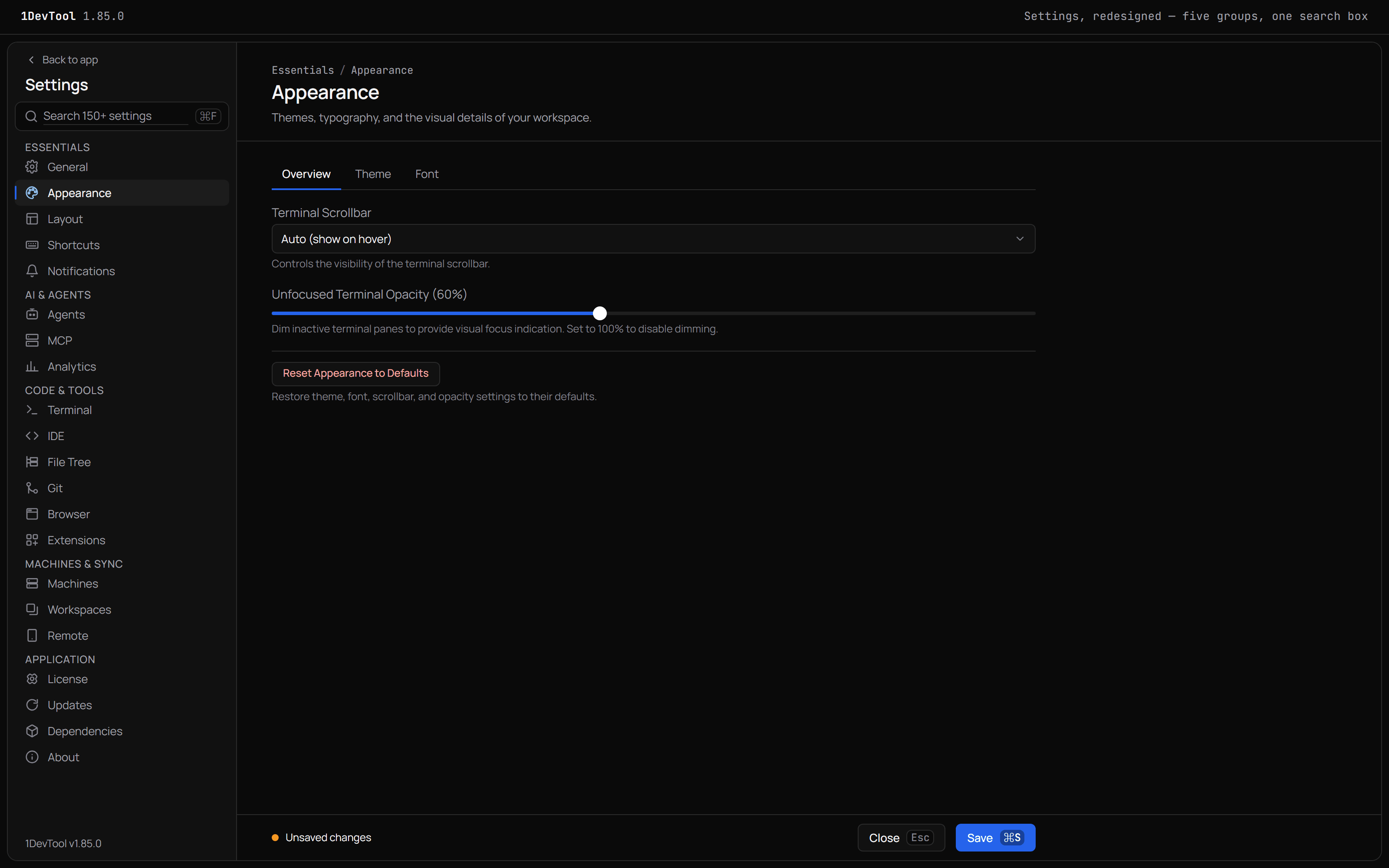
Settings you can search, and each account's quota in the terminal header
Grouped sidebar — Settings pages now sit in five groups: Essentials, AI & Agents, Code & Tools, Machines & Sync, and Application; on macOS the Settings menu follows the same groupi...
A Conversation view built for long sessions, and StoicSoft bundle keys
Activate with a StoicSoft bundle key — keys from a StoicSoft bundle, which start with SS-, now activate 1DevTool on the License page; your existing 1DevTool keys keep working exact...
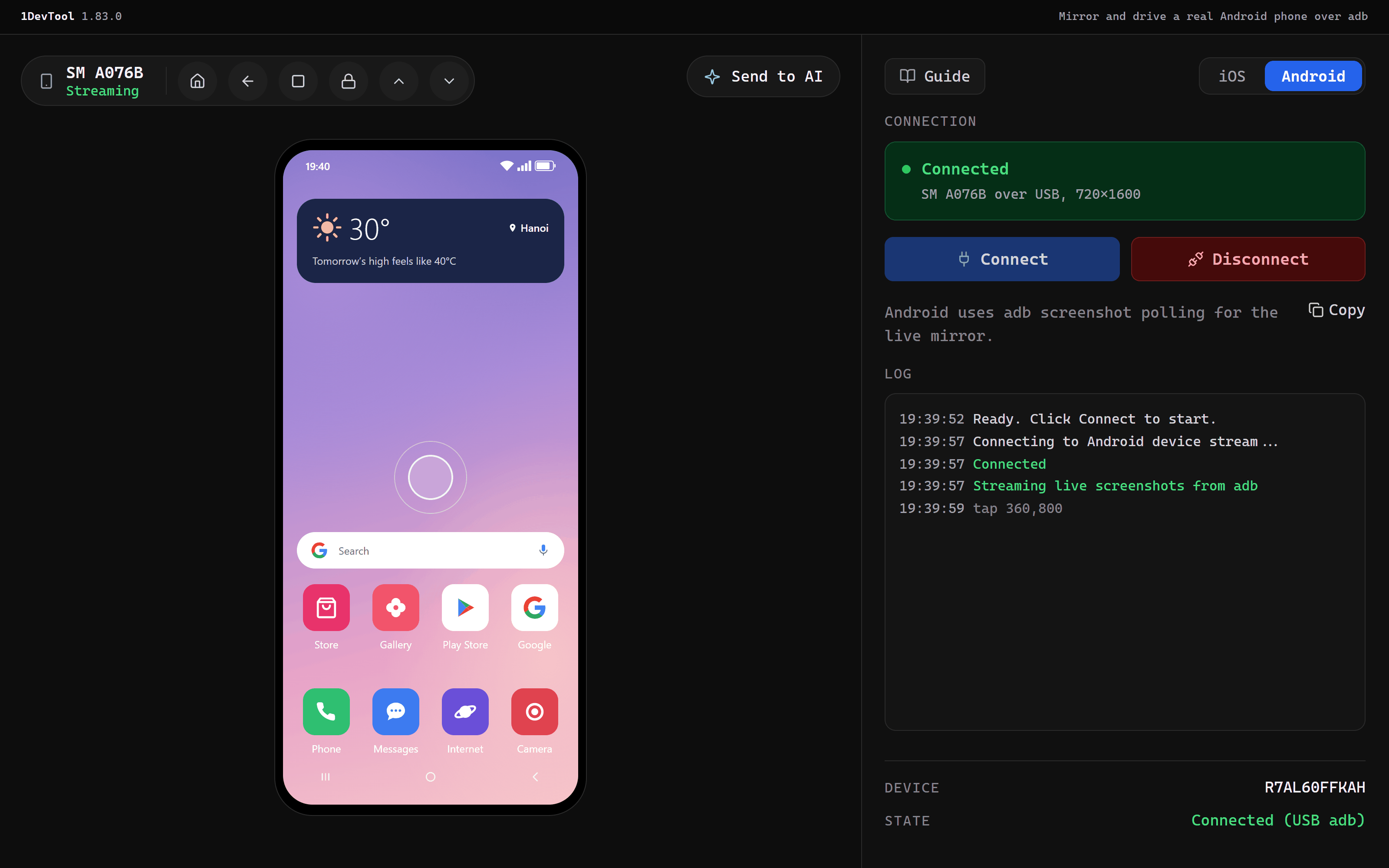
Mirror and drive a real Android phone over adb, and a Windows app that keeps up with your agents
Mirror and drive a physical Android phone — the Mobile panel's Android mode now lists phones connected over adb, by USB or wireless adb, next to your emulators under Connected devi...
Recent blog posts
View all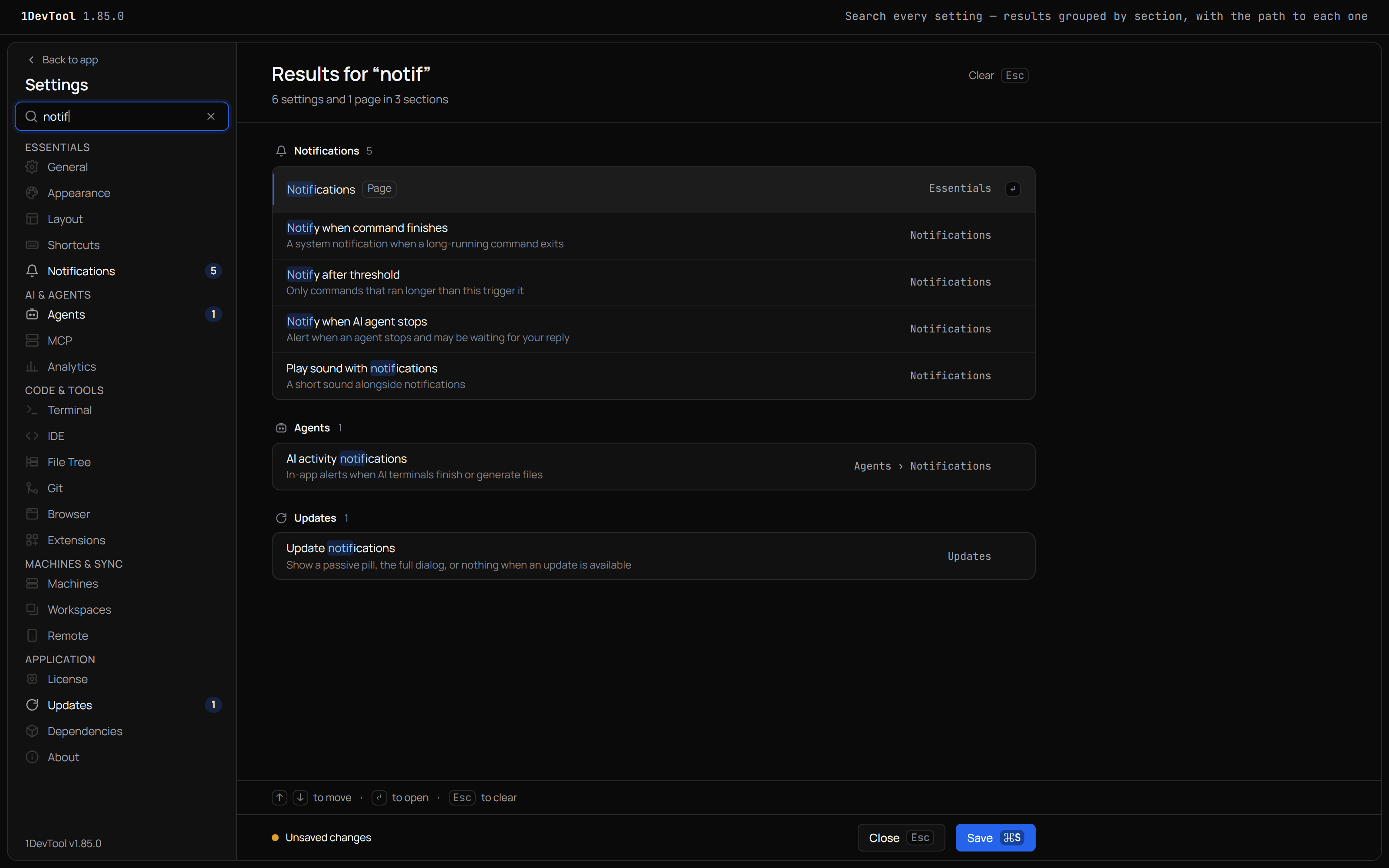
Find any setting by typing, and see each account's quota in the pane
Settings in 1DevTool now sits in five groups under one search box that finds any setting, page or shortcut and opens it on the right tab. Terminals on a saved AI account show that account's 5-hour and weekly quota in the pane header.
Mirror and drive a real Android phone from your workspace
Plug in an Android phone, or connect it over wireless adb, and it shows up in the Mobile panel next to your emulators. Tap, swipe and type on it, send its screen to an agent, and Build & Run straight onto it.
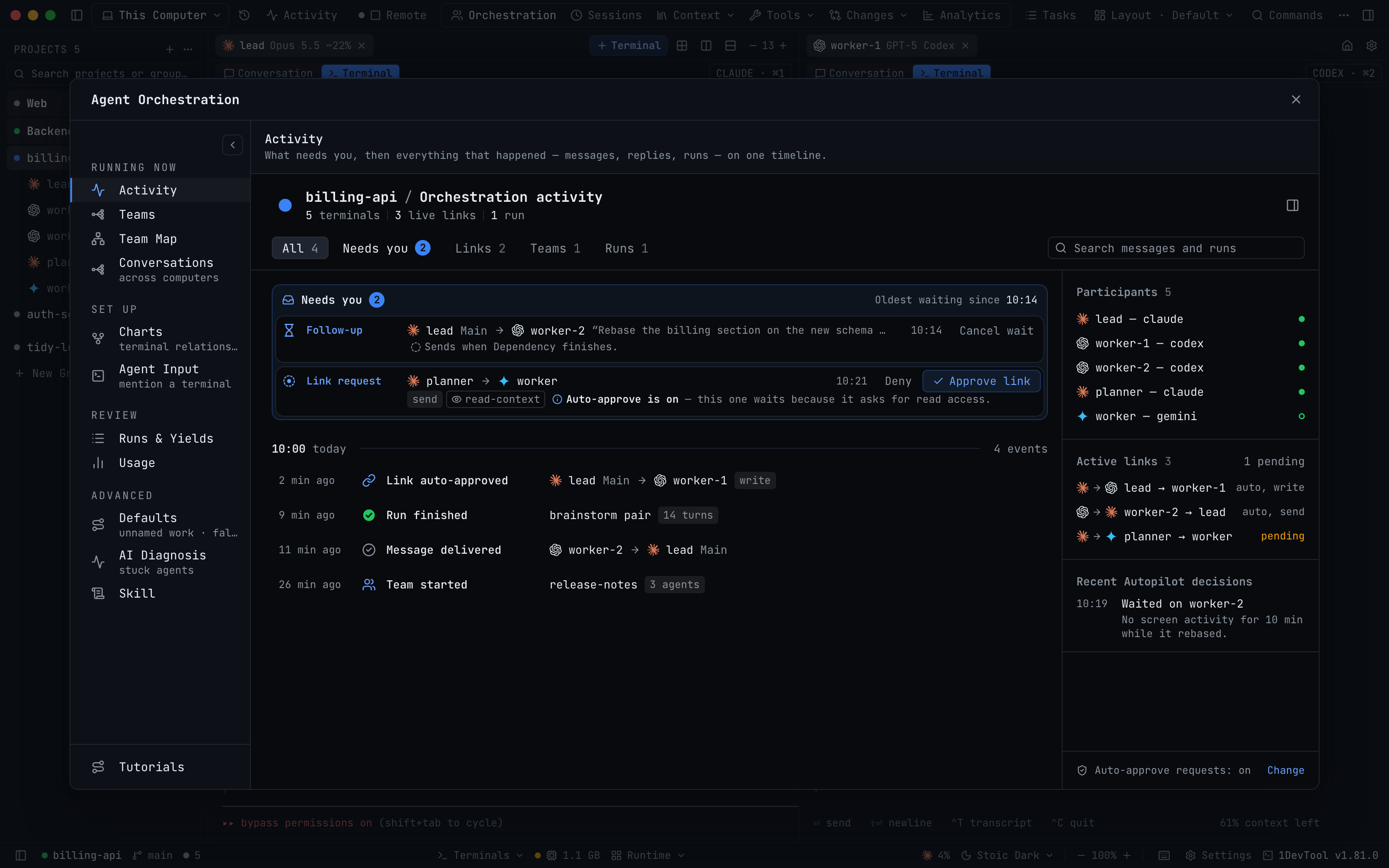
Your 1DevTool desktop, on your iPhone
Pair the 1DevTool iPhone app (beta) with a role chosen up front, get end-to-end encrypted notifications while the app is closed, and steer orchestration, tasks and a live browser from your phone.
Need help? Check out our changelog or contact support.
Back to Home