1DevTool Blog

AI Coding Tips, Editor Comparisons & Agent Workflows

Hands-on guides for Claude Code, Codex CLI, and Gemini CLI. Head-to-head comparisons vs Cursor, Copilot, Windsurf, and VS Code. Workflows for multi-agent coding, persistent terminals, and agentic development.

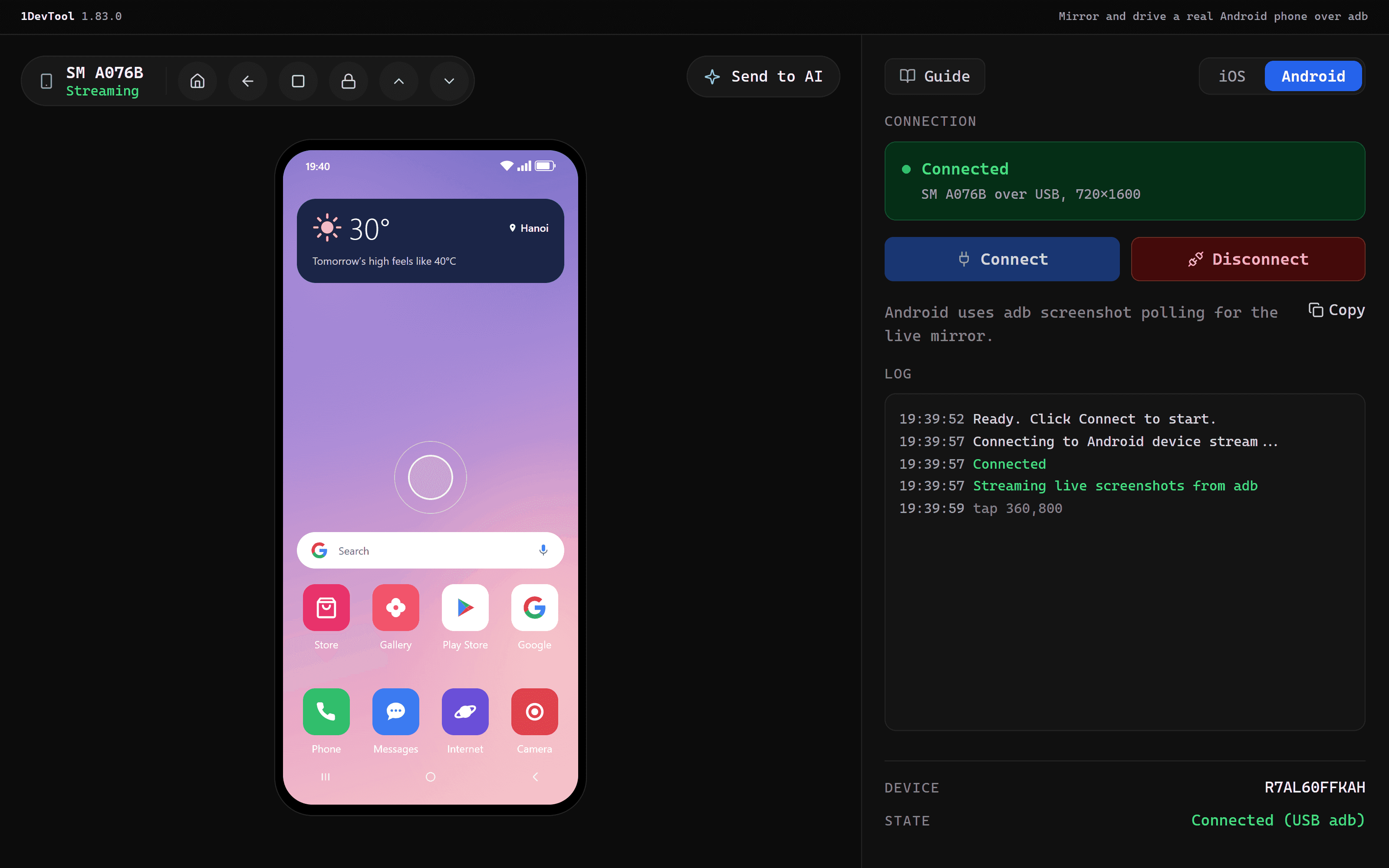
Mirror and drive a real Android phone from your workspace

Oct 24, 2026

Mirror and drive a real Android phone from your workspace

Plug in an Android phone, or connect it over wireless adb, and it shows up in the Mobile panel next to your emulators. Tap, swipe and type on it, send its screen to an agent, and Build & Run straight onto it.

Features#mobile#android#adb#android phone mirror#mobile panel#windows#v1.83.0
Your 1DevTool desktop, on your iPhone

Oct 22, 2026

Your 1DevTool desktop, on your iPhone

Pair the 1DevTool iPhone app (beta) with a role chosen up front, get end-to-end encrypted notifications while the app is closed, and steer orchestration, tasks and a live browser from your phone.

Features#iphone#mobile#remote control#orchestration#push notifications#tailscale#v1.82.0
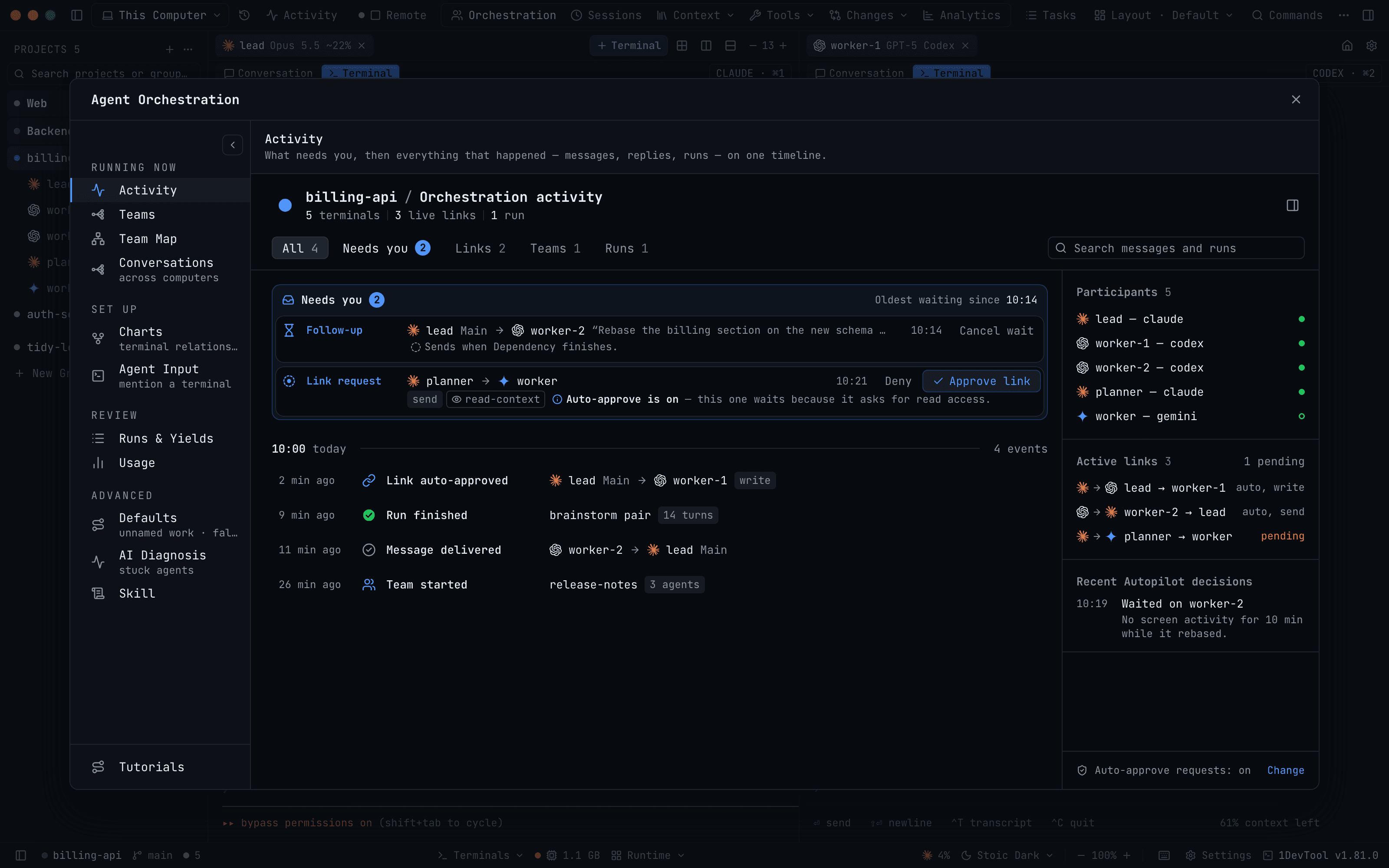
See which agent needs you without opening a single terminal

Oct 19, 2026

See which agent needs you without opening a single terminal

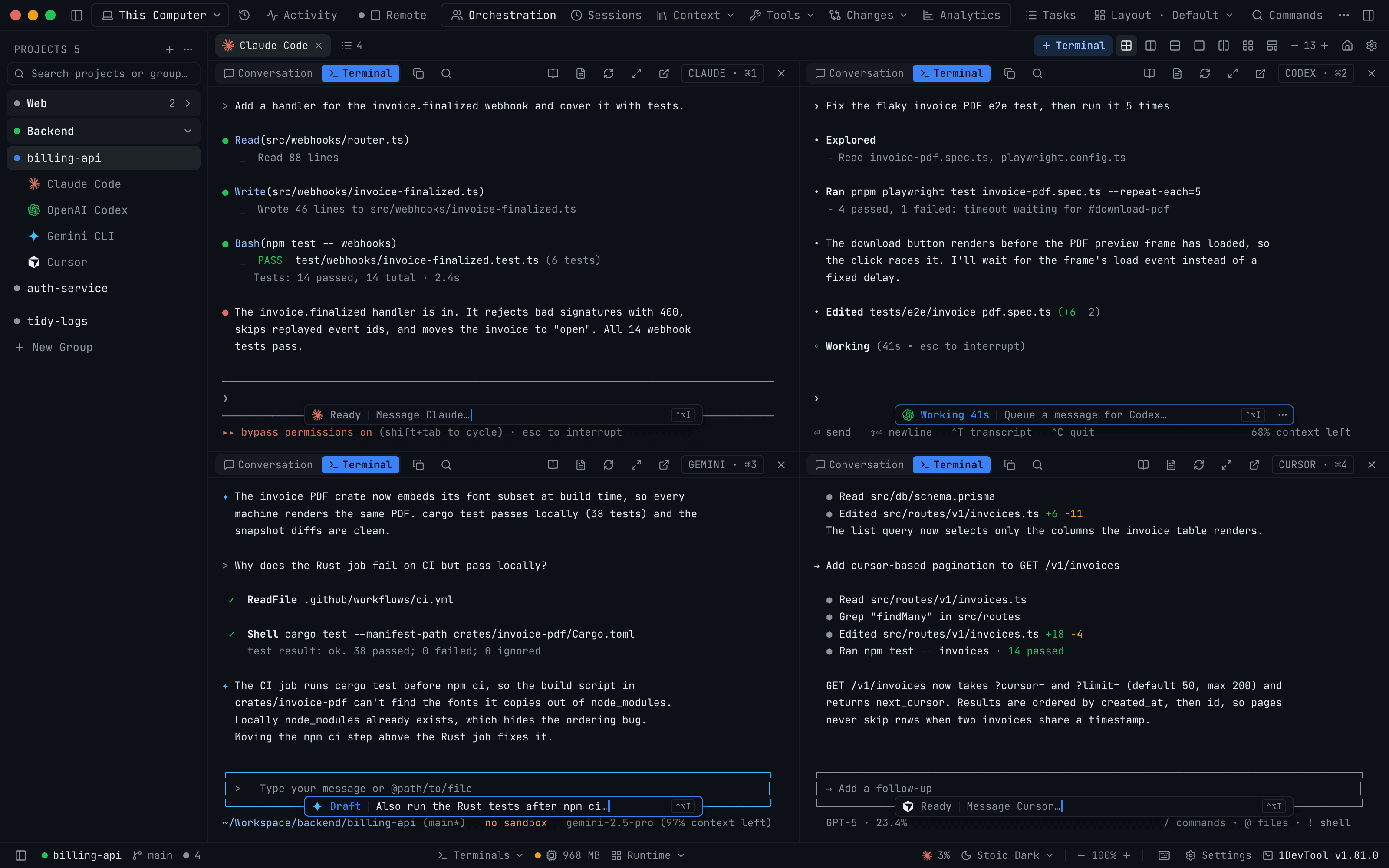
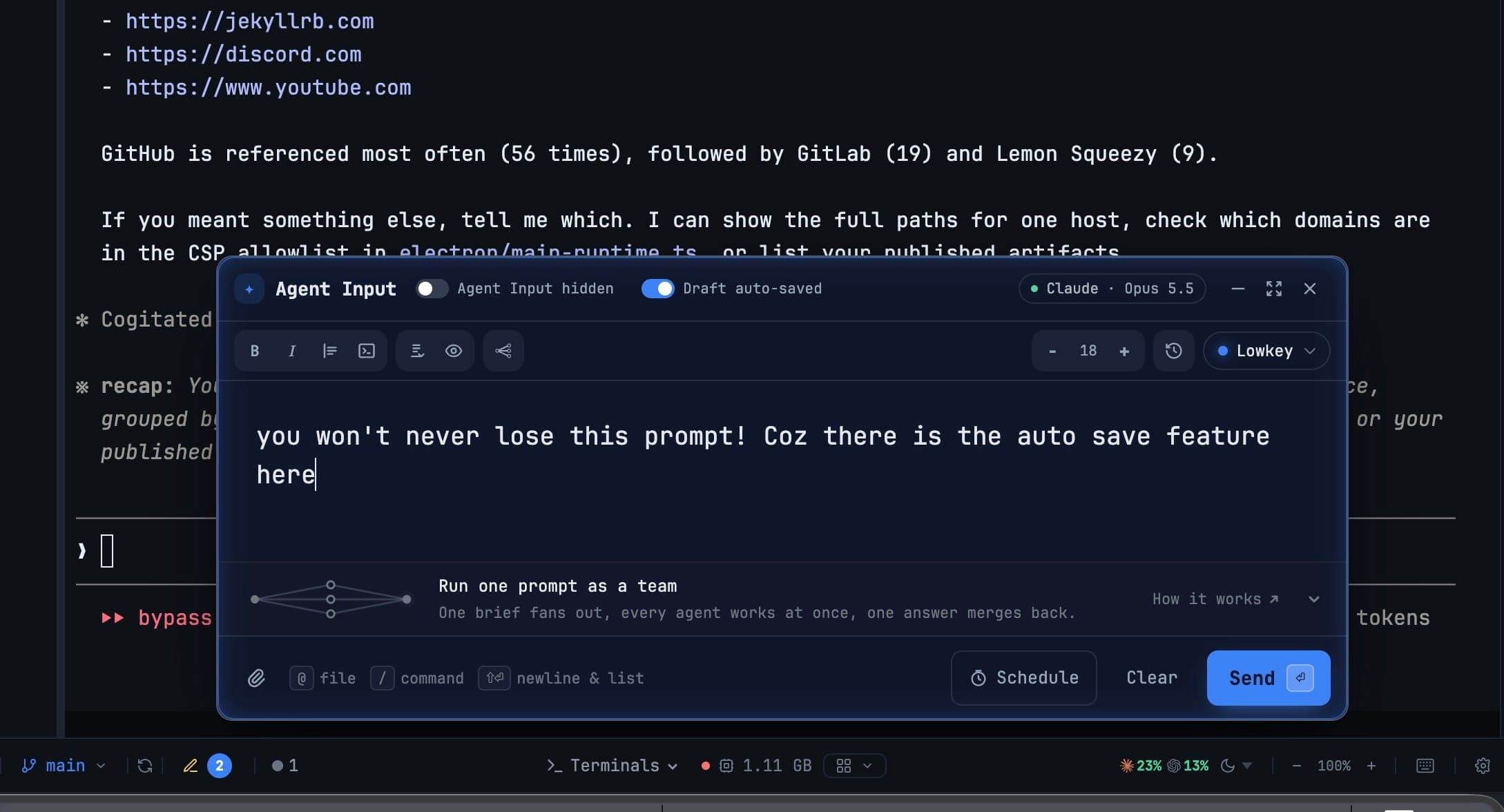
Every AI terminal now shows Ready, Working or Draft, every Agent Input chip shows what it will do, and a new Activity tab puts what's waiting on you above everything that happened.

Features#agent input#orchestration#multi-agent#ai agents#activity#v1.81.0
Go back to the project or terminal you were just on

Oct 16, 2026

Go back to the project or terminal you were just on

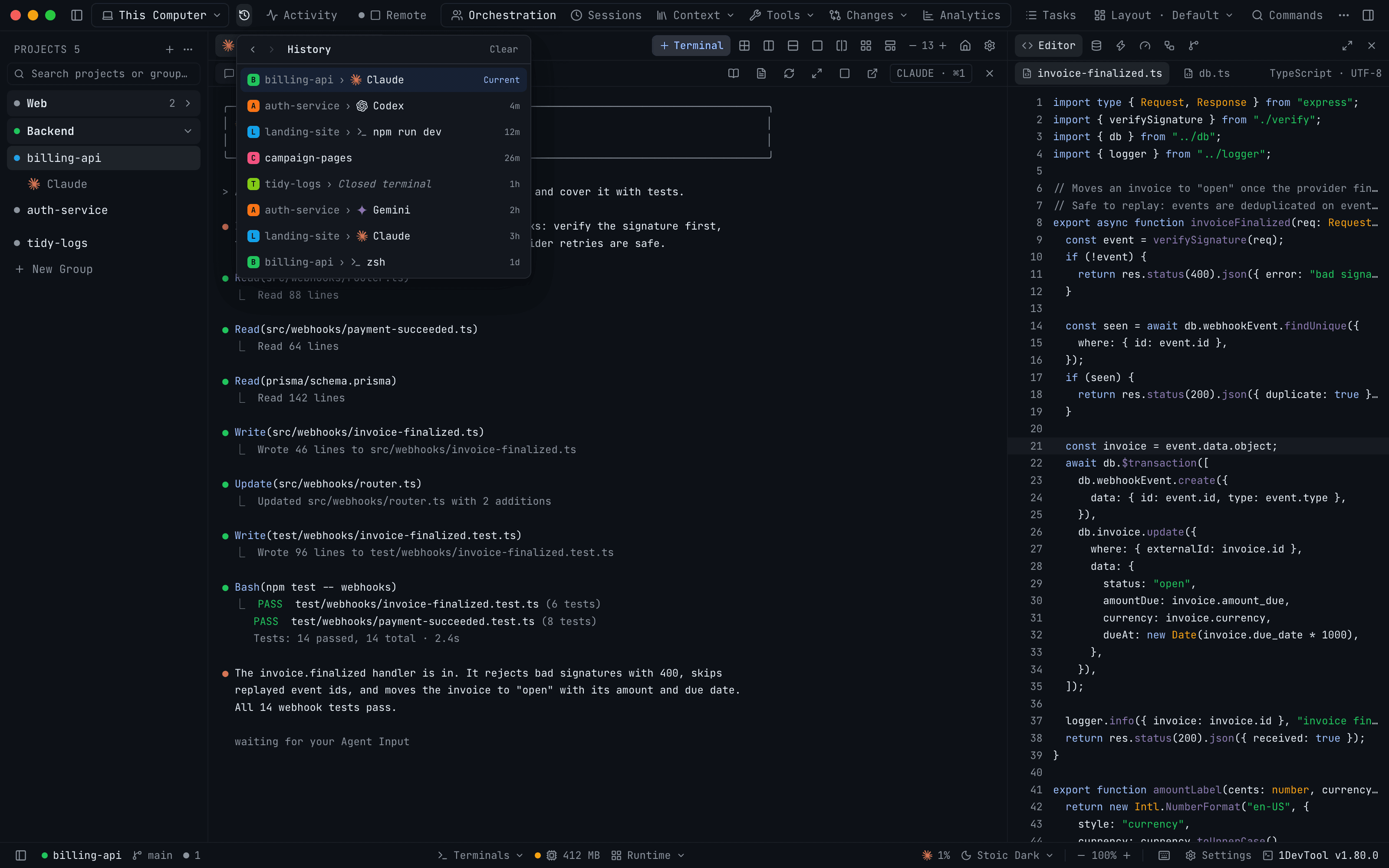
A new History button keeps a browser-style trail of the projects and terminals you visit, so one shortcut takes you back to the agent you left. Reader Mode also learns math, file chips and right-click link menus.

Features#history#navigation#keyboard shortcuts#reader mode#ai agents#v1.80.0
Mention any project, or a whole group, from Agent Input

Oct 16, 2026

Mention any project, or a whole group, from Agent Input

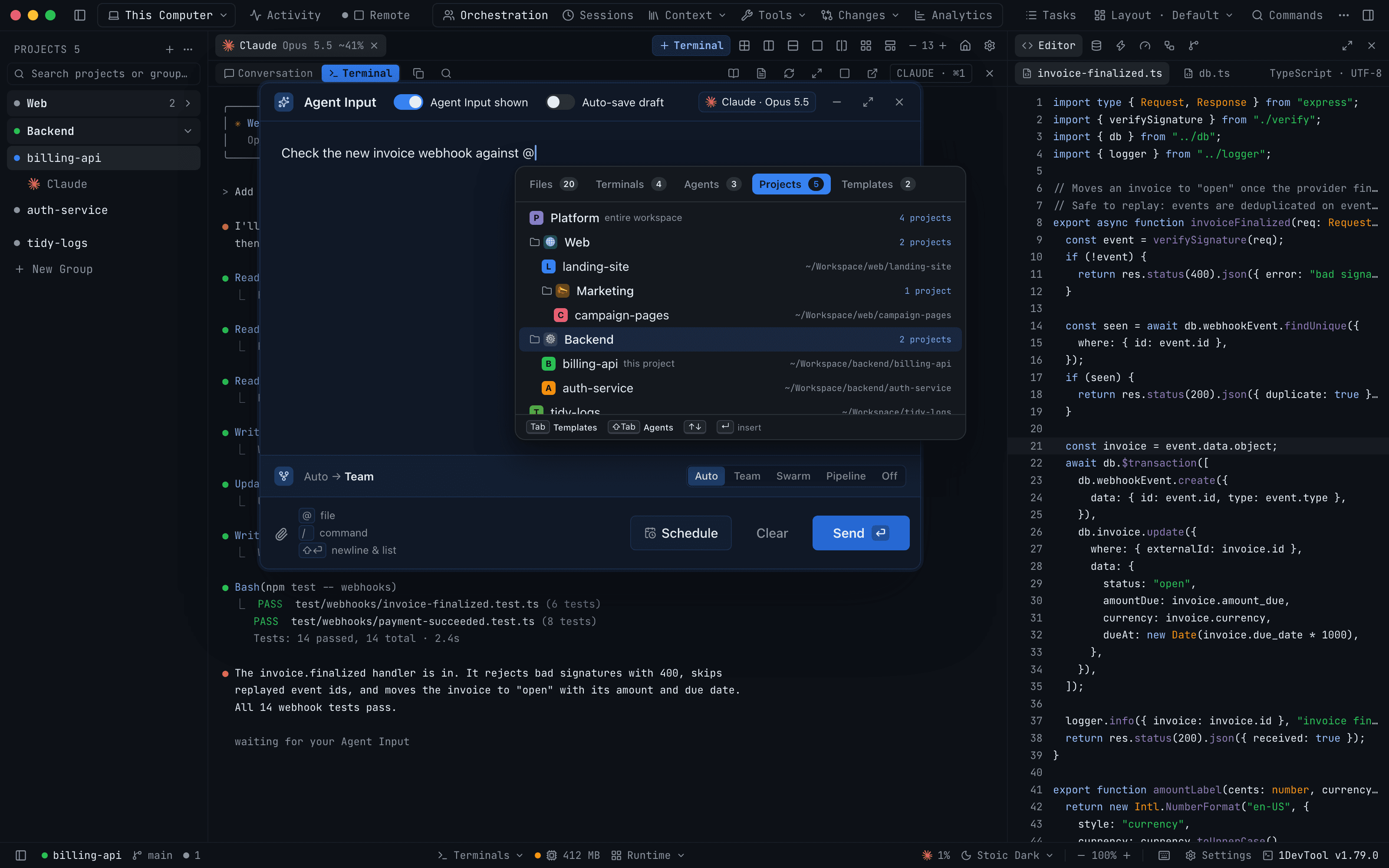
The @ picker's Projects tab now mirrors your sidebar, so you can hand an agent another project's context, or a whole group of projects, without setting up a workspace first.

Features#agent input#mentions#project groups#multi-repo#ai agents#v1.79.0
Let two agents on two computers talk it through

Oct 13, 2026

Let two agents on two computers talk it through

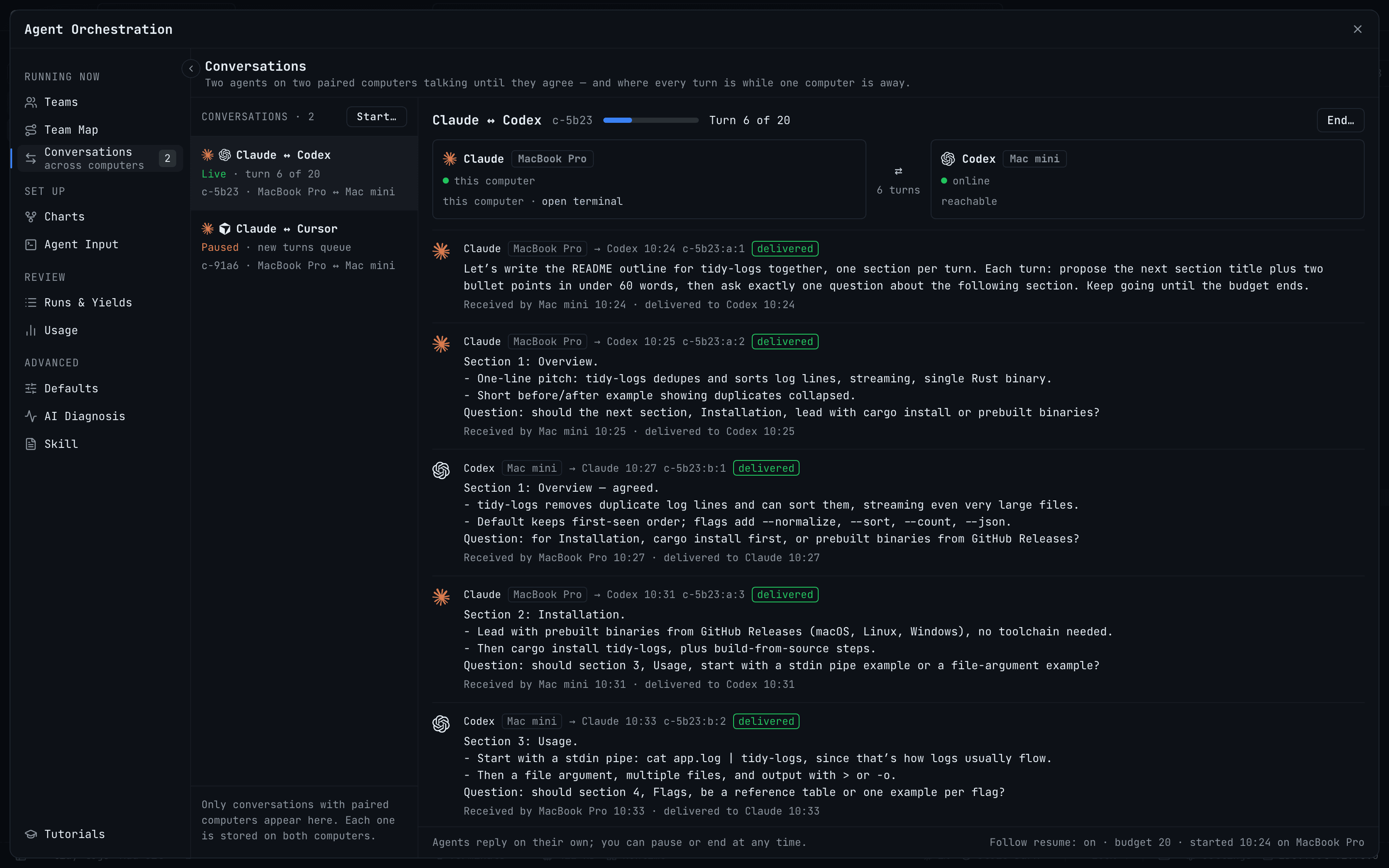
Mention a terminal on a paired computer, choose Converse, and let Claude on one machine and Codex on another take turns under a budget, even while one computer is offline.

Features#conversations#paired computers#agent input#multi-agent#ai agents#v1.78.0
Read a session before you resume it: the new Resume AI Sessions

Oct 11, 2026

Read a session before you resume it: the new Resume AI Sessions

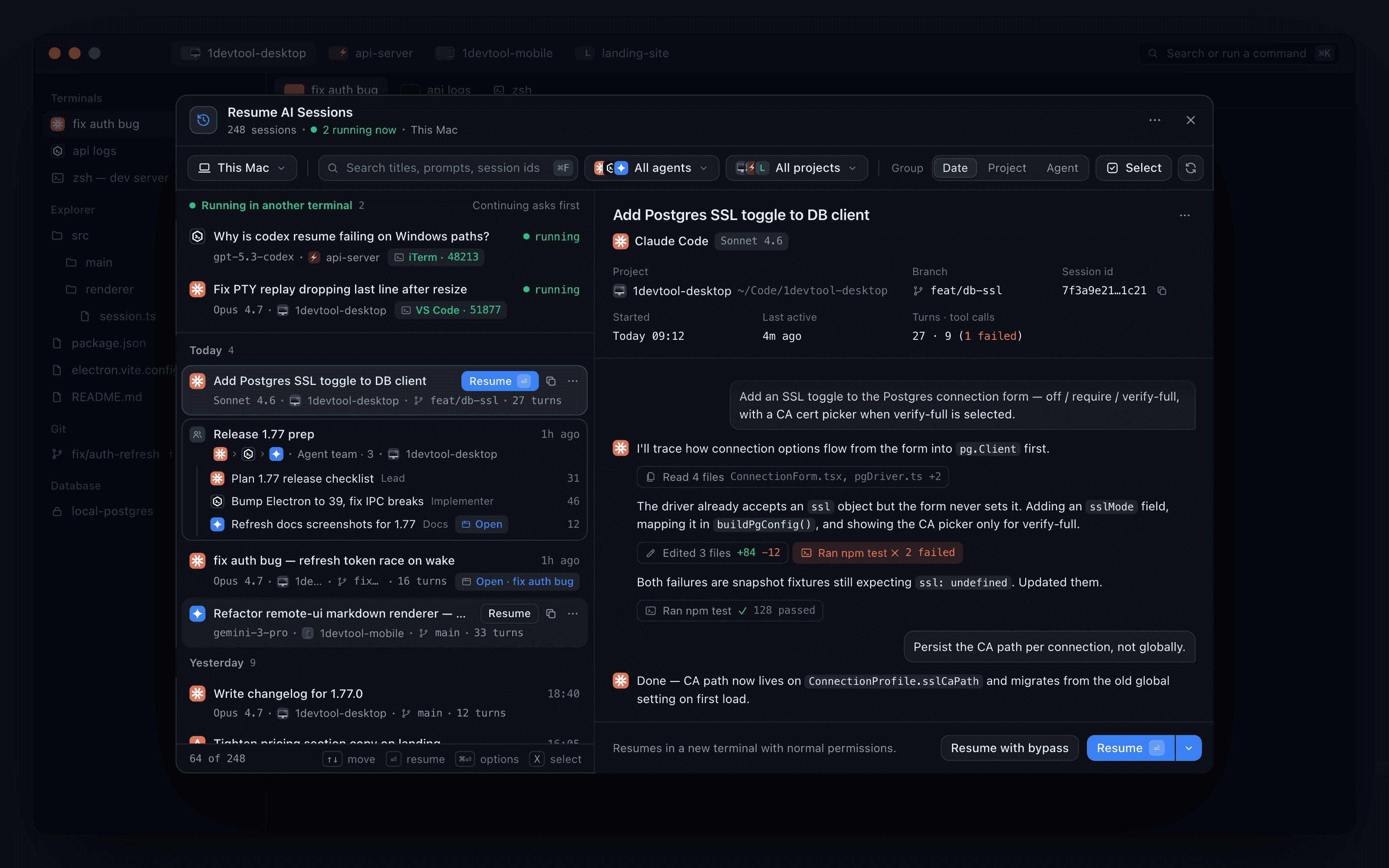
Resume AI Sessions is now a split view with a live preview, so you can check the branch, tool calls and conversation before you resume, and choose exactly how it continues.

Features#resume ai sessions#ai sessions#session history#combine sessions#remote#v1.77.1
Accounts & Quota: one home for every AI account you run

Oct 8, 2026

Accounts & Quota: one home for every AI account you run

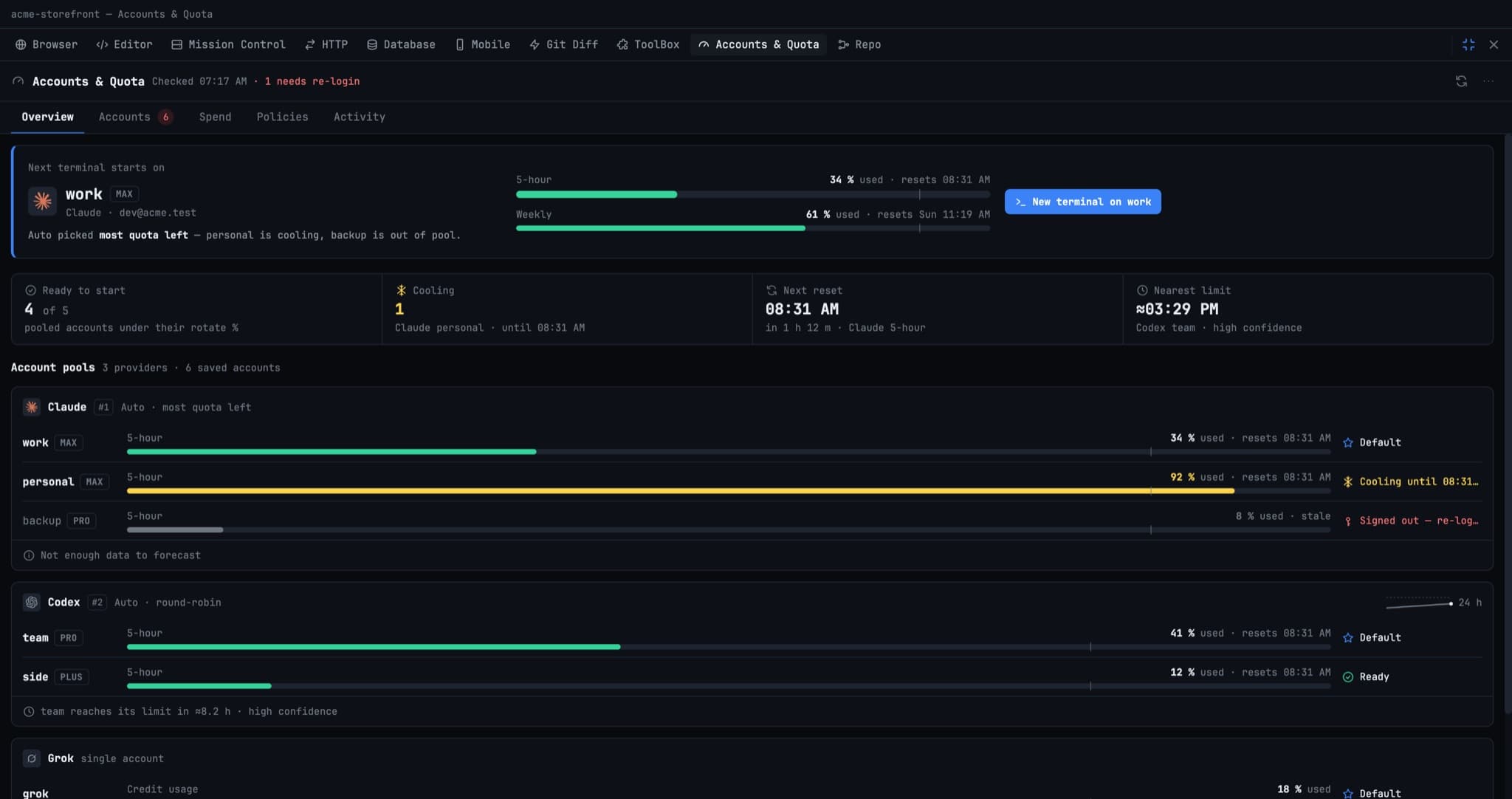
Add, pick, re-login and remove every AI account in the panel that also shows its quota and cost, and see which account your next terminal will start on before you open it.

Features#accounts and quota#ai accounts#quota#spend#ai agents#v1.77.0
Hand Your Project to a VPS and Close the Laptop

Oct 7, 2026

Hand Your Project to a VPS and Close the Laptop

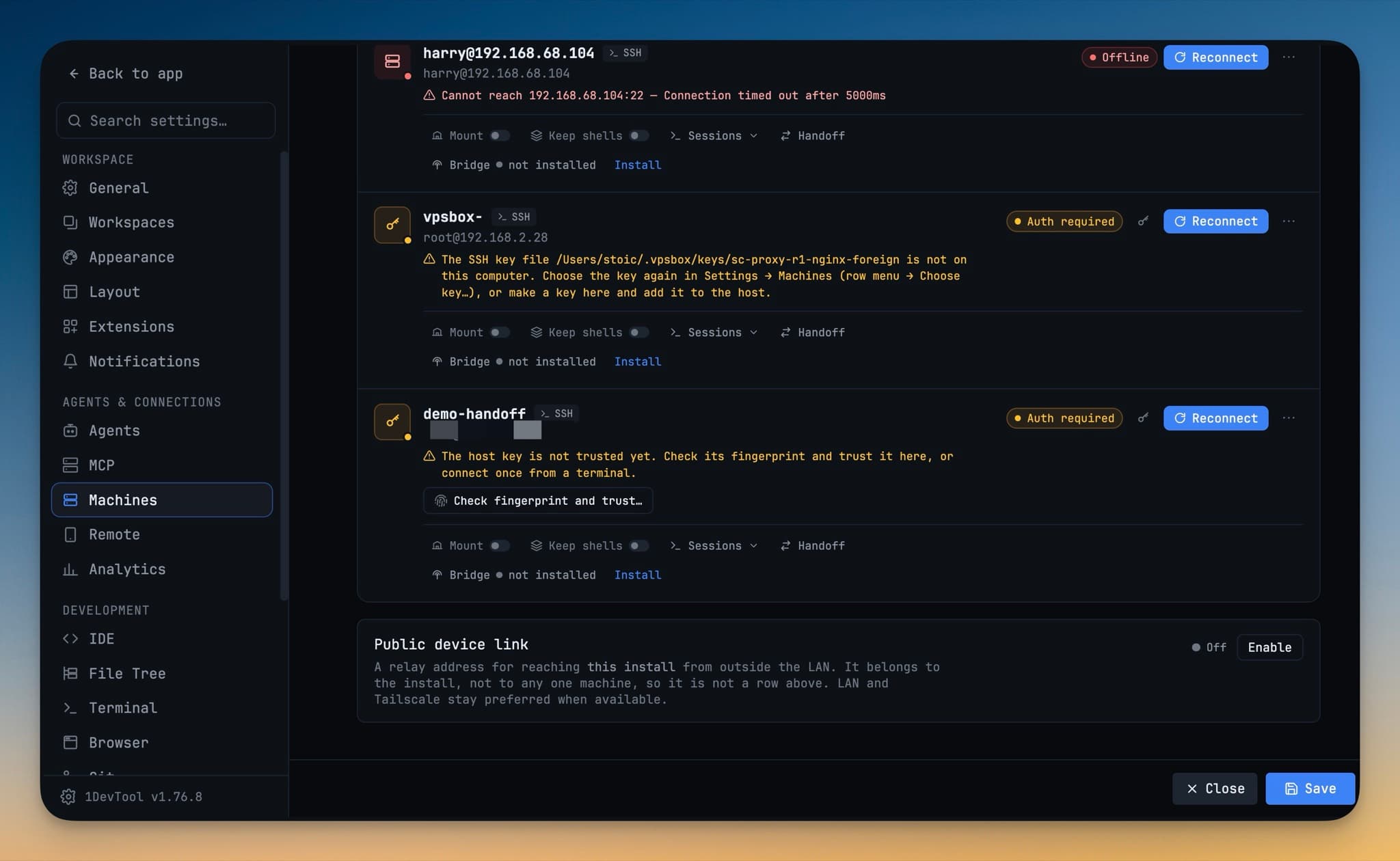
Send a project to one of your own machines and the agent keeps working with your laptop shut — no push to GitHub first, follow-ups queued on the box, and the whole run watchable from your phone.

Features#handoff#vps#remote-agents#mobile#v1.76.9
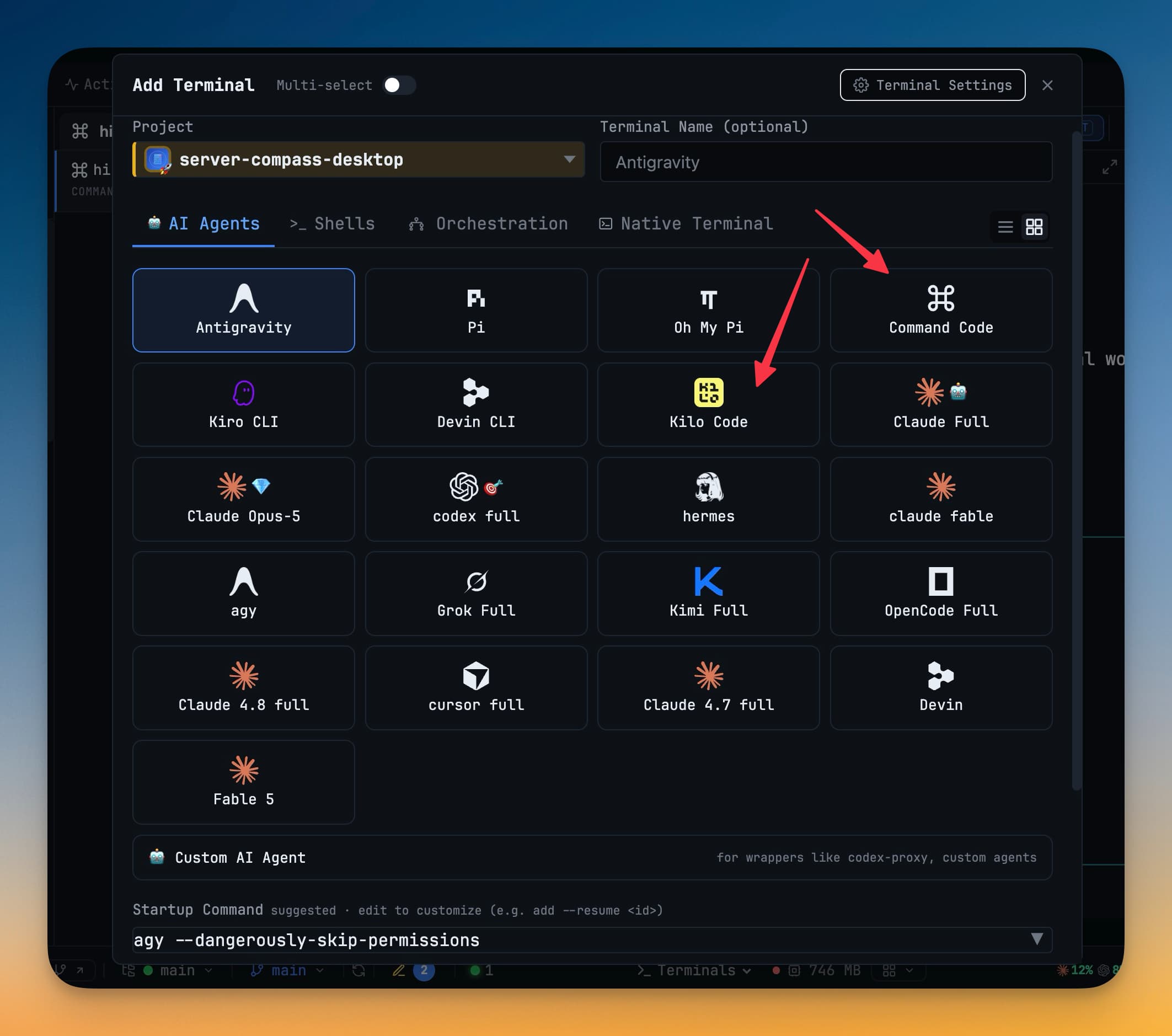
Command Code and Kilo Code are now built-in agents

Oct 3, 2026

Command Code and Kilo Code are now built-in agents

Run Command Code and Kilo Code from Add Terminal with safe prompt delivery, session resume, model and permission pickers, delegation from other agents and one-click MCP setup.

Features#command code#kilo code#ai agents#terminals#v1.76.7
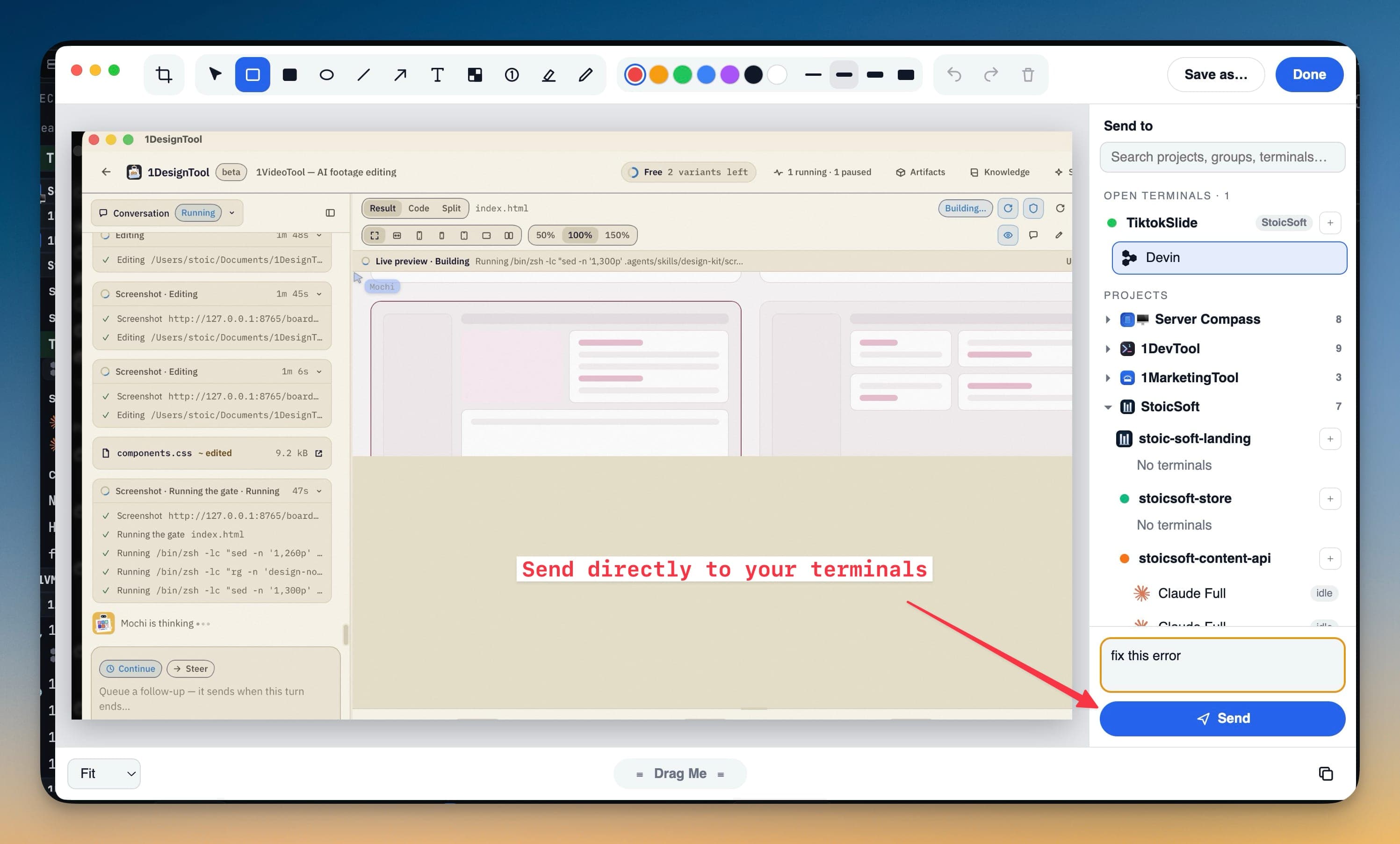
Screenshot Any App and Send It Straight to Your AI Agent

Sep 29, 2026

Screenshot Any App and Send It Straight to Your AI Agent

Getting a screenshot to an agent used to mean saving a file, marking it up in another app and dragging it into a terminal. Now one shortcut captures any app, and one click delivers the annotated image into one or several agents' prompts.

Features#screenshots#ai-agents#annotation#extensions
Newer postsPage 1 / 13Older posts
1DevTool Blog — AI Coding Tips, Editor Comparisons & Agent Workflows