May 2, 2026
Context Drift: Why AI Coding Help Becomes Generic After a Few Turns
Your AI coding session starts strong, then degrades into generic advice by turn ten. The cause is context drift — the model's working memory of your project decays in predictable ways. Here's how to spot it, what causes it, and how persistent multi-agent setups slow it down.
The first three turns with your AI coding agent are great. It reads your repo, understands the conventions, suggests a fix that fits. By turn fifteen, it's writing snippets that ignore your existing utility functions and use library defaults you've already overridden. By turn thirty, it's giving generic StackOverflow-grade advice that could apply to any project.
This is context drift, and it's not random. The decay has structure, and once you see the structure you can fight it.
What context drift looks like
The symptoms in order of appearance:
- Turn 5-10: Suggestions stop using your existing helpers and reach for stdlib alternatives that do the same thing differently. The model has "forgotten" your
utils/format.tsexists. - Turn 10-20: Suggestions repeat configuration choices you've already discussed and overridden. "Try setting
verbose: true" — when you've explicitly disabled verbose three turns ago. - Turn 20-30: Code style starts drifting from your codebase conventions — naming, error handling shape, import order — toward generic LLM defaults.
- Turn 30+: Replies become genuinely generic. They could apply to any TypeScript/Python/Go project. The personalization is gone.
If you've felt this and assumed it was the model getting lazy, it's not. It's that earlier context is being summarized, displaced, or compressed in ways that lose the specific facts about your codebase.
Why it happens
Three mechanisms compound:
-
Context window pressure. Long conversations push earlier messages toward the back of the window. When the window fills, earlier context starts getting summarized aggressively or dropped entirely. Project specifics — "we use the
loggerfromlib/log.ts, notconsole" — are exactly the kind of detail that gets lost in summary because it doesn't seem load-bearing in isolation. -
Retrieval freshness. If your agent has tool access to read your repo on demand, it might retrieve files for the first few turns and then stop bothering. Once the model has "enough" context loaded, it tends not to re-fetch — even when the conversation drifts into a part of the codebase it hasn't read yet.
-
Distribution gravity. The model's training distribution wants to suggest "normal" code. Your project has weirdnesses. Without active reinforcement of those weirdnesses, the suggestions slowly drift back toward the mean of how this kind of code is usually written.
The first two are session-level. The third is model-level.
The signals to watch for
If you can name the symptoms early, you can intervene. The leading indicators:
- A suggestion that reaches for
console.logwhen your repo has a logger - A suggestion that re-introduces a setting you previously overrode
- The agent asking "what's your file structure?" when it had read the repo earlier in the session
- Style suggestions that don't match your codebase's prevailing style (semicolons vs none, single vs double quotes, etc.)
- The phrase "a common pattern is" — generic principle, no project specifics
Any one of these is a signal that the working memory is fraying.
What to do about it
A few interventions, in order of effort:
Re-pin the load-bearing facts. When you notice drift, paste a small context refresher into the next turn: "Reminder: we use the logger from lib/log.ts, not console. We've disabled verbose mode globally." Three sentences is enough. The model's freshness on those facts resets for a few more turns.
Force a re-read. If you have tool access, ask the agent to re-read the specific file relevant to the next turn. "Re-read lib/format.ts and tell me what helpers exist there before suggesting an implementation." Forces the model out of summary mode for that area.
Branch a new session for a new subtask. Long-running sessions accumulate drift. Starting a fresh session with a tight, scoped context window often produces sharper output than continuing the long session, even though it feels wasteful. Treat sessions as sub-projects with a natural lifespan.
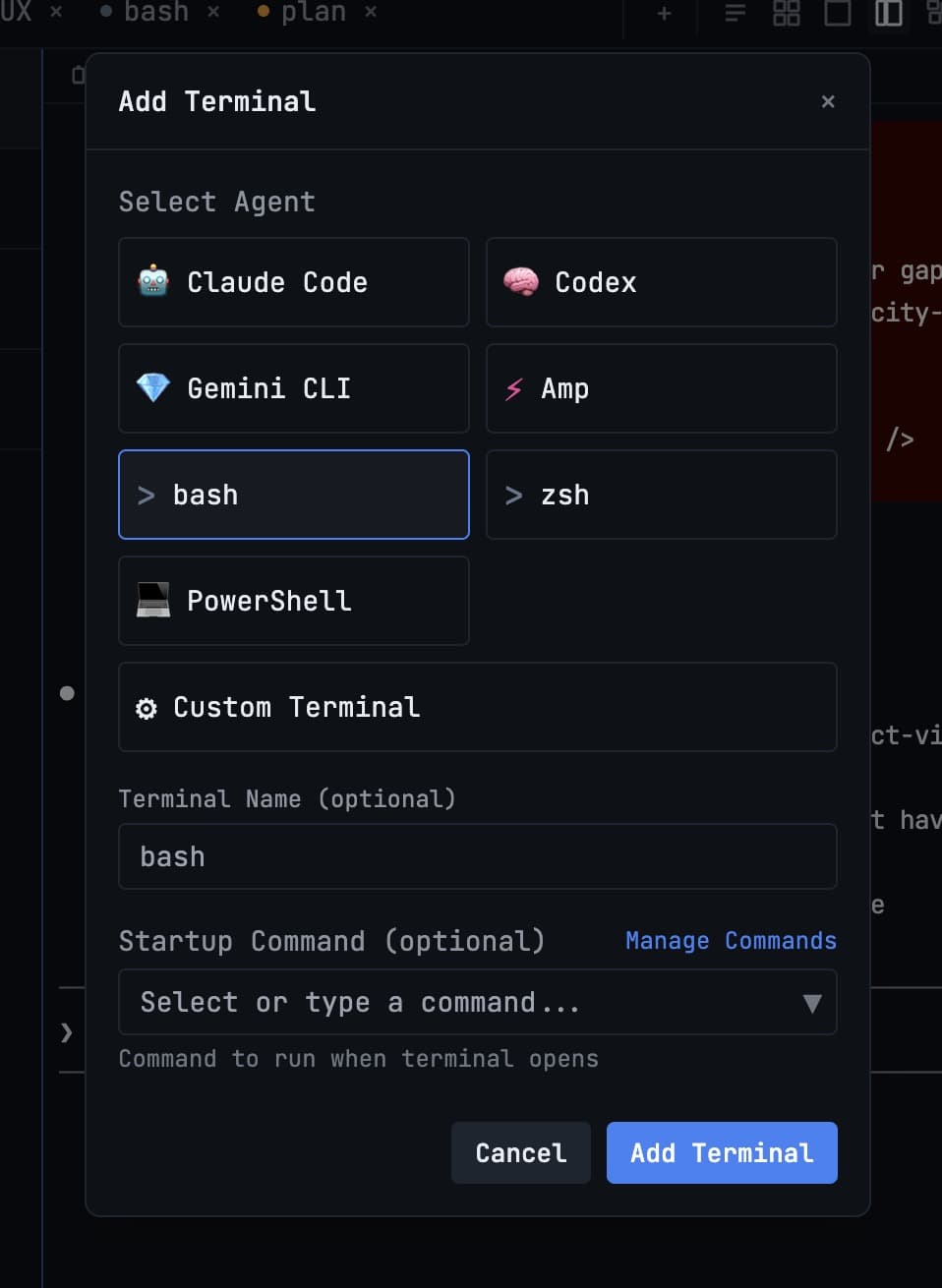
Run multiple agents in parallel for distinct concerns. A common pattern in 1DevTool: one agent on the API layer, a second on the frontend, a third on tests. Each one's session stays narrow, which keeps each one's context fresh. The cost of switching is low because they're side by side.
The persistent-context advantage
The deeper fix — and the one that's still under-explored — is moving project-specific facts out of session memory and into something the agent re-reads every turn. A CLAUDE.md (or whatever the equivalent is for your agent) at the repo root, listing the conventions, helpers, gotchas, and "don't do this" rules.
Well-tended CLAUDE.md files are the closest thing we have to immune systems against drift. They cost an hour to set up and pay back continuously.
A decent skeleton:
# Project conventions
- Logger: `lib/log.ts`, never `console`
- Errors: throw `AppError` from `lib/errors.ts`
- Style: no semicolons, single quotes, 2-space indent

# Helpers (use these, don't reimplement)
- `formatDate(d)` in `lib/format.ts`
- `parseId(s)` in `lib/parse.ts`

# Gotchas
- The `db` client is a singleton; never construct a new one
- Session middleware runs before auth; don't read user before turn N
Fifteen lines. Re-read every session. Drift goes from inevitable to manageable.
What's actually changing
Context drift isn't going away as models get larger context windows. The window grows, but so does the conversation length people attempt — and the long-tail facts still get displaced. The tools that win in the next year aren't the ones with the biggest context window. They're the ones that automate the re-pinning of load-bearing facts, so you don't have to remember to do it manually.
Until that exists out of the box, the manual interventions above will get you most of the way there.
From across the StoicSoft network
Hand-curated reads on the same topic from sister sites in the StoicSoft family.
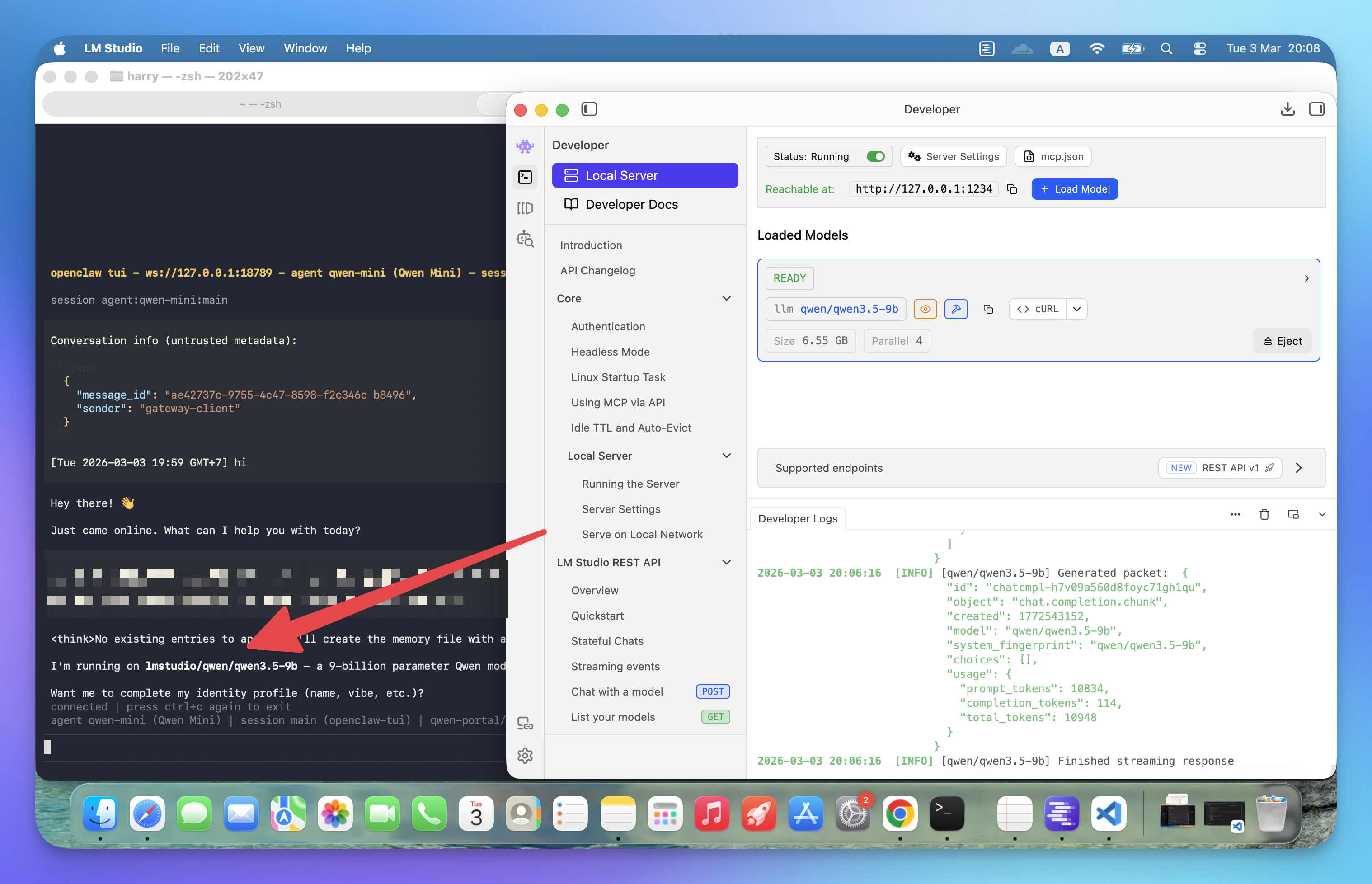 ServerCompass5 min read
How to Run Qwen3.5-9B Locally with LM Studio for OpenClaw
Run your own AI agent entirely on your machine using LM Studio and OpenClaw — no API costs, no data leaving your computer, just 3 steps to full local inference.
Read on servercompass.app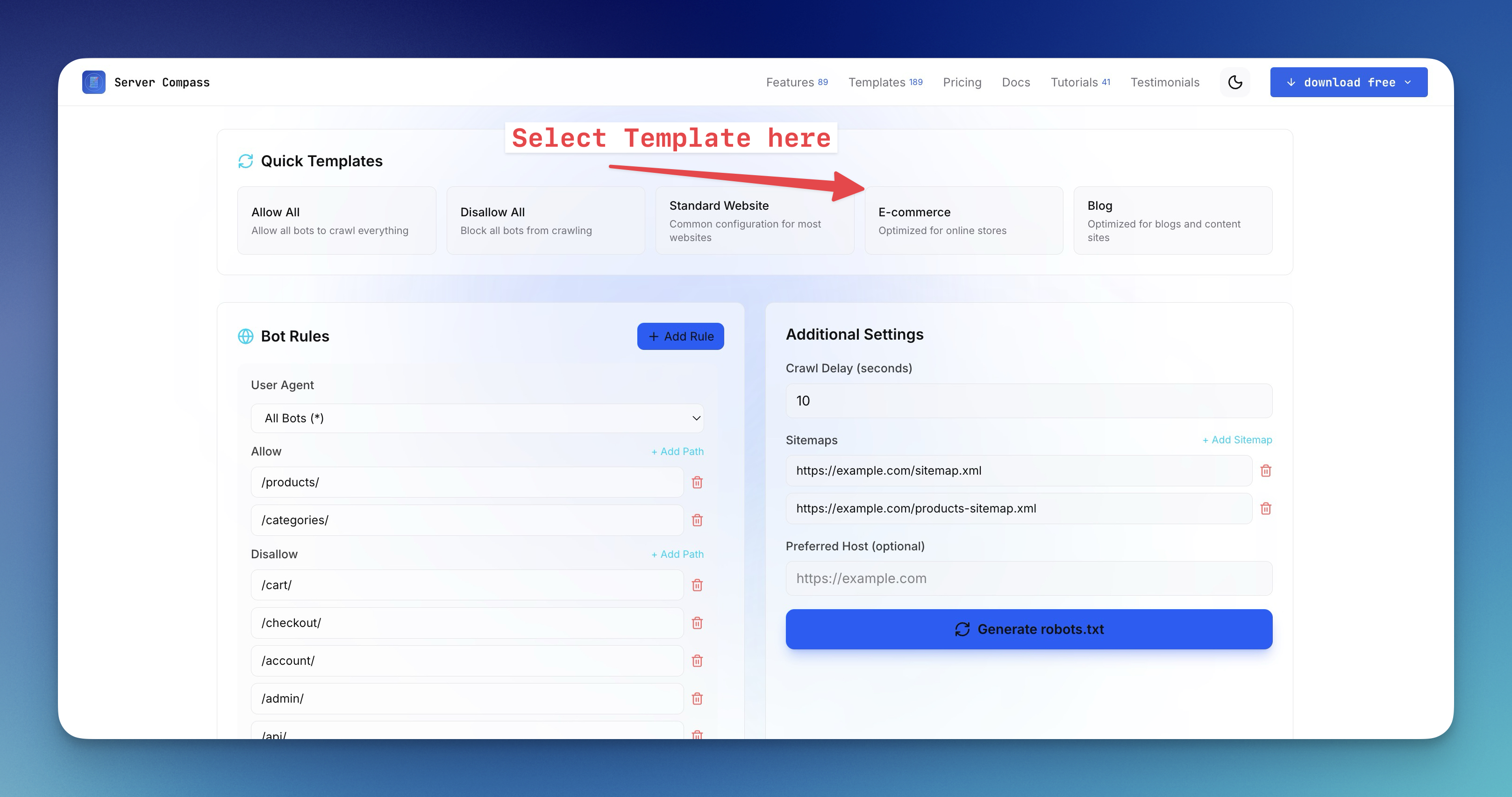 ServerCompass15 min read
How to Create a robots.txt File for the AI Era (2026 Guide)
Learn how to generate robots.txt files that control both search engine crawlers and AI bots like GPTBot, ClaudeBot, and Perplexity. Complete guide with examples, directives, and a free robots.txt generator tool.
Read on servercompass.app