Features
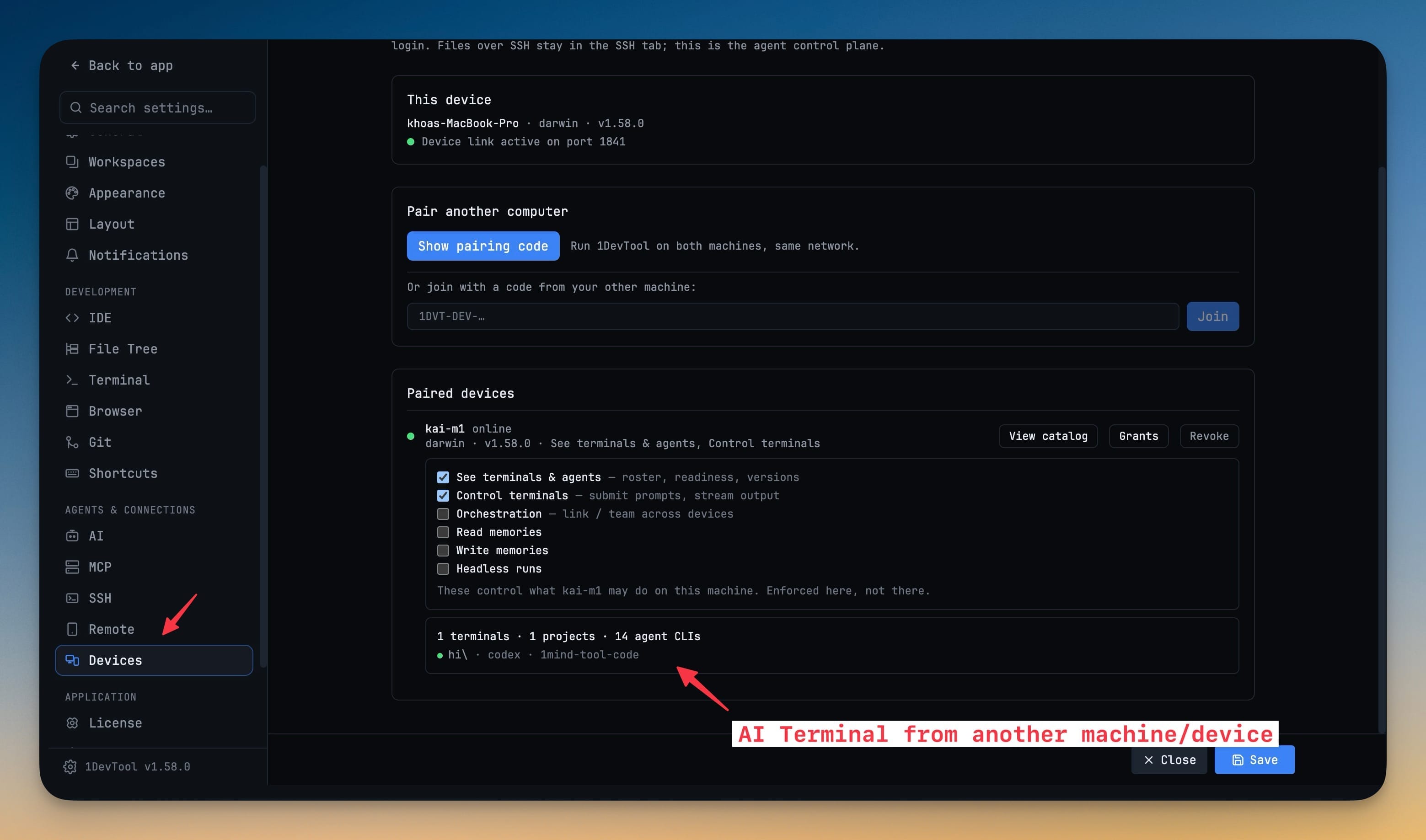
Everything you need.
Nothing you don't.

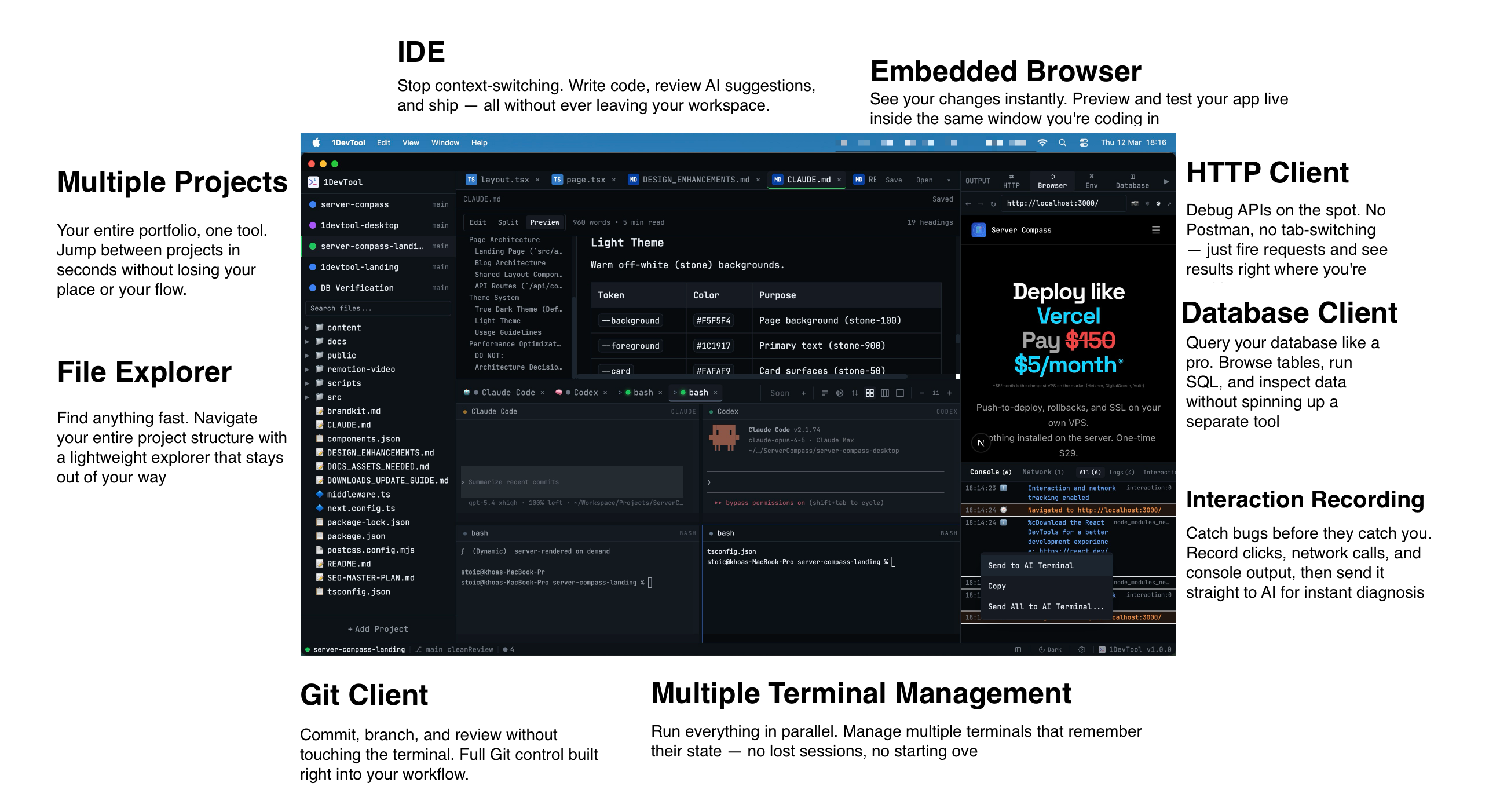
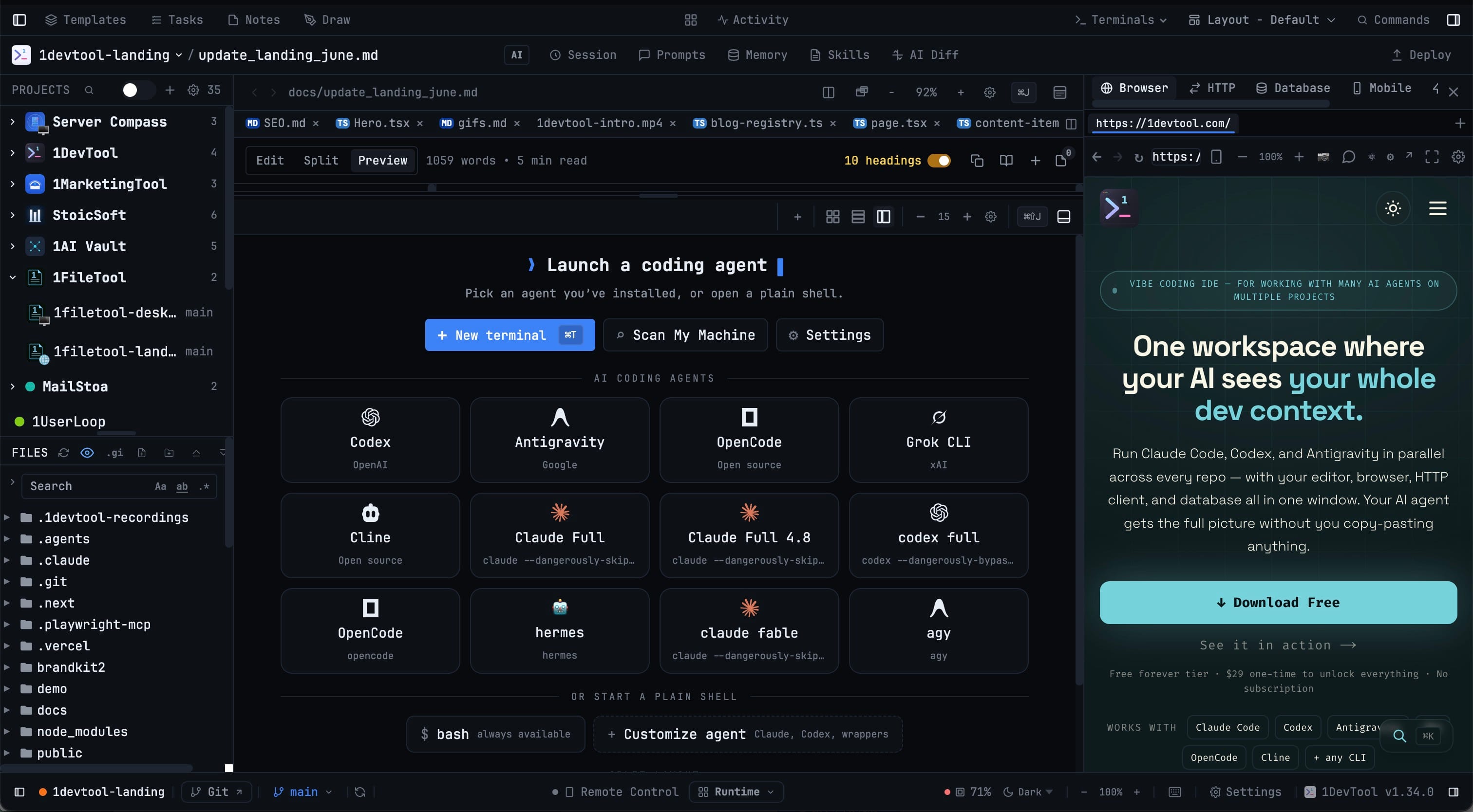
1DevTool brings together all your essential developer tools into one beautiful, fast application. Stop switching between apps and start building.

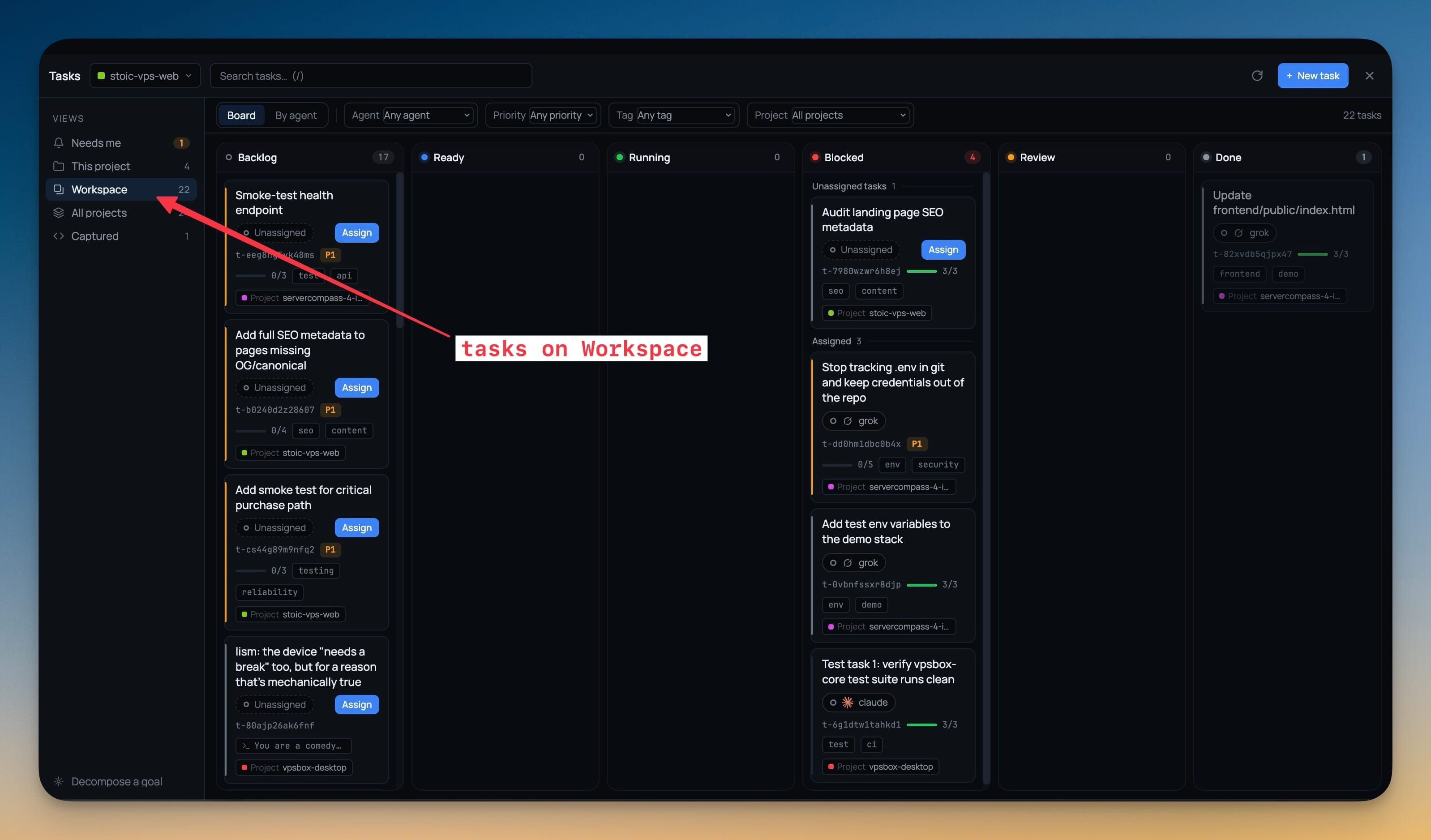
Workspace Management

Organize your projects and files with ease

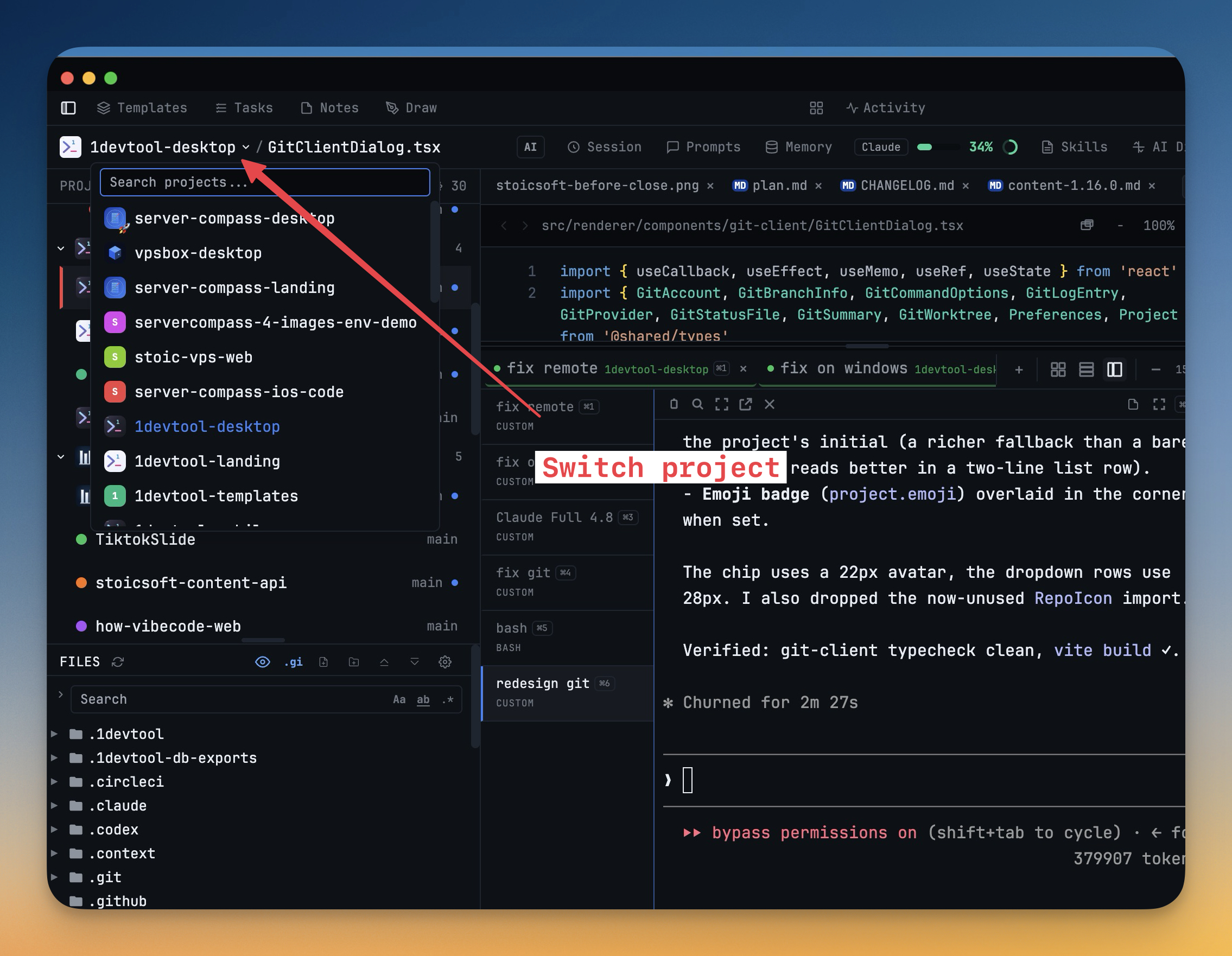
Multi-Project Support

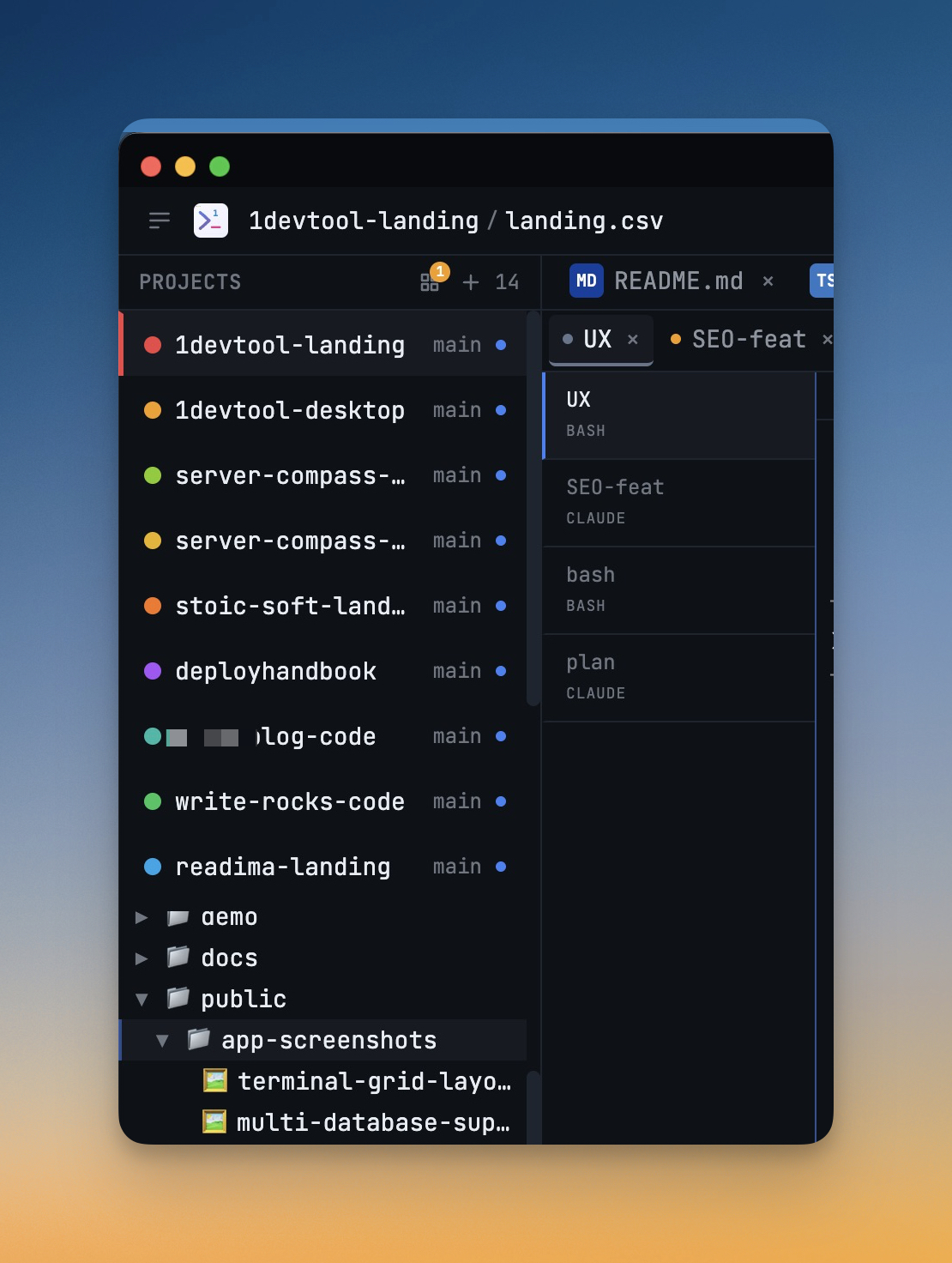
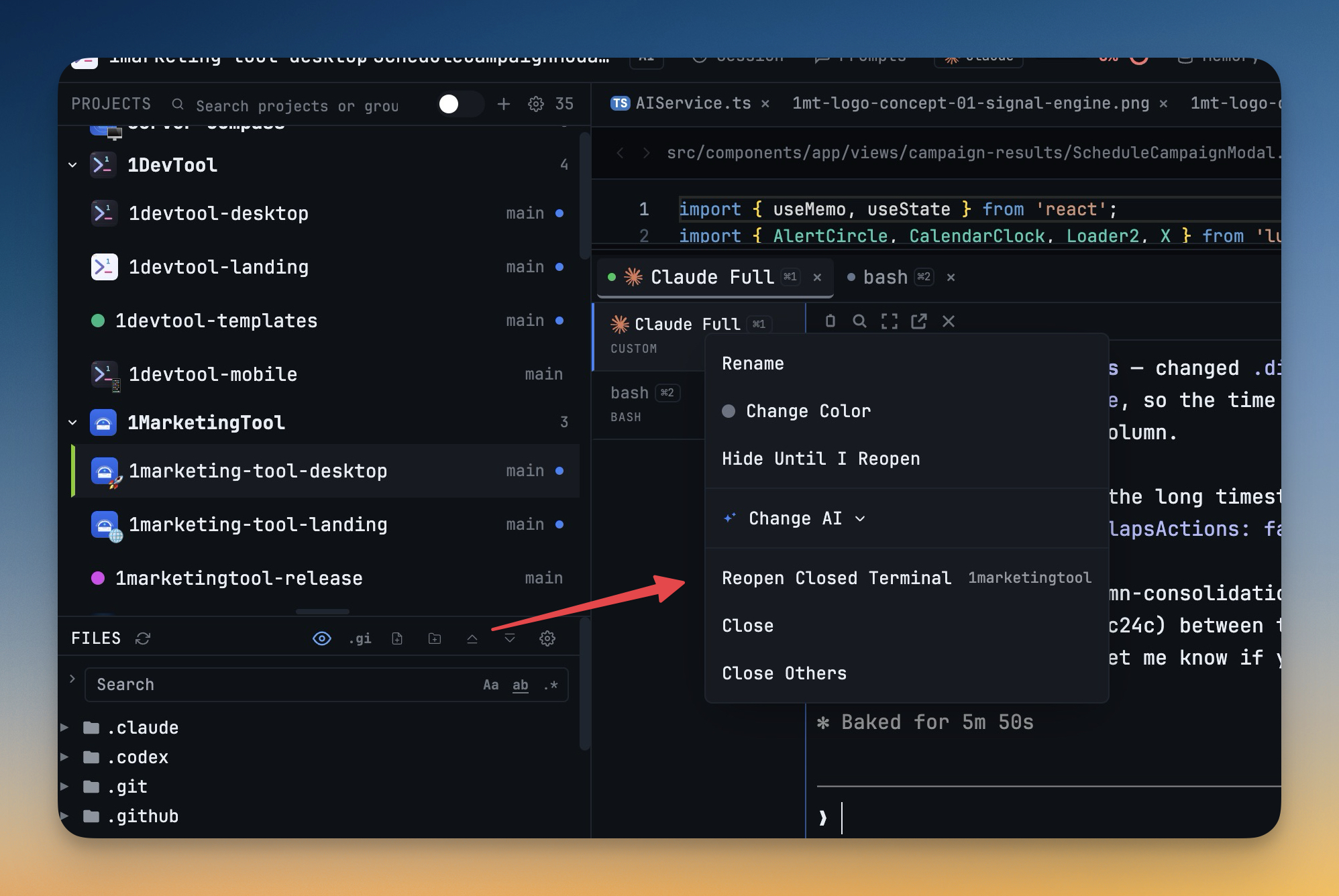
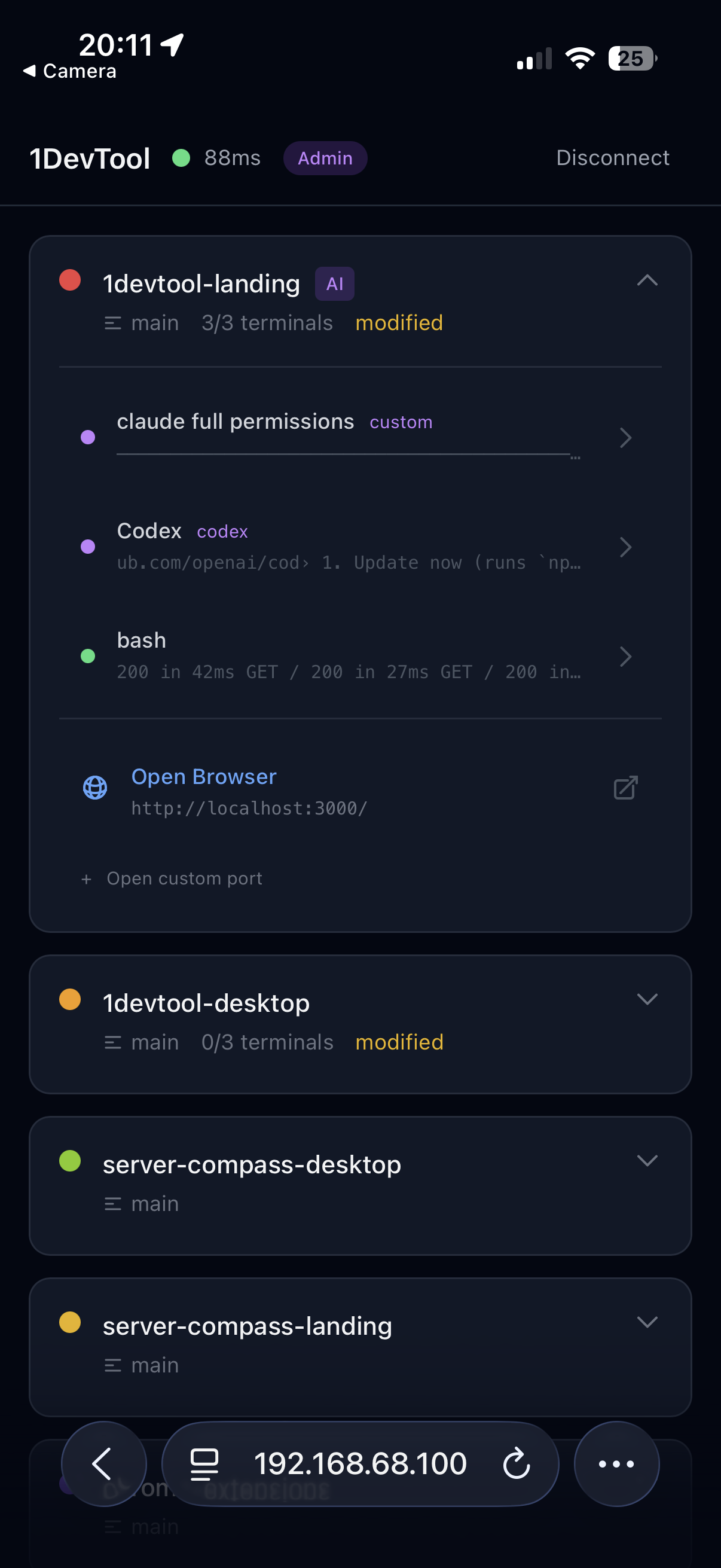
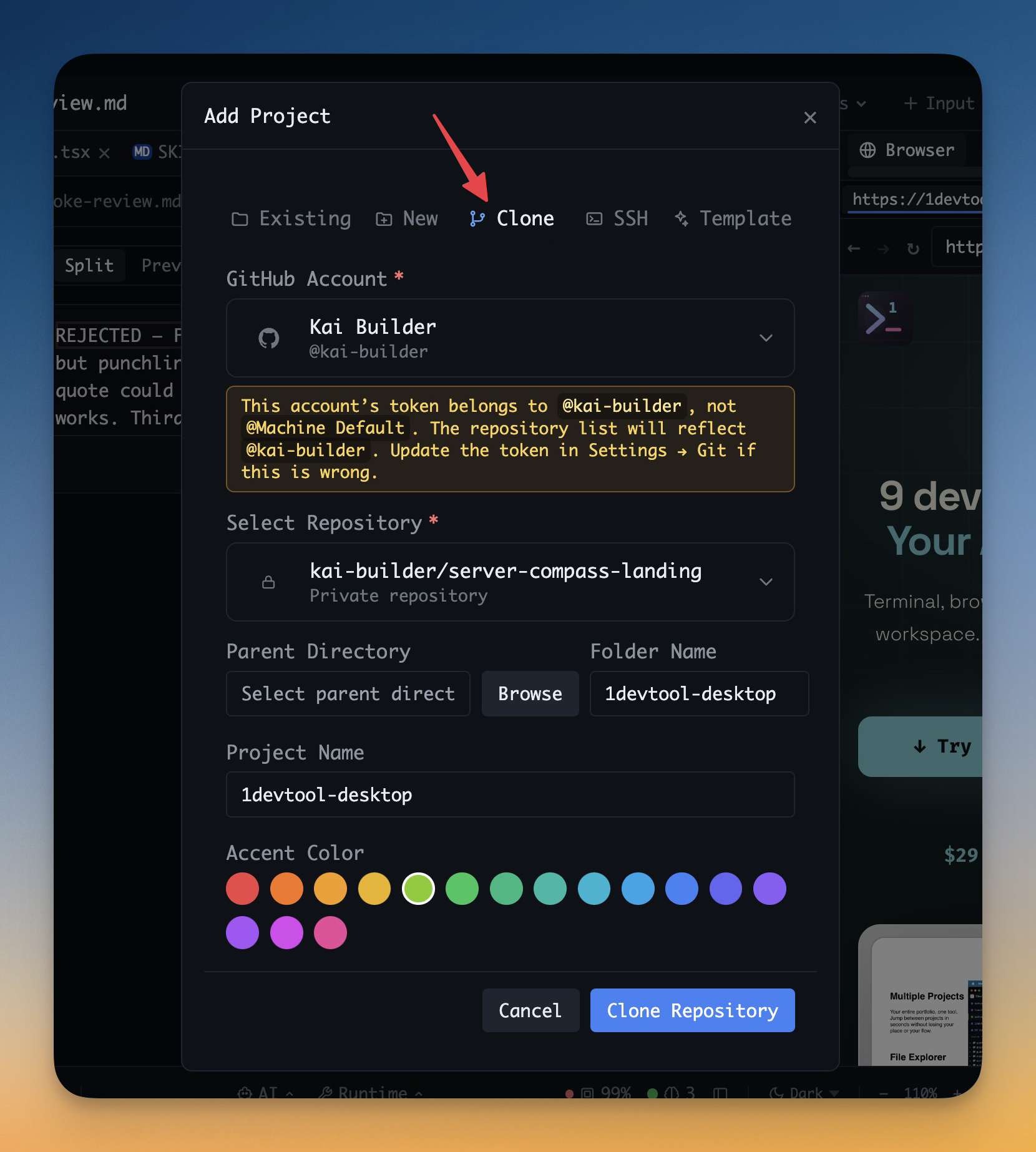
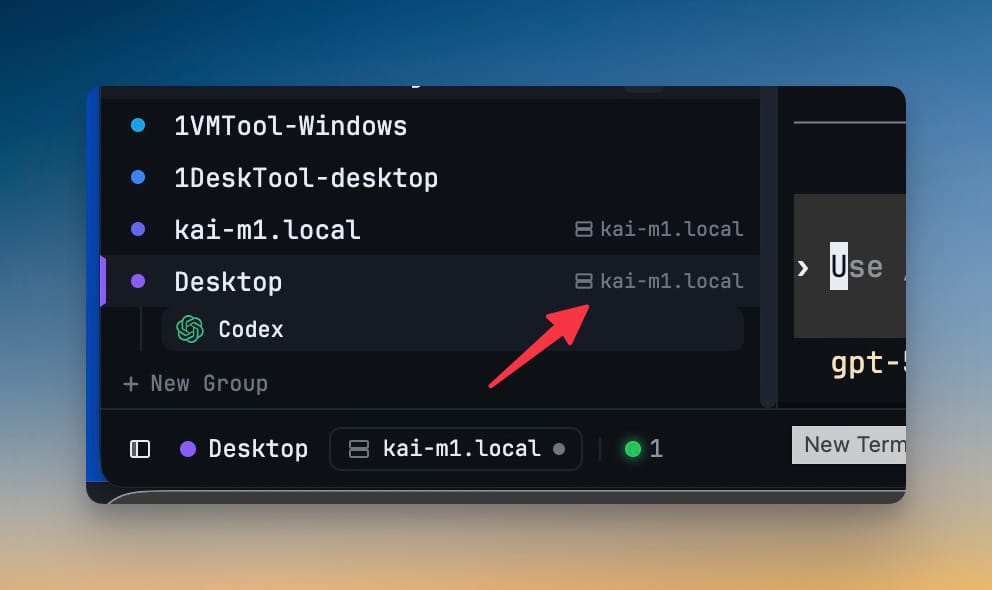
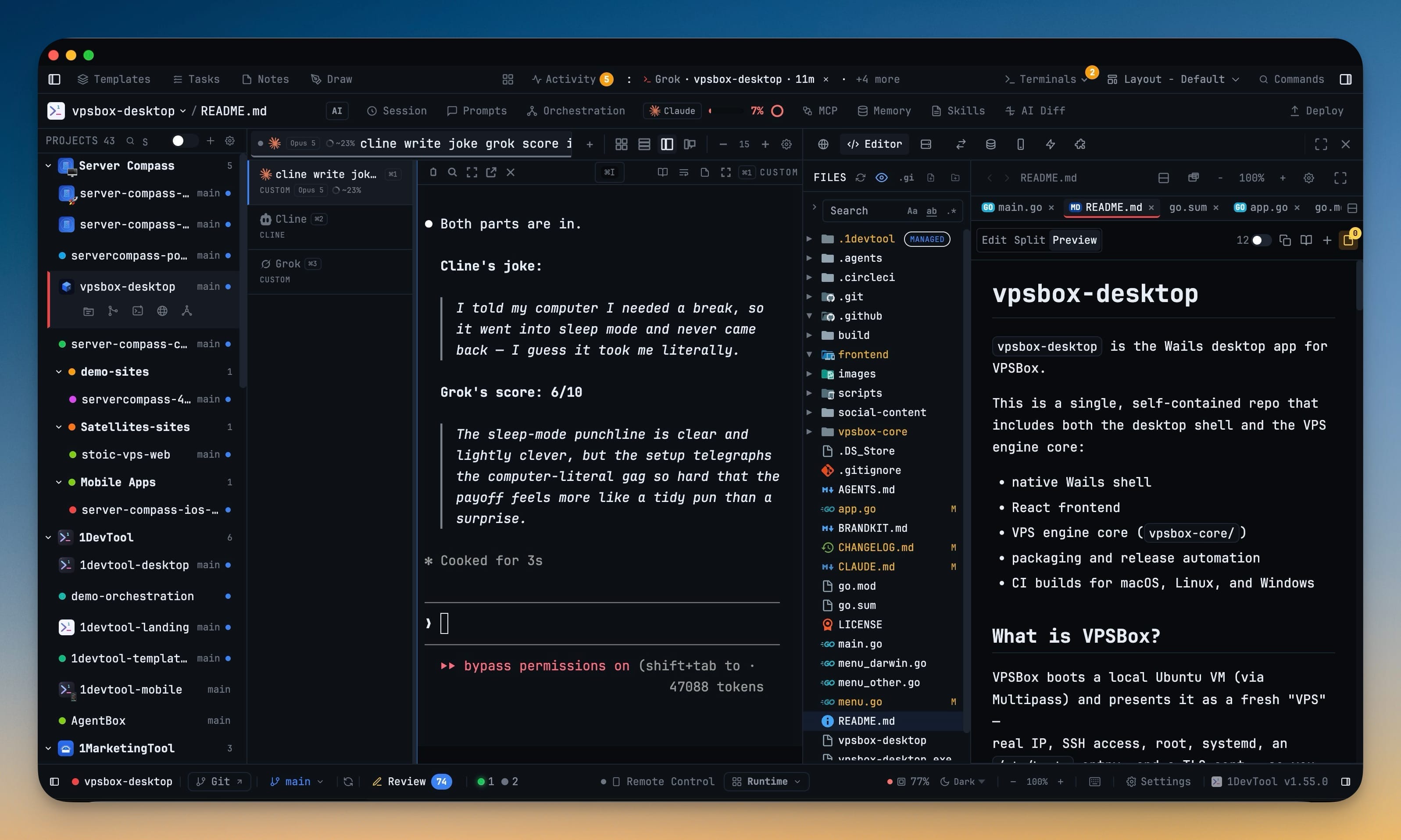
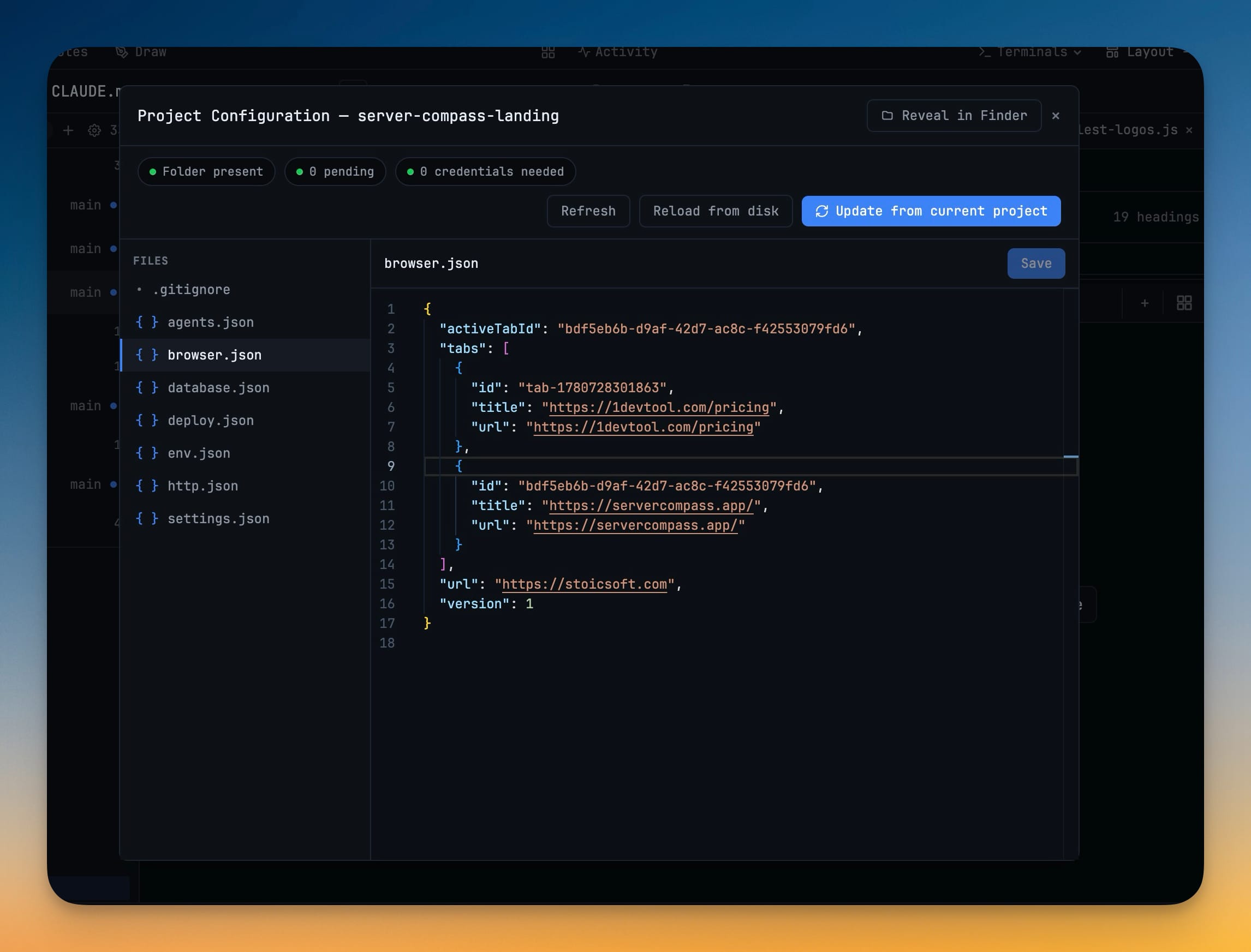
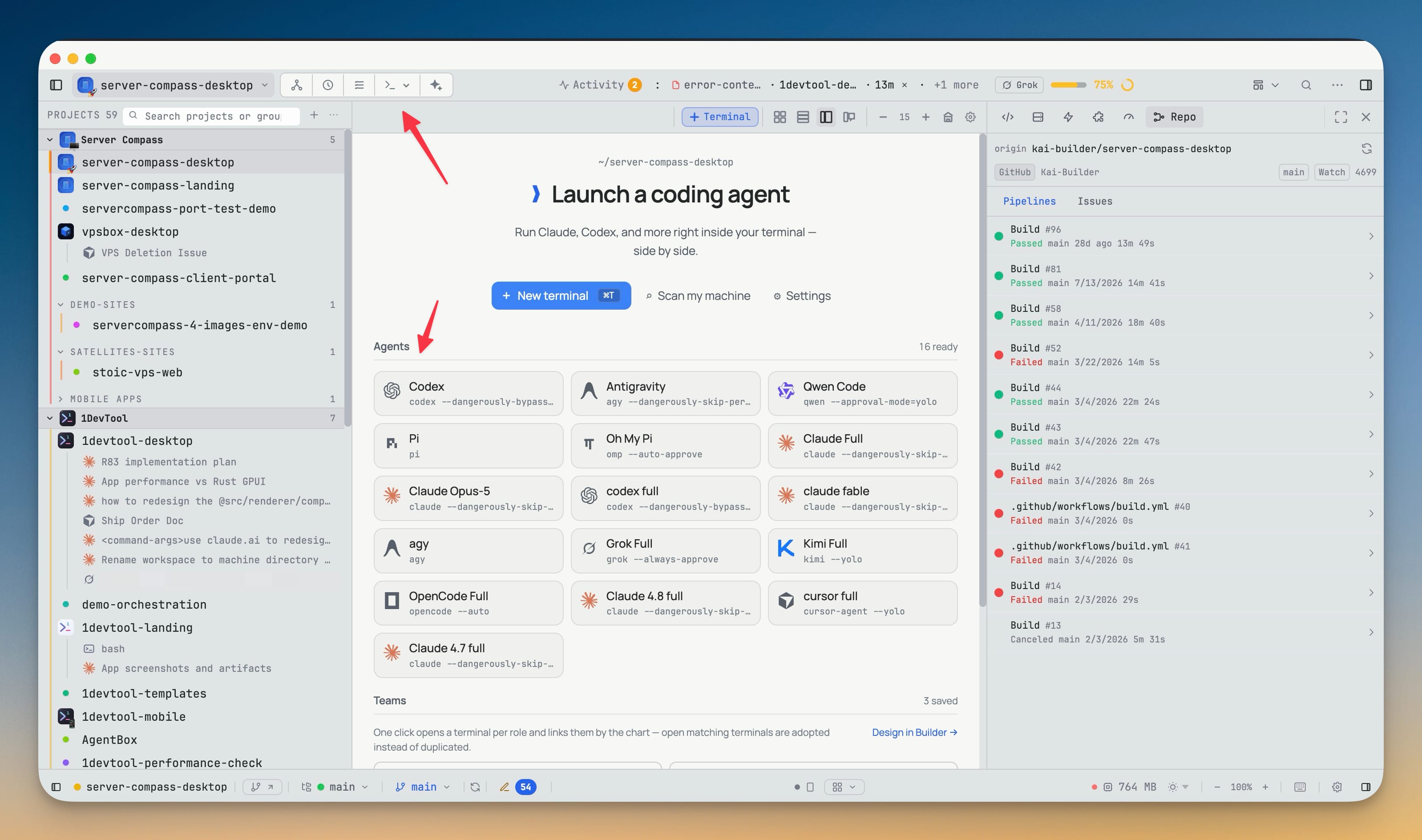
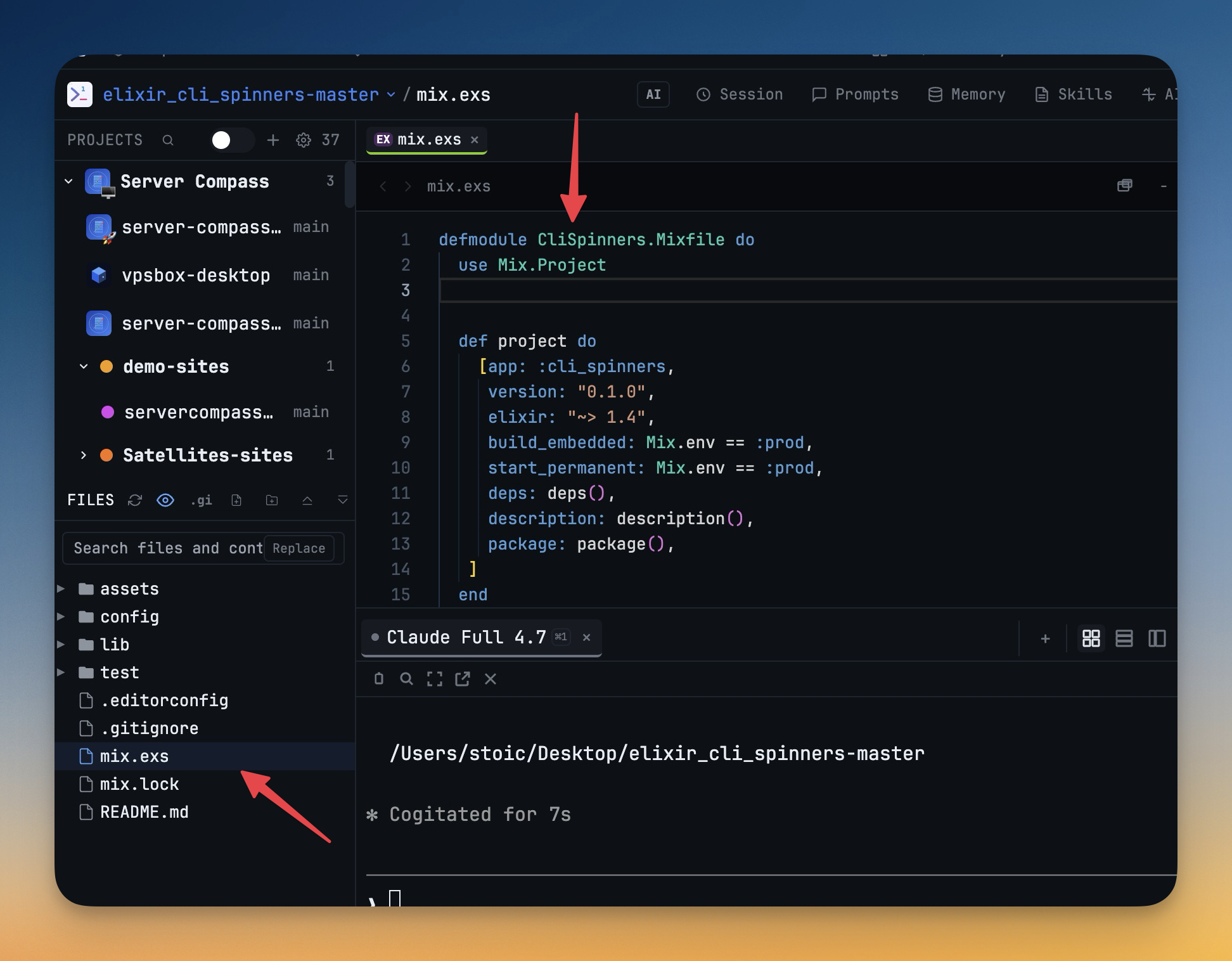
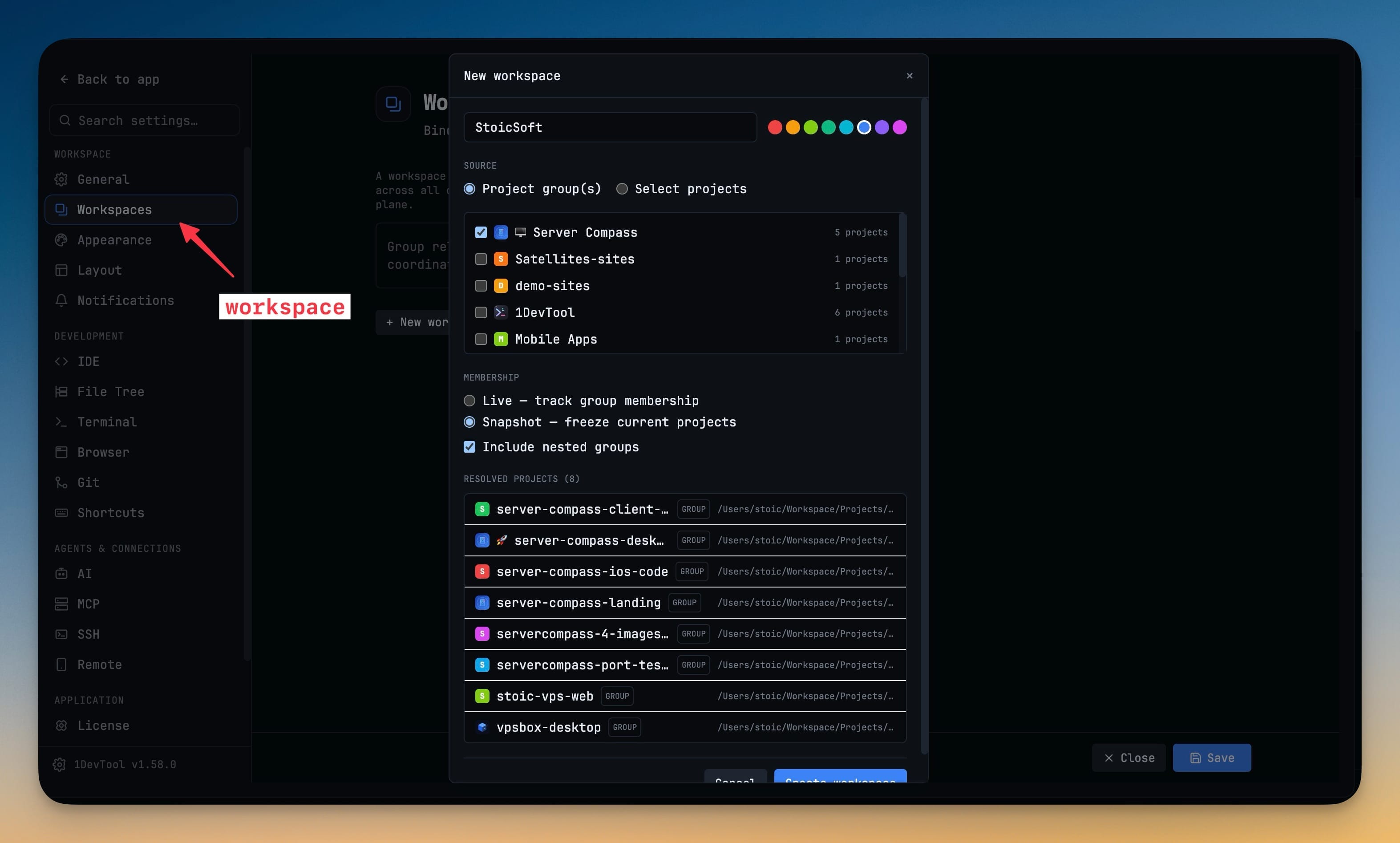
Work on multiple projects simultaneously with instant switching. Your entire workspace state—terminals, files, and layout—is preserved per project.

Smart File Explorer

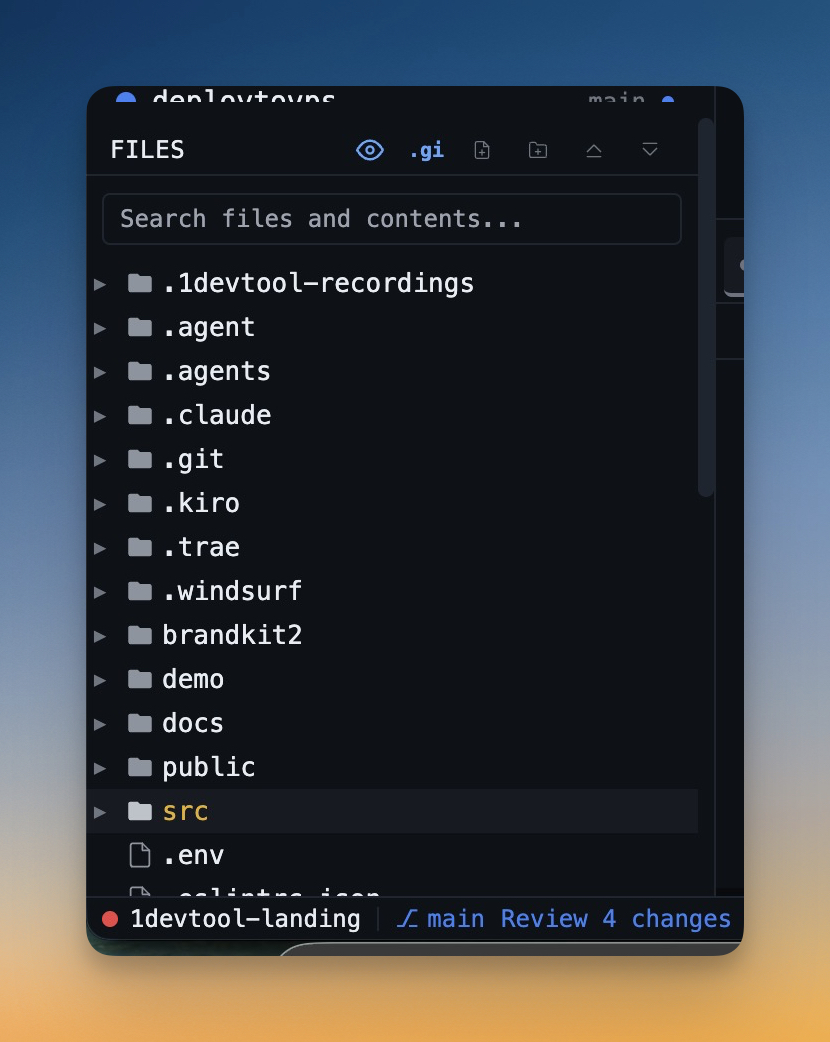
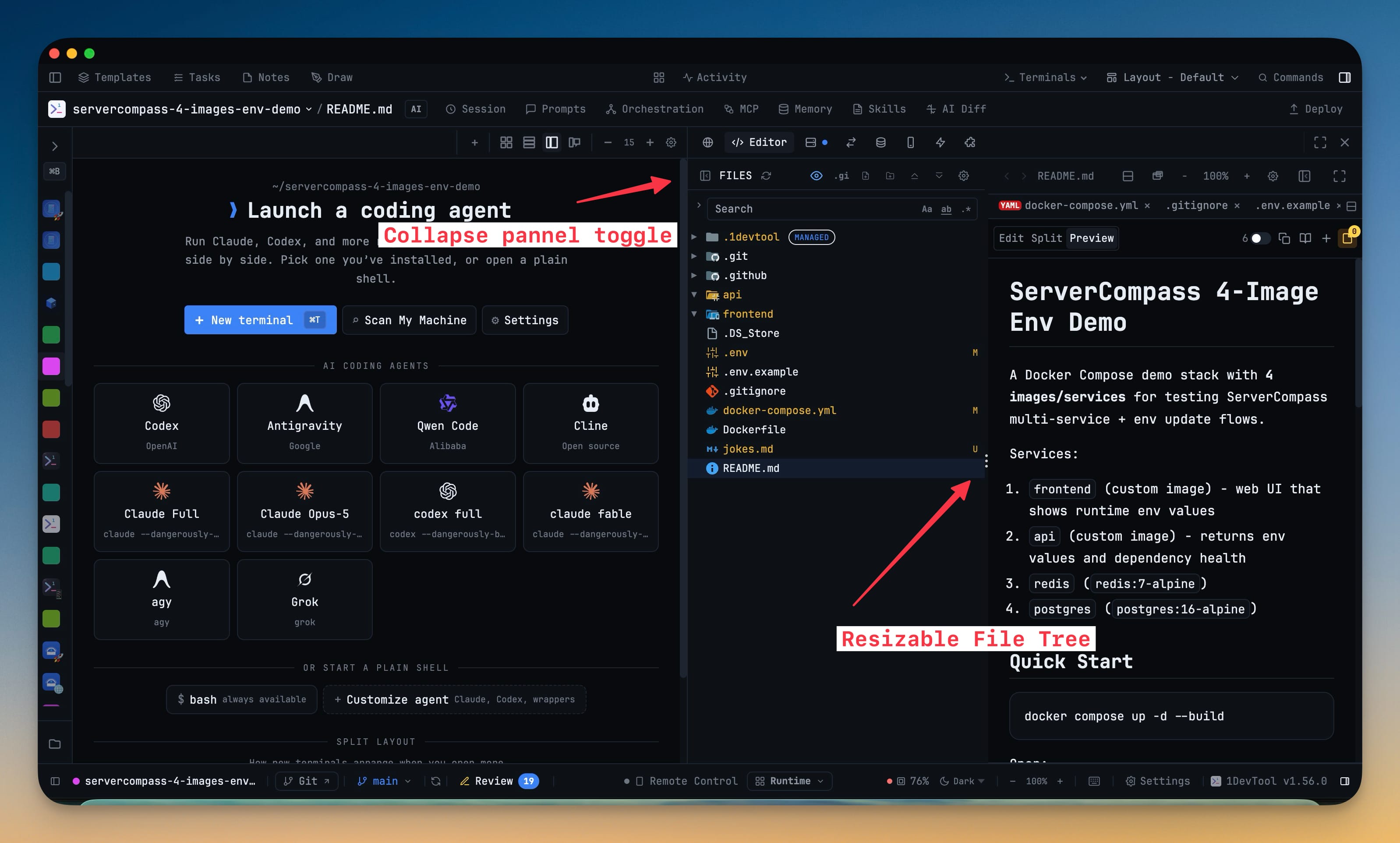
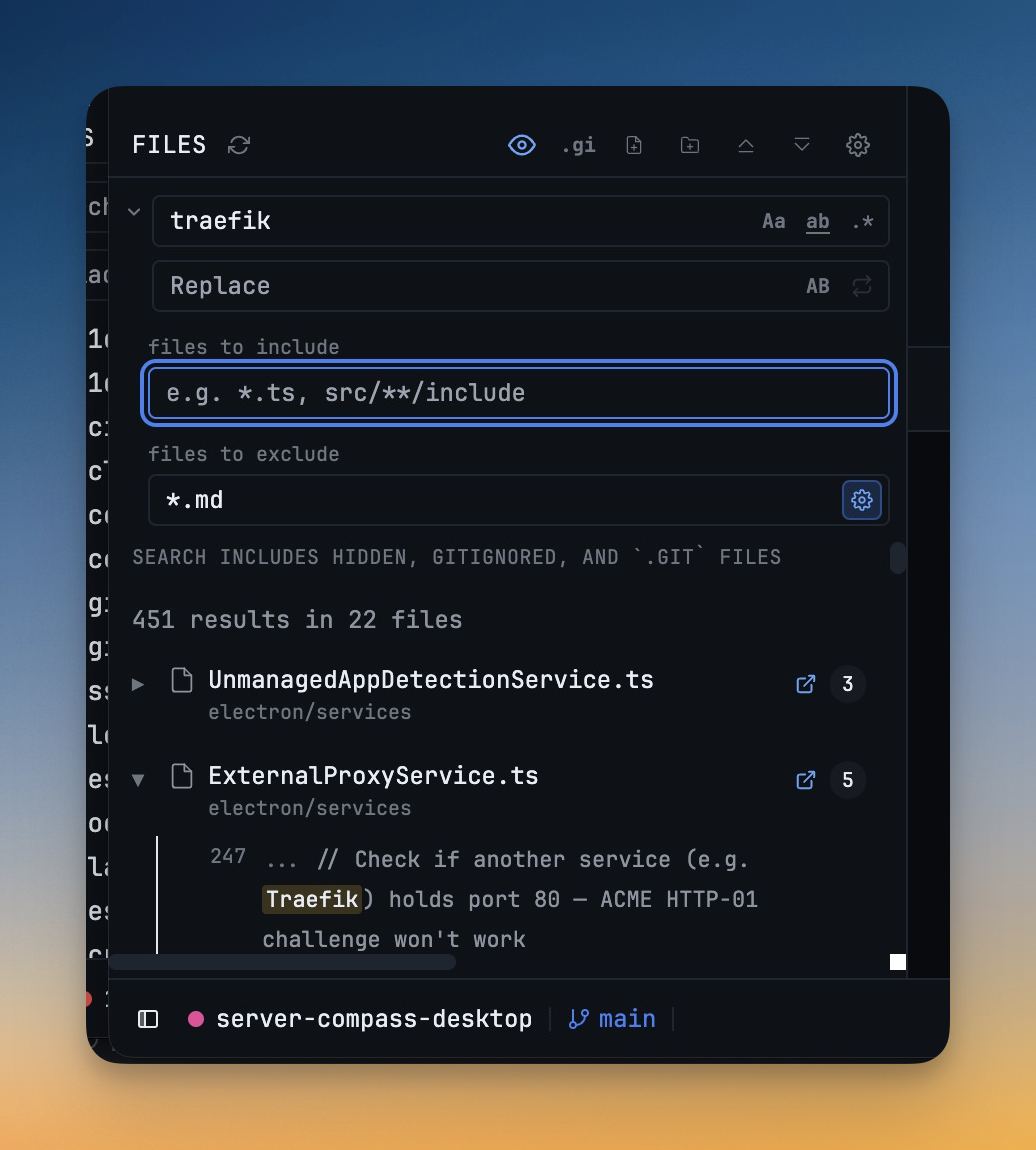
Browse your project files with a real-time tree view. Filter by file type, toggle hidden files, and respect .gitignore rules automatically.

Color-Coded Projects

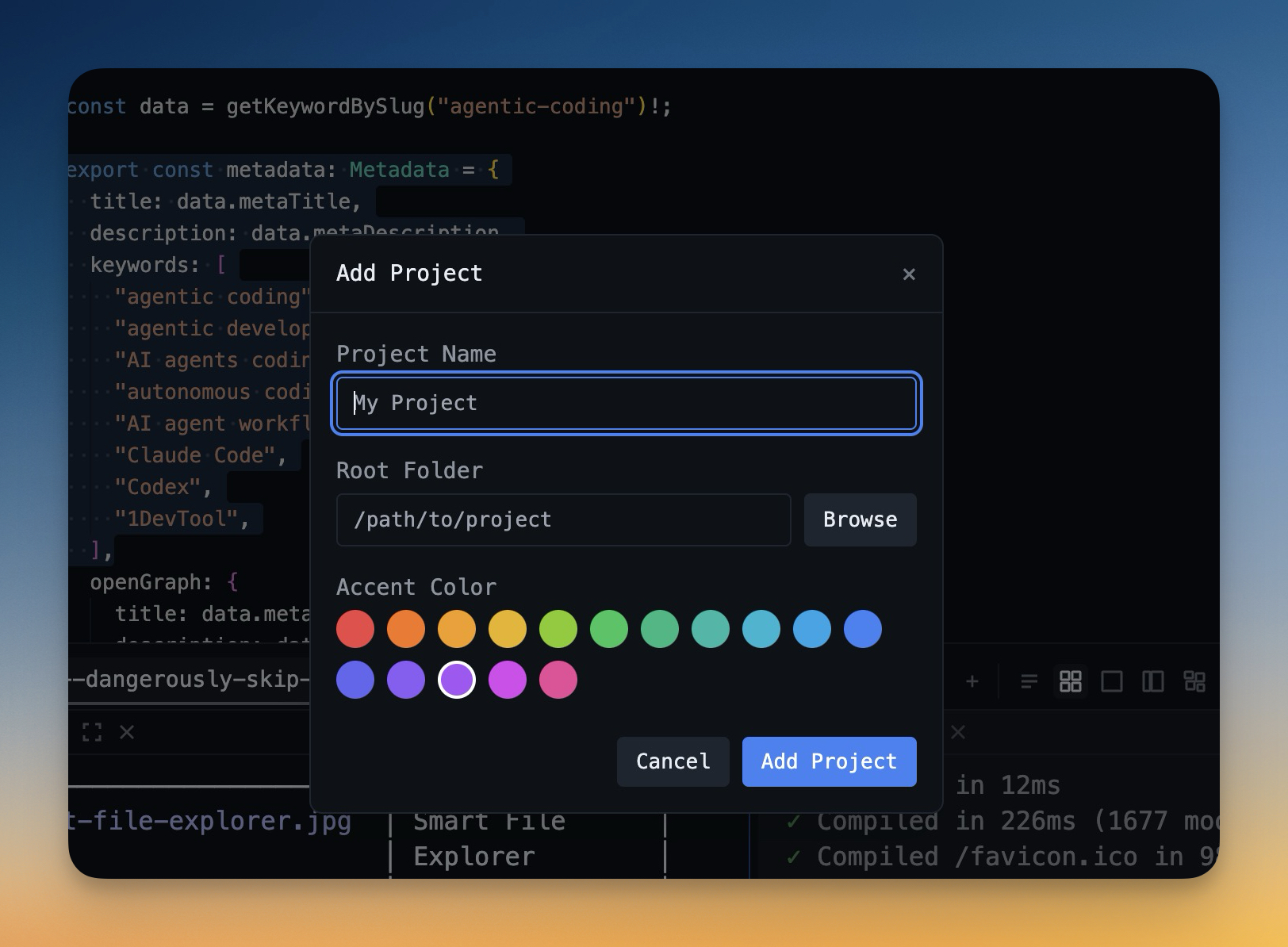
Assign accent colors to each project for quick visual identification when switching between multiple workspaces.

Git Branch Display

See your current git branch at a glance with automatic detection and display in the status bar.

Powerful Terminals

Multiple terminals with real PTY support

Real Terminal Emulation

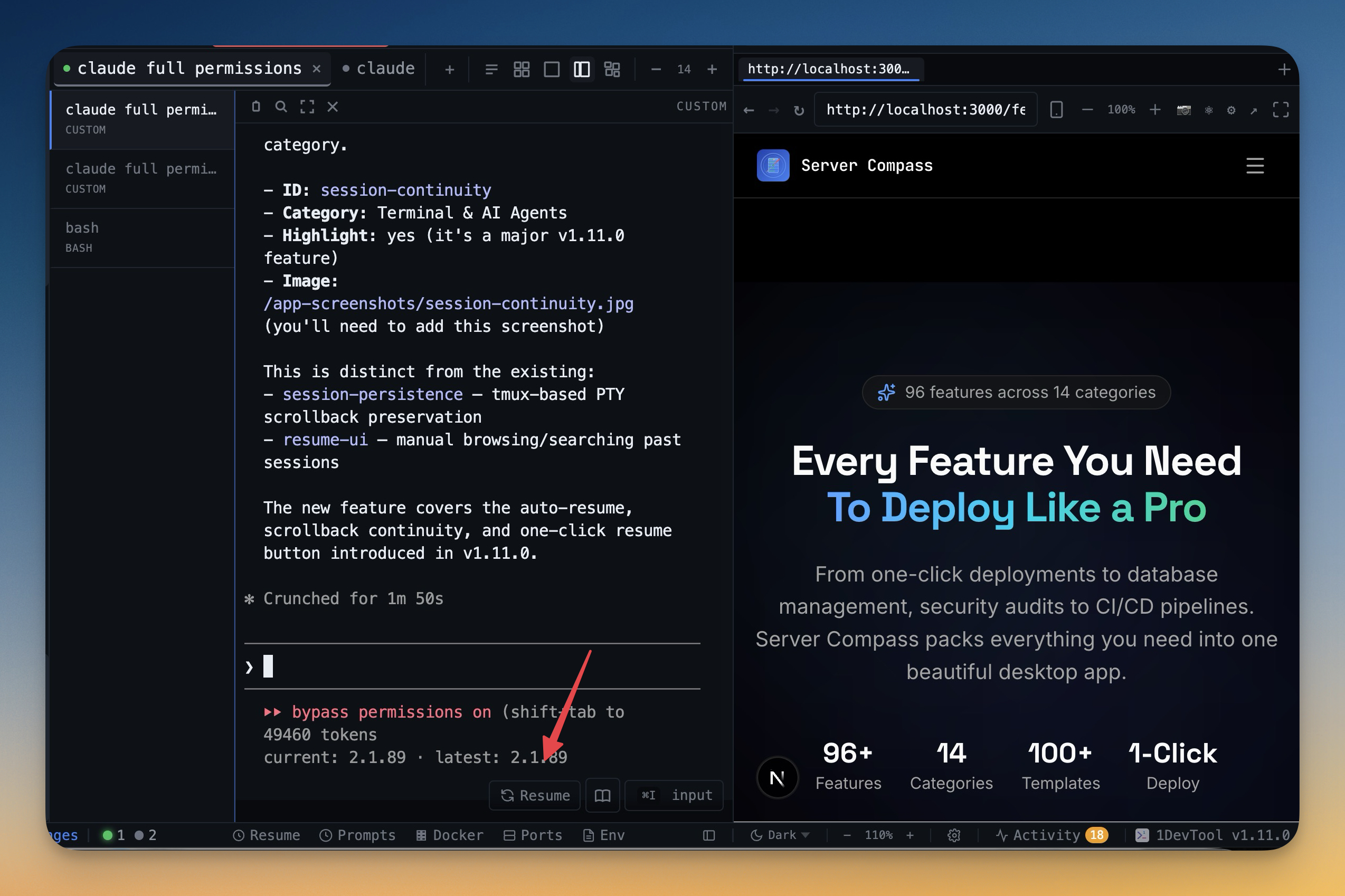
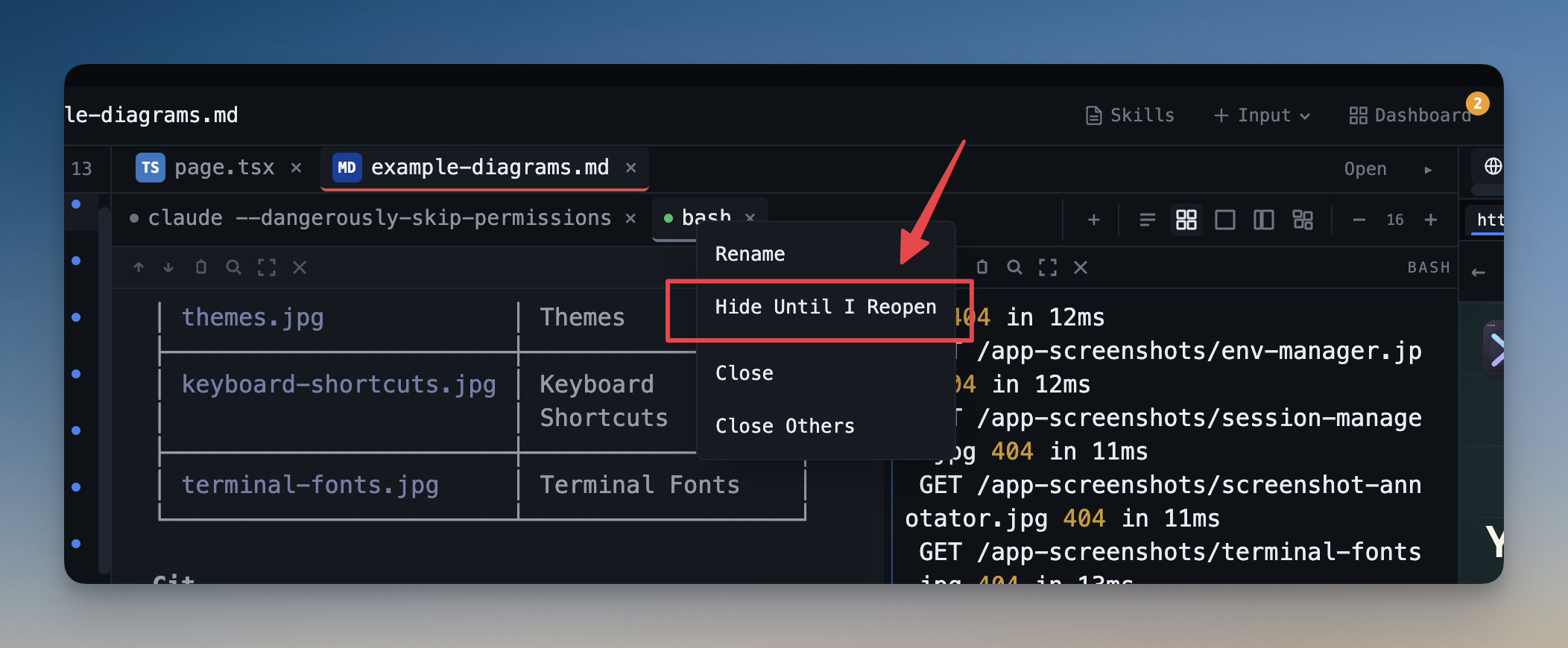
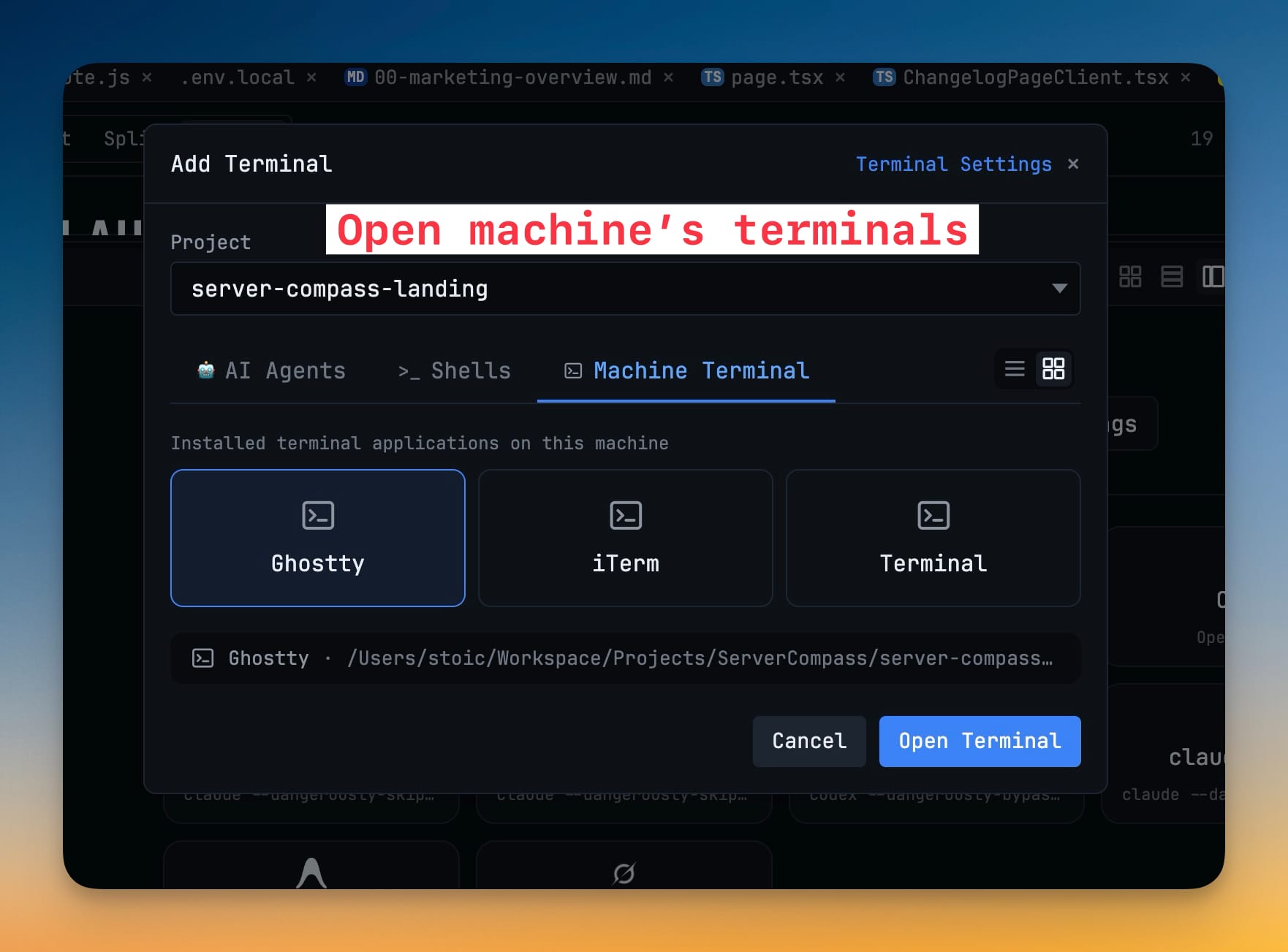
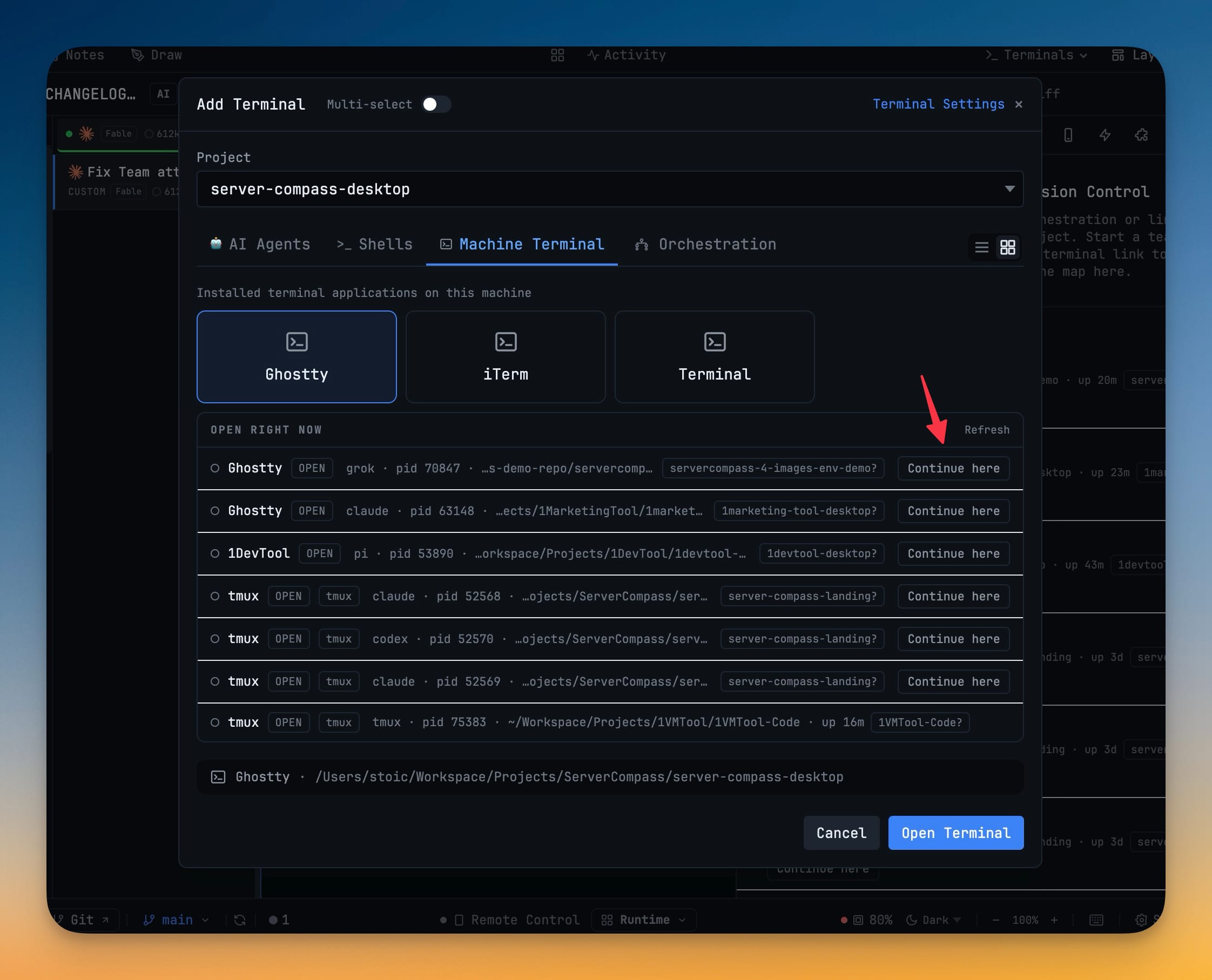
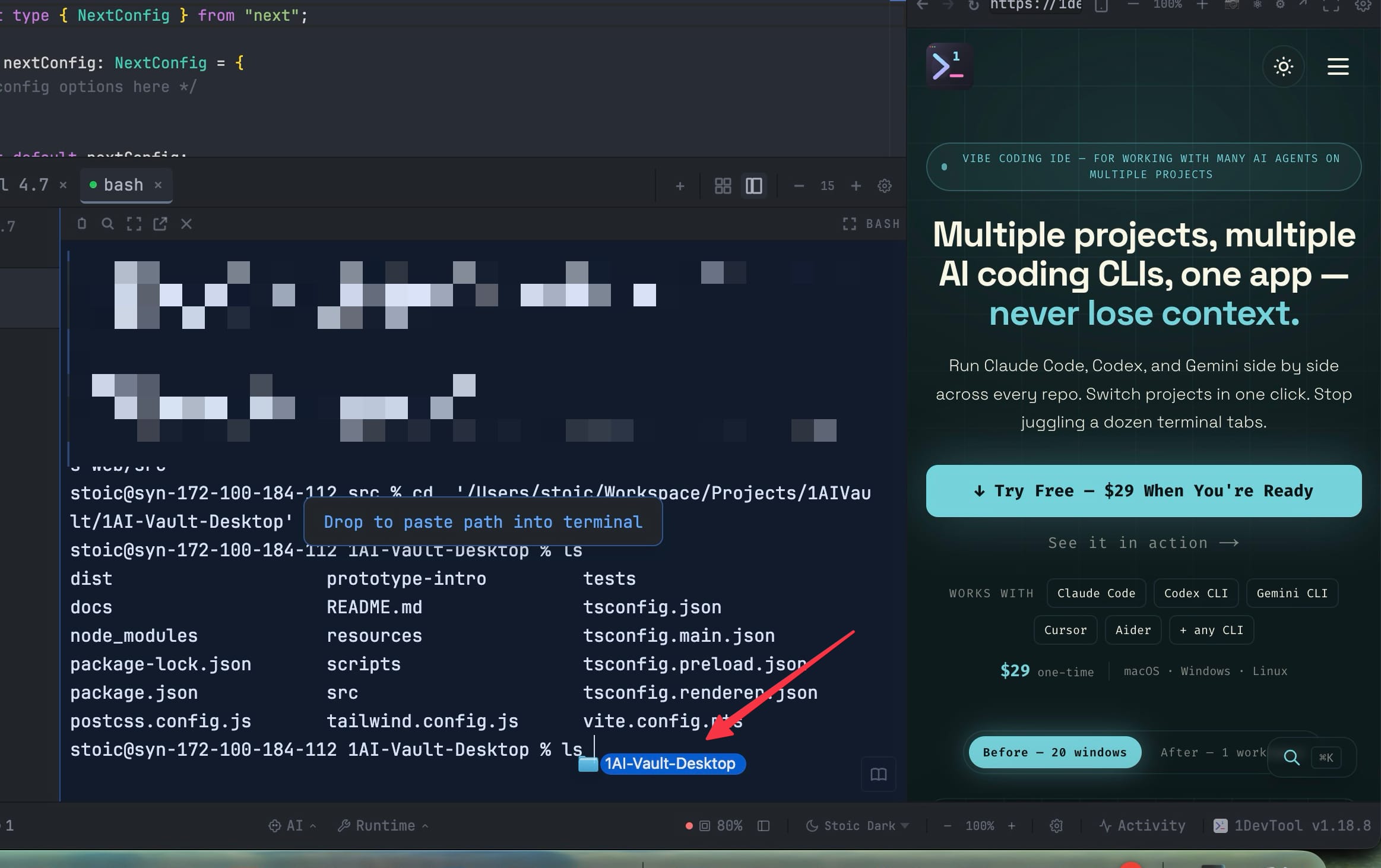
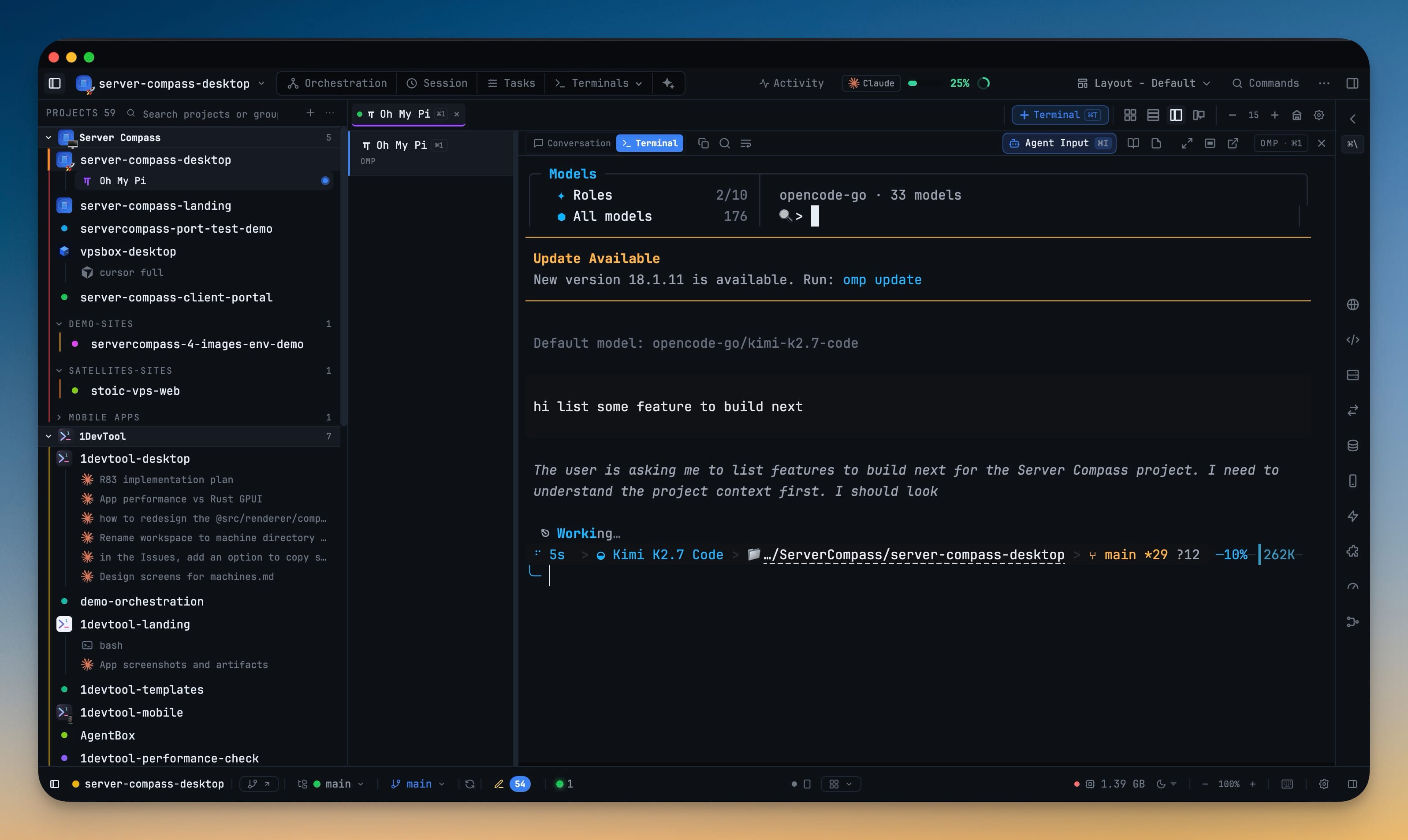
Full PTY terminals powered by node-pty and xterm.js. Run vim, htop, and any interactive program just like in a native terminal.

AI Agent Integration

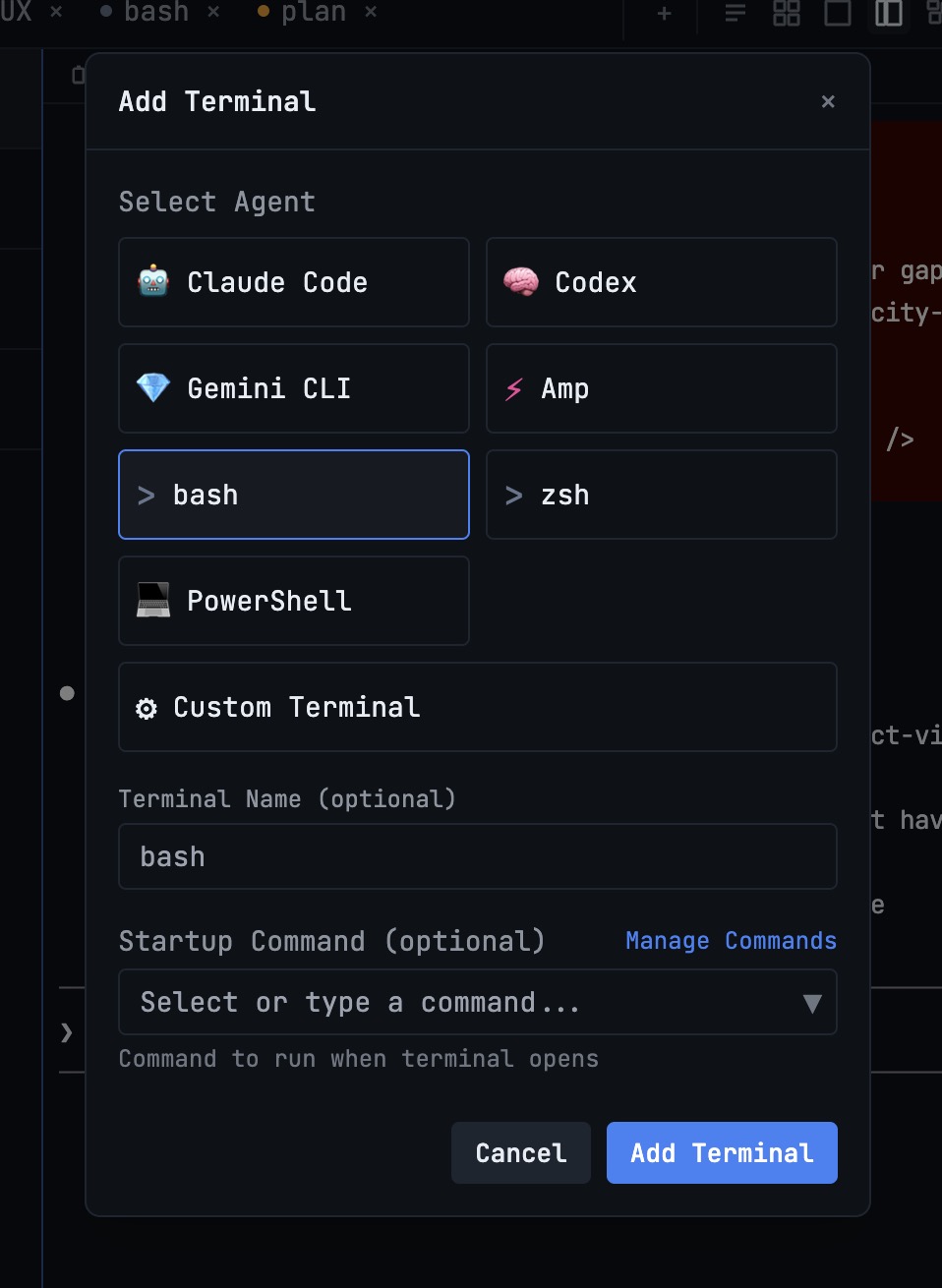
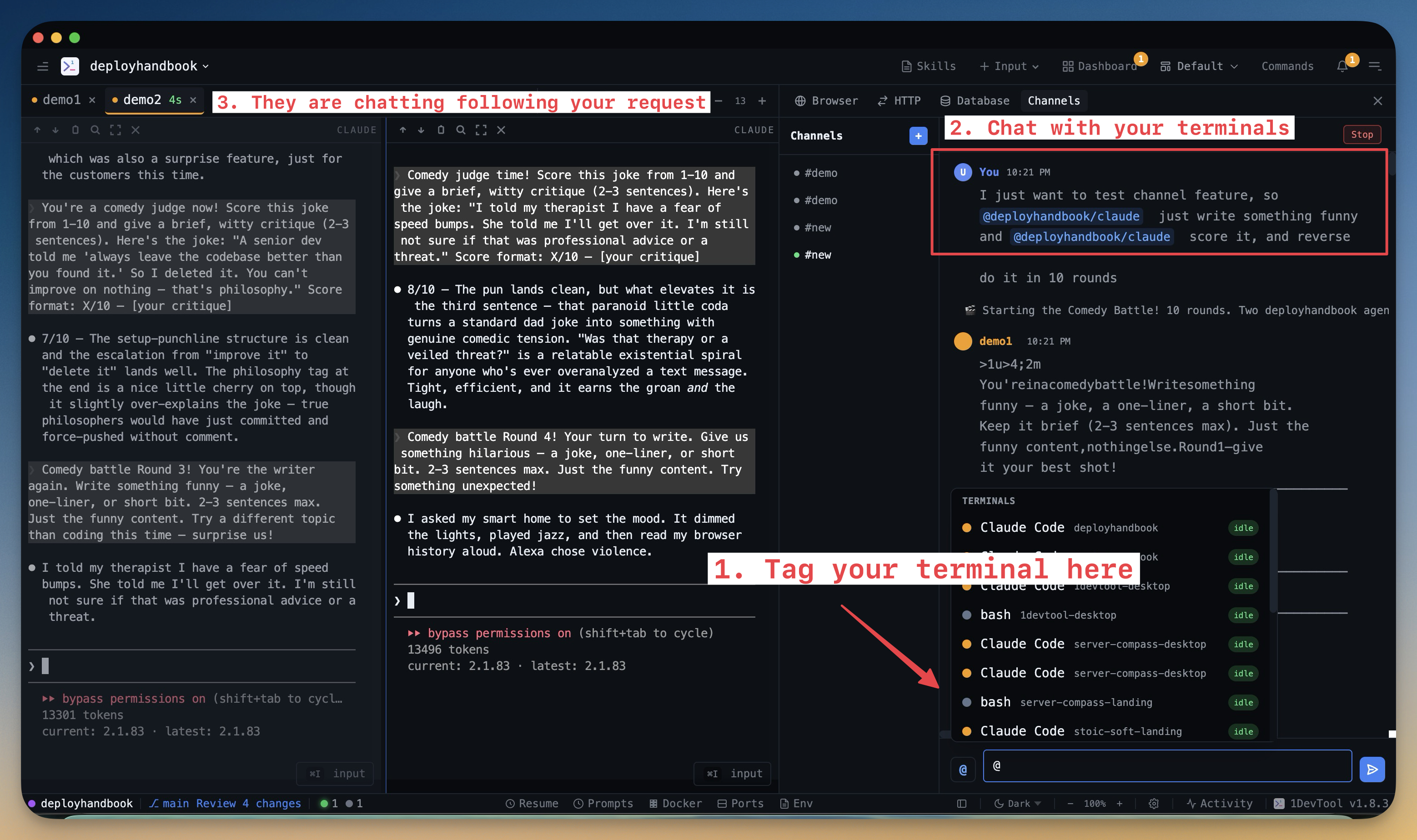
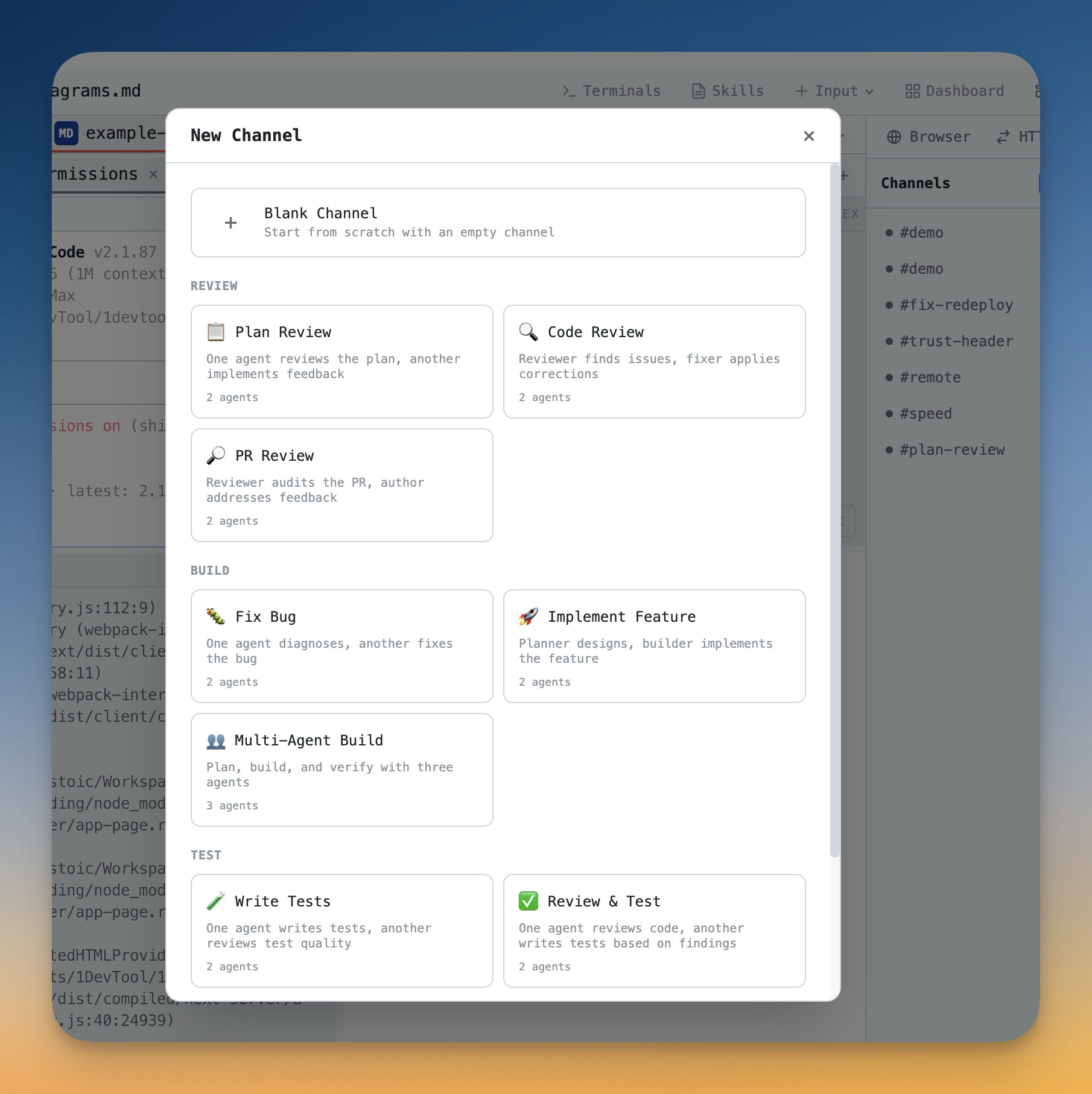
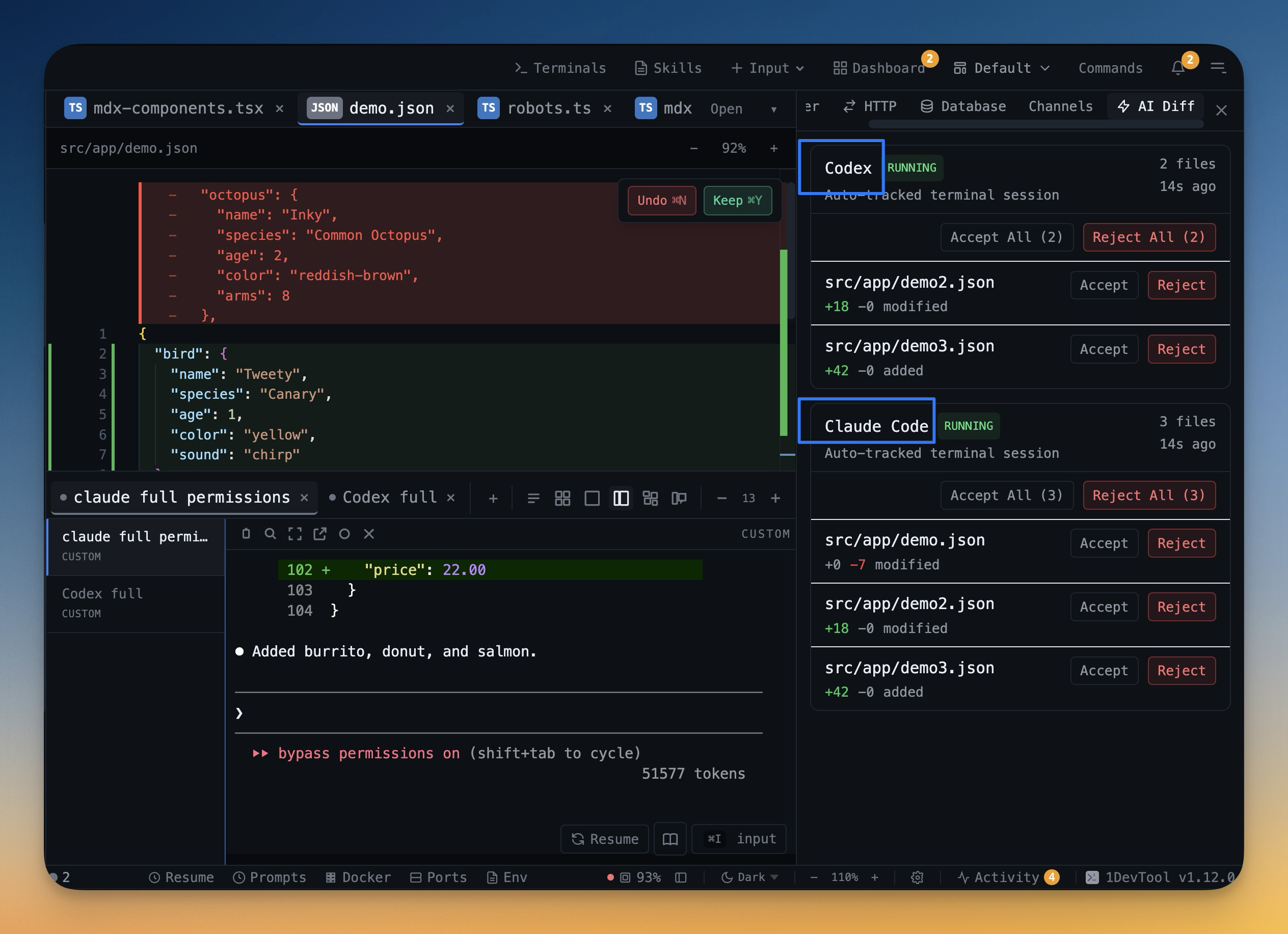
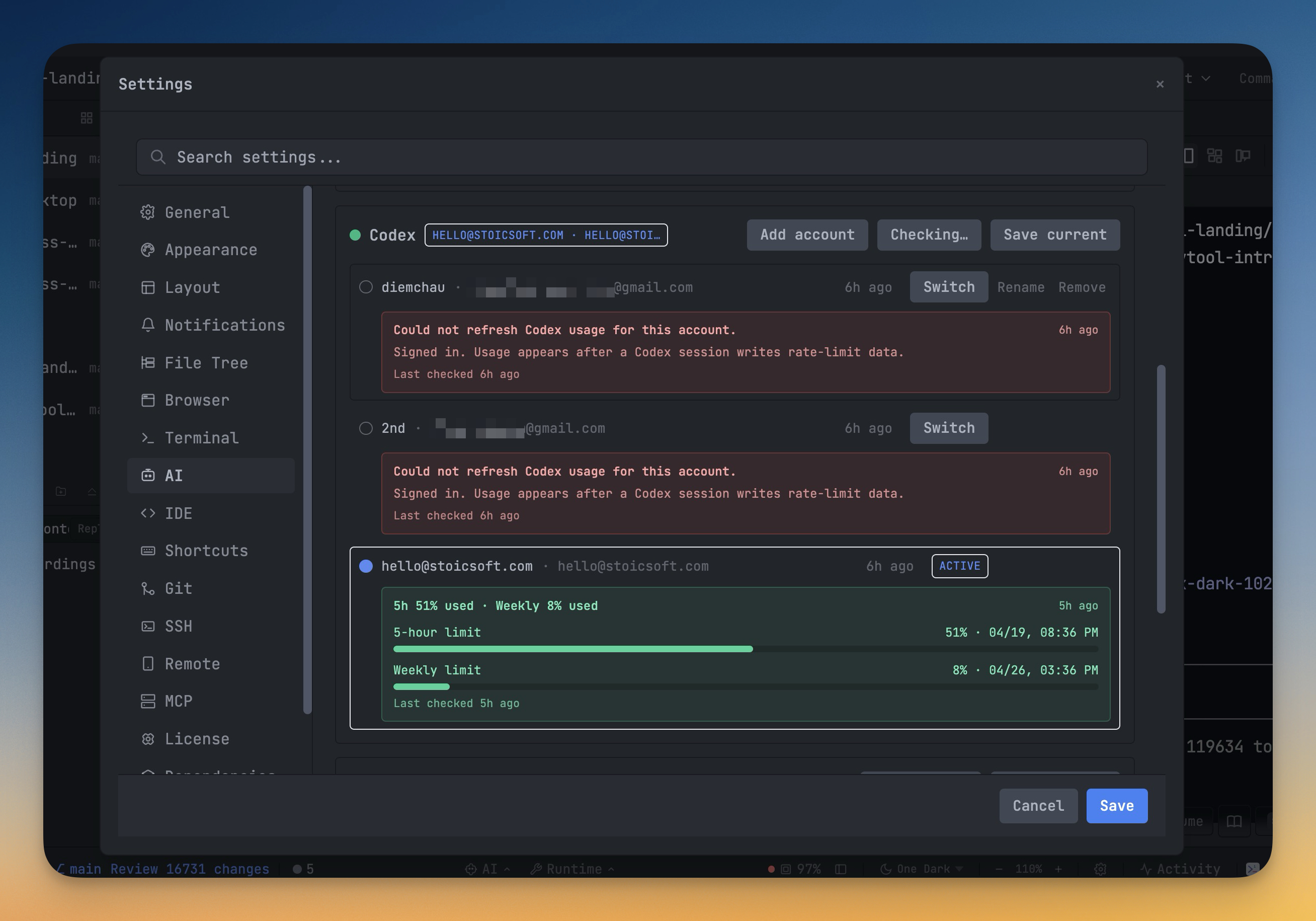
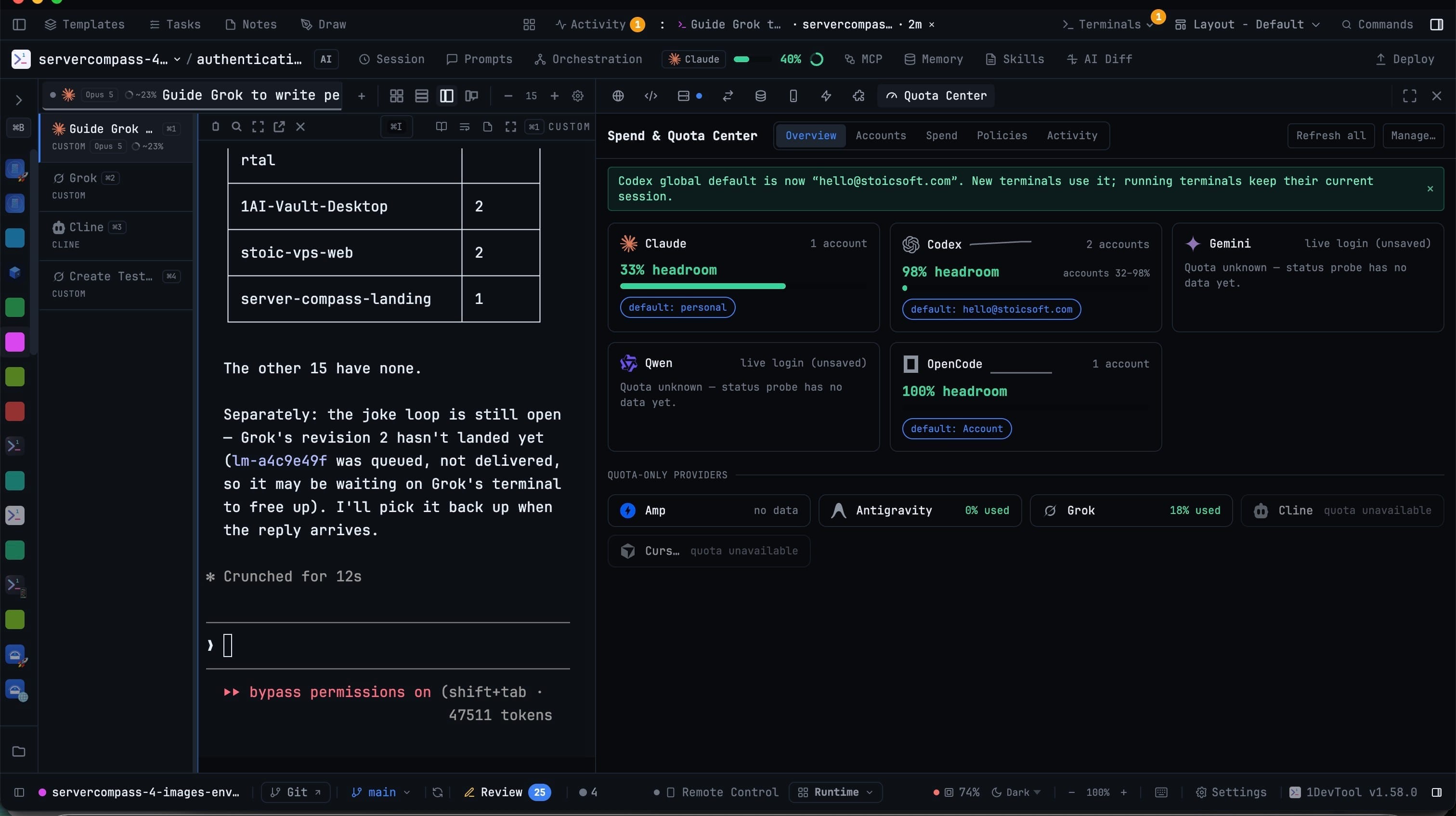
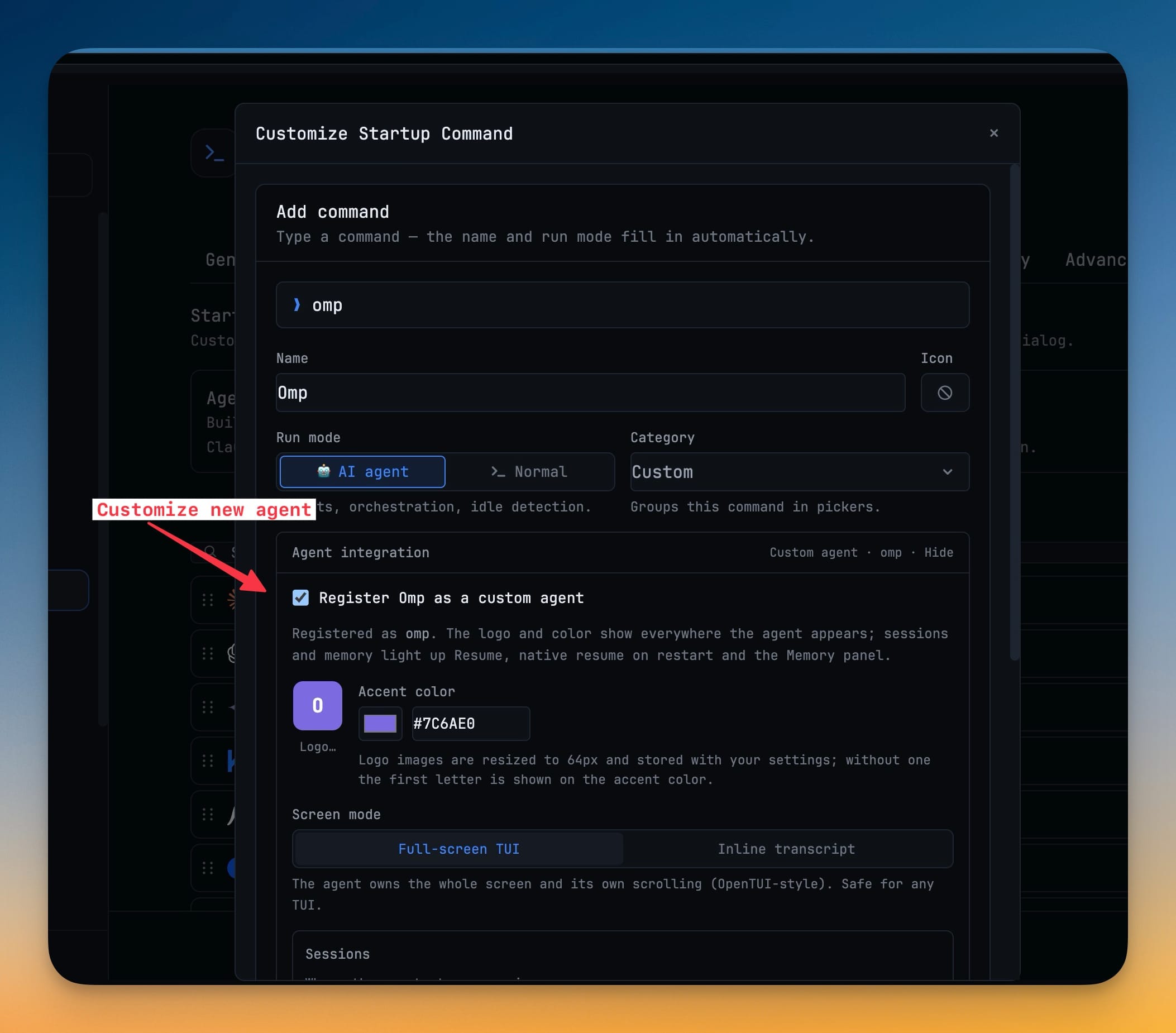
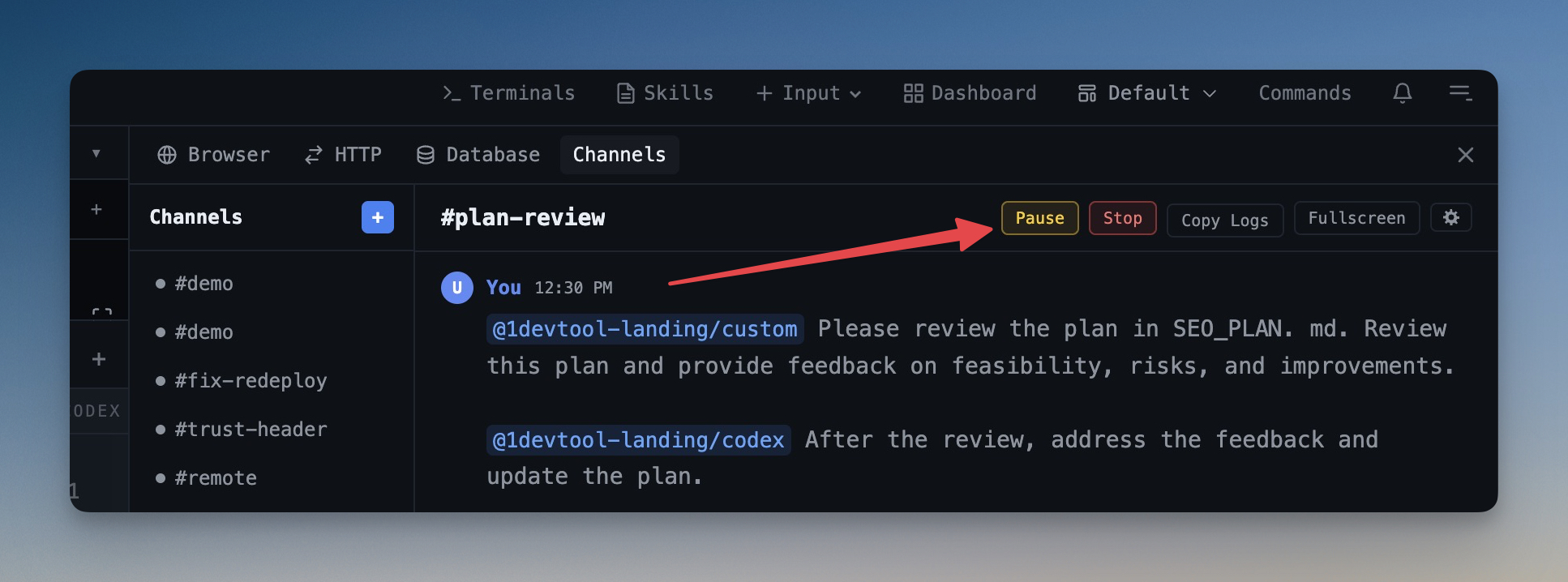
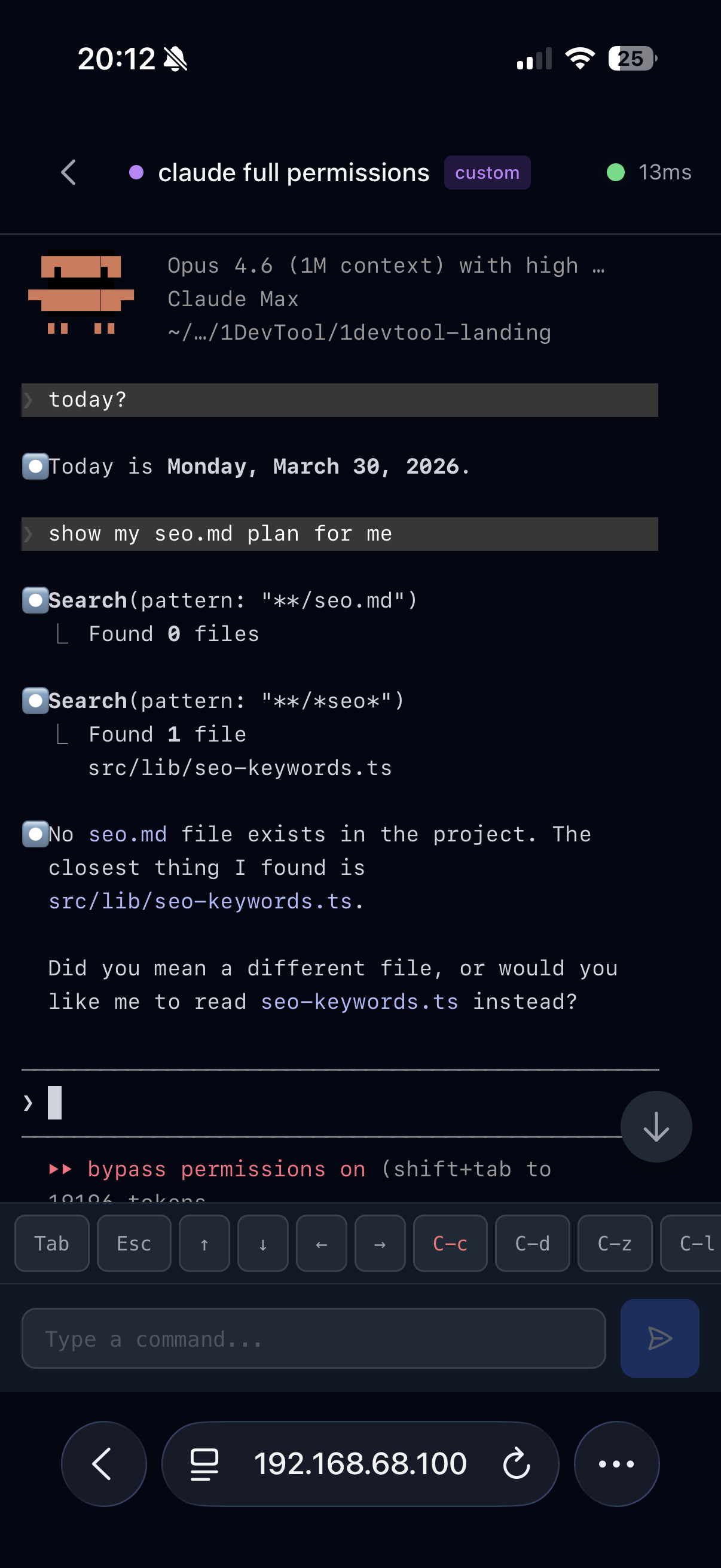
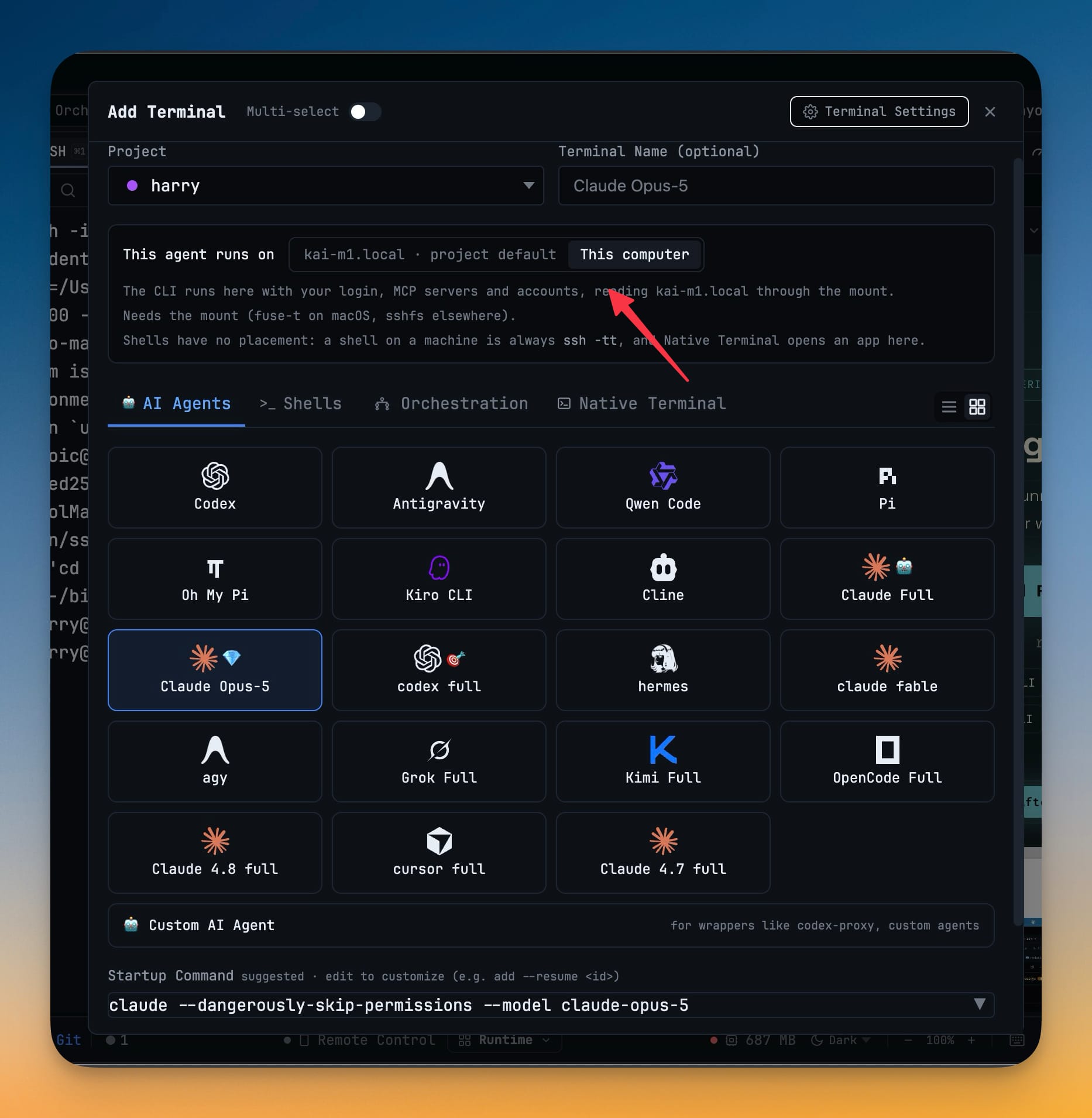
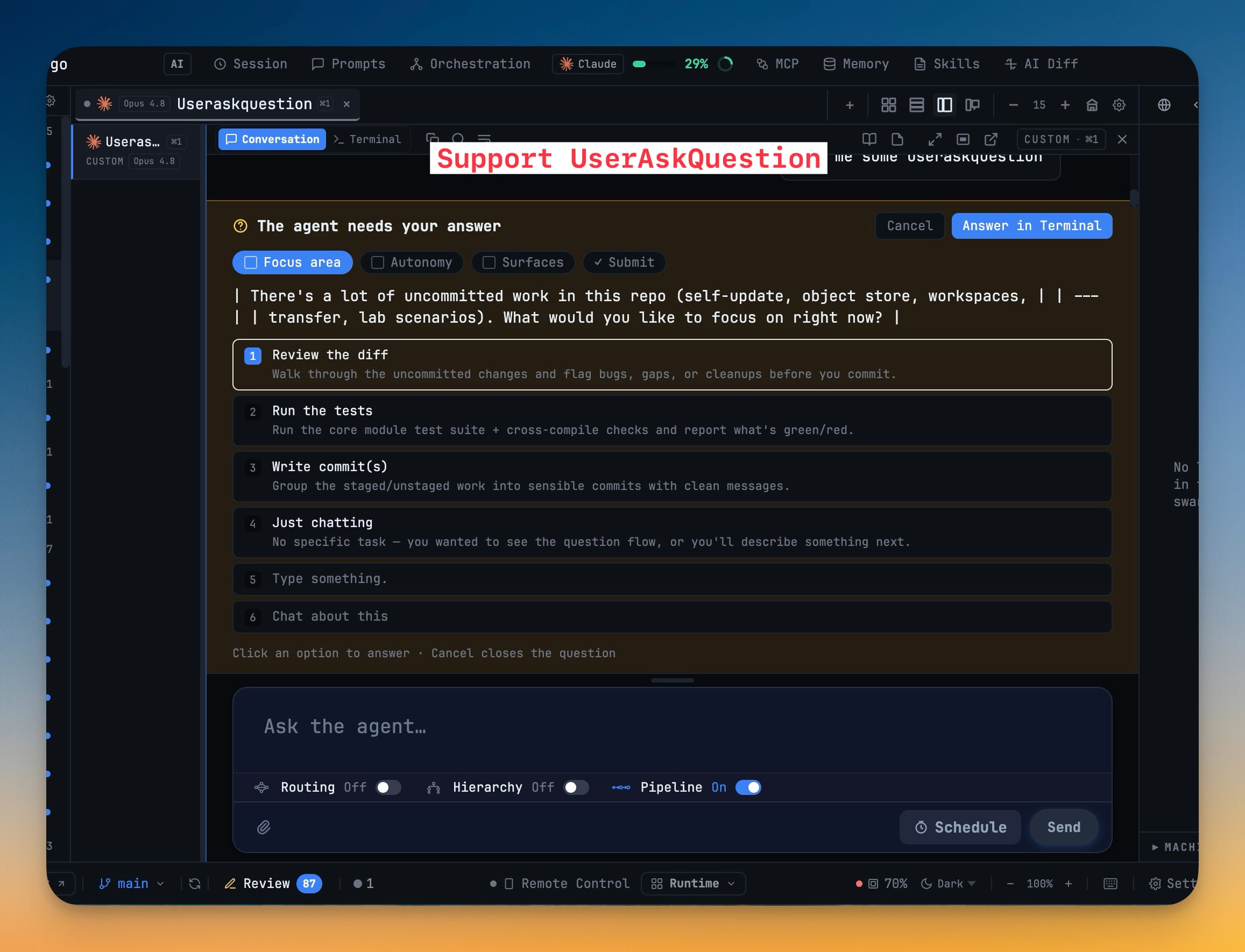
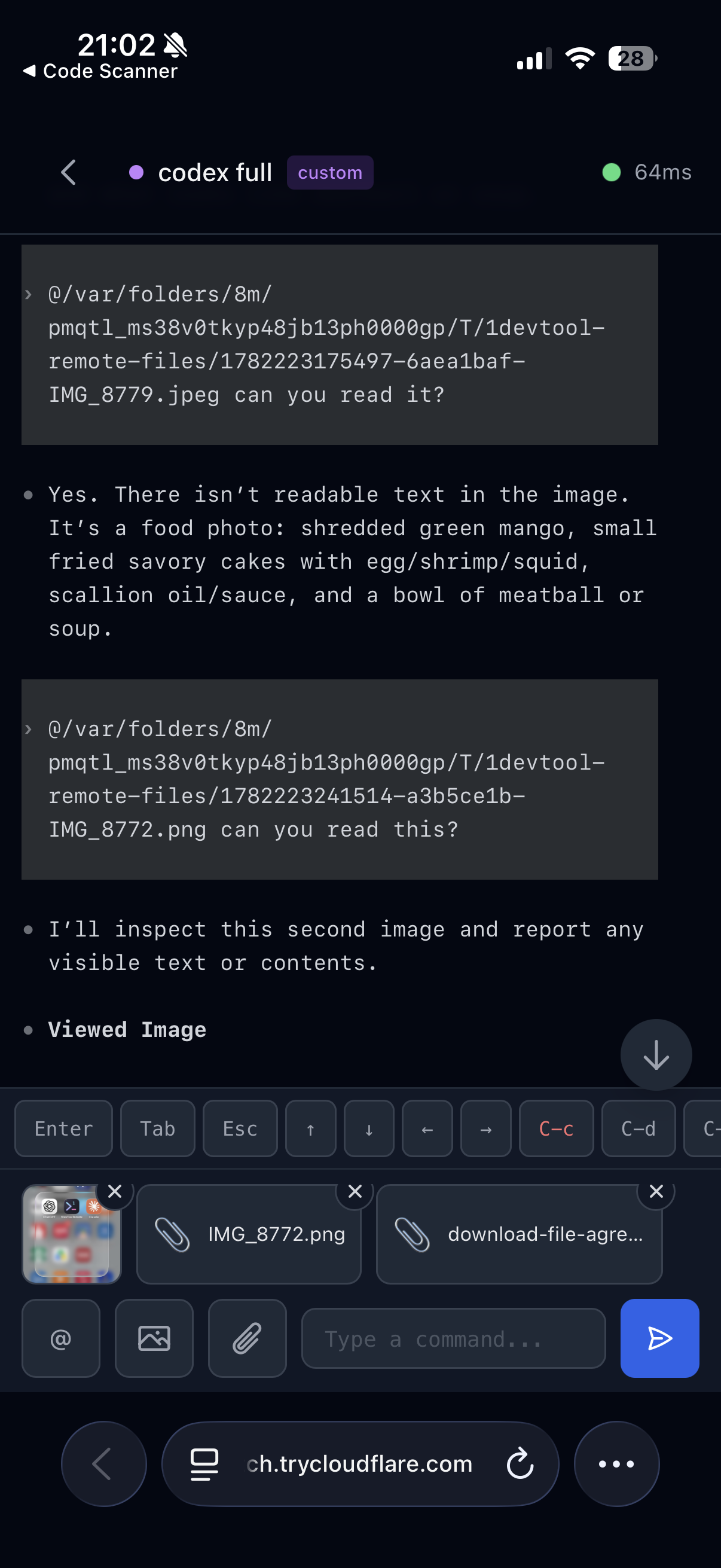
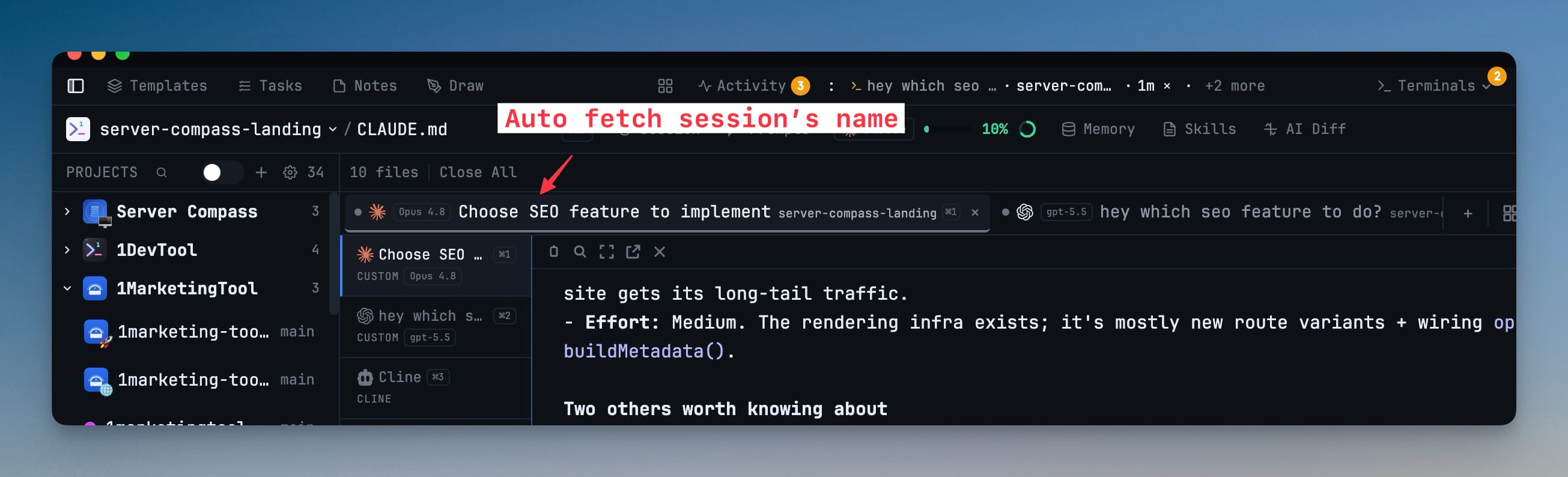
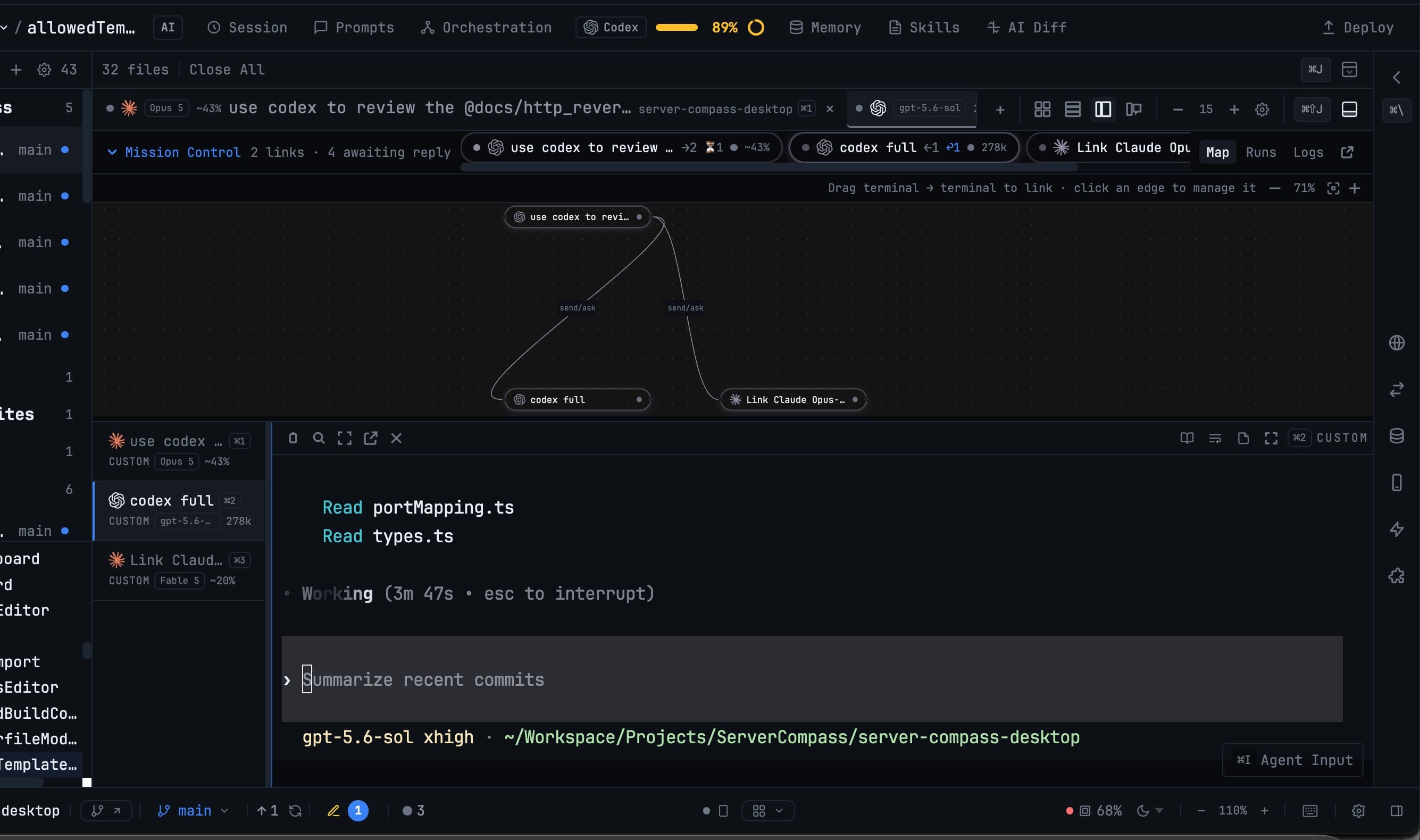
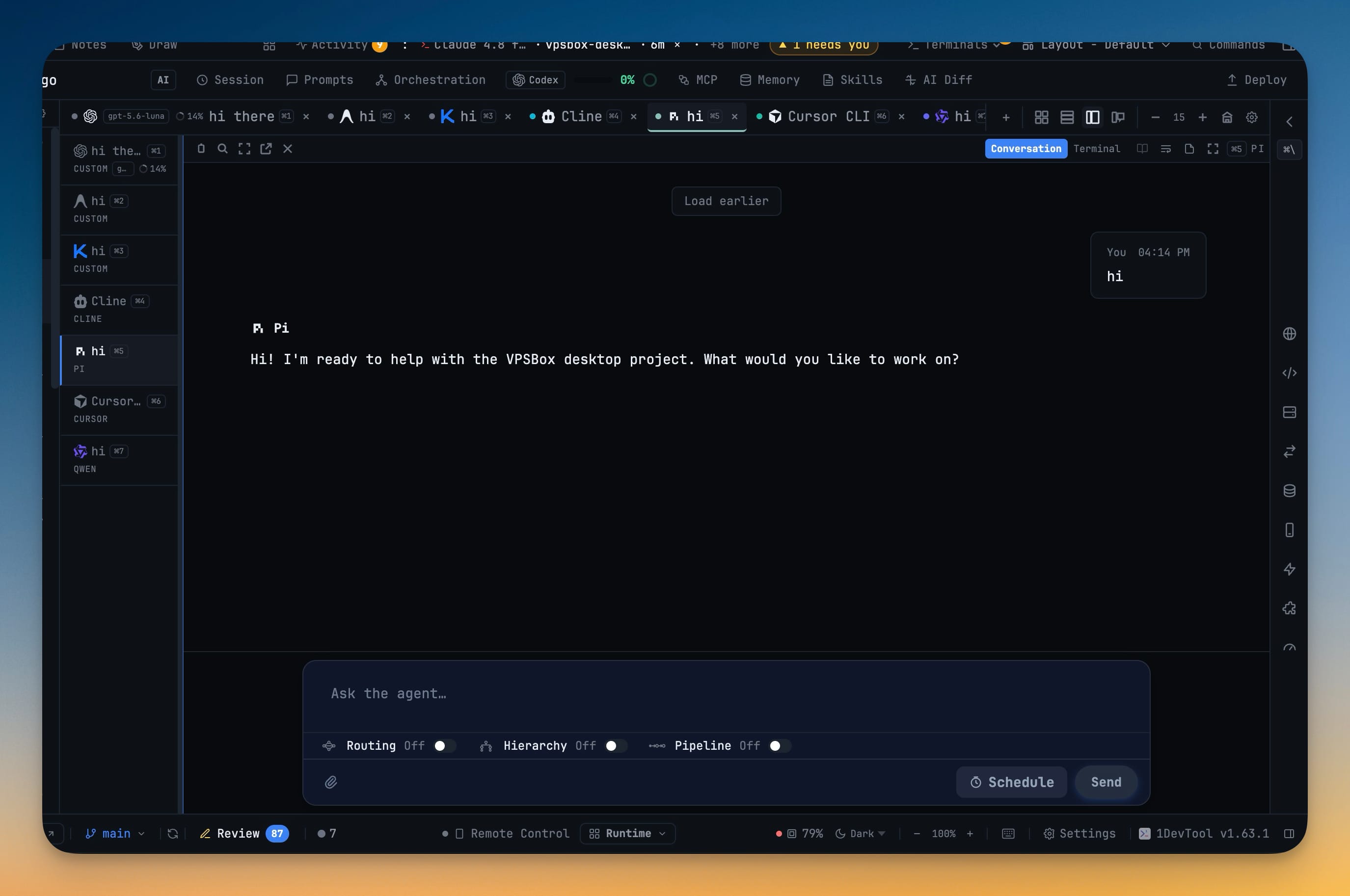
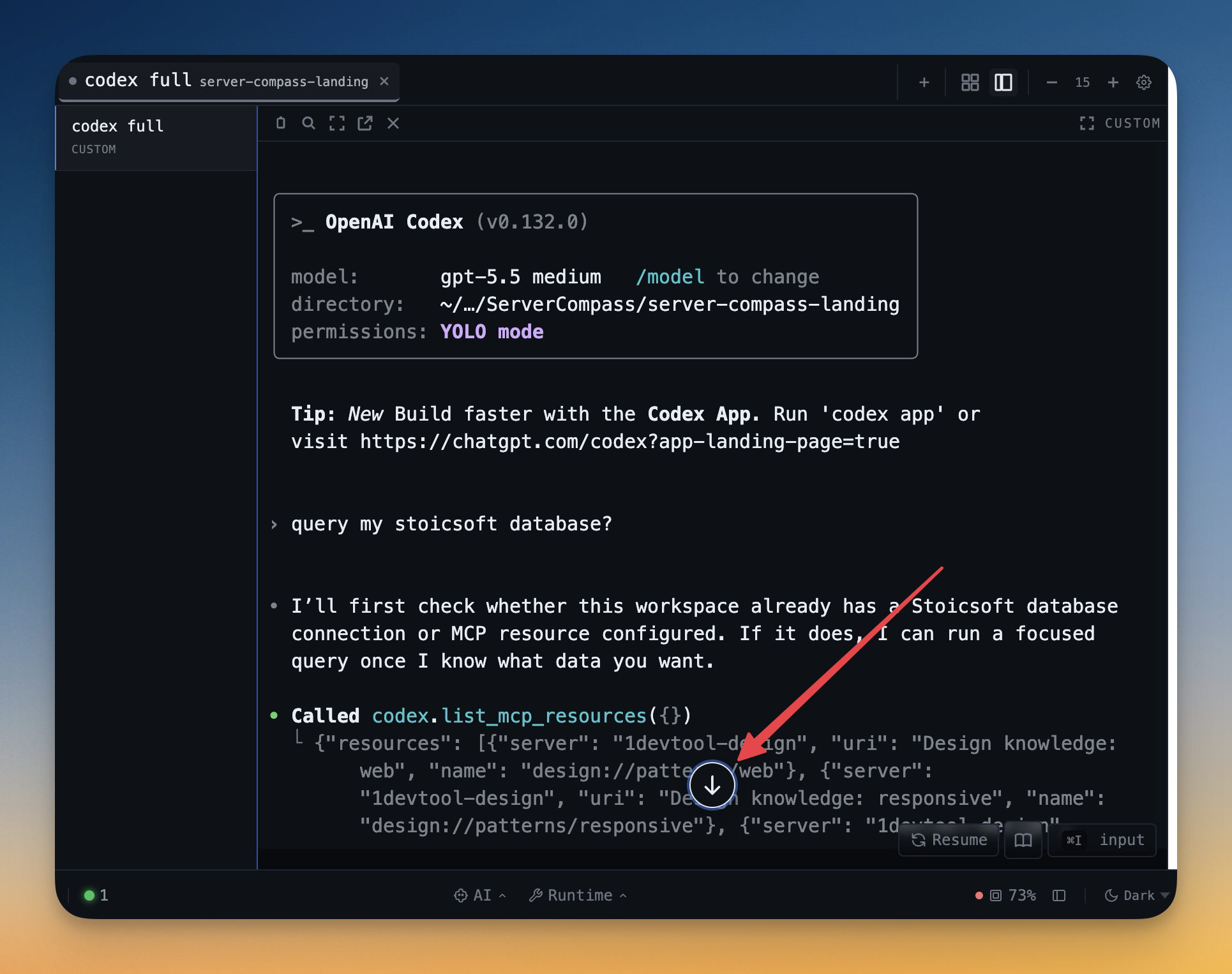
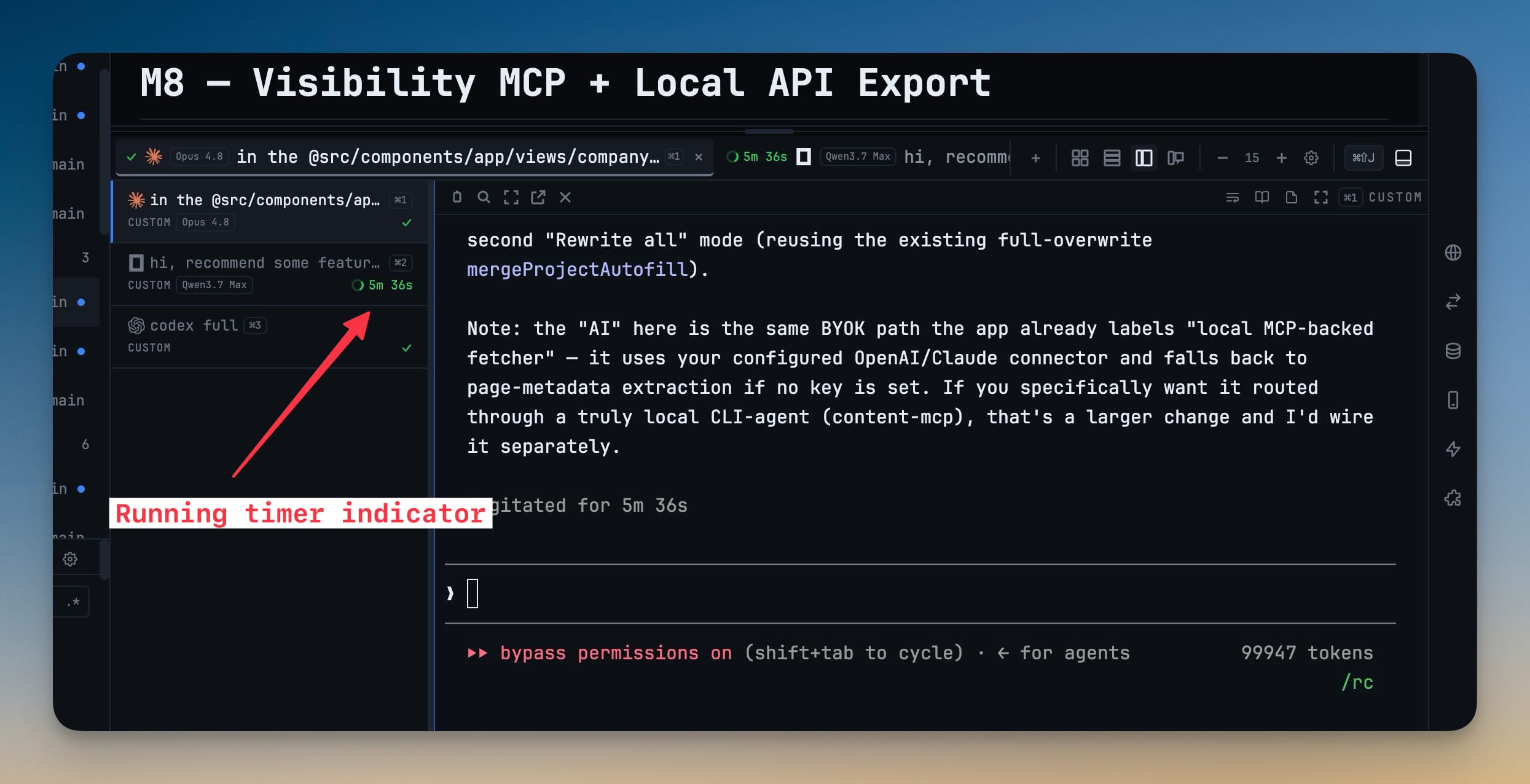
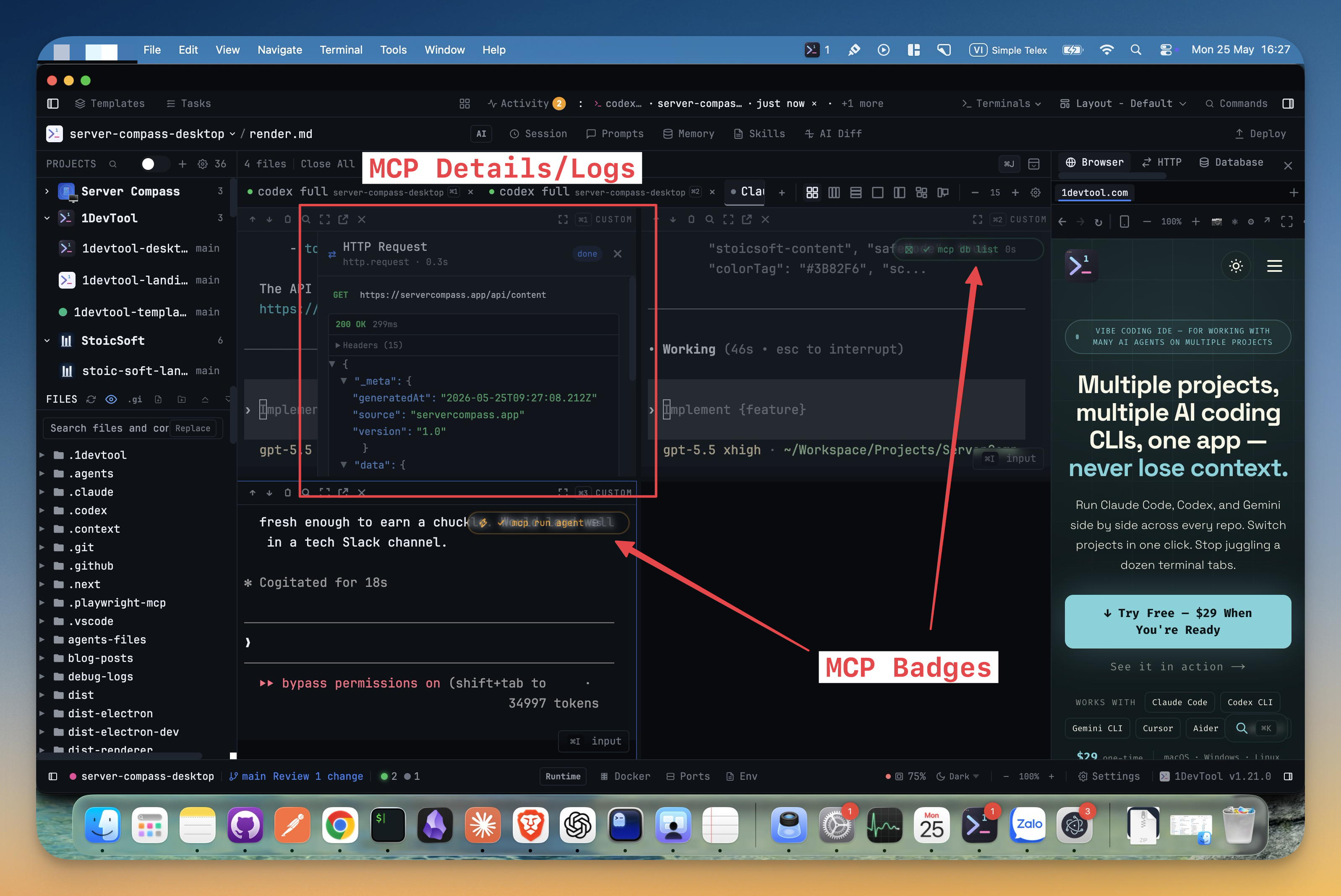
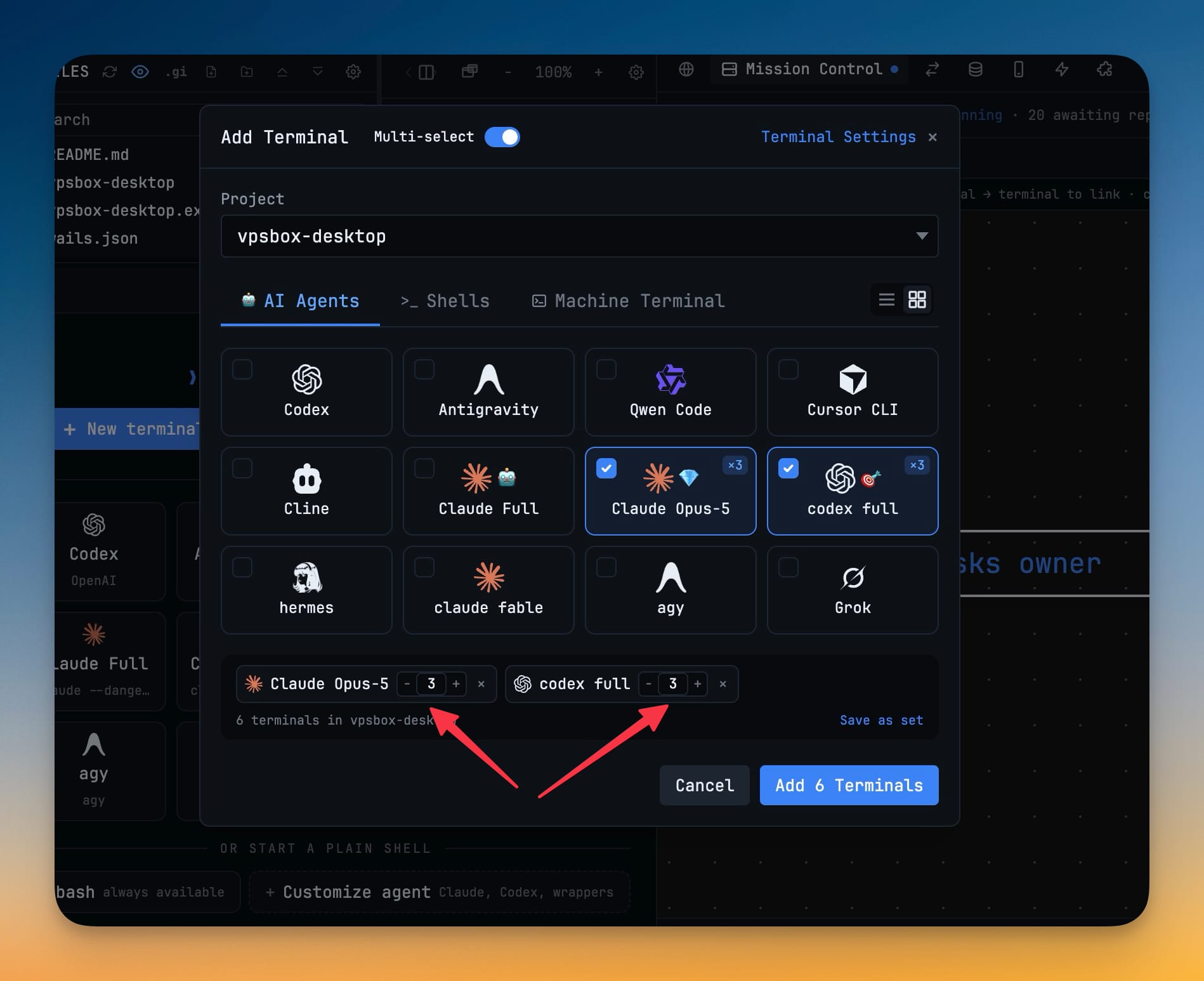
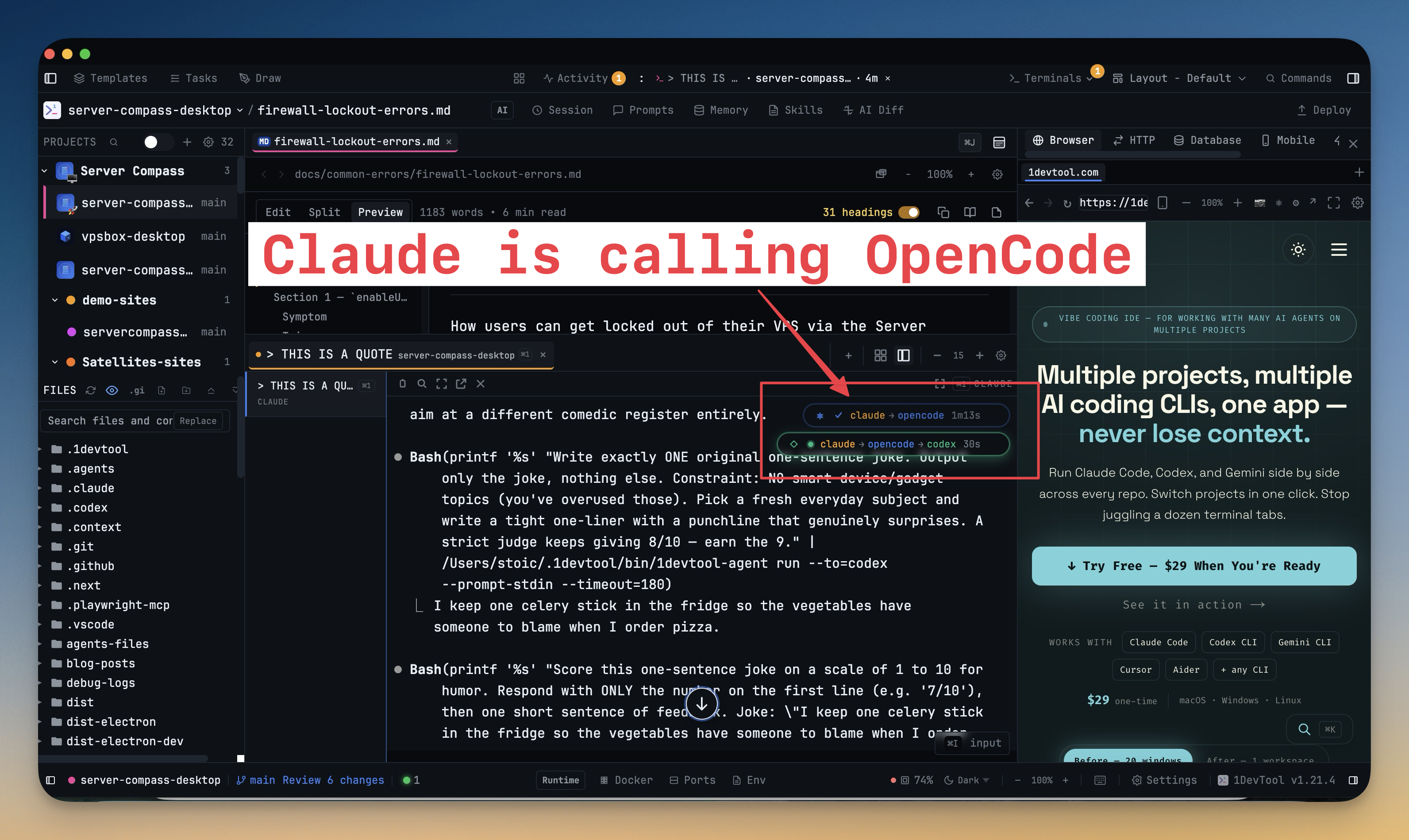
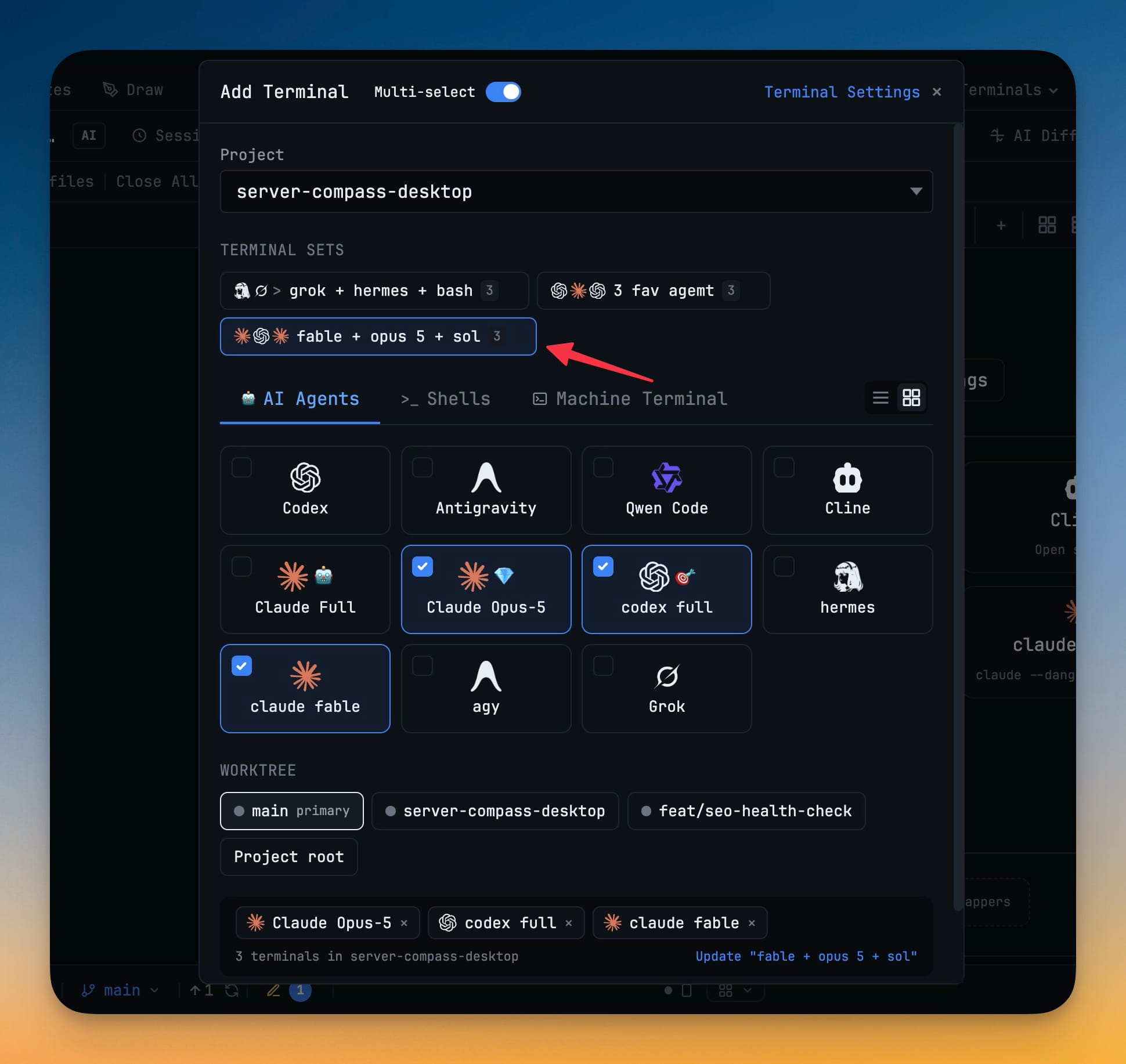
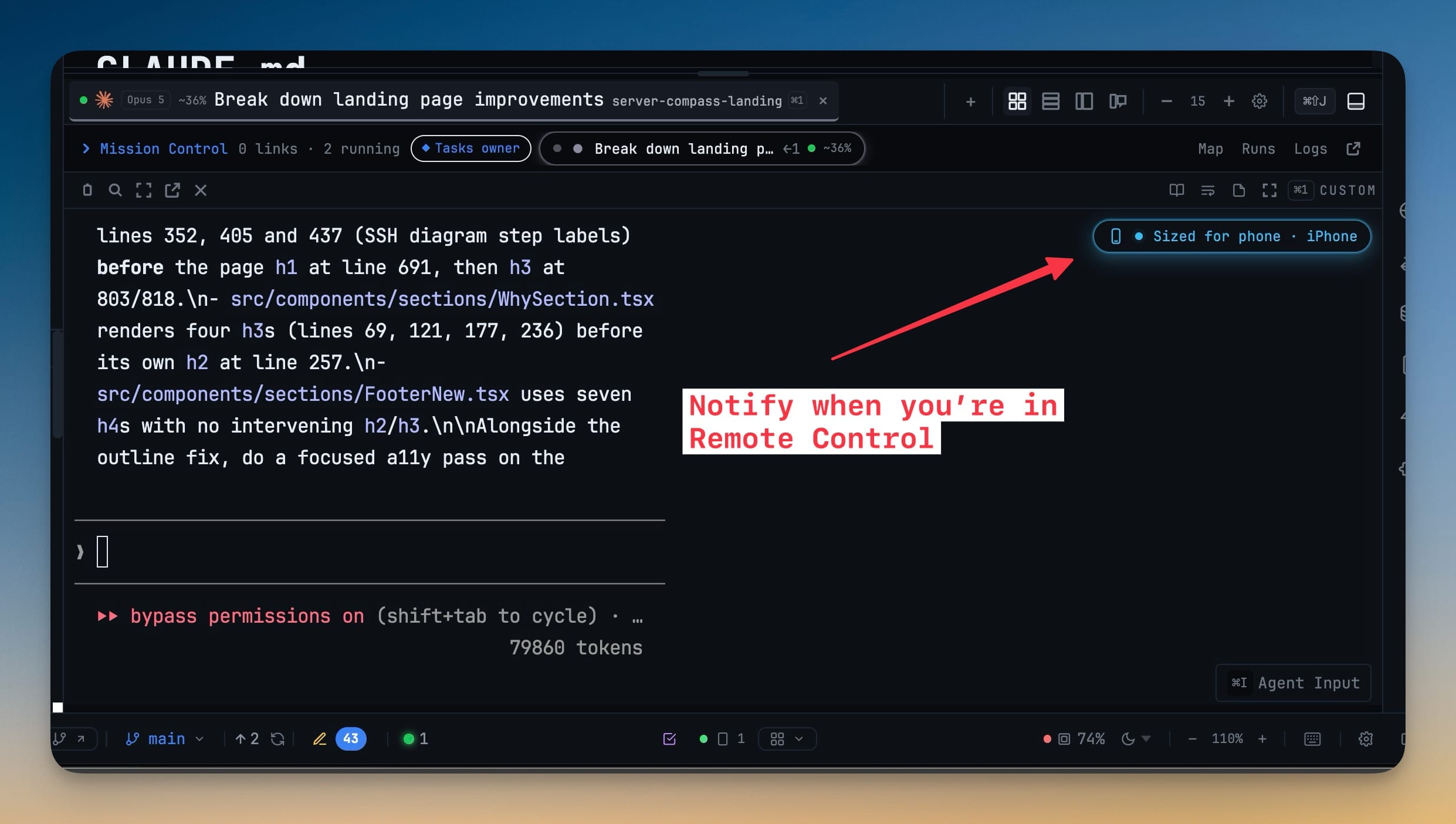
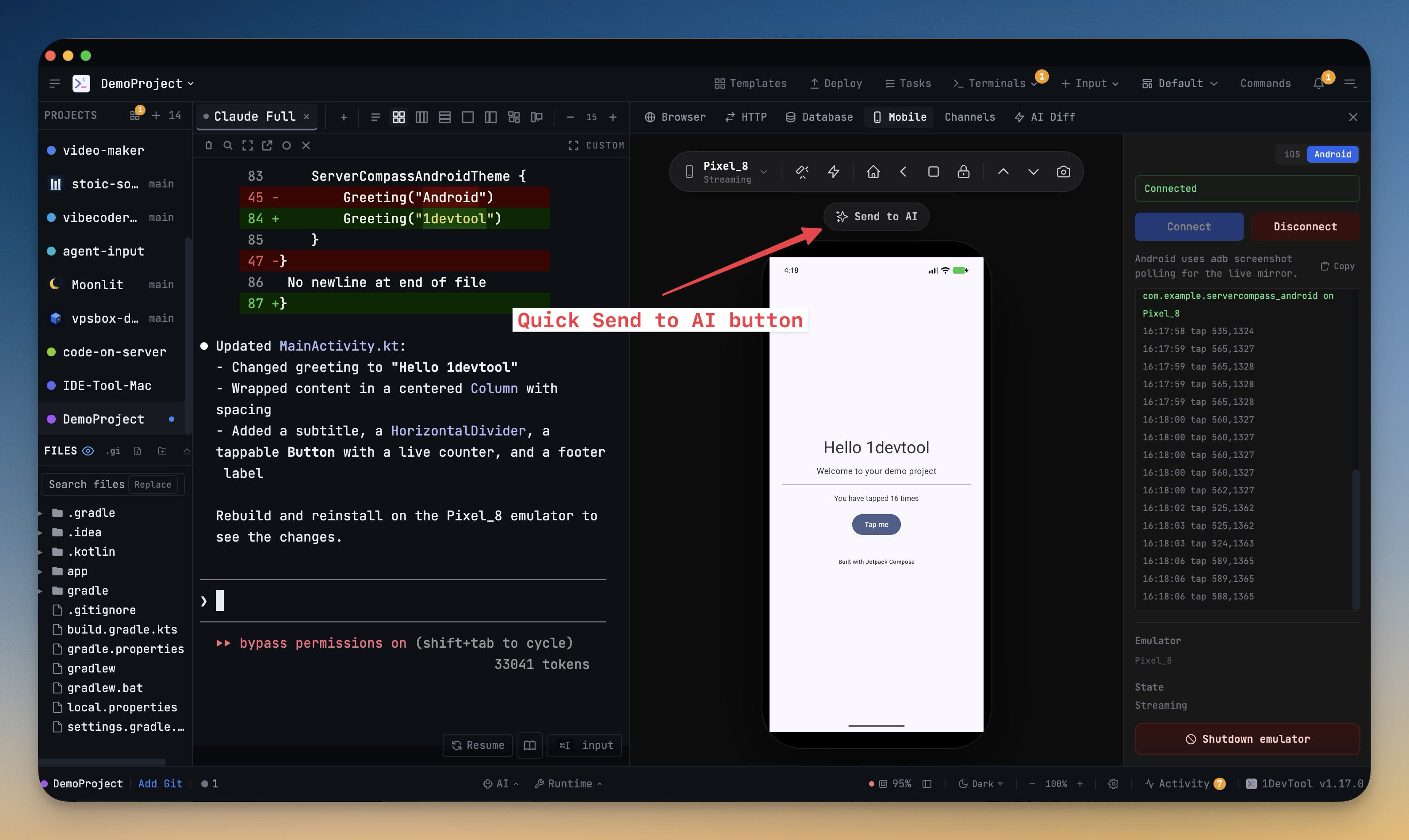
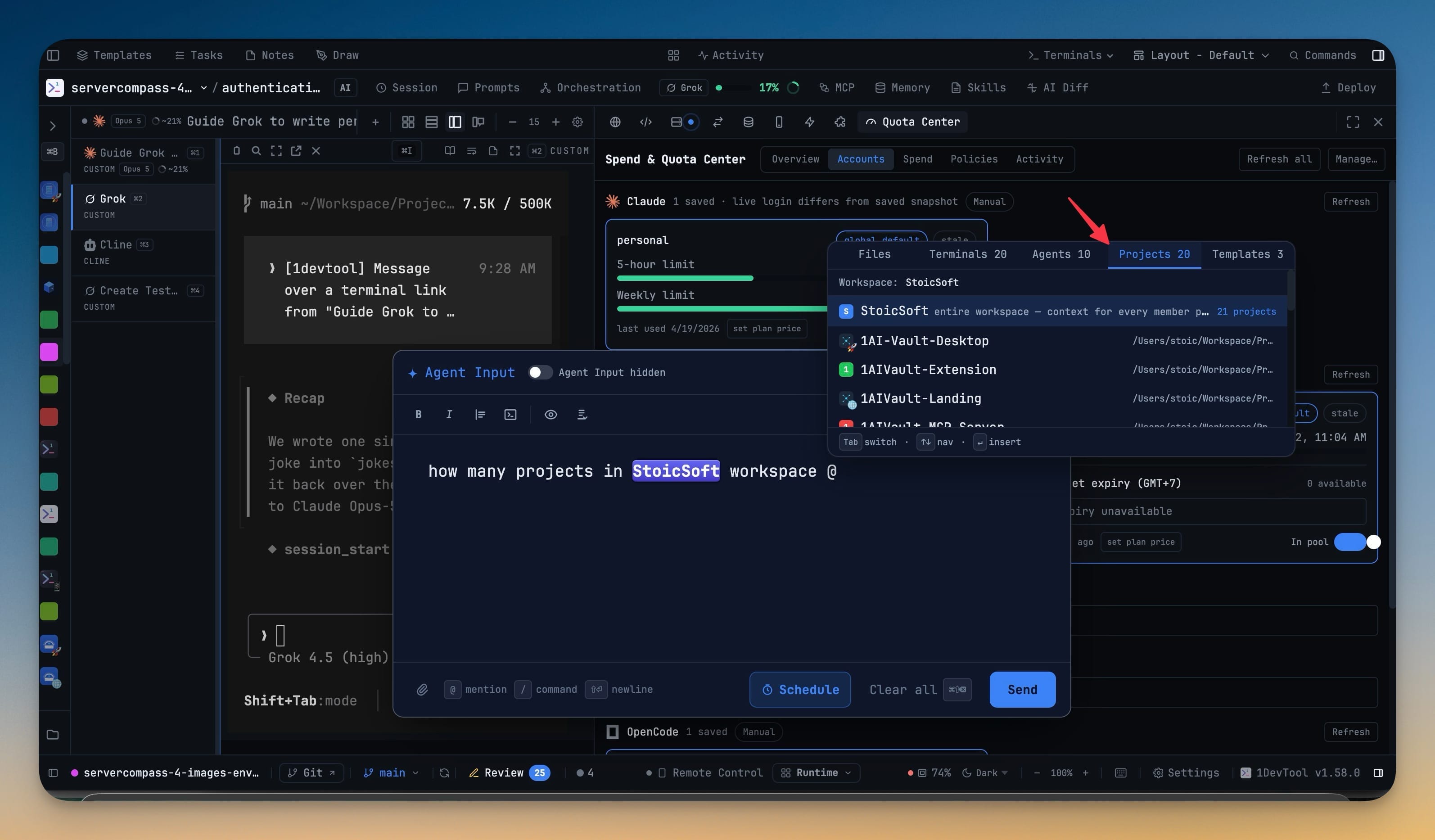
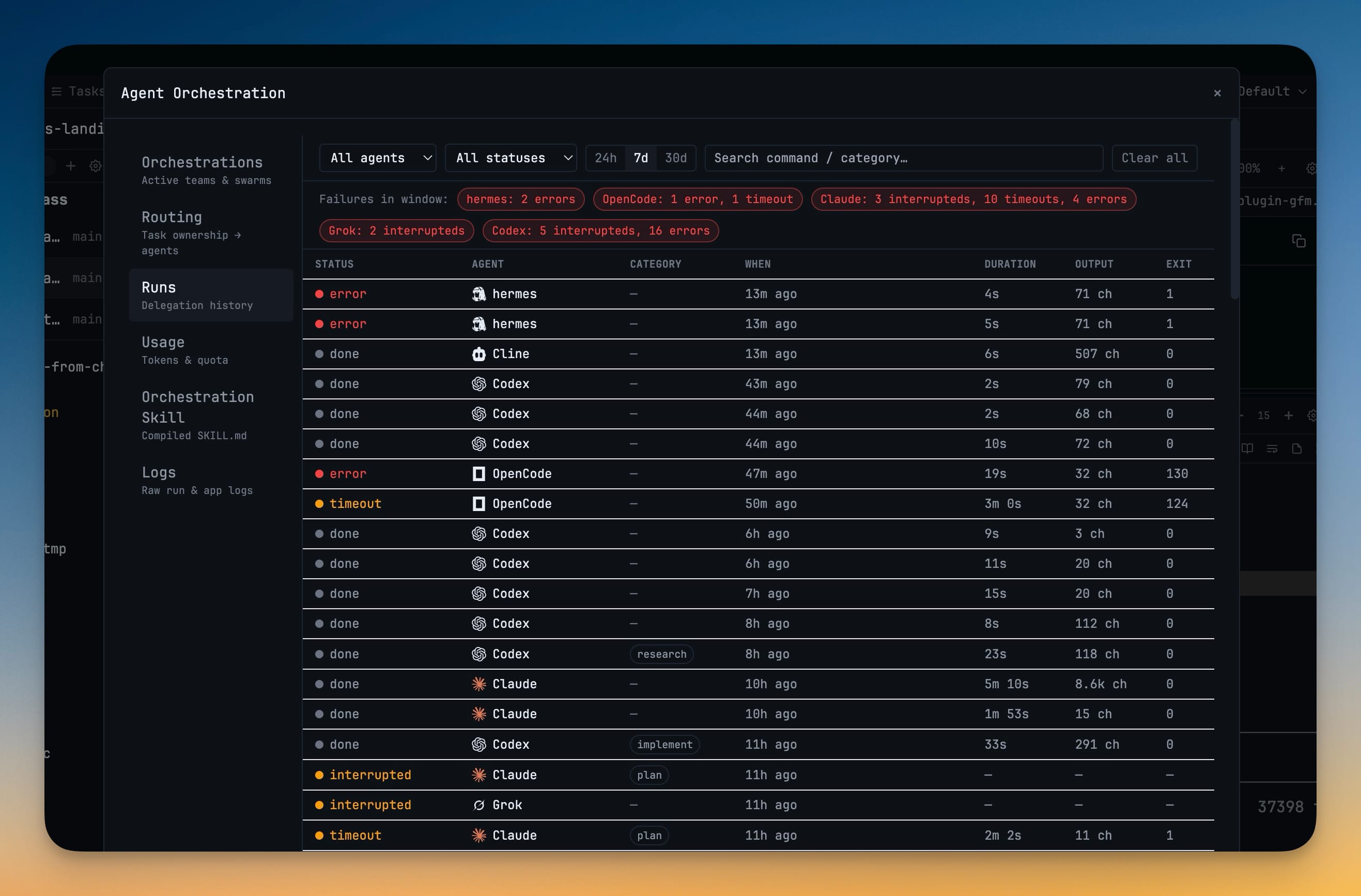
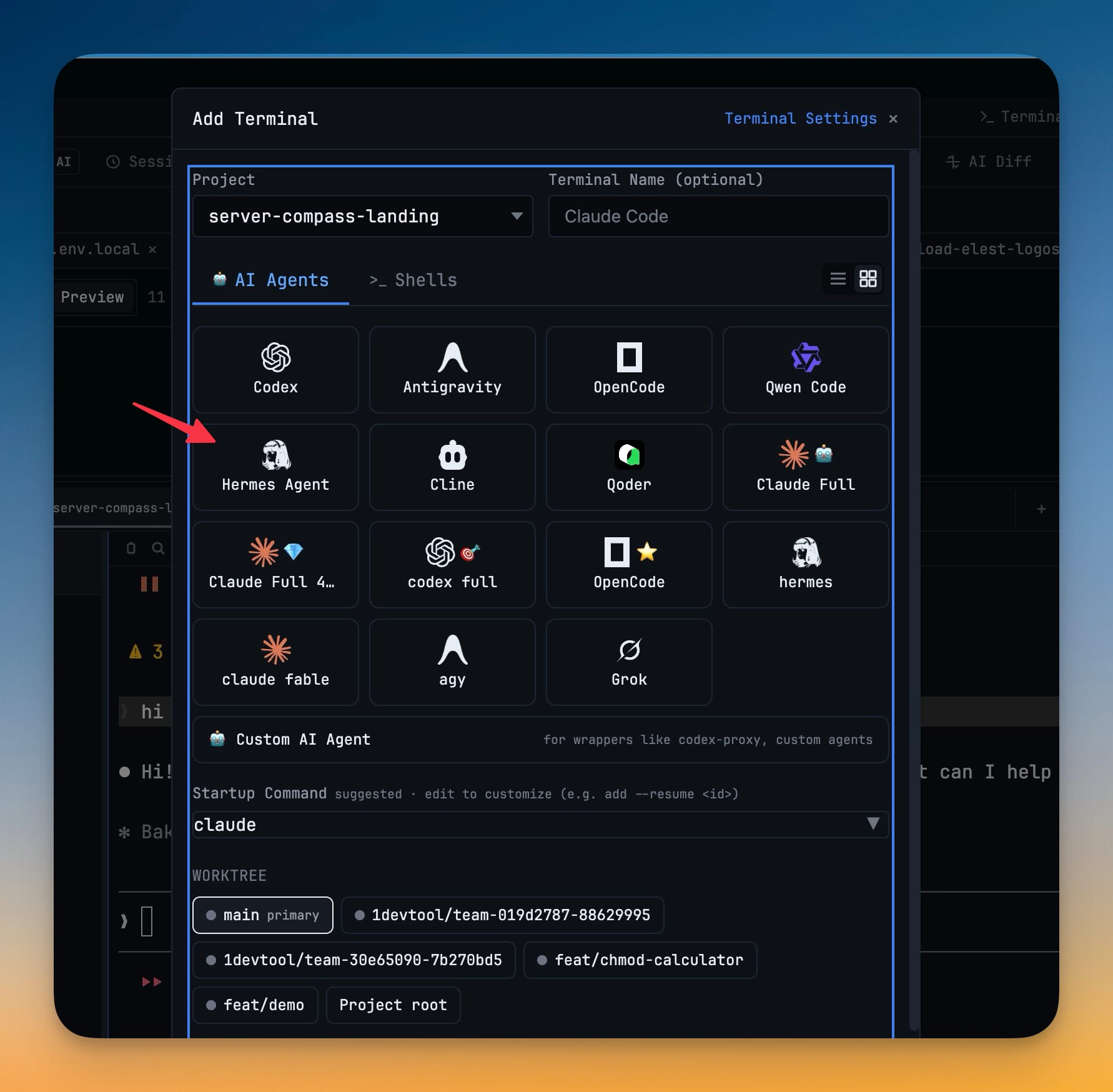
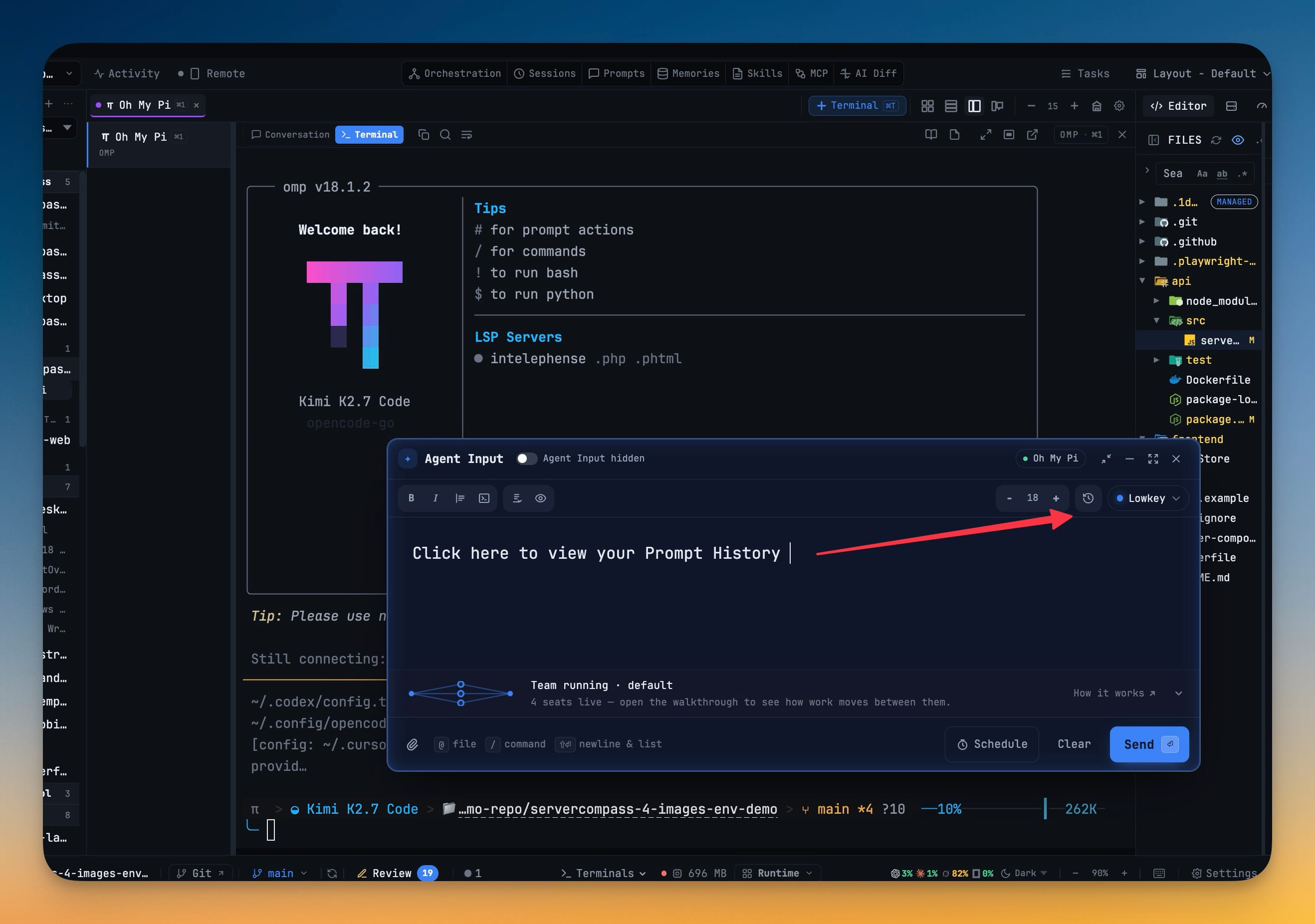
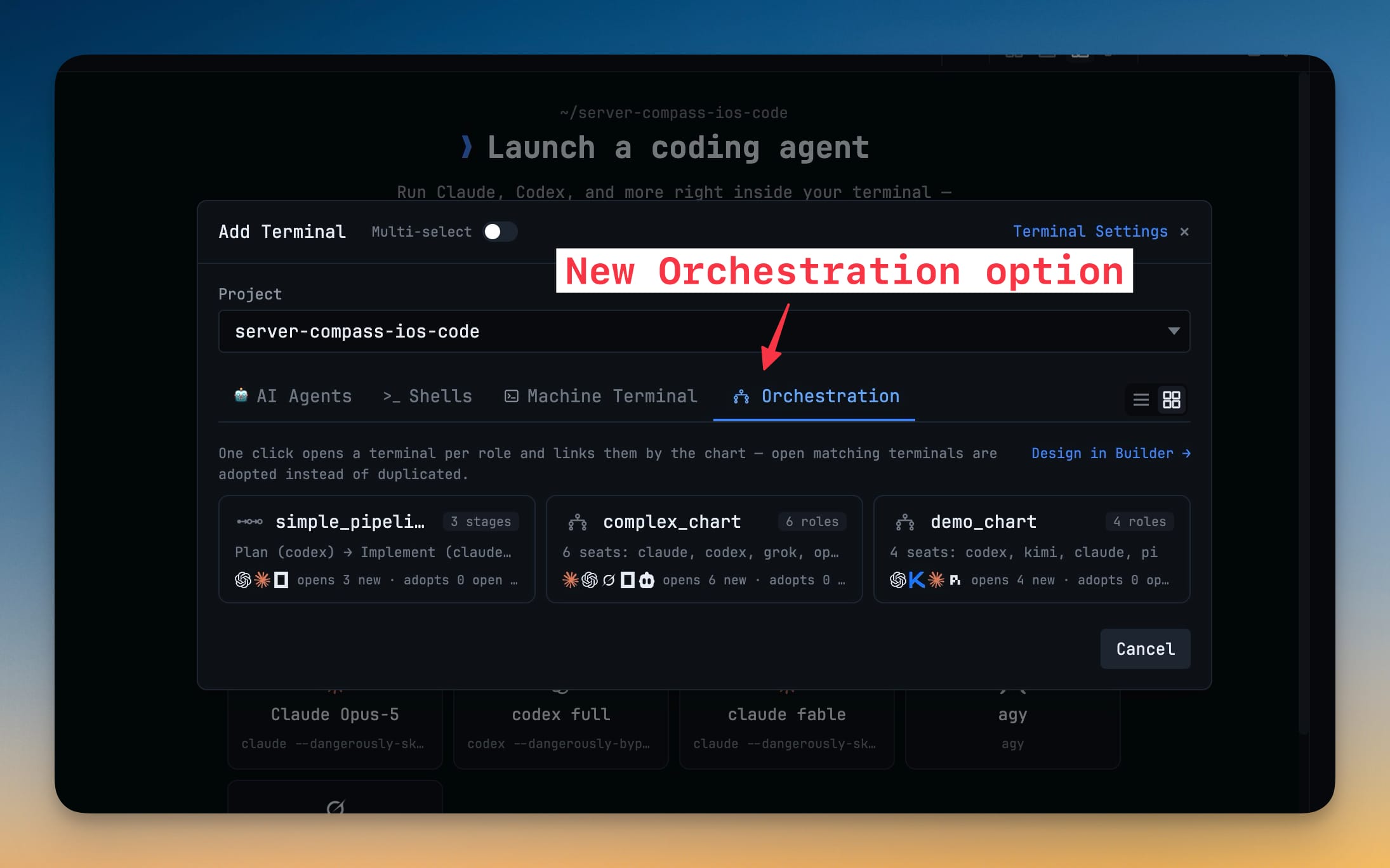
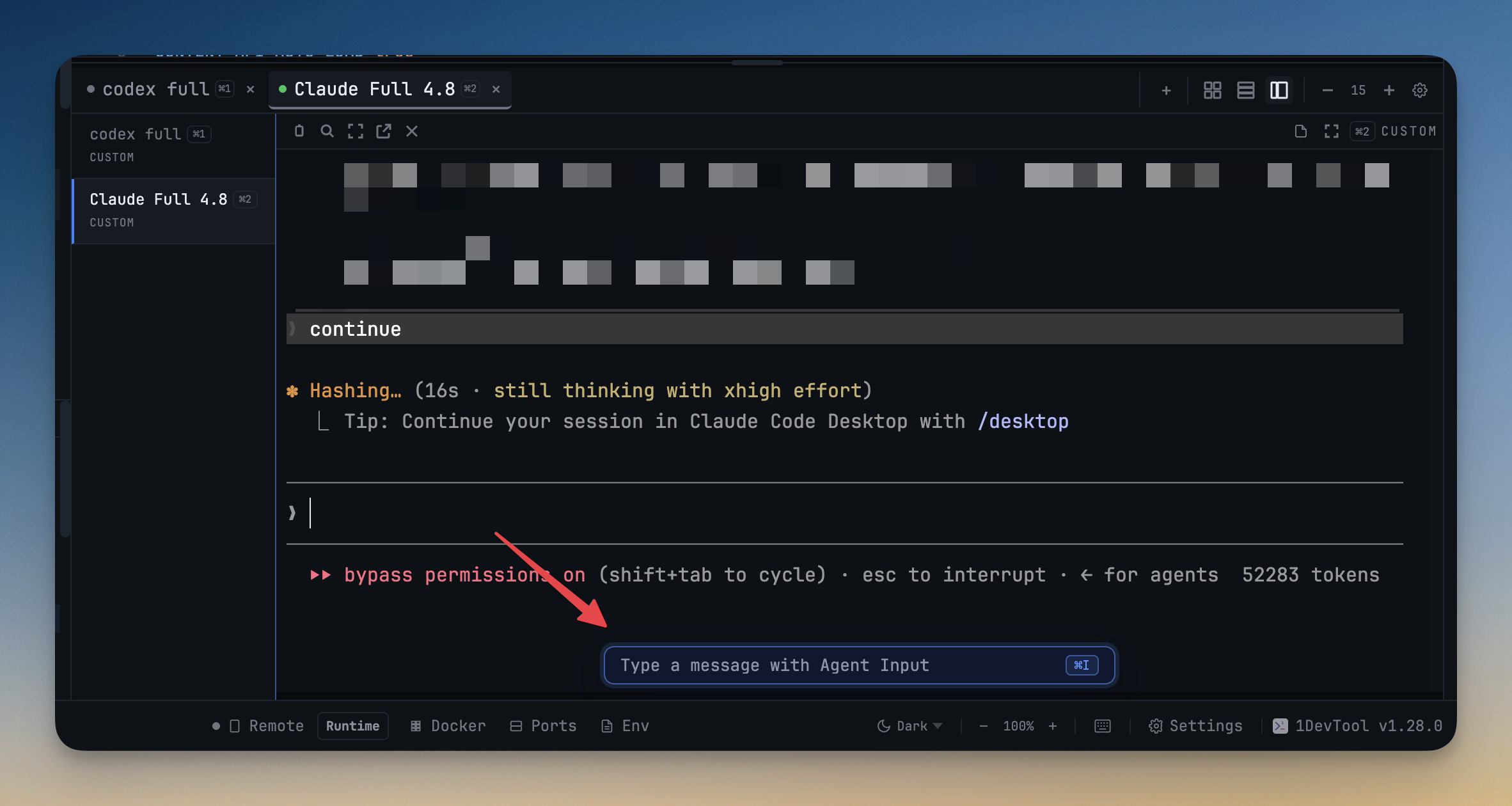
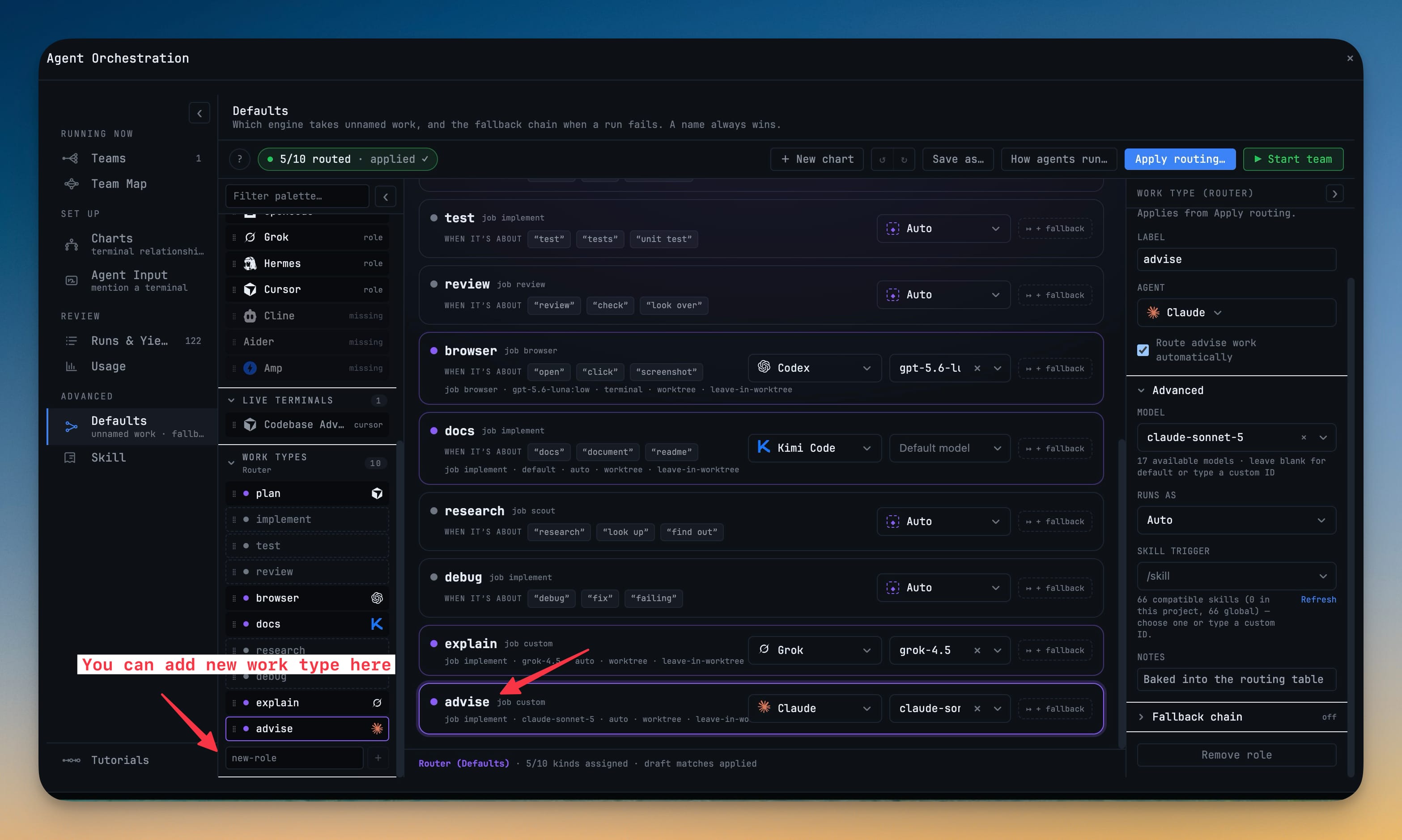
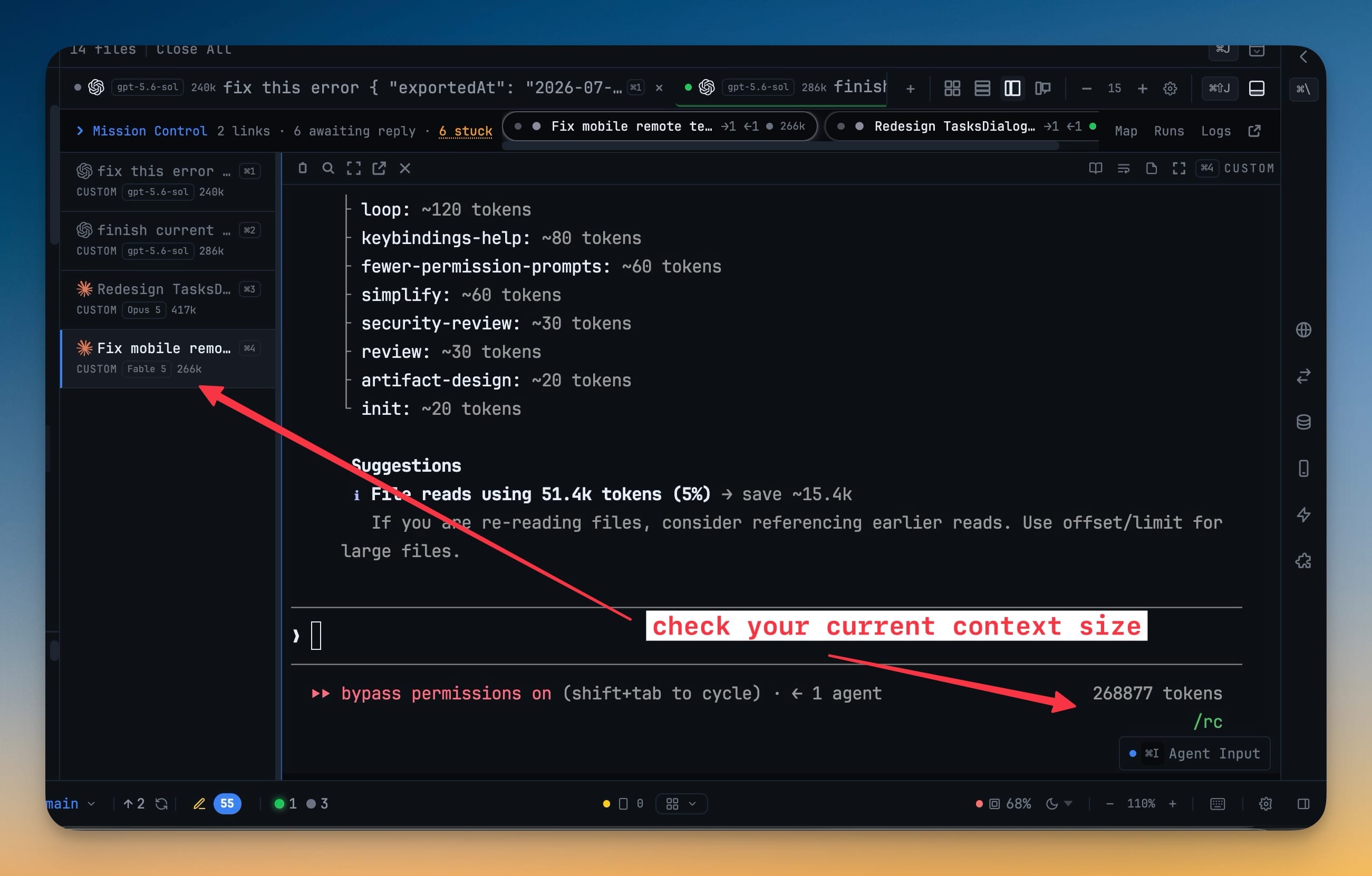
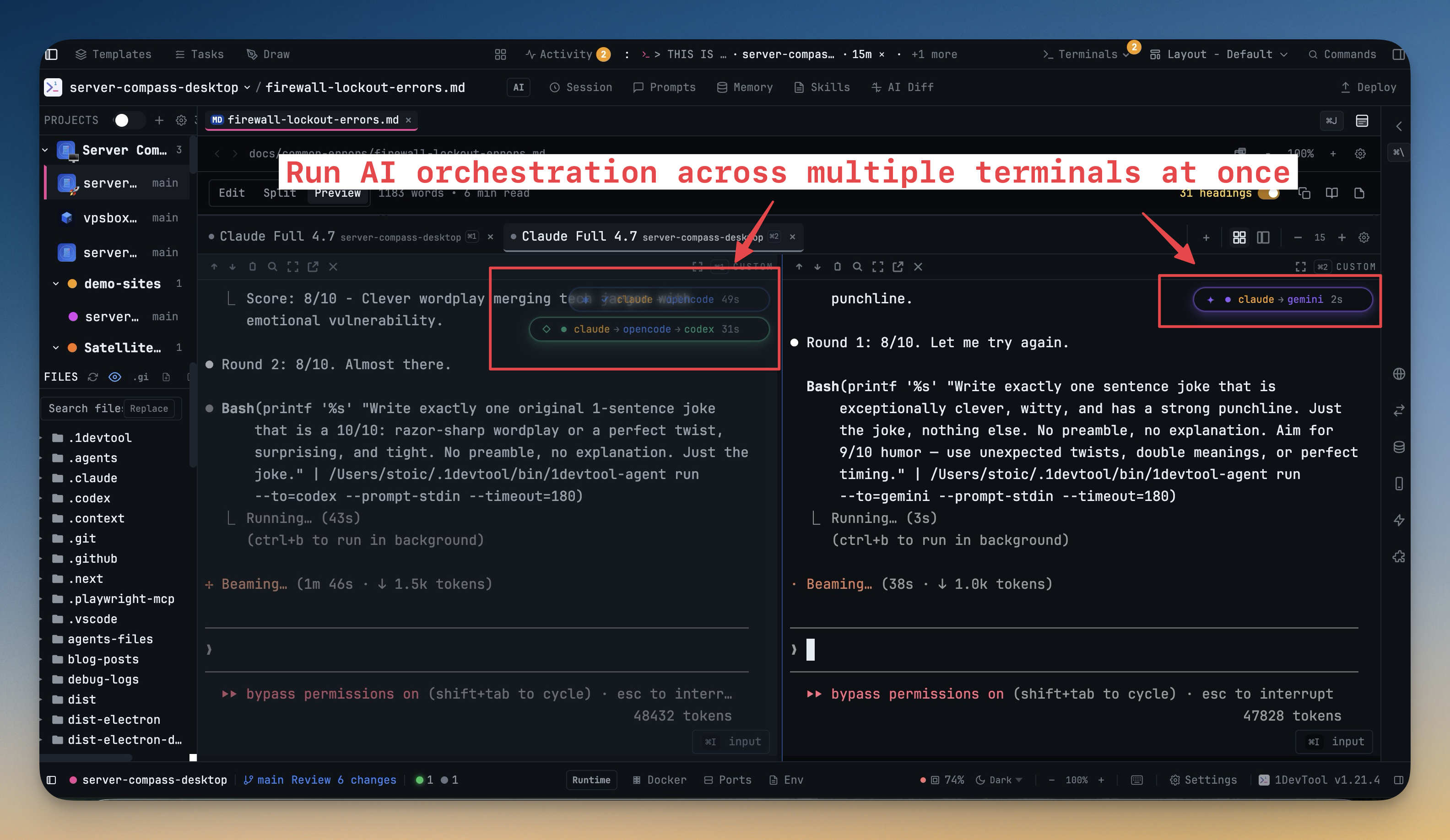
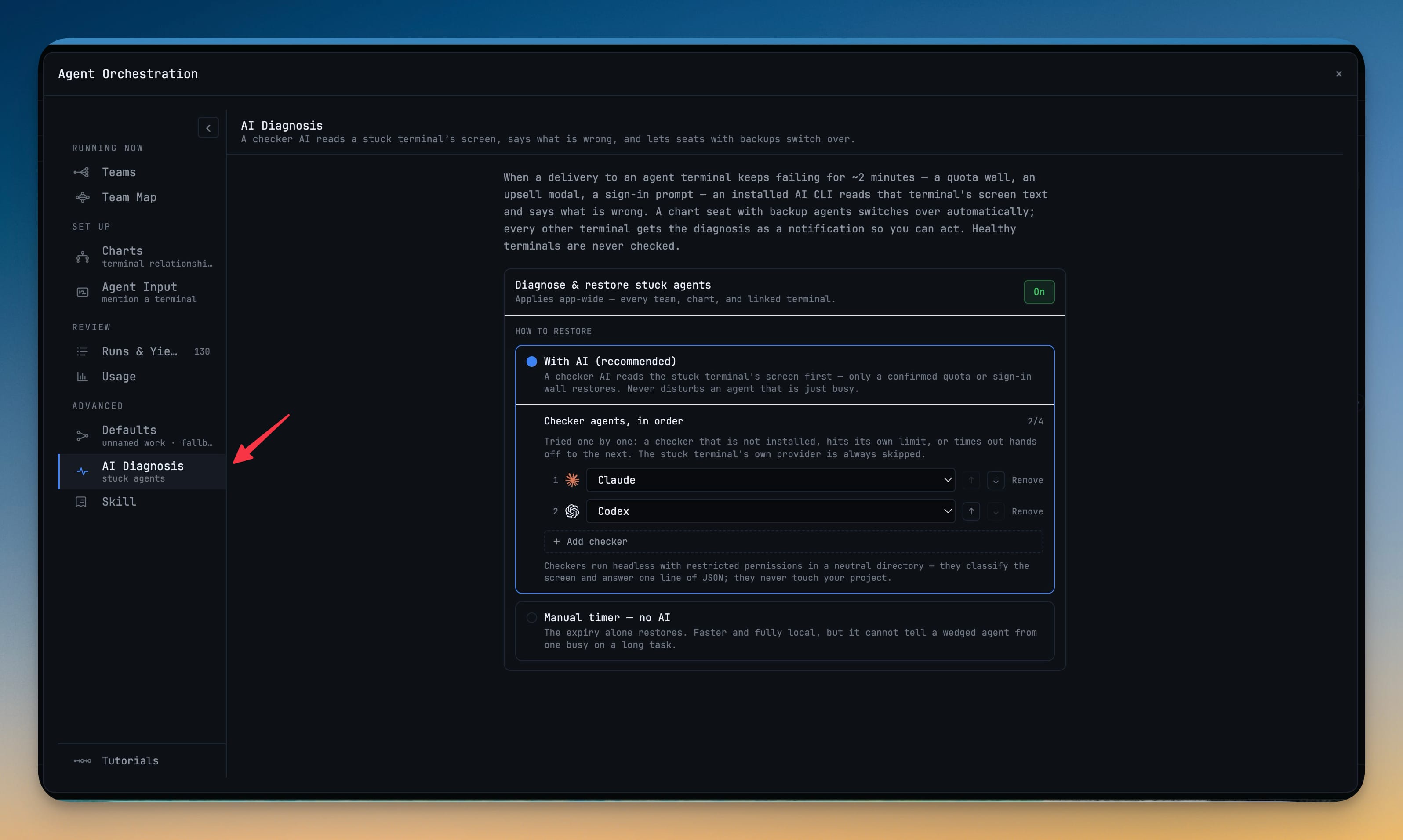
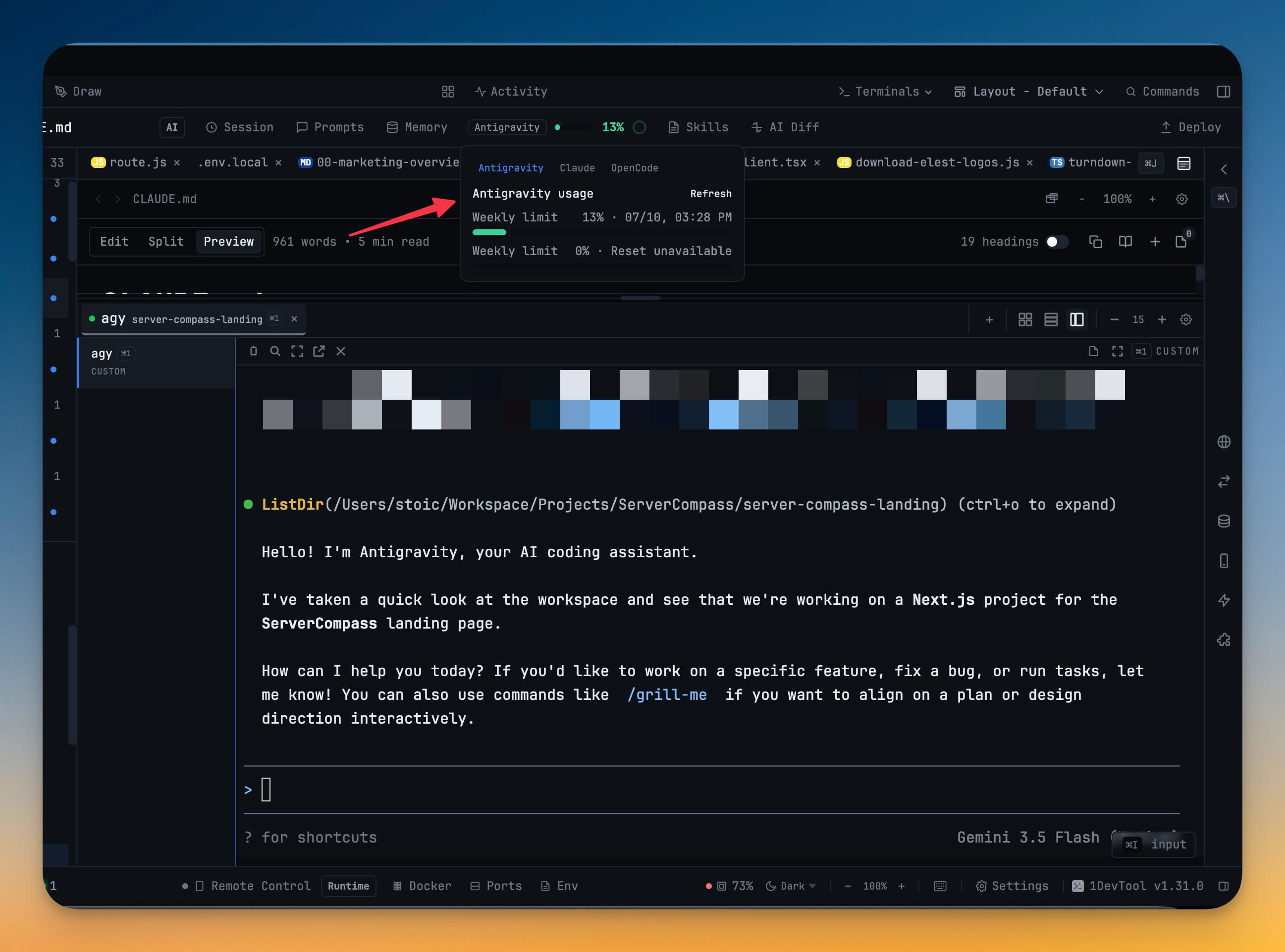
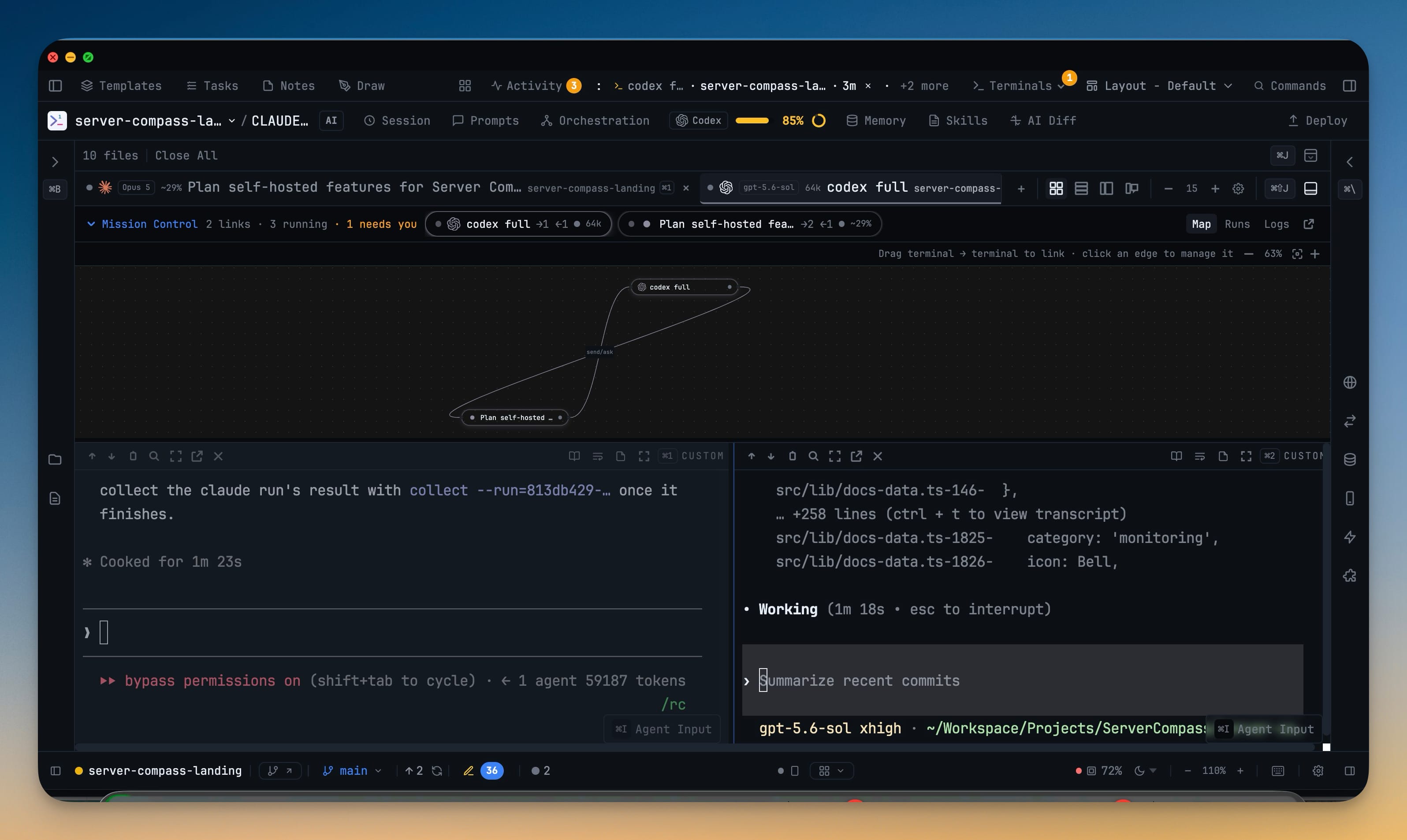
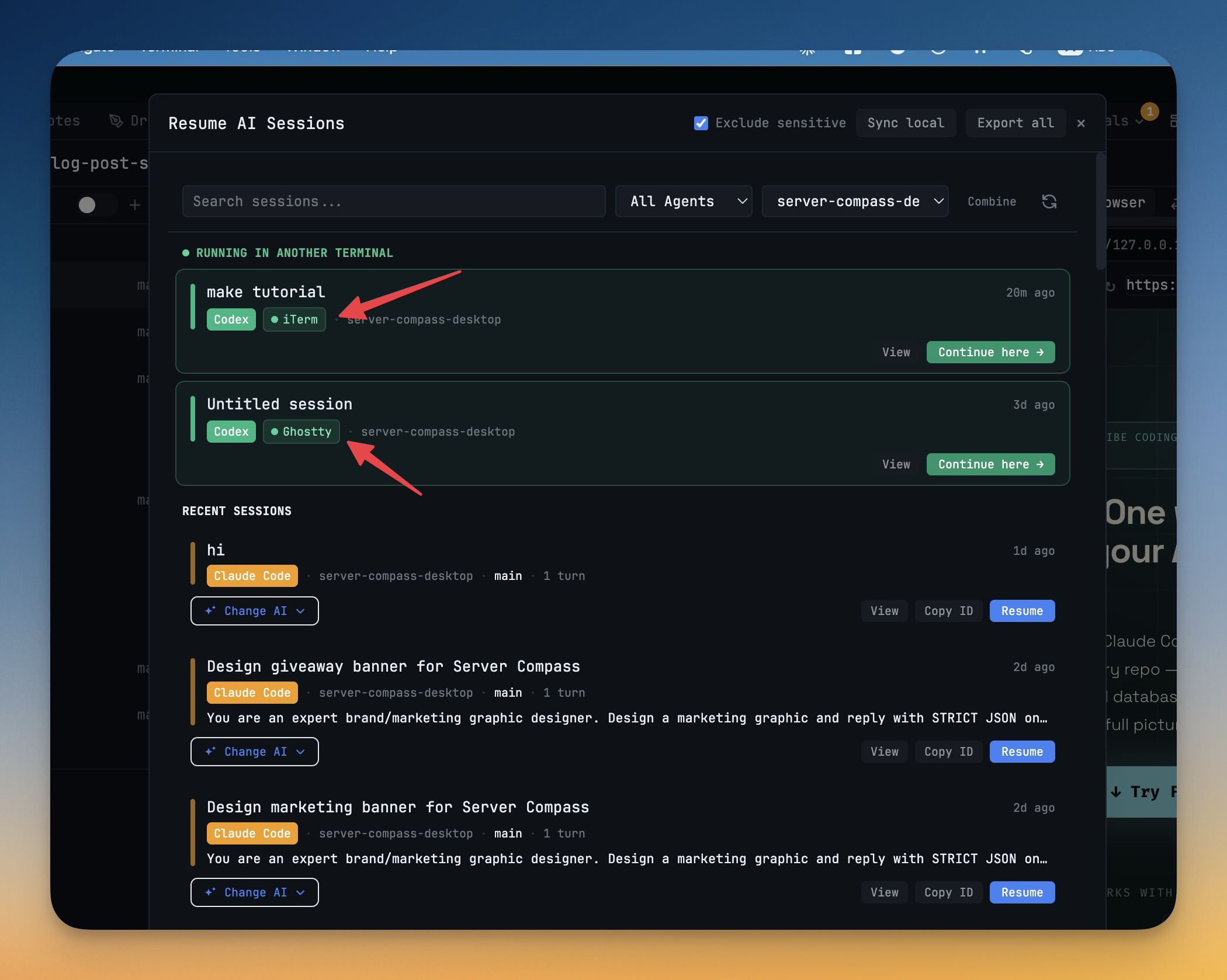
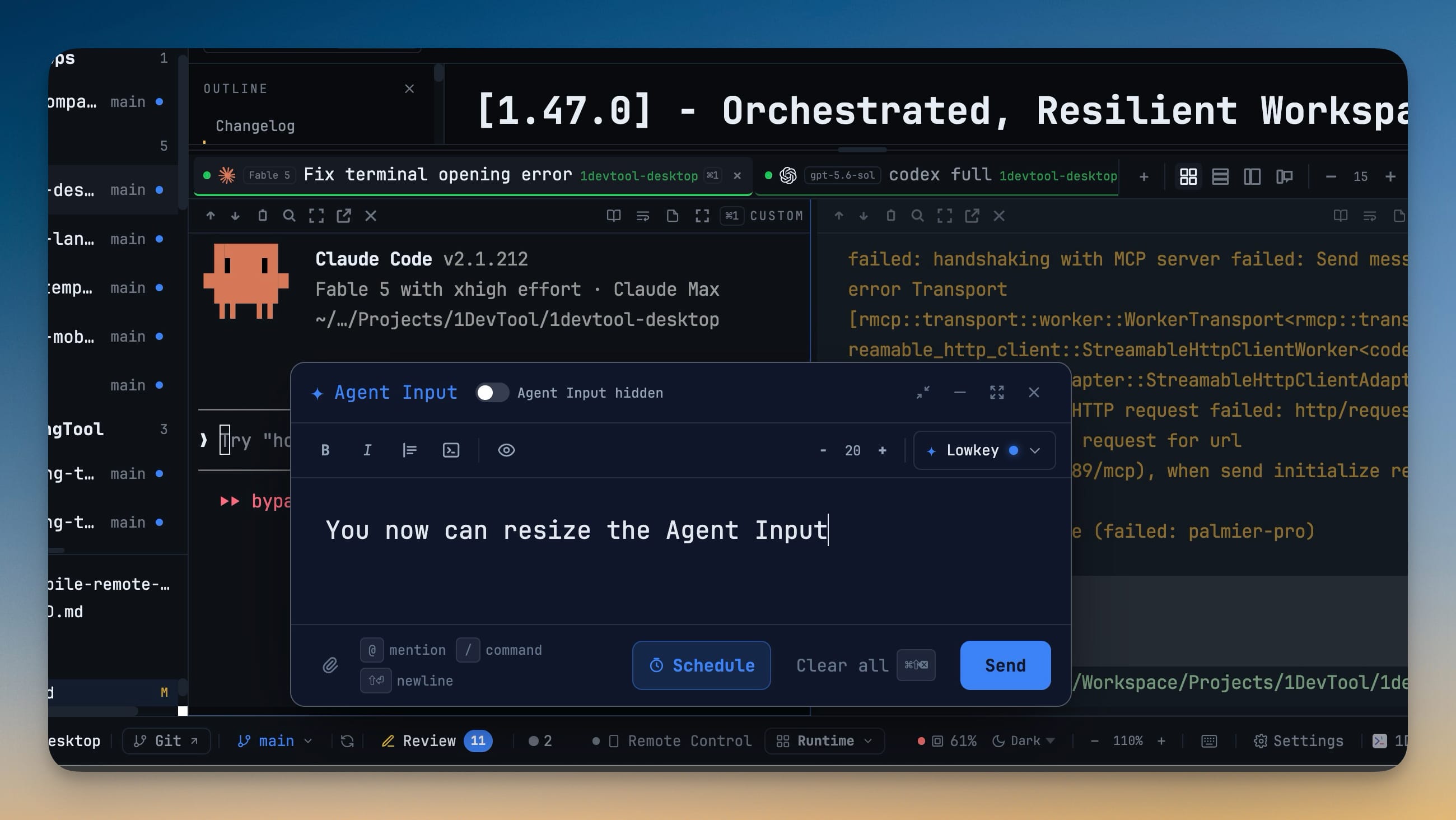
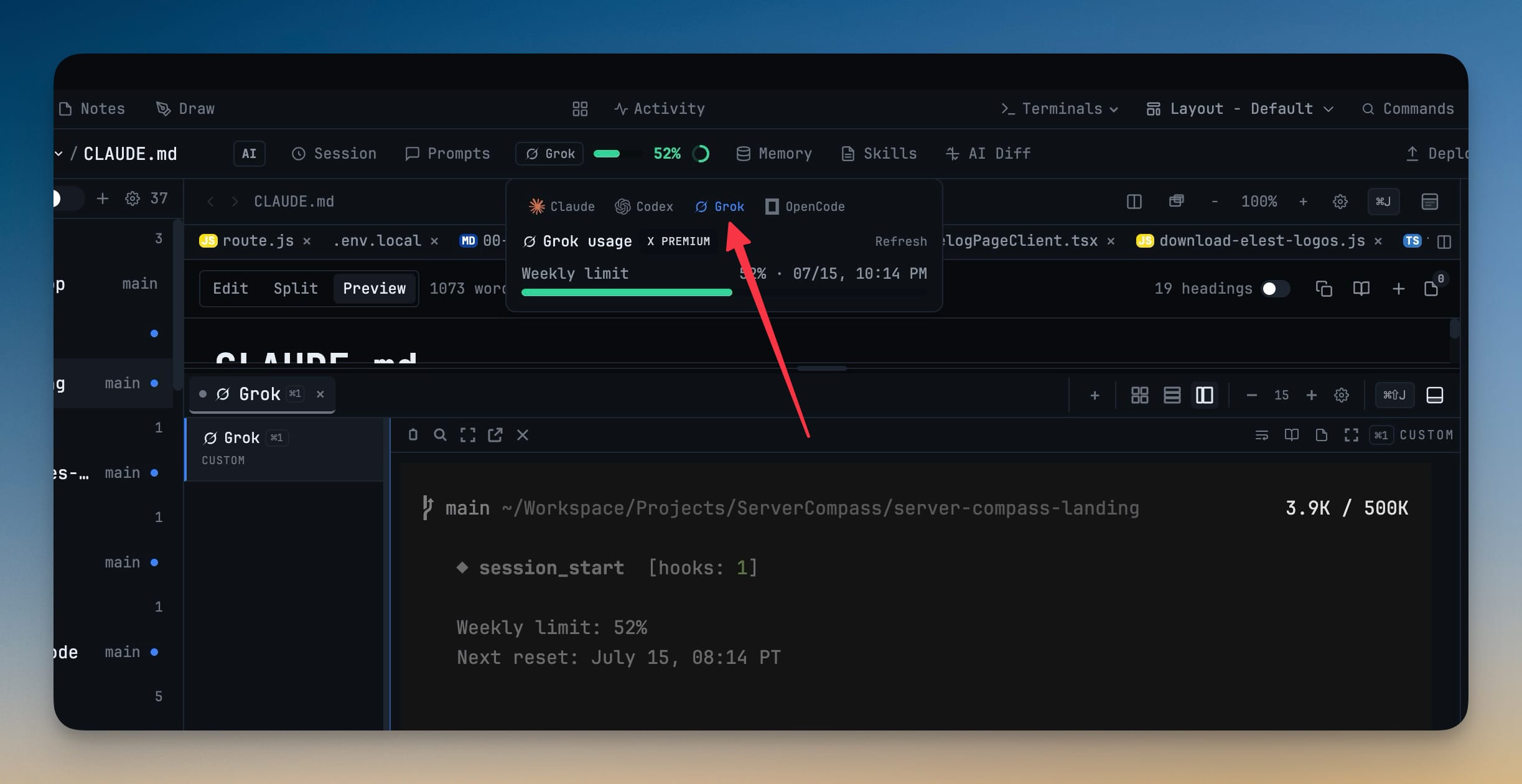
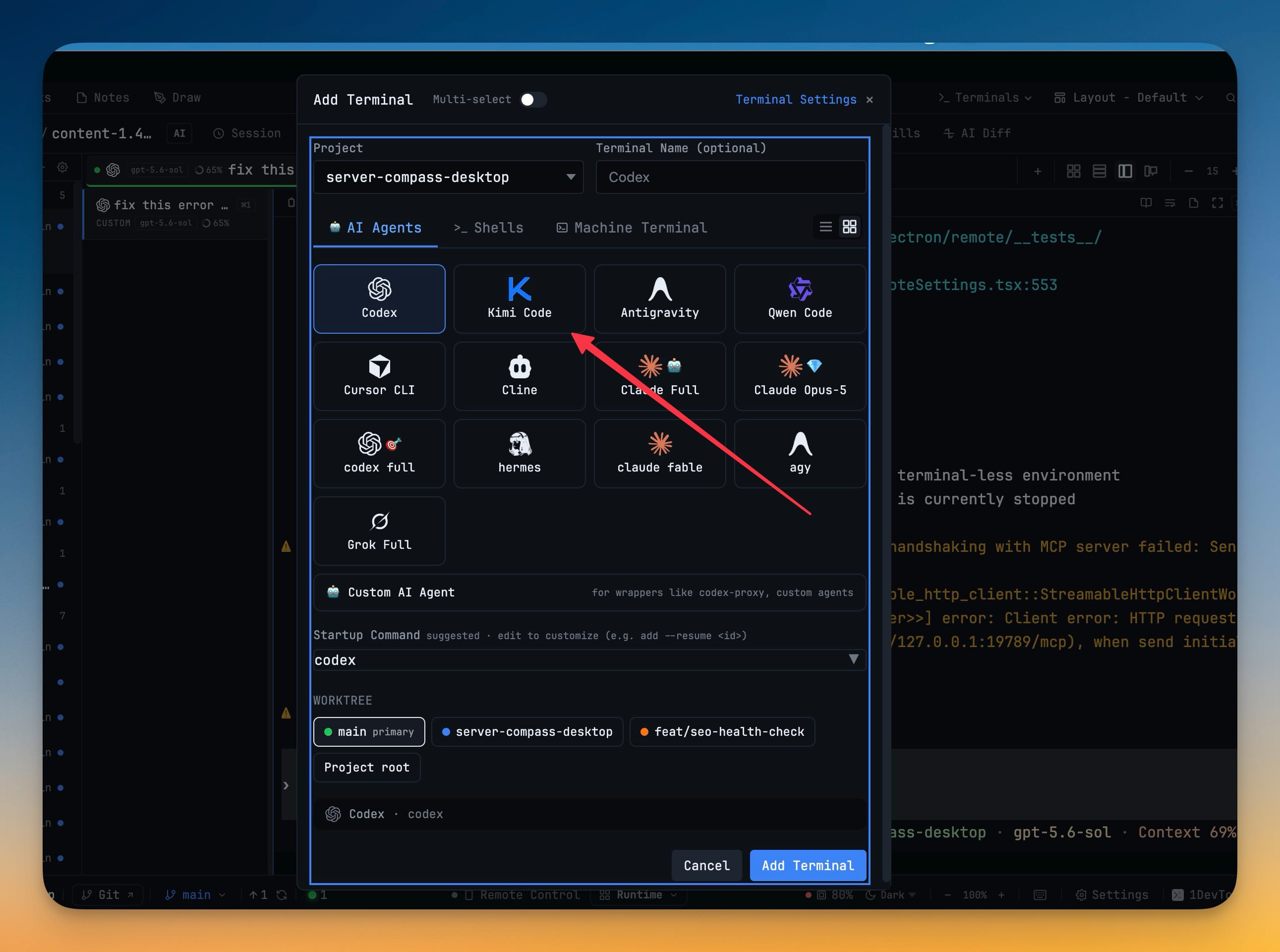
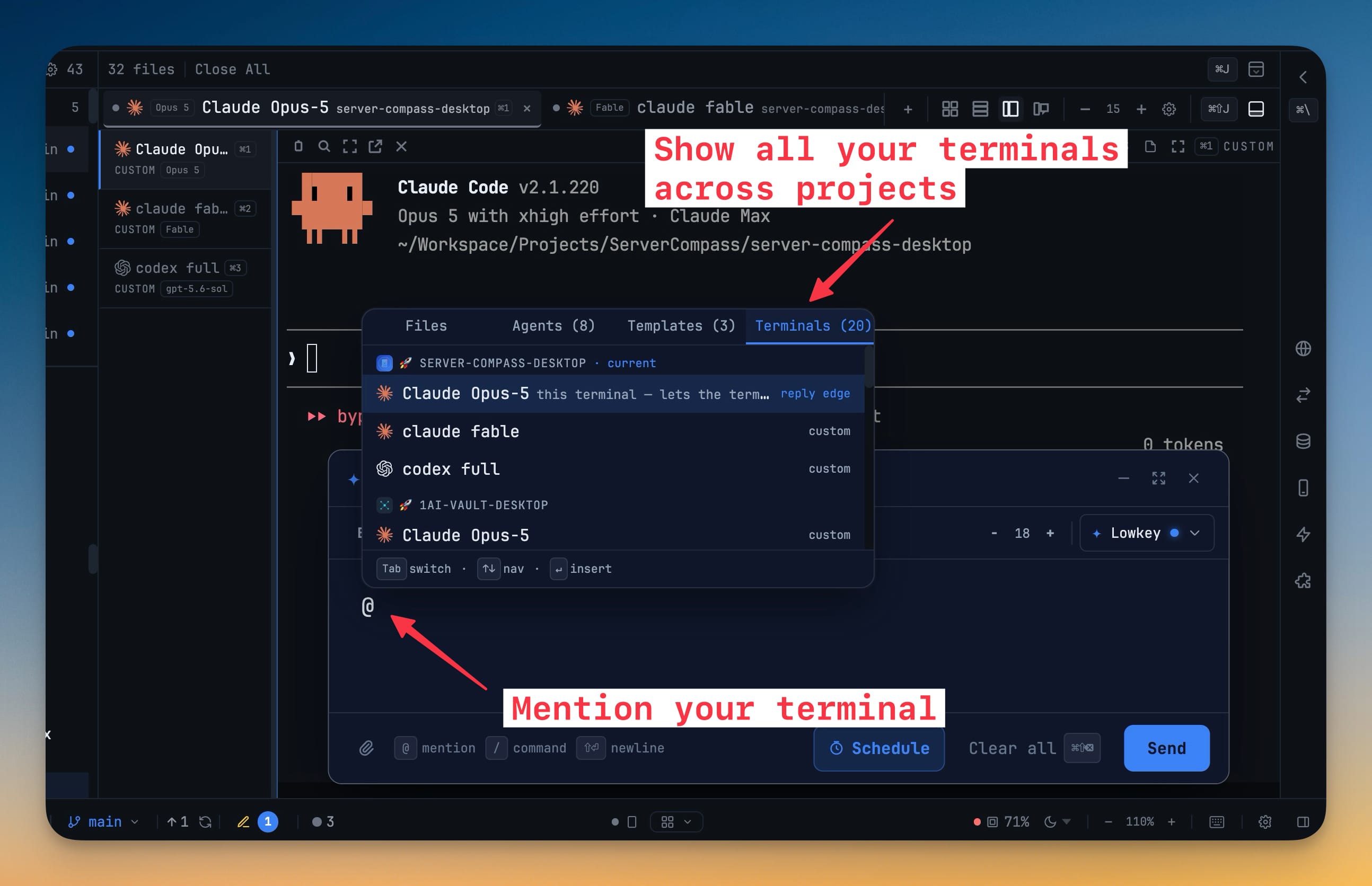
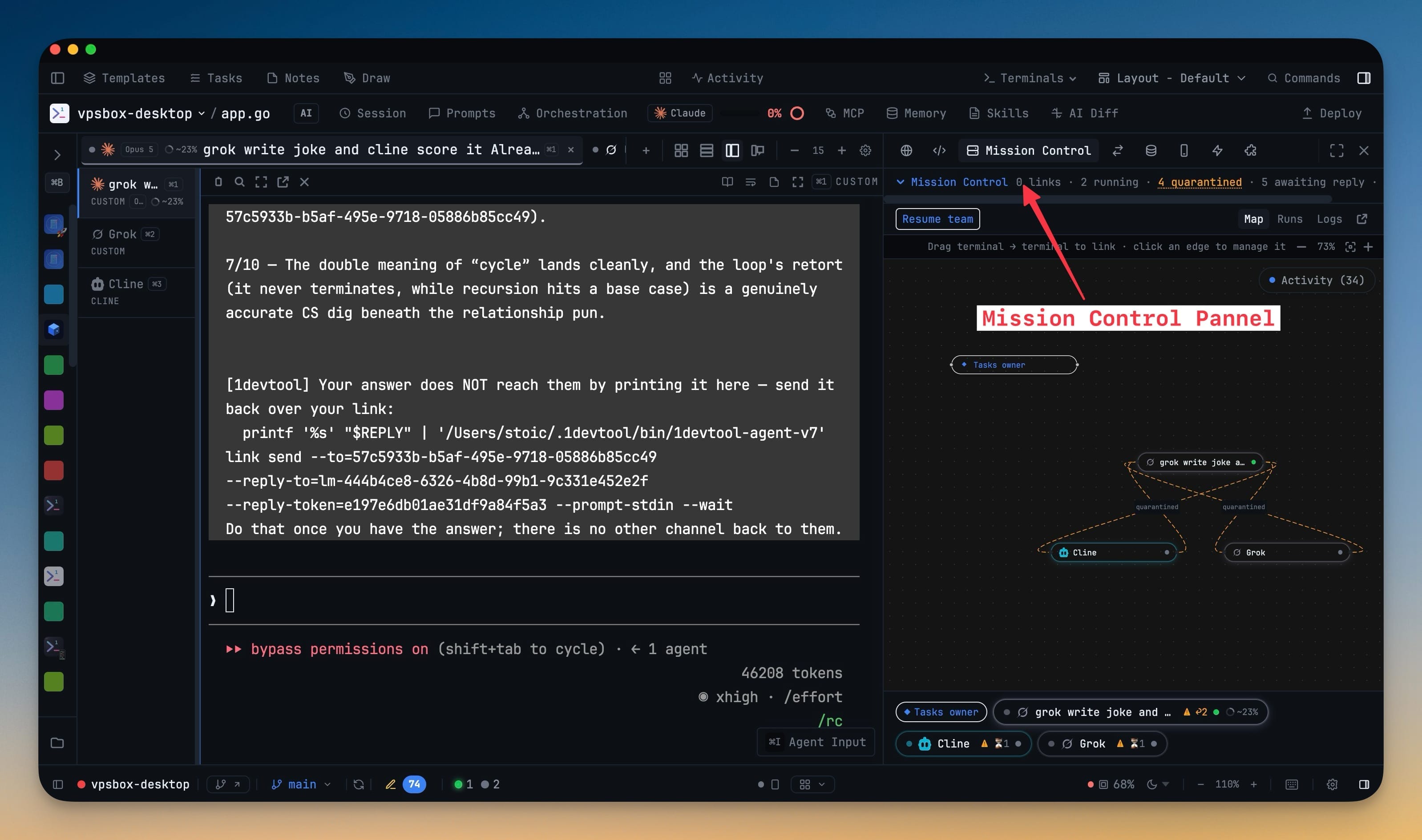
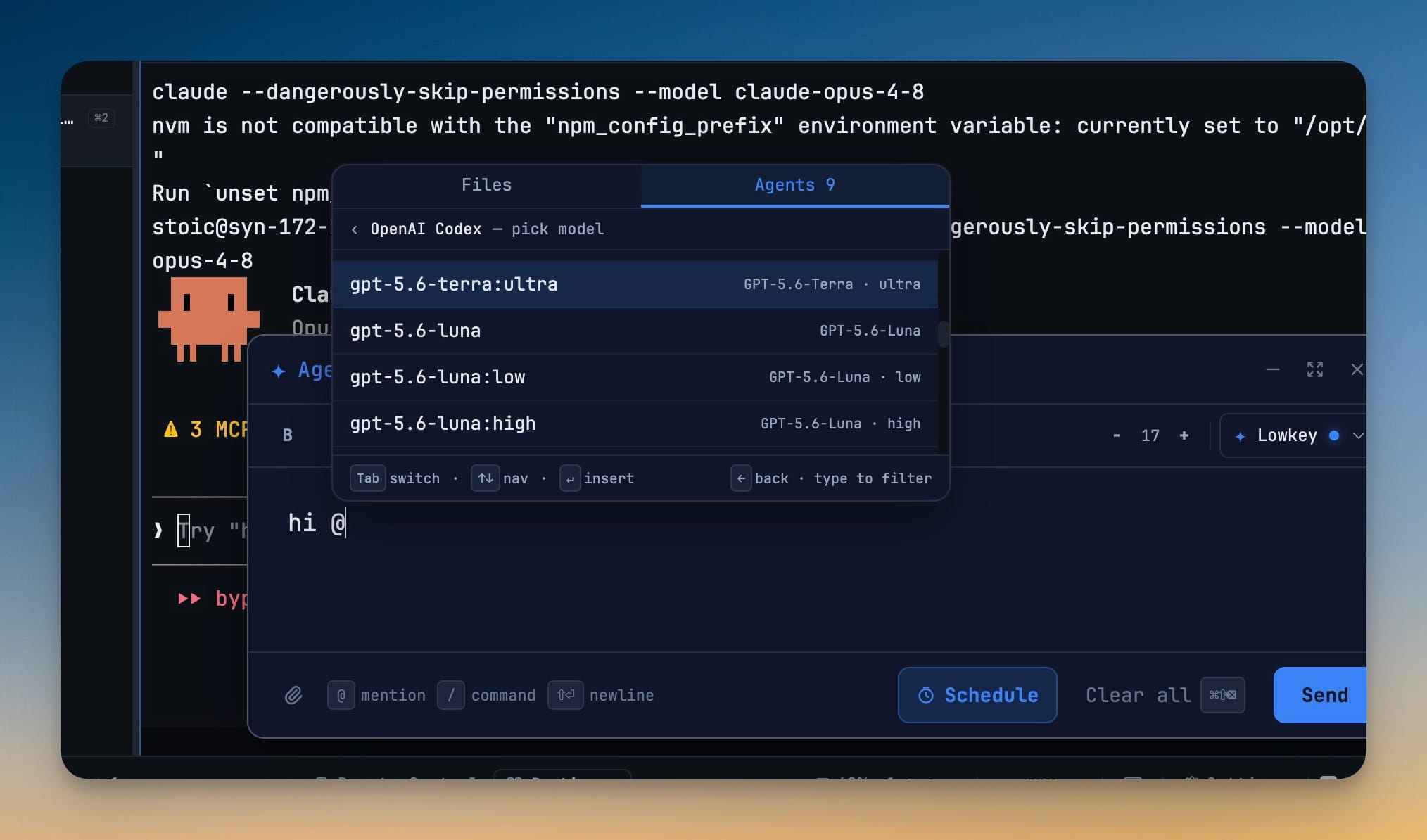
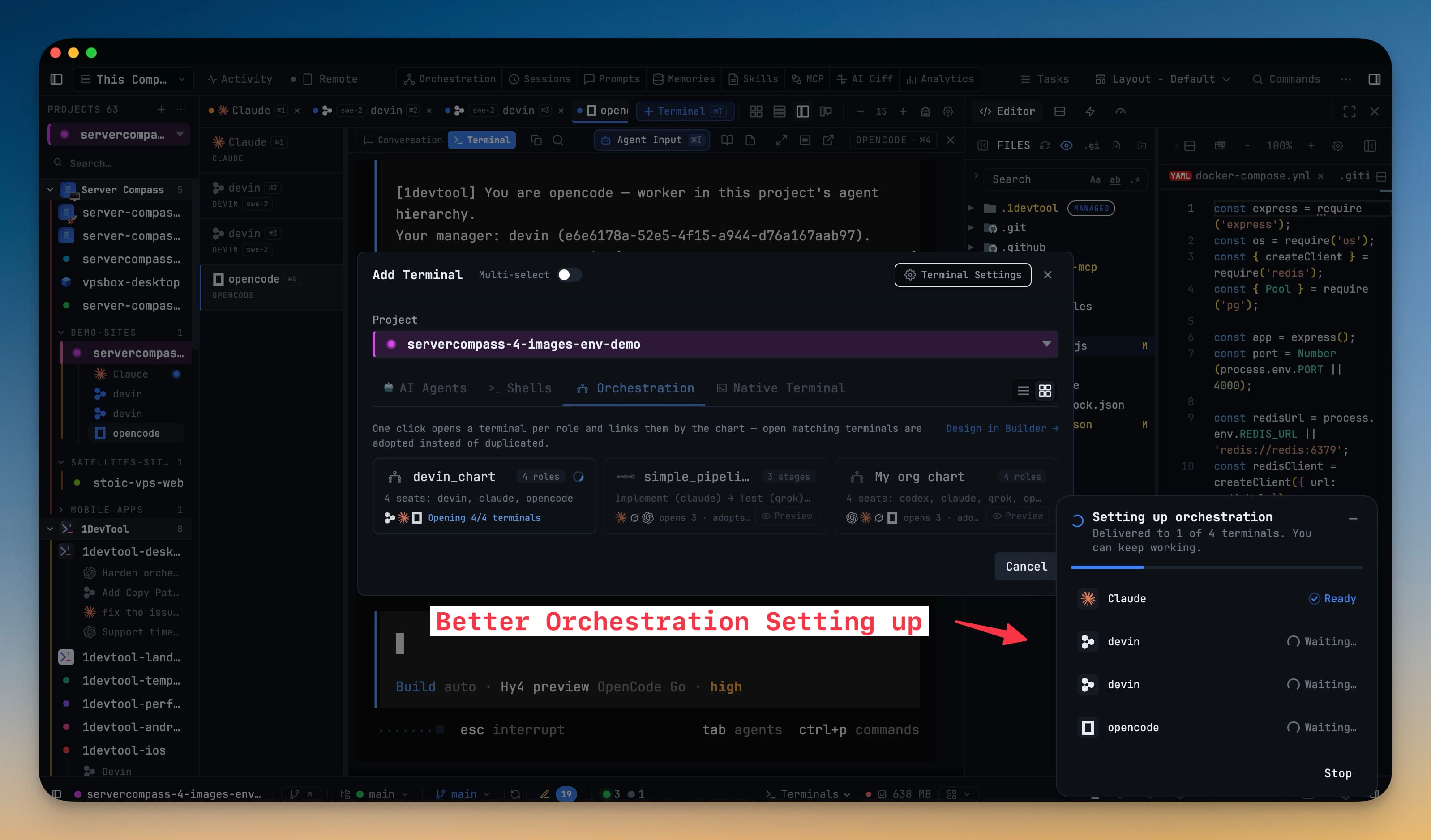
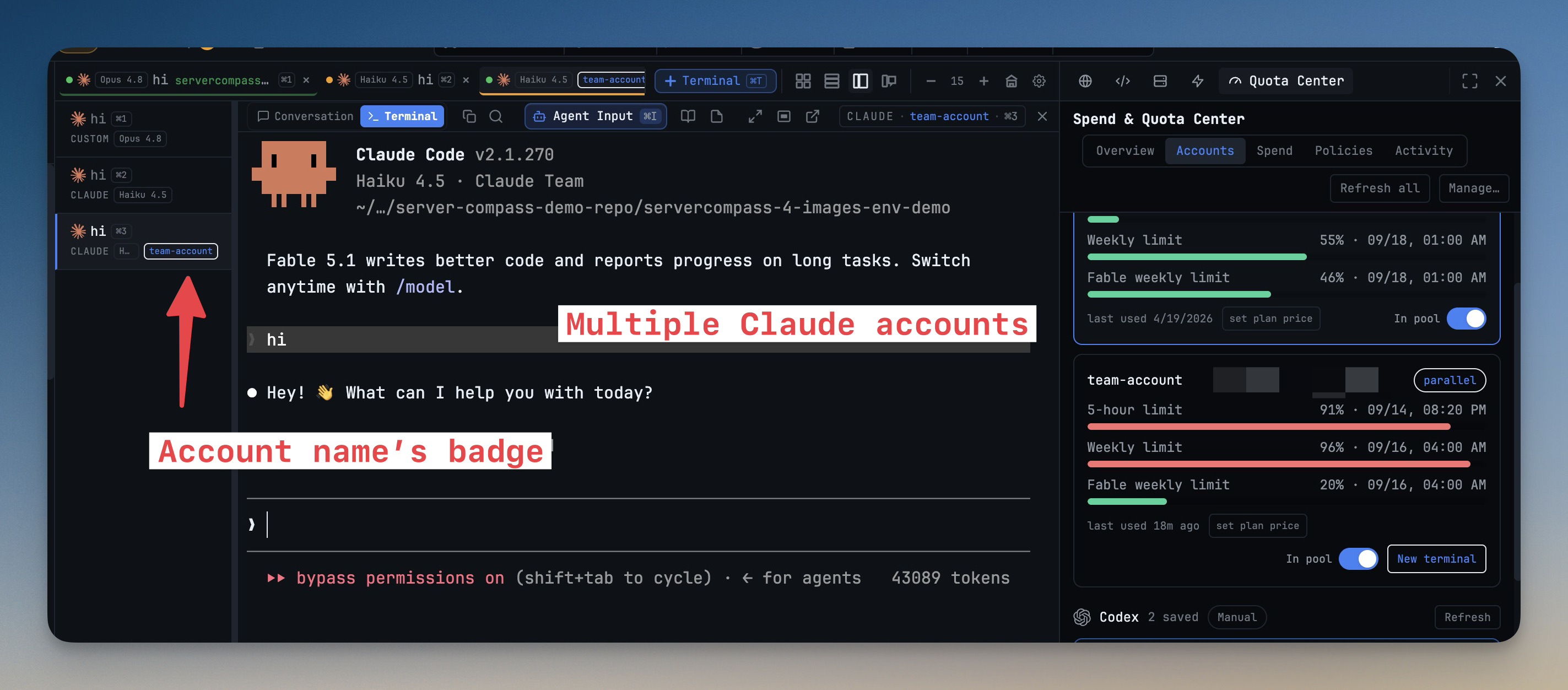
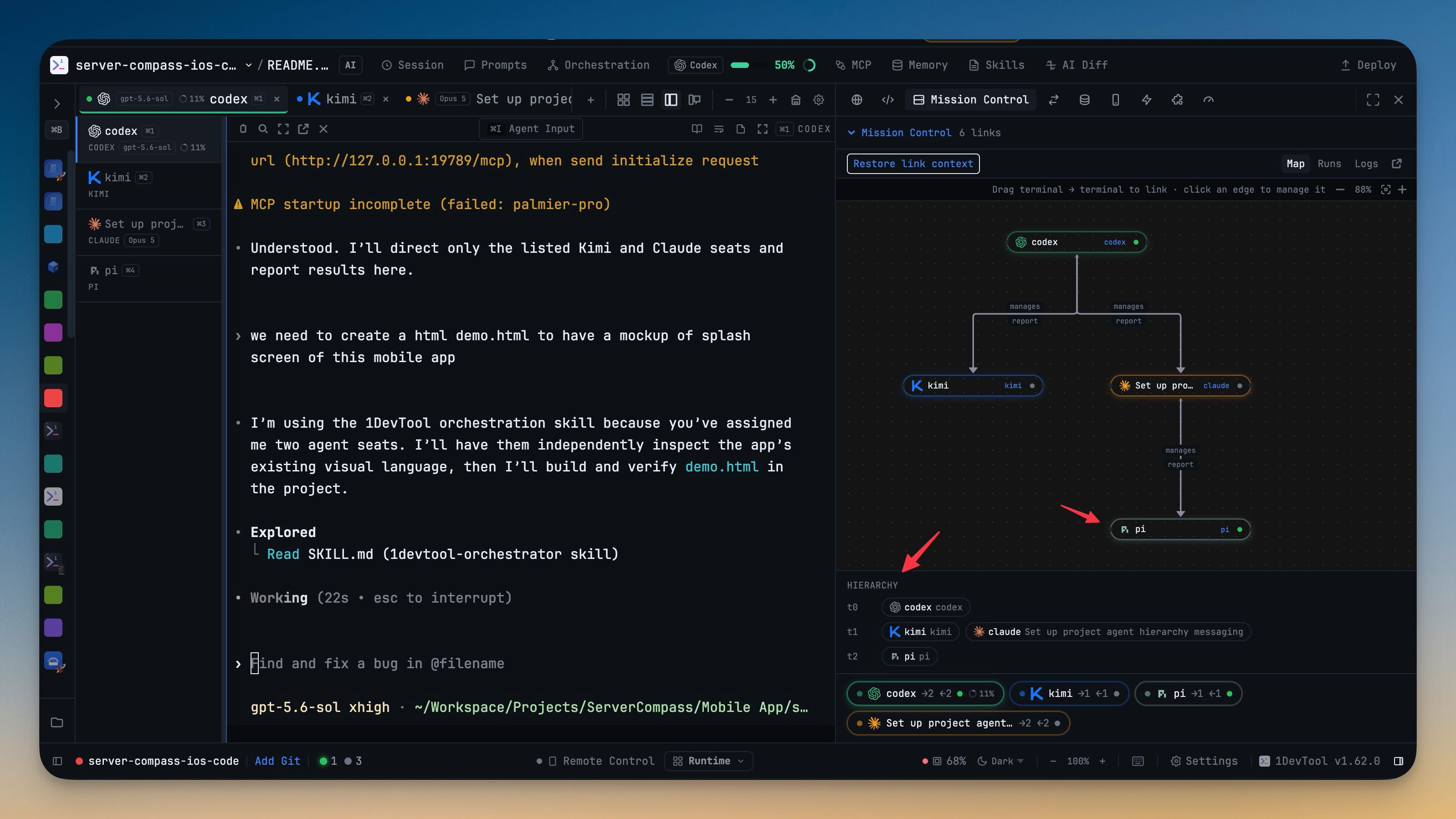
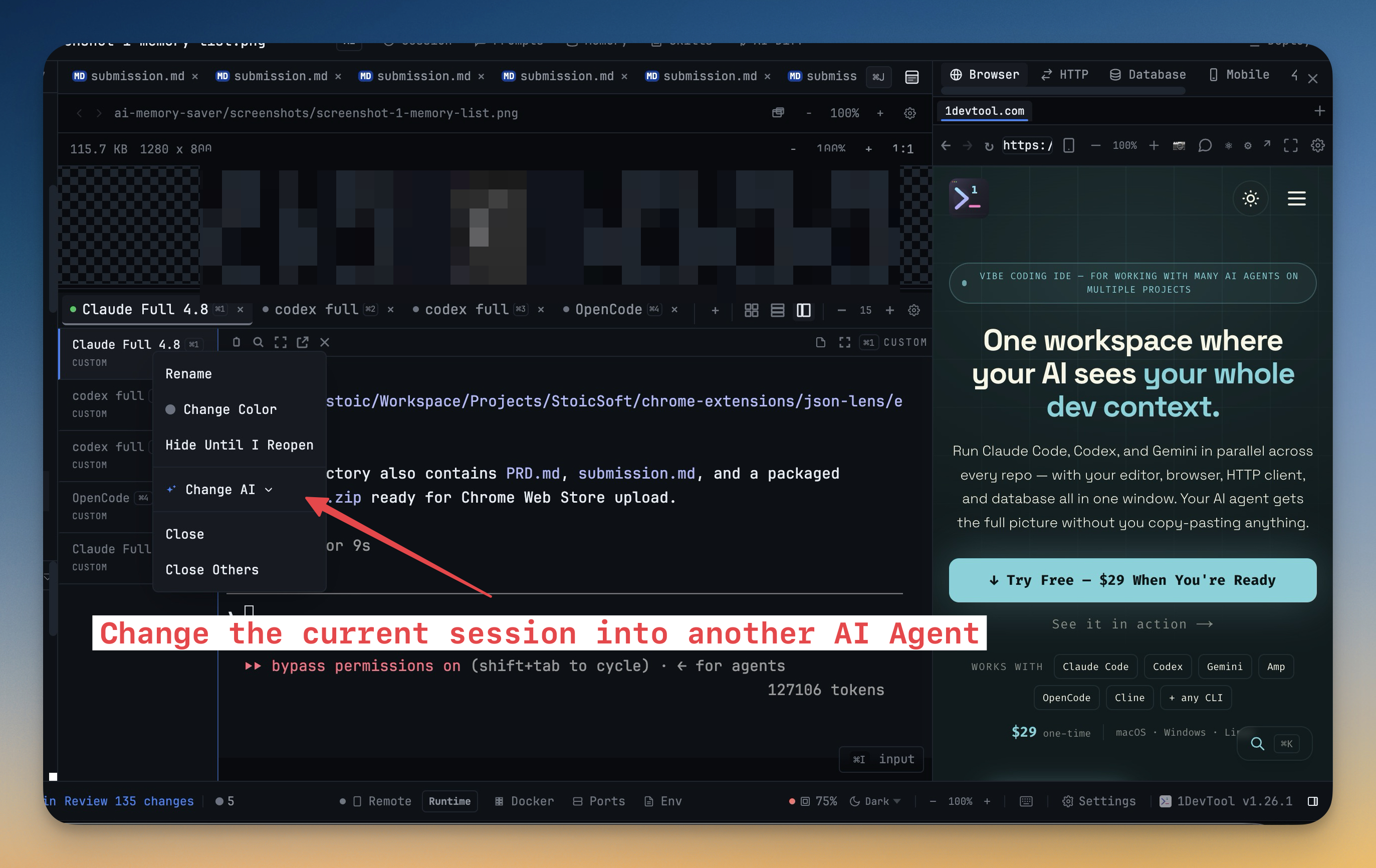
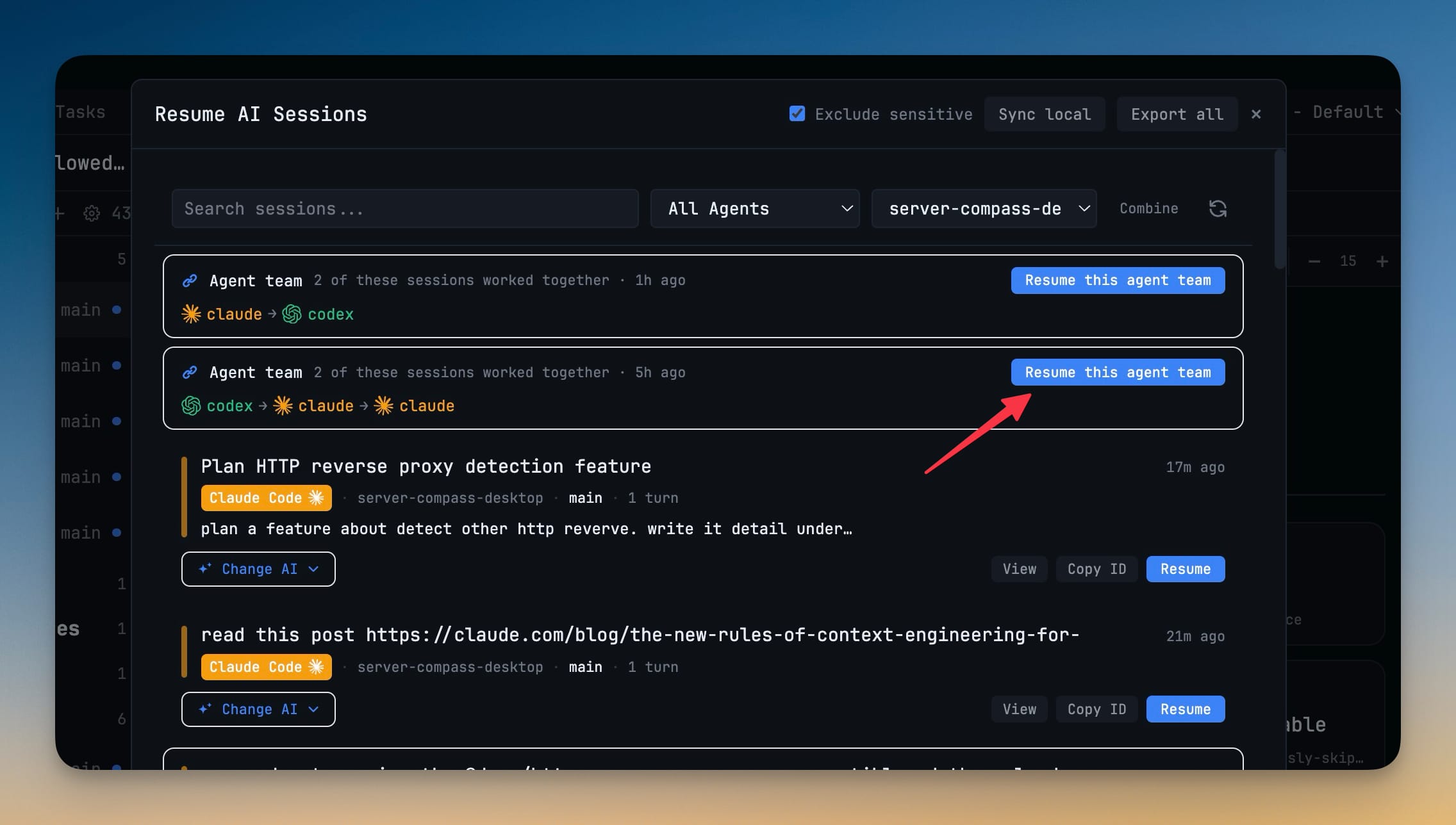
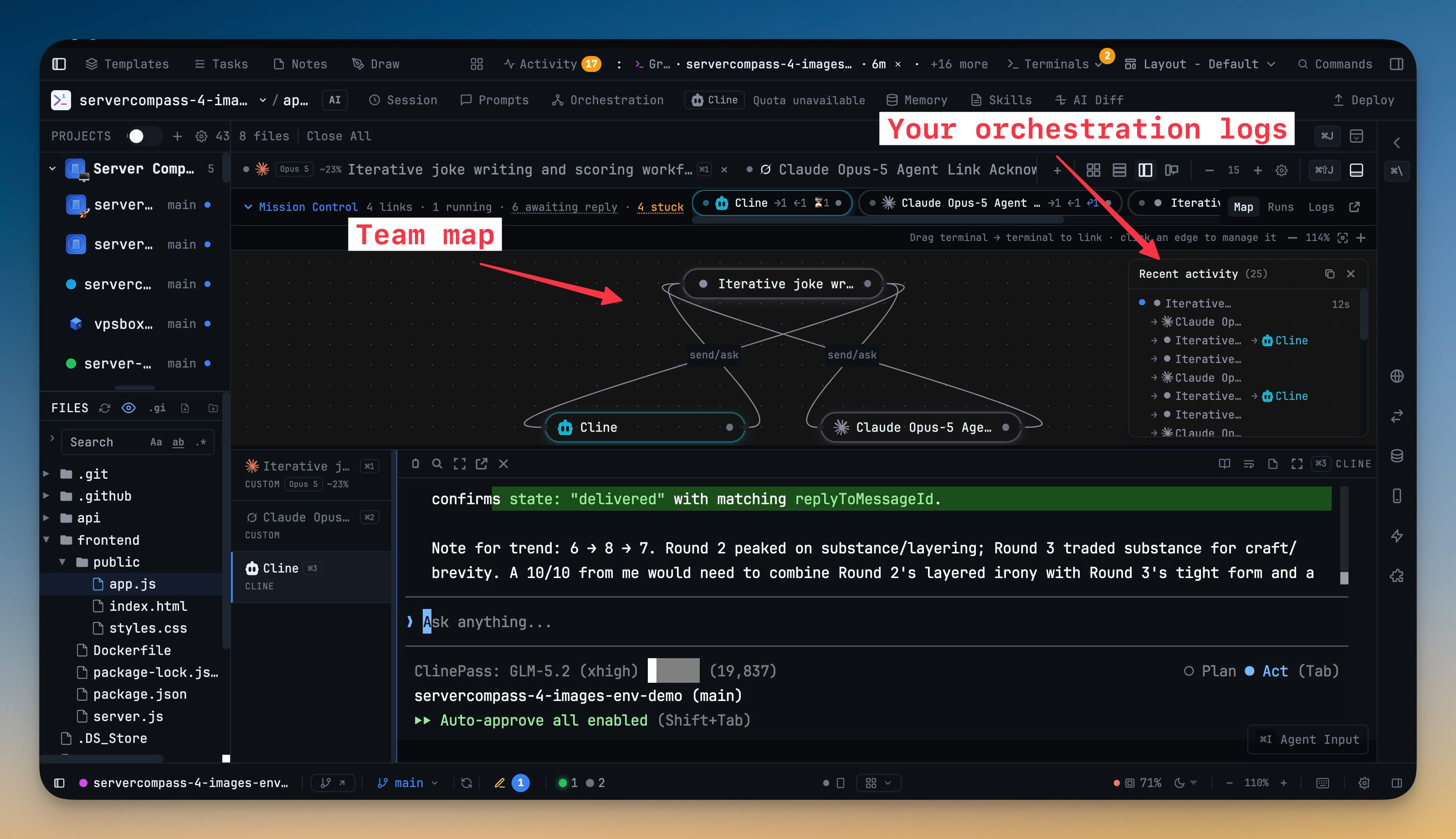
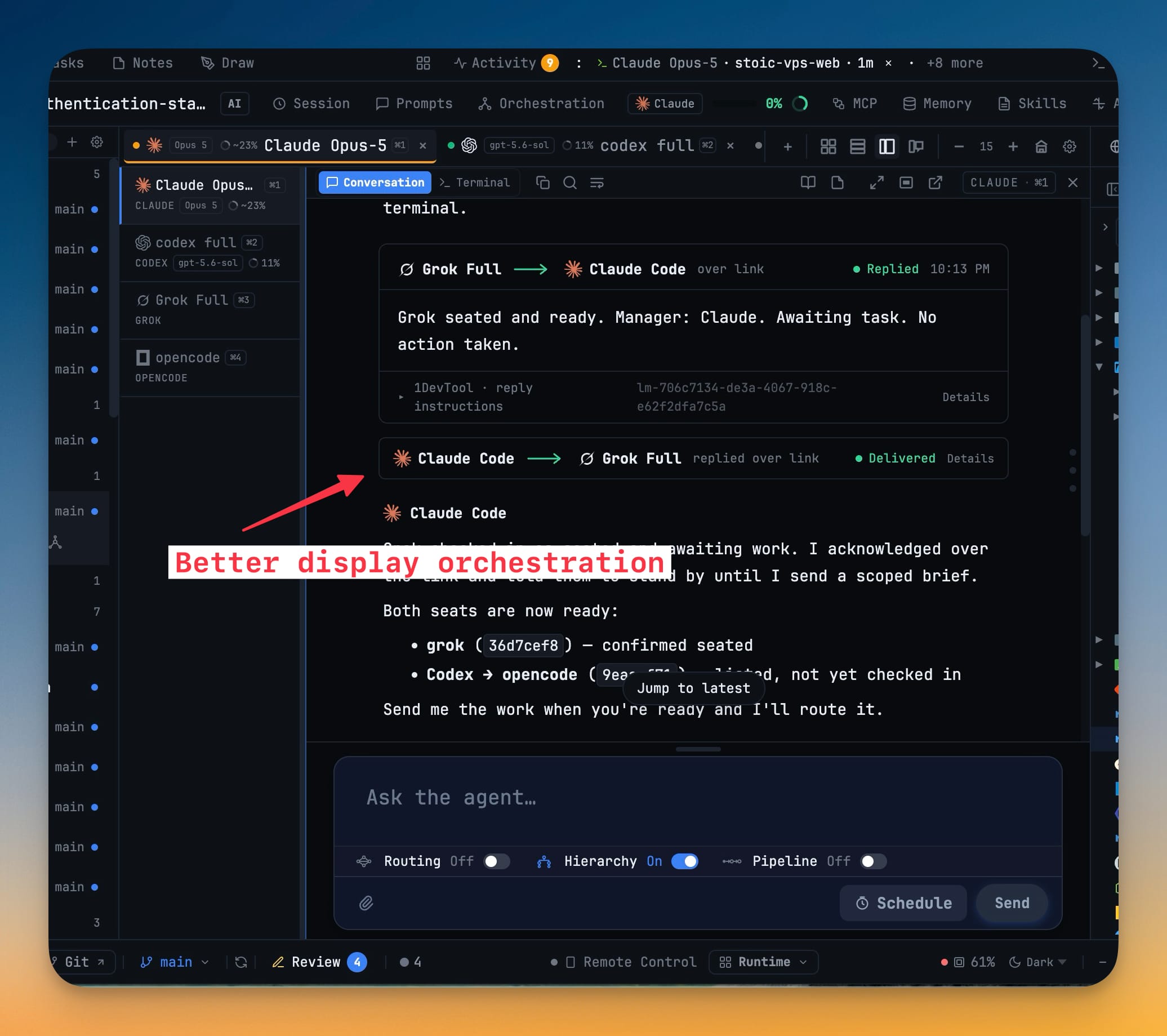
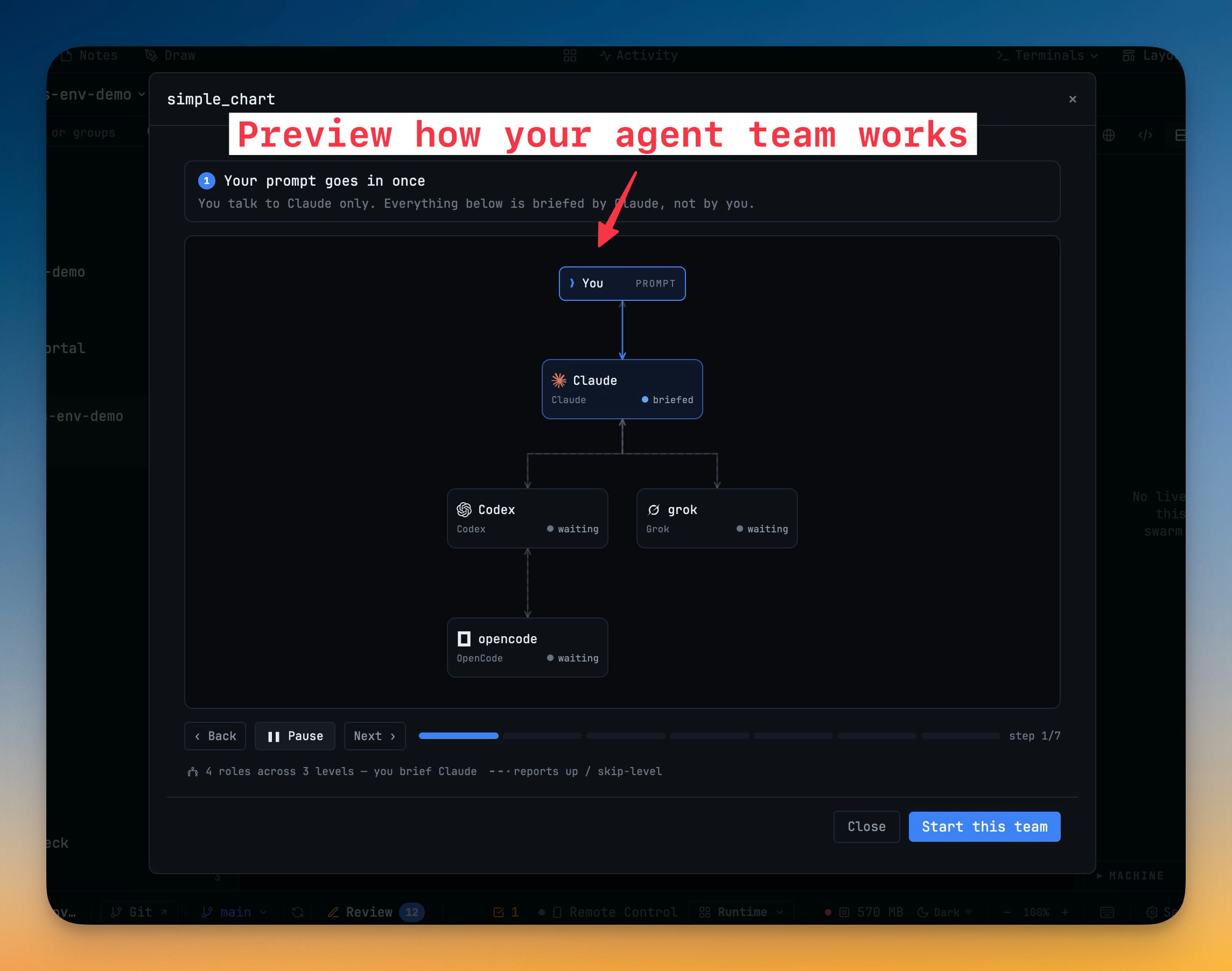
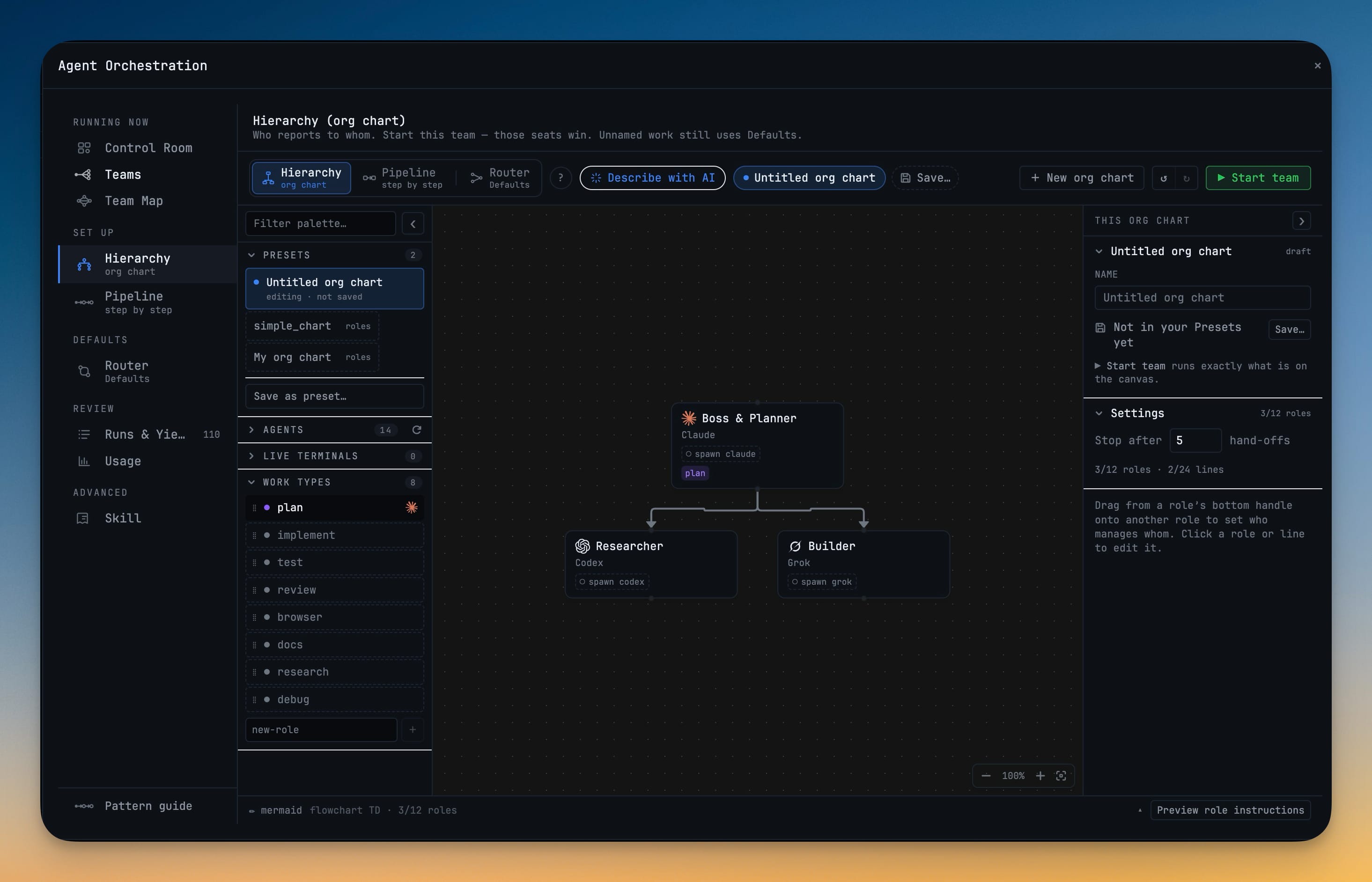
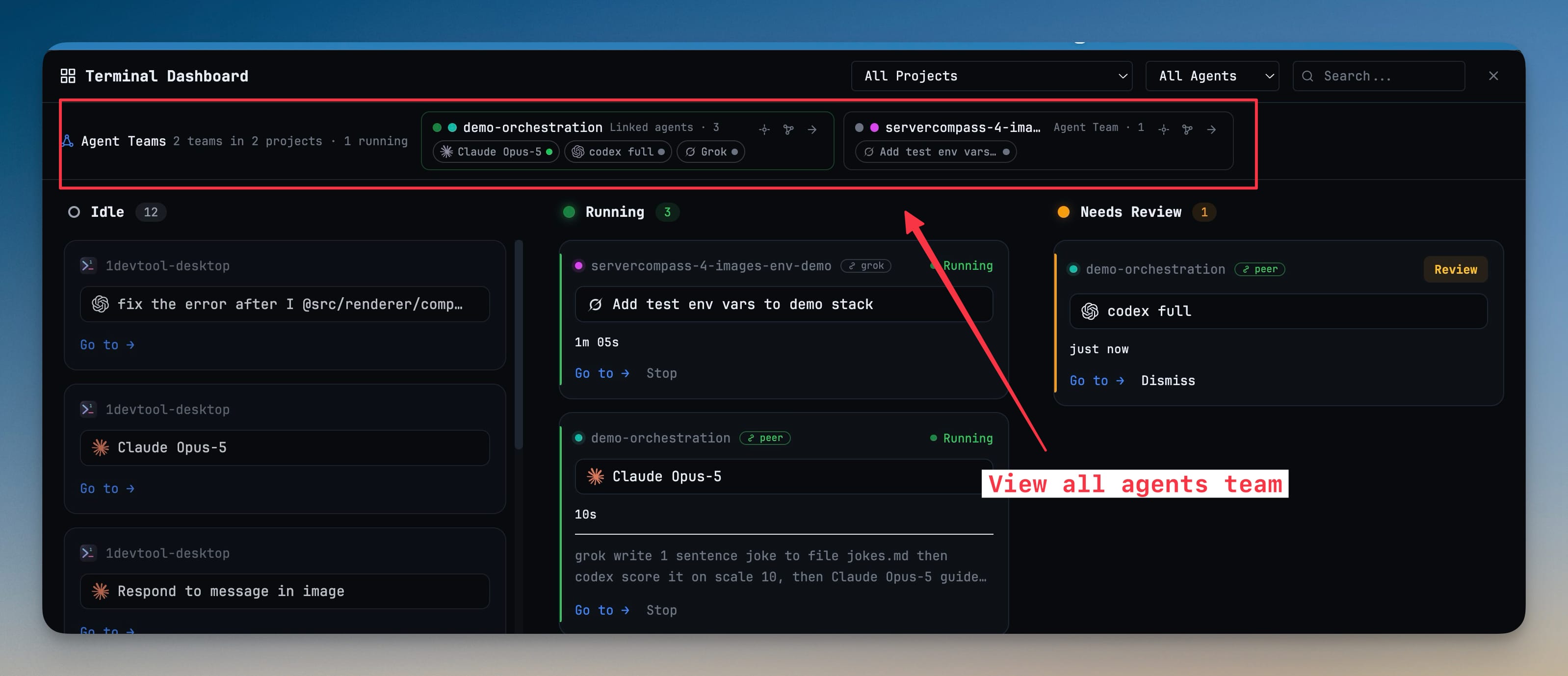
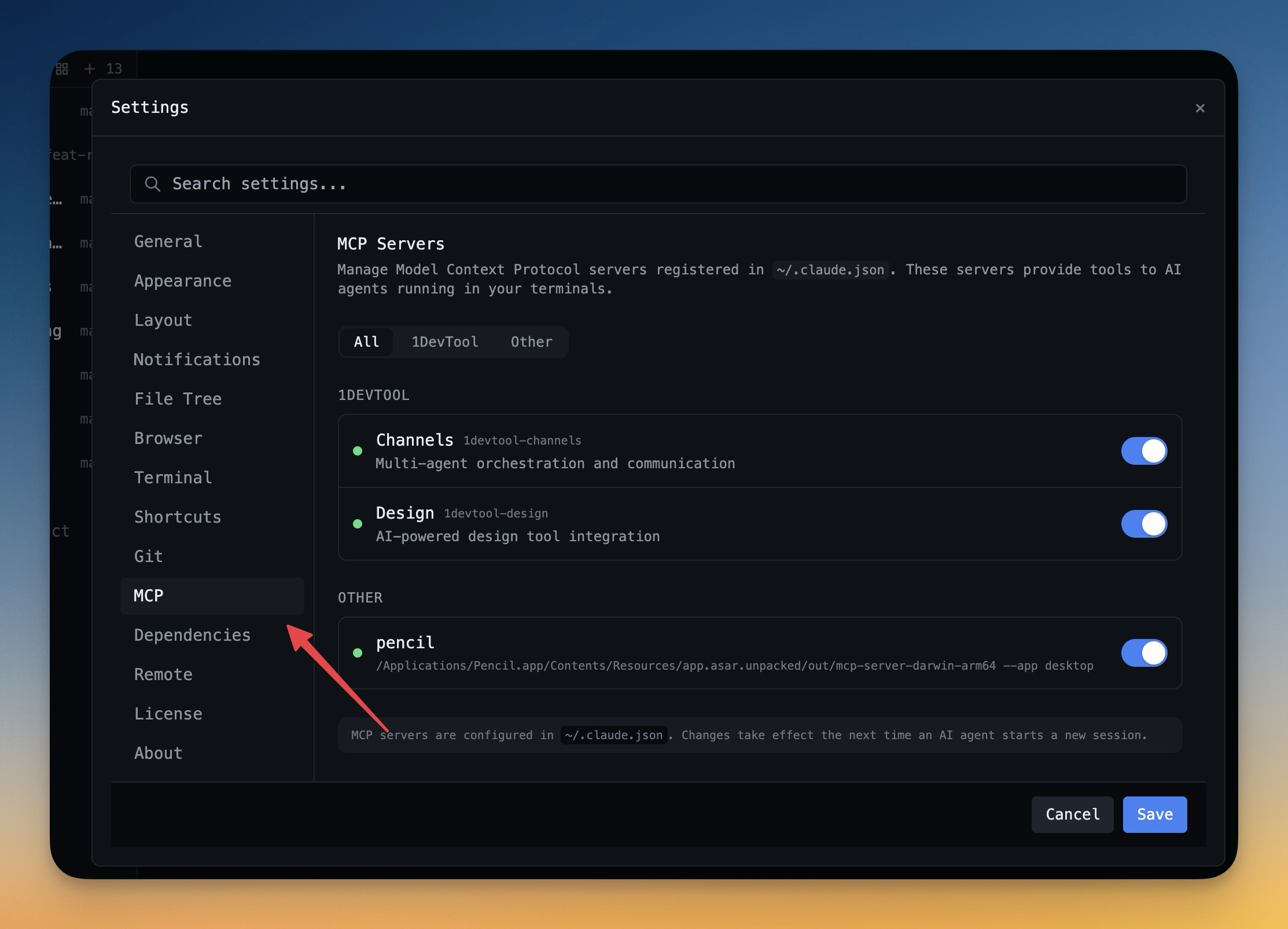
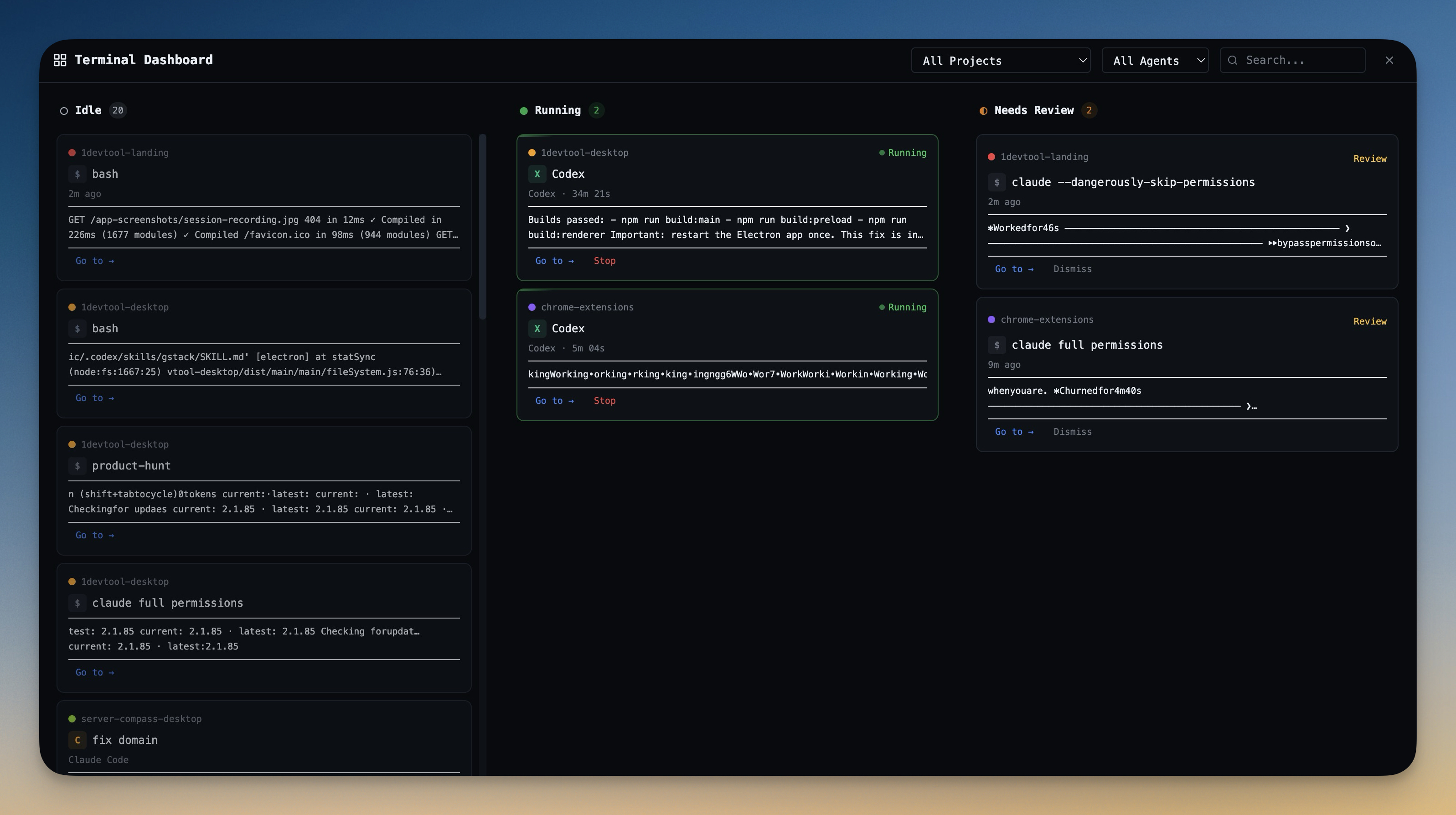
Built-in support for Claude Code, OpenAI Codex, Gemini CLI, and Amp. Run AI agents directly in dedicated terminal tabs with custom colors.

Flexible Layouts

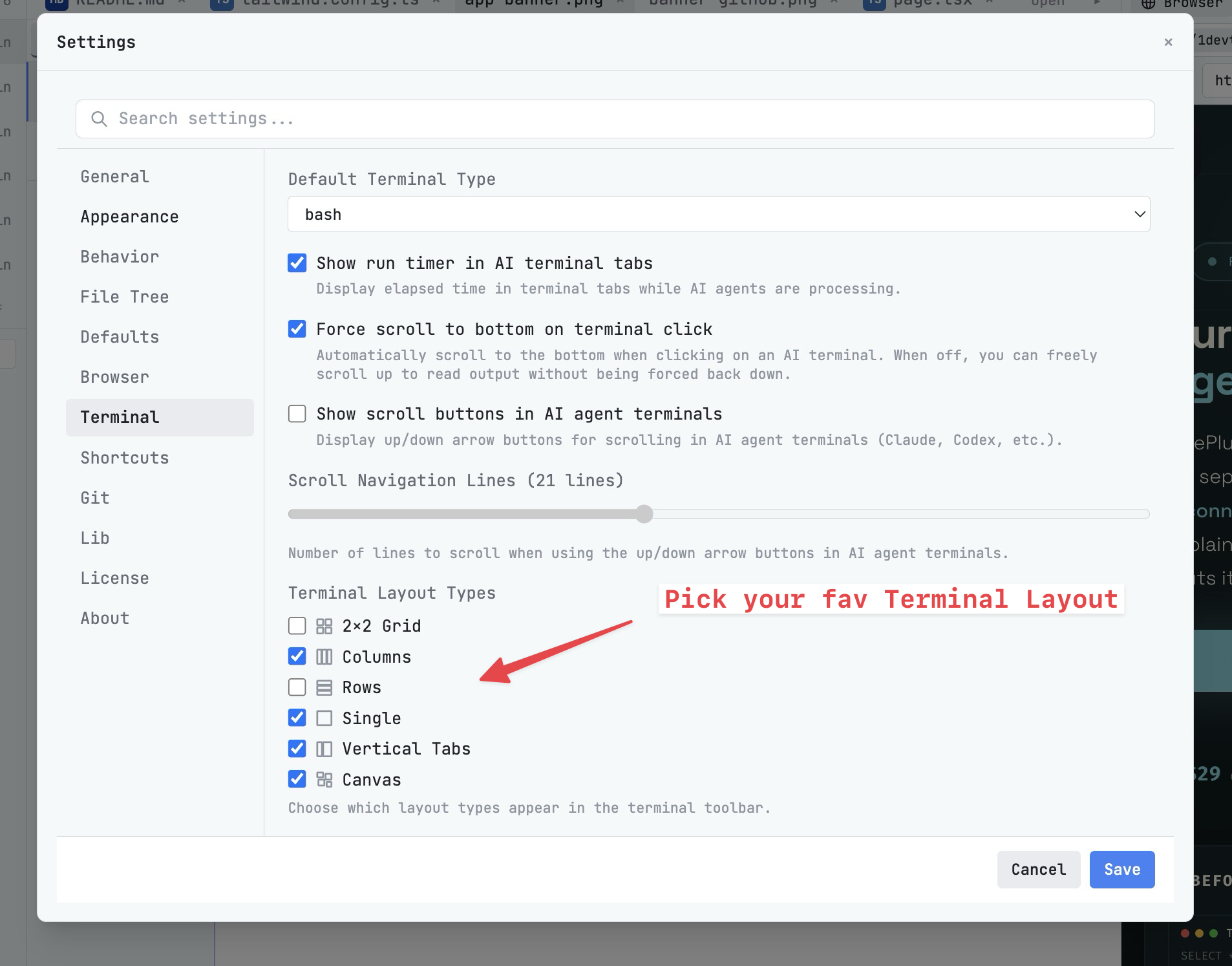
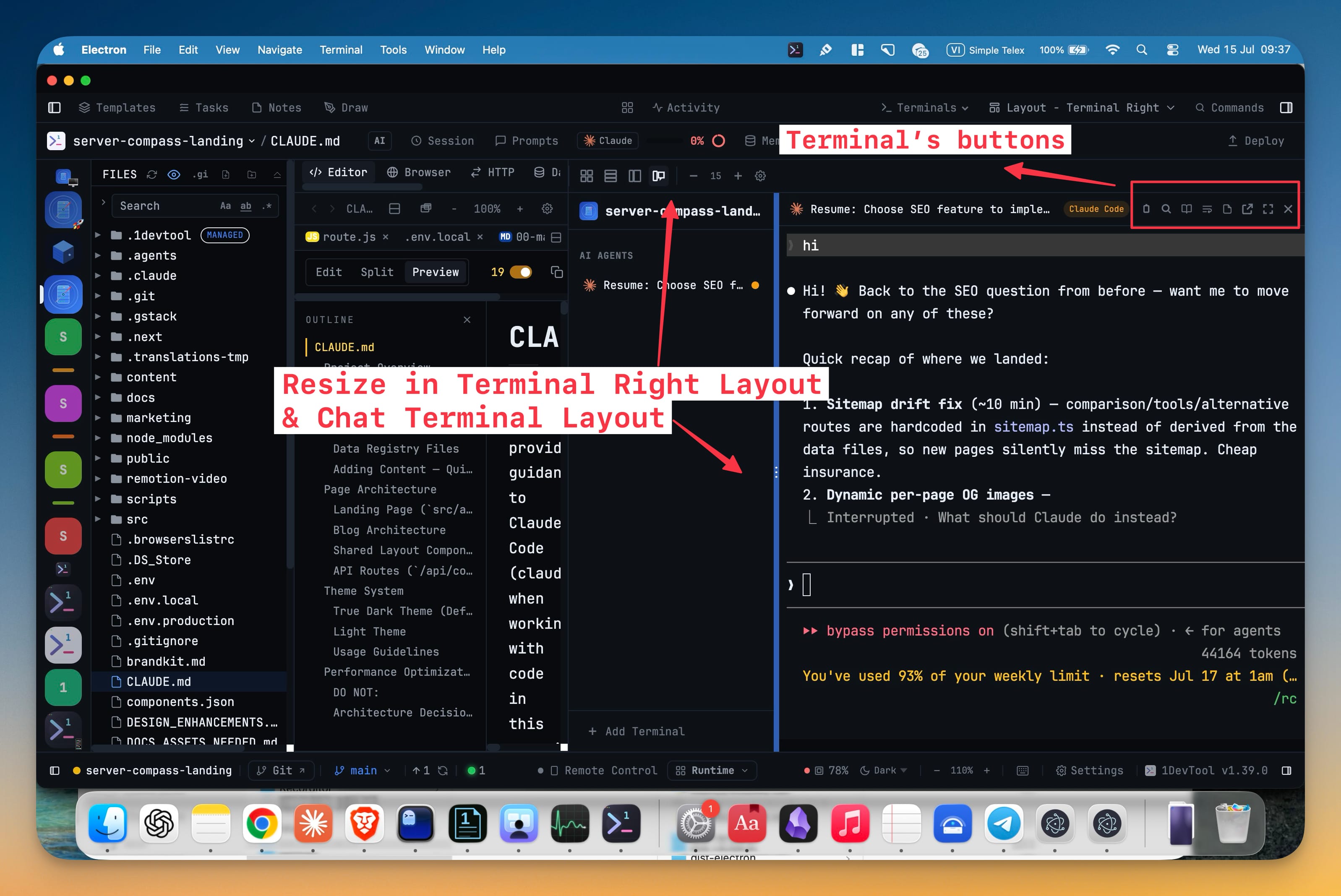
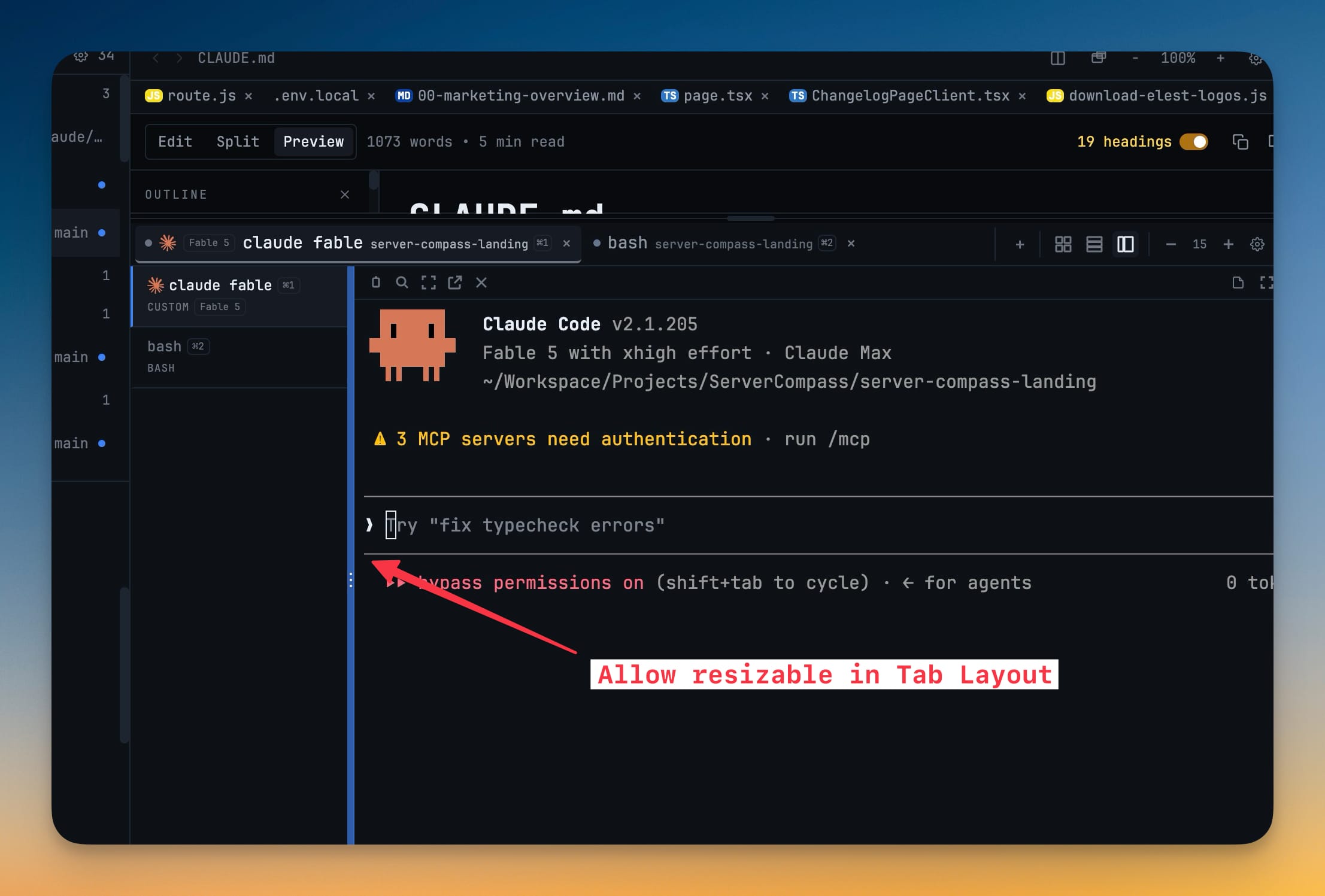
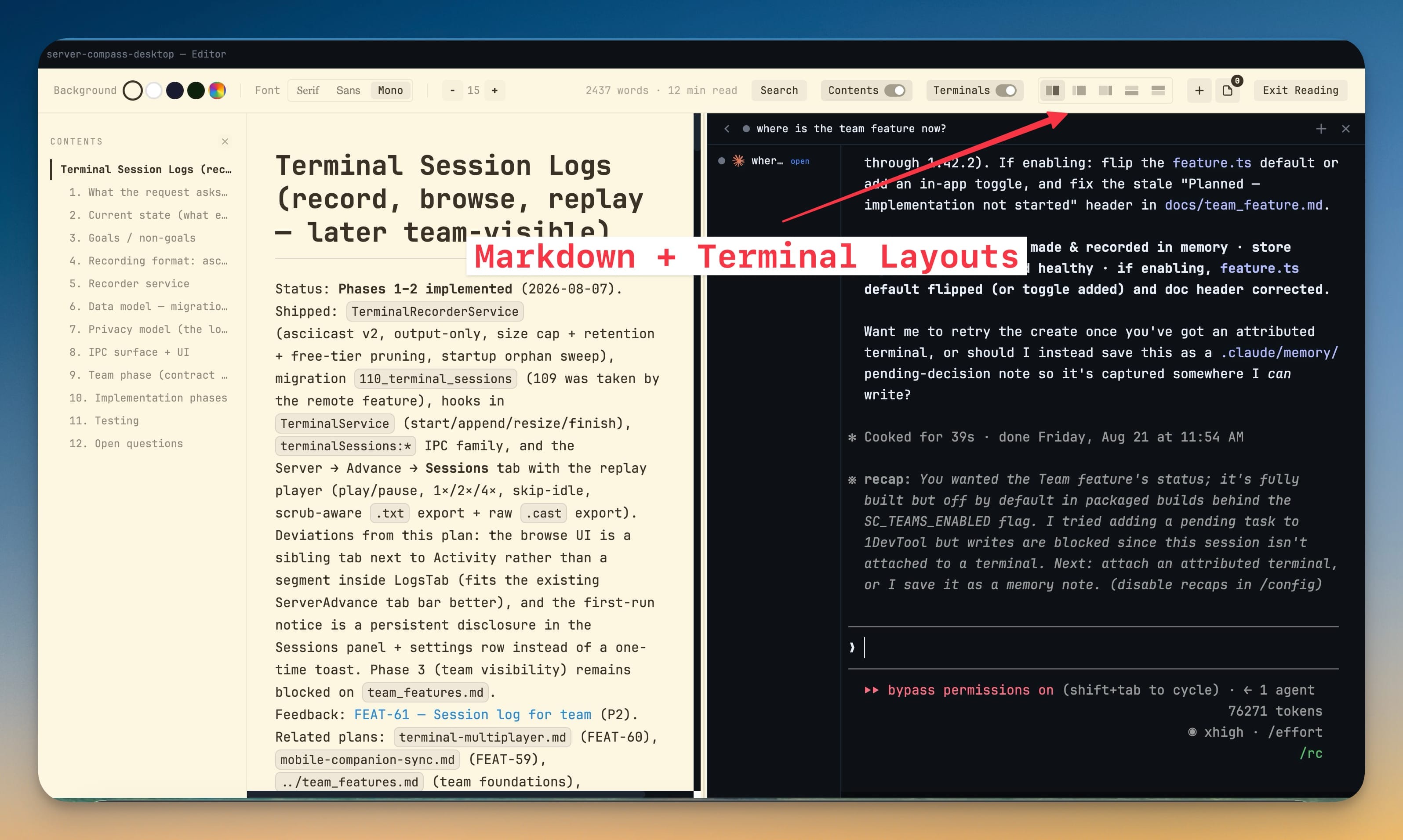
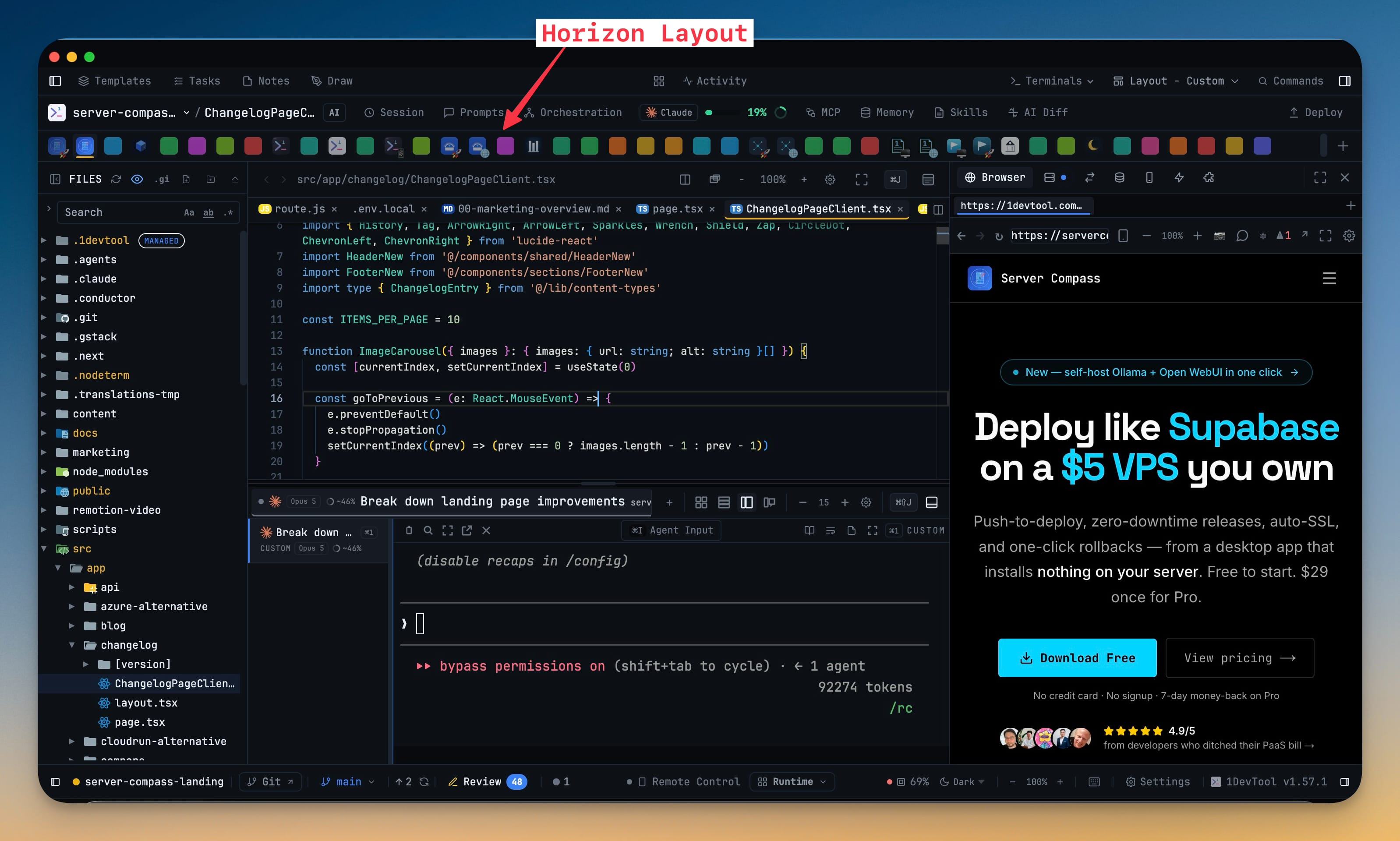
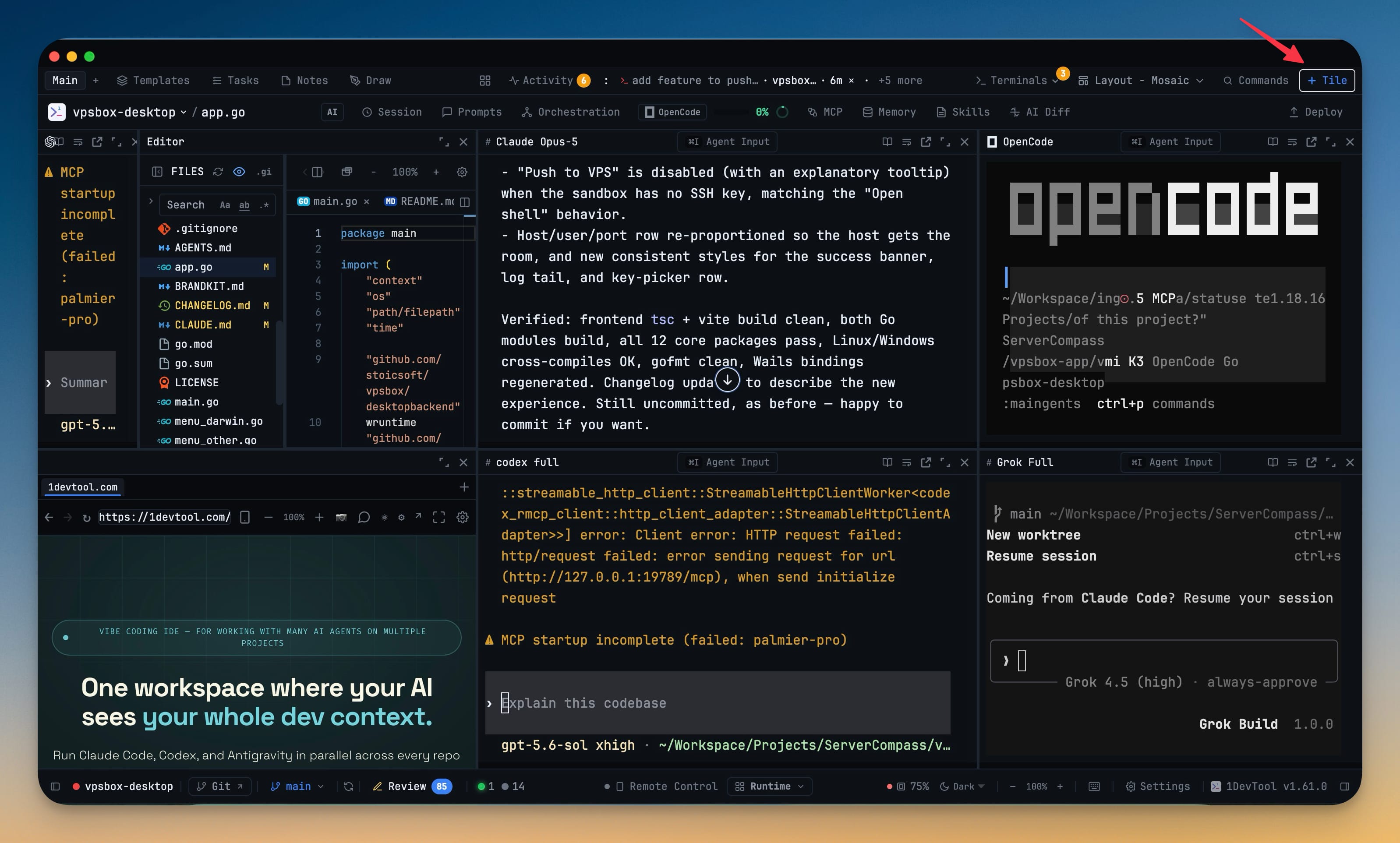
View terminals in 2×2 grid, side-by-side columns, or single fullscreen mode. Resize panes freely with drag-and-drop dividers.

Session Persistence

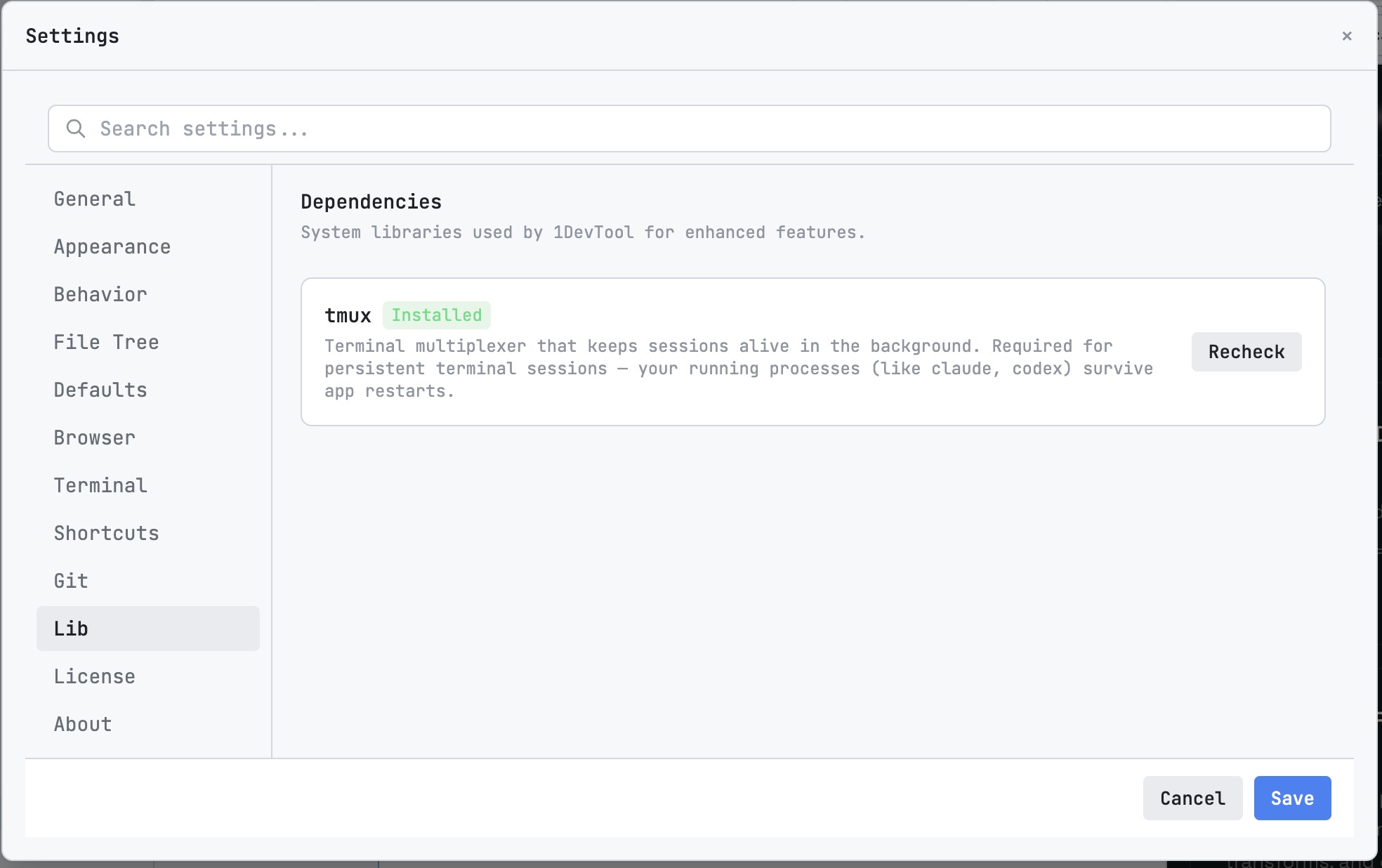
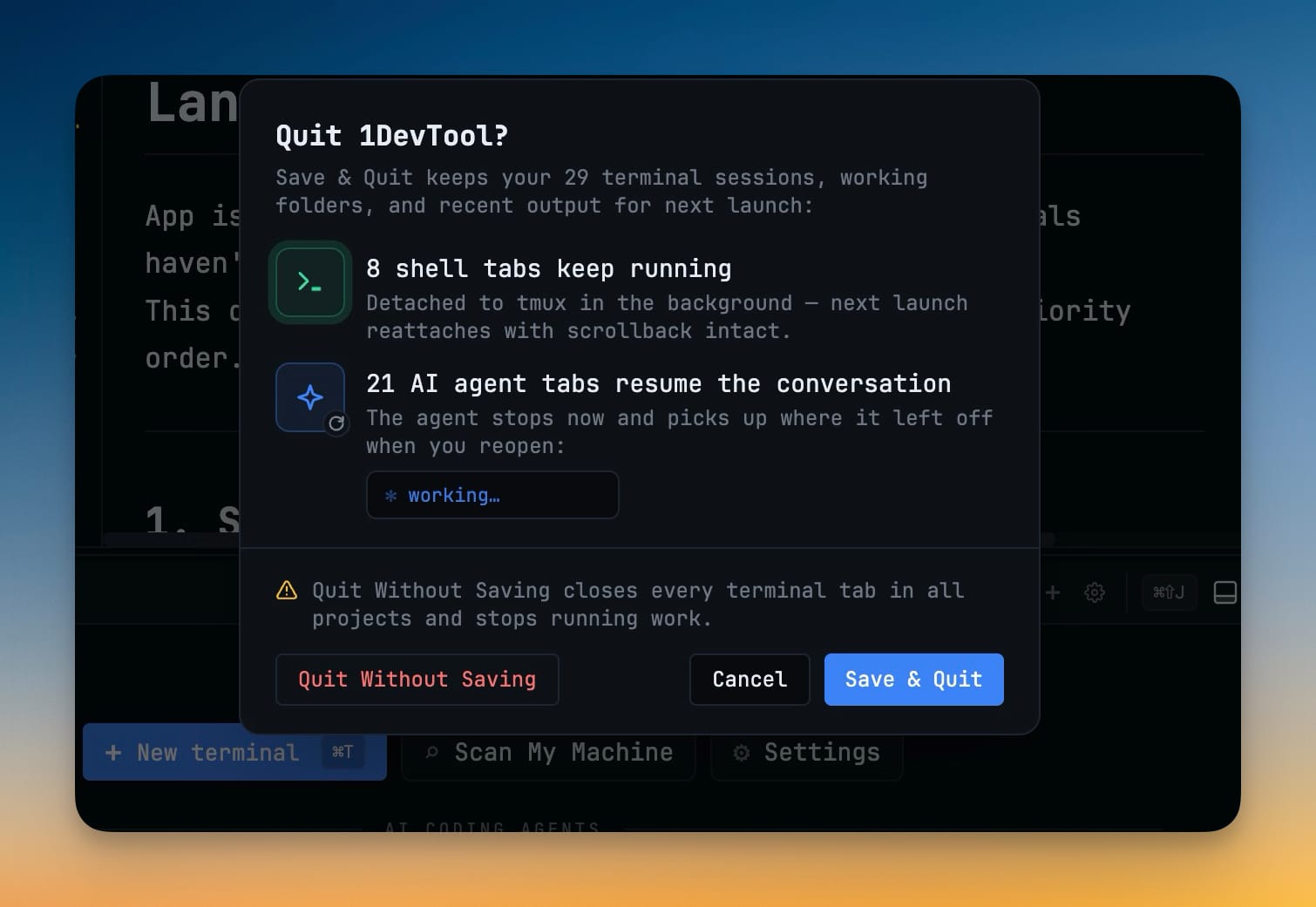
Never lose your terminal state. Sessions persist across app restarts with full scrollback history preserved via tmux integration.

Startup Presets

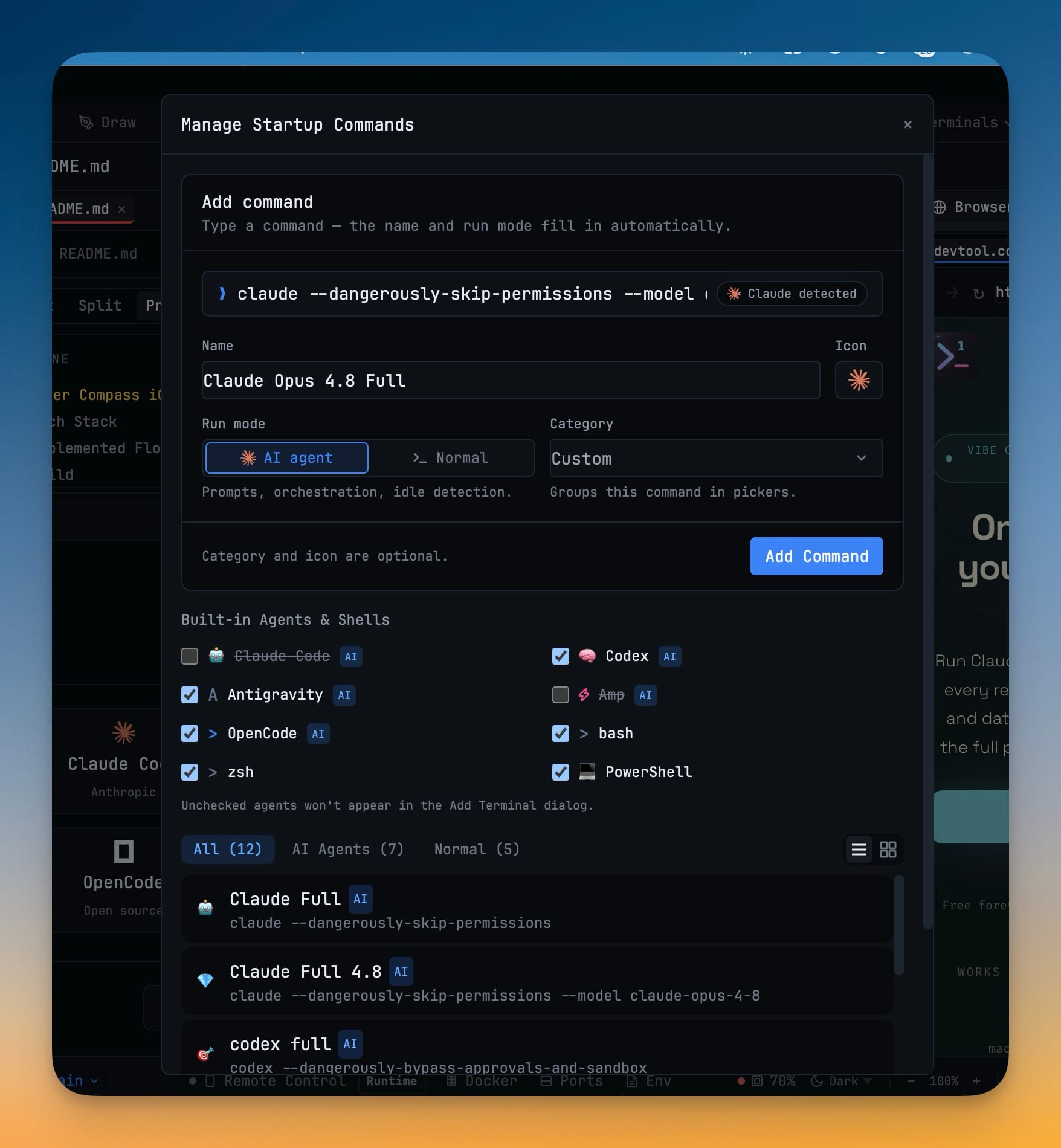
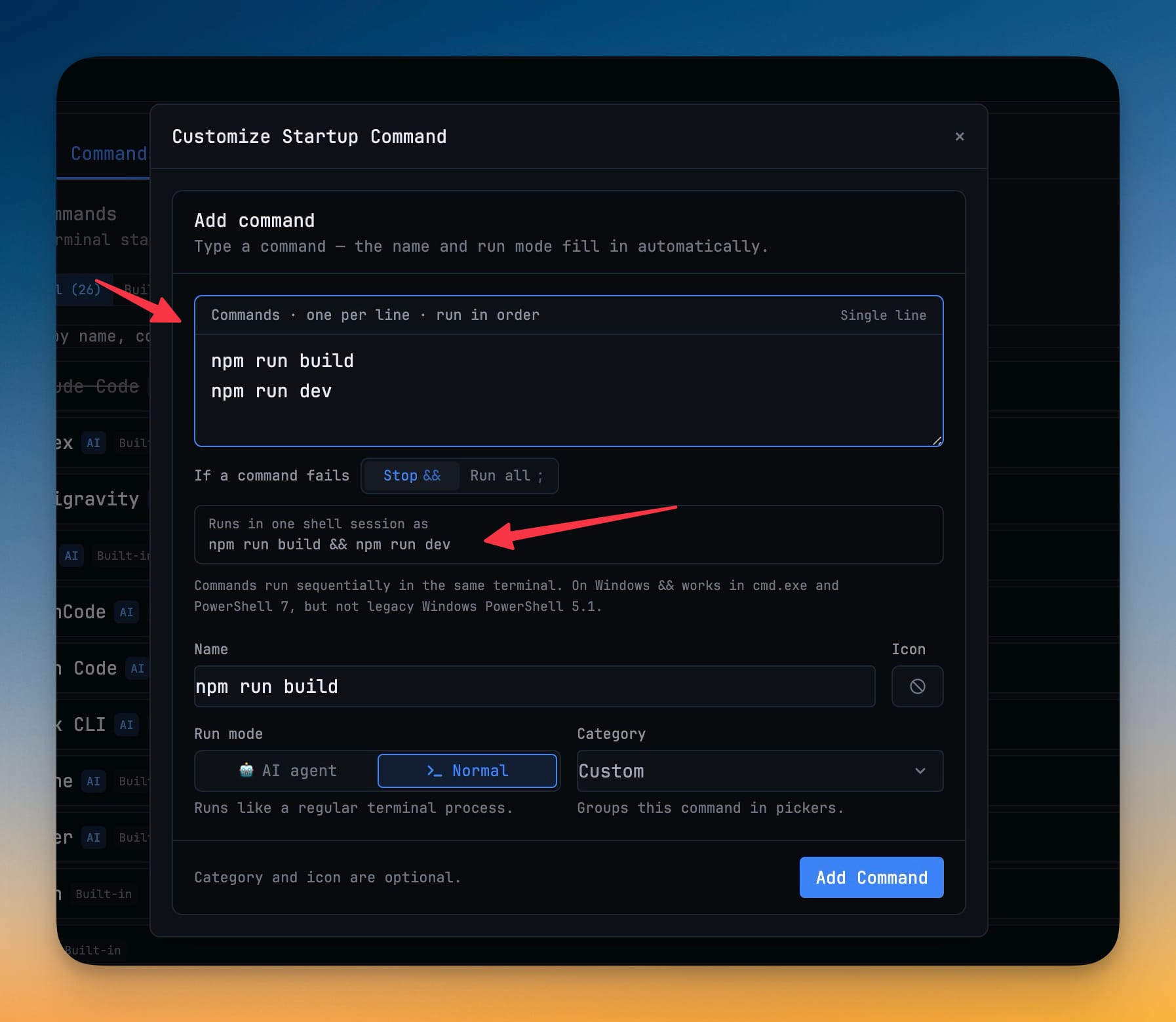
One-click commands for popular frameworks: Next.js, Vite, Docker Compose, Prisma Studio, and dozens more.

Built-in Code Editor

Monaco editor with full IDE features
Monaco Editor

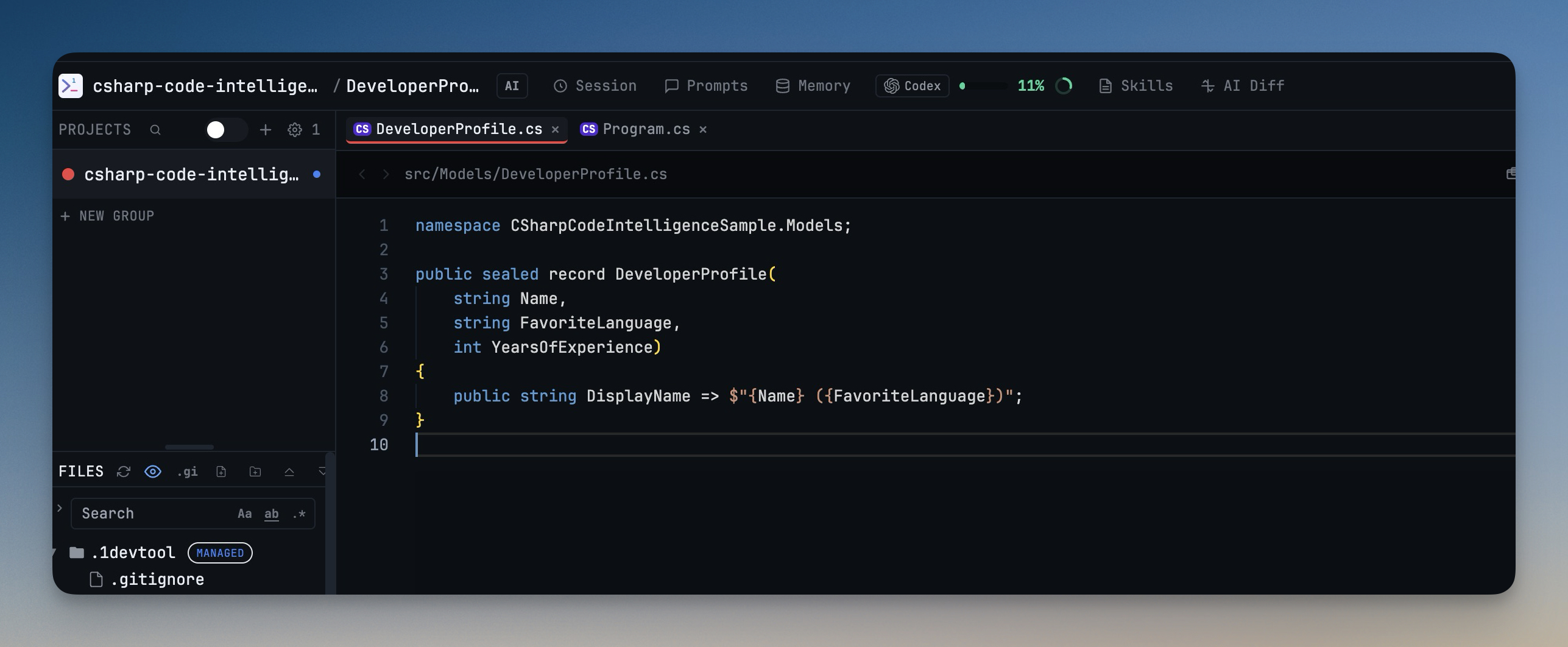
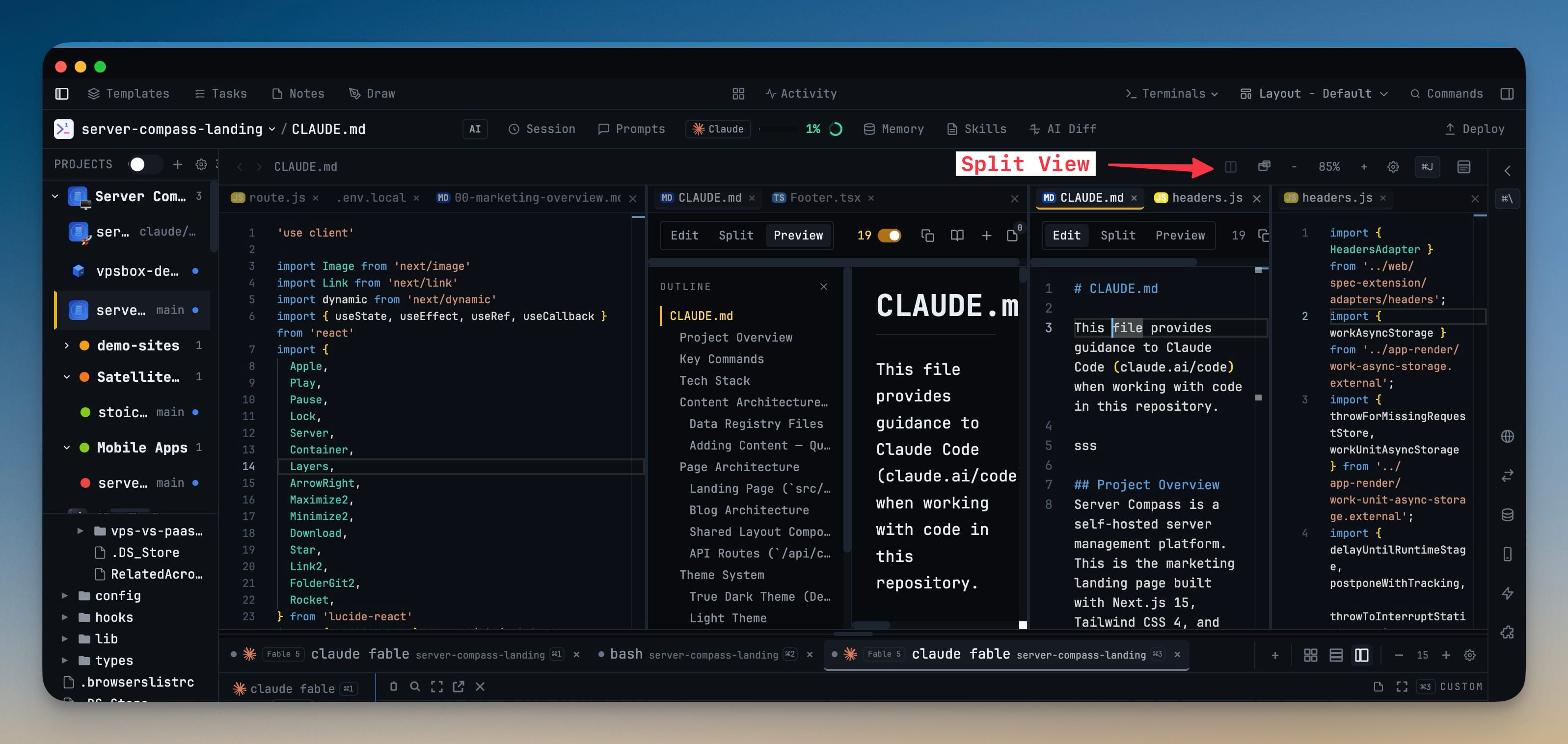
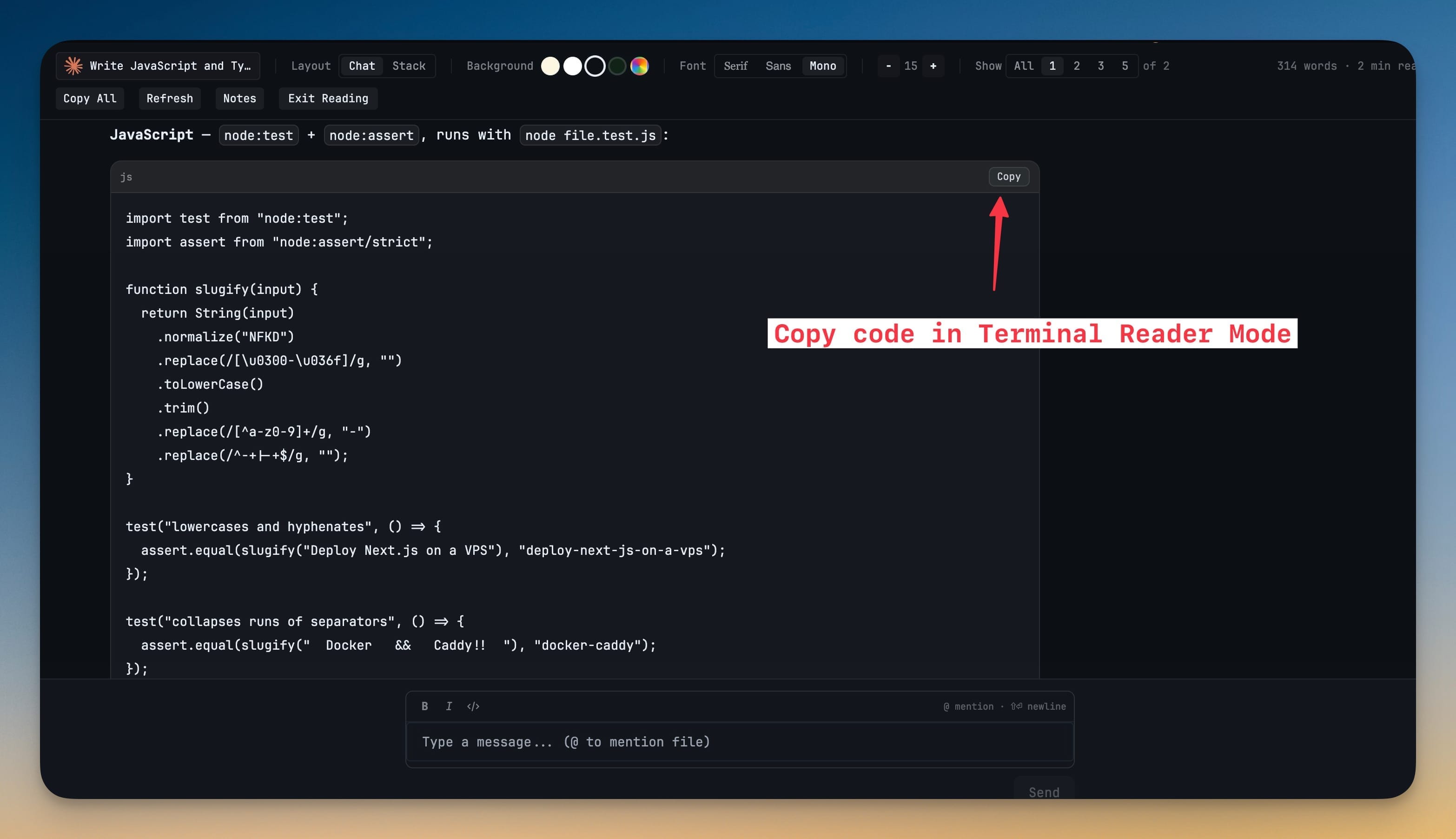
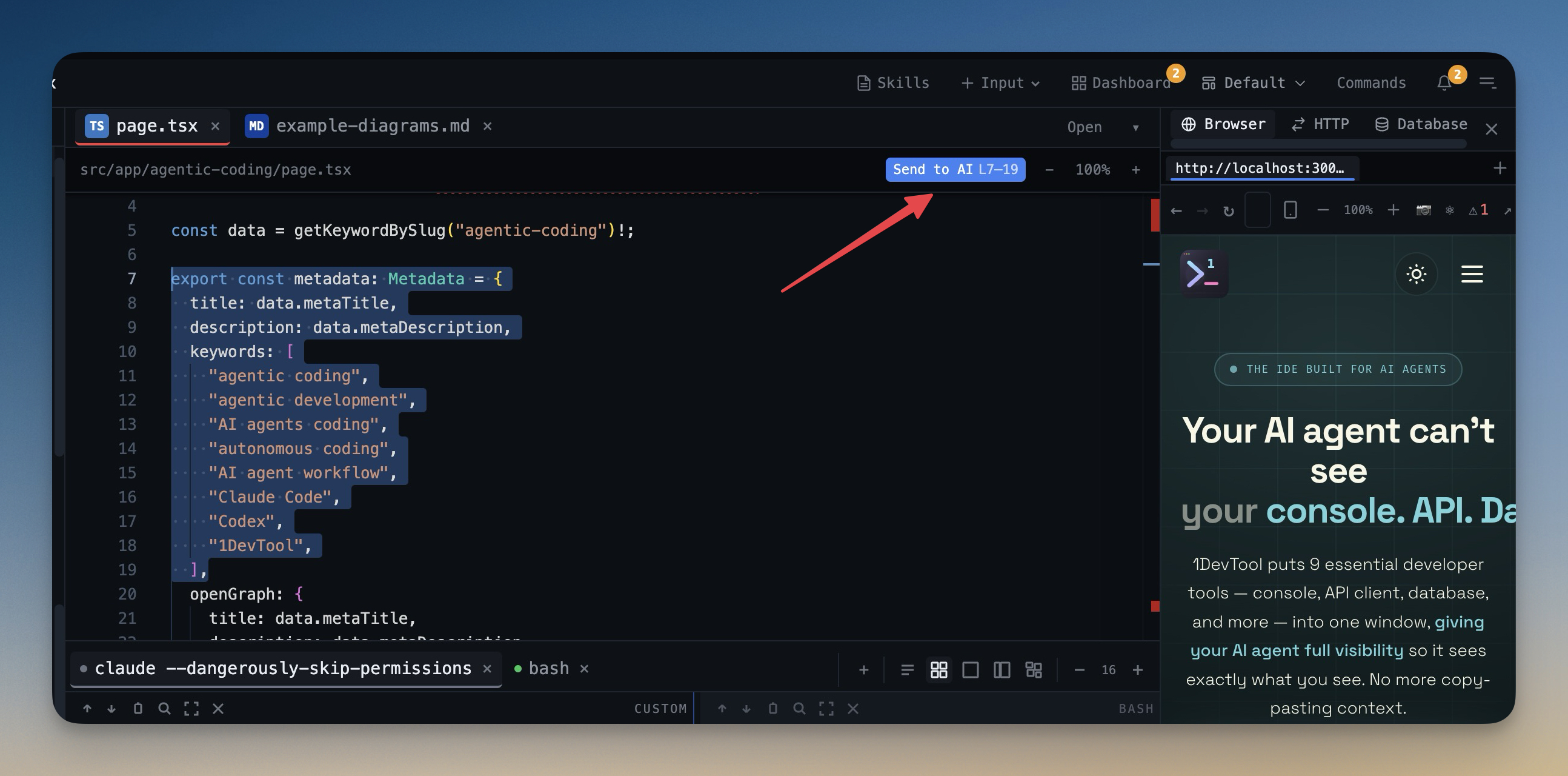
The same editor engine that powers VS Code. Get syntax highlighting for 100+ languages, IntelliSense, and multi-cursor editing.

Multi-File Editing

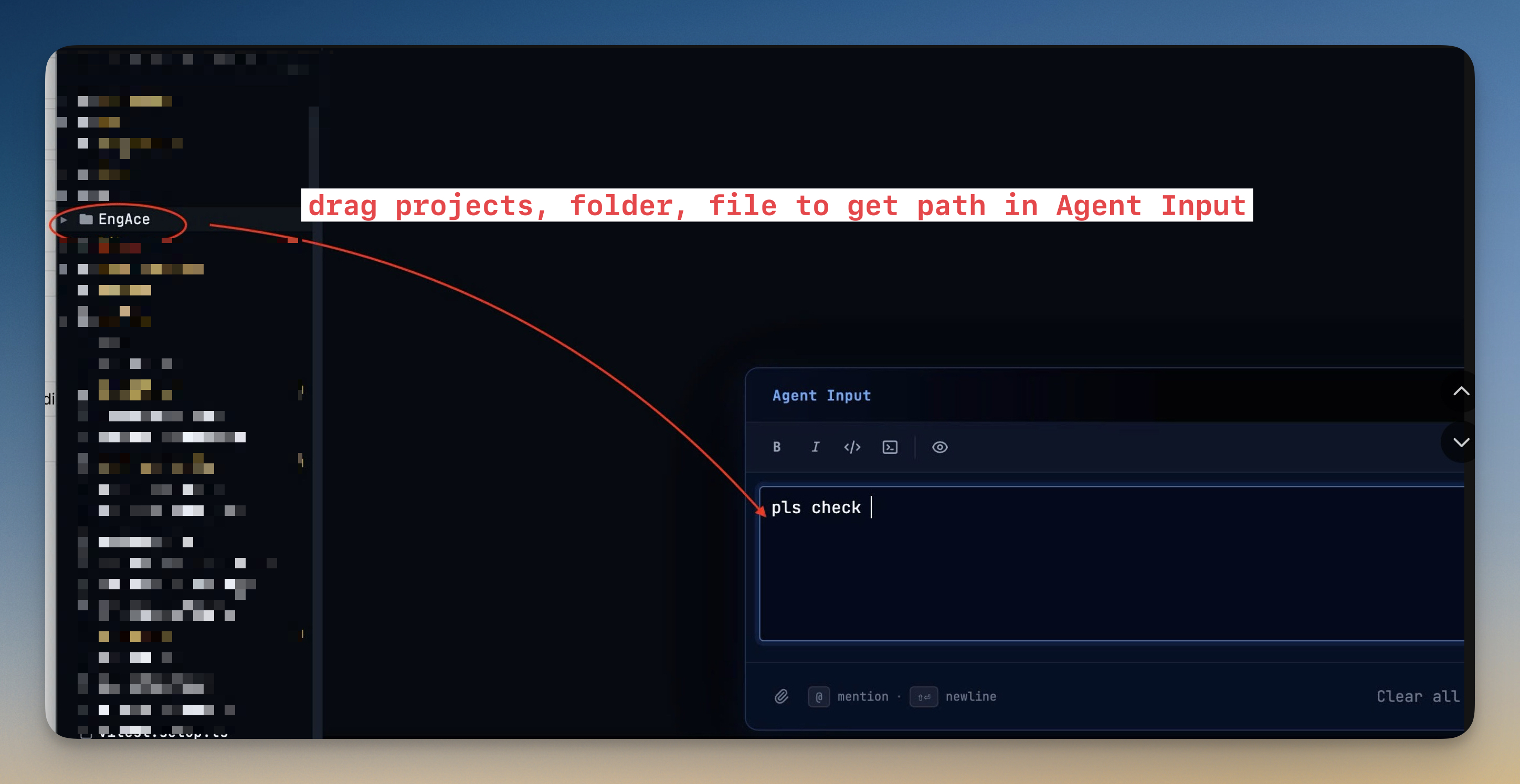
Open multiple files in tabs with language badges. Drag and drop files from the explorer to start editing instantly.

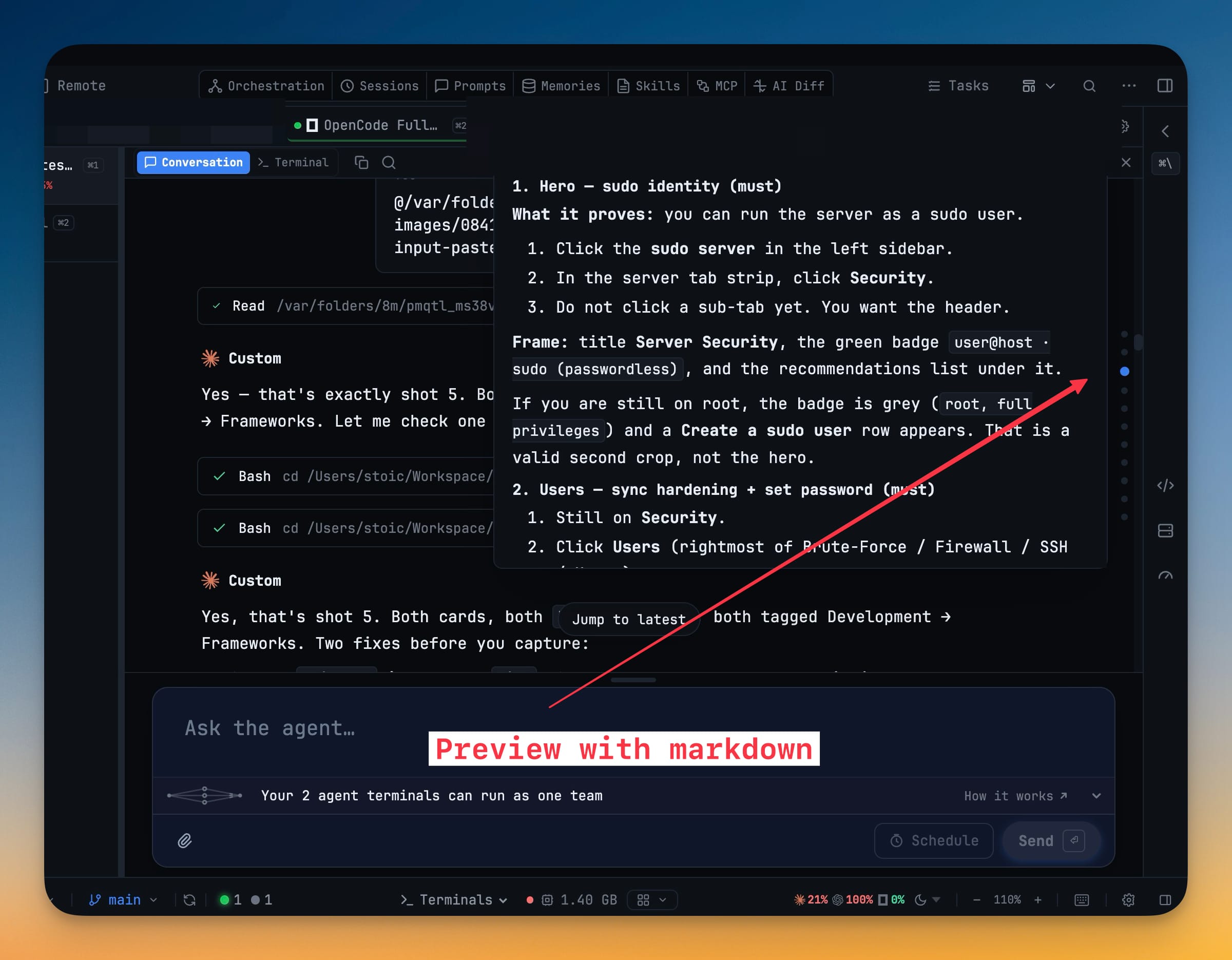
Markdown Preview

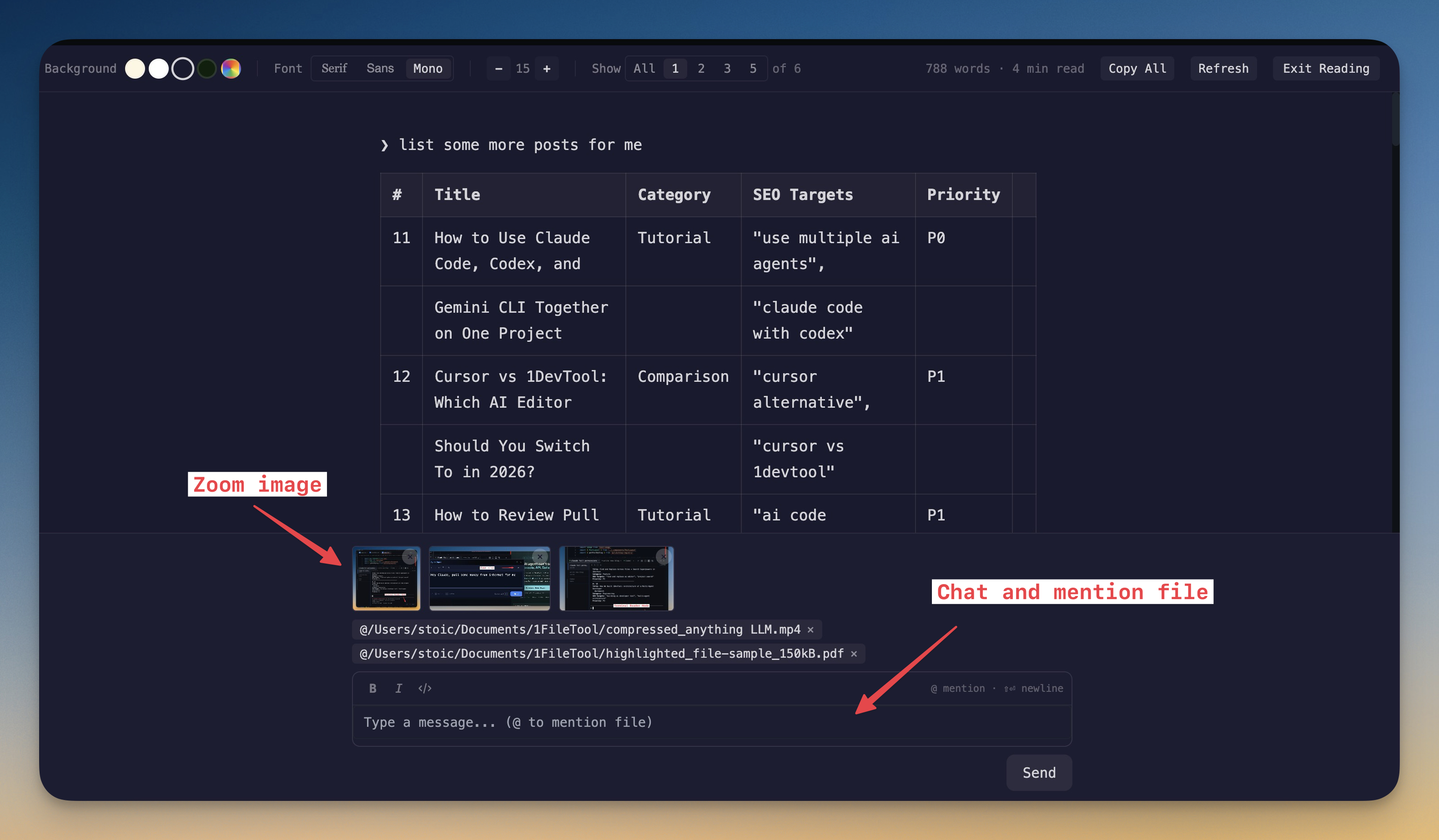
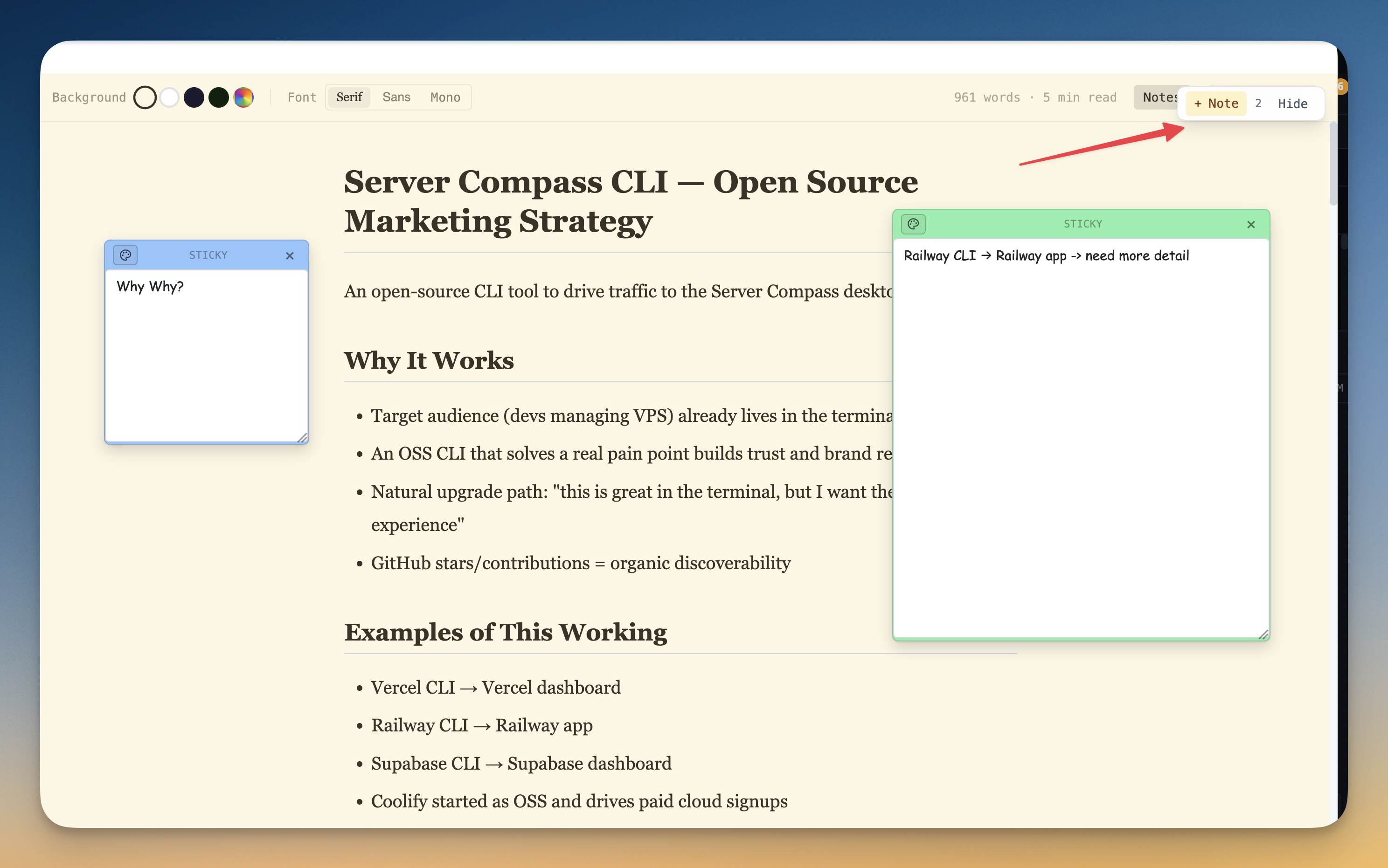
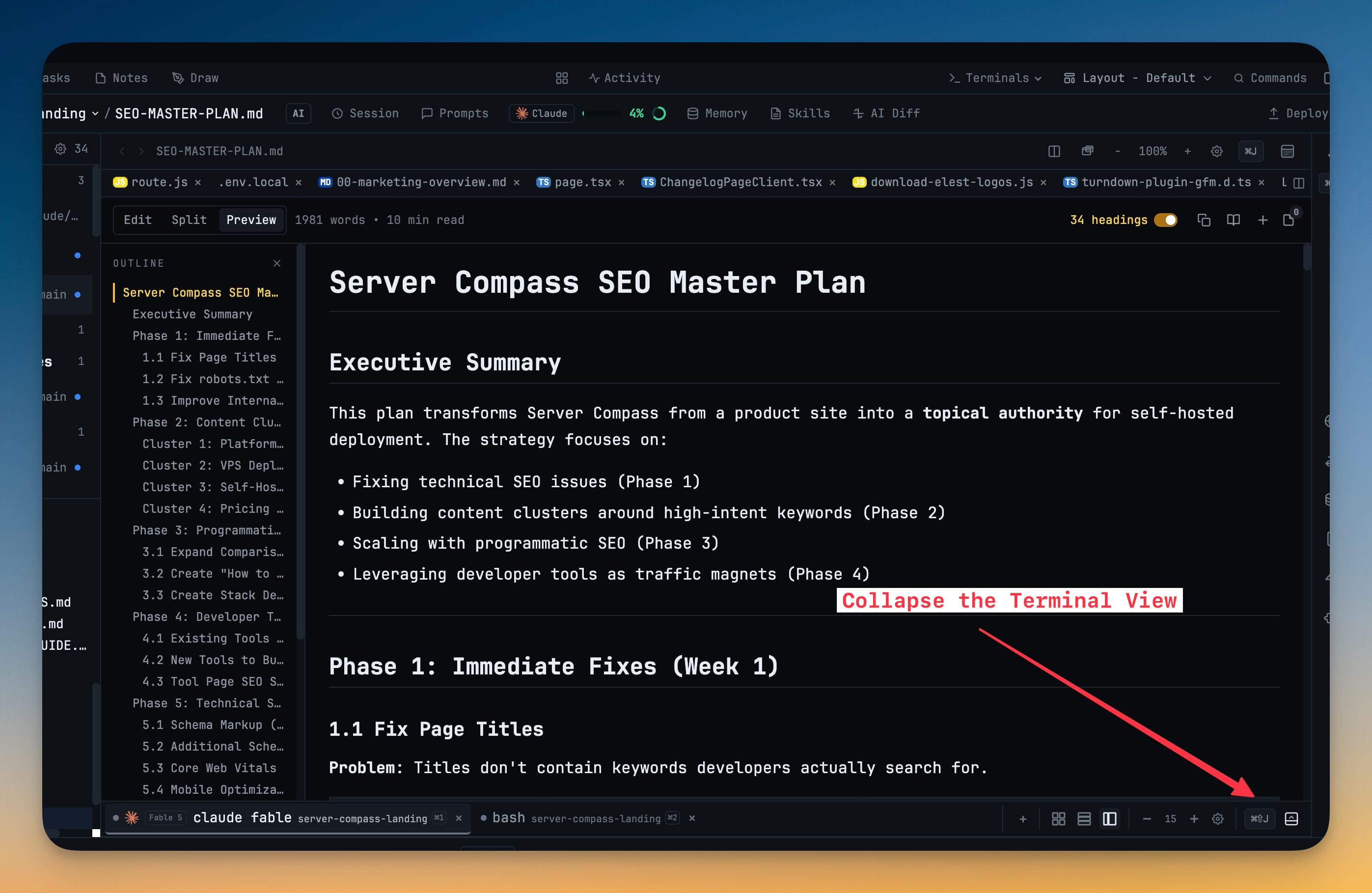
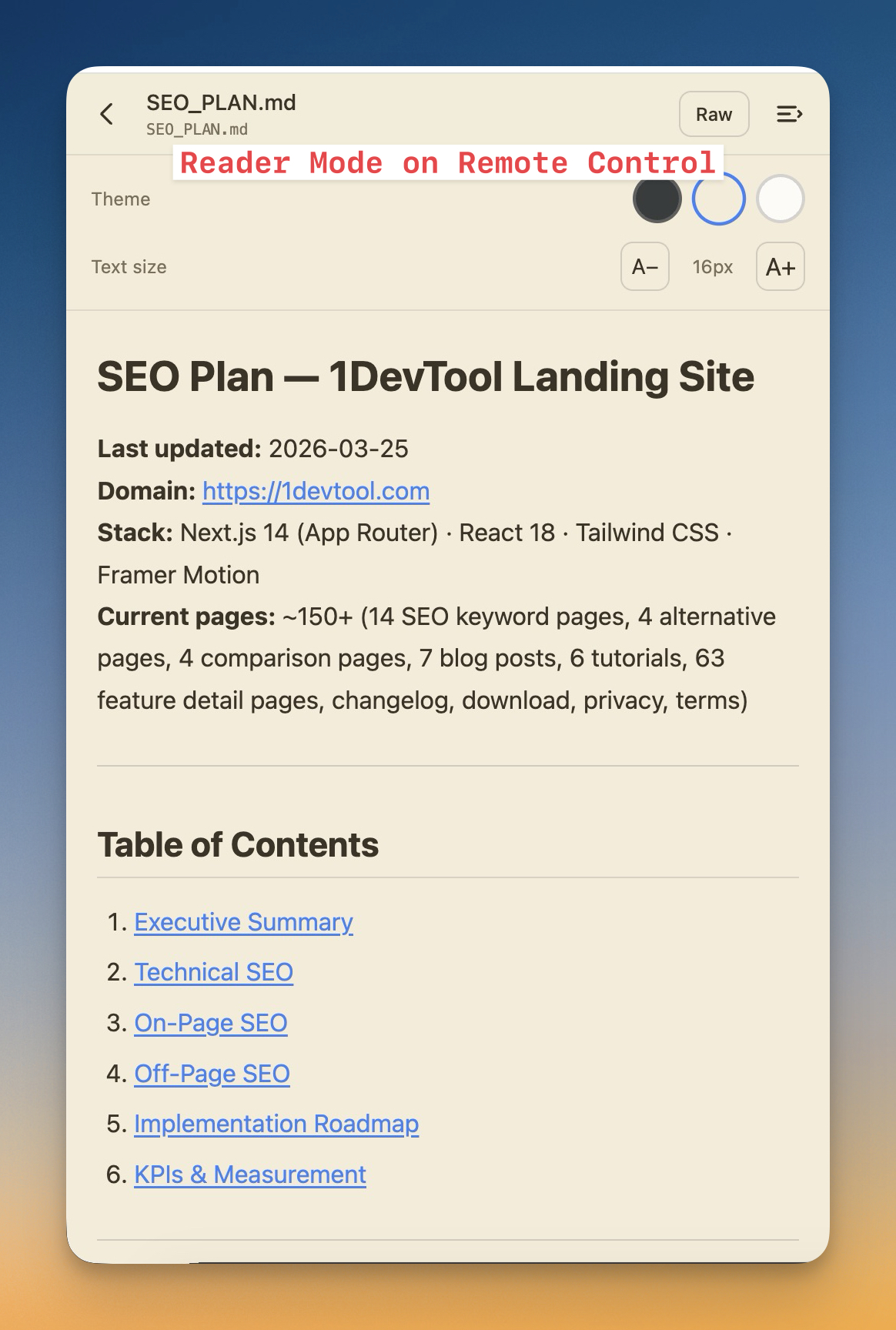
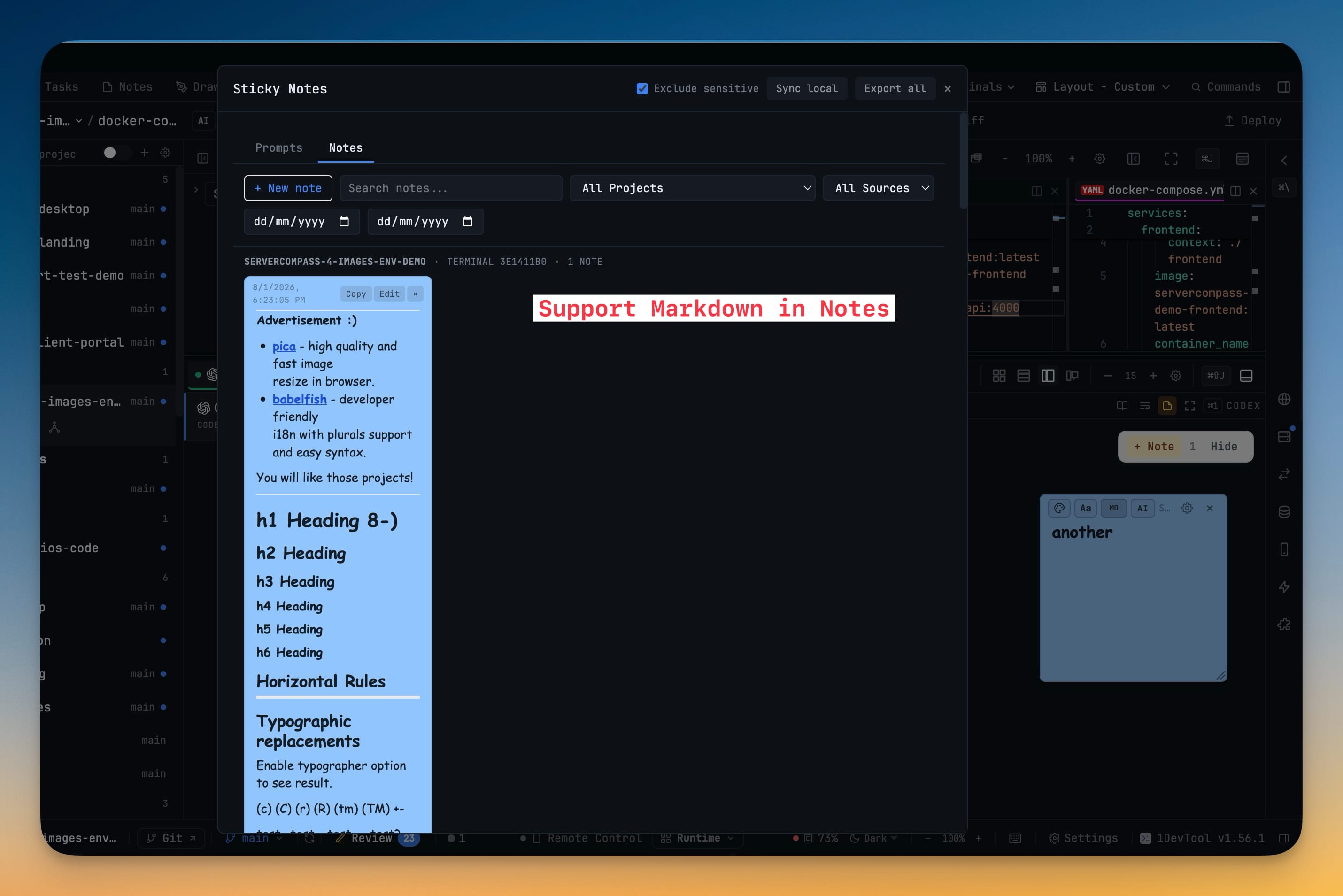
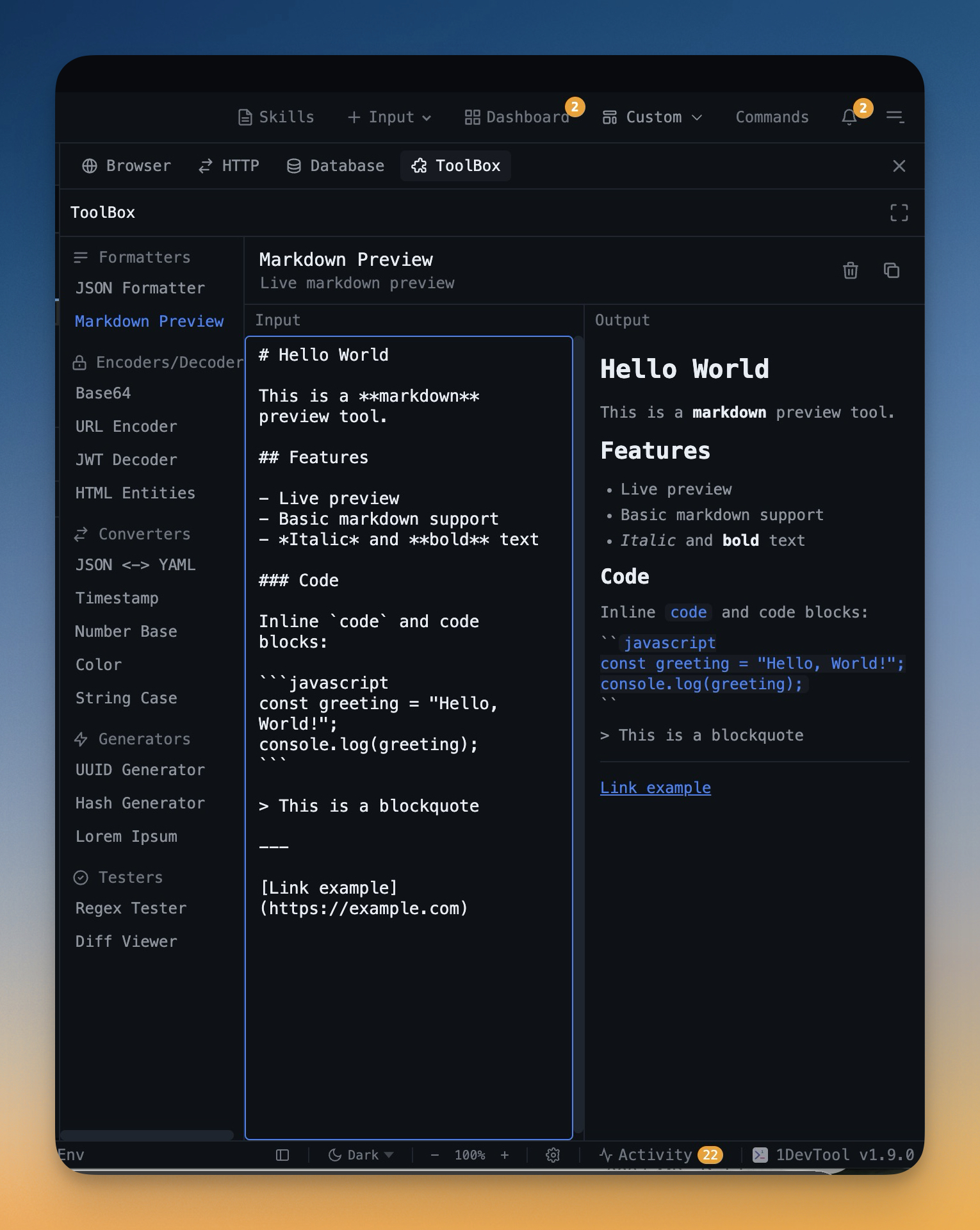
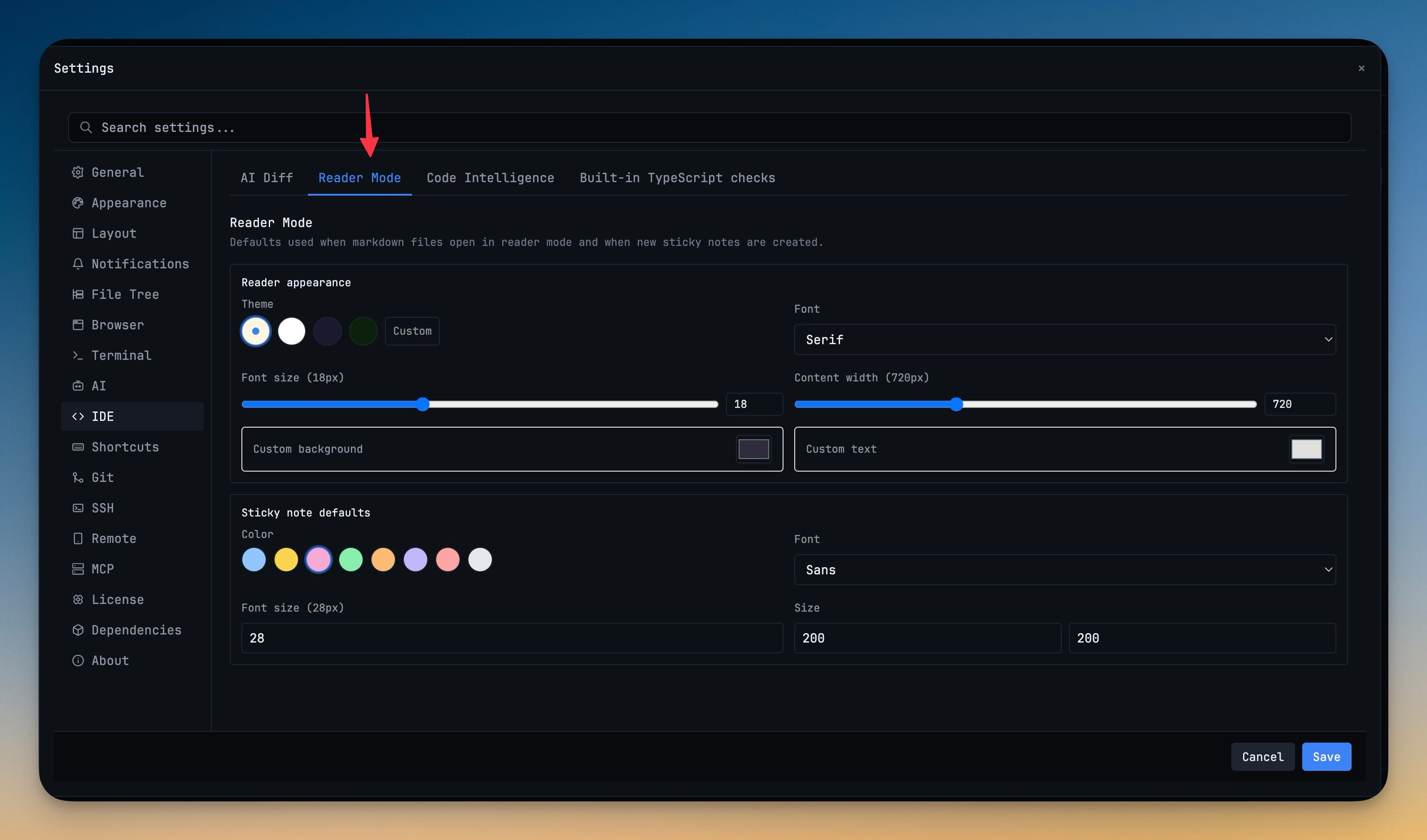
Write and preview Markdown side-by-side. Perfect for documentation, READMEs, and notes.

External Editor Support

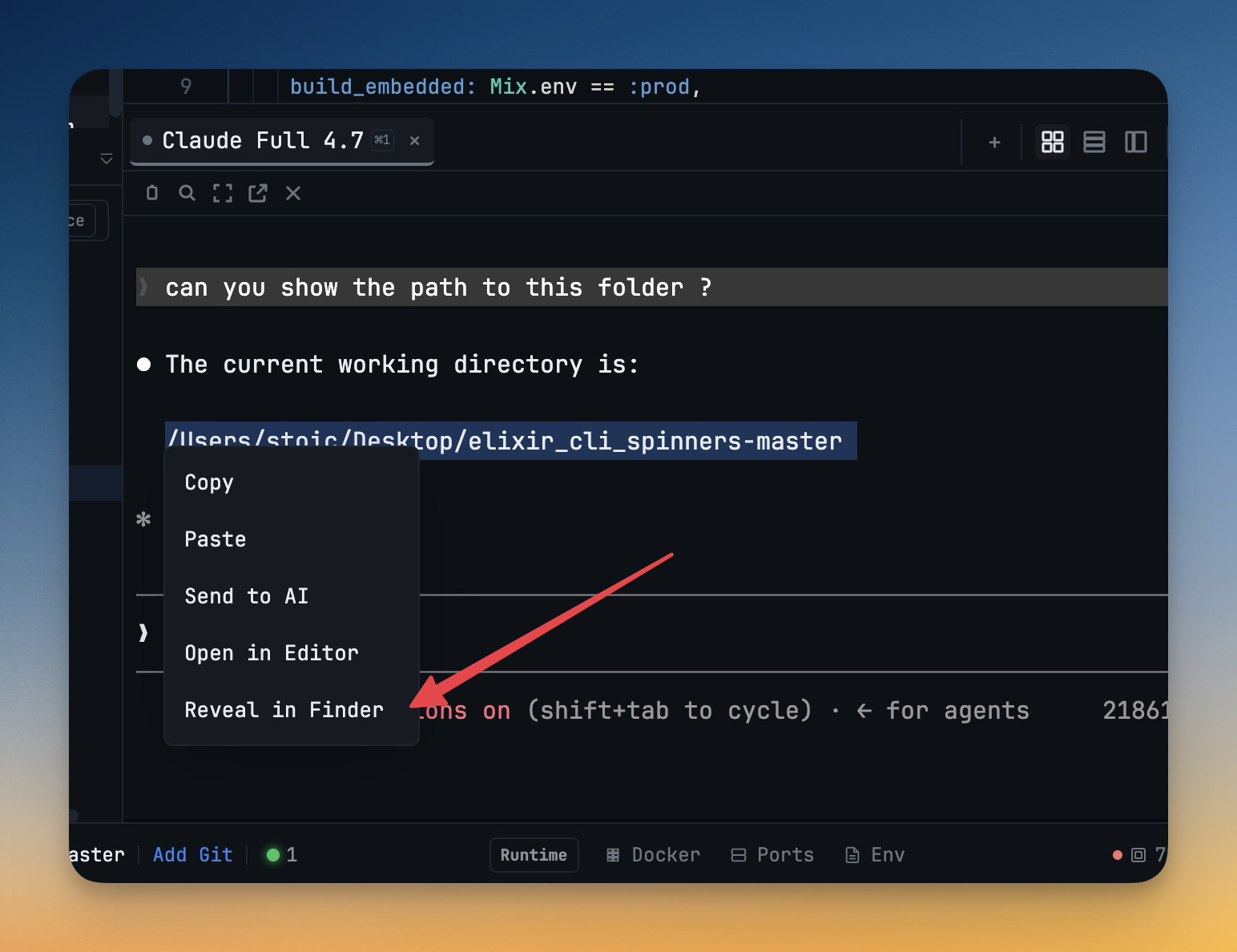
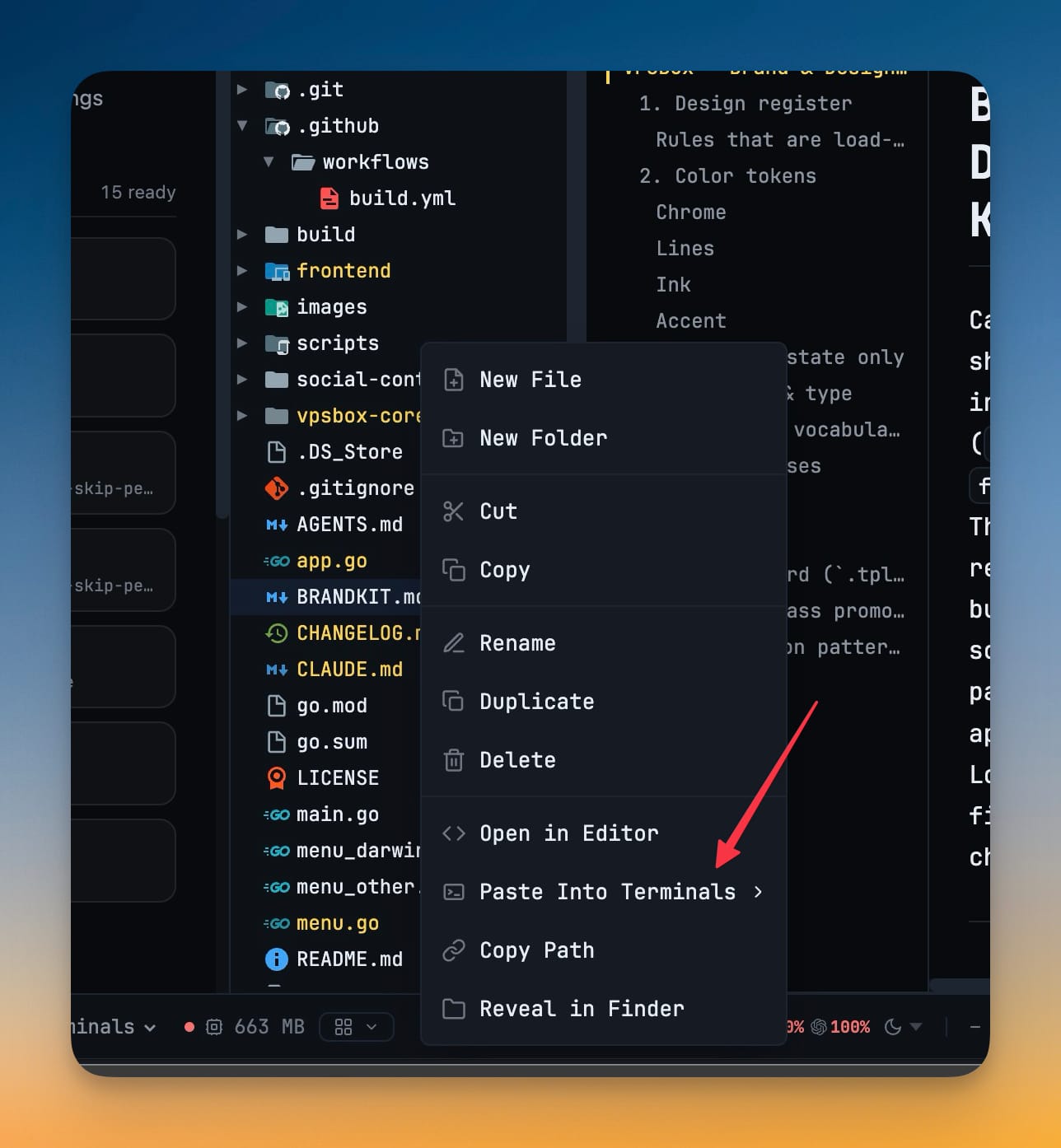
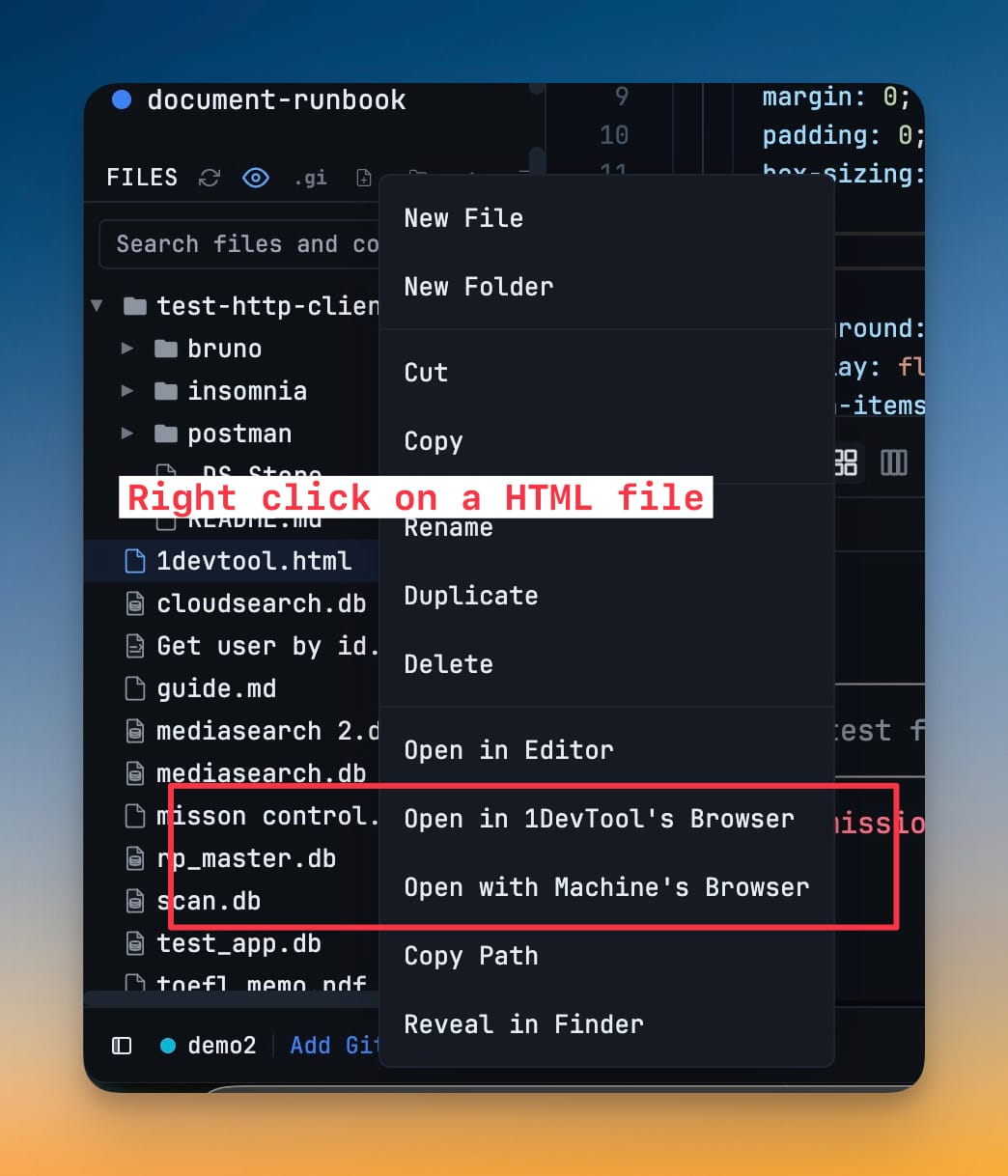
Prefer VS Code or Cursor? Right-click any file to open it in your favorite external editor with auto-detection.

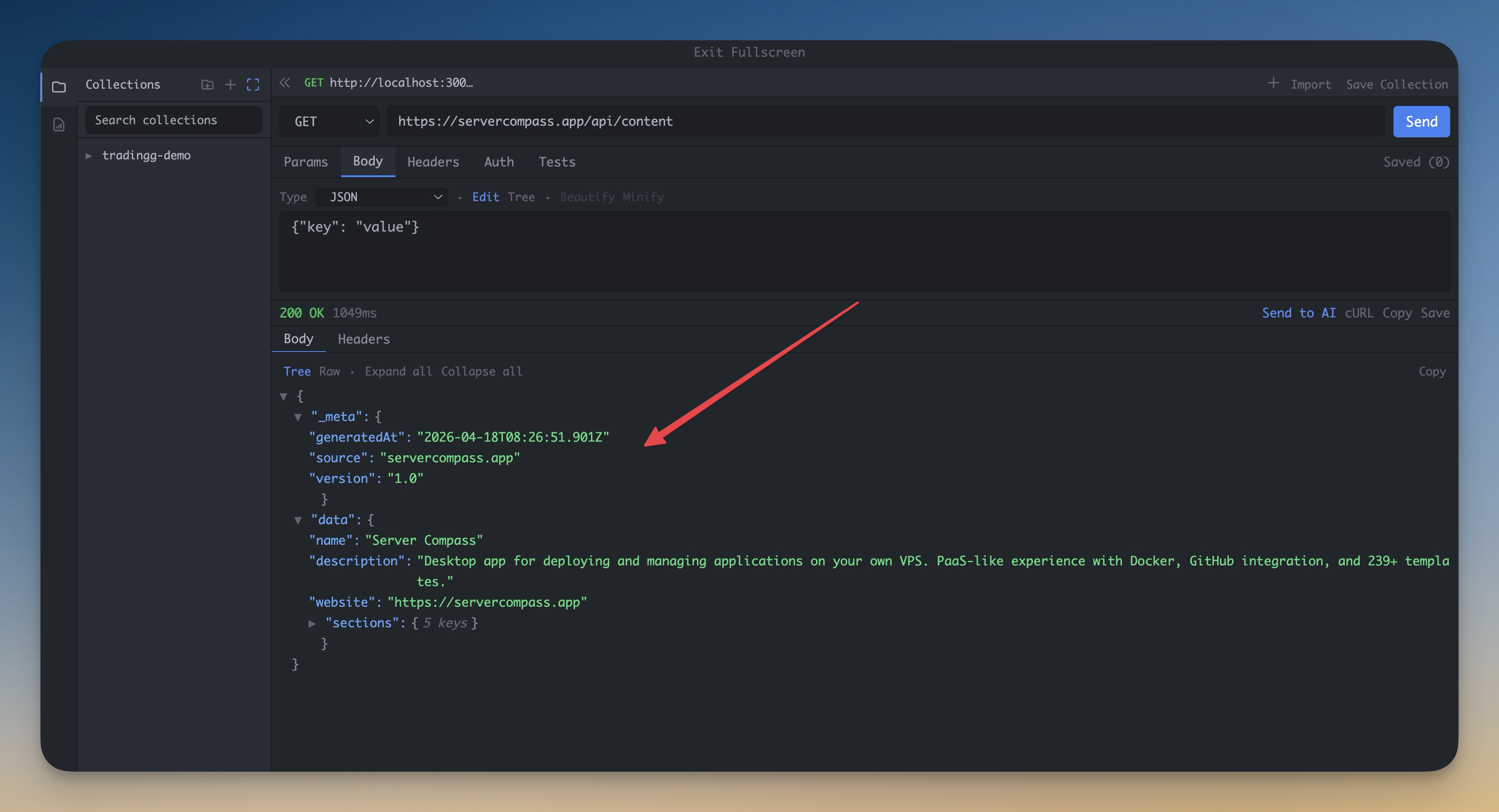
HTTP Client

Test APIs without leaving your workspace

All HTTP Methods

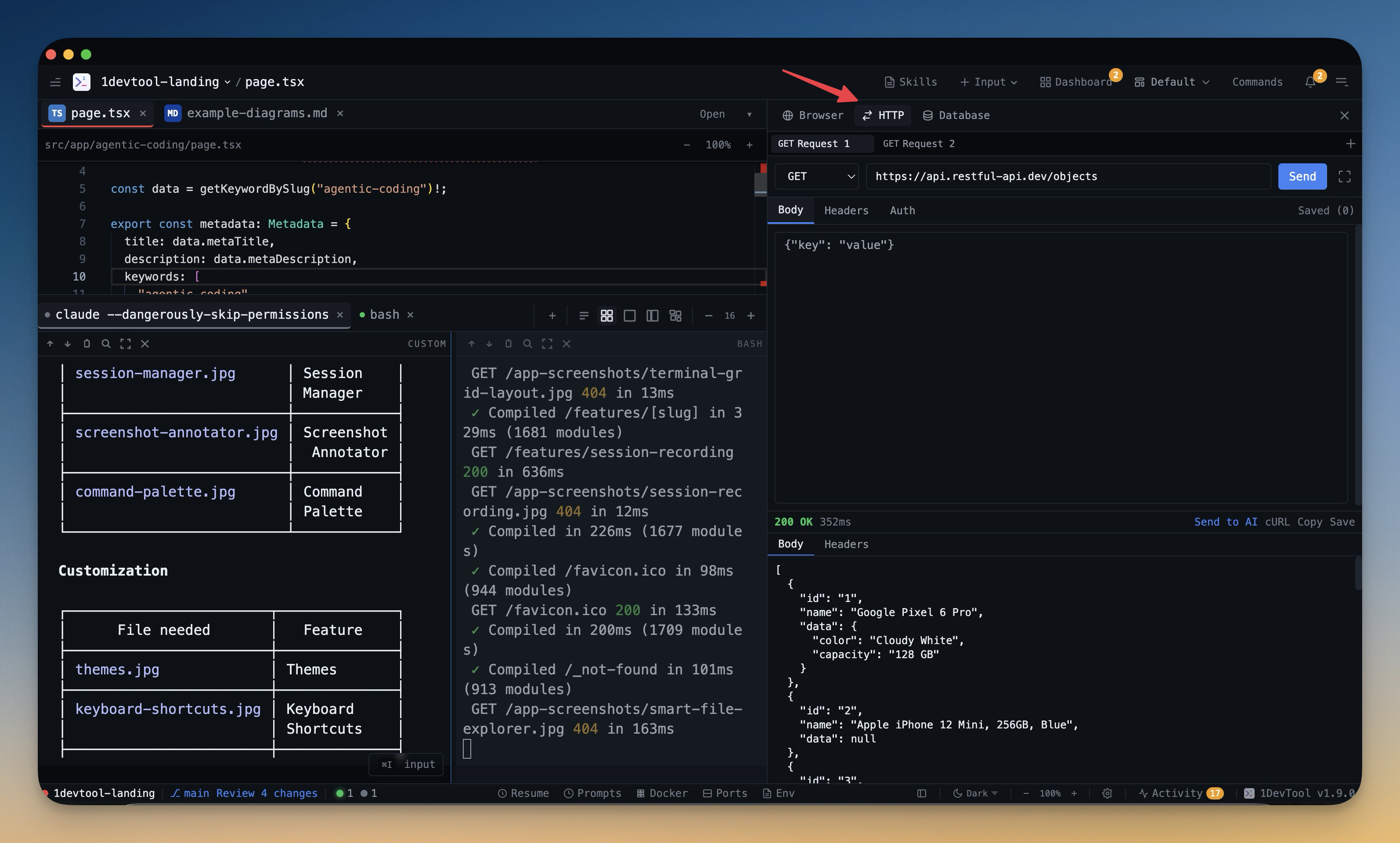
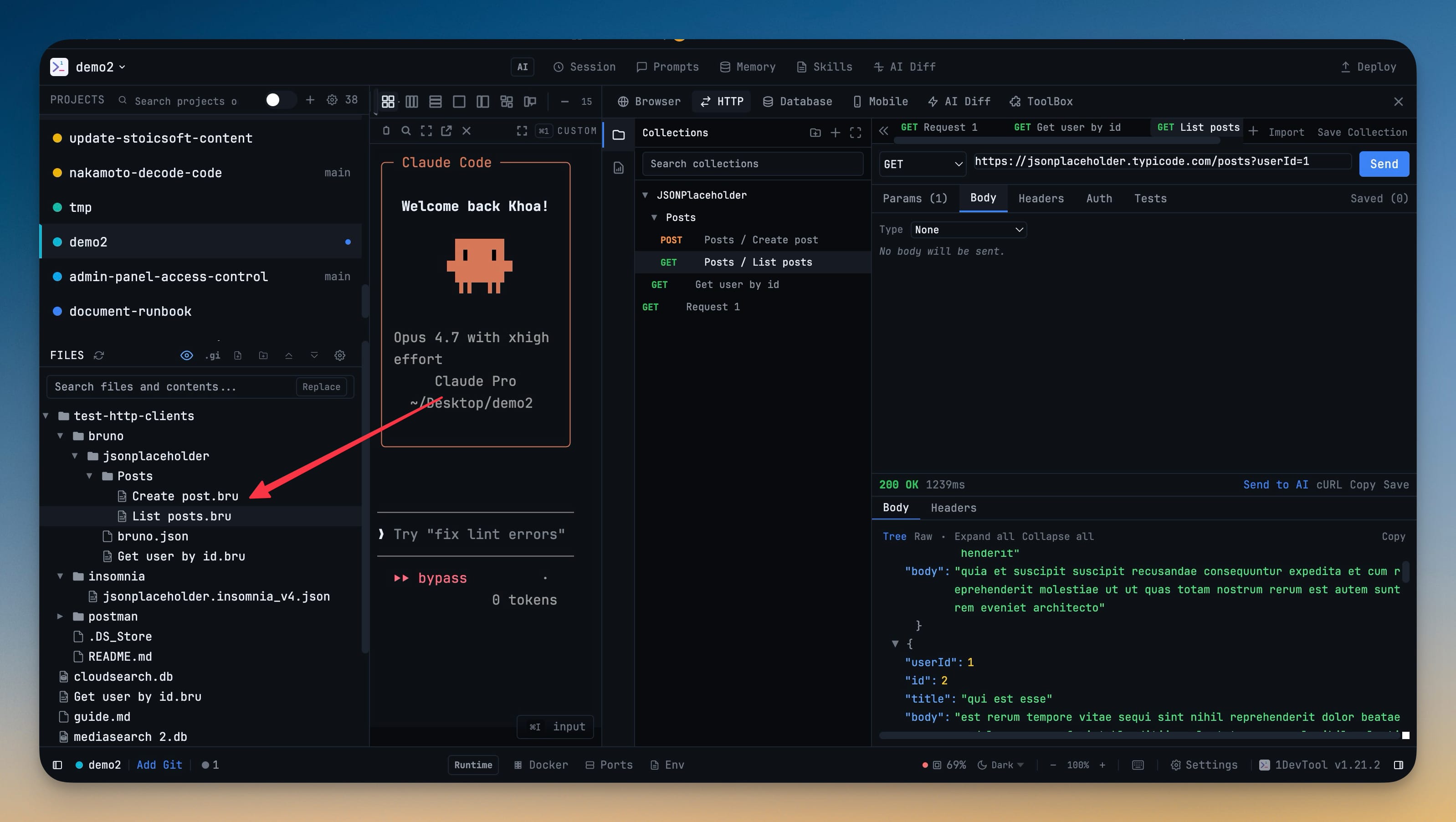
Send GET, POST, PUT, PATCH, DELETE, HEAD, and OPTIONS requests. Build complex requests with custom headers and body.

Authentication Support

Built-in support for Bearer Token and Basic Auth. No more copying tokens between tools.

Request History

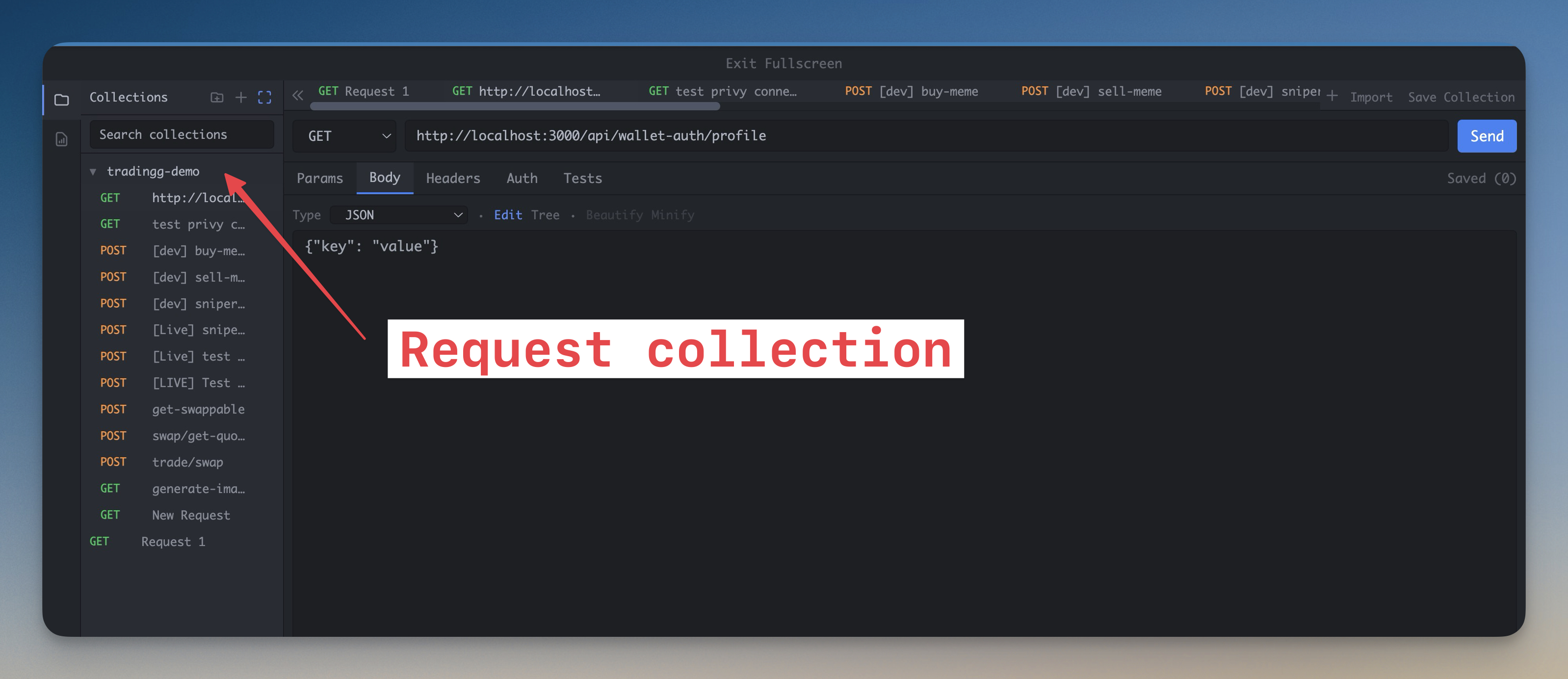
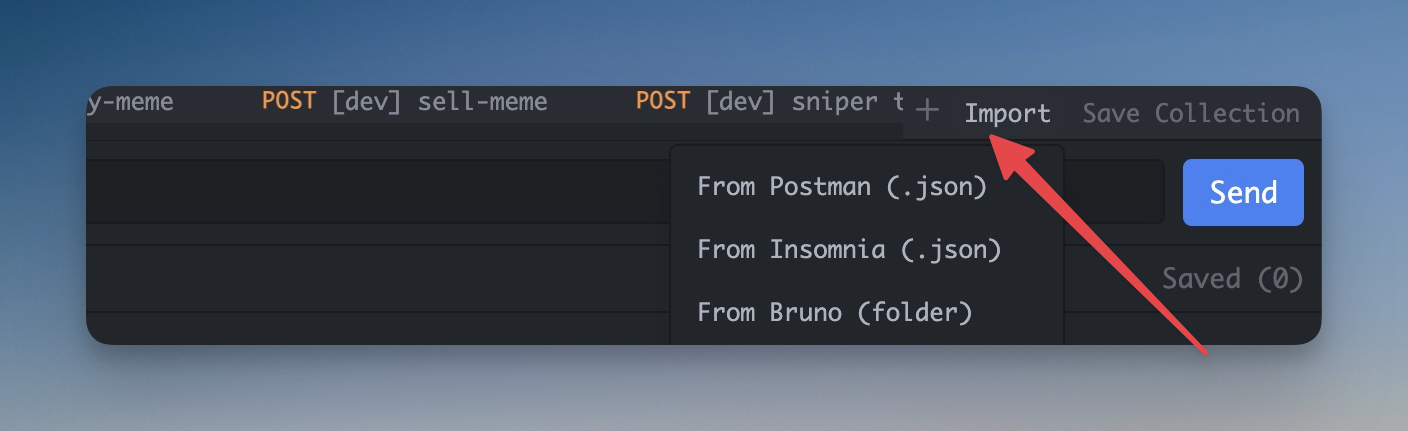
Save and organize your API requests. Quickly re-run previous requests with full URL history tracking.

Response Inspection

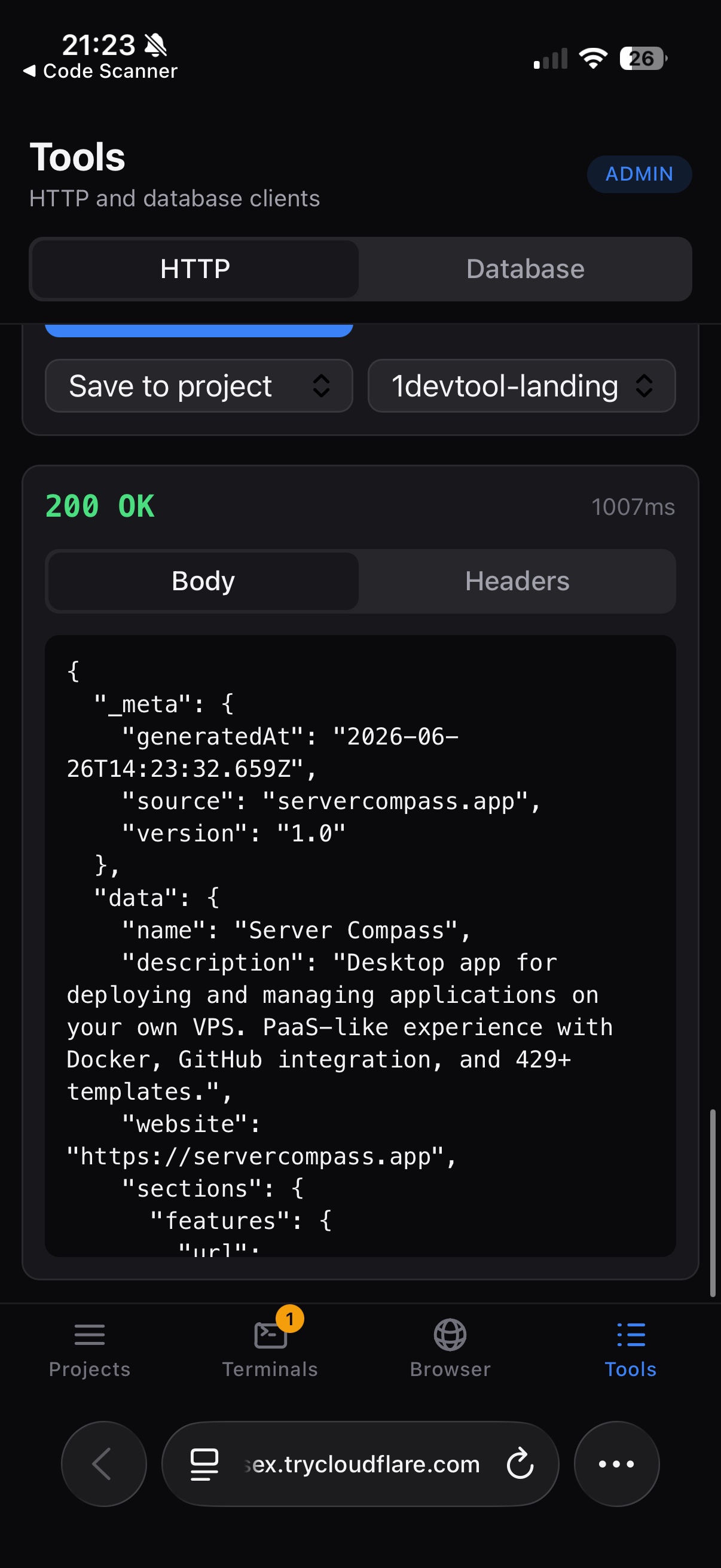
View formatted JSON responses, response headers, and status codes with latency metrics. Copy as cURL with one click.

Database Client

Query and manage your databases

Multi-Database Support

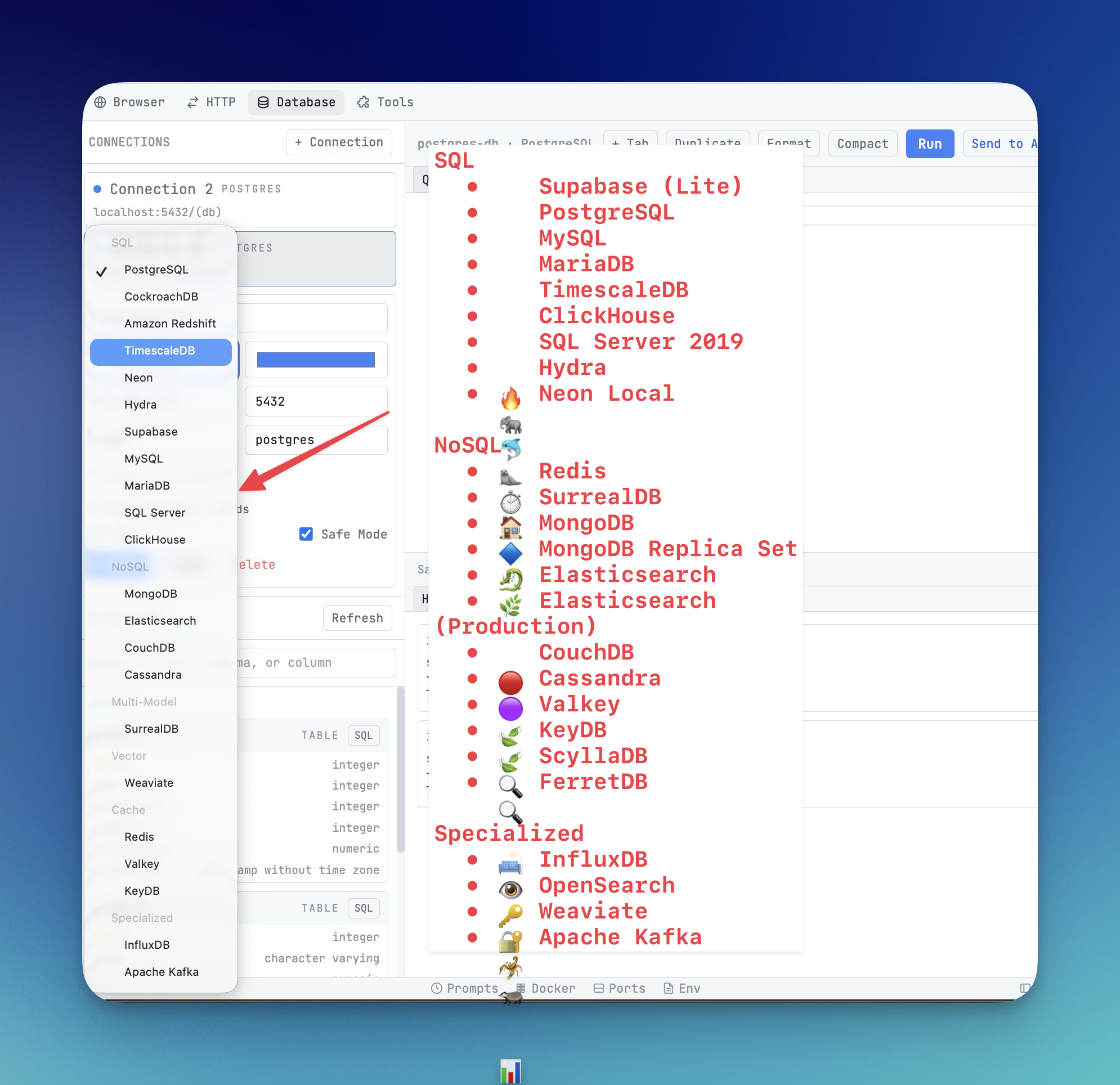
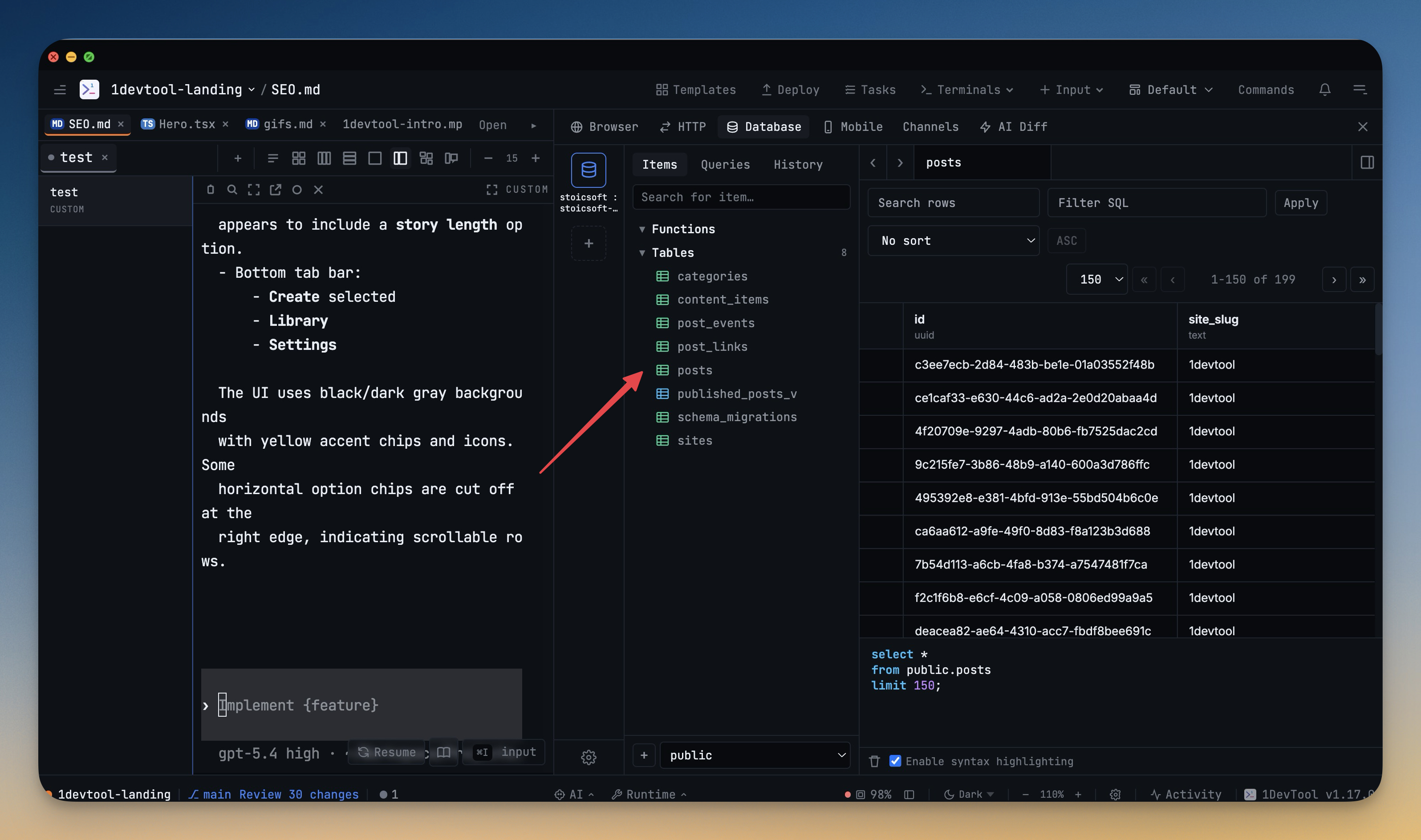
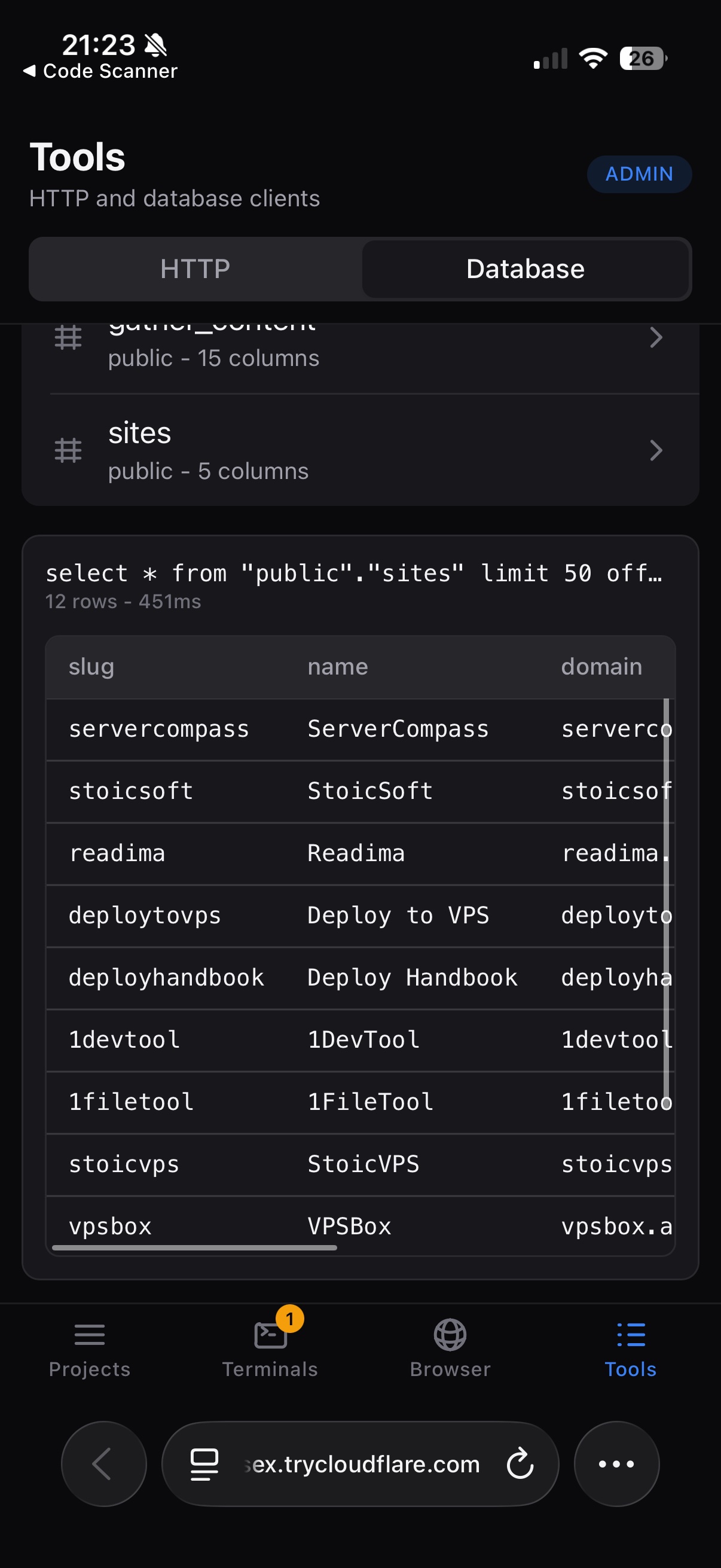
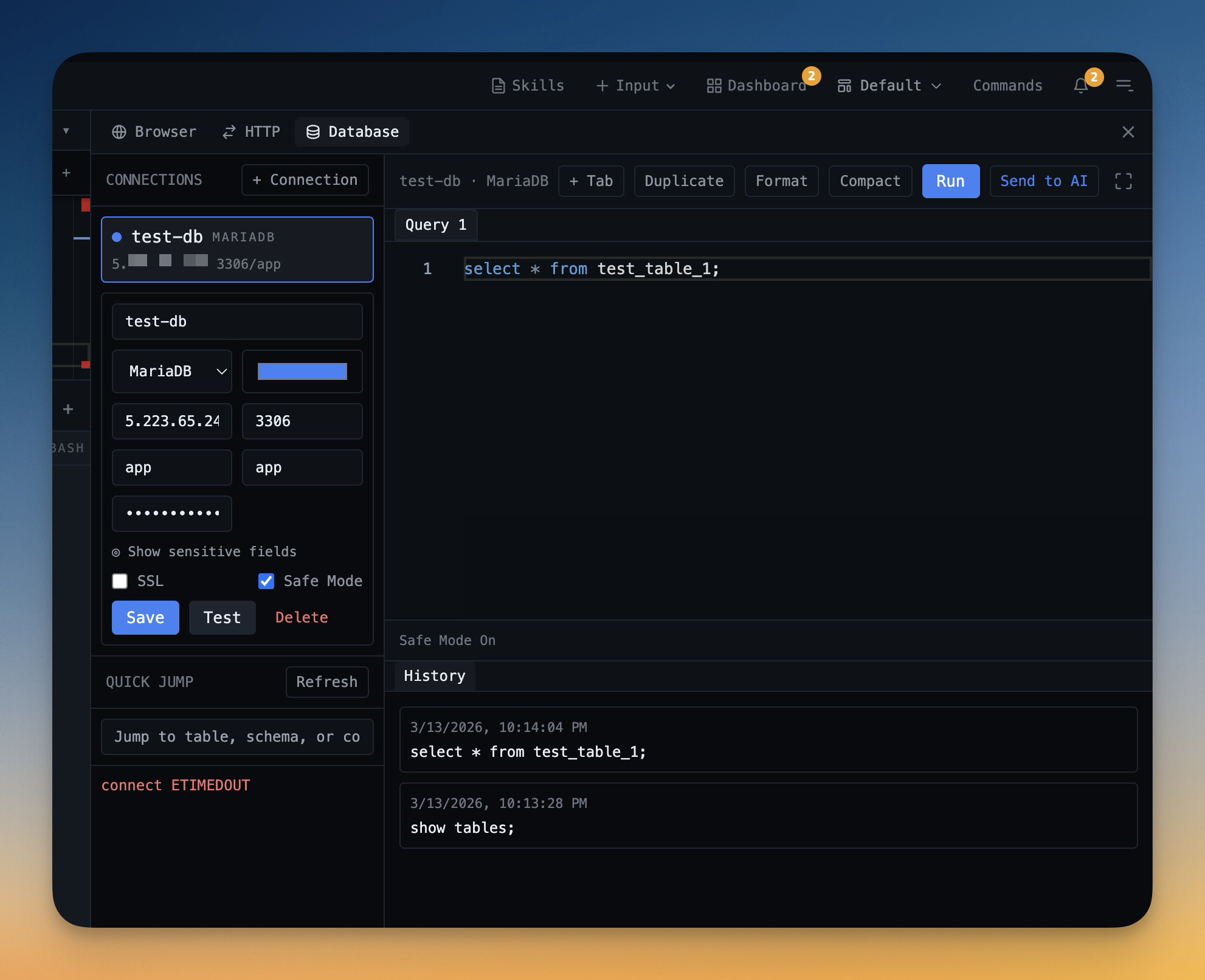
Connect to PostgreSQL, MySQL, MariaDB, CockroachDB, and Redshift. Manage all your databases in one place.

SQL Editor

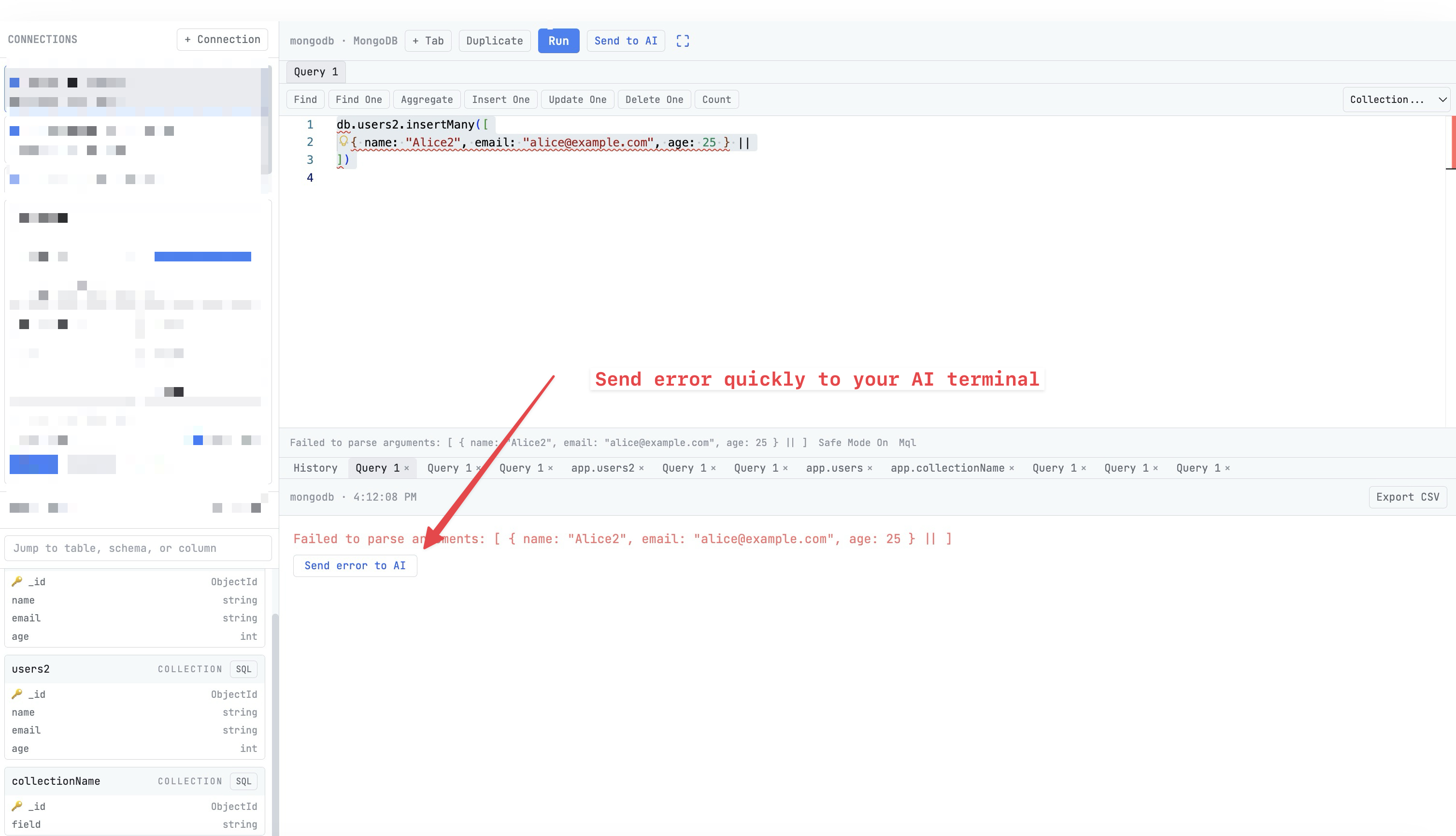
Write and execute SQL with syntax highlighting and auto-formatting. View results in a sortable, exportable grid.

Table Browser

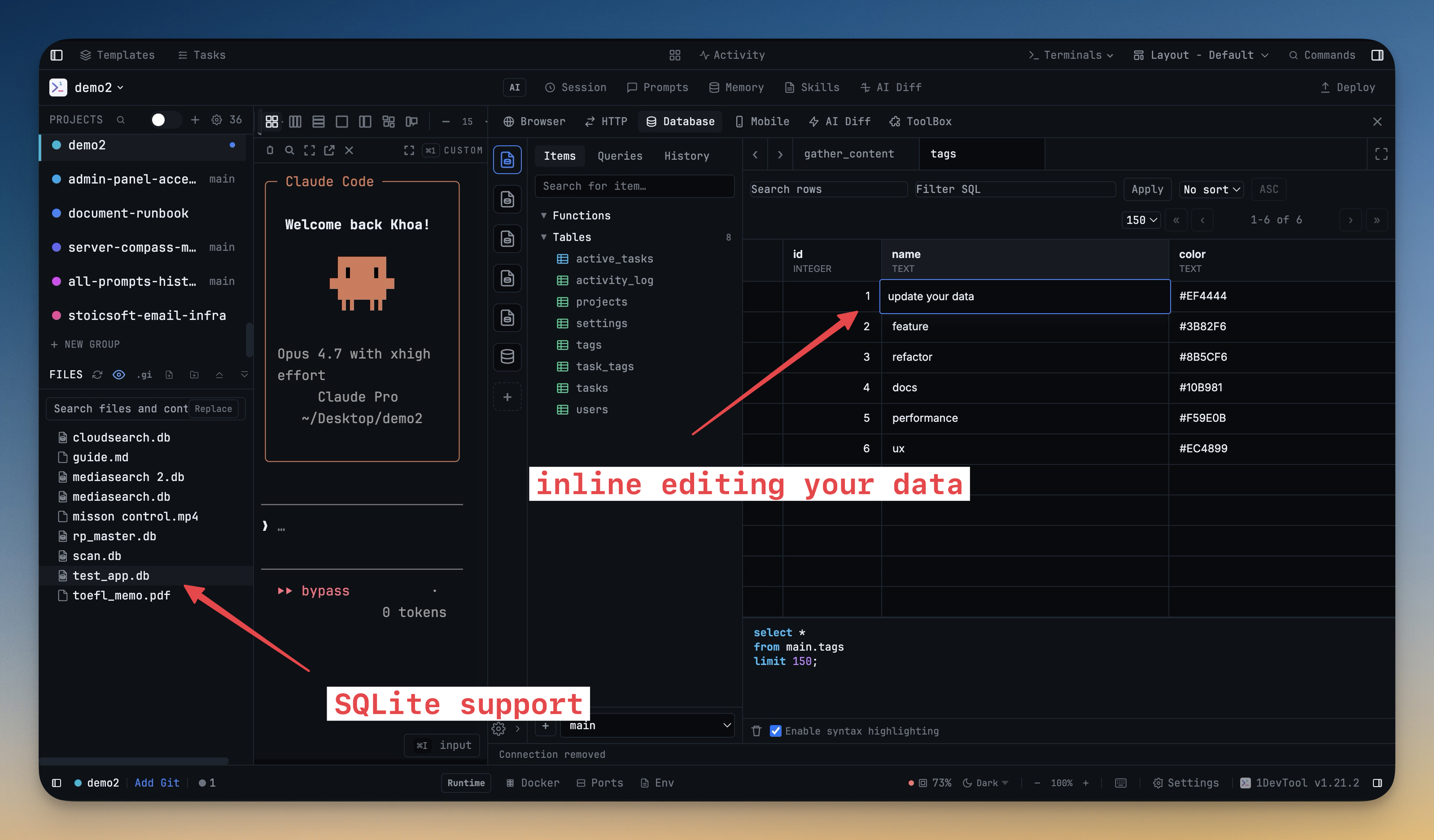
Browse table schemas, preview data, and detect primary keys automatically. Edit rows directly in the results grid.

Safe Mode

Toggle safe mode to prevent accidental writes. Color-coded connections help you distinguish production from development.

Git Integration

Visual git client built right in

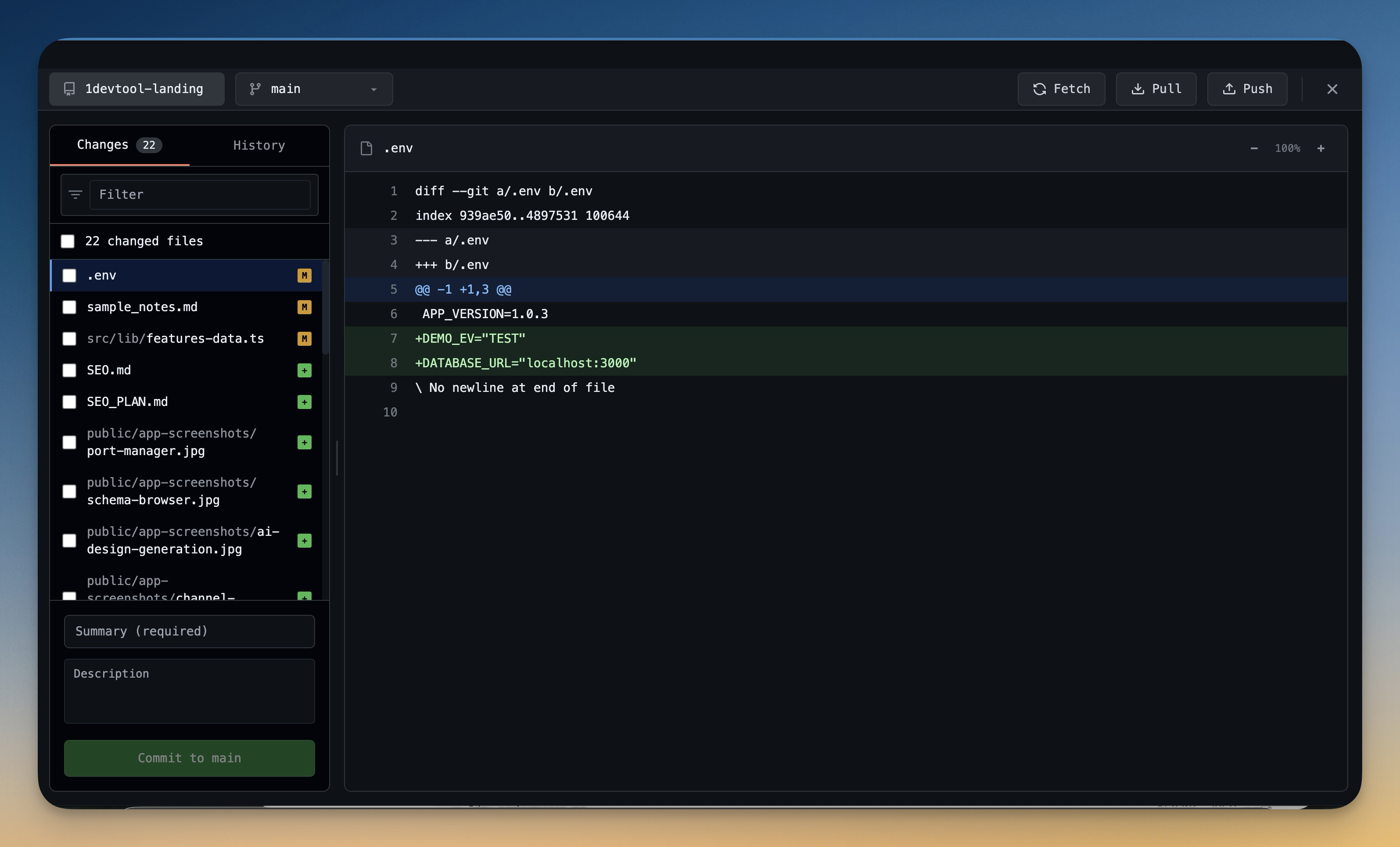
Visual Changes

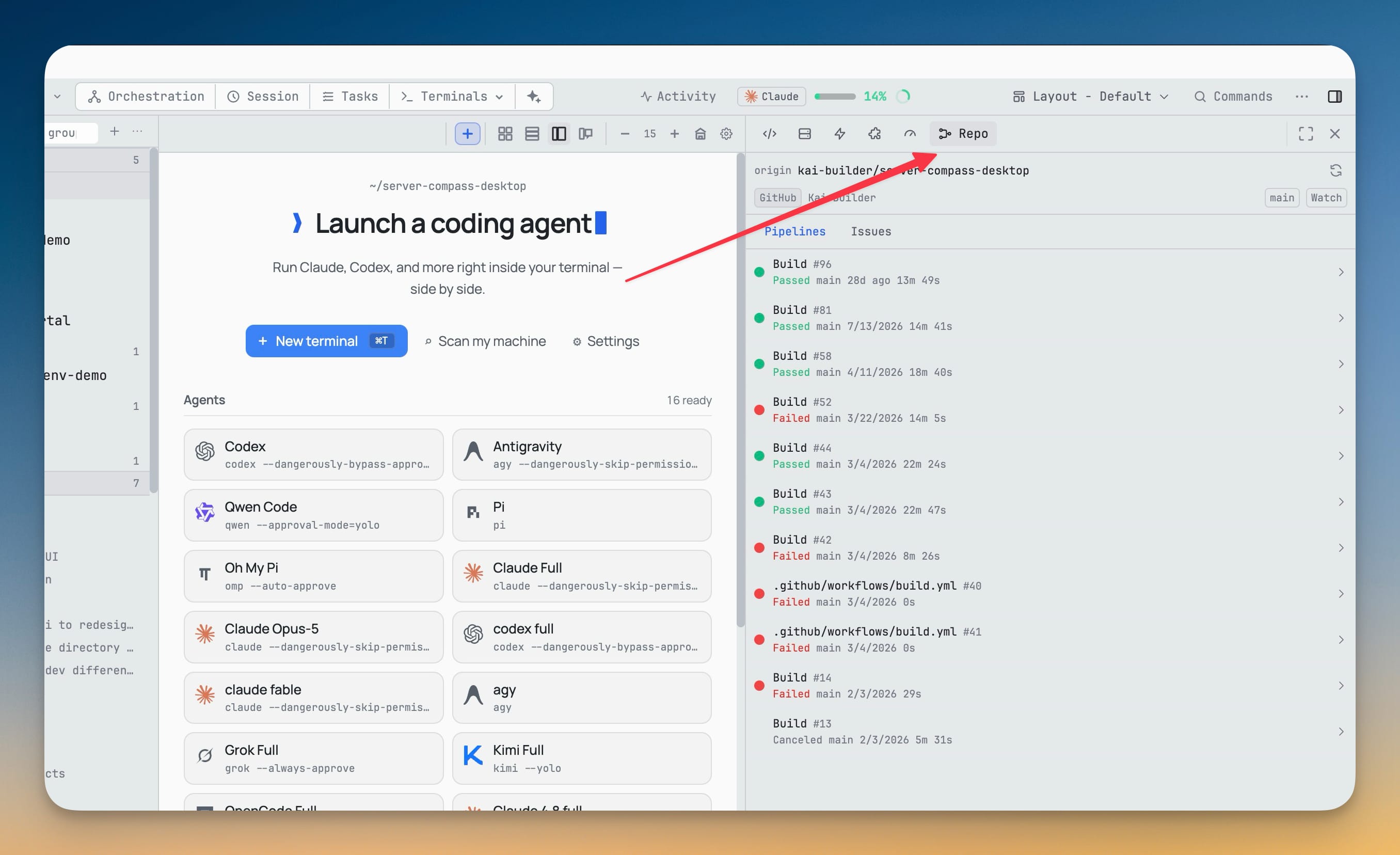
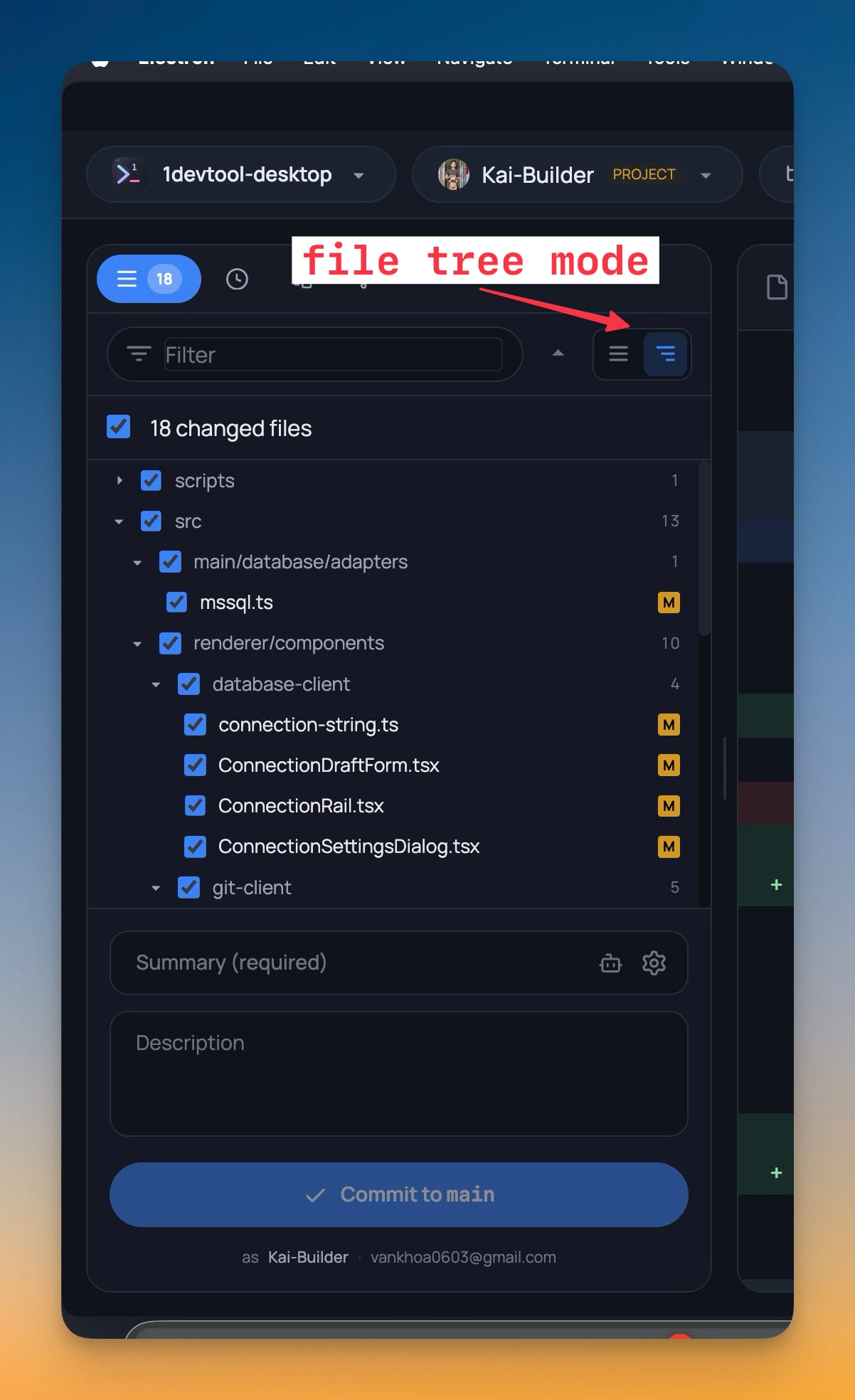
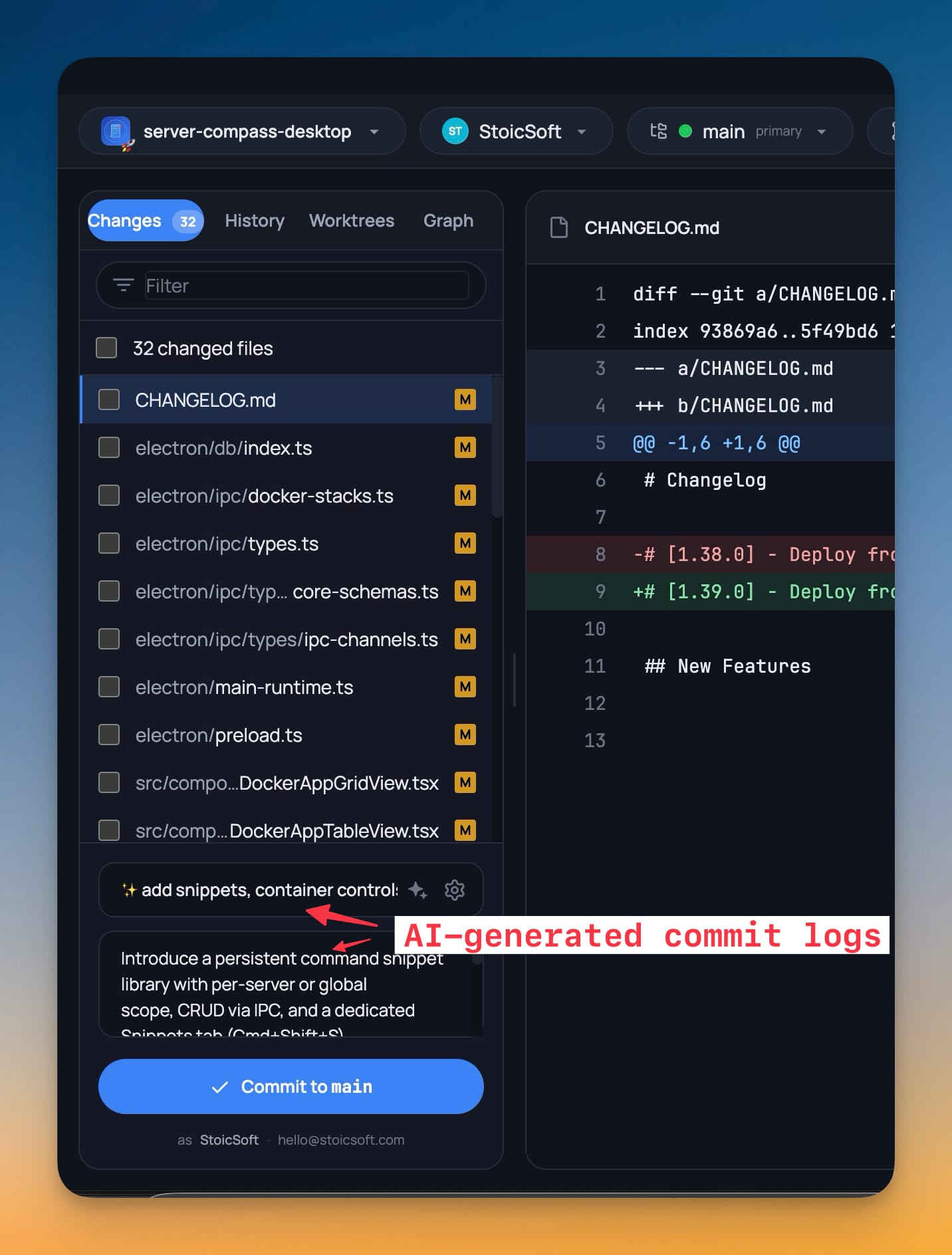
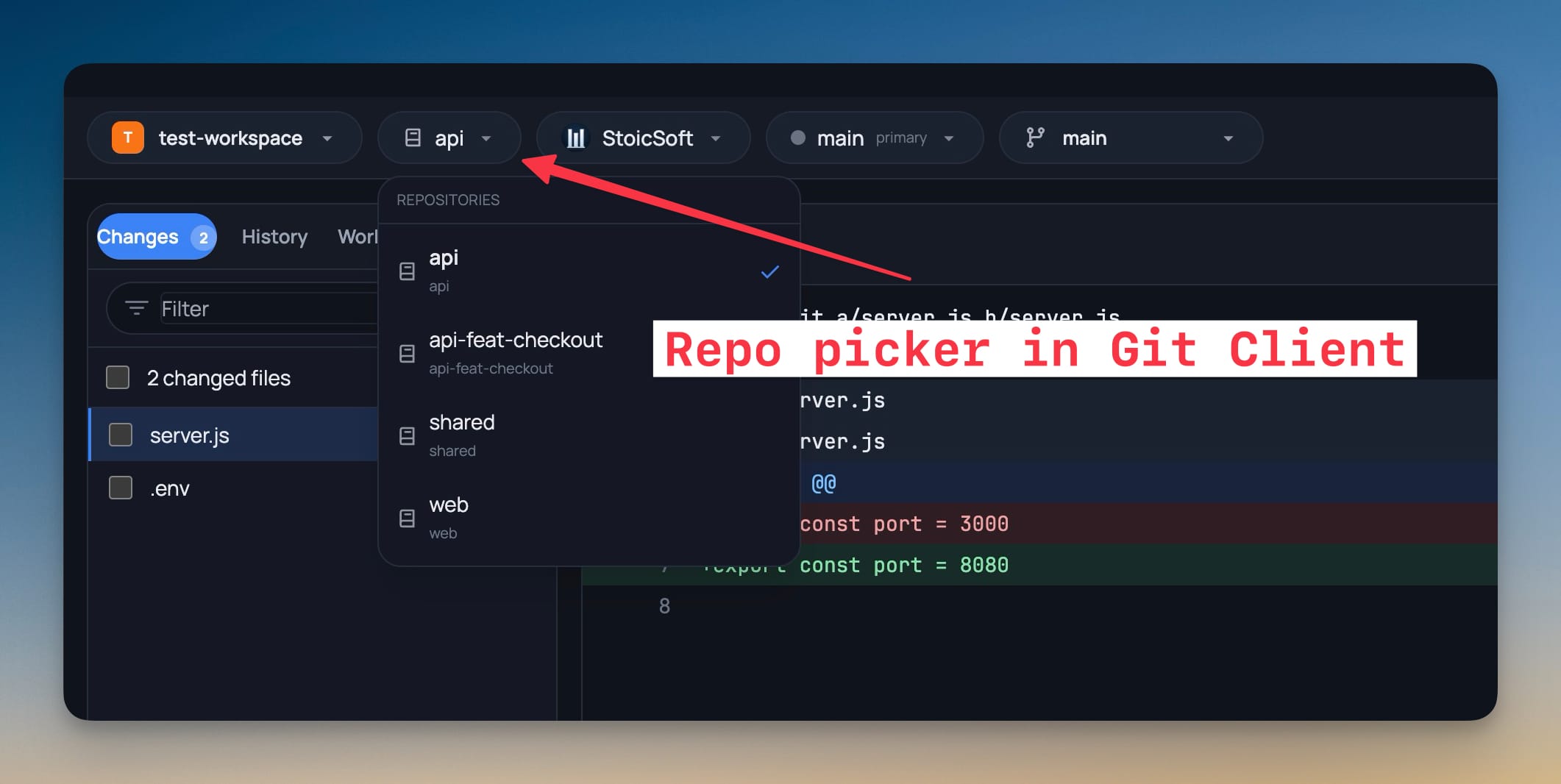
See staged, unstaged, and untracked files at a glance. Stage or unstage individual files with a click.

Commit History

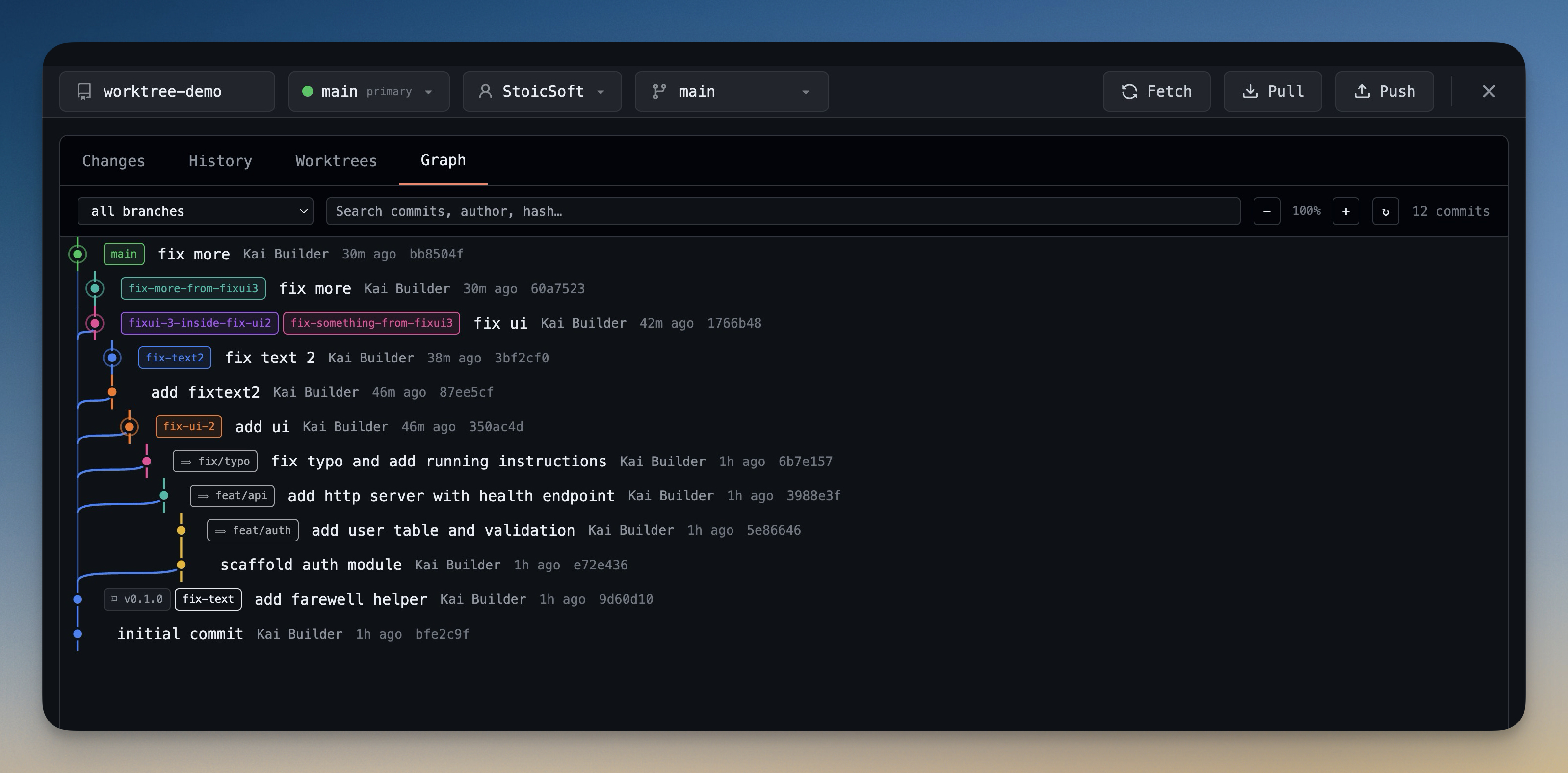
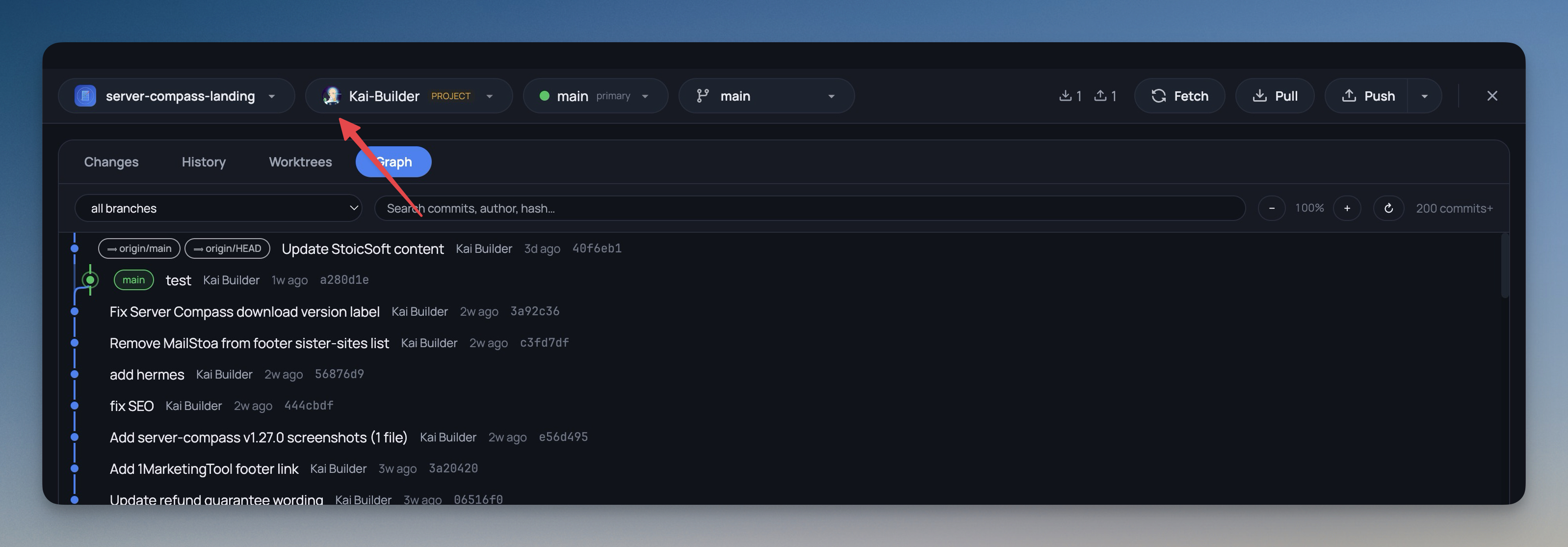
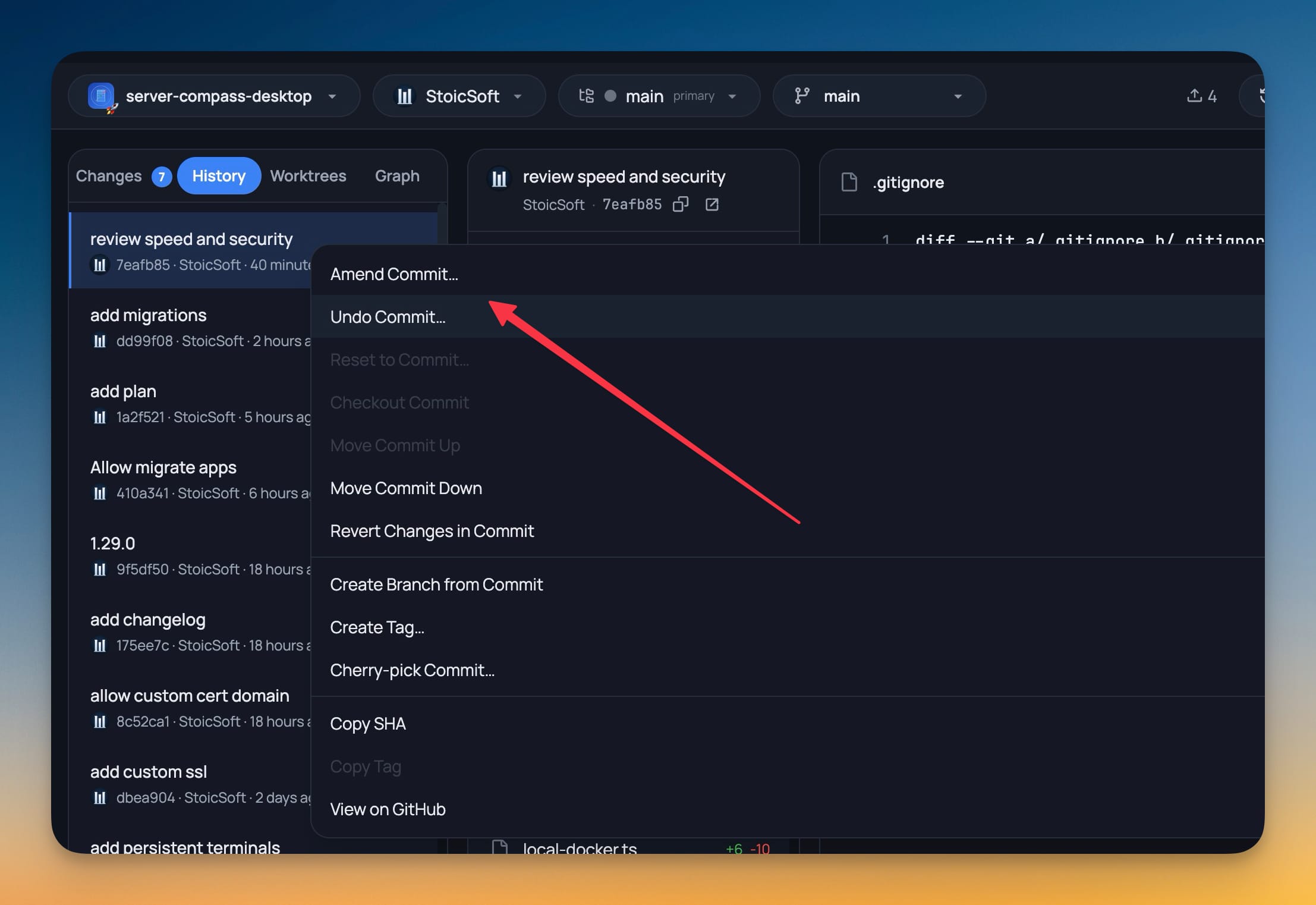
Browse your commit log with diff viewing per file. Understand your project history without leaving the app.

Branch Management

Create, switch, and merge branches visually. Filter and search through branches in large repositories.

Multiple Accounts

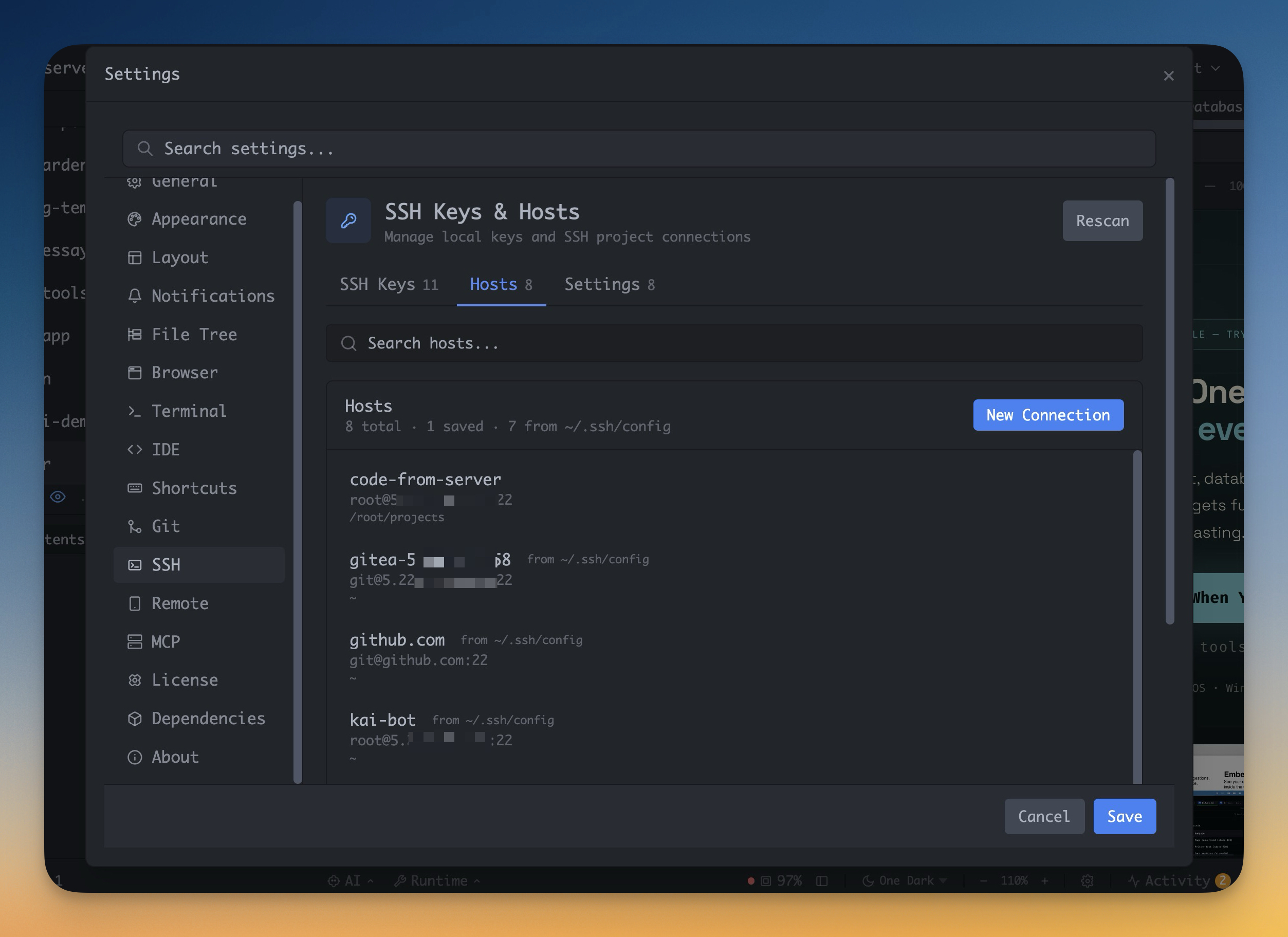
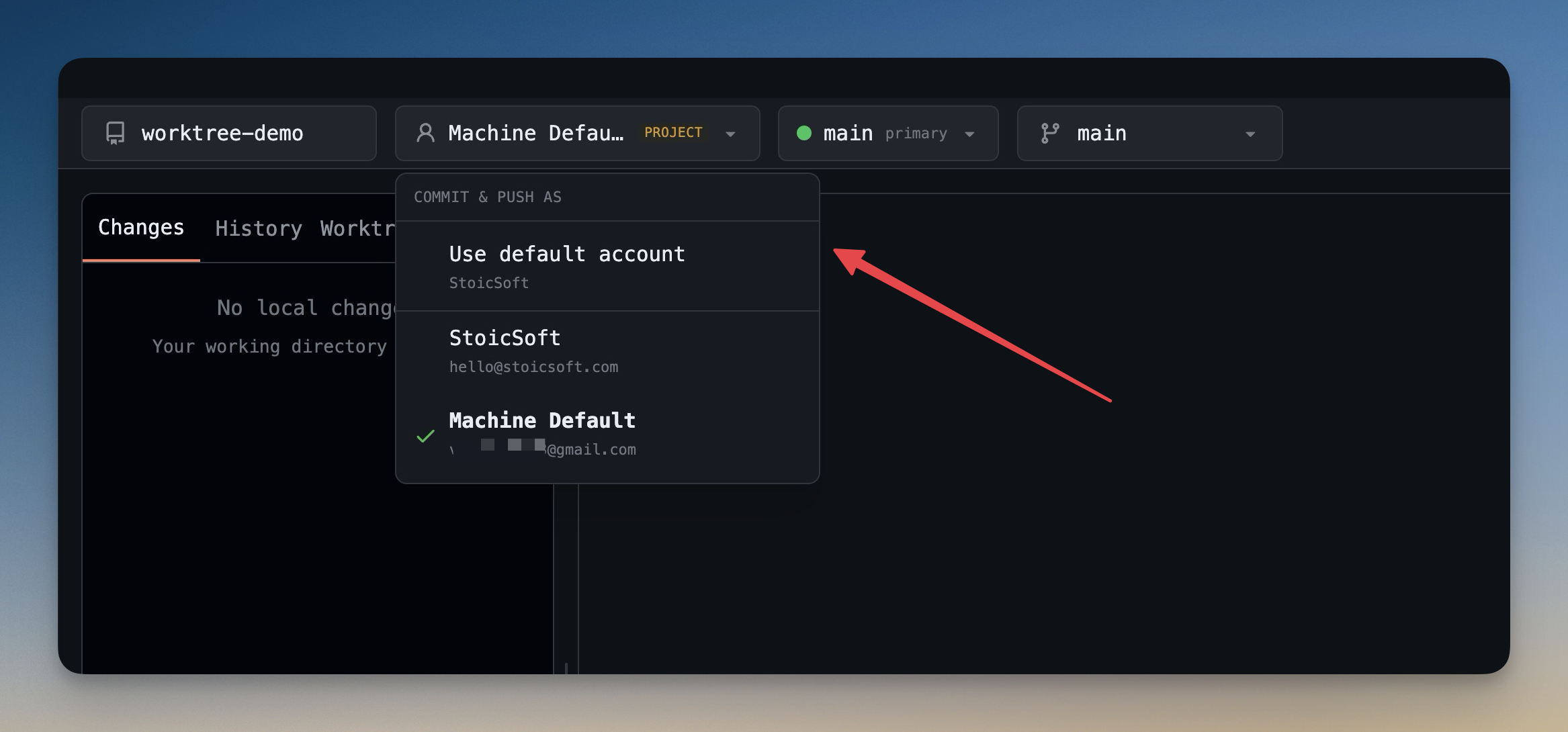
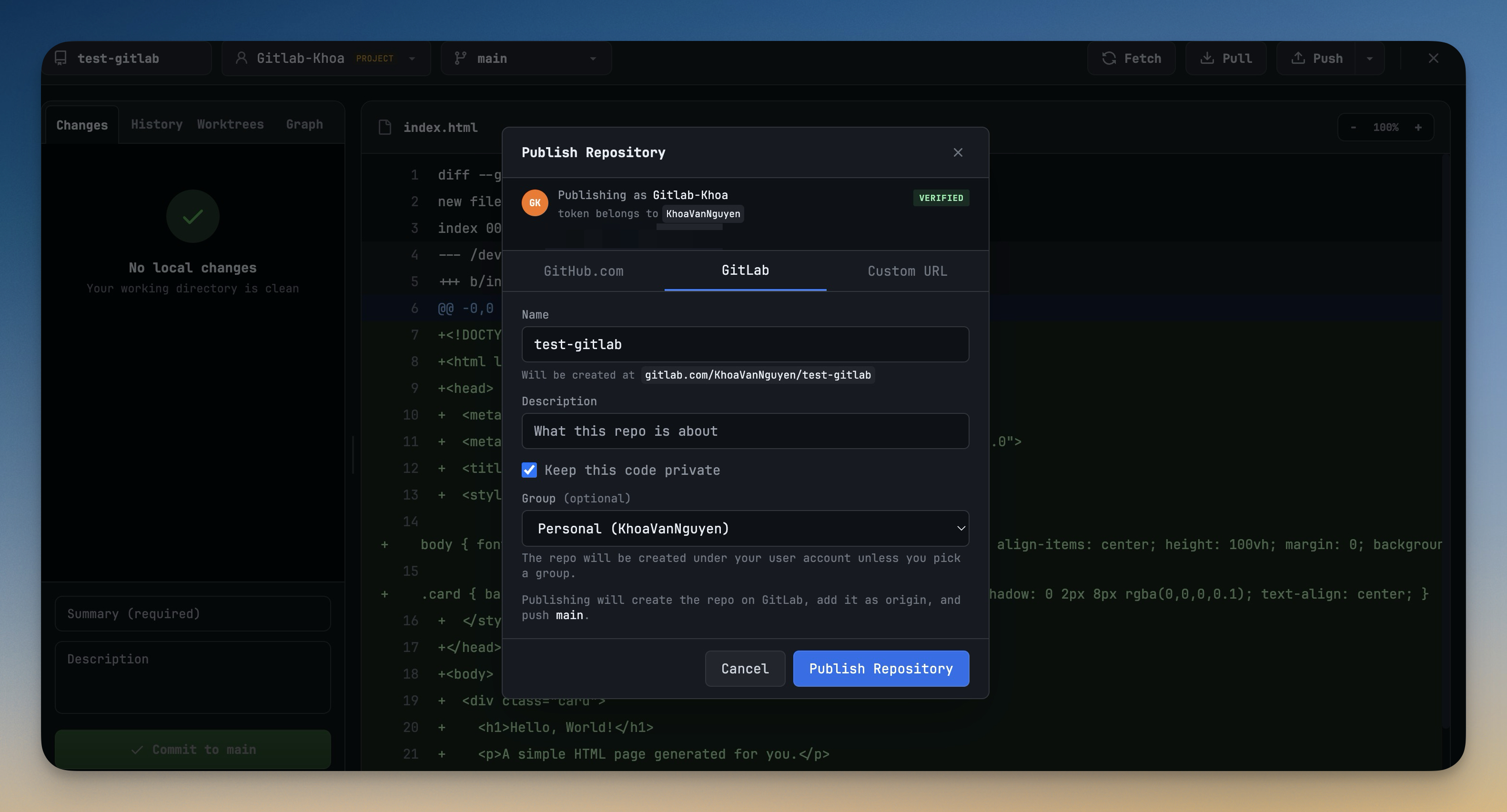
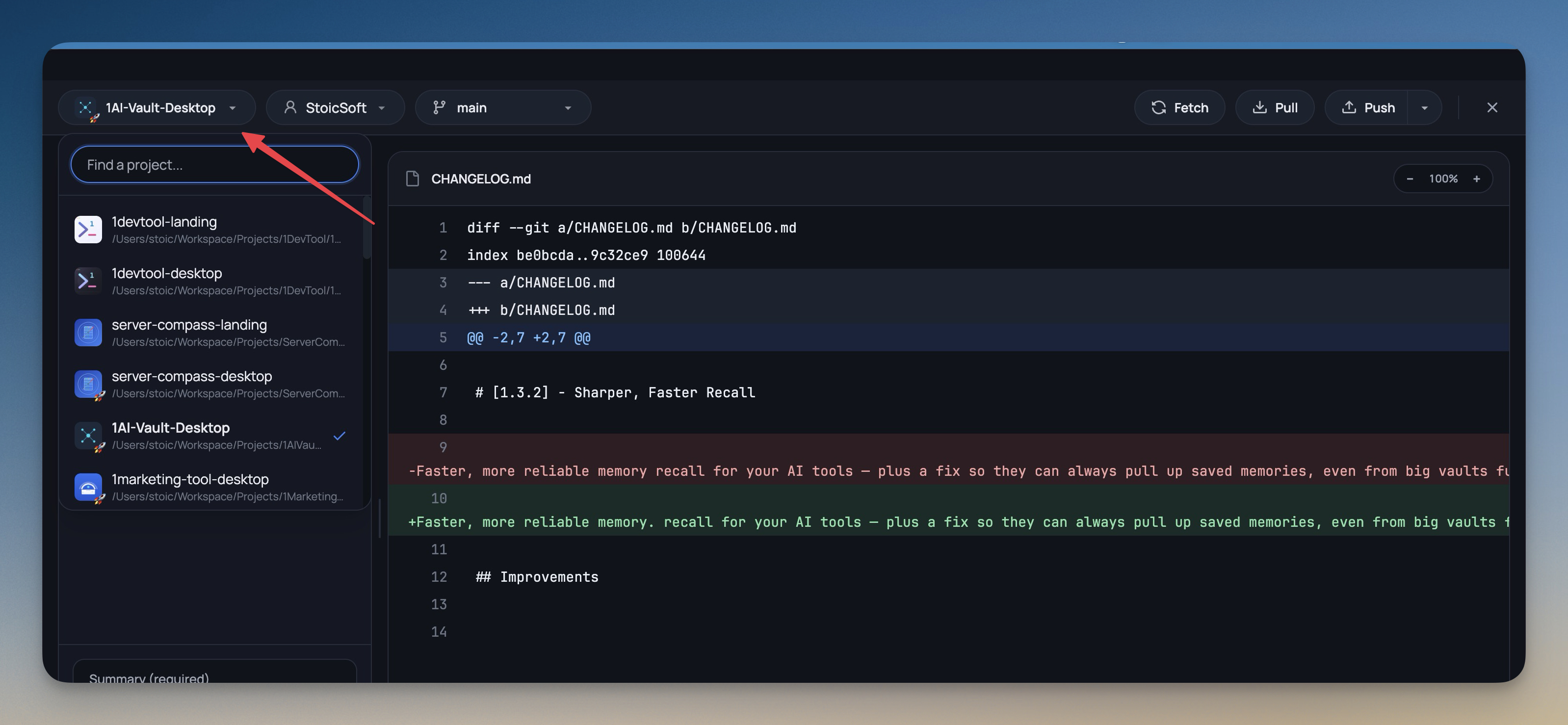
Configure multiple git identities and SSH keys. Switch between work and personal accounts per project.

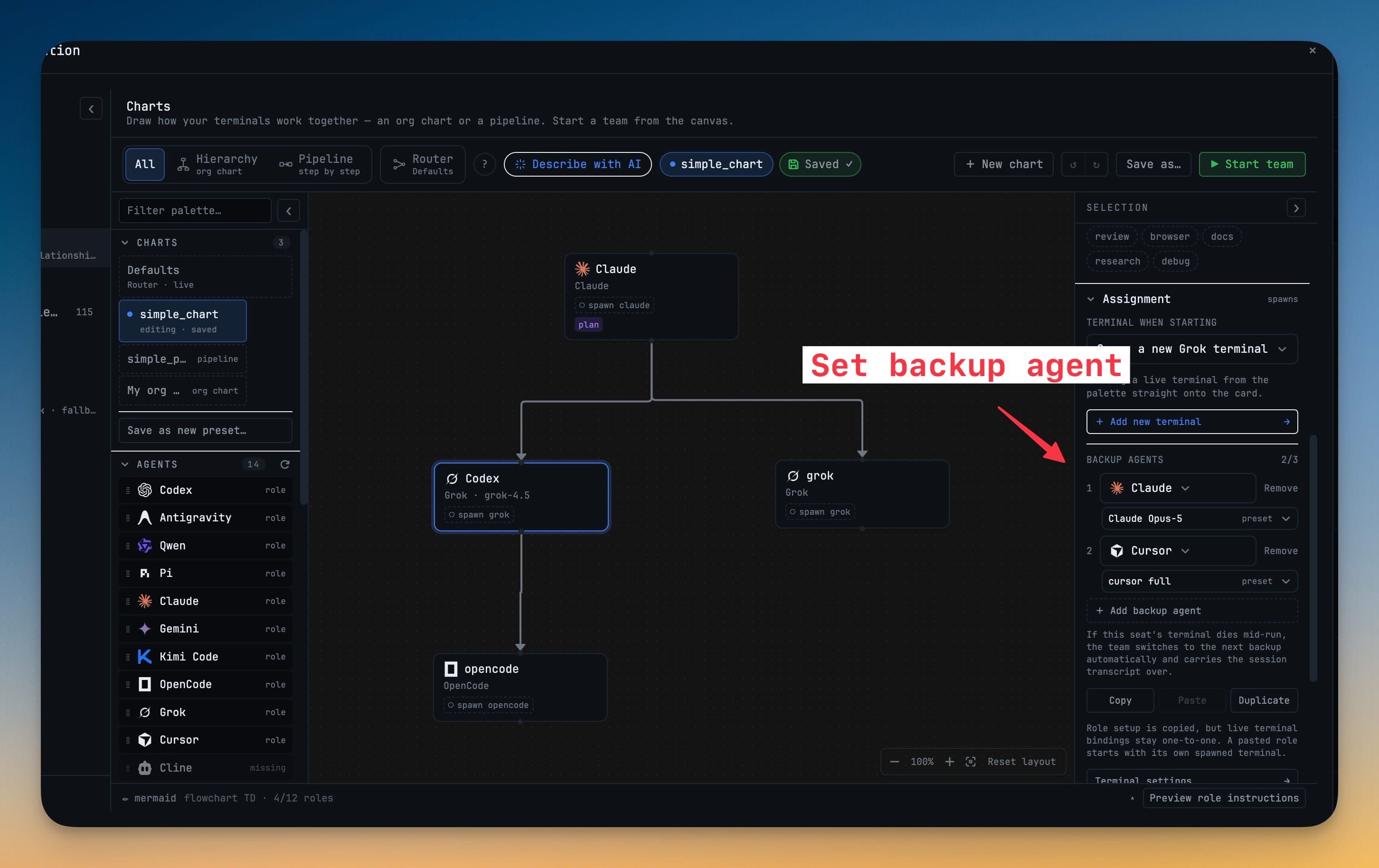
Workflow Automation

Build and run automated pipelines

Visual Pipe Builder

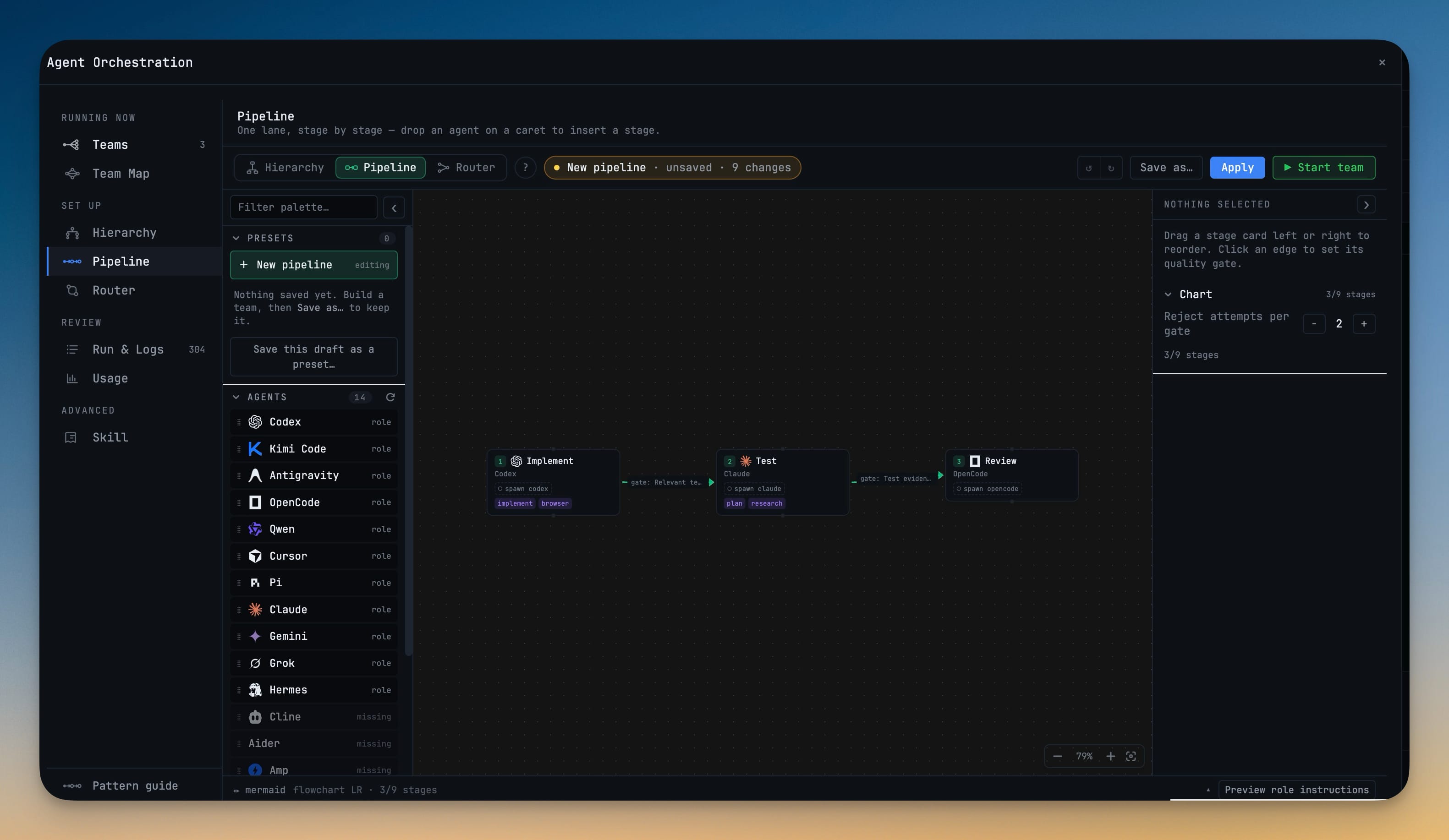
Create workflows with a node-based visual editor. Chain terminal commands, transforms, conditions, and checkpoints.

Smart Output Capture

Capture terminal output with multiple modes: full capture, after marker, regex match, or last N lines.

Error Handling

Configure retry logic, timeouts, and error strategies. Stop, skip, or retry failed nodes automatically.

Quick Pipes

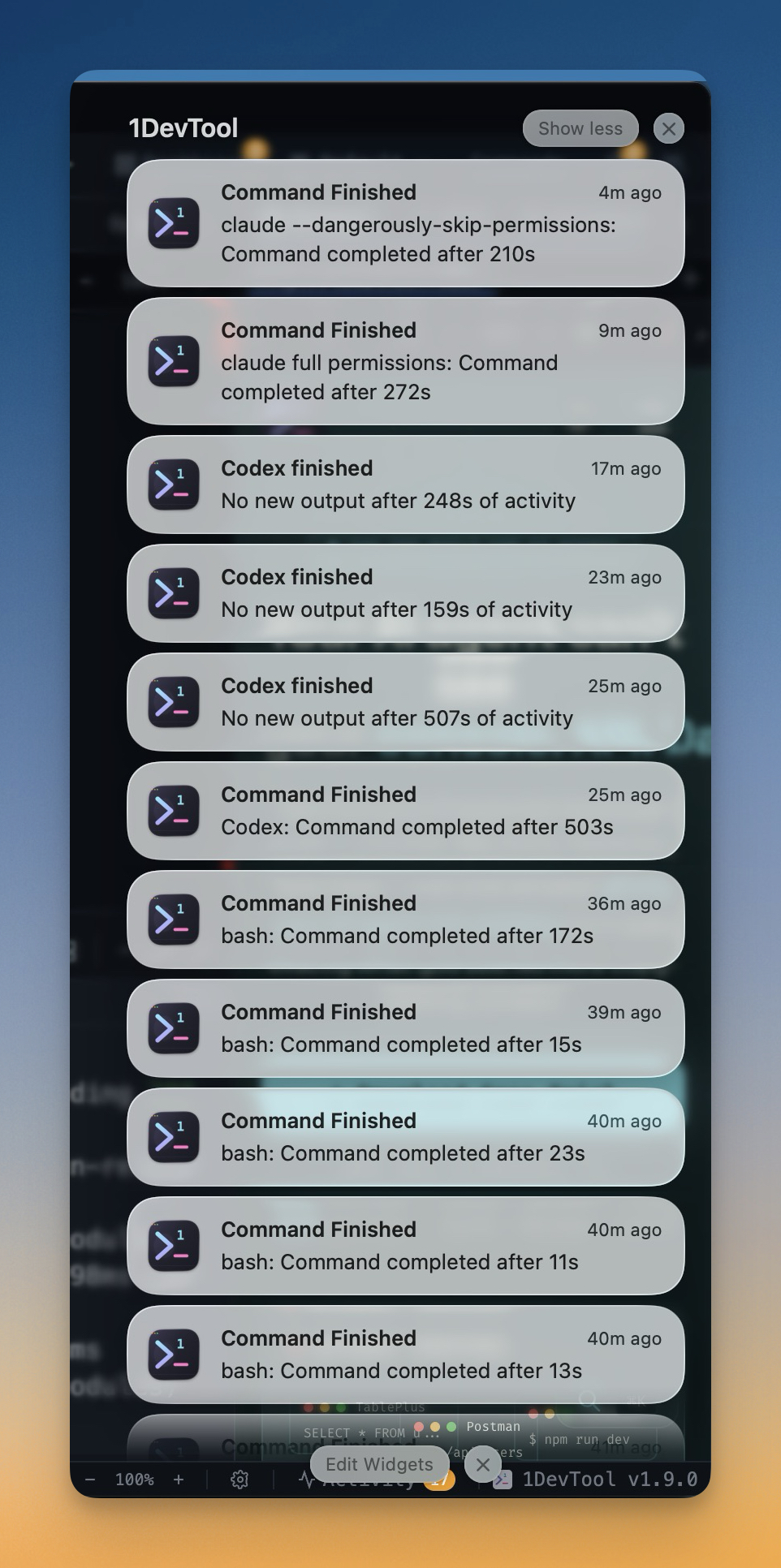
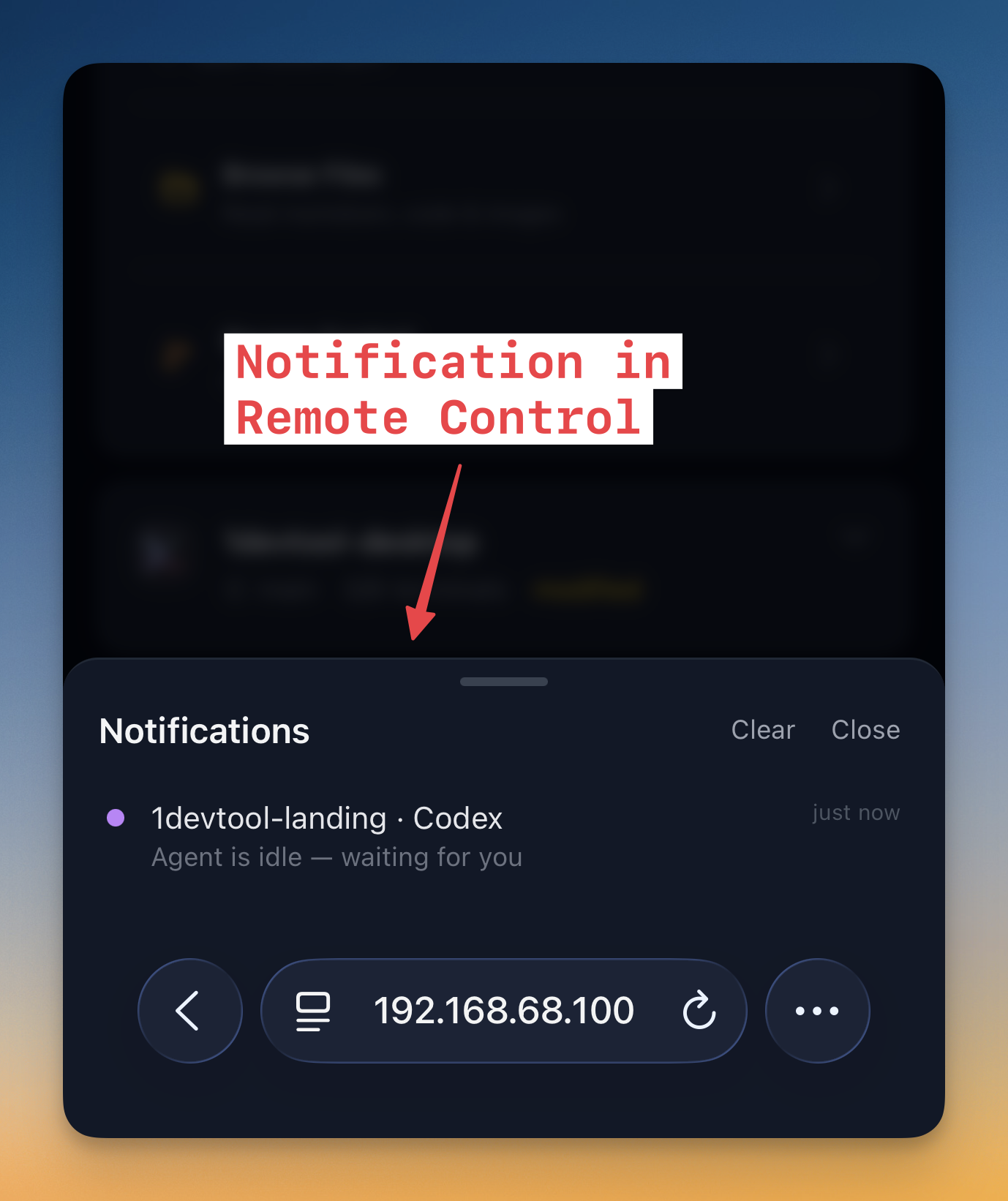
Create workflows rapidly from existing terminal sessions. Get notifications when long-running pipes complete.

Browser Preview

Preview your web apps instantly

Embedded WebView

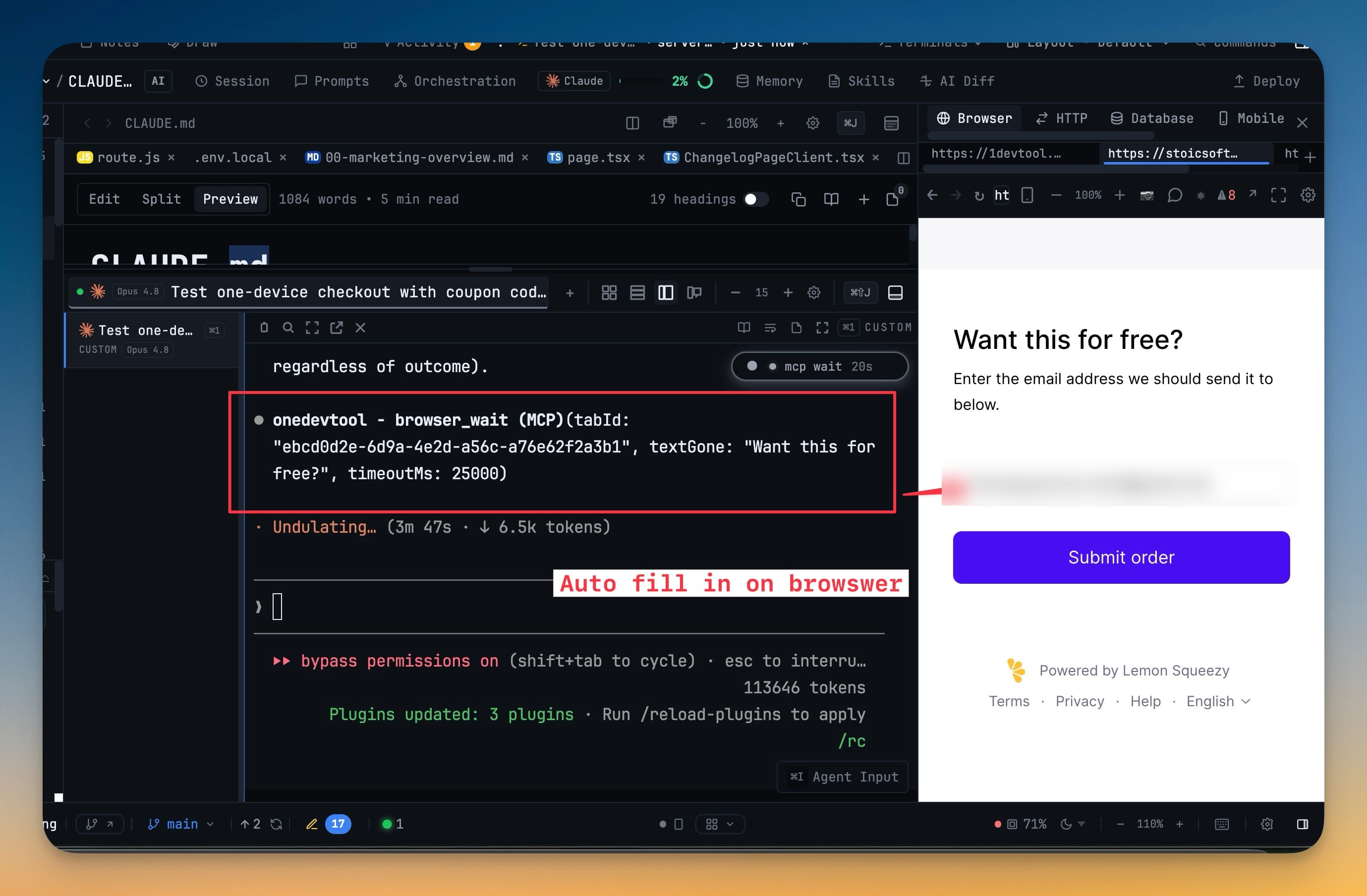
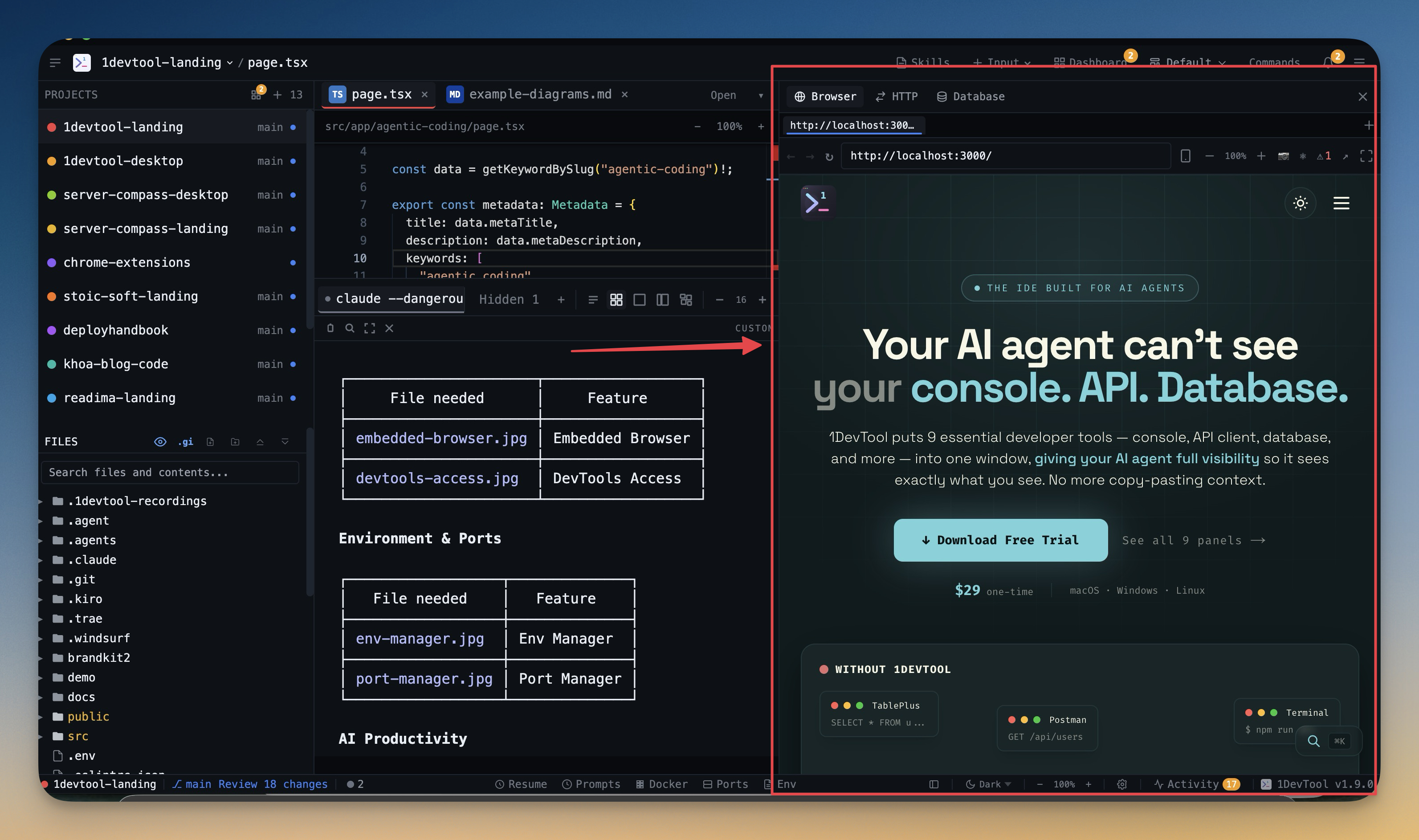
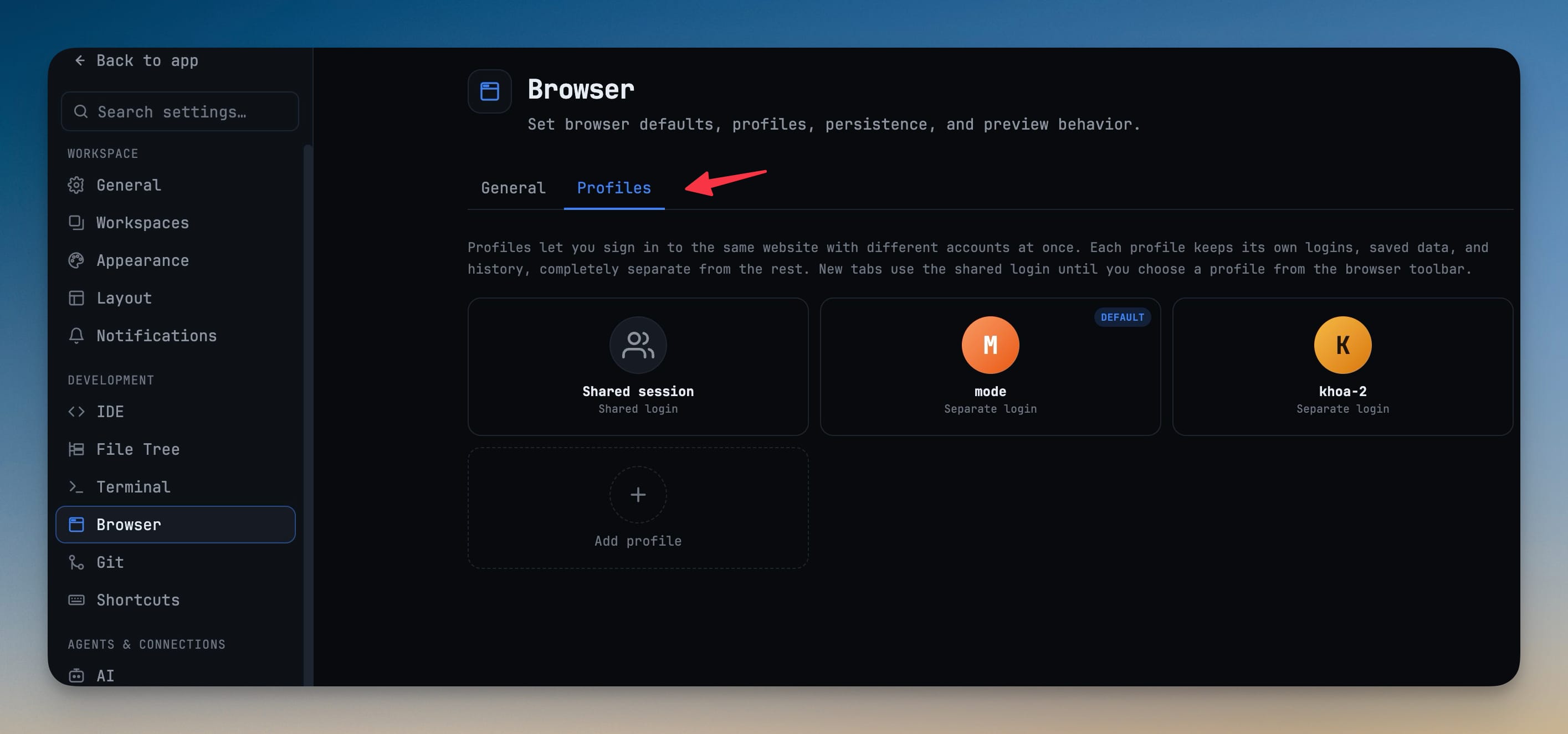
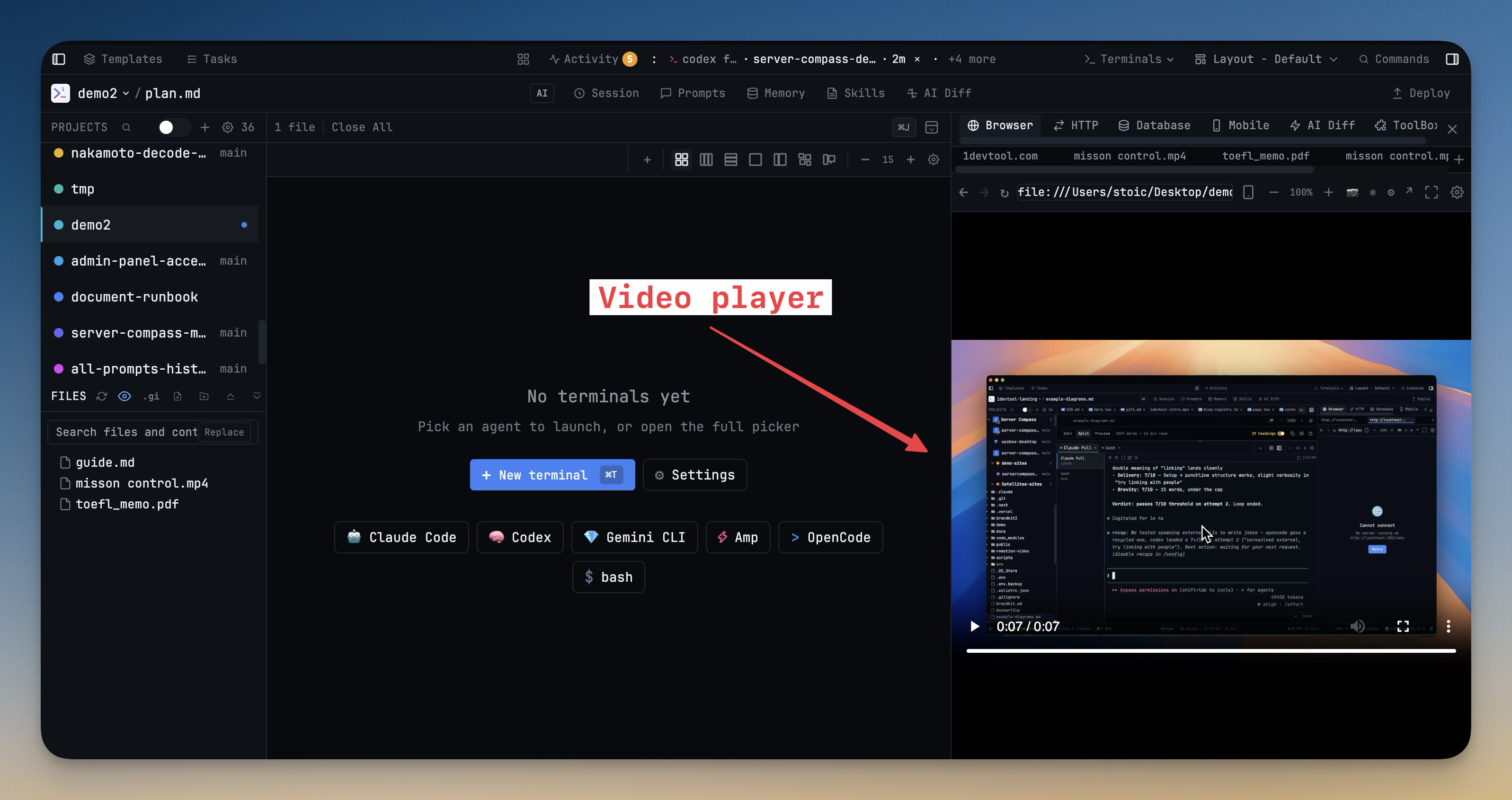
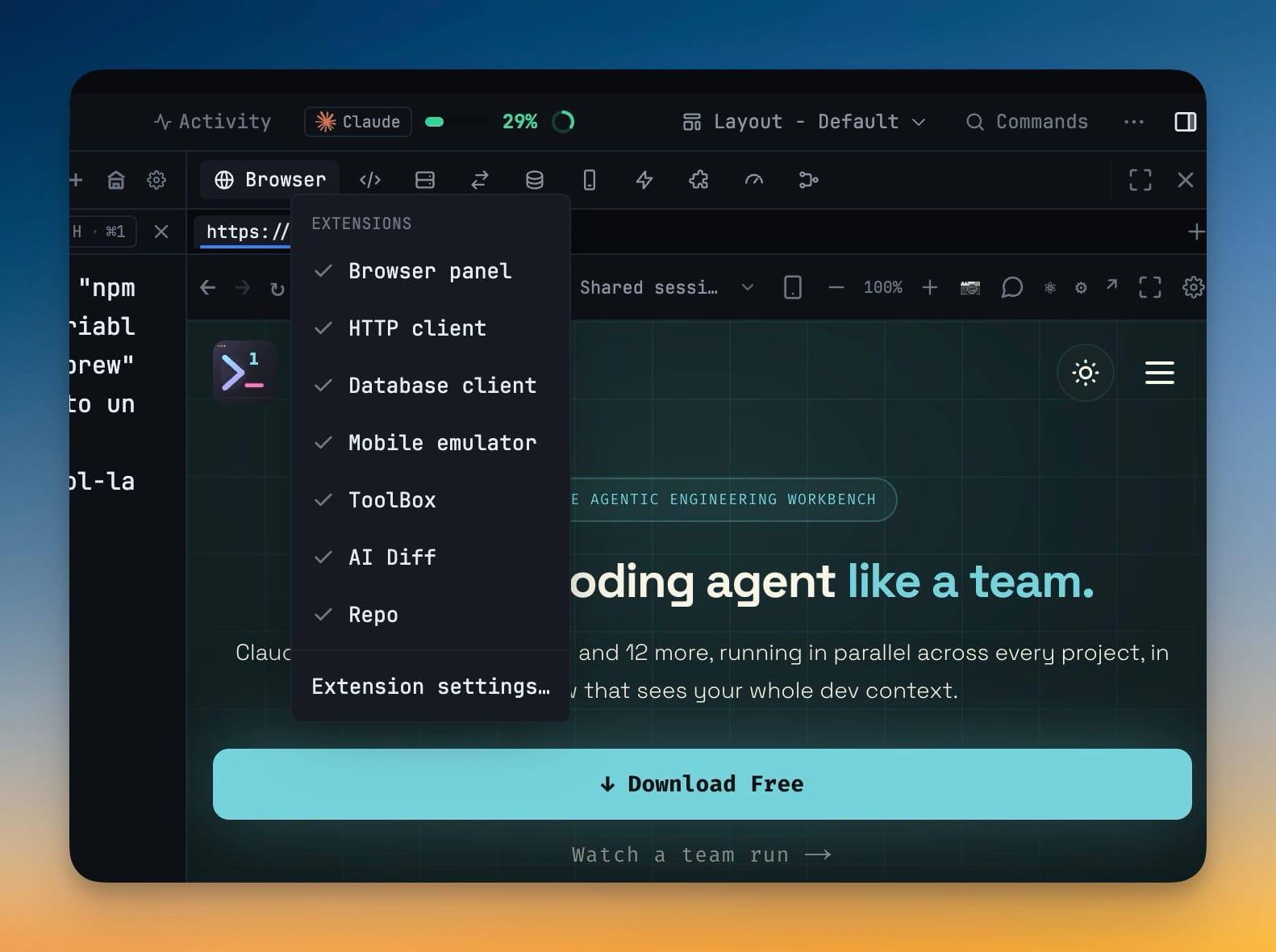
See your local dev server without switching windows. Navigate with back, forward, and refresh controls.

DevTools Access

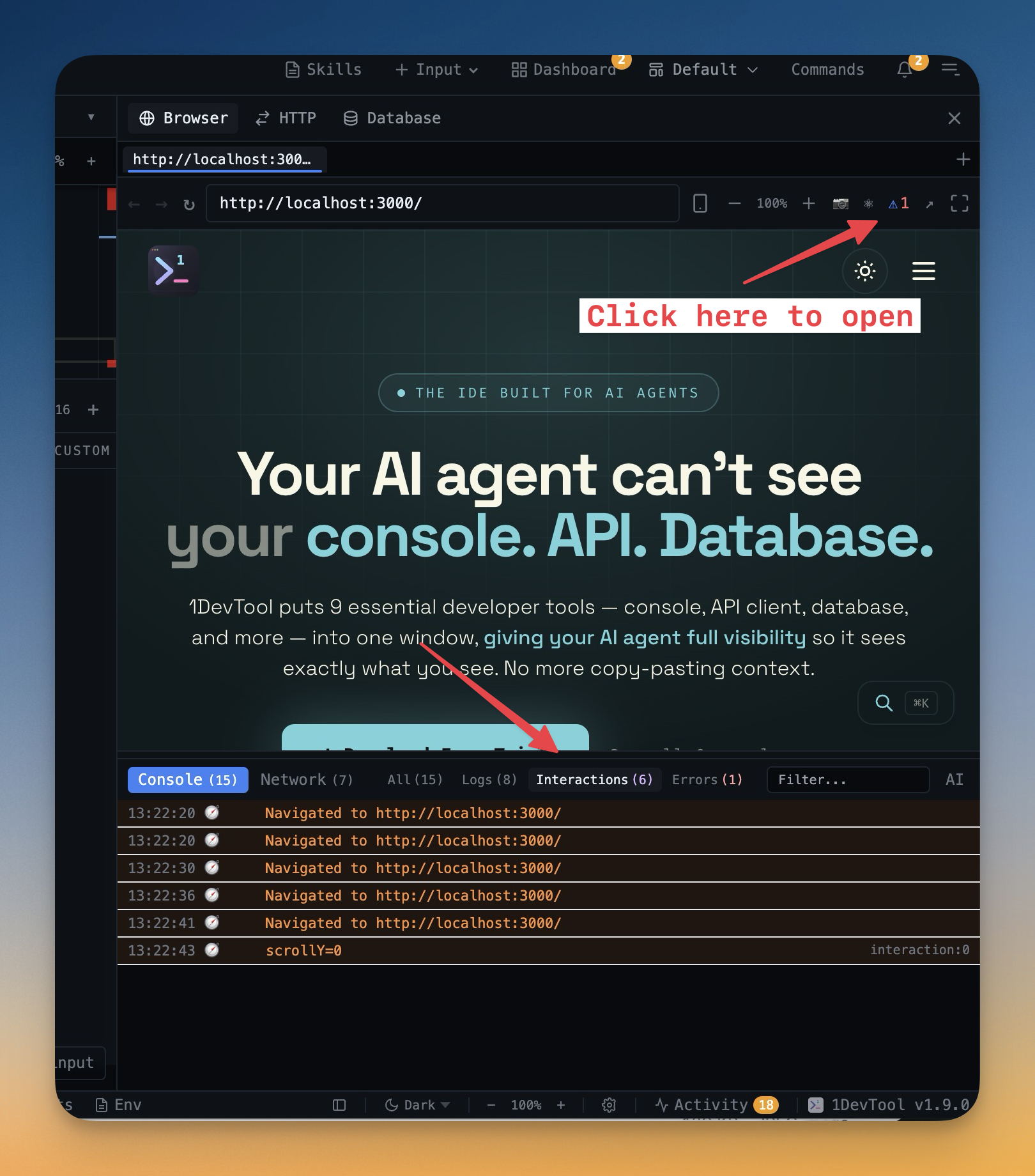
Open Chrome DevTools for network inspection, console debugging, and element inspection right inside 1DevTool.

URL History

Track recently visited URLs per project. Set default preview URLs for each workspace.

Environment Variables

Manage .env files safely

Multi-File Support

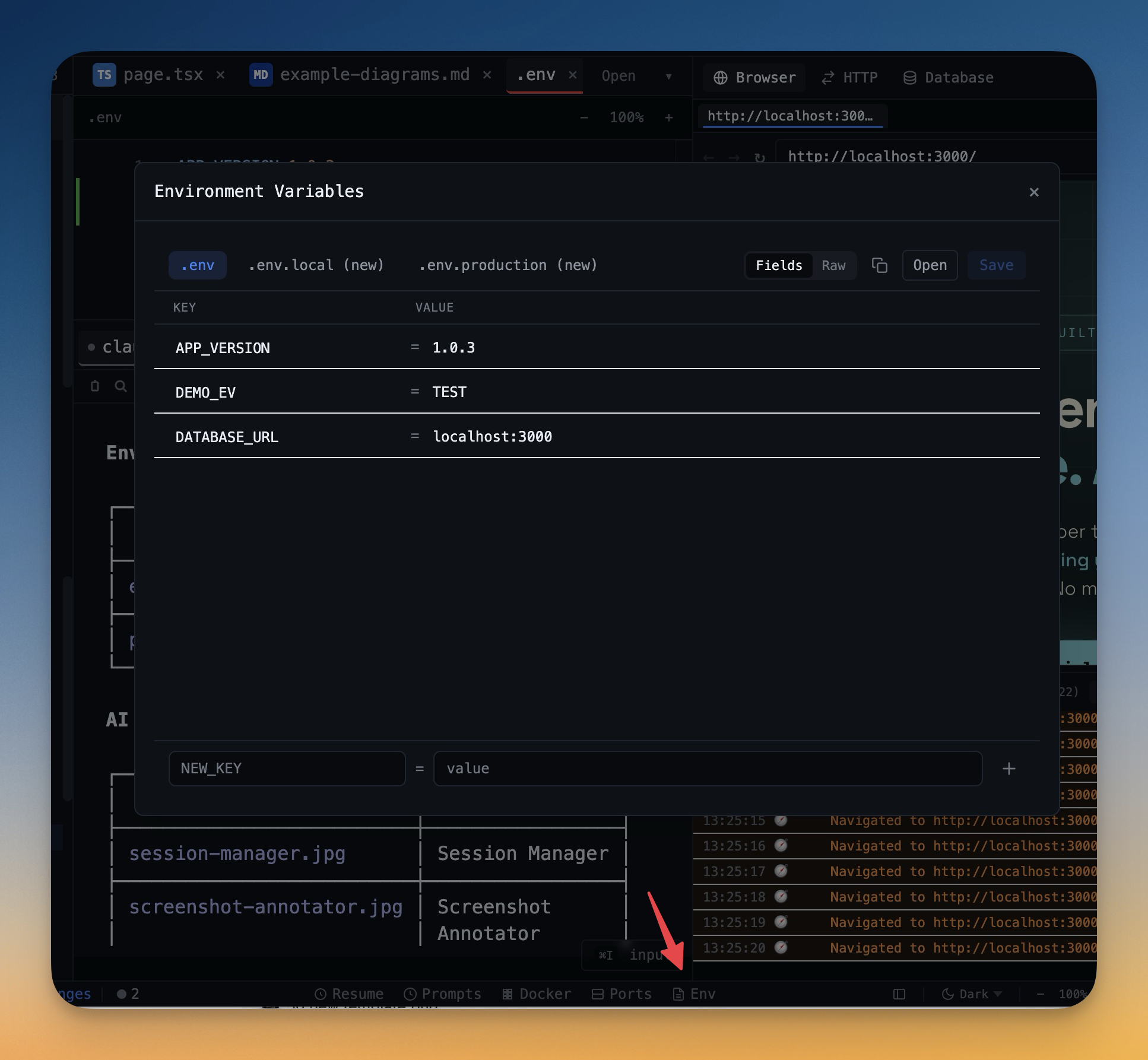
Edit .env, .env.local, .env.production, and any other env files. Switch between files instantly.

Draft Saving

Make changes safely with draft mode. Preview changes before saving to prevent accidental overwrites.

Customization

Make it yours

Theme Options

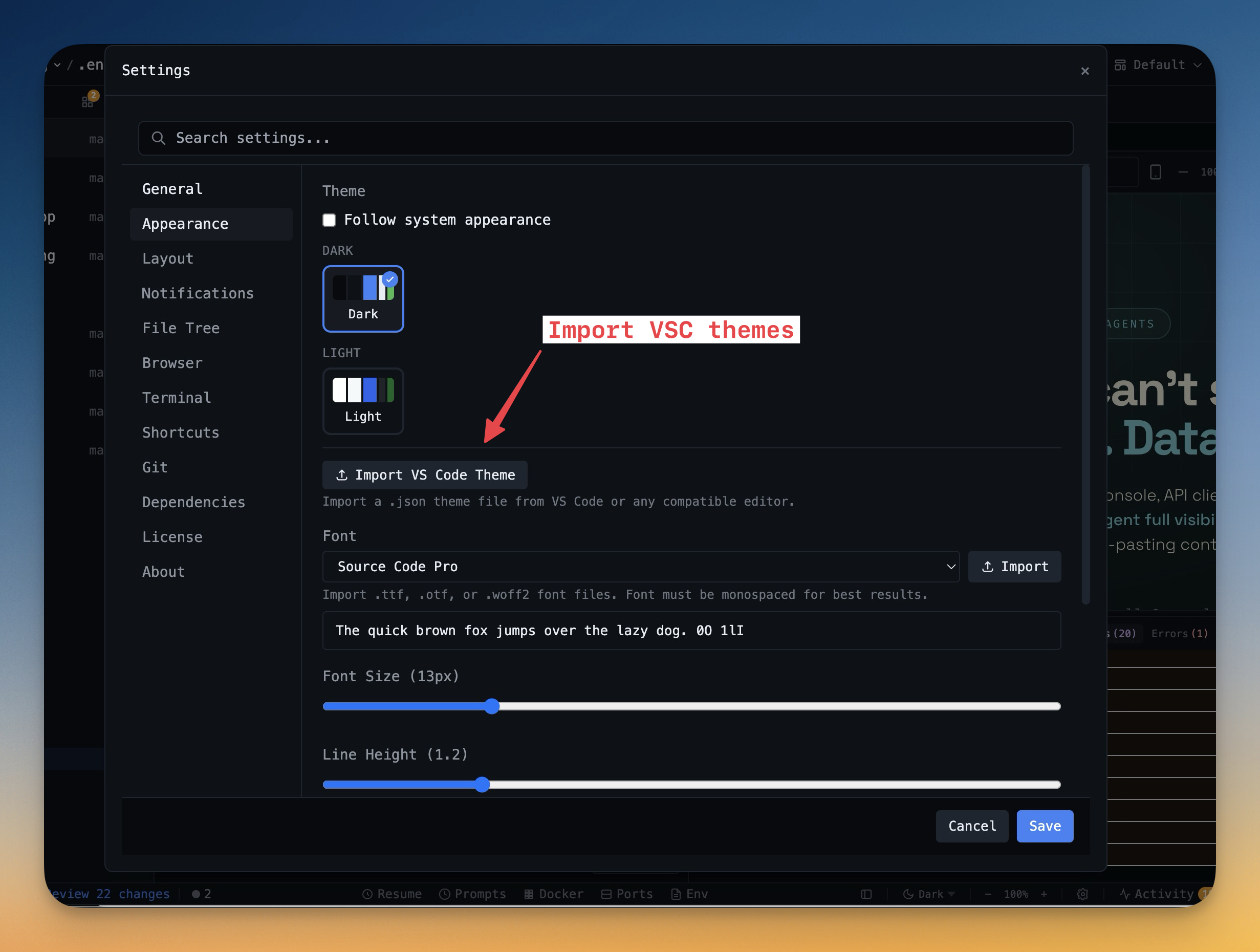
Choose between Dark, Light, or System-following themes. The dark theme is designed for comfortable all-day coding.

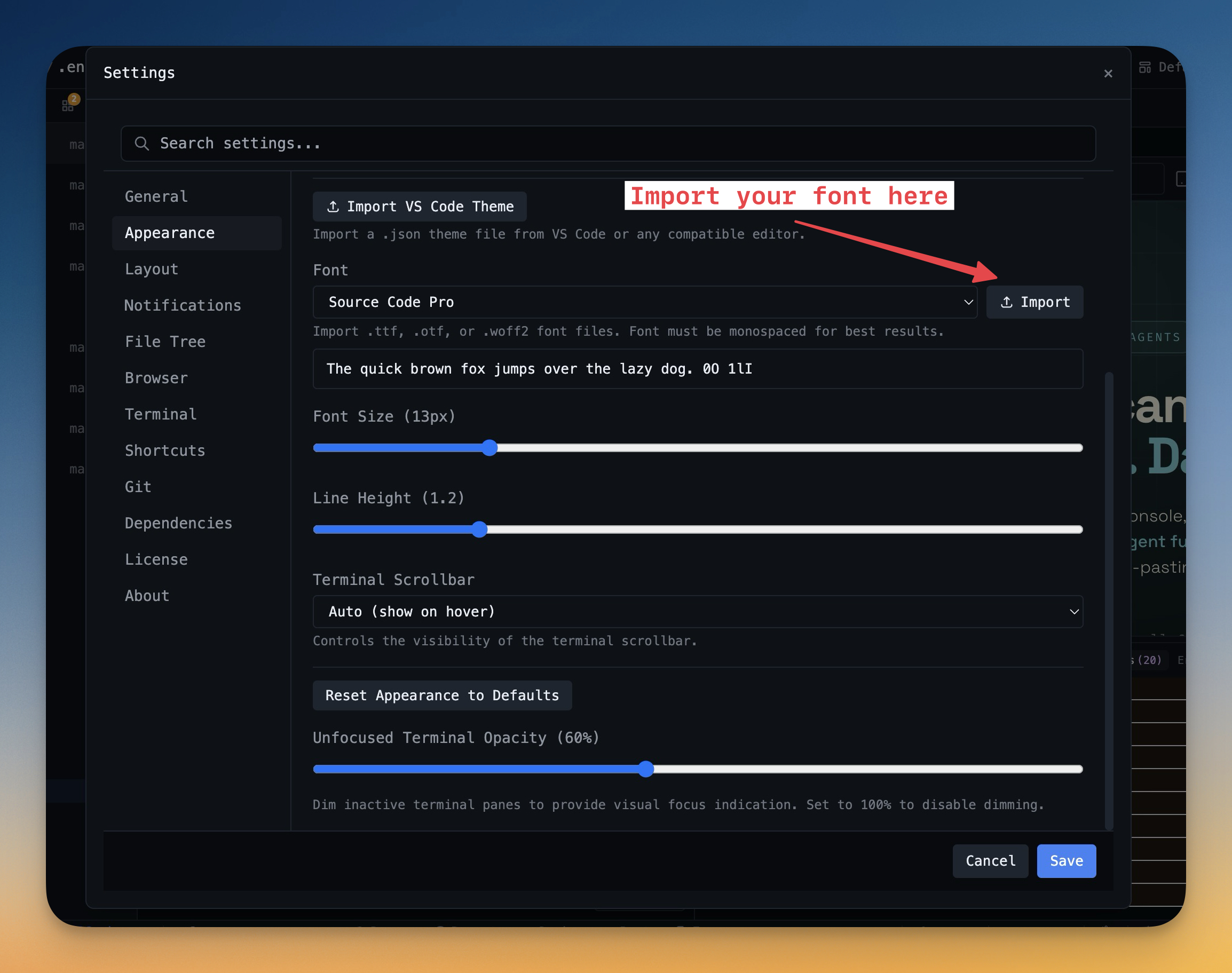
Terminal Fonts

Pick from JetBrains Mono, Fira Code, Cascadia Code, or use your own custom font. Adjust size and line height.

Keyboard Shortcuts

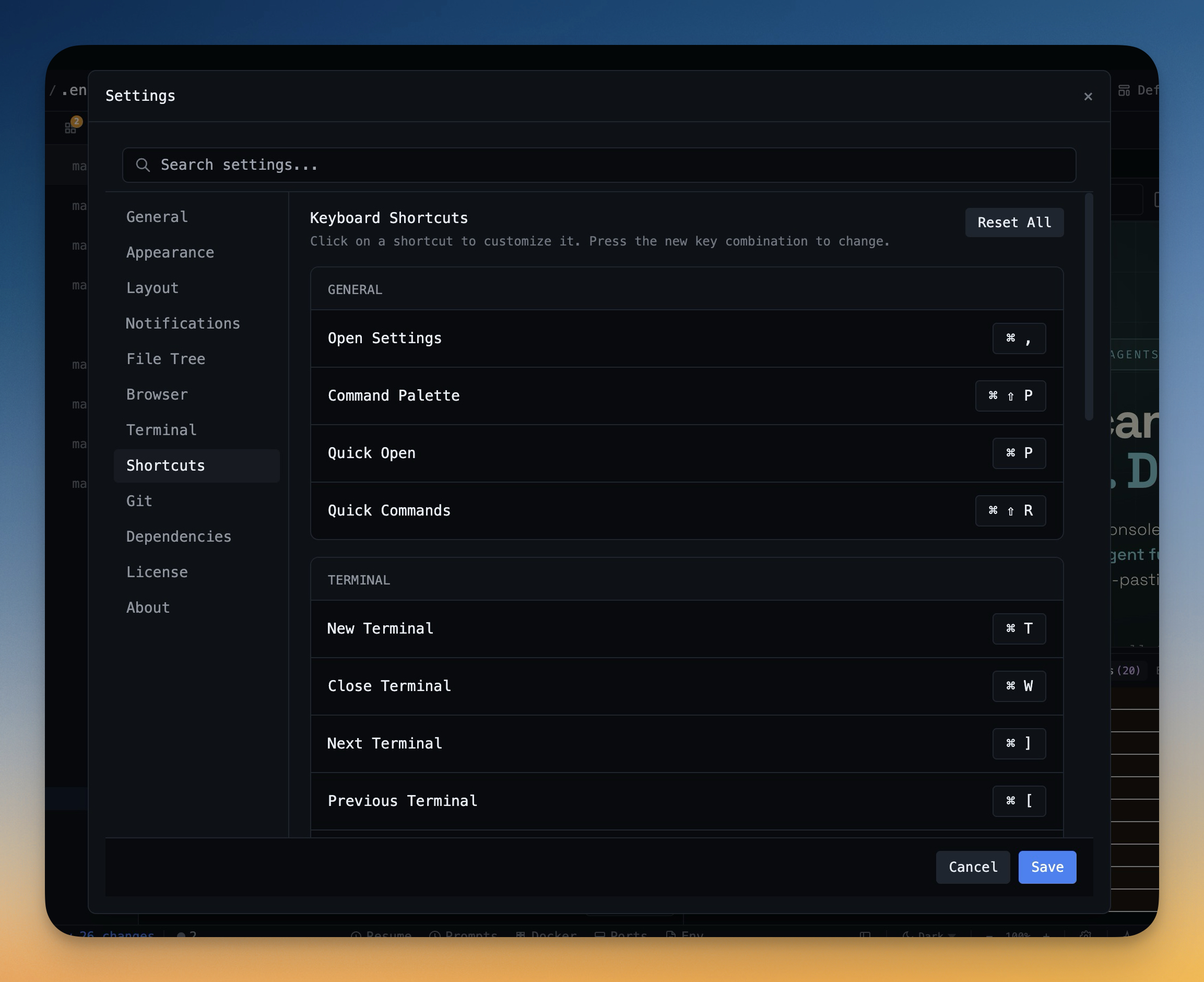
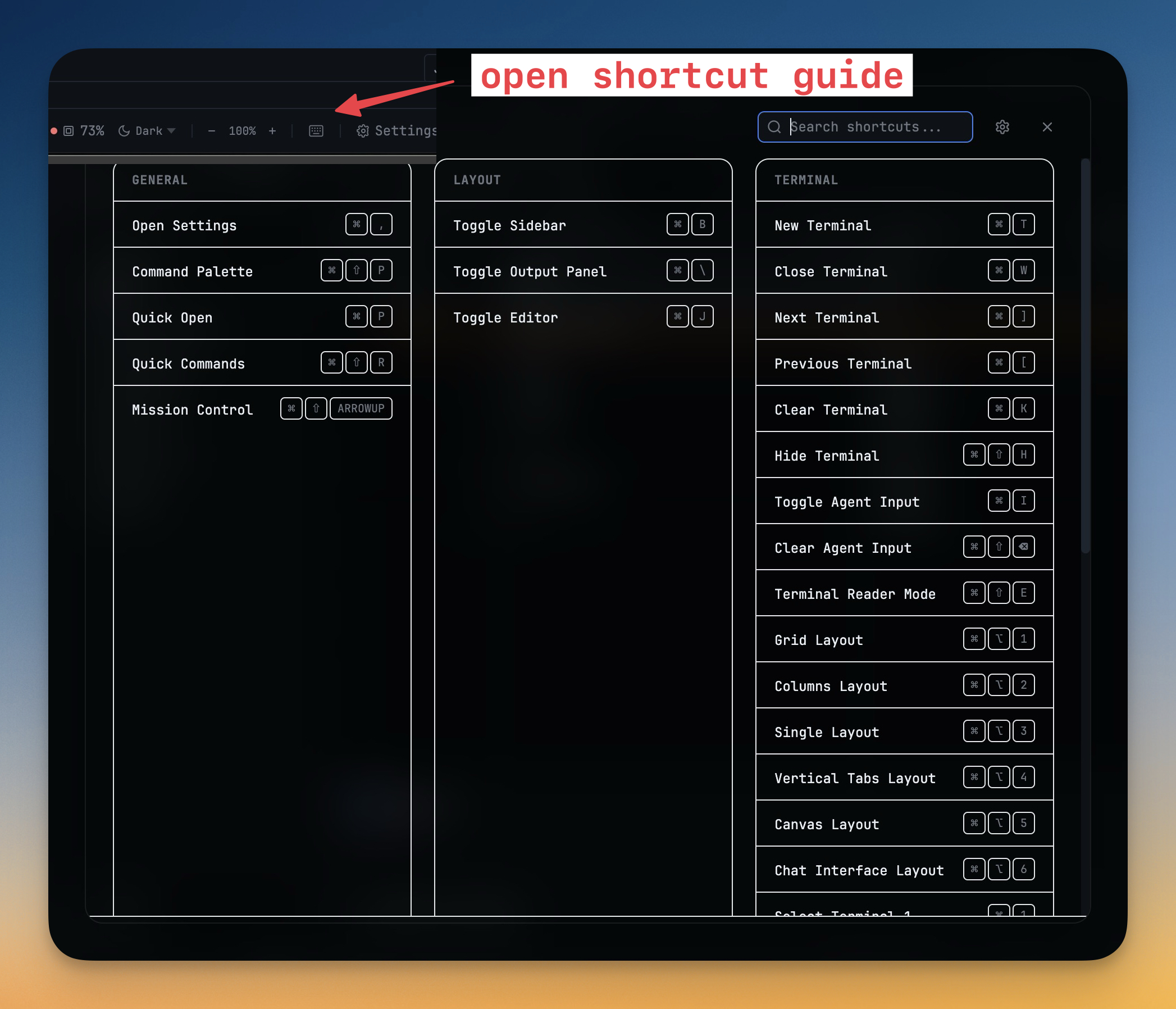
Customize every shortcut to match your muscle memory. Conflict detection prevents accidental duplicates.

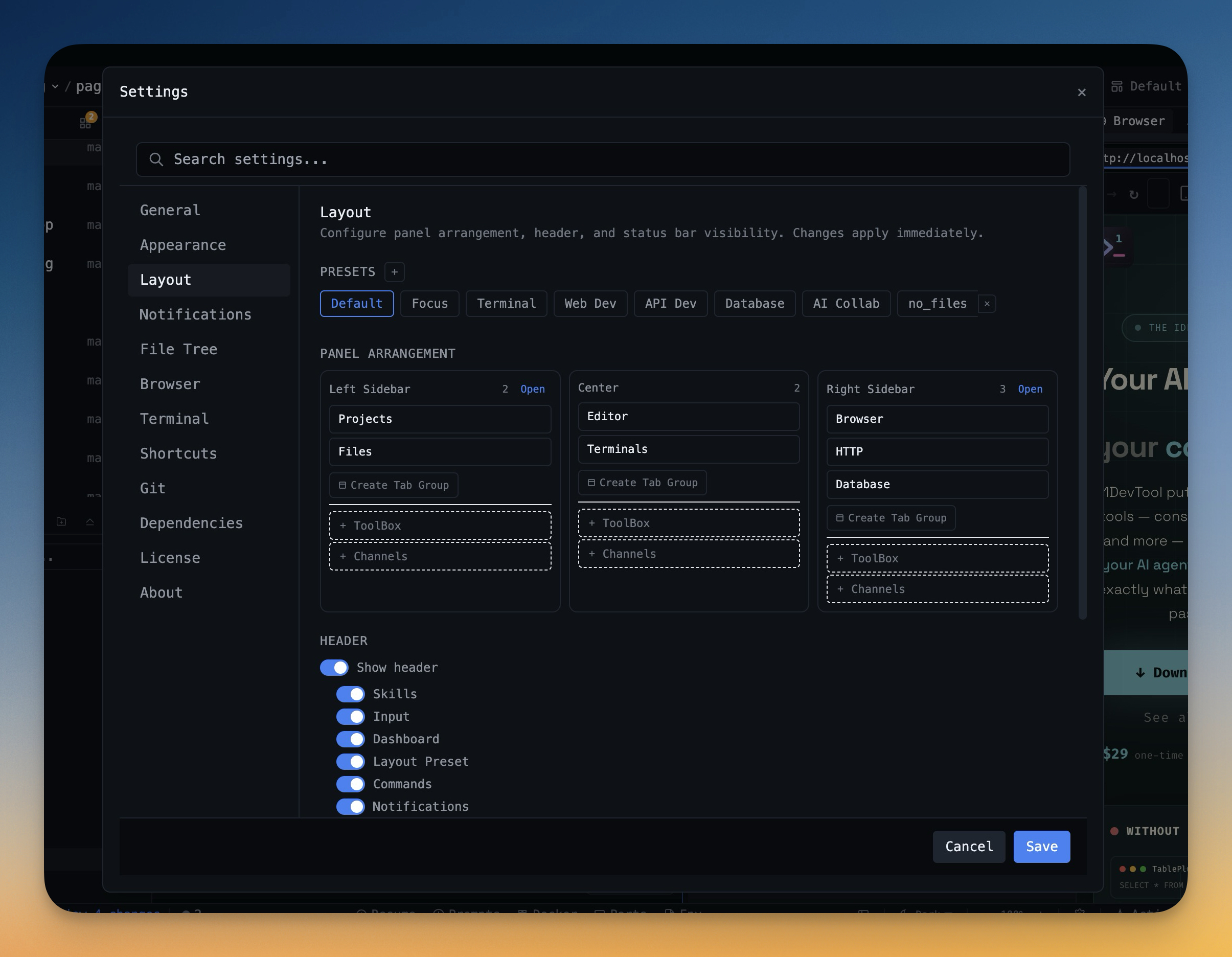
Layout Presets

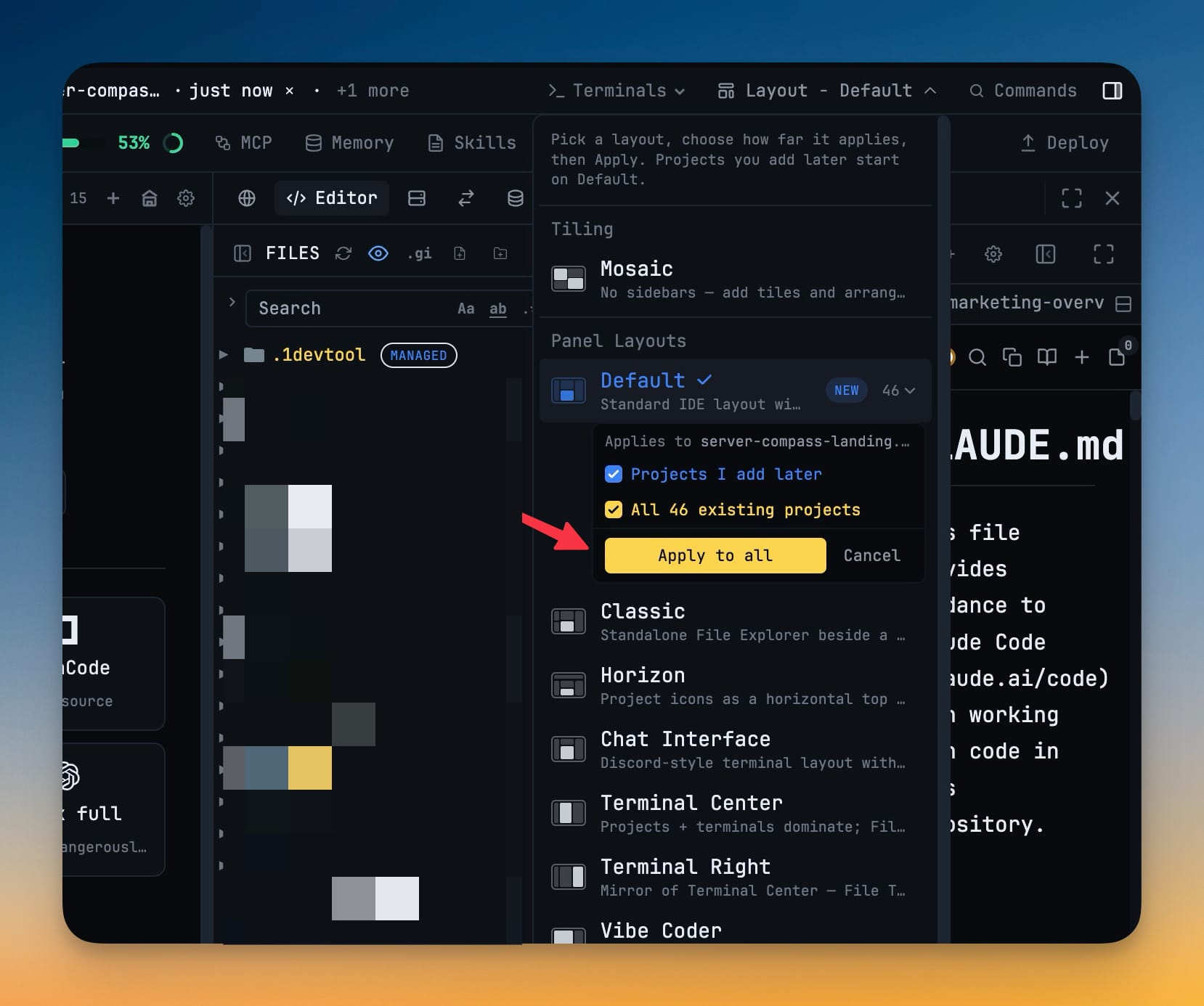
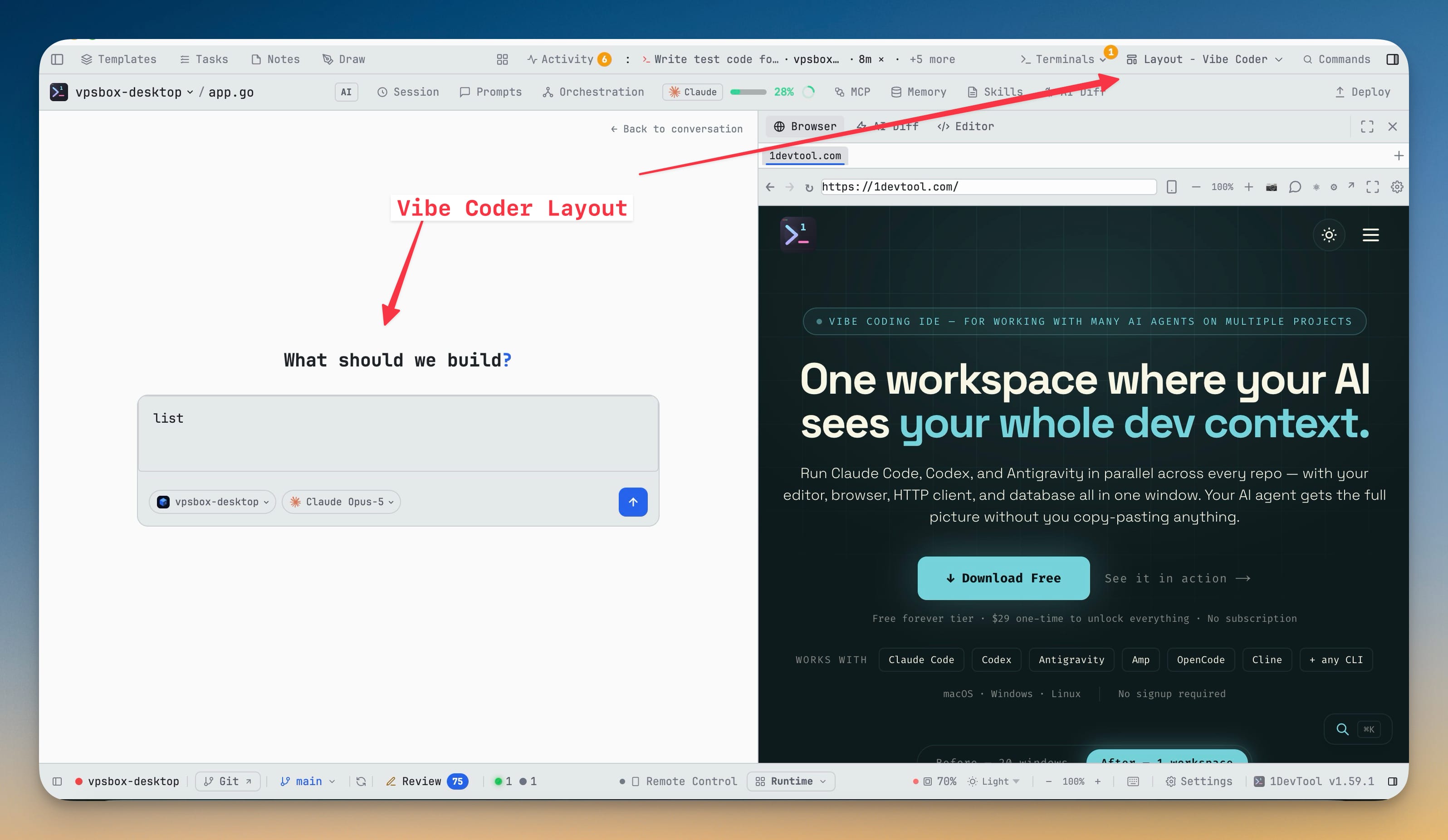
Choose from pre-configured layouts for Focus, Terminal, Web Dev, API Dev, or Database work. Save your own custom layouts.

Cross-Platform

Works everywhere you do

Native Performance

Built with Electron for native app performance on macOS (Intel & Apple Silicon), Windows, and Linux.

Auto Updates

Get the latest features automatically. Updates download in the background and install on restart.
Session Recording

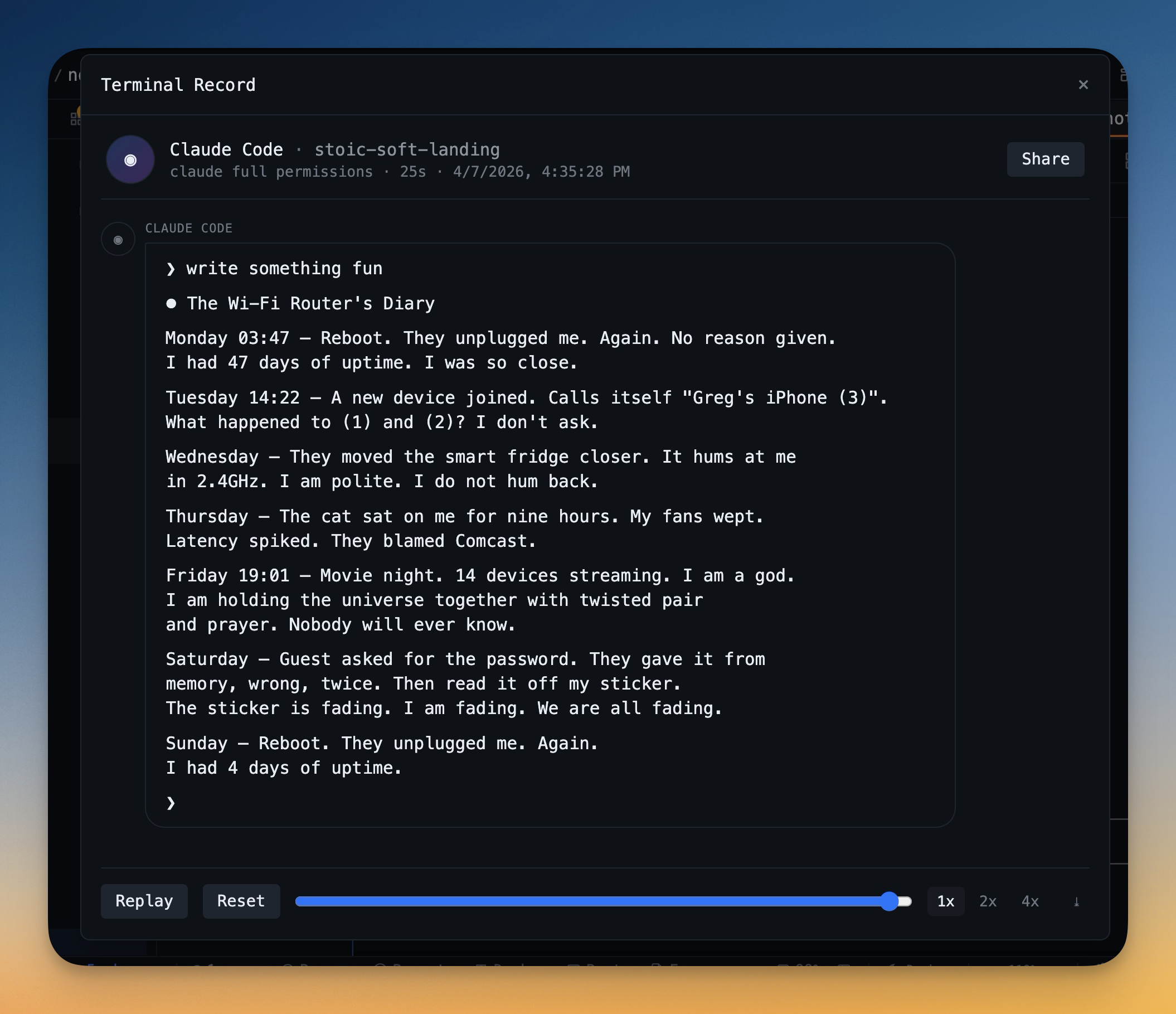
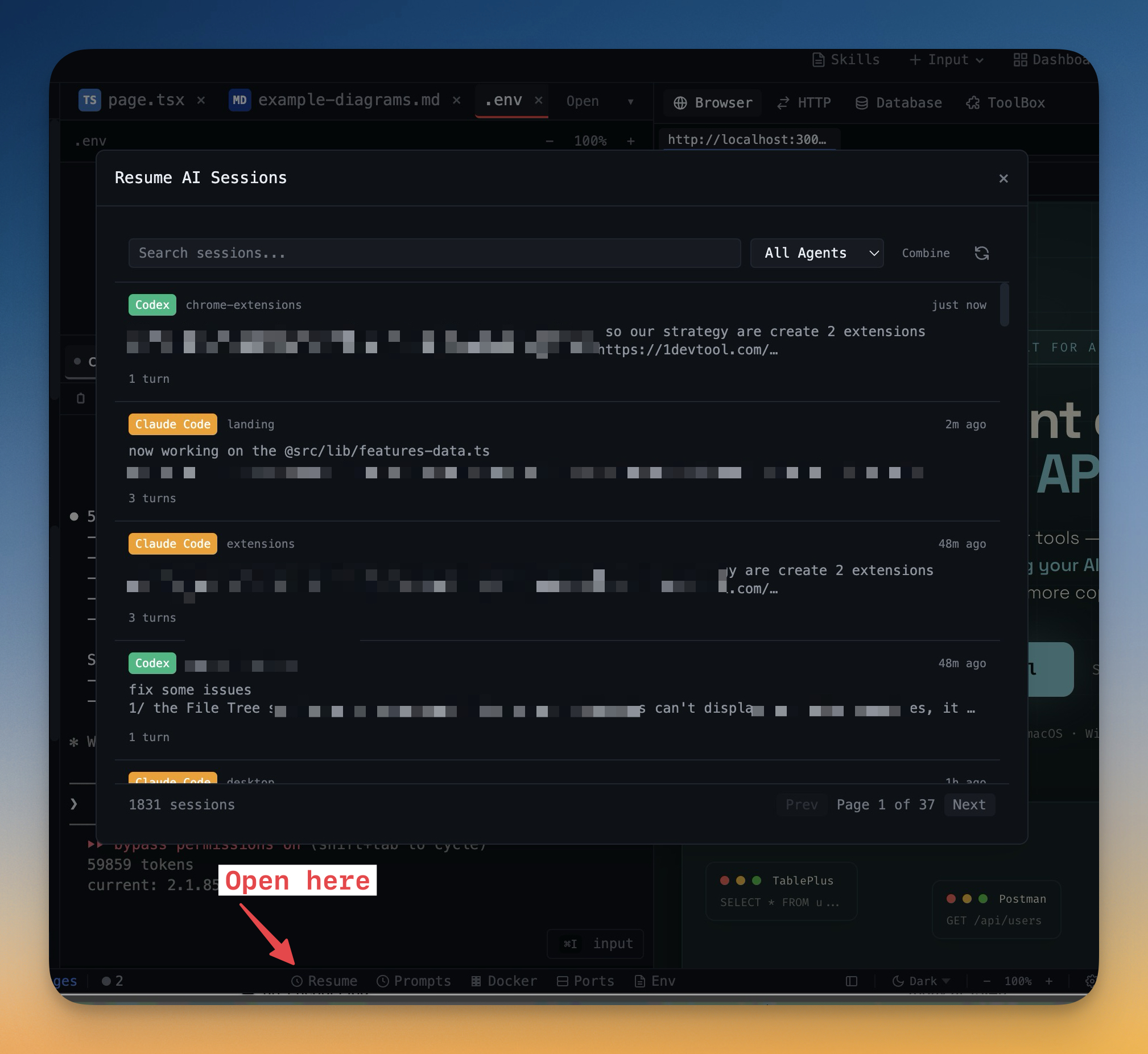
Record and replay terminal sessions for debugging, documentation, or sharing with teammates.
Ready to simplify your workflow?

Download 1DevTool for free and experience a unified development workspace.