May 2, 2026
The Seven AI Tells in Support Replies: A Diagnostic Field Guide
Your customer support replies are accurate, well-meant, and getting flagged as AI by users. The issue isn't always your tooling — it's the reply shape. Here's a complete taxonomy of the seven AI tells that flag even human replies, and how to write around each one.
A user replies to your customer support email with three words: "Did a bot write this?" Your reply was accurate. Your reply was personal. You signed your name. The user still pattern-matched it as AI.
This is happening to support teams, founder-led outreach, sales follow-ups, and anyone writing one-to-one in a context where AI-generated text is now common. Users have developed sharp pattern matchers, and those matchers run on shape signals that human writers also produce — especially under deadline pressure.
The good news: the signals are knowable, and you can write around them once you know what to look for.
The seven tells, in detail
1. The opener "Thank you for reaching out." / "I appreciate you bringing this to our attention."
The single loudest tell. No human starts a personal reply this way unless trained to. It's distinctive of bulk customer support templates and AI defaults. Replace with: jump straight into addressing what they said, optionally with a brief acknowledgment if the issue is serious. "Yeah, that's broken on our end — looking into it now." lands; "Thank you for reaching out about this issue." doesn't.
2. "I understand how frustrating this must be."
A classic empathy formula that AI writers reach for and humans almost never type unprompted. It reads as performative because it generally is. Replace with: a specific acknowledgment of what's broken. "That deploy failure with no logs is the worst — you can't even tell where to start." Specific empathy lands; generic empathy bounces.
3. The structured reply for an unstructured question
If they asked one question and you reply with three sections of bullets, you've signaled "this came out of a template or model." Real humans answer one question with one answer. Replace with: prose, even if longer. Save structure for genuinely structured content like step-by-step instructions.
4. "Please don't hesitate to reach out if you have any further questions."
A stock signoff that AI uses by default and humans reserve for very formal contexts. In casual support, it's a tell. Replace with: nothing, or a short personal close. "Let me know if that doesn't fix it" or even just "— [name]" works.
5. Long sentences that smoothly chain three independent clauses
Real writers tend to break long thoughts into multiple sentences, sometimes with fragments. AI tends to write one long, comma-spliced, transitioned sentence. Replace with: shorter sentences. Two short sentences read more human than one long one.
6. "Additionally," "Furthermore," "Moreover"
Formal connectives that AI uses to link ideas because they're statistically common in its training data. Real chat-register writing uses "also," "and," "plus," or just starts a new sentence. Replace with: simpler connectives or none.
7. Generic principles dressed as specific advice
The phrase "following best practices" and its cousins. "Make sure you're following deployment best practices" tells the reader nothing. A specific suggestion — "check that your env vars aren't being read in module scope, that's the most common cause of this exact symptom" — proves you read their problem. Replace with: specifics, always. If you can't be specific, ask a clarifying question instead.
What to do about it
A two-pass writing routine, similar to good editing in any context:
Pass 1: Write the reply naturally, addressing the actual issue. Don't think about tells.
Pass 2: Audit for the seven tells. Cut or rewrite each one you find. The whole pass takes ninety seconds for a typical reply.
The goal isn't to fake humanity — it's to not write in the register that AI uses by default, which is a register most humans don't naturally use either. Real chat-register writing has more friction, more specifics, and less performance.
The exception: when you actually want formal
Legal communication, escalations to executives, formal apologies for major outages — these contexts earn the formal register. "I appreciate you bringing this to our attention" is correct in a written response to a vendor's compliance team. The mismatch only hurts you when formal-register writing shows up in casual contexts.
The rule: match the register of the message you're replying to. If they wrote in chat-register, you write in chat-register. If they wrote in formal-register, you can match it.
What this means for AI-assisted support
If you're using AI to help draft replies — which is fine, and increasingly necessary — the tooling should output drafts in chat-register, not the AI default. That means: stripping the openers and signoffs, breaking up long sentences, replacing generic empathy with specific acknowledgments, and trimming structural overhead.
This isn't optional anymore. The detection prior is now strong enough that AI-default output is being read as low-effort regardless of accuracy. The teams that win in support are the ones whose AI-assisted output doesn't read as AI-assisted.
A self-check
Read your draft as if you'd received it from a stranger. If your gut says "this could be a bot," trust your gut. The fix is almost always the same set of edits: cut the opener, cut the empathy formula, replace the generic with specifics, drop the formal connectives, shorten the long sentences. Ninety seconds.
That ninety seconds is the difference between "thanks, this fixed it" and "did a bot write this?"
From across the StoicSoft network
Hand-curated reads on the same topic from sister sites in the StoicSoft family.
 ServerCompass5 min read
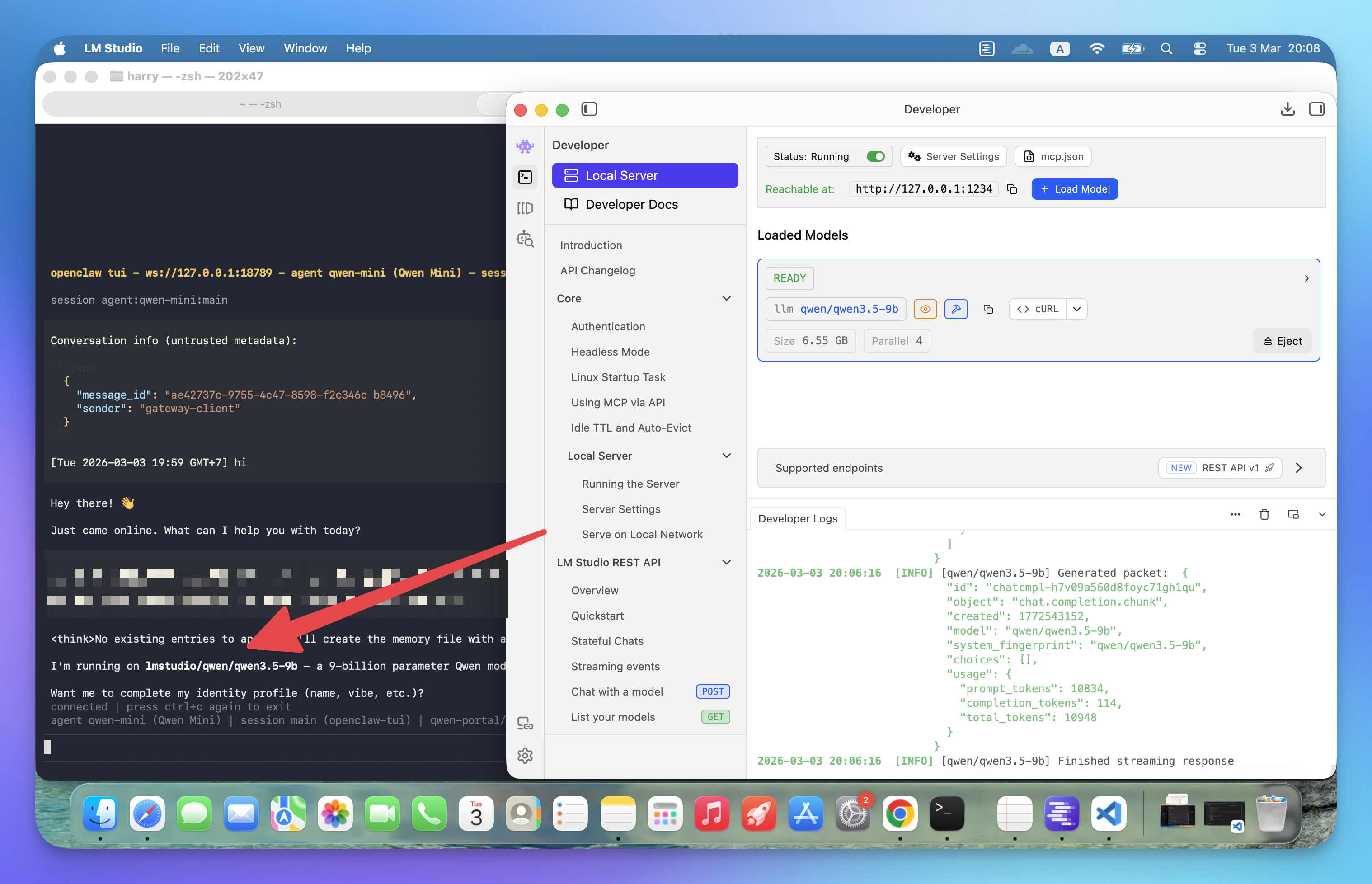
How to Run Qwen3.5-9B Locally with LM Studio for OpenClaw
Run your own AI agent entirely on your machine using LM Studio and OpenClaw — no API costs, no data leaving your computer, just 3 steps to full local inference.
Read on servercompass.app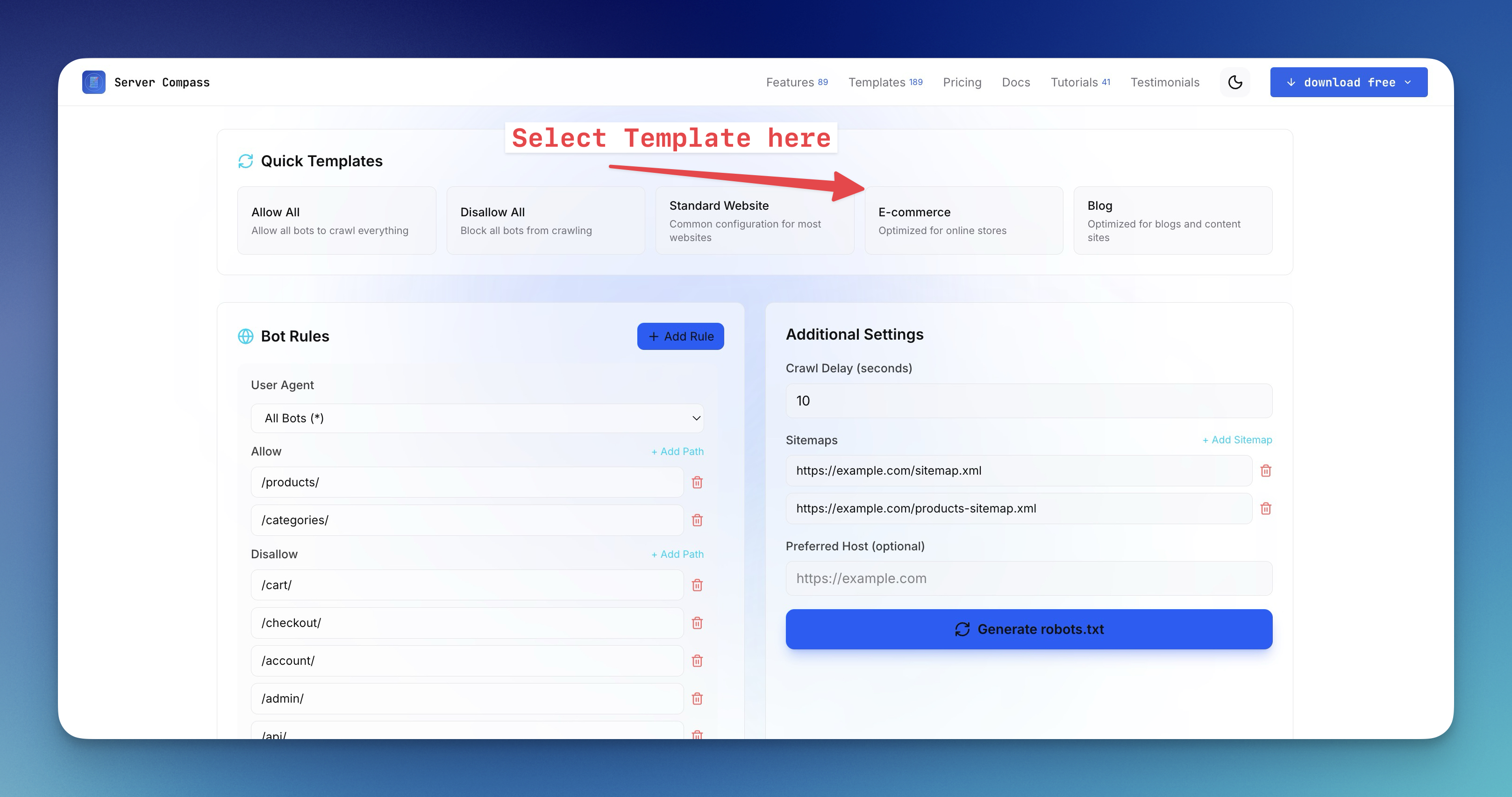 ServerCompass15 min read
How to Create a robots.txt File for the AI Era (2026 Guide)
Learn how to generate robots.txt files that control both search engine crawlers and AI bots like GPTBot, ClaudeBot, and Perplexity. Complete guide with examples, directives, and a free robots.txt generator tool.
Read on servercompass.app