Mar 21, 2026
Claude Code on Desktop vs Mobile: Where Real Development Happens
Claude Code works on mobile via Termux and SSH, but a terminal is not a workspace. We compare desktop vs mobile, explain why apps like Happy fall short, and reveal how 1DevTool Mobile will bring your full workspace to your pocket.
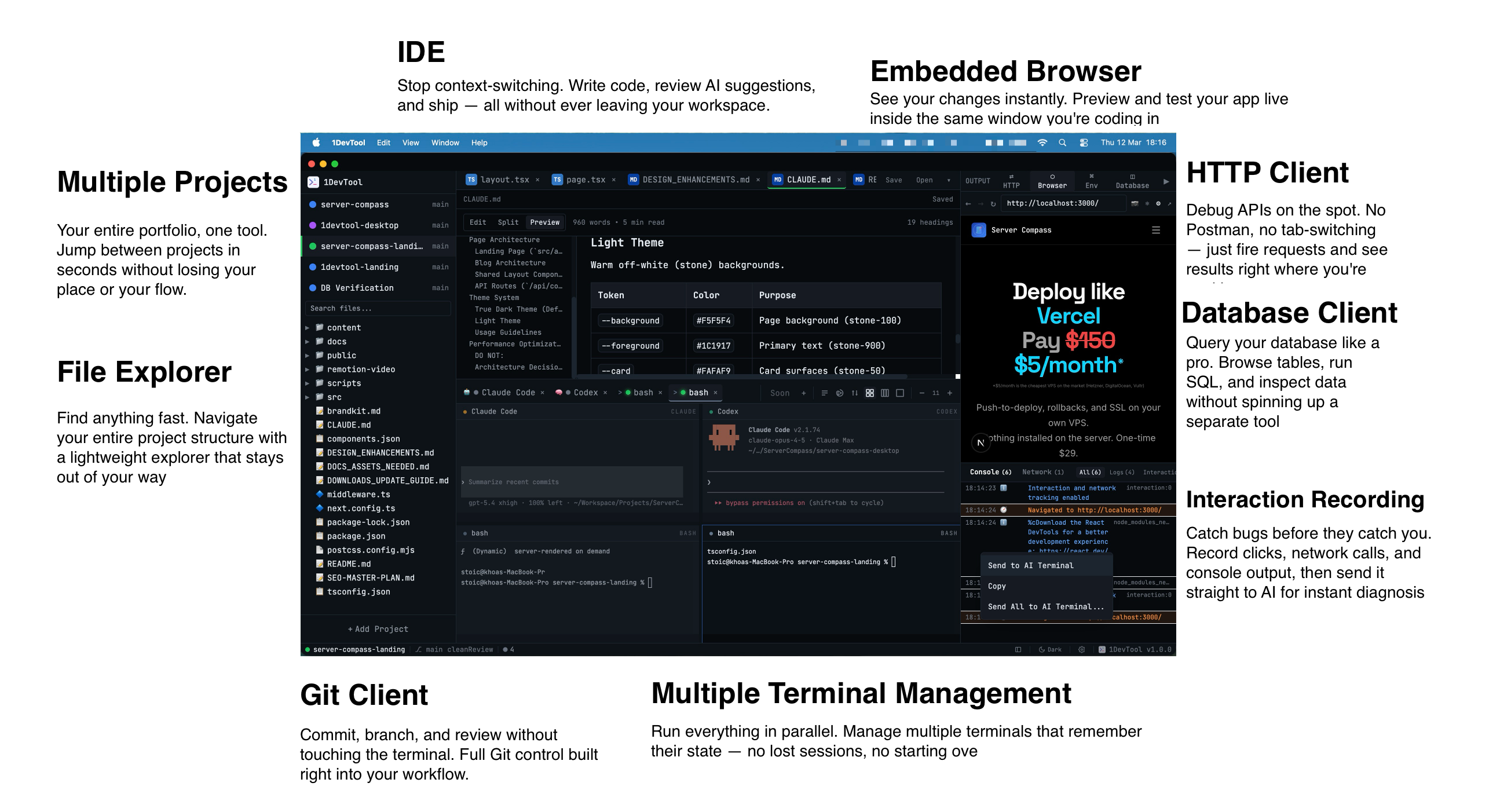
Claude Code has exploded in popularity — and with it, a wave of developers asking the same question: can I run Claude Code on my phone? The short answer is yes, through terminal apps. But the real question is whether mobile is actually a productive way to use it, or if a proper desktop workspace gives you a massive edge.
In this guide, we break down exactly how Claude Code works on desktop vs mobile, what you gain (and lose) on each platform, and how tools like 1DevTool are making the desktop Claude Code experience dramatically better.
What Is Claude Code?
Claude Code is Anthropic's agentic coding tool that runs directly in your terminal. Unlike traditional AI assistants that sit inside an IDE, Claude Code operates as a CLI agent — it can read your files, write code, run commands, manage git, and execute multi-step development tasks autonomously.
Because it's terminal-based, it's technically runnable on any device with a shell. That includes mobile phones via apps like Termux (Android) or iSH/a]Shell (iOS). But "runnable" and "productive" are two very different things.
Claude Code on Mobile: What You Get
The viral trend of running Claude Code on mobile has captured developer Twitter for good reason — there's something magical about kicking off a coding task from your couch or commute. Here's what the mobile experience looks like:
How It Works
- Android: Install Termux, set up Node.js, and run Claude Code via npm
- iOS: Use a-Shell or iSH to get a terminal environment, then install Claude Code
- Both: Connect to a remote dev server via SSH and run Claude Code there
What Mobile Does Well
- Quick prompts on the go: Fire off a task like "fix the login bug" while away from your desk
- Code review anywhere: Ask Claude to explain or review code from your phone
- SSH into remote machines: If your project lives on a server, mobile works as a lightweight terminal
- The cool factor: Let's be honest — shipping code from your phone feels futuristic
Where Mobile Falls Short
- No file tree or visual context: You're working blind without seeing your project structure
- Tiny screen, big problems: Reading diffs, reviewing multi-file changes, and debugging are painful
- Single session only: You can't run multiple Claude Code instances side by side
- No IDE integration: No syntax highlighting, no code navigation, no extensions
- Keyboard limitations: Even with an external keyboard, the experience is clunky
- Copy-paste friction: Moving code between apps on mobile is tedious
Claude Code on Desktop: The Full Experience
Desktop is where Claude Code was designed to shine. A proper terminal on macOS, Linux, or Windows gives you the full power of the CLI agent with none of the mobile compromises.
Desktop Advantages
- Full terminal power: Multiple tabs, split panes, command history, and proper key bindings
- Run multiple sessions: Work on different tasks in parallel across multiple Claude Code instances
- IDE alongside: Have your editor open next to the terminal to see changes in real time
- File system access: Browse, search, and navigate your entire codebase
- Git integration: Full git workflow — branches, diffs, merges — right alongside Claude Code
- Copy-paste and editing: Seamless text manipulation between terminal and other tools
Desktop Pain Points (Without the Right Tool)
Even on desktop, running Claude Code in a plain terminal has friction:
- Switching between terminal and IDE constantly
- Managing multiple terminal windows or tmux sessions
- No unified view of what Claude Code is doing across your project
- Context switching between Claude Code output, your editor, and your browser
Desktop vs Mobile: Side-by-Side Comparison
Feature
Mobile
Desktop
Run Claude Code
Yes (via Termux/SSH)
Yes (native terminal)
Multiple sessions
Difficult
Easy — tabs, splits, windows
File browsing
CLI only
Full GUI + CLI
Code review
Basic (small screen)
Full diff view
Multi-file editing
Painful
Seamless
Debugging
Very limited
Full debugger access
Git workflow
Basic commands
Full GUI + CLI
Database access
CLI only
GUI clients available
Screen real estate
6" phone screen
Full monitor(s)
Portability
Always with you
Desk-bound
1DevTool: The Best Desktop Workspace for Claude Code
This is where 1DevTool changes the game. Instead of juggling a terminal, an IDE, a database client, and an HTTP tool — 1DevTool puts everything in one window with Claude Code at the center.
Why Developers Choose 1DevTool for Claude Code
- Multiple Claude Code sessions: Run several Claude Code instances side by side in integrated terminals. Work on the frontend in one session while Claude fixes the API in another.
- Built-in code editor: See your files update in real time as Claude Code makes changes — no need to switch to a separate IDE.
- Integrated database client: Query your database right next to your terminal. When Claude Code modifies a migration, verify it instantly.
- HTTP client: Test your API endpoints without leaving the workspace. Claude Code fixes a route? Hit it immediately to verify.
- Git integration: Visual diff viewer, branch management, and commit history — all in the same window where Claude Code is running.
- AI-powered everything: Beyond Claude Code in the terminal, 1DevTool adds AI assistance to the editor, database queries, and API testing.
The 1DevTool + Claude Code Workflow
Here's what a typical development session looks like:
- Open 1DevTool — your project loads with editor, terminal, and tools ready
- Launch Claude Code in the integrated terminal — "Add user authentication with JWT"
- Watch the editor update in real time as Claude Code writes files
- Test the API with the built-in HTTP client
- Check the database to verify the migration ran correctly
- Review the diff in the integrated git panel
- Commit and push — all without leaving 1DevTool
This is the workflow that mobile simply cannot replicate. And it's the workflow that a plain terminal + separate IDE can only approximate with constant context switching.
Coming Soon: 1DevTool Mobile — A Workspace, Not Just a Terminal
Here's the thing about running Claude Code on your phone today: apps like Happy give you a terminal. That's it. A single terminal window on a small screen. It works for quick prompts, but it's fundamentally the same limited experience as SSHing from Termux.
1DevTool Mobile is coming soon — and it's a completely different product. Instead of giving you a terminal, it gives you your entire workspace in your pocket.
What Makes 1DevTool Mobile Different
- See all your projects at once: Monitor 5-6 projects simultaneously — not just one terminal session. See what every agent is doing across your entire workload.
- Monaco diff viewer on mobile: Review the actual code changes your agents made with a proper diff view — syntax highlighted, side-by-side — not raw terminal output.
- Approve or reject across multiple agents: Your agents are waiting for permission? Approve or reject changes across all of them in one swipe. No switching between terminal sessions.
- HTTP client logs: See exactly what API calls your agents are making. When Claude Code hits an endpoint, you see the request and response in real time.
- Git status across all projects: One glance shows you the git state of every project — which branches changed, what's staged, what's committed.
- Skills Manager: Push new instructions to running agents from your phone. Change priorities, add context, or redirect an agent's work without stopping it.
- Full tmux session tree: Not one terminal — the entire session tree. Navigate between panes, see output from every session, all from your mobile screen.
The difference is simple: other mobile apps show you a terminal. 1DevTool Mobile shows you a workspace. It's the difference between peeking through a keyhole and opening the door.
When Mobile Actually Makes Sense (Today)
Until 1DevTool Mobile launches, there are still legitimate reasons to use Claude Code on your phone:
- Emergency hotfixes: Production is down, you're away from your desk. SSH in, run Claude Code, fix the critical bug.
- Quick code review: Someone tags you on a PR. Pull up Claude Code to get a quick AI-powered review.
- Monitoring long-running tasks: Kicked off a big refactor from desktop? Check progress from your phone.
- Learning and experimentation: Exploring Claude Code's capabilities during downtime.
But for anything beyond quick checks — managing multiple agents, reviewing diffs, coordinating across projects — you're going to want 1DevTool Mobile.
Setting Up Claude Code on Desktop (The Right Way)
If you're ready to get the most out of Claude Code today, here's the optimal setup:
Basic Setup
- Install Node.js 18+ on your machine
- Run
npm install -g @anthropic-ai/claude-code - Set your Anthropic API key:
export ANTHROPIC_API_KEY=your-key - Navigate to your project directory and run
claude
Optimal Setup with 1DevTool
- Download 1DevTool from 1devtool.com
- Open your project — editor, terminal, and tools load automatically
- Run
claudein the integrated terminal - Split terminals to run multiple Claude Code sessions
- Use the database client, HTTP client, and git tools alongside Claude Code
The Future: Desktop Power, Mobile Control
The future of Claude Code isn't desktop or mobile — it's both. Your heavy development happens on desktop with 1DevTool's full workspace. Then you step away, and 1DevTool Mobile keeps you connected to everything — approving changes, monitoring agents, reviewing diffs, pushing new instructions.
This is the workflow that agentic coding demands. Your AI agents don't stop working when you leave your desk. With 1DevTool on desktop and mobile, neither do you.
The Verdict
Terminal-only mobile apps like Happy give you a keyhole view of one session. Desktop Claude Code is where real development happens. And 1DevTool is the best way to run Claude Code on both — a full workspace on desktop today, and a full workspace on mobile coming soon.
Other mobile apps show you a terminal. 1DevTool Mobile will show you everything.
Ready to supercharge your Claude Code workflow? Download 1DevTool for desktop now and be the first to know when 1DevTool Mobile launches.
Related in the StoicSoft network
If you regularly stitch together PDF, image, video, or batch-file workflows like the ones above, 1FileTool is the StoicSoft network's purpose-built desktop app — 245+ local-first tools, pay-once, files never leave the device.
From across the StoicSoft network
Hand-curated reads on the same topic from sister sites in the StoicSoft family.
 ServerCompass12 min read
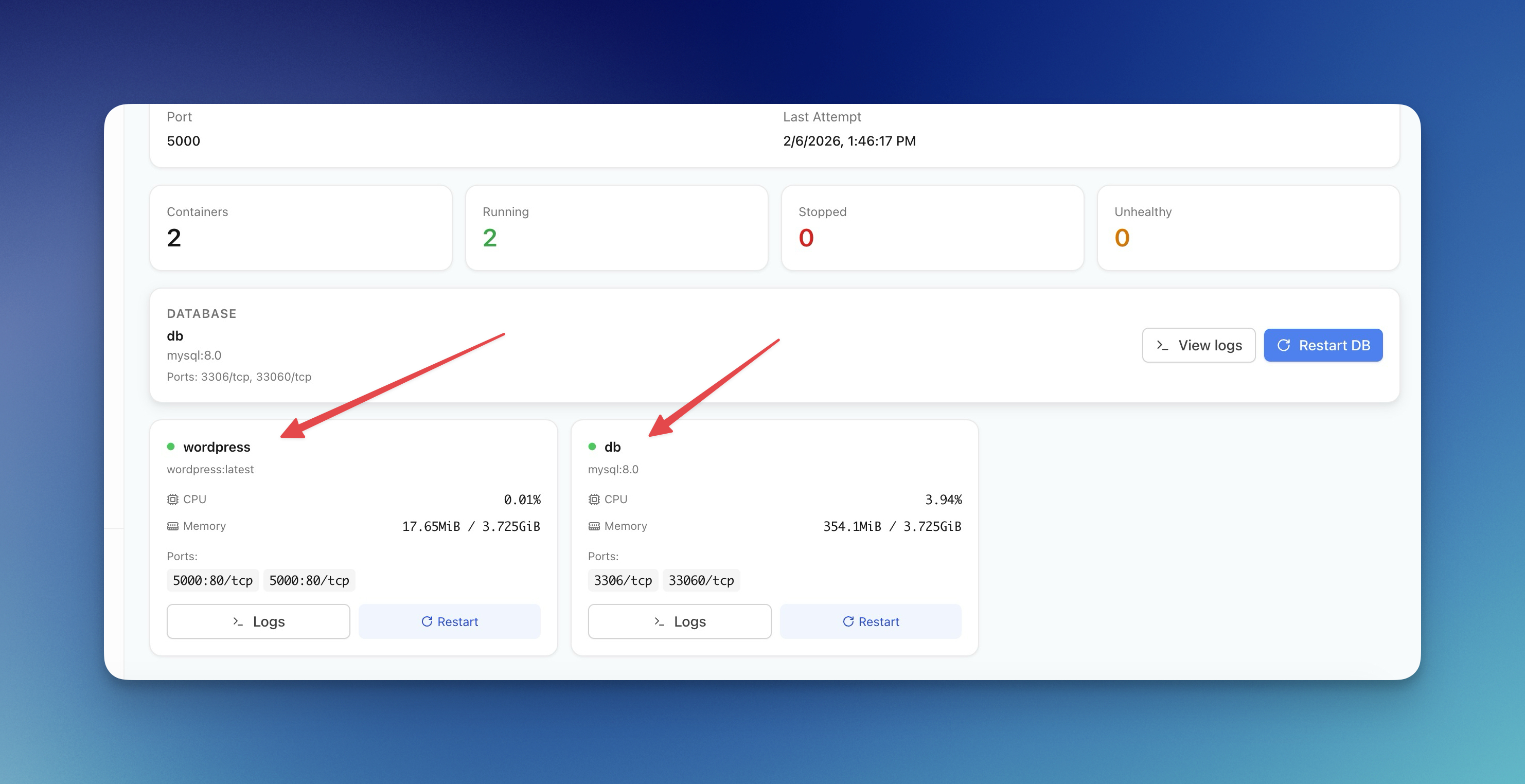
Server Compass vs Vercel: Take Control of Your Infrastructure and Save Thousands
If you're reading this, chances are you've experienced that sinking feeling when opening your Vercel invoice. What started as a convenient deployment platform has become an increasingly expensive proposition as your application scales.
Read on servercompass.app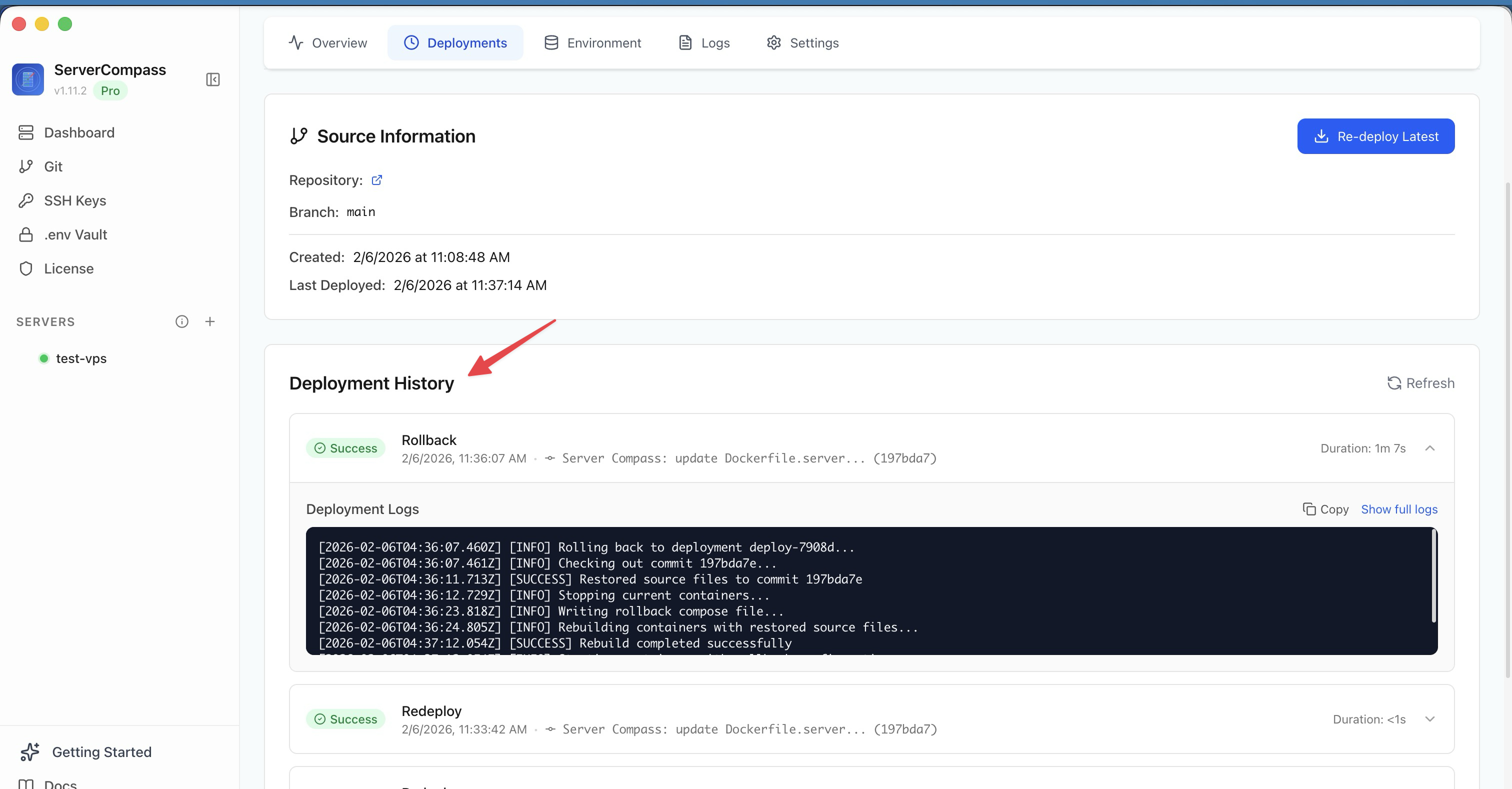 ServerCompass22 min read
Self-Hosted Vercel Alternative: Complete Guide (2026)
The complete guide to self-hosted Vercel alternatives. Compare Server Compass, Coolify, and CapRover. Learn how to migrate from Vercel, calculate real cost savings, and deploy with the same developer experience on your own VPS.
Read on servercompass.app ServerCompass12 min read
Best VPS Control Panels for Developers in 2026
Compare the best VPS control panels for developers in 2026: CloudPanel, CyberPanel, Plesk, Webmin, and Server Compass. Features, pricing, ease of use, and which one fits your workflow.
Read on servercompass.app