Apr 1, 2026
Codex CLI Workflow Guide: Multi-Project Setup for Faster AI Coding
Codex CLI is fast, but speed disappears when sessions get scattered across projects. This guide shows a multi-project Codex workflow with prompt history, continuity, and predictable handoffs.
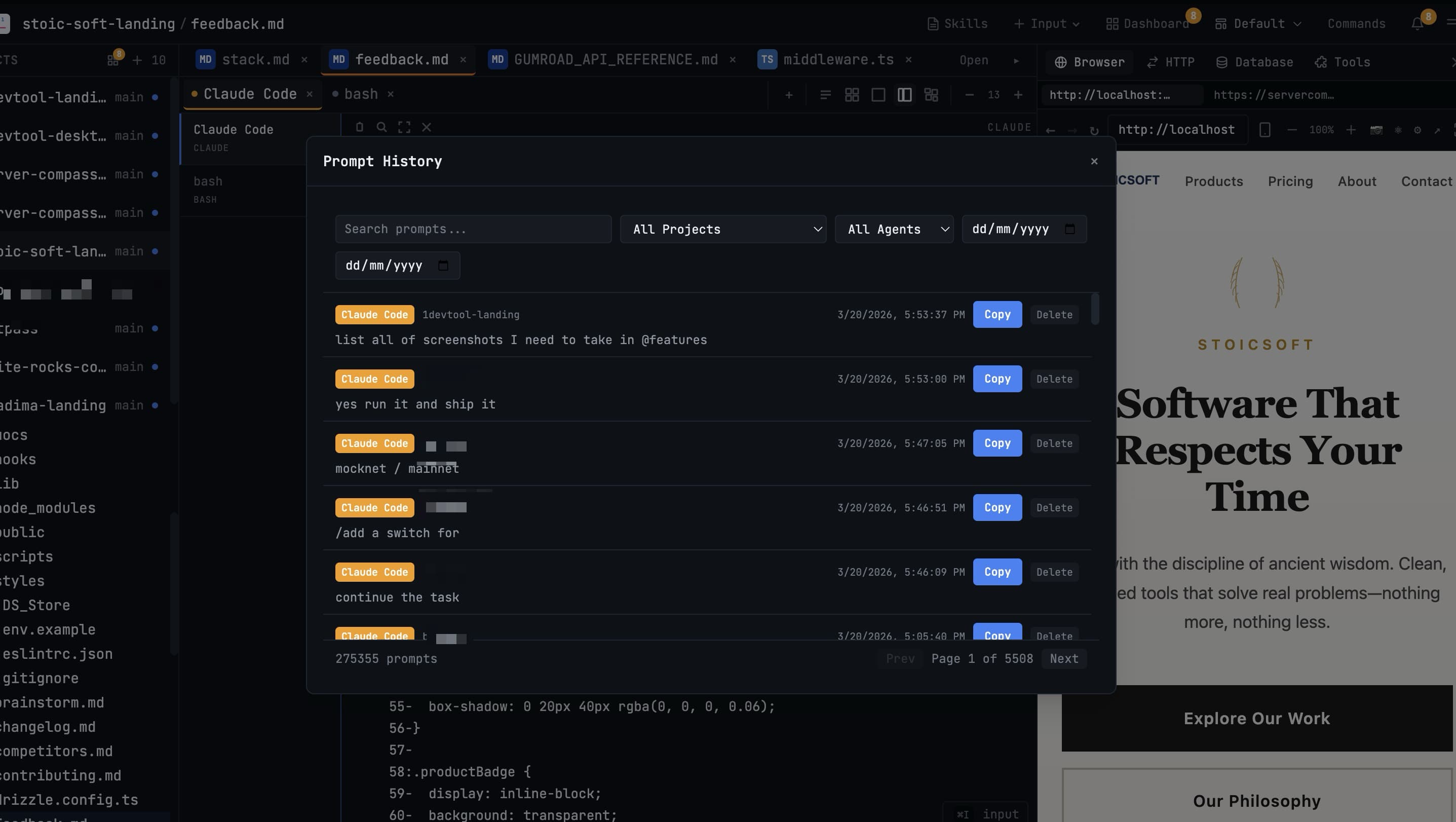
Codex CLI is capable and fast, but many teams underuse it because their workflow is still single-terminal and single-project. The result is frequent context resets and messy handoffs.
This guide shows a simple multi-project operating model so Codex can run continuously without losing control.
Core Principle: Separate Project Context
Keep each project in its own workspace with dedicated terminal lanes. Do not mix prompts from unrelated repositories in the same session. Isolation is the easiest way to reduce accidental cross-project actions.
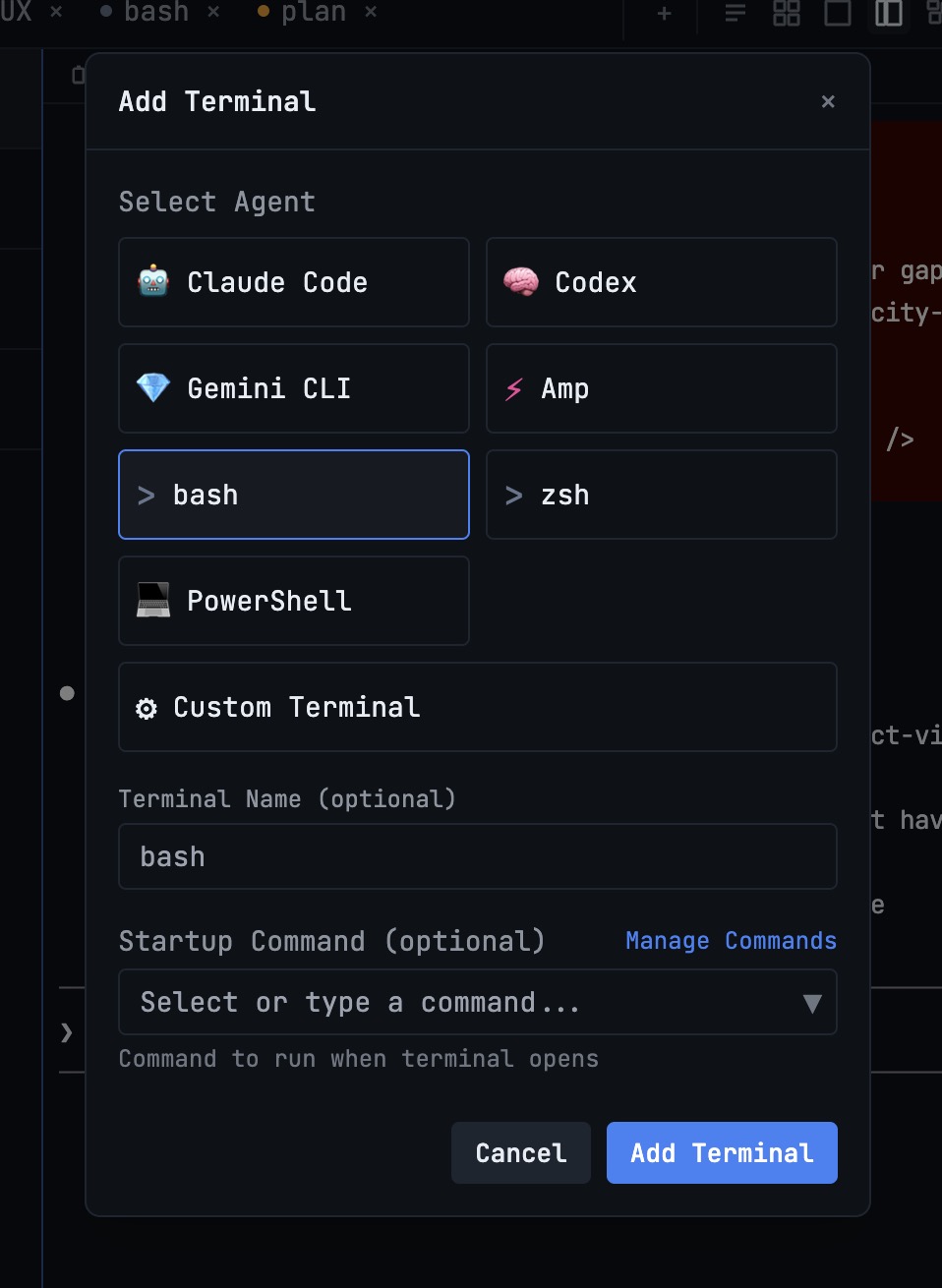
Recommended Codex Lane Structure
- codex-plan: architecture and change sequencing.
- codex-build: implementation and refactors.
- codex-verify: tests, lint, and regression checks.
If you also run Claude or Gemini, keep one operator terminal that only coordinates tasks and approves merges.
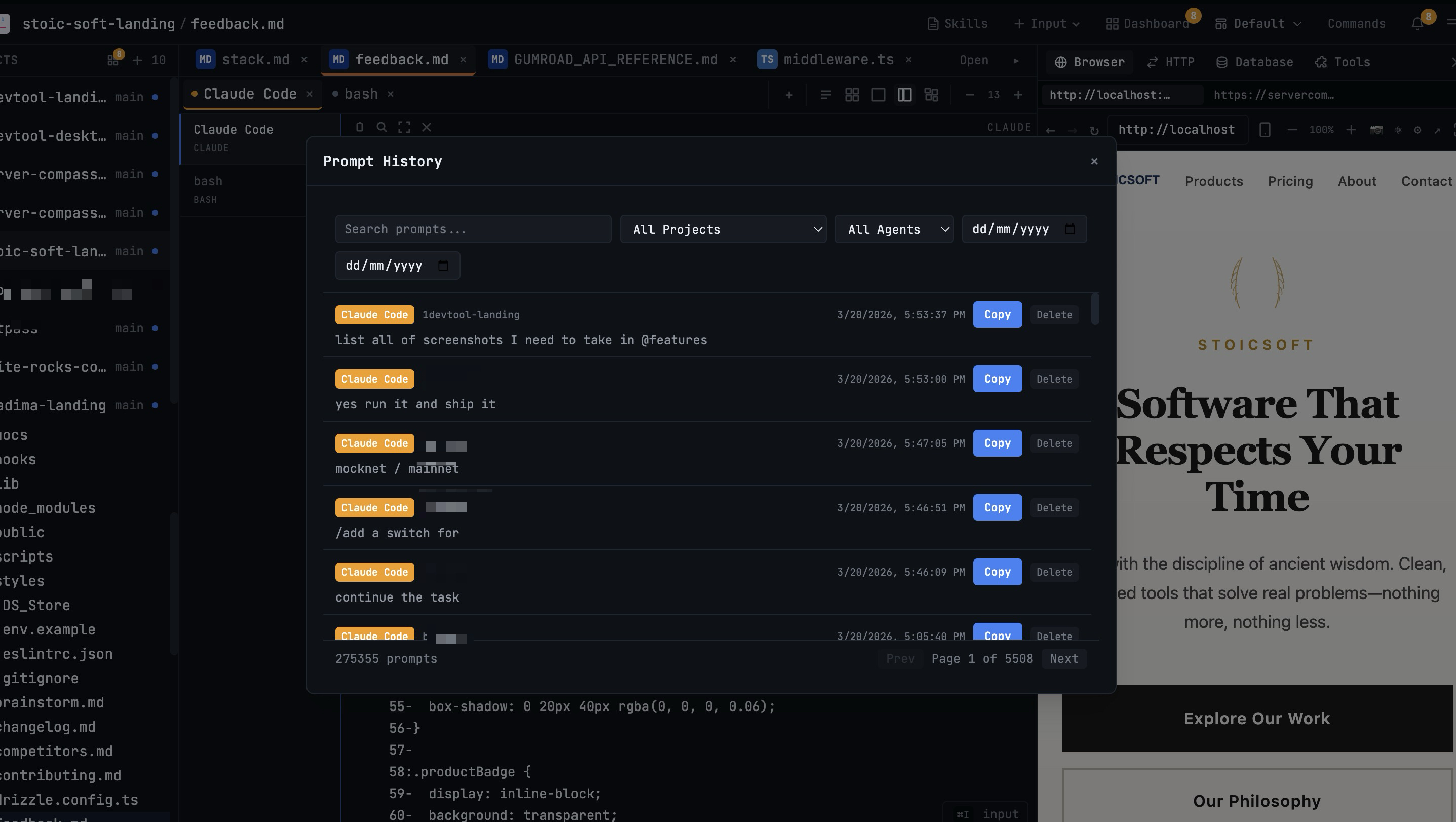
Use Prompt History as Operational Memory
When a task fails mid-way, teams often rewrite instructions from scratch. Instead, keep a searchable record with Prompt History and reissue improved prompts from previous runs.
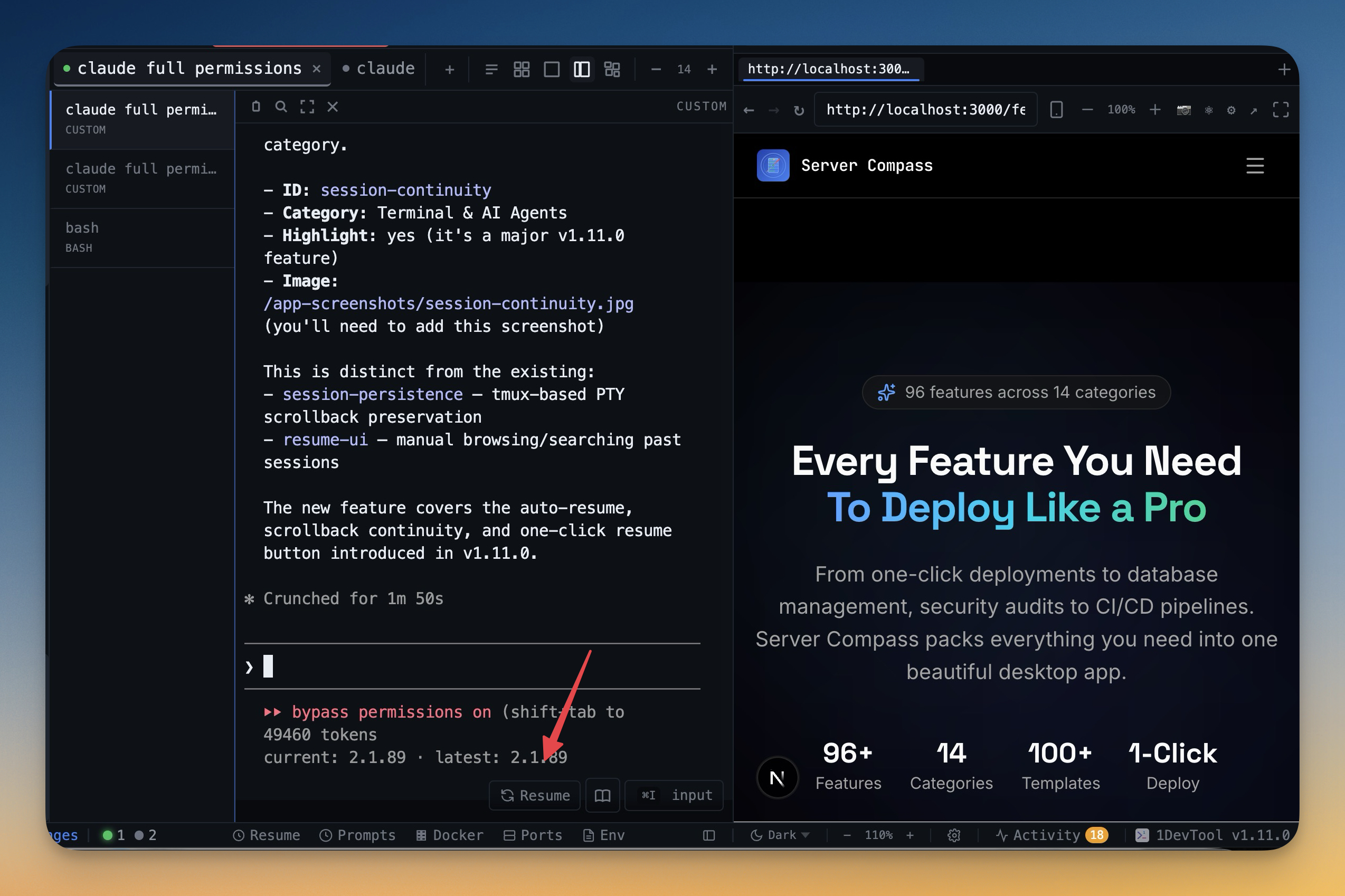
Make Codex Sessions Resumable
Long-running AI work should not die with your laptop lid. Use Session Continuity to reopen Codex sessions with full context. This is critical for multi-day tasks and branch-heavy work.
Codex CLI Checklist for Teams
- One Codex lane per function: plan, build, verify.
- One branch focus per lane to limit merge conflicts.
- Prompt history enabled and reviewed during retries.
- Session continuity enabled before production rollouts.
Final Note
Most Codex performance issues are workflow issues, not model issues. Fix lane structure and context persistence, and Codex becomes a reliable daily contributor instead of an occasional assistant.