May 2, 2026
When Your AI Editor's Terminal Doesn't Match Your Real Shell (and Why It Matters)
Your zshrc loads fine in iTerm2 but Cursor's integrated terminal can't find your aliases, your PATH is wrong, and `nvm use` doesn't work. The cause is the difference between login, interactive, and inherited shells — and the fix is one config change.
A pattern shows up in every AI editor's GitHub issues: "the integrated terminal doesn't have my aliases" / "PATH is different from my normal terminal" / "nvm use says command not found."
Cursor has it. VS Code has it (different defaults). JetBrains. Even some standalone terminal apps. The cause isn't a bug — it's a config decision the editor makes about what kind of shell to spawn, and the user's zshrc/bashrc is loaded only by some of those kinds.
This post explains the model, then shows the one-line fix that makes every AI editor's terminal behave like your real one.
The three types of shell
When a process spawns a shell, the shell can be:
- Login shell — runs
~/.zprofile(or~/.bash_profile), then~/.zshrc. Used by macOS Terminal.app and most SSH sessions. - Interactive non-login shell — runs
~/.zshrconly. Used by tmux panes, most editor terminals. - Non-interactive shell — runs neither file. Used by scripts, some editor "task runner" features.
If your nvm, pyenv, rbenv, custom PATH, or aliases live in ~/.zprofile (login-only), then editor terminals that spawn as interactive non-login won't load them. You feel this as: aliases missing, nvm not found, PATH differs.
The fix is either to move the config so it loads in both, or to tell the editor to spawn login shells.
What macOS Terminal.app does (and why your shell looks fine there)
Terminal.app spawns a login shell by default. That's why everything works there even if your config is split awkwardly between .zprofile and .zshrc — both files load.
Most editor integrated terminals don't spawn login shells. They spawn interactive non-login by default because login shells are slightly slower to initialize and the editor wants snappy startup. The tradeoff: your .zprofile-only config doesn't load.
The one-line fix per editor
Cursor (and VS Code)
In settings.json:
{
  "terminal.integrated.defaultProfile.osx": "zsh-login",
  "terminal.integrated.profiles.osx": {
    "zsh-login": {
      "path": "zsh",
      "args": ["-l"]
    }
  }
}
The -l flag forces login mode. Now Cursor's terminal sources .zprofile like Terminal.app does.
JetBrains IDEs
Settings → Tools → Terminal → "Shell path": change from /bin/zsh to /bin/zsh -l.
tmux
Add to ~/.tmux.conf:
set -g default-command "${SHELL} -l"
iTerm2
Profile → General → Command → choose "Login shell" instead of "Default login shell" (yes the names are confusing).
Better fix: stop relying on .zprofile-only config
The above gets editor terminals working. The deeper fix is to put your shell setup in the right file in the first place.
Modern convention:
.zshenv— environment variables that should be set everywhere (PATH adjustments that need to be inherited by non-interactive scripts).zprofile— login-time setup that should run once per session (e.g.,eval $(/opt/homebrew/bin/brew shellenv)if you want it once).zshrc— interactive shell setup: aliases, prompt, completions, key bindings
If you put your nvm/pyenv/etc. setup in .zshrc, every interactive shell loads it — login or not. That's the file editor terminals already source.
A migration:
# Move from .zprofile to .zshrc anything that should work interactively
# Common things: nvm, pyenv, rbenv, sdkman, conda init blocks
# Add these lines to .zshrc:
export NVM_DIR="$HOME/.nvm"
[ -s "$NVM_DIR/nvm.sh" ] && \. "$NVM_DIR/nvm.sh"
[ -s "$NVM_DIR/bash_completion" ] && \. "$NVM_DIR/bash_completion"
How to verify your setup is consistent
Open Terminal.app and your editor's integrated terminal side by side. Run:
echo "shell=$0"
echo "PATH=$PATH"
type nvm
type your_alias
Output should be identical. If PATH differs, you have config that loads in only one of the two contexts. If type nvm says "not found" in the editor terminal, your nvm init is in the wrong file.
Fix once, work everywhere — including AI agents that spawn shells inside the editor.
Why this matters for AI coding agents
This isn't just convenience. AI agents (Claude Code, Codex CLI, Aider) running inside an editor terminal inherit that terminal's environment. If PATH is wrong, the agent runs the wrong node version. If your project-specific direnv setup didn't load, the agent has the wrong DATABASE_URL. The agent makes "correct" decisions based on incorrect context, and you get bugs that look like AI hallucinations but are actually environment mismatches.
Aligning your editor terminals with your real shell removes a whole class of "why did the agent do that?" debugging.
How 1DevTool handles this
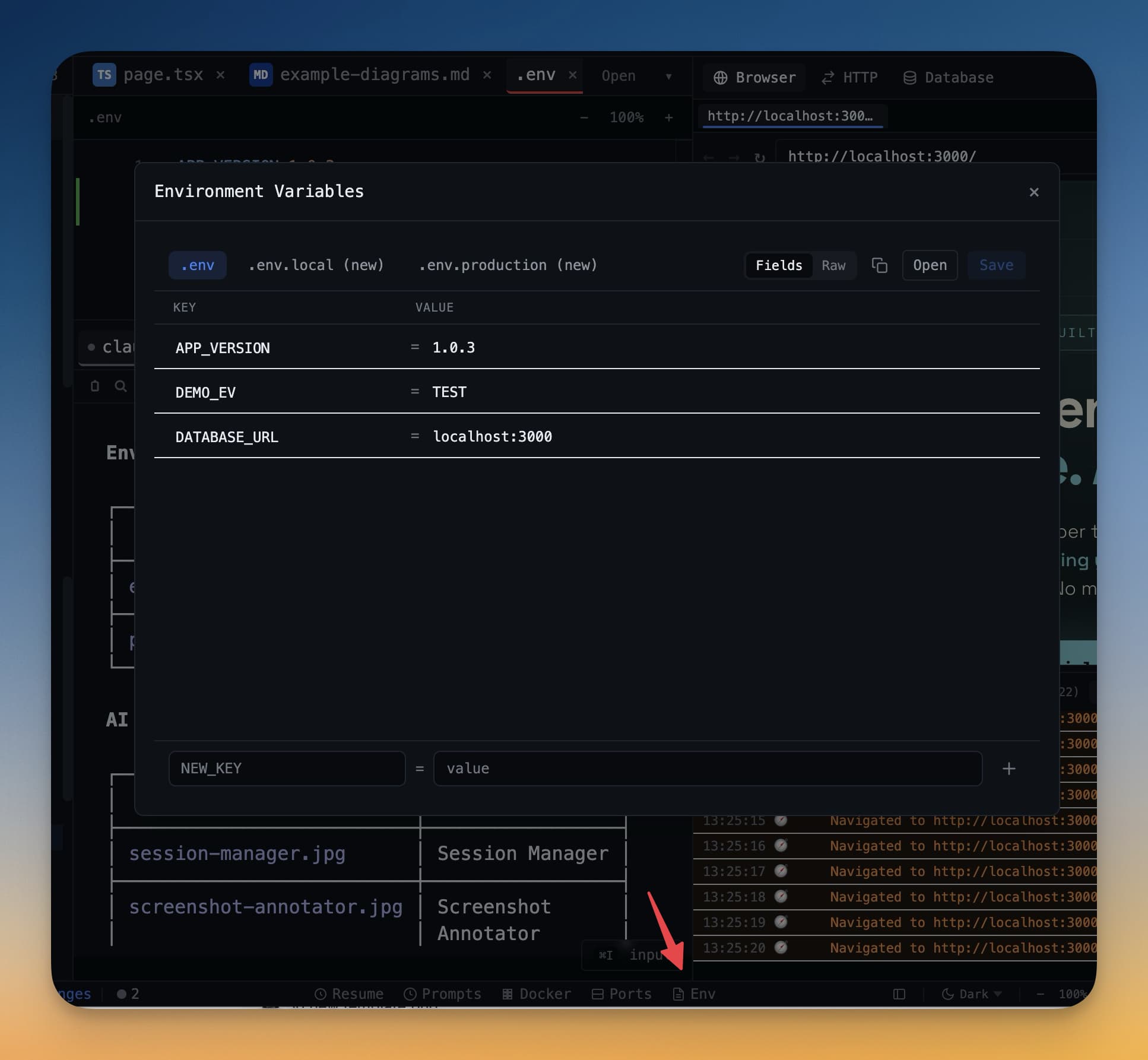
1DevTool's terminals run as login interactive shells by default (-l flag), so .zprofile always loads. Per-project env files load explicitly via the env manager rather than relying on direnv magic. The goal: an agent terminal you open inside a project has exactly the environment you'd have in a real shell sitting in that project's directory.
The general principle holds regardless of editor: terminal env should match real-shell env, full stop. The fix is small and the bugs it removes compound.