Mar 11, 2026
Cursor vs Windsurf vs Copilot: Which AI Coding Tool Wins in 2026?
In-depth comparison of Cursor, Windsurf, and GitHub Copilot. Pricing, features, AI capabilities, and which one is best for your development needs.
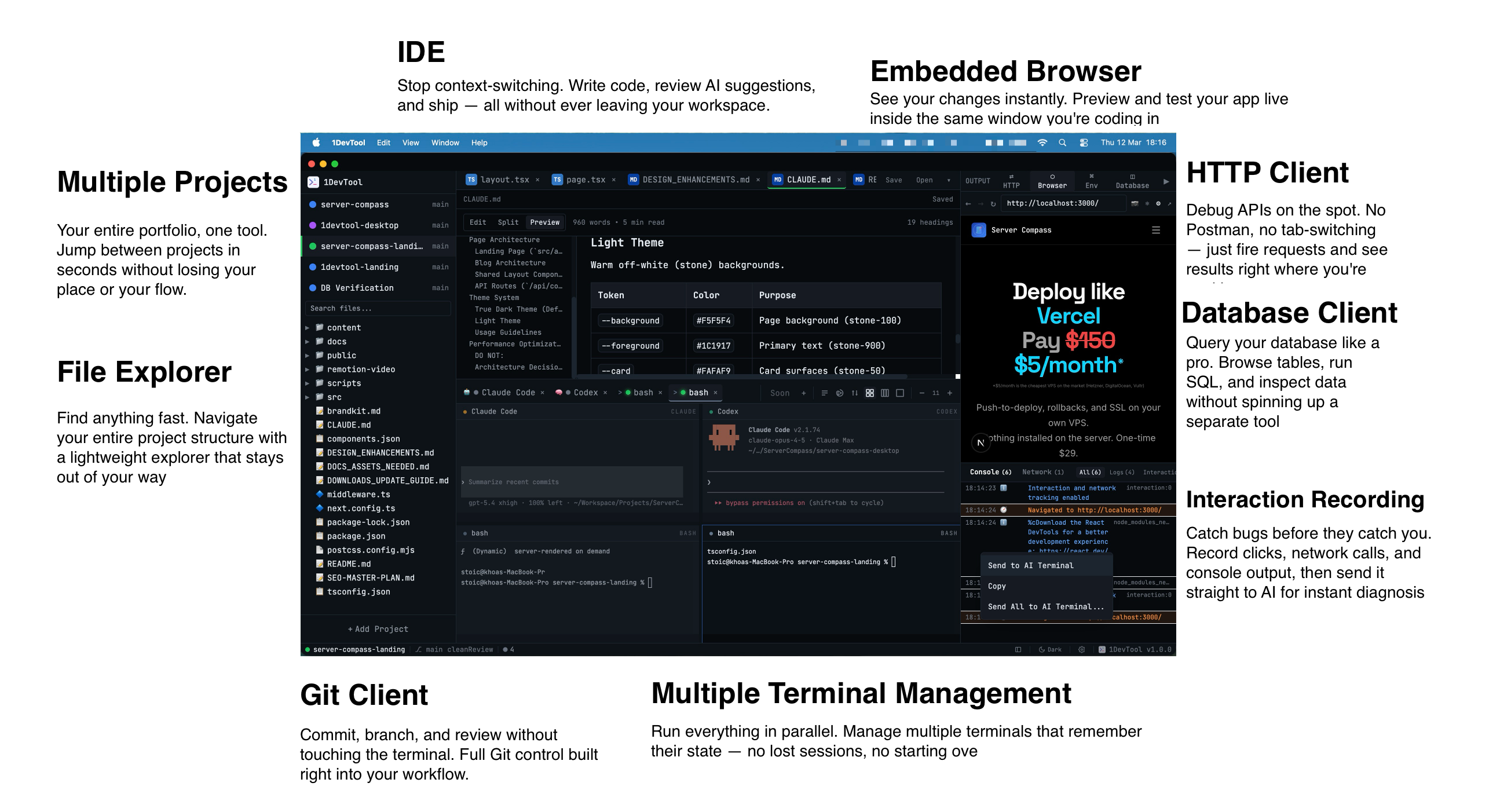
The three titans of AI coding tools—Cursor, Windsurf, and GitHub Copilot—each take different approaches to AI-assisted development. This comprehensive comparison helps you understand the strengths and weaknesses of each.
Quick Overview
- Cursor: AI-native IDE with advanced multi-file editing
- Windsurf: Free-tier focused IDE with Cascade AI
- Copilot: Extension-based AI assistant for existing IDEs
Cursor: The AI-Native IDE
Cursor started fresh with AI at its core. Built on VS Code, it feels familiar but offers capabilities no extension can match.
Cursor Strengths
- Composer: Edit multiple files simultaneously with AI
- Chat: Conversational AI that understands your codebase
- Model Choice: Switch between Claude and GPT-4
- @ Mentions: Reference files, docs, or web content in prompts
Cursor Weaknesses
- $20/month is pricier than alternatives
- Limited free tier
- Requires switching from your current IDE
Windsurf: The Value Champion
Windsurf (by Codeium) offers impressive AI features with a generous free tier. Their Cascade feature brings agent-like capabilities to coding.
Windsurf Strengths
- Free tier: Substantial features at no cost
- Cascade: Multi-step AI workflows
- Speed: Optimized for fast completions
- Cross-IDE: Extensions for VS Code, JetBrains, etc.
Windsurf Weaknesses
- Proprietary models only (no Claude/GPT-4)
- Newer, less battle-tested
- Some advanced features require paid plans
GitHub Copilot: The Established Player
Copilot pioneered AI coding assistance and benefits from deep GitHub integration. It works in your existing IDE without major workflow changes.
Copilot Strengths
- Integration: Works in VS Code, JetBrains, Vim, etc.
- GitHub: Deep integration with repositories and issues
- Enterprise: Strong business features and compliance
- Stability: Mature, well-tested product
Copilot Weaknesses
- No free tier
- Limited to GPT-4 (no Claude option)
- Multi-file editing less capable than Cursor
- Extension limitations vs. native AI IDE
Feature-by-Feature Comparison
Feature
Cursor
Windsurf
Copilot
Code Completion
Excellent
Excellent
Excellent
Multi-file Edit
Best
Good
Limited
Chat/Explain
Excellent
Good
Good
Free Tier
Limited
Generous
None
Model Options
Claude, GPT-4
Proprietary
GPT-4
IDE Flexibility
Cursor only
Multiple
Multiple
Price (Pro)
$20/mo
$15/mo
$10-19/mo
Best Tool for Each Use Case
Choose Cursor If:
- You want the most advanced AI editing features
- Multi-file refactoring is important
- You value having Claude as an option
- You're willing to pay for the best experience
Choose Windsurf If:
- Budget is a primary concern
- You want to try AI coding without commitment
- Fast completions matter most
- You prefer staying in VS Code
Choose Copilot If:
- You need enterprise compliance features
- Deep GitHub integration is valuable
- You use JetBrains or other non-VS Code IDEs
- You prefer the established, stable option
Consider 1DevTool
If you need more than just code completion—like integrated terminals, database clients, and HTTP testing—1DevTool combines AI coding with a complete workspace. It supports multiple AI models and offers unique features like AI-powered terminals and workflow automation.
Conclusion
There's no universal winner. Cursor leads in AI capabilities, Windsurf wins on value, and Copilot excels in enterprise integration. The best choice depends on your budget, workflow, and what you prioritize in an AI coding tool. Many developers try multiple options—most offer trials or free tiers to help you decide.
From across the StoicSoft network
Hand-curated reads on the same topic from sister sites in the StoicSoft family.
 ServerCompass12 min read
Best VPS Control Panels for Developers in 2026
Compare the best VPS control panels for developers in 2026: CloudPanel, CyberPanel, Plesk, Webmin, and Server Compass. Features, pricing, ease of use, and which one fits your workflow.
Read on servercompass.app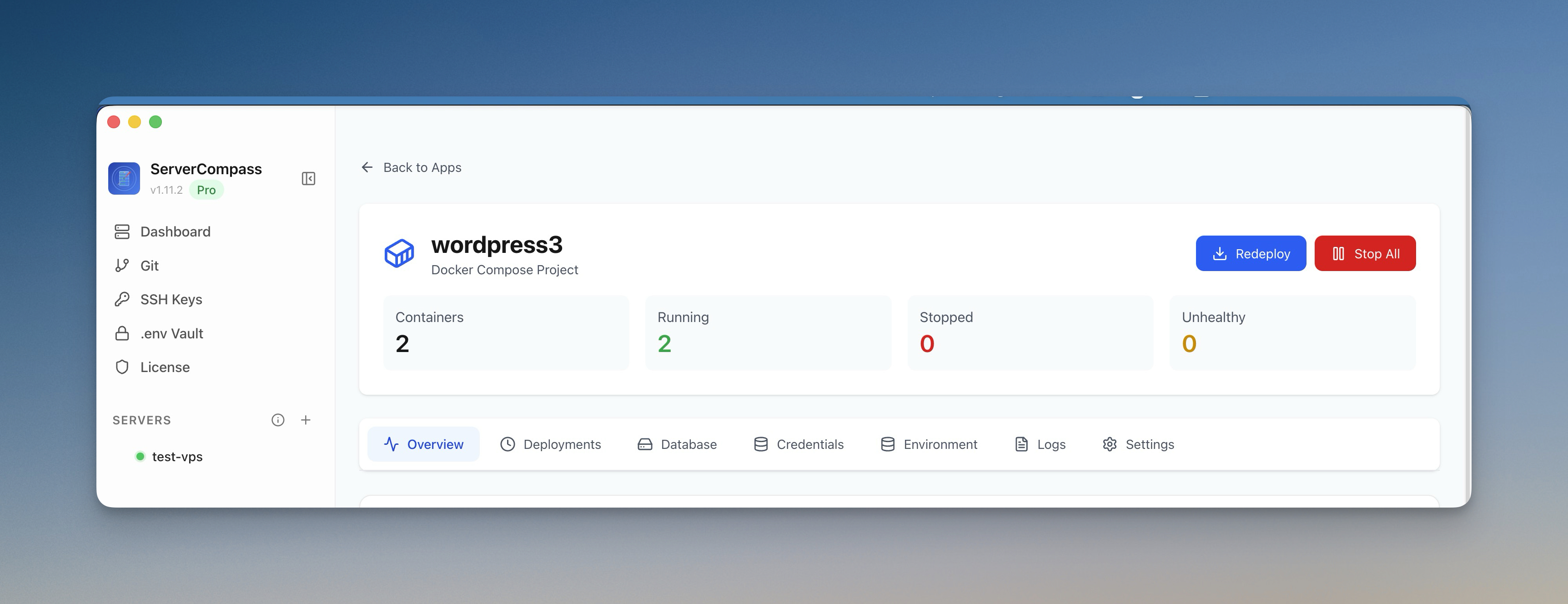 ServerCompass12 min read
Coolify vs Dokploy: Which Self-Hosted PaaS Should You Use?
A detailed comparison of Coolify and Dokploy covering features, ease of use, pricing, Docker support, GitHub integration, and community. Find out which self-hosted PaaS fits your workflow in 2026.
Read on servercompass.app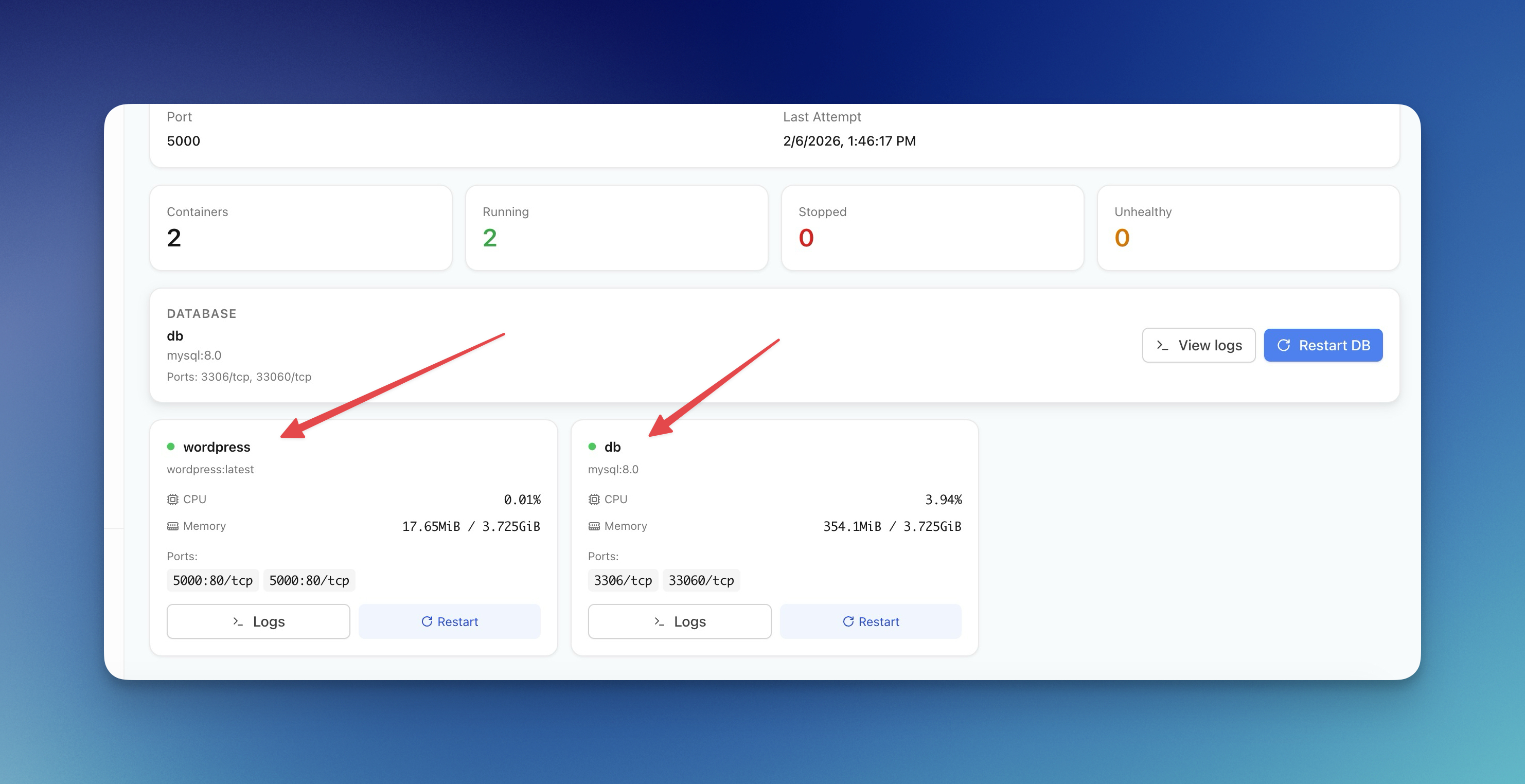 ServerCompass12 min read
Server Compass vs Vercel: Take Control of Your Infrastructure and Save Thousands
If you're reading this, chances are you've experienced that sinking feeling when opening your Vercel invoice. What started as a convenient deployment platform has become an increasingly expensive proposition as your application scales.
Read on servercompass.app- ServerCompass14 min read
Best Self-Hosted PaaS Platforms in 2026: Coolify, CapRover, Dokploy, and Server Compass Compared
Compare the best self-hosted PaaS platforms in 2026. An in-depth look at Coolify, CapRover, Dokploy, and Server Compass covering features, pricing, templates, and ease of use to help you pick the right open-source PaaS for your VPS.
Read on servercompass.app