Apr 18, 2026
Deploys, HTTP Collections, SSH Manager, and Tasks in One AI Developer Workspace
Deploy to Vercel or Cloudflare Pages, organize API requests in nested collections, manage SSH connections, and turn project tasks into AI-ready prompts without leaving your workspace.
There is a point where "just use another app" stops being practical. Your deploy logs are in one place, API collections in another, SSH connections in another, tasks in another, and the actual code plus AI terminals somewhere else again. You are not short on tools. You are short on one continuous workflow.
1DevTool v1.15.0 is a major answer to that problem. It adds built-in deploys to Vercel and Cloudflare Pages, nested HTTP Collections with import/export and environments, a real SSH Manager and Clone tab, and project-level task management with Kanban and Pomodoro focus timers.
This is not one feature. It is a release about collapsing the distance between shipping, testing, remote access, and execution planning.
Deploy Without Leaving the Workspace
Built-in deploys matter because shipping is usually the moment when your workflow falls out of the editor and into terminal scripts, browser tabs, and copy-pasted tokens. v1.15.0 brings that back inside the app with a Deploy dialog that scans the current project, detects whether it looks like Next.js, Vite, Remix, or a static site, and suggests the right build command and output directory before you deploy.
The implementation is not hand-wavy. In the desktop source, the deploy manager routes requests to provider-specific implementations for Vercel and Cloudflare Pages. The Vercel provider handles token testing, scope selection, vercel pull, vercel build, and vercel deploy --prebuilt, while the UI keeps a structured log stream and can open build logs or preview URLs directly when things fail.
Why This Is Better Than a Bare CLI
The deploy flow is not just a button that runs a shell command. It remembers provider settings, exposes project and team scope choices, streams logs inline, and gives you actionable recovery paths when Vercel's server-side post-processing fails. The result is that deploy state becomes part of the workspace rather than a transient terminal moment you have to reconstruct later.
HTTP Collections, Environments, and Import/Export
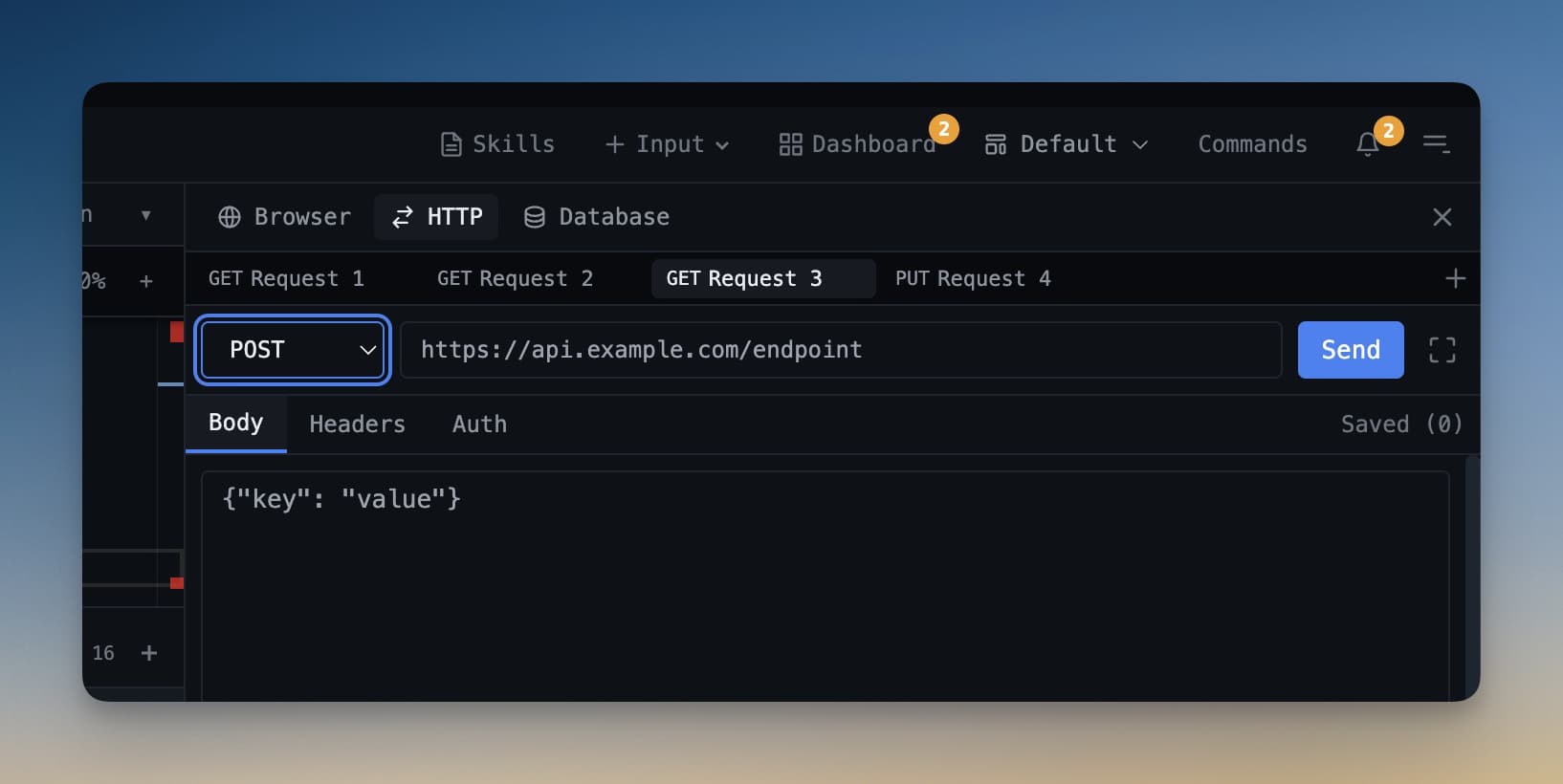
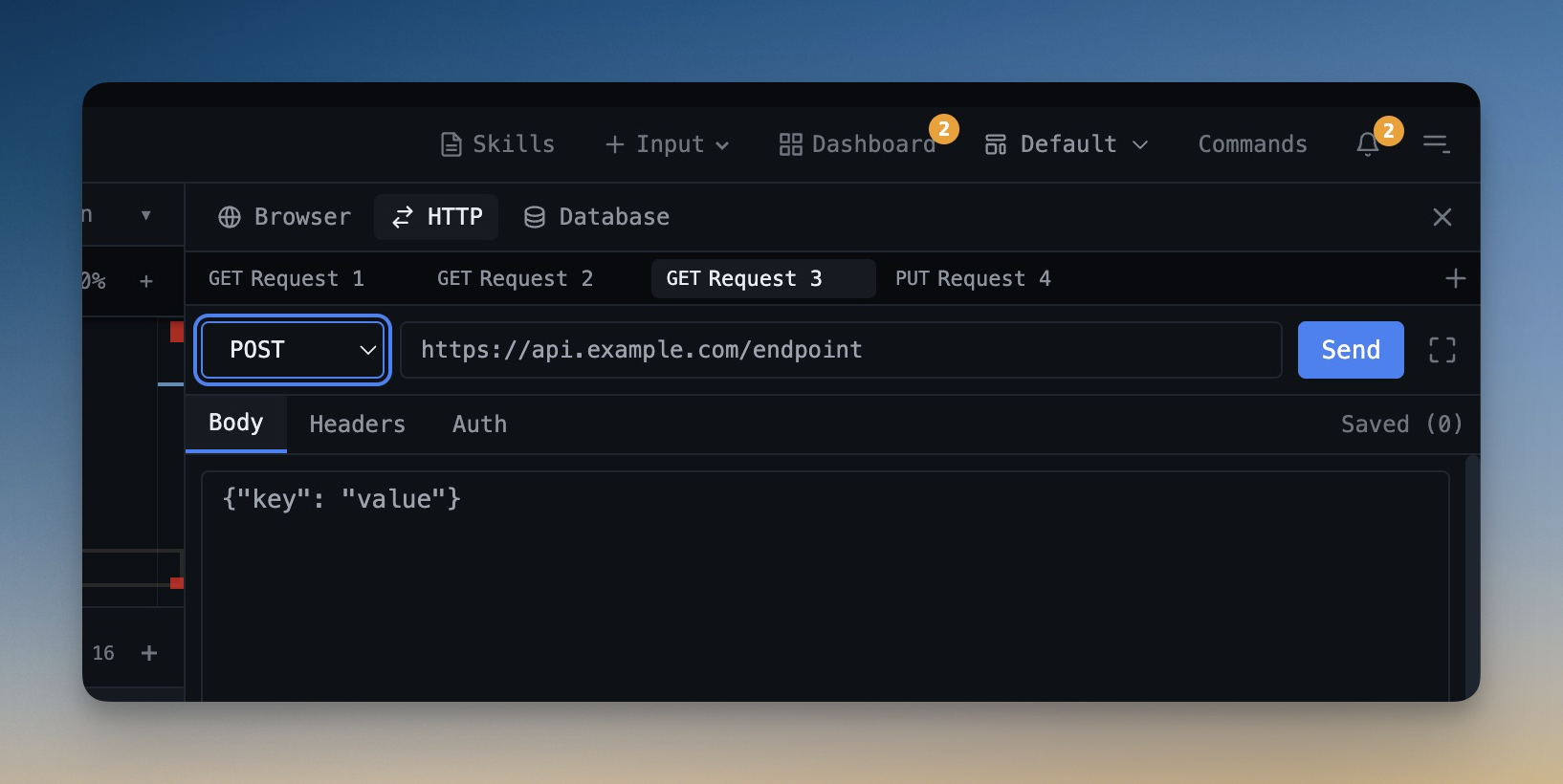
The HTTP Client is the other major pillar of the release. Previously, a flat request list was fine for a few endpoints. It breaks down the moment your API workflow spans multiple services, environments, or teams. v1.15.0 introduces a tree-based Collections model built directly into the sidebar.
In the source, request names become tree paths like "Collection / Folder / Request", and the sidebar builds a real nested structure from those flattened names. That enables drag-and-drop reordering, folder movement, collection creation, and a much saner mental model for larger request libraries.
The release also adds:
- Environment variables with
{{var}}substitution across URLs, headers, query parameters, and request bodies. - Import from Postman, Insomnia, and Bruno through dedicated parsers and import actions.
- Export back out to Postman JSON, Insomnia JSON, or Bruno folder format.
- Inline test scripting and a structured URL params editor for cleaner request authoring.
Why This Is a Real Postman Alternative
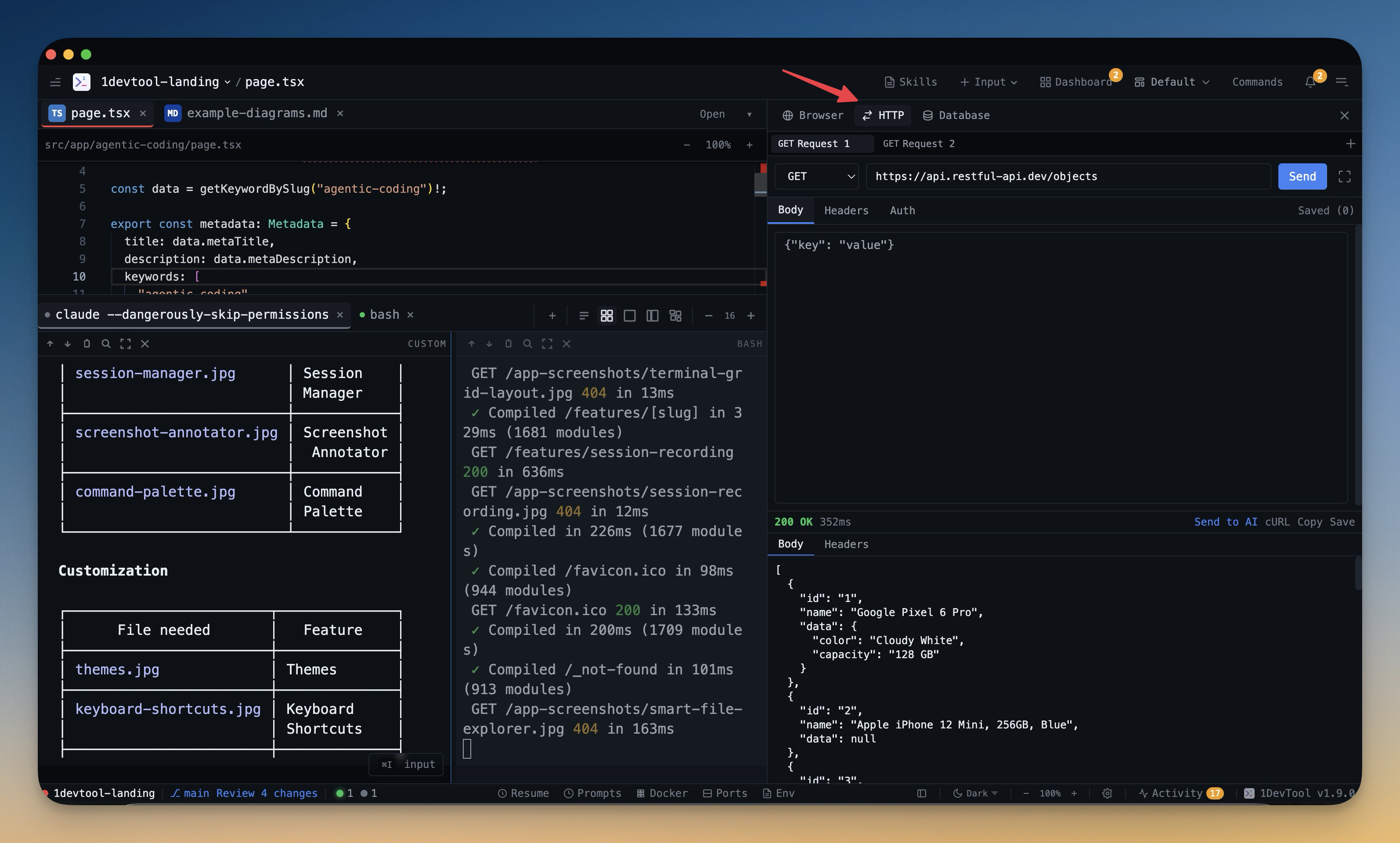
A Postman alternative is only compelling if it reduces total debugging time, not just if it can send HTTP requests. What makes this release matter is that collections, environments, import/export, and response inspection now live next to your terminals, code, AI prompts, and deploy surfaces. That shortens the loop between API failure and code change.
SSH Manager, Clone Tab, and Task Execution
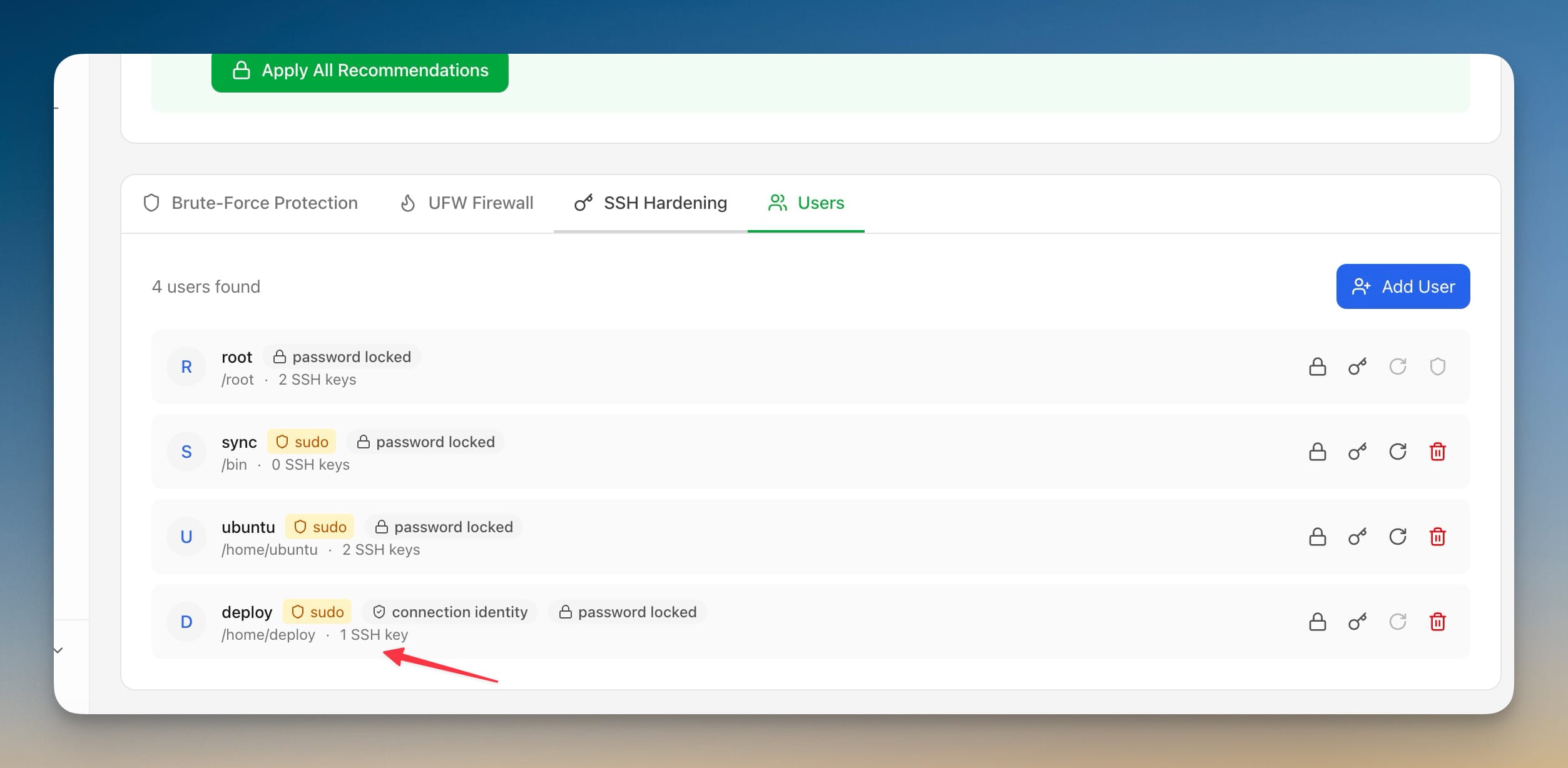
v1.15.0 also brings remote and execution planning into the same workspace. The Add Project dialog now has an SSH mode with saved connections, key browsing, and an explicit Configure in SSH Manager escape hatch when your host list needs work. The same dialog also has a Clone tab that can fetch repositories from a saved GitHub account, show destination previews, and clone directly into the parent directory you selected.
This matters because adding a new project stops being a terminal ritual. You do not have to switch contexts just to connect to a server or search one of your GitHub repositories.
Then there is the Tasks system. The board model is explicit in the code: Todo, In Progress, Blocked, and Done. Cards are draggable between columns, WIP limits can be configured, and task details include attachments, subtasks, estimates, spent time, and a Send to terminal action that turns selected tasks into a structured prompt for an AI terminal.
The focus timer is equally concrete. The Pomodoro component uses a 25 minute focus session, 5 minute short break, and 15 minute long break after four work sessions. Spent minutes are flushed back to the task record, so time tracking and task execution stay linked instead of becoming separate habits.
Before vs After
Workflow
Before v1.15.0
After v1.15.0
Deploy a frontend app
Leave the workspace and run provider-specific commands manually
Scan, configure, deploy, and read logs inside the app
Manage large API request libraries
Flat list or external API client
Nested collections, environments, import/export, and inline testing
Open a remote project or clone a repo
Switch to shell or separate setup tool
Use SSH and Clone directly inside Add Project
Turn a task into an AI prompt
Rewrite context manually
Generate and send a structured prompt from selected tasks
Who Benefits Most
Developer
Why v1.15.0 helps
Full-stack developers
You can deploy, test APIs, inspect responses, and jump back into code without leaving the workspace.
Remote-first operators
SSH setup, saved connections, and repo cloning become part of the same project onboarding flow.
AI-assisted teams
Tasks can become structured prompts, which makes execution handoff to Claude Code or Codex much cleaner.
Anyone tired of tool sprawl
The release removes several reasons to bounce between deployment tools, API clients, SSH utilities, and task apps.
Try It Today
v1.15.0 is what a workspace release looks like when the goal is not to add one isolated feature, but to tighten the whole loop from planning to remote access to API debugging to deployment. If that is how you already work, this release removes a surprising amount of glue code and tool switching.
Download the latest build from 1devtool.com and try one path end-to-end: import an API collection, fix a failing request, send the resulting task to an AI terminal, and deploy the finished project without leaving the app.
From across the StoicSoft network
Hand-curated reads on the same topic from sister sites in the StoicSoft family.