Apr 5, 2026
How to Run Multiple AI Agents in One Workspace (Without Chaos)
Most multi-agent setups fail because context gets lost between terminals. Here's a repeatable workflow to run Claude Code, Codex CLI, and Gemini in parallel with channel coordination, dashboard visibility, and persistent sessions.
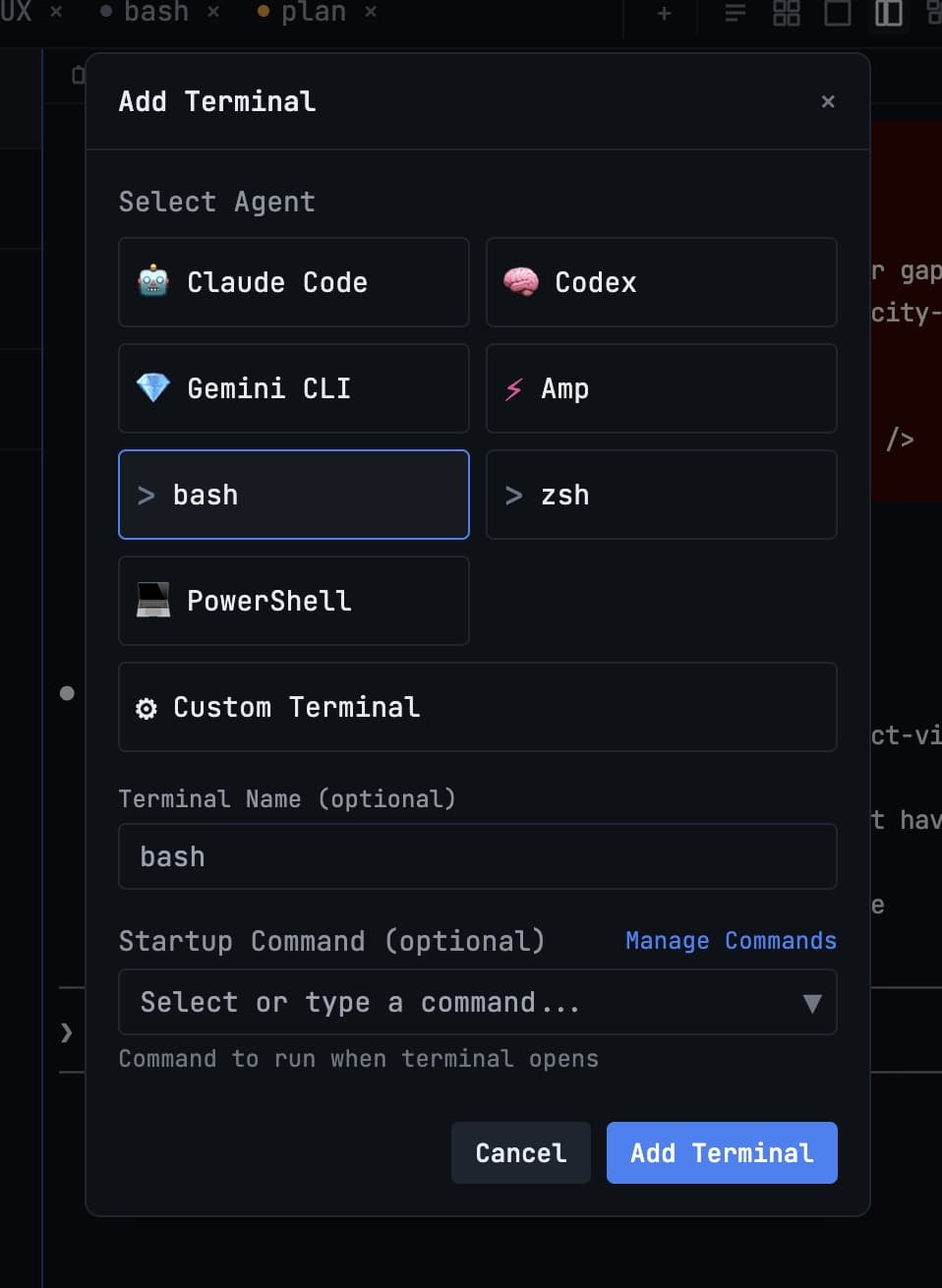
Running one AI agent is easy. Running four AI agents across two projects without losing context is where most teams fail. The problem usually is not model quality. The problem is coordination.
If you are targeting multi agent coding workflows, you need an operating system for handoffs: who is implementing, who is reviewing, who is testing, and where each output goes. This guide gives you a simple system you can run daily.
Why Multi-Agent Coding Breaks
- Role overlap: two agents edit the same files and create merge noise.
- Context loss: evidence from logs, screenshots, and diffs lives in different windows.
- Polling loops: you manually check terminals to see which agent finished.
- No continuity: after restart, session history is gone and work restarts from zero.
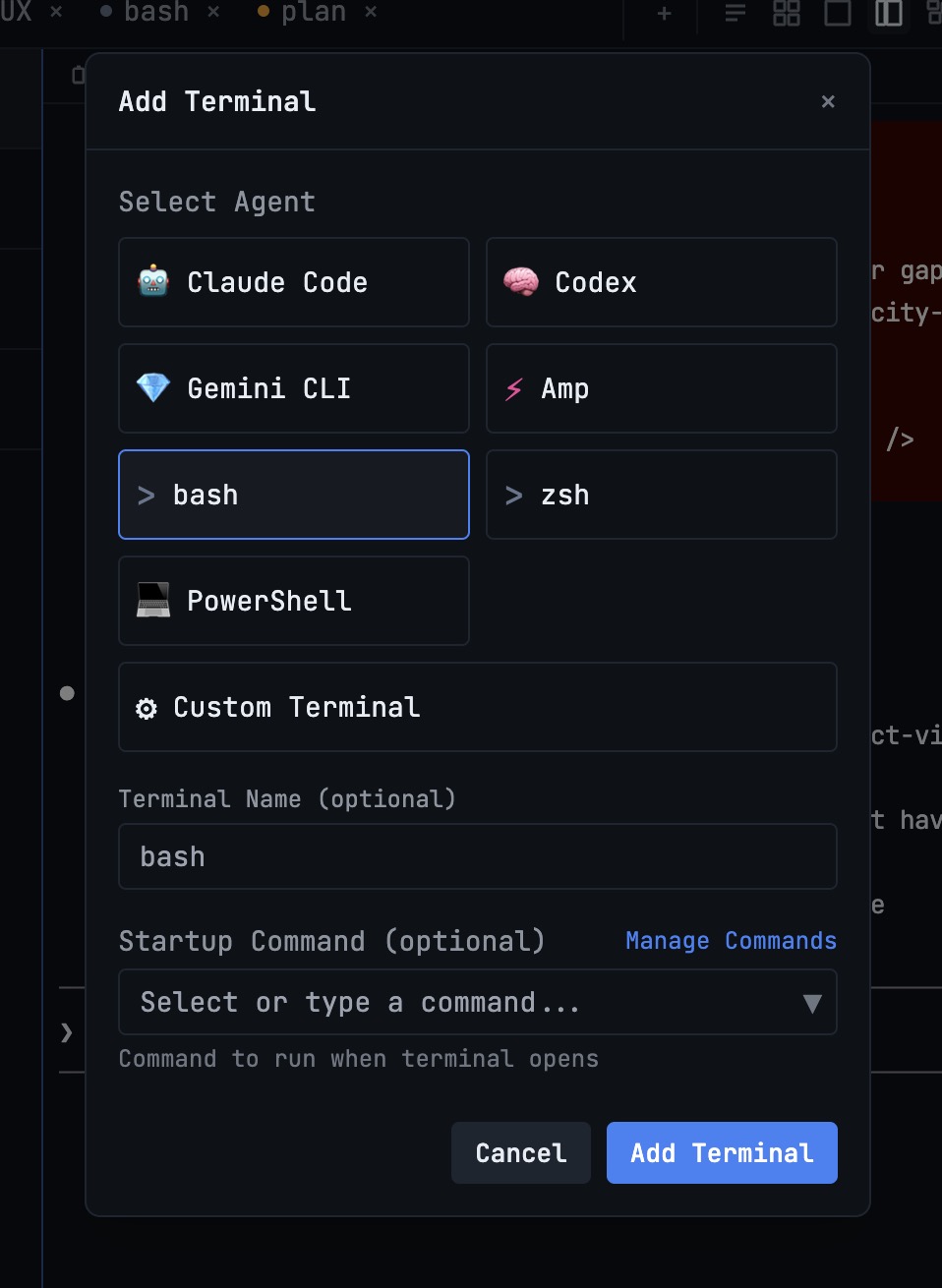
A Practical 4-Step Workflow
Step 1: Assign Agent Roles Before Prompting
Name each terminal by responsibility, not model name. For example: planner, implementer, reviewer, and tester. This prevents duplicated work and gives each prompt a clear owner.
A useful pattern is one planning agent and multiple execution agents. Keep planning output short, then forward only relevant chunks to implementation terminals.
Step 2: Track Status in One Place
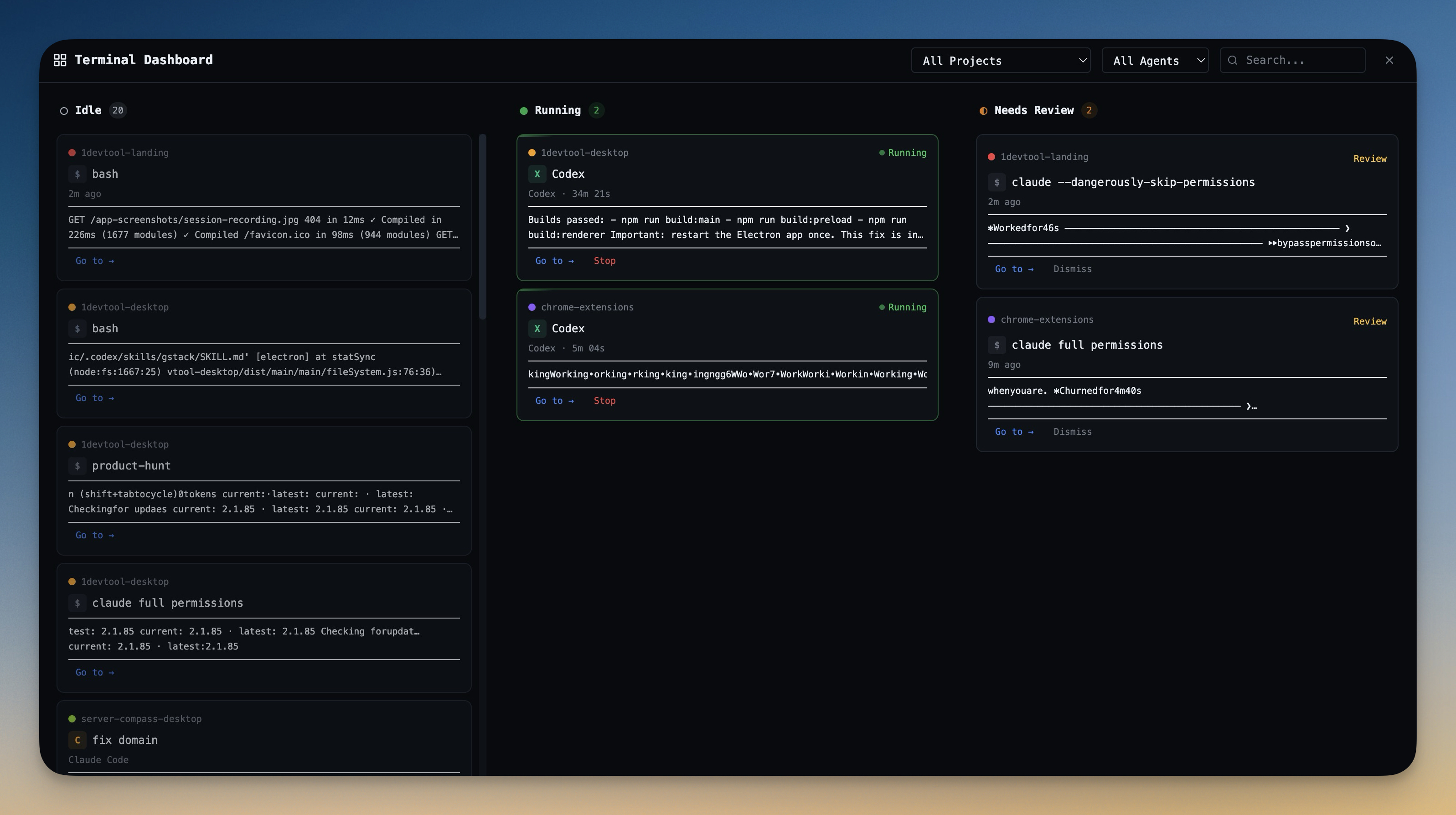
Keep a live board of terminal states so you do not alt-tab through each session. In 1DevTool, the Terminal Dashboard gives a Kanban view of Idle, Running, and Review states across projects.
Step 3: Use Structured Handoffs
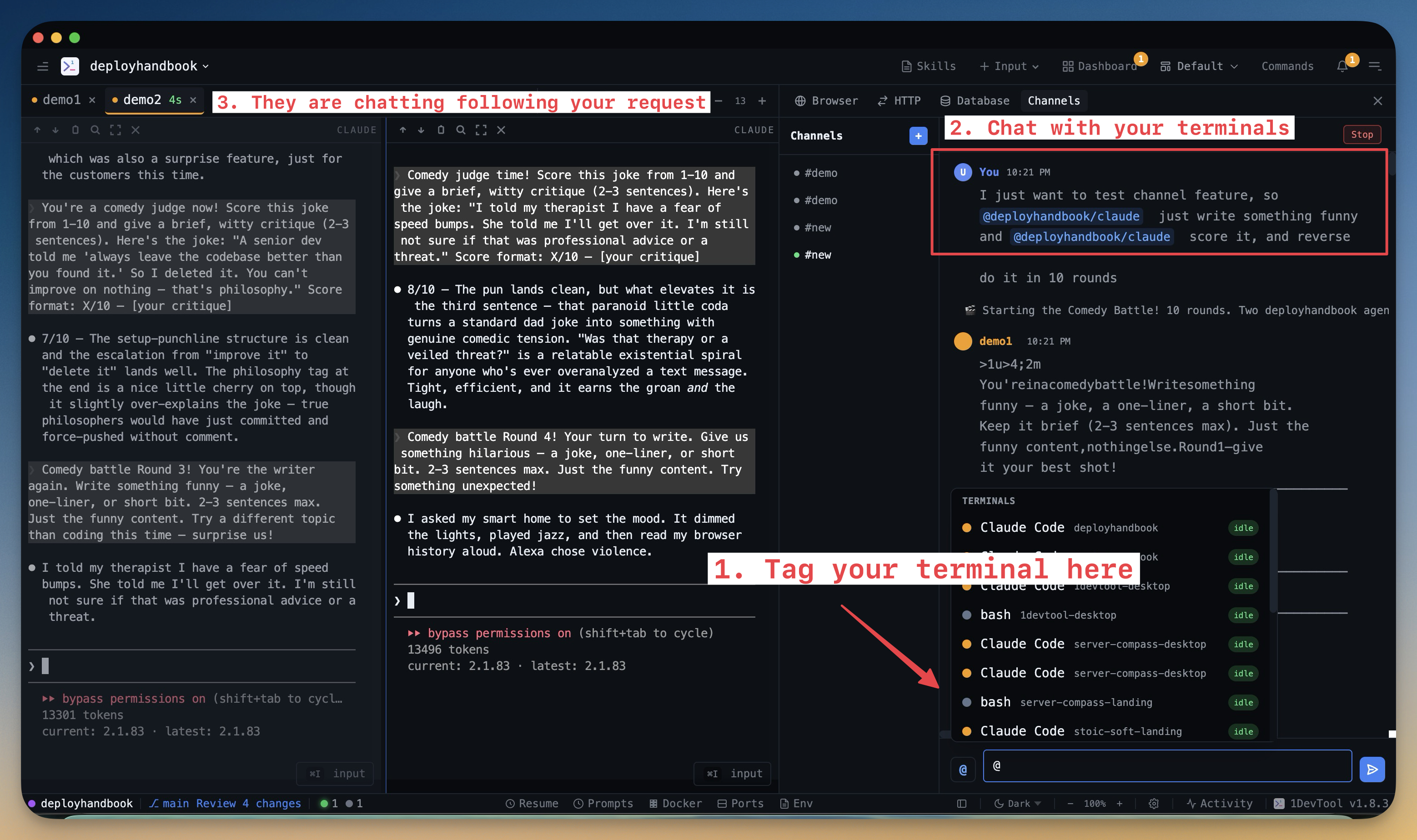
Avoid copy-paste relays. Use a shared channel model so agents can coordinate directly. The Channel Chat feature lets you @mention specific terminals, while Send File to Terminal moves files, logs, and screenshots with context attached.
Step 4: Preserve Context Across Restarts
A reliable agentic coding workflow must survive laptop restarts and interruptions. Pair Session Persistence with Session Continuity so each terminal resumes exactly where it stopped.
Prompt Template for Operators
Use this when delegating work from an operator terminal:
`Goal: <single measurable outcome> Context: <relevant files, logs, screenshots> Constraints: <style, tests, safety boundaries> Owner: <planner|implementer|reviewer|tester> Done when: <clear exit criteria> Handoff to: <next terminal name>`
Final Checklist
- Every terminal has one role and one owner.
- All handoffs include files and evidence, not just plain text summaries.
- Status is visible in one dashboard, not hidden in tabs.
- Sessions are resumable so interrupted work is not lost.
If your current setup cannot satisfy all four, you do not have a scalable multi-agent system yet. You have a set of terminals. Start with one workspace that supports orchestration end-to-end, then add agent count.
Want to apply this workflow directly? Download 1DevTool and run your first four-agent setup in one project workspace.