May 2, 2026
Dry-Run Before You Migrate: A Workflow That Catches the 90% of Bugs Production Catches Otherwise
A migration that ran cleanly on a fresh test database often fails in production because the production data has shapes the test database doesn't. The fix is dry-running against a copy of production. Here's the workflow that takes 20 minutes and saves a 2 AM rollback.
A migration ran cleanly in CI. It ran cleanly in staging. You merge, deploy, and at 2:14 AM you get paged because the migration is hung on production behind a row lock you didn't see in staging because staging only had 12 rows in that table.
Or it didn't hang — it dropped a column you thought was unused and broke a service nobody had tested against. Or it ran fine but added 90 seconds of latency you didn't notice in staging because staging traffic is nothing.
Most migration disasters look like "it worked everywhere except production." The cause is almost always that production has shapes in its data — volume, distribution, edge cases, foreign-key densities — that test fixtures don't capture. The fix is dry-running against a copy of production.
This is the workflow that actually works.
The two phases of a real migration test
Phase 1 — Schema validity: does the migration syntax parse, do constraints accept, do FK references resolve? CI handles this fine. Run on a fresh empty schema. Catches typos and missing tables.
Phase 2 — Behavior under production data: does the migration finish in reasonable time, does it lock for an unacceptable duration, does it cope with NULLs that production has and tests don't, does it preserve data correctly? CI does NOT handle this. You need a copy of production data.
The whole problem is that most teams stop at phase 1 and treat phase 2 as something that'll be fine if phase 1 passed. It usually isn't.
The 20-minute dry-run setup
# Step 1: snapshot production
pg_dump -Fc -j 4 production_db > /tmp/prod-snapshot.dump

# Step 2: restore to a sandbox database
createdb prod_sandbox
pg_restore -j 4 -d prod_sandbox /tmp/prod-snapshot.dump

# Step 3: run the migration with timing
psql prod_sandbox -c '\timing on'
psql prod_sandbox -f migrations/0042_add_user_status.sql 2>&1 | tee /tmp/migration.log

# Step 4: verify state
psql prod_sandbox -f tests/post-migration-checks.sql
For databases that fit on disk, this is feasible up to maybe 100GB. Above that, you sample: take a snapshot of production but with a WHERE created_at > now() - interval '90 days' clause, or use pg_sample to get a representative subset preserving FK relationships.
The 20 minutes is for setup. Once you have it, every subsequent dry-run is pg_restore + psql -f migration.sql, about 5 minutes.
What a dry-run catches that staging doesn't
Five common patterns:
1. Lock contention with real concurrent traffic.
Add a column to a 50M-row table. Your migration takes a brief lock. Staging completes in 2 seconds. Production deadlocks against a long-running query that staging never has. Solution: use ALTER TABLE ... ADD COLUMN ... DEFAULT NULL (cheap), then backfill in batches, then SET DEFAULT separately. The dry-run with EXPLAIN catches this.
2. NULL handling on existing rows.
You added a NOT NULL constraint with a default. Test data has the default already populated. Production has rows from before the column existed where the default isn't applied — and the constraint fails on those rows. Dry-run reveals this immediately.
3. Index creation time.
Adding a non-concurrent index on a large table locks writes. CI never tells you this because the table has 12 rows. Dry-run with realistic data shows the lock duration. Use CREATE INDEX CONCURRENTLY for production tables; the dry-run shows whether you remembered.
4. Foreign key violations from data drift.
Your migration tightens an FK constraint. Production has a few thousand orphaned rows from a bug six months ago. Migration fails on ALTER TABLE ... ADD CONSTRAINT. Dry-run finds the orphans before the production attempt.
5. Data transformation that's wrong on edge cases.
You're transforming a column — UPDATE users SET email = LOWER(email). Production has a few rows where email is NULL. Your update runs but maybe corrupts them, or maybe a downstream query that expected lowercase now breaks. Dry-run + post-migration verification queries catch this.
The verification step that earns its keep
Don't just run the migration and call it done. Add a verification SQL file you run after every dry-run:
-- post-migration-checks.sql
-- Counts that should match before and after
SELECT 'users count' AS check, count(*) FROM users;
SELECT 'orders count' AS check, count(*) FROM orders;

-- New column should be populated for all expected rows
SELECT 'users with status NULL', count(*) FROM users WHERE status IS NULL;

-- Constraints should be satisfied
SELECT 'orphaned order_items', count(*) FROM order_items oi
  LEFT JOIN orders o ON o.id = oi.order_id WHERE o.id IS NULL;

-- Sample query to ensure expected behavior
SELECT id, email, status FROM users LIMIT 5;
Compare output to a baseline you captured before the migration. Any unexpected difference = investigate.
When dry-run isn't enough
Two scenarios where dry-run misses things:
- Time-sensitive migrations. Anything that depends on
now()or recent data won't fully test a midnight cutover. Run the dry-run at the same time of day production will run. - Migrations that depend on traffic. If the migration adjusts a column that's actively being written, the dry-run on a snapshot doesn't see the writes. Use a logical replication target so you have a current sandbox.
For most migrations, neither of these matters. For a major schema change to a hot table, both matter.
The rollback question
A real dry-run also tests the rollback. Apply the migration, capture state, apply the down-migration, verify state matches the pre-migration snapshot. If it doesn't, you have a non-reversible migration — at least know that before production.
For migrations that genuinely can't reverse (data destructive, schema flattening), the rollback plan is "restore from backup." The dry-run is when you confirm restore works, before you need it.
How this connects to deployment workflow
The above is purely about database migrations, but the principle generalizes: any change that affects production state should run against a production-shaped copy first. Config rollouts. Cache invalidations. Cron schedule adjustments. Anything that's hard to reverse and depends on real data shapes deserves the dry-run treatment.
Tools should make dry-runs trivially cheap, ideally one button. The 20-minute manual setup is fine for occasional use; for routine migrations it should be one command. That's the layer 1DevTool tries to cover for AI-coding workflows — the agent that proposes a migration should also be the agent that runs the dry-run before you accept it.
The pattern, regardless of tooling: never apply a migration to production that you haven't first applied to a copy of production. Twenty minutes upfront beats a 2 AM rollback any week.
Related in the StoicSoft network
If you regularly stitch together PDF, image, video, or batch-file workflows like the ones above, 1FileTool is the StoicSoft network's purpose-built desktop app — 245+ local-first tools, pay-once, files never leave the device.
From across the StoicSoft network
Hand-curated reads on the same topic from sister sites in the StoicSoft family.
 ServerCompass6 min read
Stop Googling Database Commands: Auto-Generate CLI and cURL in One Click
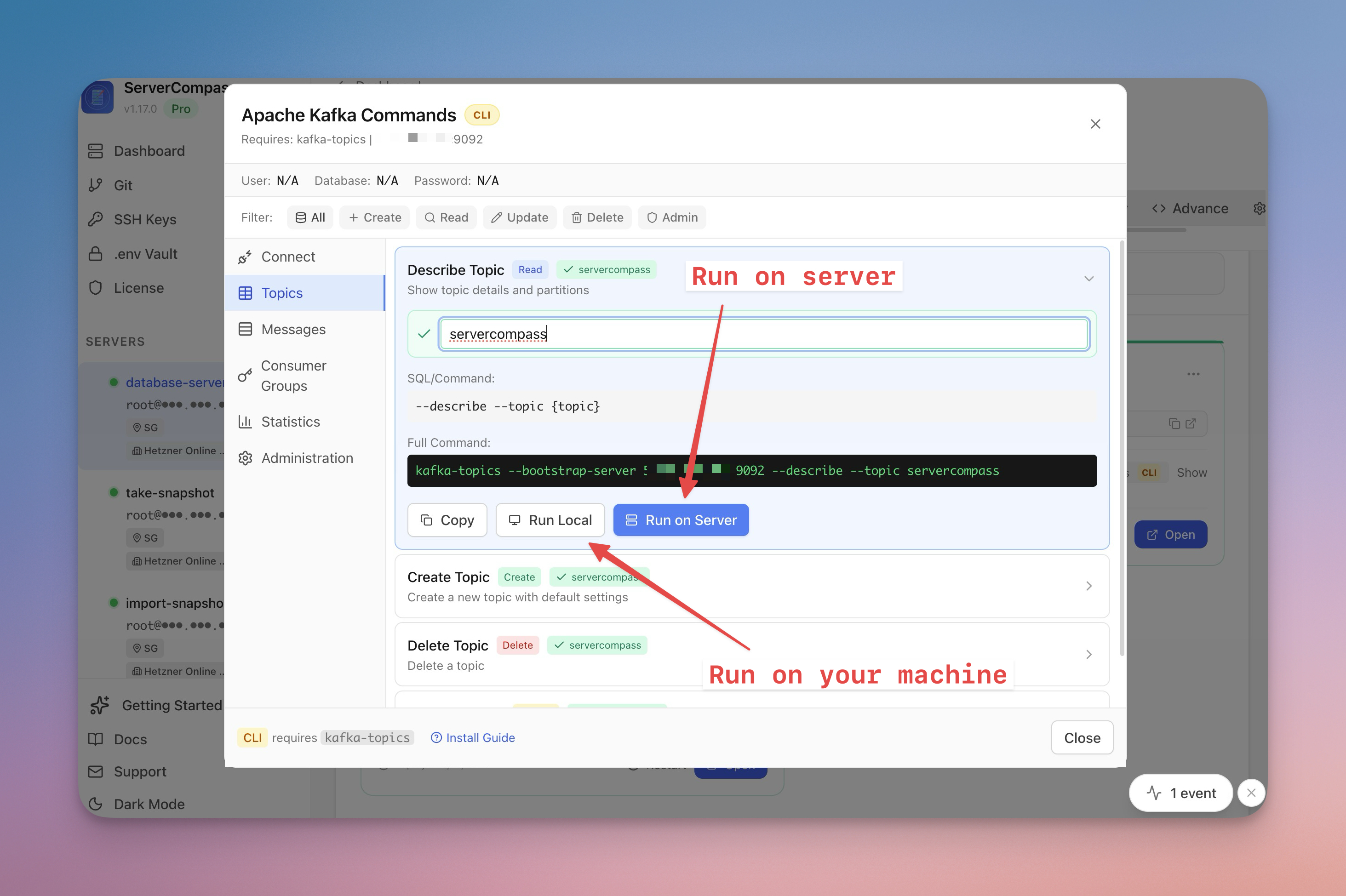
Tired of searching for the right MySQL, PostgreSQL, or MongoDB command syntax? Server Compass auto-detects your database and generates ready-to-use CLI commands and cURL requests instantly.
Read on servercompass.app ServerCompass25 min read
Save 5 hours a month: The lazy developer's guide to VPS deployments
Tired of typing ssh user@server and running the same 10 commands every time you deploy? This guide shows how to transform your VPS deployment workflow from terminal chaos to visual simplicity.
Read on servercompass.app ServerCompass8 min read
Deploy to VPS in 5 minutes (Not 5 hours): Server Compass v1.1.7
New ZIP file deployments, enhanced GitHub integration, bulk env variables, and persistent logs. Get Vercel-like UX on your $5 VPS.
Read on servercompass.app ServerCompass5 min read
Never Lose Your SSH Connection Again: Auto-Recovery and Database Table Browser
Automatic SSH reconnection with retry logic, plus a database table browser with data viewer, pagination, search, and smart record creation forms.
Read on servercompass.app