May 3, 2026
Default-Safe Starter Configs: The Onboarding Pattern Self-Hosted Tools Should Adopt
New users open your config file, see 200 options, and bounce. The fix isn't fewer options — it's a 5-line minimal-config template that works for 80% of cases, with the rest documented as overrides.
A new user installs your tool. Maybe it's Prefetcharr, maybe it's a media organizer, maybe it's a homelab dashboard. They open config.yml and see this:
# 247 lines later...
advanced:
  cache_strategy: aggressive
  cache_ttl_seconds: 86400
  parallel_workers: 4
  retry_jitter_ms: 250
  feature_flag_x_enabled: false
  ...
They don't know what 90% of these do. They guess at the 10% they recognize, save, restart, and something breaks. Three days of debugging or back to the README — usually the README, then a fork off to find another tool.
The instinct of the tool author is to add MORE documentation explaining each option. The right move is the opposite: ship a five-line minimal config that works for 80% of installs, with the other 240 lines moved to "advanced overrides."
This is the pattern. It's not new — Caddy famously did it with the Caddyfile, and tools that copy the pattern reliably onboard better. But most self-hosted tools still default to "every option exposed, user picks."
What "default-safe" actually means
Three properties:
- The config file is small. Five to ten lines. Anything longer means the user has to read it.
- Every option in it has a sane default. If the user removed any line, the tool would still start (just maybe not in the most useful state for them).
- The other options are documented elsewhere. The minimal config doesn't mention them. There's a separate "advanced configuration" page that lists everything, but the new user never has to touch it.
A starter config that follows this:
# minimal_config.yml
# This is the entire config you need to start. Add other settings only
# if you hit a problem this doesn't solve.

source:
  url: "https://your-source.example.com"
  api_key: "${API_KEY}"

destination:
  path: "/data/output"
Five lines. Every option has a default if omitted. The user knows where to start.
Why options-explosion happens
Tool authors add options in response to user requests. User A wanted to tune cache TTL. User B wanted to disable feature X. User C needed retry jitter. Each request becomes a config option. After two years there are 200 of them.
This is the right way to build a flexible tool. It's the wrong way to onboard new users. The fix isn't to remove options — it's to separate the layer the new user sees from the layer the power user customizes.
The pattern:
config.yml(default location): contains only the absolute minimumconfig.advanced.ymlor a doc page: lists every available option with its default- The runtime merges both: minimal config wins where set; everything else uses defaults
The new user touches only the minimal file. The power user copies relevant overrides into their own config. Nobody is staring at 240 lines of options they don't recognize.
A worked example: from 247 lines to 5
Imagine a tool whose config.yml.example currently looks like this:
# 247 lines of options, each with a comment explaining what it does
# and which platforms it's relevant to and when to override it
Refactor:
Option A: Minimal default config the user actually edits
# Start here. Set the two things below, save, restart. Done.
source:
  url: "https://example.com"
  api_key: "${YOUR_API_KEY}"
Option B: A separate advanced reference
# advanced.yml — every available option with its default value.
# Copy any line into your config.yml to override.
cache_strategy: aggressive
cache_ttl_seconds: 86400
parallel_workers: 4
# ... etc
The new user opens config.yml, edits two lines, runs the tool. If something breaks, they go to advanced.yml, find the relevant override, copy it. The cognitive load on day one drops 95%.
The 80/20 trick
How do you know which options belong in the minimal config? Look at what your existing power users actually override. The top 5 most-overridden settings probably should be in the minimal config; everything below that is advanced.
Telemetry helps. So does scrolling through Discord/forum threads and counting "how do I set X?" questions. The X with the most questions is the X that belongs in the minimal config.
Most tools find that 2-3 settings cover 80% of installs. That's the minimal config. The rest is documented but not enforced.
What this means for your tool
If your config file is over 20 lines and every line is uncommented, the next person to install your tool will bounce. Fix it before adding any new feature. The retention win compounds.
The harder version of this principle: most tools that get adopted don't have better features than the alternatives. They have easier first hour. Five-minute installs beat ten-feature installs nine times out of ten.
The minimal-config-first pattern isn't fancy — it's just admitting that your tool's onboarding cost is part of its product, and shipping accordingly.
Related in the StoicSoft network
If you're self-hosting on a VPS or working through a deployment guide like the one above, DeployToVPS is the StoicSoft network's handbook for VPS deployment recipes — docker-compose, nginx, traefik, and common app self-hosts.
From across the StoicSoft network
Hand-curated reads on the same topic from sister sites in the StoicSoft family.
- ServerCompass
Picking Homelab Hardware by Workload, Not Hype
Most homelab buying guides optimize for spec sheet bragging rights. The right way is to start from what you'll actually run — Plex, Home Assistant, a few self-hosted apps — and work backwards. Here's the workload-first method.
Read on servercompass.app  ServerCompass
Where Dokploy Users Get Stuck With File Transfer (and the Path-Visibility Pattern That Helps)
Dokploy's file upload "works" but the deployed container can't see the files. The cause is volume-mapping invisibility — the upload lands in one path, the app expects another. Same issue affects every Docker-based PaaS. Here's the pattern.
Read on servercompass.app ServerCompass
Why SSL Breaks on Self-Hosted Stacks (and a 20-Minute Fix Path)
SSL on a self-hosted stack works, until it doesn't. The breakage modes are predictable: cert expiry, DNS confusion, mixed content, HTTPS-from-LAN. Here's a 20-minute repair sequence that handles all four — and the preventive checks that keep it from recurring.
Read on servercompass.app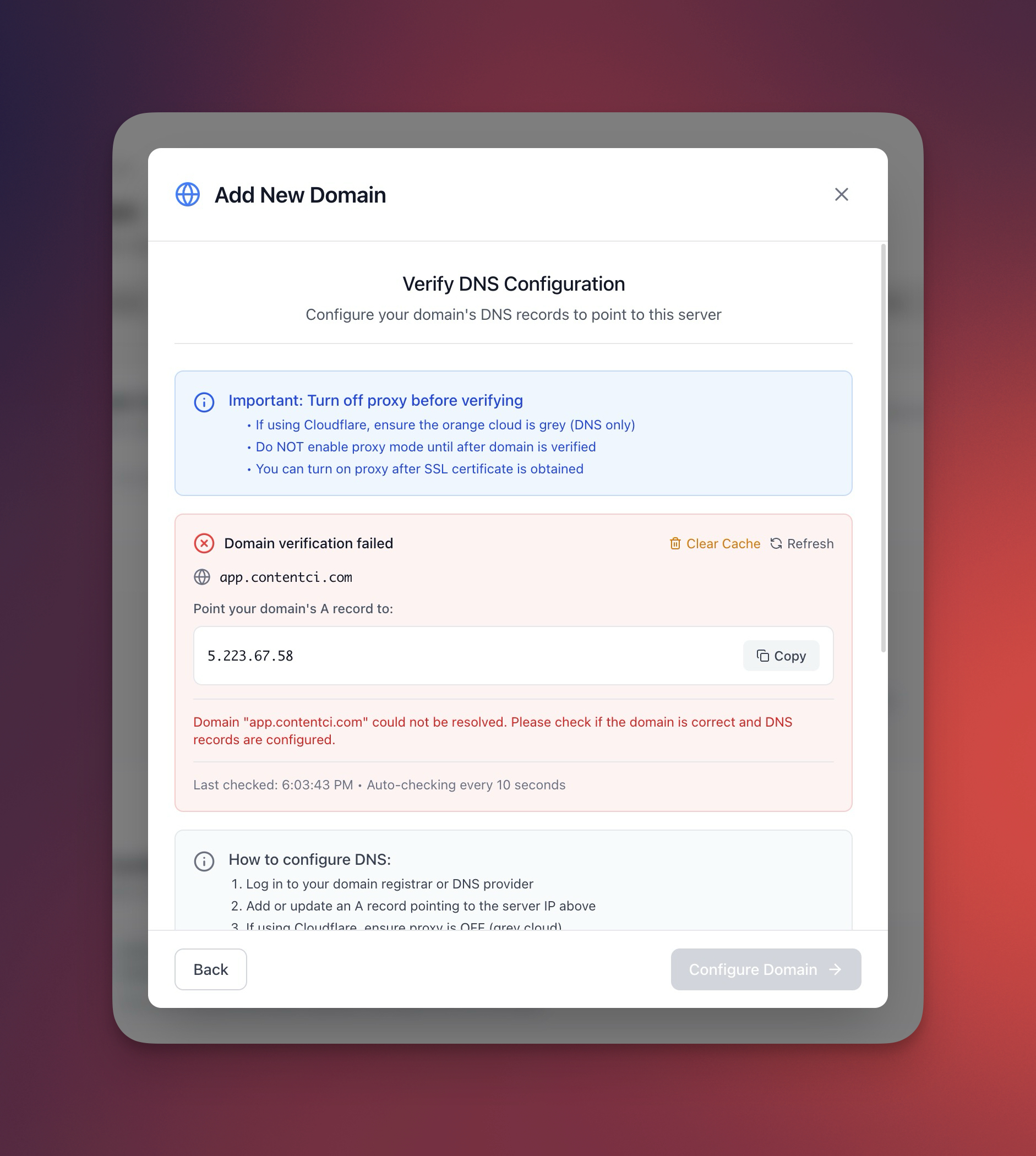 ServerCompass
The Preflight Script: 60 Seconds That Save a Two-Hour Outage
Most proxy and SSL outages are silent regressions, not new failures. A 60-second preflight script that captures current state — then compares after — catches them before users do.
Read on servercompass.app