May 2, 2026
Minimal MCP/Tool Hardening for Solo Builders: A 30-Minute Checklist
MCP servers and AI tool integrations ship with permissive defaults that are fine for demos and dangerous in real workflows. Here's the minimum hardening a solo dev needs — no enterprise pile of policies, just the five things you'd regret not doing.
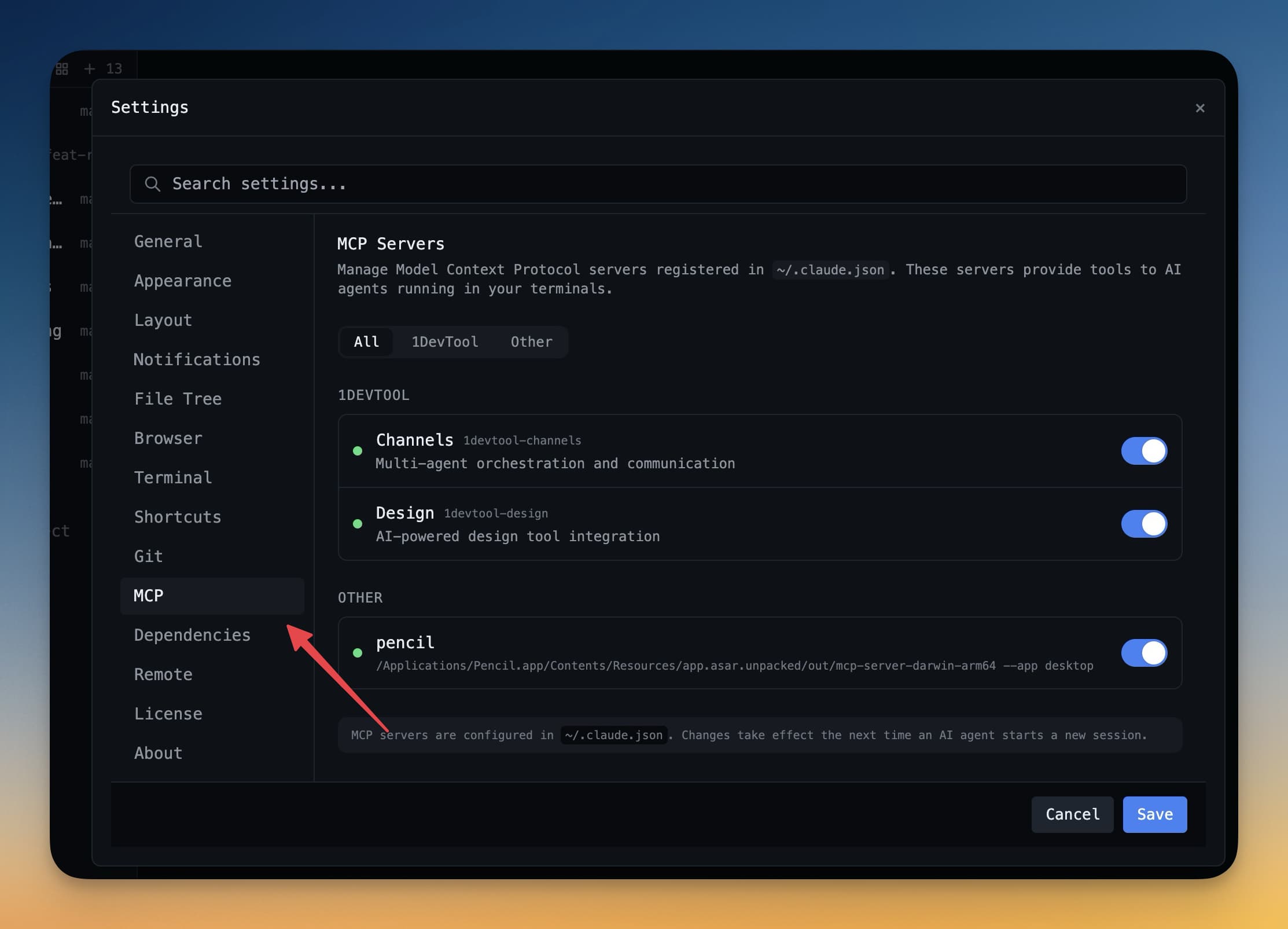
The Model Context Protocol ecosystem is exploding. New MCP servers ship every week. Most of them are written by people prototyping fast, with permissive defaults that are fine for a demo and not fine once an AI agent has shell access to your machine.
If you're a solo builder running multiple MCP servers and AI tools across your workflow, you don't need an enterprise security program. You do need five basic protections that take about 30 minutes to set up. Skip them and the failure mode is one of: silent data exfiltration, an agent running rm -rf somewhere it shouldn't, or your API keys ending up in someone's training data.
The five things
1. Run untrusted MCP servers in a sandbox, not on your host
If you can't read every line of an MCP server you're installing, it doesn't get host access. The minimum sandbox is Docker; the better one is a VM or LXC container. Both isolate the filesystem and network so a misbehaving server can't read your .ssh/id_rsa or call out to a C2.
A decent baseline docker run for an MCP server:
docker run --rm -it \
  --network=none \
  --read-only \
  --tmpfs /tmp \
  -v $(pwd)/sandbox:/data \
  mcp-server-name
--network=none is aggressive — turn it on for any server that doesn't legitimately need network access. For ones that do, allowlist specific hosts via Docker network policies.
2. Use a tool allowlist, not a denylist
Most AI agents let you configure which tools they can call. Default behavior is "call anything." Switch this to an explicit allowlist of tools you've actually vetted. Anything new requires an active decision.
The practical version: in your agent config, list tools by name. Don't use wildcards. When you add a new MCP server, add its tools to the list one at a time, not the whole server's namespace.
3. Move every secret out of the env file your agent can see
MCP servers and AI tools commonly read from .env or process environment. If your agent has shell access, it can read those too. Anything sensitive — API keys, database passwords, deploy tokens — goes in a secret manager (1Password CLI, pass, AWS Secrets Manager, even macOS Keychain) and gets fetched at runtime, not stored in env.
The pattern:
export DEPLOY_TOKEN="$(op read 'op://Personal/deploy-token/credential')"
./deploy.sh
The shell session has the token; nothing in your repo or .env does. If an agent reads .env looking for keys, it finds nothing useful.
4. Log every tool call, locally
You won't notice an agent doing something weird unless you can replay what it did. Pipe MCP server output and tool-call logs to a local file with timestamps. Don't worry about analytics or fancy log infrastructure — just tee to a file you can grep.
The minimum:
mcp-server 2>&1 | tee -a ~/logs/mcp-$(date +%Y%m%d).log
When something feels off, you grep the log. When something is off, you have evidence of what triggered it.
5. Set a kill switch
A single command or hotkey that nukes every running agent and MCP server. You'll need this when an agent goes off the rails — usually because of a prompt injection from a webpage you fed it, occasionally because of a bug.
The simplest version on macOS/Linux:
# in ~/.zshrc or ~/.bashrc
alias killai='pkill -f "claude|codex|gemini|mcp" && docker stop $(docker ps -q --filter label=mcp) 2>/dev/null'
Map it to a hotkey if you want. The point is: when you panic, you have one move that ends every AI process in under a second.
What you're not doing (and why that's fine)
- Network-level firewalling. Useful eventually, overkill for solo. Sandboxes cover most of the same ground.
- A SIEM or alerting pipeline. You can read your local logs.
- Per-tool RBAC and audit policies. Allowlists do the same job at solo scale.
- A formal threat model document. Your threat model is "don't let an agent ruin my week," and the five steps cover it.
The trap with security advice for solo devs is that most of it is enterprise-flavored — calibrated for organizations with ten developers and an audit trail. The right scale for solo is "what would I regret skipping?" That's the list above.
How to roll this out without paralyzing yourself
Don't try to harden everything in one sitting. Pick the highest-stakes context first — usually whichever agent has shell access to your main dev machine — and apply the five steps there. Iterate to other contexts as you set them up.
The full setup, fresh, takes about 30 minutes. Updating it as you add new tools costs about a minute per tool. That's the right cost for the protection it buys you.
Related in the StoicSoft network
If you run monitoring, uptime checks, or alerting across self-hosted apps like the ones above, ServerCompass is the StoicSoft network's tool for wiring tiered severity, flap suppression, and low-noise alerts into a single dashboard.
From across the StoicSoft network
Hand-curated reads on the same topic from sister sites in the StoicSoft family.
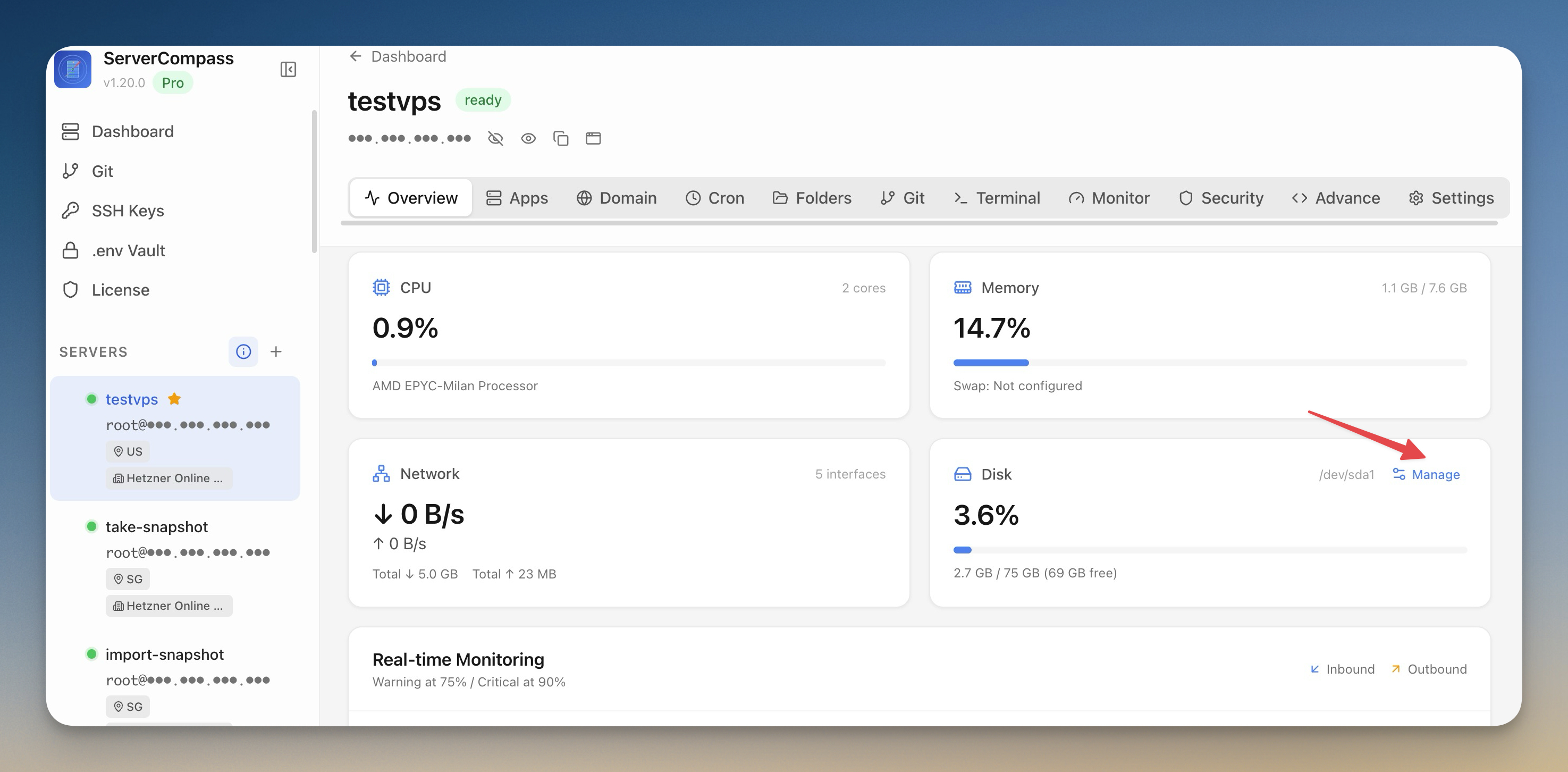 ServerCompass7 min read
Reclaim Disk Space and Lock Your Production Servers
Scan your VPS for reclaimable disk space with a visual breakdown by category, clean up with one click, and lock production servers into read-only mode to prevent accidental changes.
Read on servercompass.app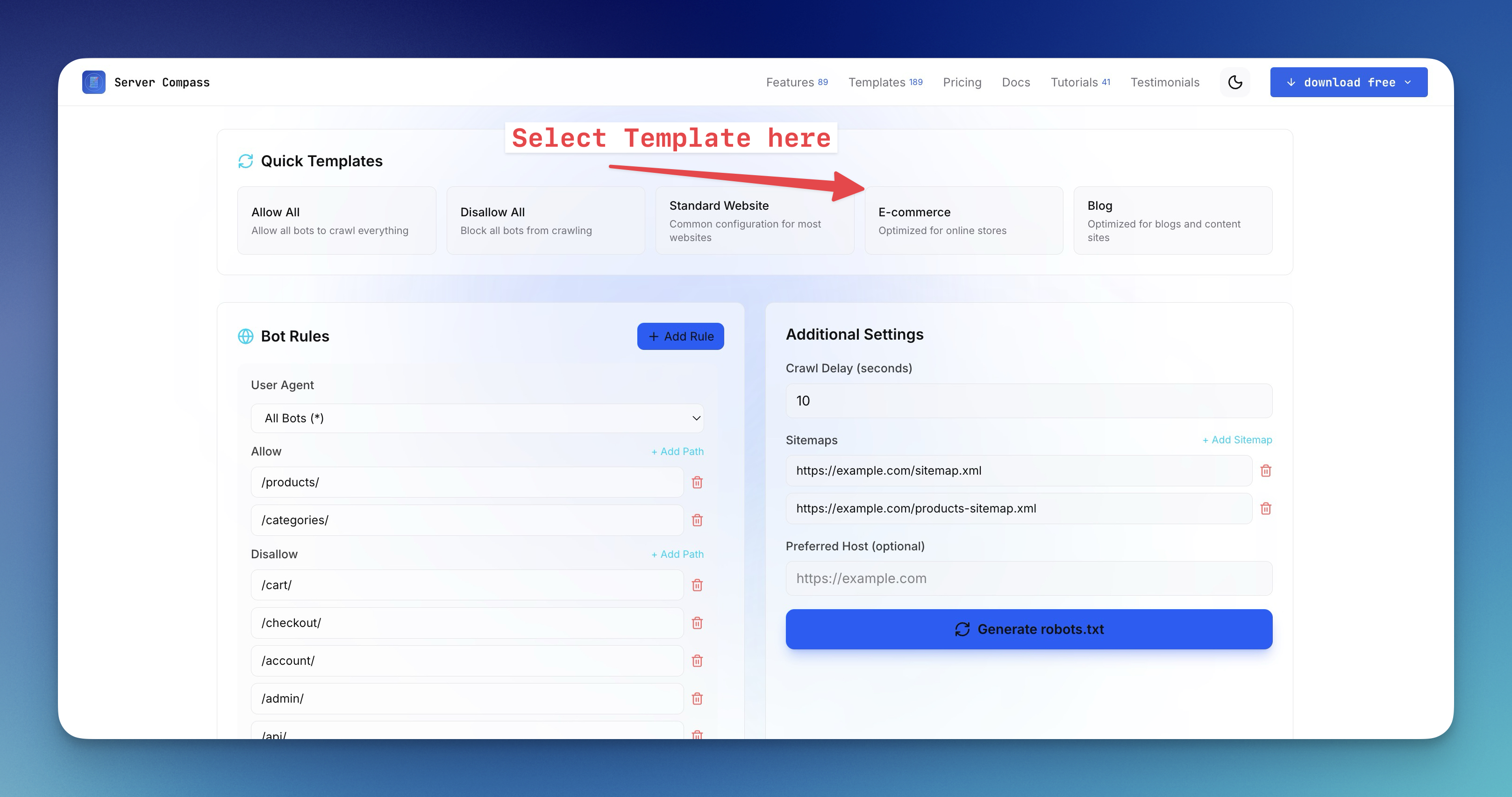 ServerCompass15 min read
How to Create a robots.txt File for the AI Era (2026 Guide)
Learn how to generate robots.txt files that control both search engine crawlers and AI bots like GPTBot, ClaudeBot, and Perplexity. Complete guide with examples, directives, and a free robots.txt generator tool.
Read on servercompass.app