Apr 14, 2026
Send to Any AI Terminal Across Projects and Open Templates From the Browser
Route files, screenshots, and prompts to AI terminals in any open project, then open the exact starter template you clicked in the browser with deep links, search, filters, and a cleaner two-step create flow.
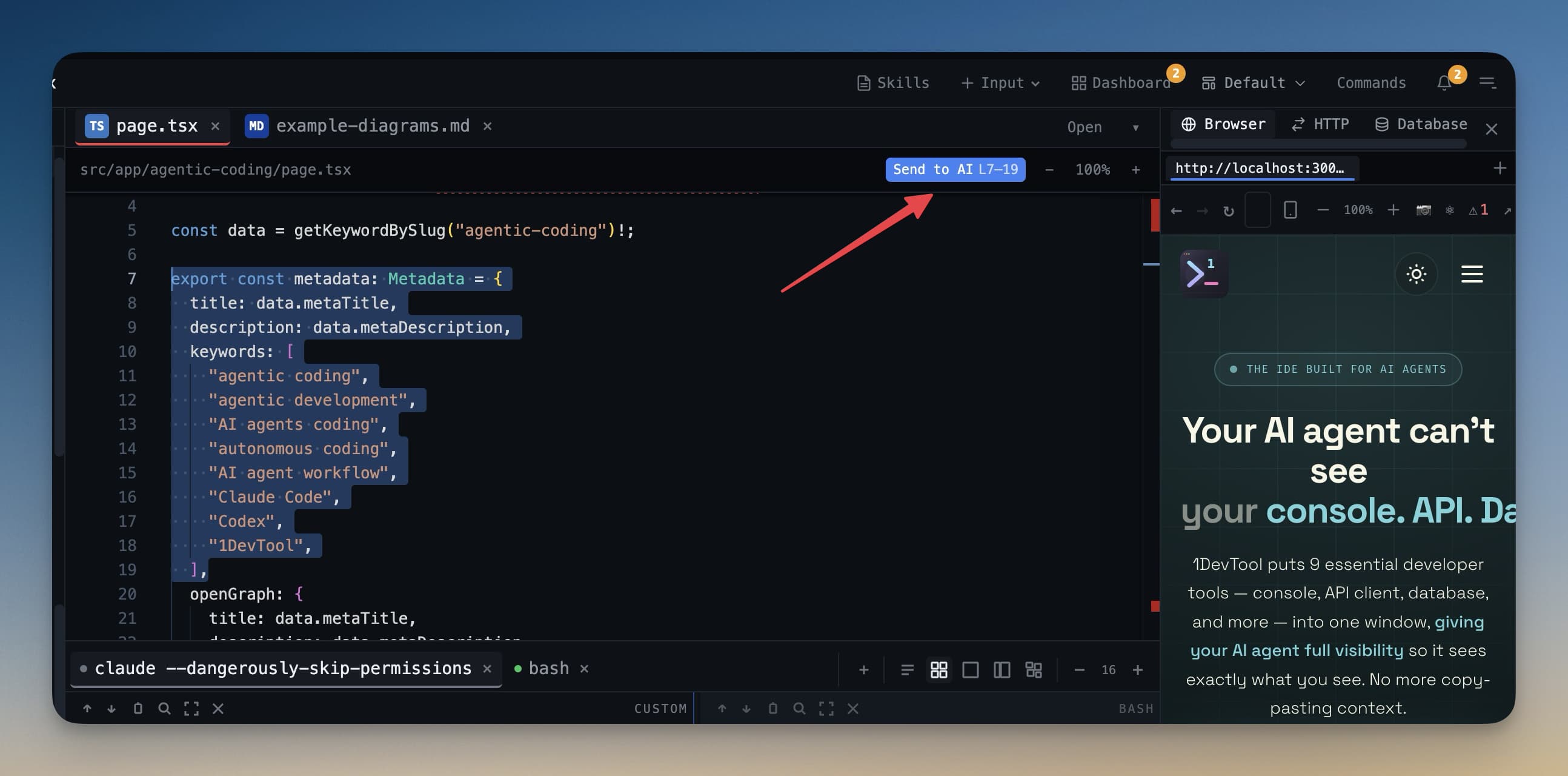
You're working in Project A, but the best Claude Code session for the task is already open in Project B. The file you want to send is ready. The screenshot is ready. The prompt is ready. What slows you down is the handoff itself: switch projects, open the right terminal, re-open the dialog, send the context, then switch back and remember where you were.
That is a workflow tax, not a model problem. 1DevTool v1.14.1 removes it with Send to AI across every open project, then pairs it with a second improvement that matters just as much when you are starting new work: browser-driven App Template deep links. Click a template link on the web and 1DevTool opens the exact starter project inside the Templates dialog instead of forcing you through a manual search.
Together, these features tighten two moments that happen constantly in AI-assisted development: handing context to the right running agent, and spinning up the next project without friction.
Why Cross-Project Handoffs Matter
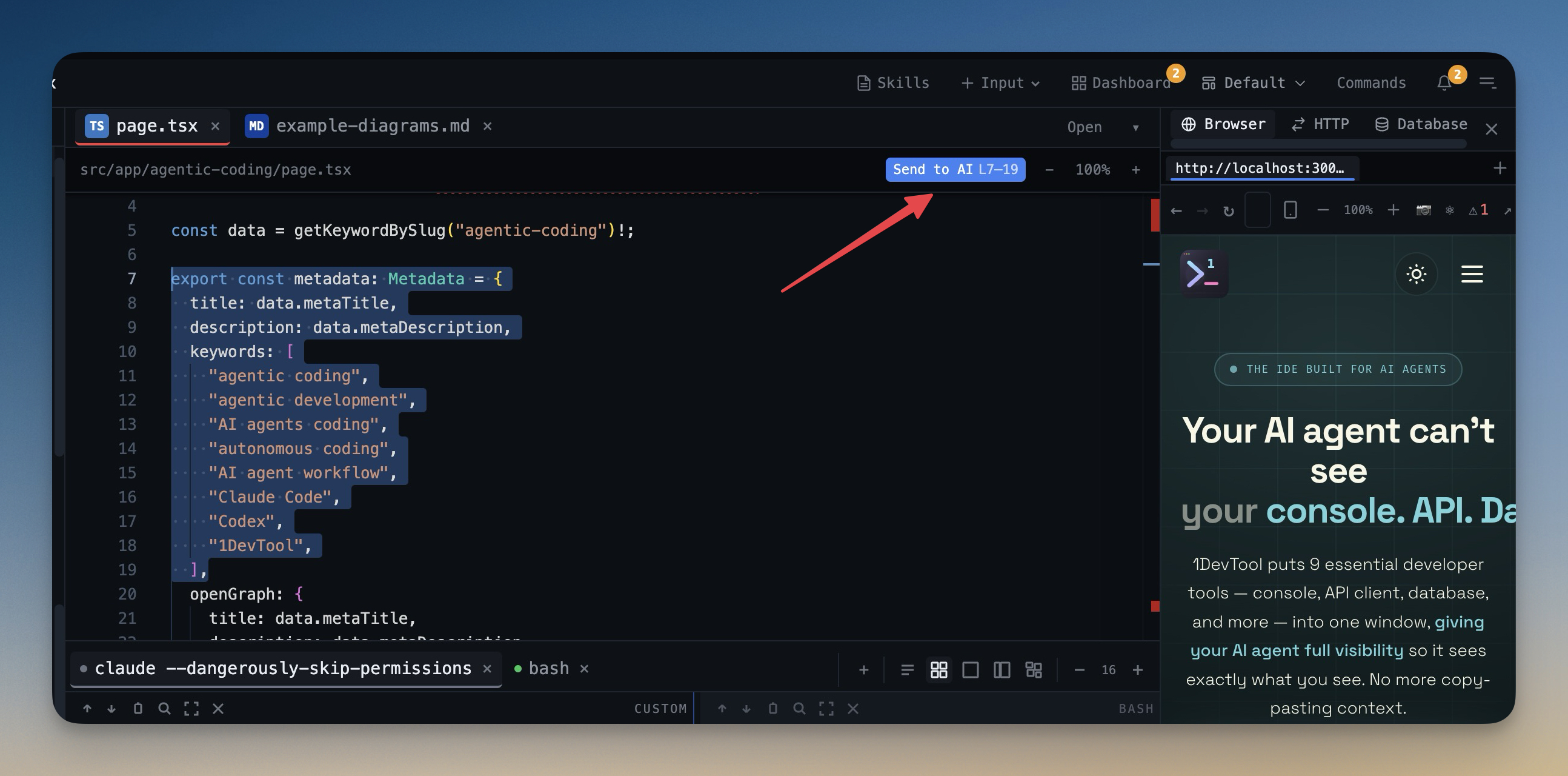
Multi-project AI workflows break down when the fastest agent is trapped in the wrong workspace. Maybe your refactor is running in a Codex terminal tied to the library repo, while the UI issue lives in the app repo. Maybe your best Claude Code session already has the right architecture context, but the file you need is open in another project window. If the transfer path is clumsy, you delay the handoff or duplicate context in a fresh session.
1DevTool's updated Send to AI flow fixes this by treating every open AI terminal as a valid destination. In the source, the dialog builds two explicit target lists: currentProjectAiTerminals and otherProjectAiTerminals. The selector then renders them in two optgroups: "Terminal AI from this project" and "Terminal AI from other projects". That sounds small, but it changes the mental model. Instead of navigating to the correct project first, you choose the correct running agent first.
How the Terminal Picker Stays Fast
The dialog still prioritizes your current workspace. Terminals from the active project are listed first, and the component auto-selects the last active AI terminal when it can. That means the common case stays one-click, while the cross-project case becomes a dropdown decision instead of a workspace switch.
In practice, this is what it unlocks:
- You can keep working in the file tree of one repo while sending a screenshot to a Claude Code session in another repo.
- You can hand off a file to a Codex CLI terminal that already has migration context without cloning that context into a fresh conversation.
- You can keep long-running agent sessions alive in specialized projects and still route new work to them on demand.
Template Links That Open the Right Project
The other half of v1.14.1 targets the opposite moment: the instant before work begins. You find a starter template in the browser, click "Open in 1DevTool," and the app should take you directly to the exact template you meant to use. Not a blank launcher. Not the top of a long catalog. The exact template.
The implementation is direct and reliable. The Electron main process registers the onedevtool:// protocol, the renderer calls consumePendingDeepLink(), and when the deep link resolves to a templates-install action, the app opens the Templates dialog with initialTemplateId already set. The dialog then:
- finds the matching template by ID,
- switches to the right category,
- clears any active search and tag filters,
- auto-selects the template if it is available, and
- scrolls the card into view with
scrollIntoView(..., block: 'center').
If the template is coming soon, the dialog still opens and tells you that clearly instead of failing silently. If the app was already open, it reuses the current window. If it was closed, it launches and preserves the deep-link target until the UI is ready.
Search, Filters, and a Two-Step Wizard
v1.14.1 did not stop at deep links. The Templates dialog also gained search across name, description, and tag, three status filters (All, Available, Coming Soon), clickable technology tag chips, and a one-click "Clear all" reset. When the catalog grows, that matters more than headline announcements do. You are no longer browsing blind.
The create flow also became easier to reason about. Instead of mixing selection and project details in one dense panel, the dialog now uses a two-step flow: Select template, then Project details. The Back button returns you to the catalog without nuking the name and location you already typed.
Before vs After
Workflow
Before v1.14.1
After v1.14.1
Send context to another AI session
Switch projects first, then find the terminal
Pick any open AI terminal directly from the dialog
Open a starter template from the web
Launch app, browse manually, search again
Deep link opens the exact template and scrolls it into view
Browse a growing template catalog
Mostly scrolling
Search, status filters, tag filters, and category switching
Create project from template
Selection and details mixed together
Two-step wizard with state preserved when going back
Who Benefits Most
Developer
Why v1.14.1 helps
Multi-project AI users
You can route files and prompts to the right running agent without leaving your current repo.
Template-heavy builders
You can jump from a web page straight into the matching starter project instead of searching again.
Teams testing stacks quickly
Search, filters, and tag chips make it much faster to compare React, Next.js, Tailwind, and other starter combinations.
Developers protecting flow state
Both features reduce context switching at exactly the moments where momentum usually gets interrupted.
Try It Today
If your AI workflow already spans multiple repos, you should not be paying a project-switch penalty every time you send context to the right terminal. And if starter templates are part of how you begin work, a browser click should take you directly to the right project.
1DevTool v1.14.1 closes both gaps. You can download it from 1devtool.com and feel the difference the next time you hand work to another running agent or open a project template from the browser.