Apr 16, 2026
Startup Command Manager, Worktree Env Files, and a Full Menu Bar for Faster Terminal Workflows
Organize startup presets in a dedicated Commands tab, copy gitignored env files into new worktrees, and use a native menu bar that exposes settings sections, layouts, and agent launches directly.
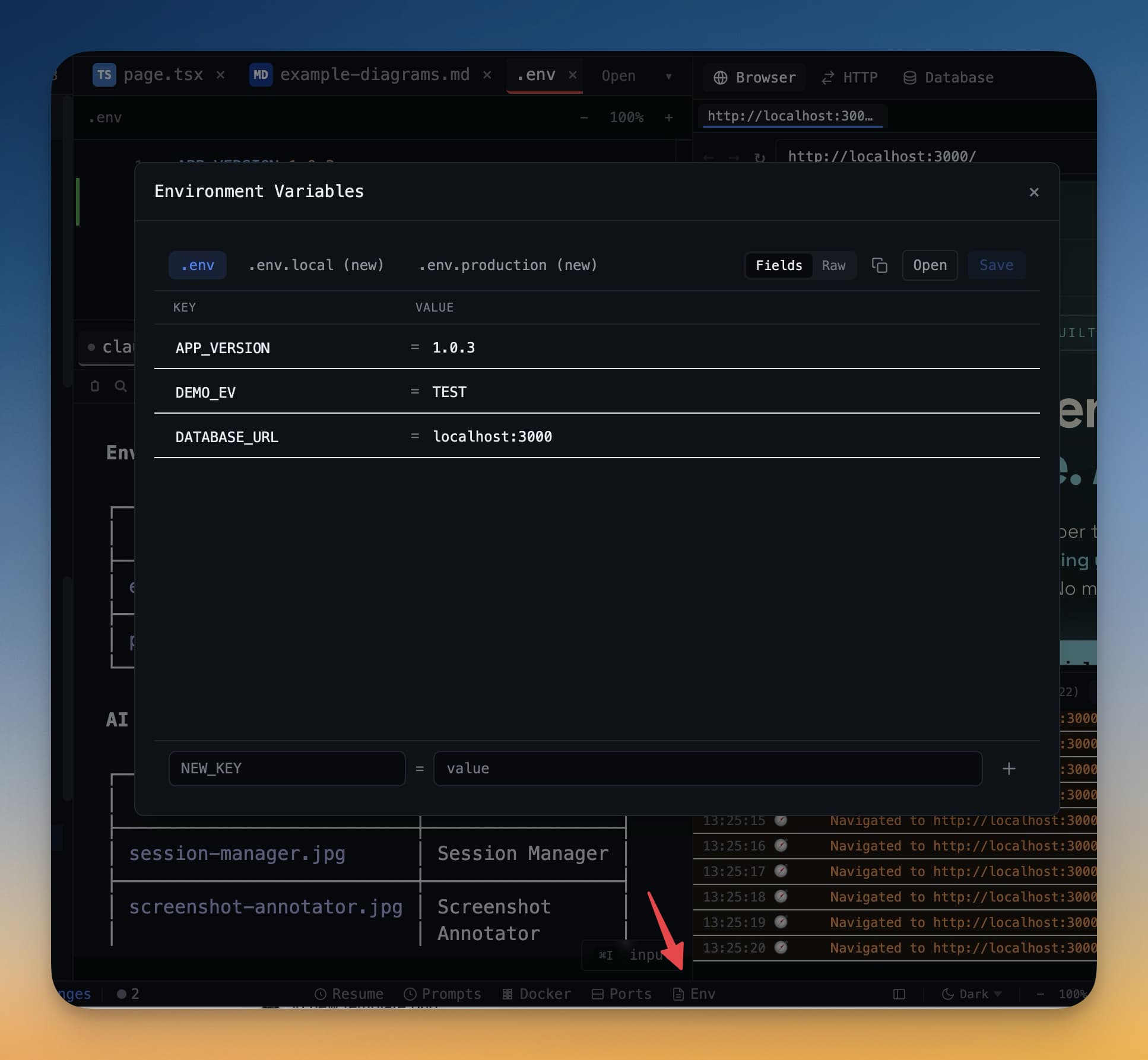
Terminal setups decay quietly. One month you have a clean list of startup commands for Claude Code, Codex, Gemini CLI, and your custom shells. A few weeks later, the useful presets are buried, the defaults you never touch are still in the way, and every new worktree needs its environment files copied by hand before the dev server will boot.
1DevTool v1.14.3 fixes exactly that kind of workflow drag. It adds a proper Startup Command Manager, copies gitignored .env files into new worktrees when you ask for it, and wires a full native menu bar so settings sections, layout presets, and new agent terminals are keyboard-reachable instead of hidden behind UI hunting.
A Real Startup Command Manager
The biggest improvement in v1.14.3 is not just that startup commands are editable. It is that they finally live in a dedicated operating surface. In the source, Terminal settings now explicitly tell you to manage presets in the Commands tab, instead of forcing you through a secondary dialog buried inside general terminal options.
That changes how you maintain terminal workflows:
- You can browse presets as a collection instead of treating them like a hidden preference.
- You can filter by All, AI, and Normal so agent launches do not get lost among shell utilities.
- You can assign icons to presets, hide built-ins you never use, and reorganize presets into categories that match how you actually work.
If you run multiple agent types daily, this matters. A long preset list becomes usable only when the app helps you distinguish agent launches from normal shell commands, and when the commands you do not care about stop stealing visual space.
Why Preset Categories Matter
Categories sound cosmetic until your launcher grows. Once you have separate commands for "Claude (Skip Permissions)," "Codex (Bypass Approvals)," local dev servers, Docker helpers, test runners, and project boot scripts, the cost of scanning the launcher becomes real. v1.14.3 turns the command list into something you can curate instead of tolerate.
Env Files Follow New Worktrees
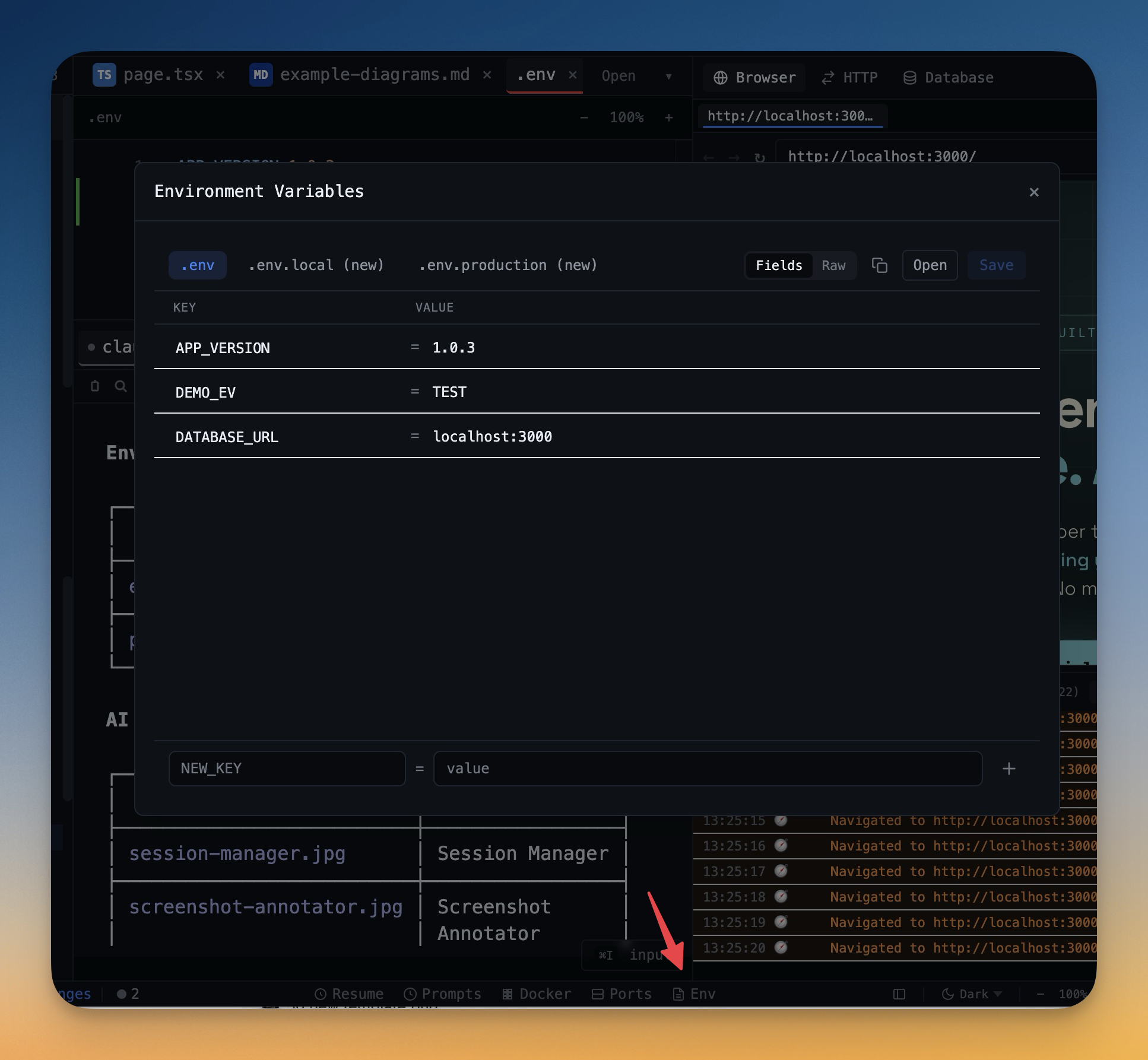
Git worktrees are great until your new branch boots into a broken local environment. The repo cloned fine, but the new worktree has no .env, no .env.local, and no .env.production, because of course those files are gitignored. You have the branch. You do not have the runtime.
In v1.14.3, 1DevTool fixes that at the Git layer. The worktree creation flow accepts a copyEnvFiles list, and the git integration copies only safe plain basenames into the newly created worktree. The implementation is conservative on purpose: no nested paths, no traversal, no overwrite if git already produced a file at the destination. If the source file is missing, the worktree still succeeds and the copy step fails gracefully.
That means the workflow becomes predictable:
- Create a new worktree from the Git client.
- See exactly which
.env*files will be copied before confirming. - Open the branch with the same credentials and local config the original worktree already used.
A Menu Bar That Exposes the Whole App
The third part of the release is easy to underestimate if you mostly click around. But for anyone who drives desktop tools by keyboard, a complete native menu bar is a real upgrade. The main process now builds menus for File, View, Navigate, Terminal, and Tools with direct entries for Templates, the HTTP Client, the Tasks dialog, Resume AI Sessions, Docker, SSH, Prompt History, layout presets, and a dedicated Settings Sections submenu.
The useful part is not just discoverability. It is speed. You can jump directly to Appearance, Layout, Terminal, IDE, Browser, File Tree, Git, Remote, MCP, Library, License, or About without opening Settings and scrolling manually. And from the Terminal menu you can spawn a new Claude, Codex, Gemini, Amp, bash, zsh, or PowerShell terminal without navigating the mouse through launcher UI.
Before vs After
Workflow
Before v1.14.3
After v1.14.3
Manage startup presets
Hidden behind a smaller side flow
Dedicated Commands tab with categories, filters, and icons
Boot a new worktree
Manually copy env files
Offer to copy safe .env* basenames automatically
Jump to settings subsections
Open Settings and hunt manually
Use the Settings Sections submenu directly
Launch a specific agent terminal
Open launcher UI first
Spawn it directly from the native Terminal menu
Who Benefits Most
Developer
Why v1.14.3 helps
Agent-heavy terminal users
The Commands tab makes daily launch presets maintainable instead of messy.
Git worktree users
Branches no longer come up half-configured because the env files were left behind.
Keyboard-first operators
The native menu now exposes layouts, dialogs, settings sections, and terminal spawning directly.
Teams standardizing local workflows
Preset categories and safer worktree bootstrapping reduce setup drift between branches and developers.
Try It Today
v1.14.3 is a good example of what mature developer tools should do: remove the quiet manual steps that steal time every day. Startup commands become easier to curate, worktrees become runnable faster, and the menu bar becomes useful enough to trust.
If your terminal workflows are growing more complicated, or your Git branches keep starting in a half-configured state, download the update from 1devtool.com and tighten those edges.