Mar 27, 2026
All-in-One IDE for AI Coding in 2026: What to Look For
An all-in-one IDE should reduce tool-switching, not just bundle random panels. Use this checklist to evaluate AI coding workspaces across terminals, APIs, databases, browser preview, and collaboration.
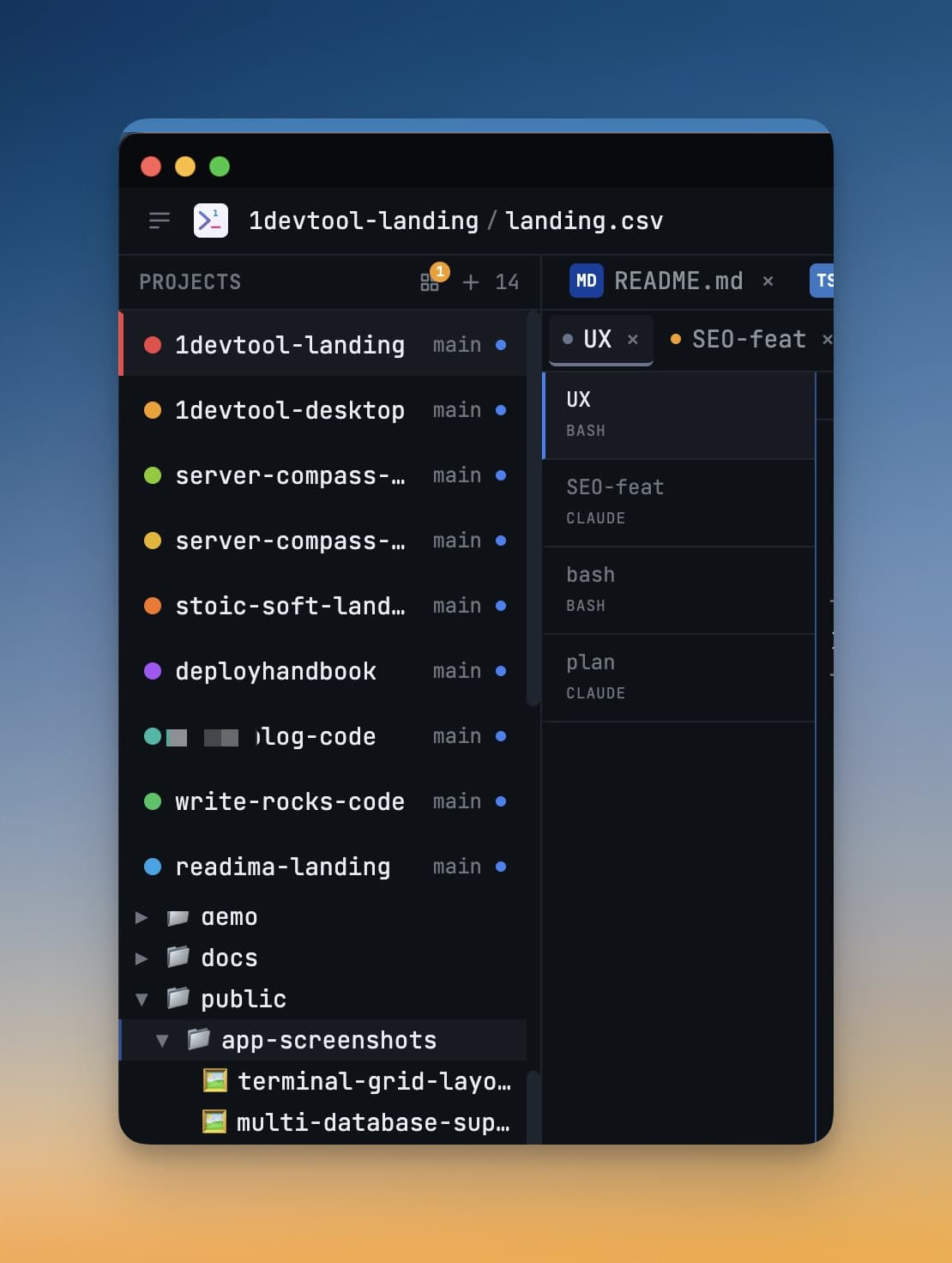
The promise of an all-in-one IDE is simple: fewer windows, less context switching, faster output. In practice, many products bundle tools but fail to improve real delivery flow.
For AI-first teams, the right question is not “how many panels are included?” It is “how quickly can we move from idea to tested change across code, infra, and review?”
All-in-One IDE Checklist for AI Coding
- Multi-agent terminal orchestration with clear status visibility.
- Integrated API and database workflows for rapid debugging.
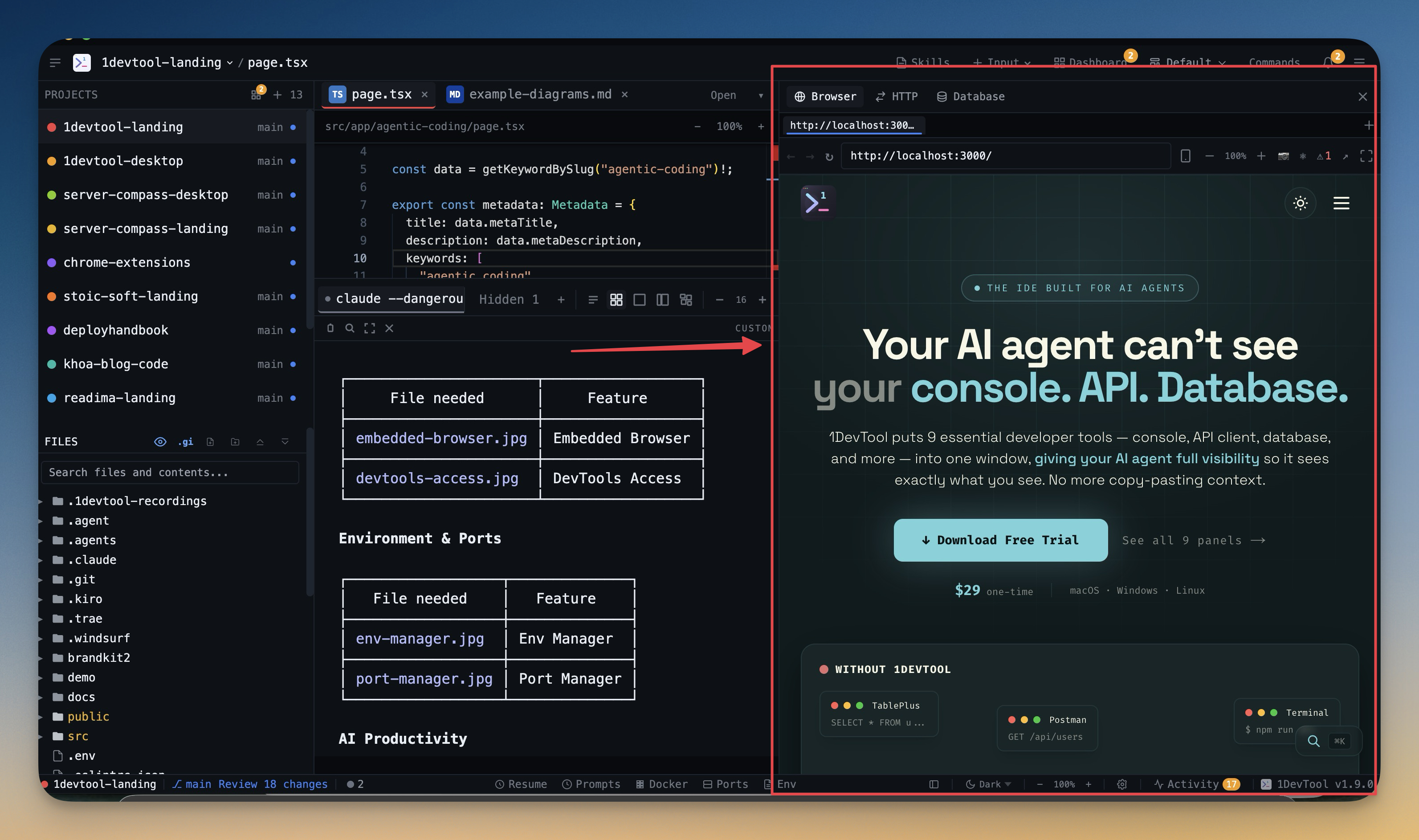
- Built-in browser preview with developer tooling access.
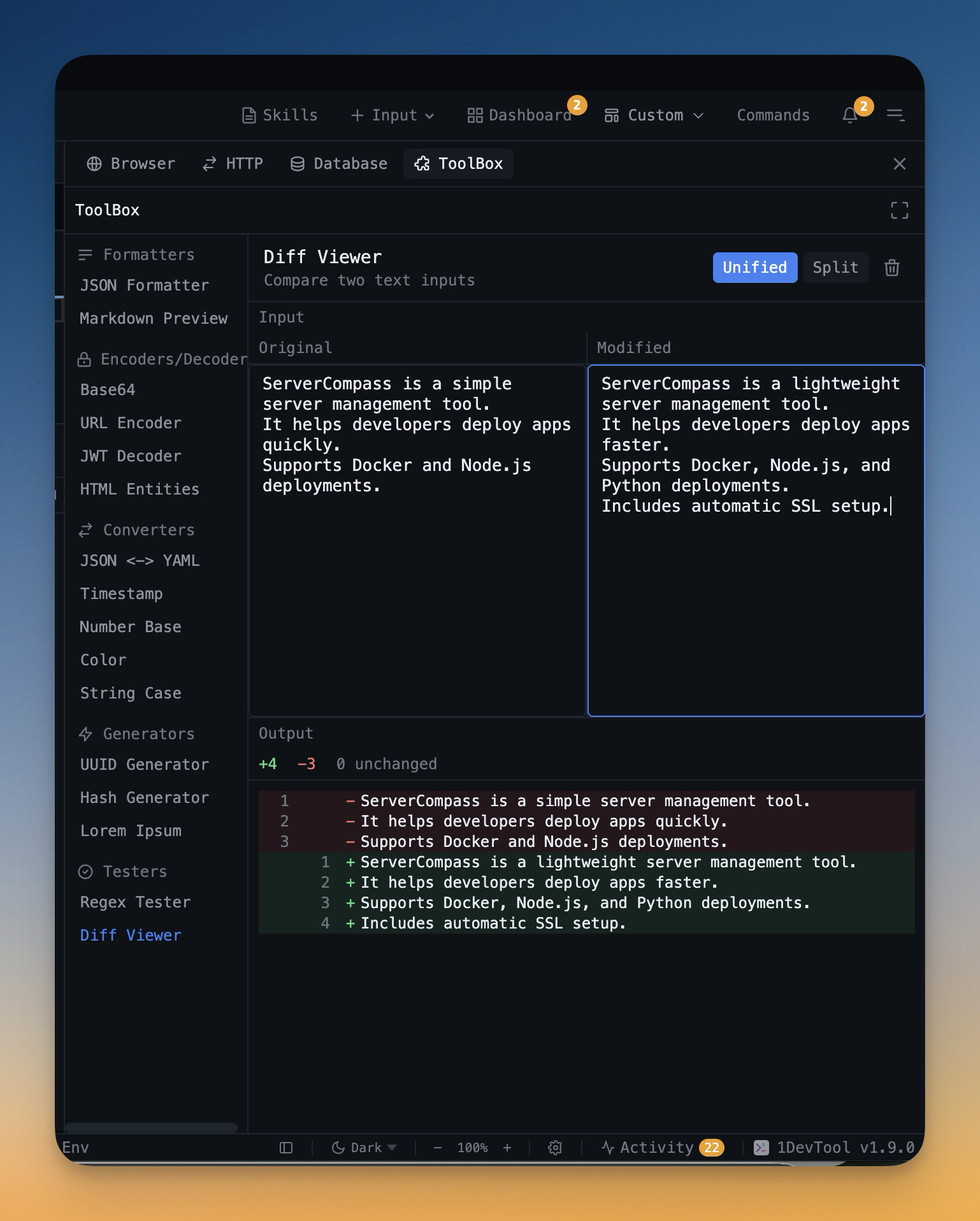
- Diff and context sharing that supports AI review loops.
- Project-level organization and persistent sessions.
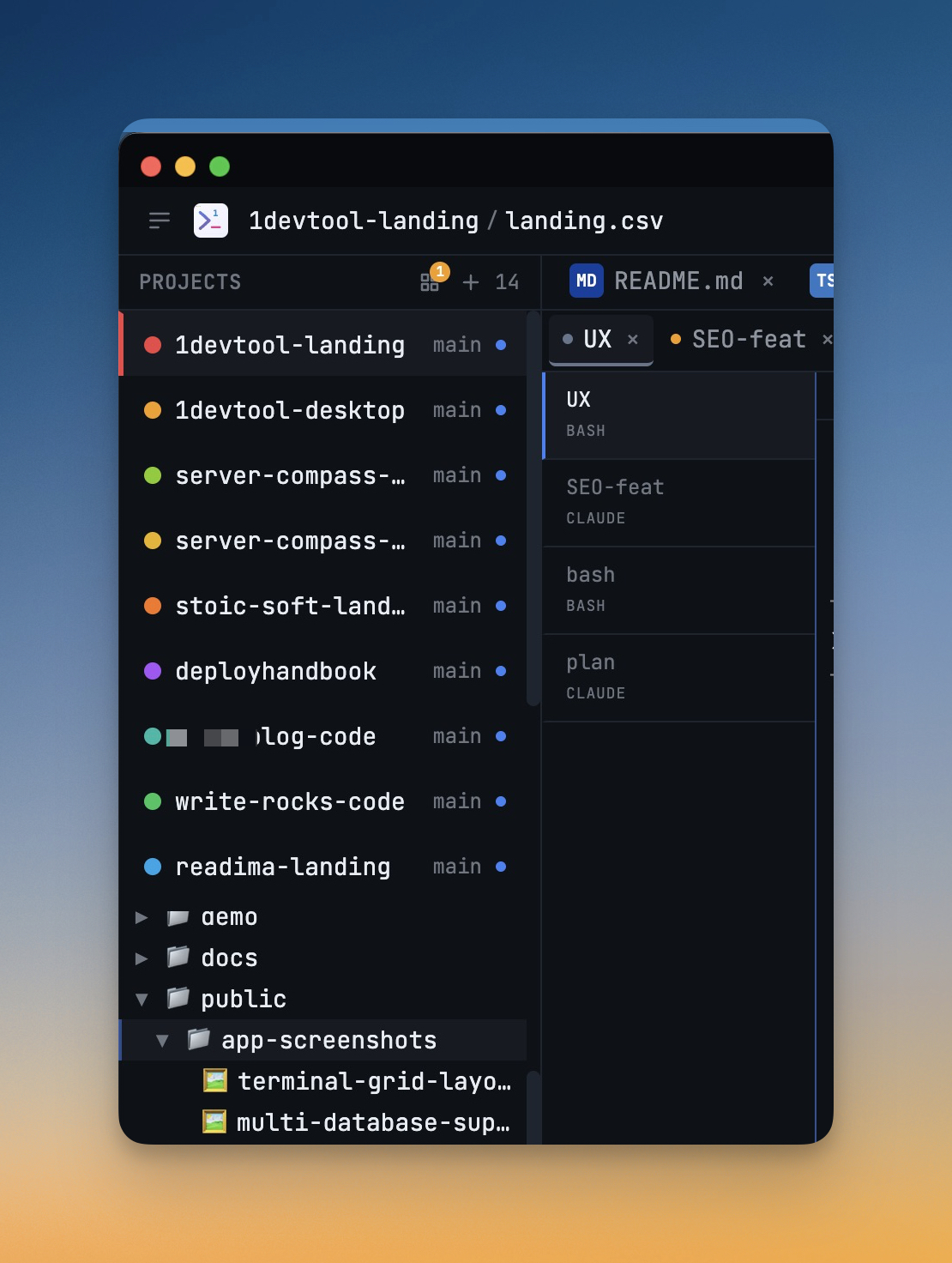
What Good Integration Looks Like
A strong AI IDE should let you inspect logs, edit code, test endpoints, and validate DB state without breaking focus. In 1DevTool that path includes Multi-Agent Terminals, HTTP Request Builder, Query Editor, and Embedded Browser.
Where Most Stacks Fail
- Tool overlap without a shared workflow model.
- No common event stream for agent activity and task status.
- Weak handoff paths between code, logs, screenshots, and diffs.
Final Take
An all-in-one IDE is valuable only if it shortens the full delivery loop. Evaluate products on cycle time, handoff quality, and recovery speed after failures. If those metrics improve, consolidation is working.
If they do not, you only replaced many icons with one icon.