Mar 31, 2026
Best AI Terminal Emulator for Developers in 2026
AI coding changed what a terminal must do. It is no longer only about shell speed. Compare terminal options based on session continuity, readability, multi-agent control, and workflow ergonomics.
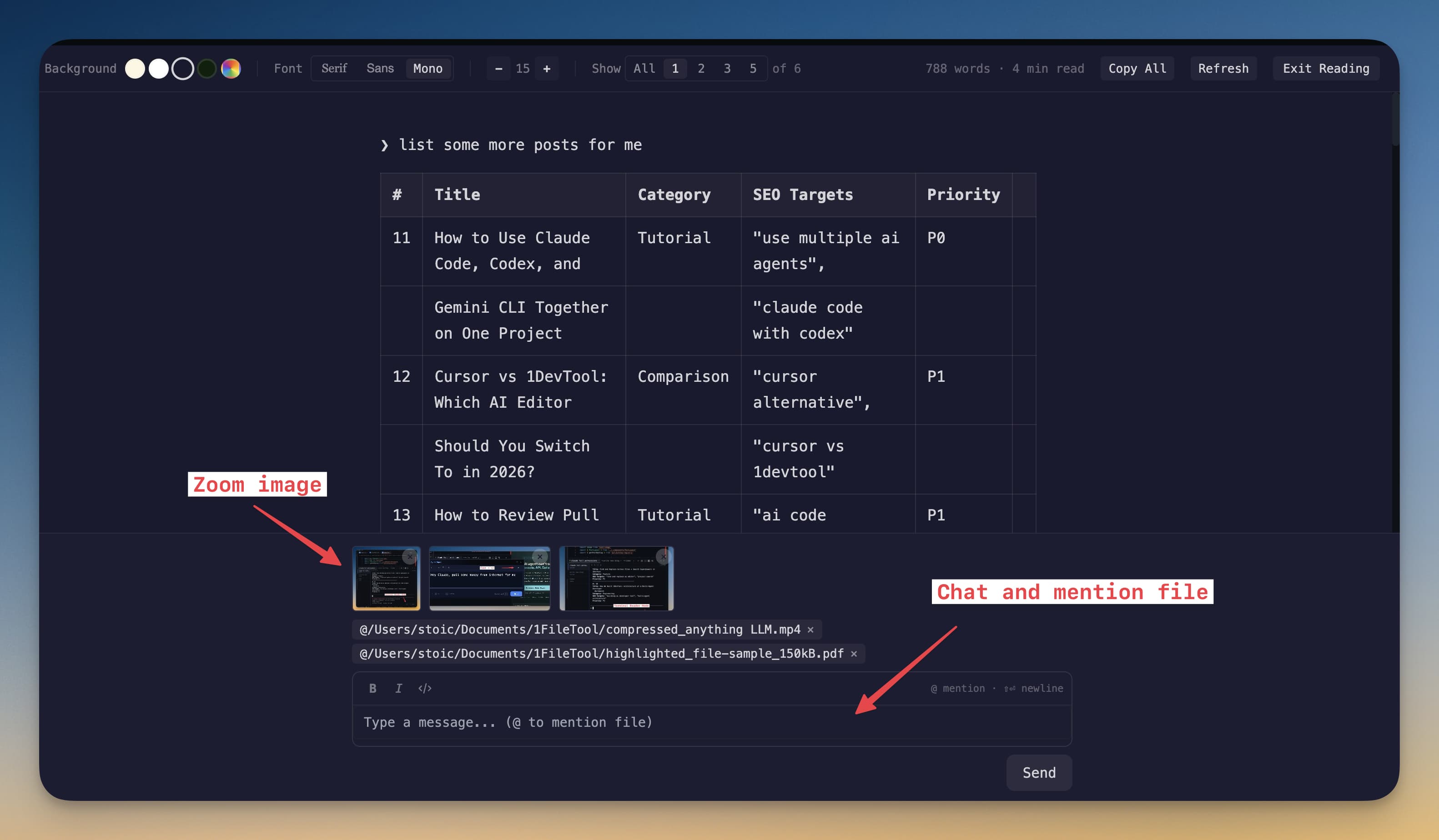
Choosing the best terminal for AI coding now requires different criteria than traditional shell workflows. AI sessions are longer, more verbose, and often run in parallel.
If your terminal cannot handle readability, session continuity, and multi-agent context transfer, your model quality will not matter. The interface becomes the bottleneck.
How AI Workloads Change Terminal Needs
- Outputs are long-form markdown, tables, and diffs, not just command lines.
- You need quick switching between coding, review, and debug sessions.
- Agent outputs must remain searchable and resumable over time.
- Keyboard-driven throughput matters more than visual novelty.
Evaluation Framework
Criterion
Why it matters for AI
Readable output mode
Prevents scanning fatigue on long agent responses.
Session persistence
Protects context during restarts and interruptions.
Terminal organization
Keeps multi-agent roles clear and recoverable.
Shortcut and font control
Improves speed and reduces cognitive friction.
Features That Decide the Winner
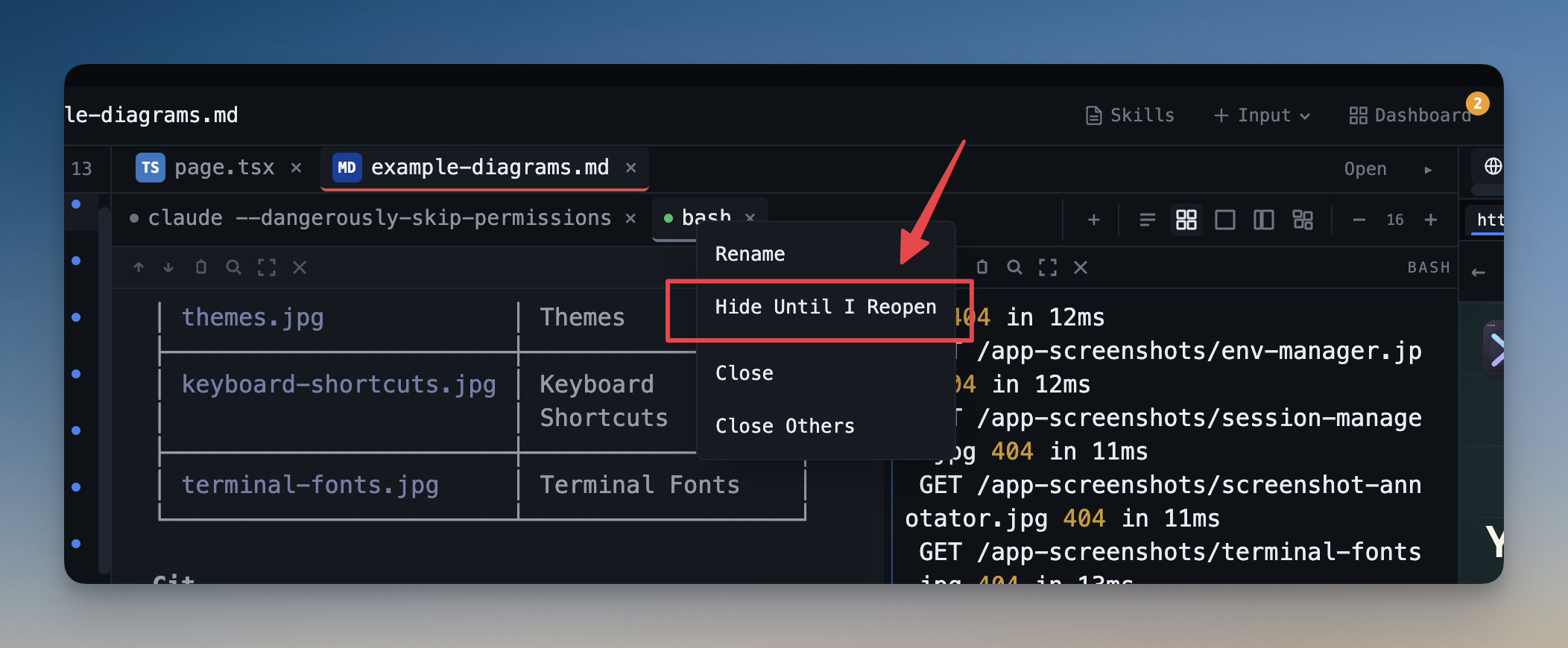
For AI-heavy workflows, prioritize Terminal Reader Mode, Session Persistence, and Hide & Restore Terminals before cosmetic features.
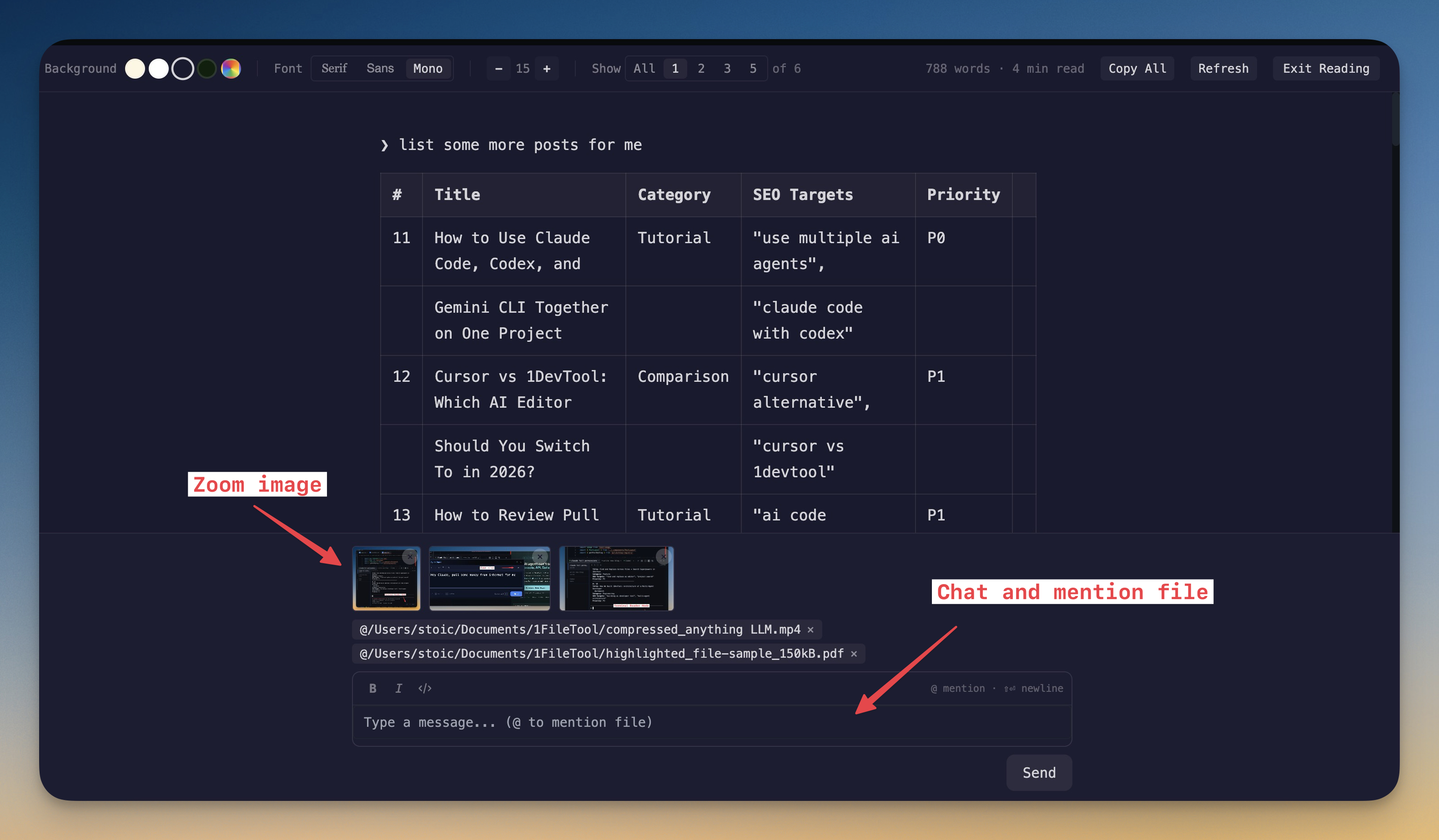
Add Keyboard Shortcuts and Terminal Fonts customization to reduce repetitive interaction overhead. Small ergonomics compound over thousands of prompts.
Practical Recommendation
If your work is primarily shell command execution, a standard terminal is enough. If your work is AI orchestration, choose an AI terminal emulator that treats context, readability, and continuity as first-class features.
This is the difference between “running an agent” and running a repeatable AI coding system.
From across the StoicSoft network
Hand-curated reads on the same topic from sister sites in the StoicSoft family.
 ServerCompass12 min read
Best VPS Control Panels for Developers in 2026
Compare the best VPS control panels for developers in 2026: CloudPanel, CyberPanel, Plesk, Webmin, and Server Compass. Features, pricing, ease of use, and which one fits your workflow.
Read on servercompass.app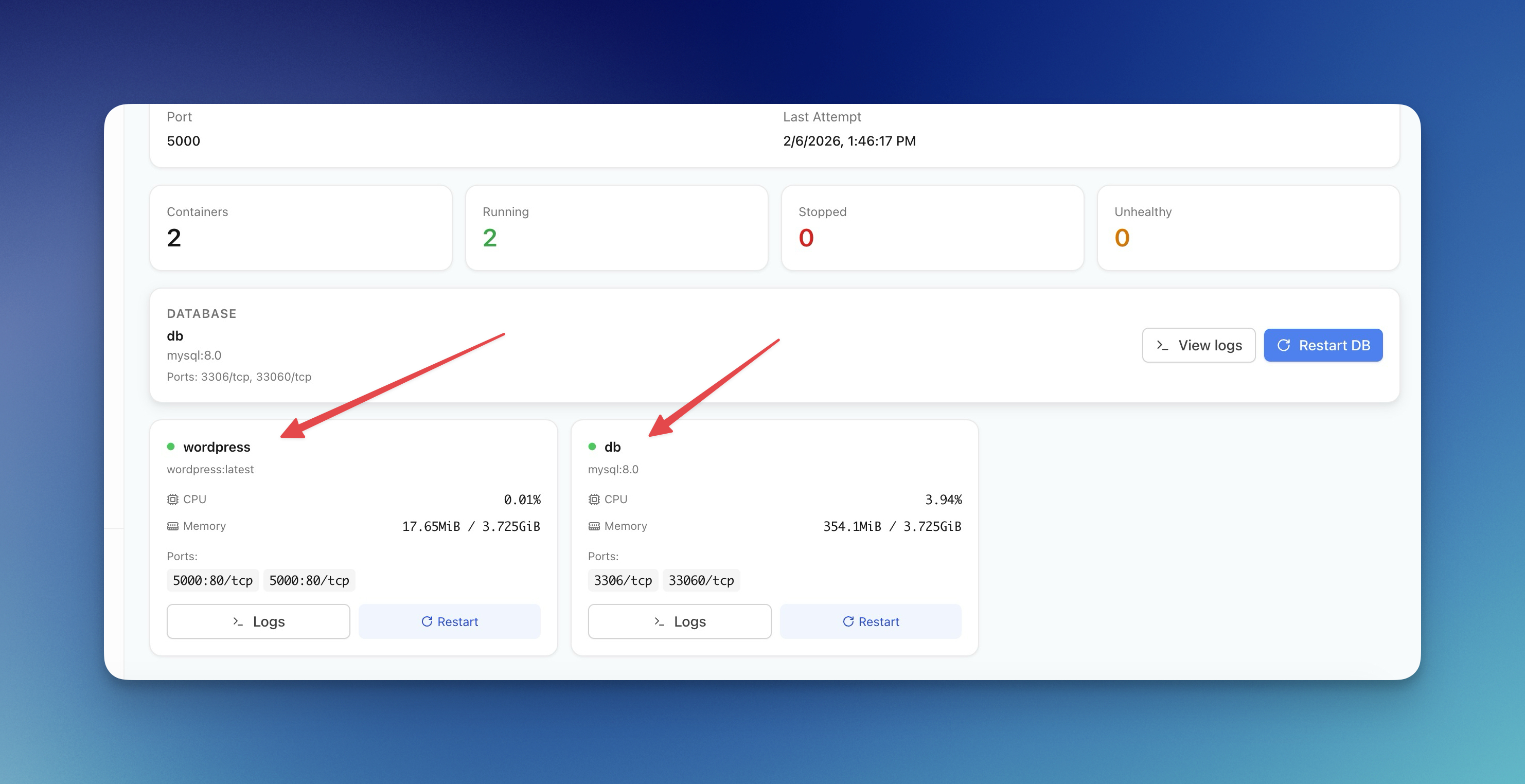 ServerCompass12 min read
Server Compass vs Vercel: Take Control of Your Infrastructure and Save Thousands
If you're reading this, chances are you've experienced that sinking feeling when opening your Vercel invoice. What started as a convenient deployment platform has become an increasingly expensive proposition as your application scales.
Read on servercompass.app ServerCompass12 min read
Coolify vs Dokploy: Which Self-Hosted PaaS Should You Use?
A detailed comparison of Coolify and Dokploy covering features, ease of use, pricing, Docker support, GitHub integration, and community. Find out which self-hosted PaaS fits your workflow in 2026.
Read on servercompass.app ServerCompass22 min read
Self-Hosted Vercel Alternative: Complete Guide (2026)
The complete guide to self-hosted Vercel alternatives. Compare Server Compass, Coolify, and CapRover. Learn how to migrate from Vercel, calculate real cost savings, and deploy with the same developer experience on your own VPS.
Read on servercompass.app