Mar 28, 2026
Database GUI Clients Compared: Built-In vs Standalone in 2026
Should you keep a separate database GUI client or use one built directly into your coding workspace? This guide compares speed, context, and query quality in real development workflows.
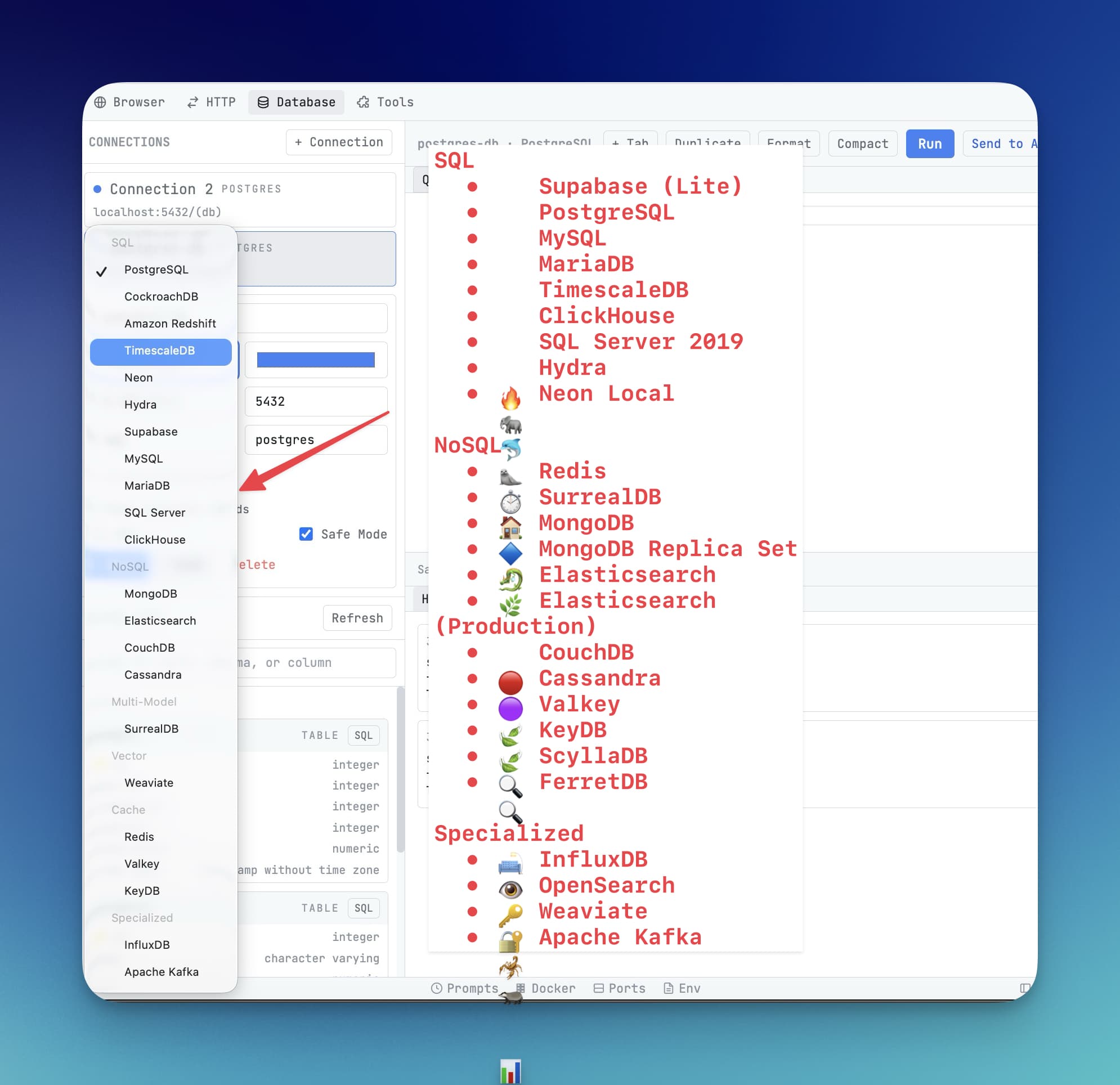
The “database GUI” decision in 2026 is no longer only about SQL features. It is about workflow adjacency: how quickly you can move from query results to code changes and back.
Standalone database apps are powerful, but built-in database tooling can be faster for daily engineering loops.
Evaluation Criteria
- Engine coverage and connection reliability.
- Query editor speed with formatting and history.
- Schema browsing depth and navigation.
- Distance between DB insight and code implementation.
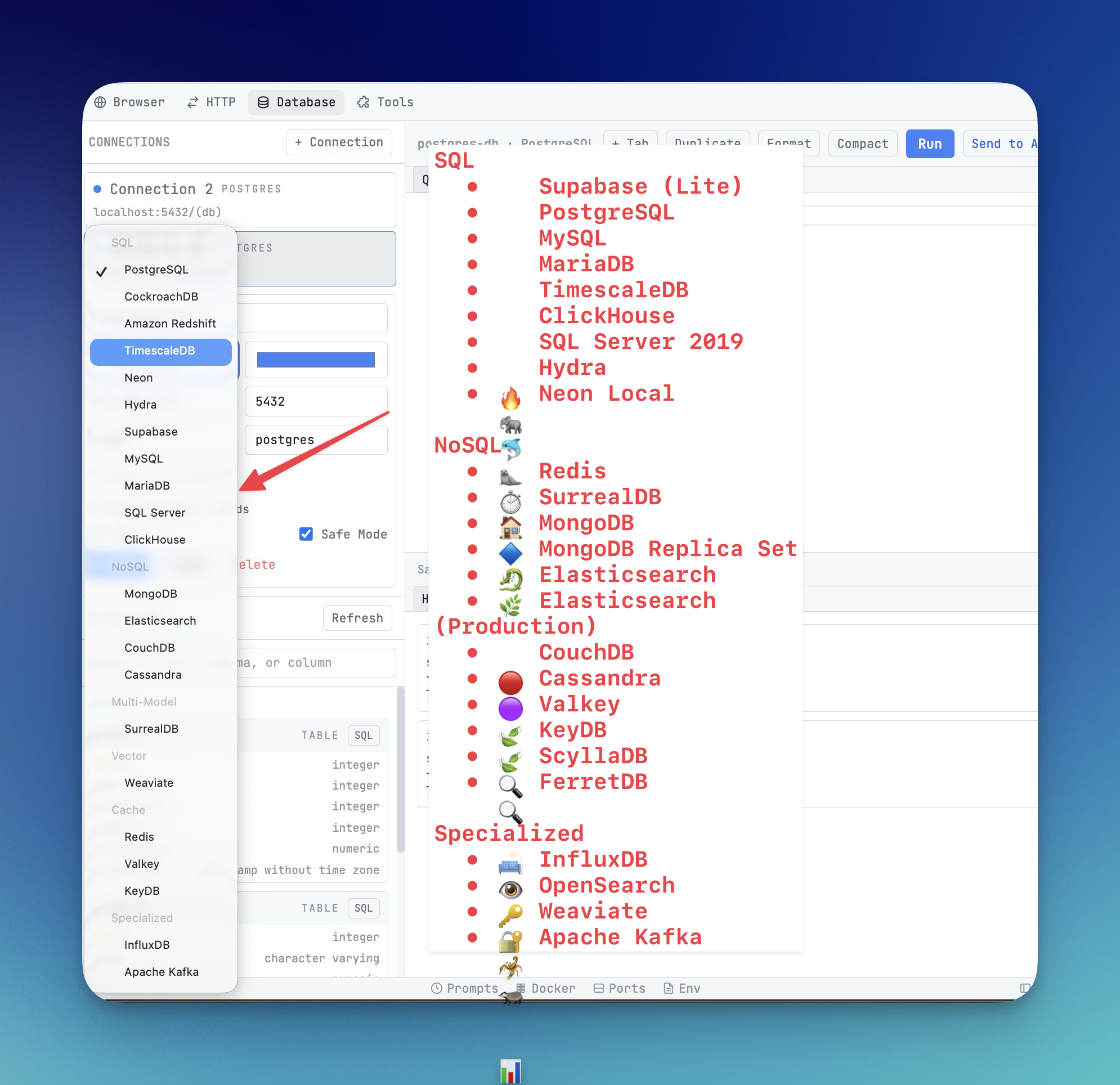
Built-In vs Standalone
Need
Standalone DB client
Built-in DB workspace
Deep administration tasks
Usually stronger
Depends on product scope
App debugging with code context
Context switching required
Direct and fast
Schema to code iteration speed
Medium
High
Toolchain complexity
Higher
Lower
Key Workflows
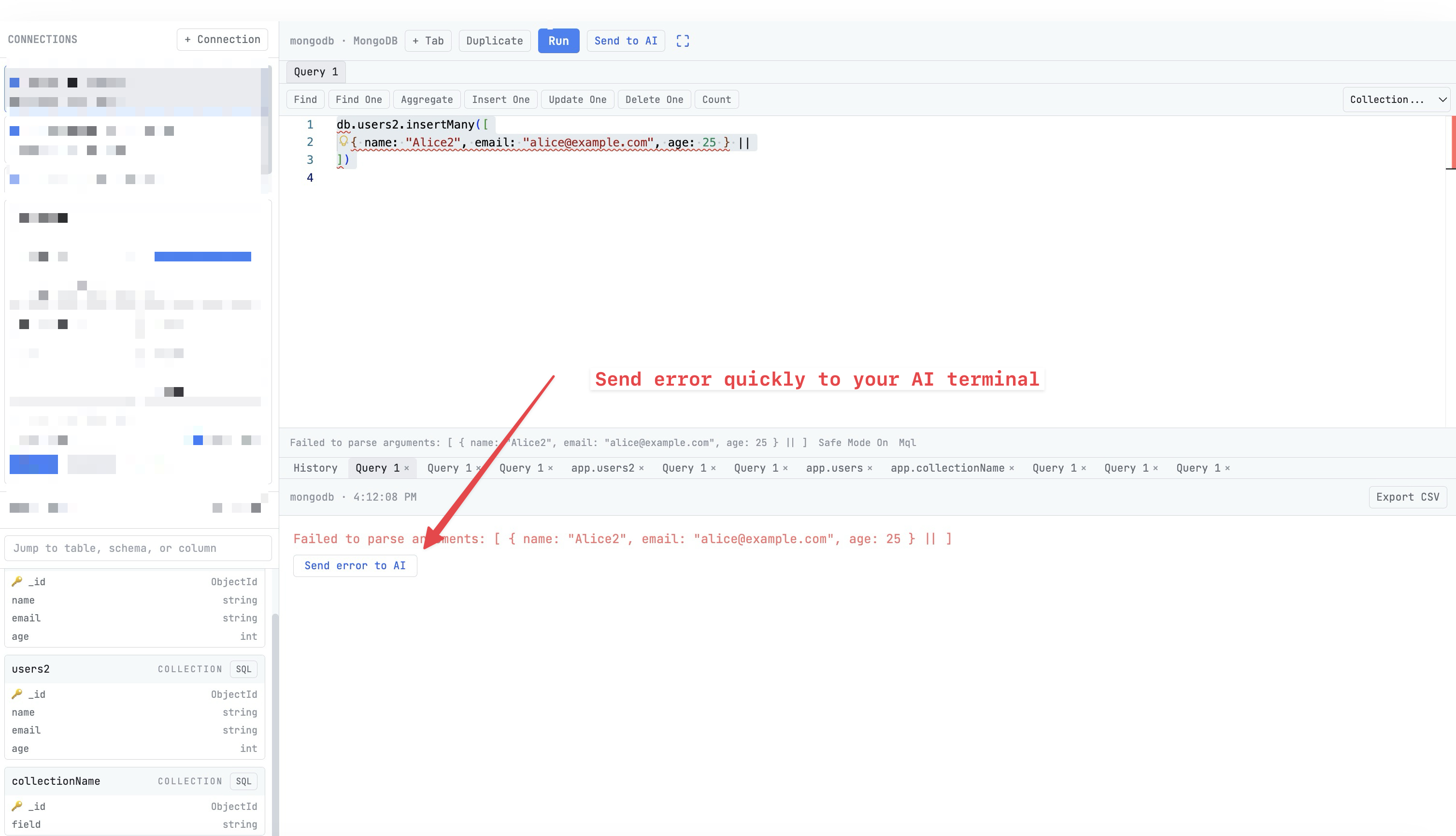
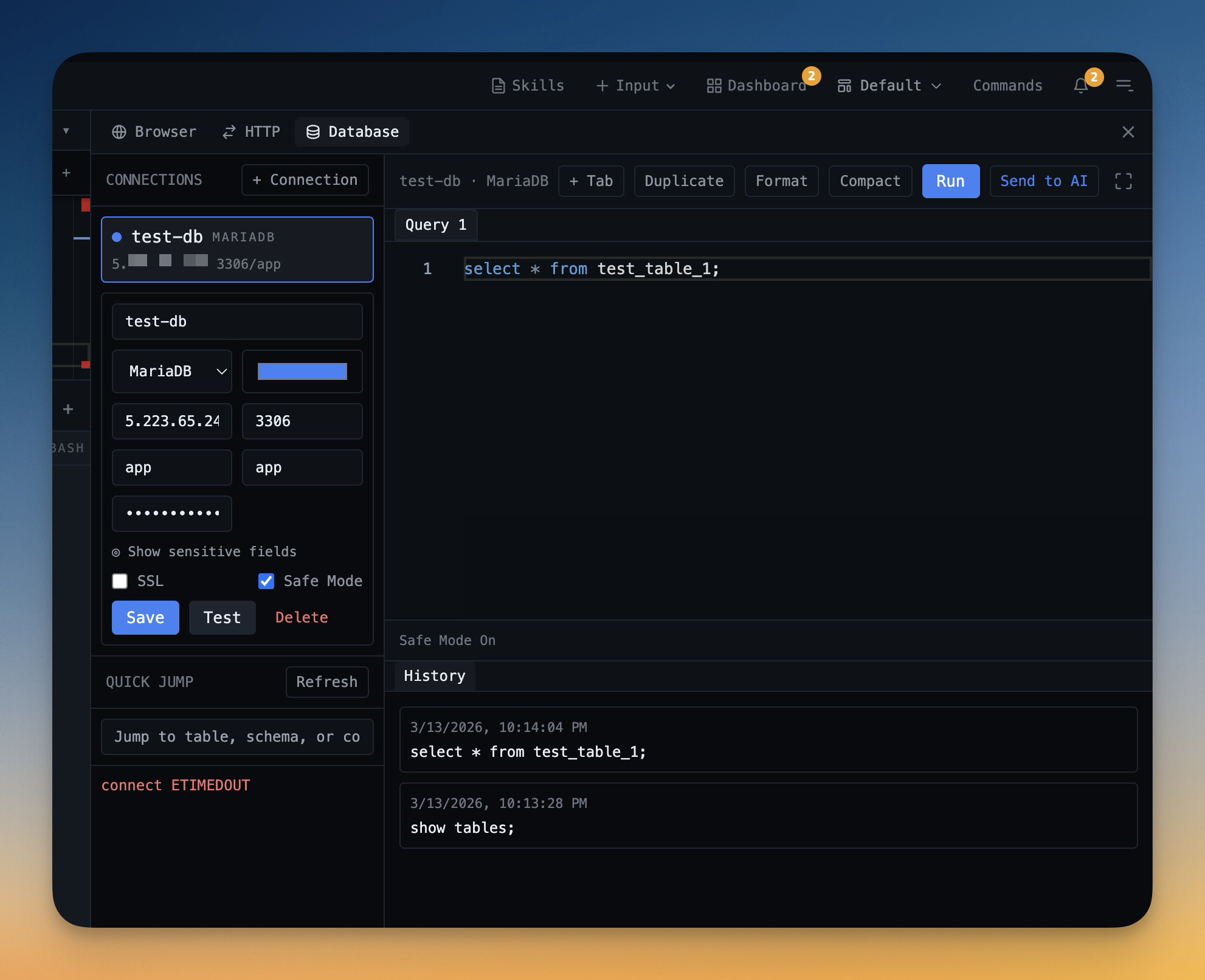
For daily development, focus on query-run-debug cycles. In 1DevTool this means Query Editor for execution and history, plus Schema Browser for object exploration.
Decision Rule
If your team does heavy administration, keep a specialized client in the stack. If your priority is delivery speed inside a coding loop, built-in tooling usually provides better flow.
From across the StoicSoft network
Hand-curated reads on the same topic from sister sites in the StoicSoft family.
 ServerCompass12 min read
Server Compass vs Vercel: Take Control of Your Infrastructure and Save Thousands
If you're reading this, chances are you've experienced that sinking feeling when opening your Vercel invoice. What started as a convenient deployment platform has become an increasingly expensive proposition as your application scales.
Read on servercompass.app ServerCompass5 min read
Browse, Query, and Back Up Your Databases Without Leaving Your Desktop
Built-in database admin panel with credentials management, one-click backup/restore, SQL query editor, and table browsing for PostgreSQL, MySQL, and MongoDB.
Read on servercompass.app ServerCompass5 min read
Never Lose Your SSH Connection Again: Auto-Recovery and Database Table Browser
Automatic SSH reconnection with retry logic, plus a database table browser with data viewer, pagination, search, and smart record creation forms.
Read on servercompass.app