Apr 4, 2026
Persistent Terminal Sessions for Coding: Complete Guide (2026)
Persistent sessions are no longer optional when AI agents run long workflows. This guide shows how to structure resilient terminal operations with restart-safe history and fast re-entry.
1DevTool Team • 9 min read
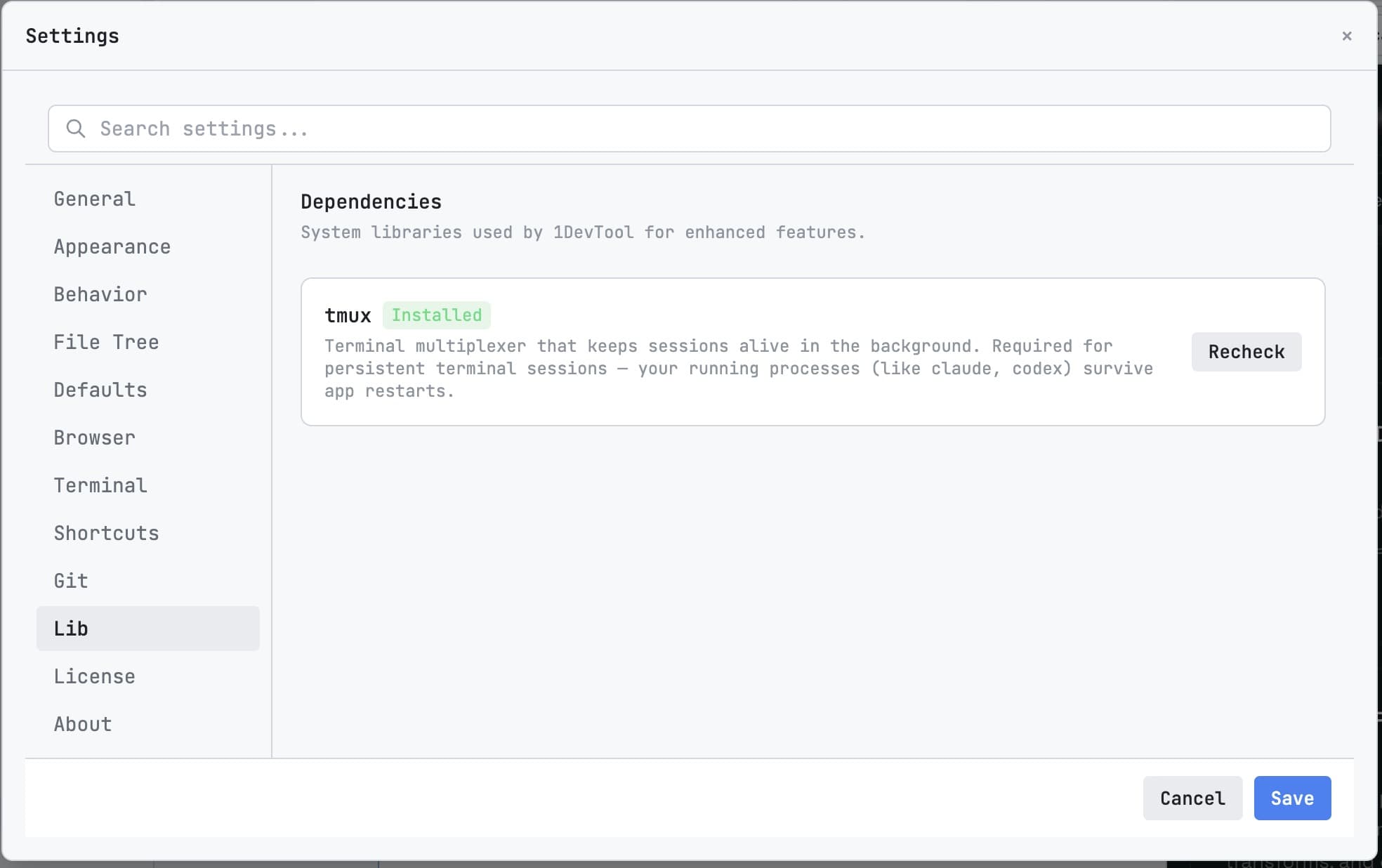
Reliable persistent terminal sessions are now a core requirement for AI coding. Agent workflows often run longer than a single workstation session, so continuity must survive restarts, sleep cycles, and handoffs between team members.
Why Persistence Matters
- AI conversations contain critical context not captured in commit messages.
- Long-running tasks should resume instead of restarting from scratch.
- Reviewers need scrollback history to validate decisions.
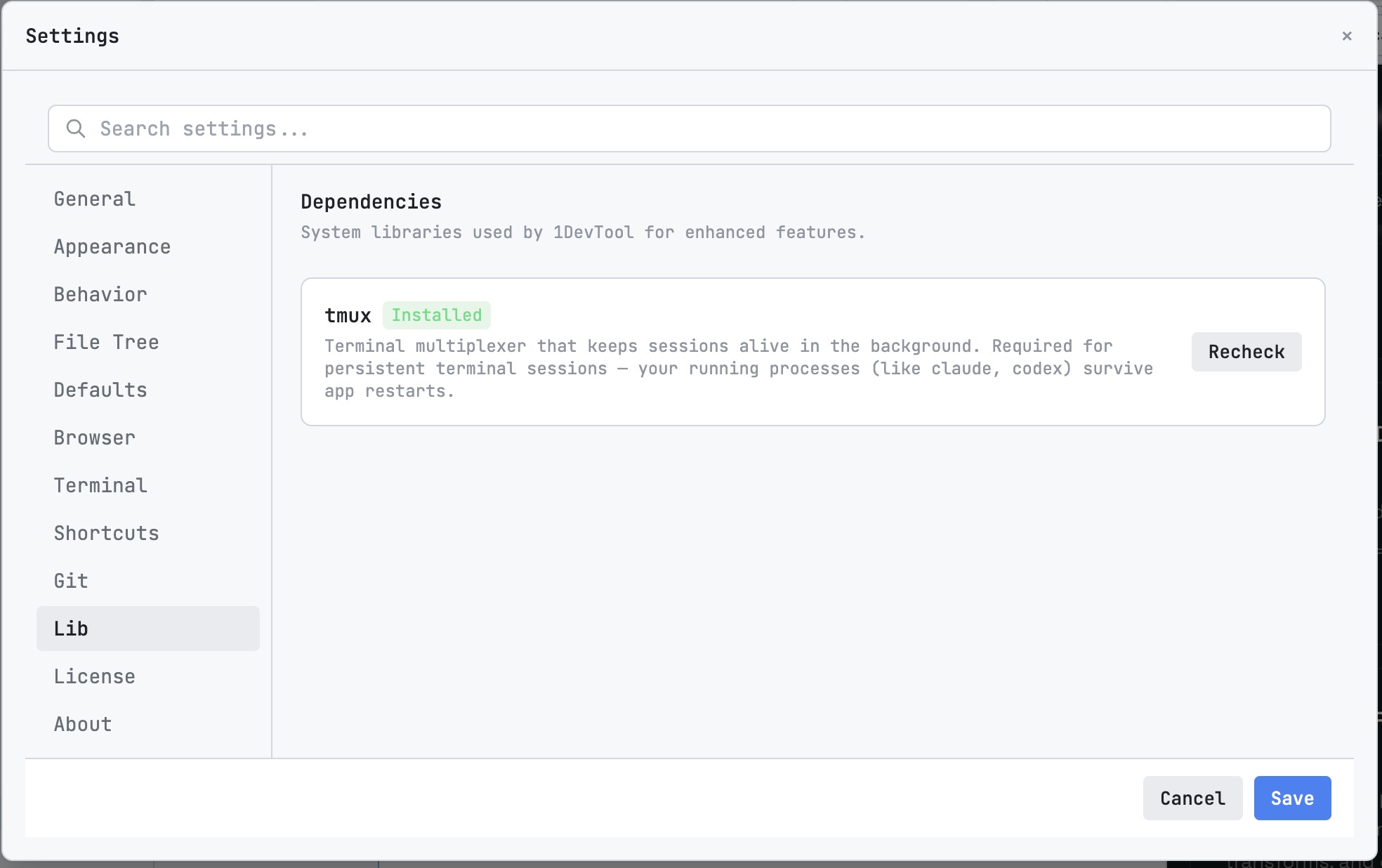
Setup Pattern
- Create role-based terminals (`planner`, `builder`, `reviewer`, `tests`).
- Enable Session Persistence for all critical lanes.
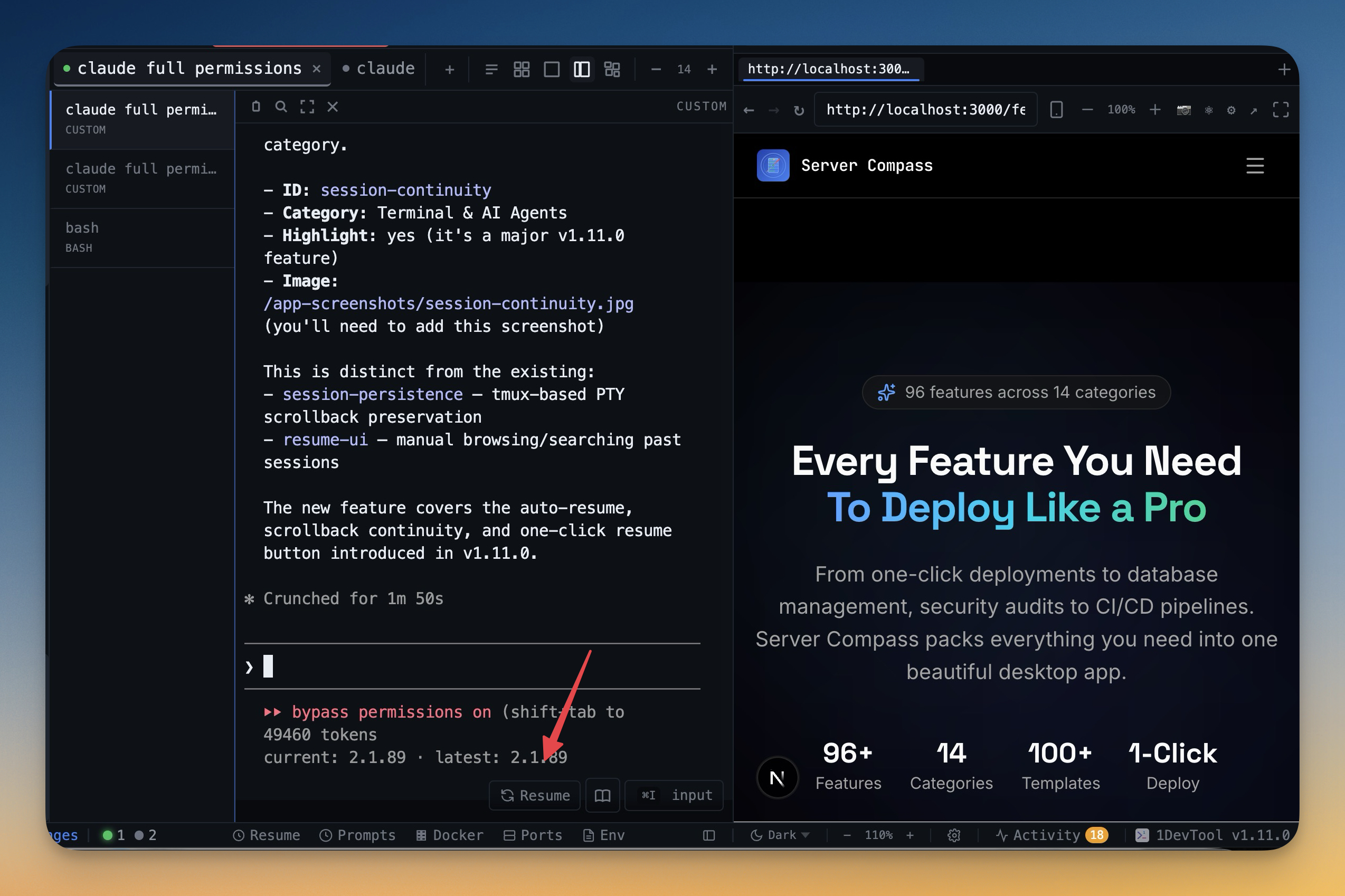
- Use Session Continuity for restart-safe re-entry.
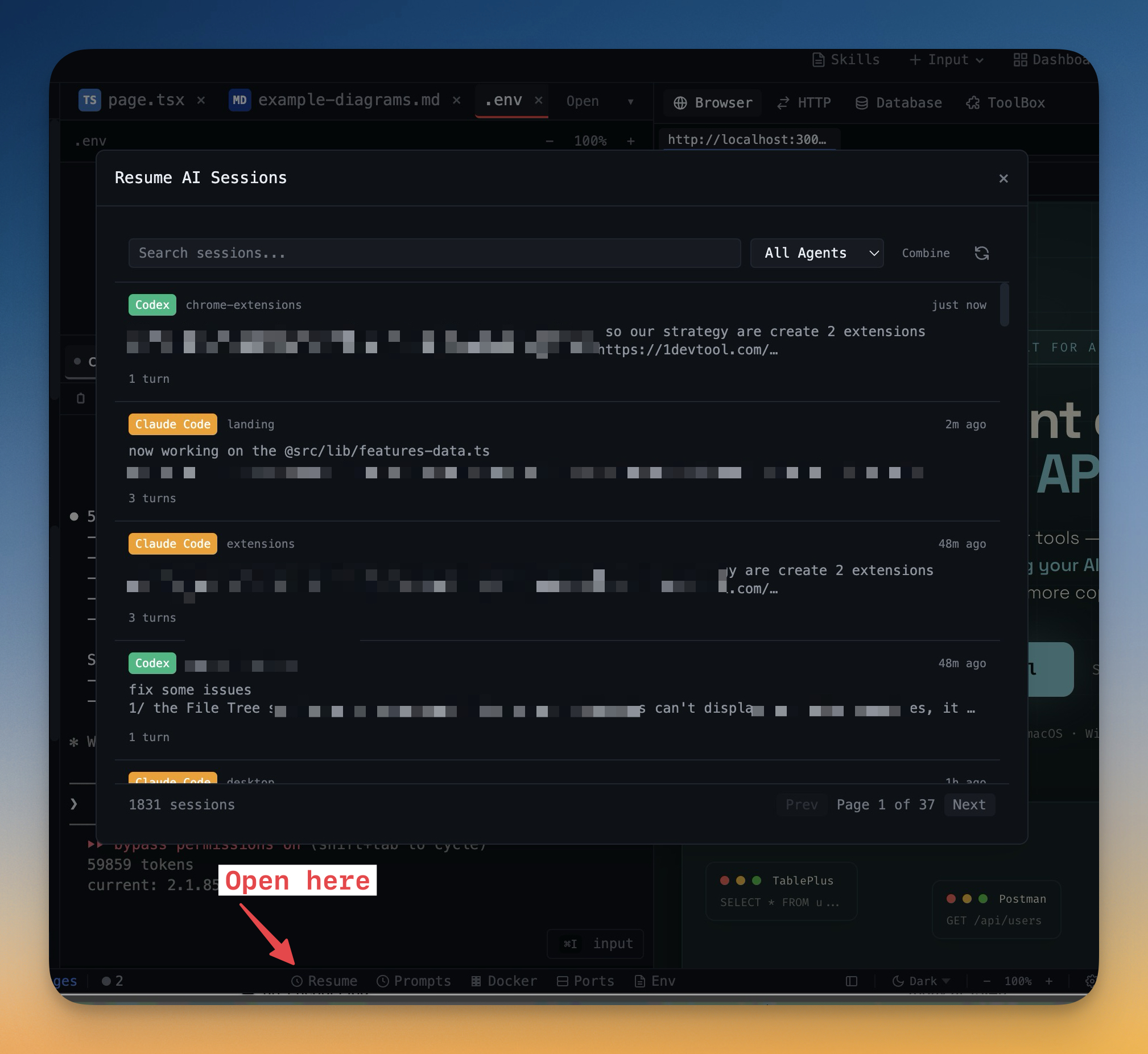
- Recover from interruption using Resume UI.
Operational Best Practices
- Keep one branch focus per persistent lane.
- Store checkpoint notes at major handoff points.
- Use activity events to identify stale sessions quickly.
Final Takeaway
Session persistence is a compounding productivity feature. Each day of saved context reduces repeat prompts, lowers errors, and shortens the path from issue to merged fix.