Apr 3, 2026
VS Code vs 1DevTool: When You Need More Than an Editor
VS Code is excellent for text editing, extensions, and debugging. But if your workflow now includes multiple AI agents, databases, API clients, and terminals, you may need a workspace-level tool instead of another extension.
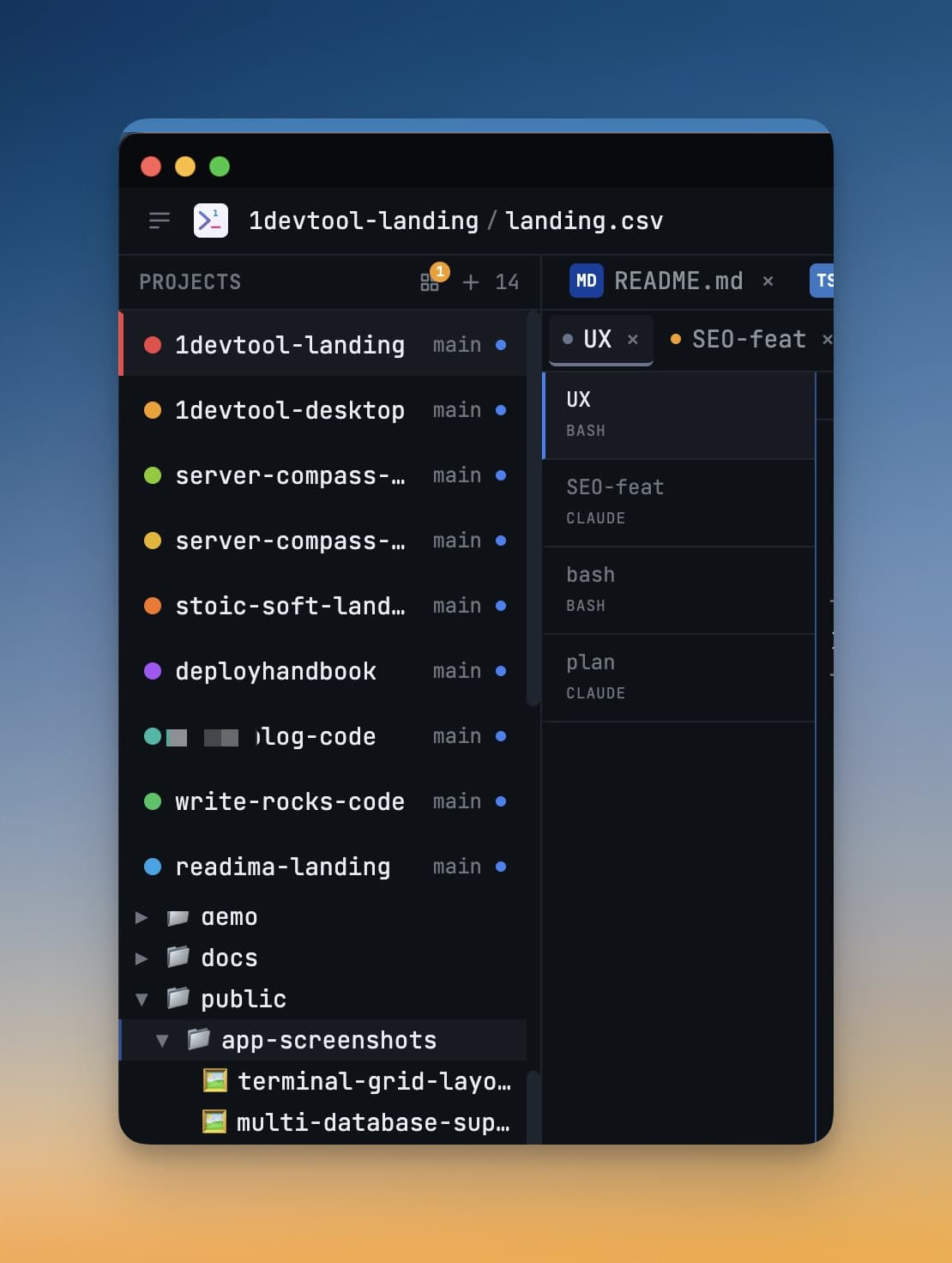
The VS Code alternative conversation is often framed as extension count versus UI polish. That misses the real shift in 2026: many developers now run multiple AI agents, not just autocomplete.
VS Code remains excellent for editing and debugging. But if your daily loop includes AI terminal orchestration, API testing, database queries, and cross-project monitoring, you may outgrow an editor-first model.
Where VS Code Is Still Excellent
- Fast editing and refactoring for local file workflows.
- Massive extension ecosystem and language coverage.
- Mature debugging, source control, and remote development support.
Where Editor-First Workflows Break
- Running several AI agents across projects creates terminal tab sprawl.
- Request testing and database checks live in separate tools.
- Operational context is fragmented across windows and desktops.
VS Code vs 1DevTool: Practical Comparison
Workflow Need
VS Code
1DevTool
File editing
Excellent
Good + integrated context tools
Multi-agent terminal management
Possible with setup
Native workspace model
API and DB workflows next to code
Extension-dependent
Built in
Cross-project operational visibility
Limited
First-class
When to Stay With VS Code
Stay with VS Code if your work is primarily single-project editing and you are happy composing your own toolchain. It is a strong default and remains one of the best coding editors.
When to Switch to a Workspace Model
Switch when your bottleneck is orchestration rather than typing speed. If you spend more time coordinating AI outputs, logs, API checks, and terminal states than writing raw code, a workspace model gives immediate ROI.
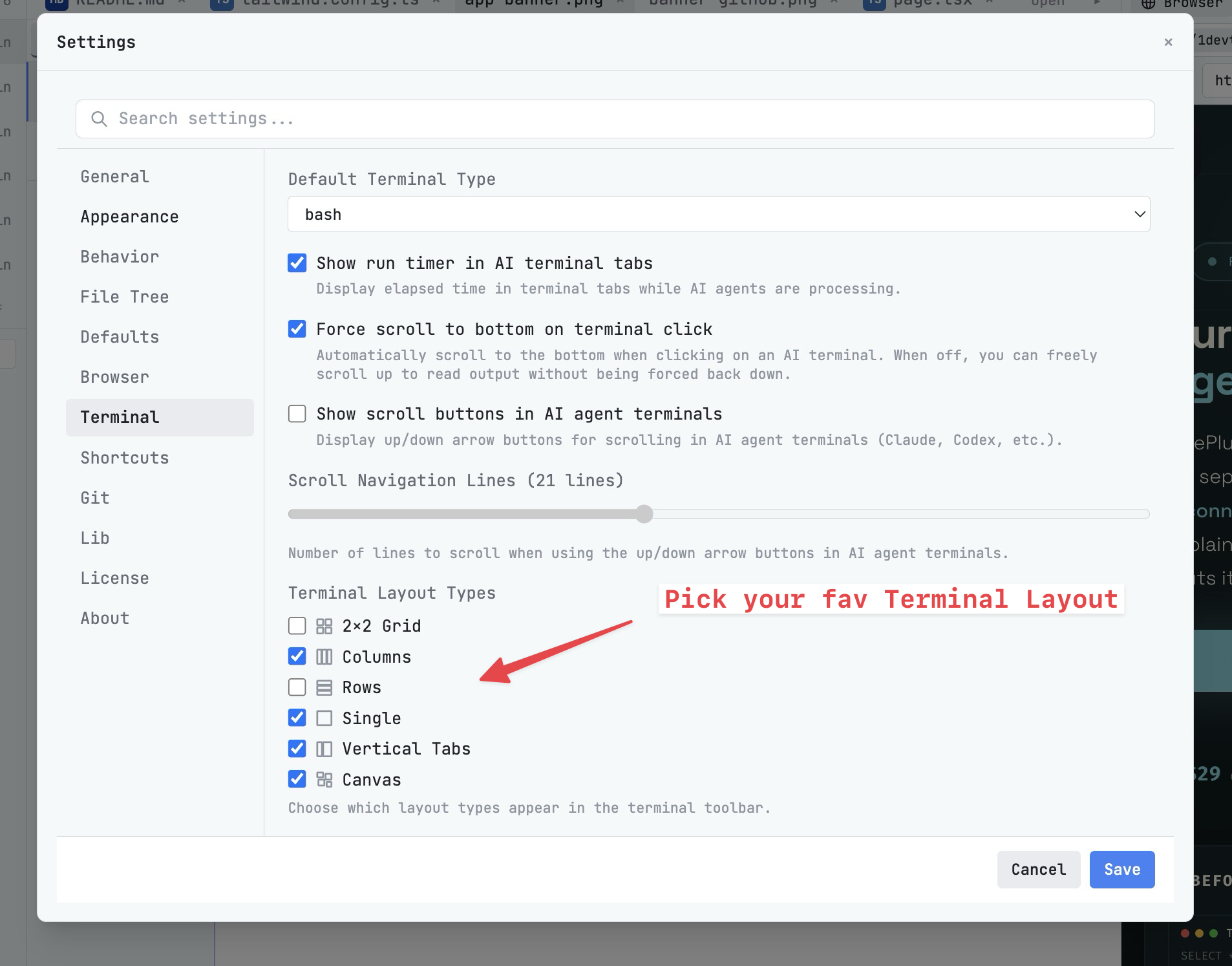
In that model, features like Multi-Agent Terminals, HTTP Request Builder, Query Editor, and flexible layouts are not nice-to-haves. They are the core product.
Bottom Line
This is not an anti-VS Code argument. It is a workflow-fit argument. Choose an editor when editing is the center. Choose a developer workspace when orchestration is the center.
If your team is entering AI-first delivery, test both side by side for one sprint and compare cycle time, bug turnaround, and context-switch count.
From across the StoicSoft network
Hand-curated reads on the same topic from sister sites in the StoicSoft family.
 ServerCompass12 min read
Server Compass vs Vercel: Take Control of Your Infrastructure and Save Thousands
If you're reading this, chances are you've experienced that sinking feeling when opening your Vercel invoice. What started as a convenient deployment platform has become an increasingly expensive proposition as your application scales.
Read on servercompass.app ServerCompass12 min read
Best VPS Control Panels for Developers in 2026
Compare the best VPS control panels for developers in 2026: CloudPanel, CyberPanel, Plesk, Webmin, and Server Compass. Features, pricing, ease of use, and which one fits your workflow.
Read on servercompass.app ServerCompass12 min read
Coolify vs Dokploy: Which Self-Hosted PaaS Should You Use?
A detailed comparison of Coolify and Dokploy covering features, ease of use, pricing, Docker support, GitHub integration, and community. Find out which self-hosted PaaS fits your workflow in 2026.
Read on servercompass.app