Apr 4, 2026
Best Postman Alternative for Developers in 2026
If your API workflow lives in one app and your debugging context lives in another, you are paying a context-switch tax. Compare Postman alternatives and see how a workspace-native HTTP client changes API development speed.
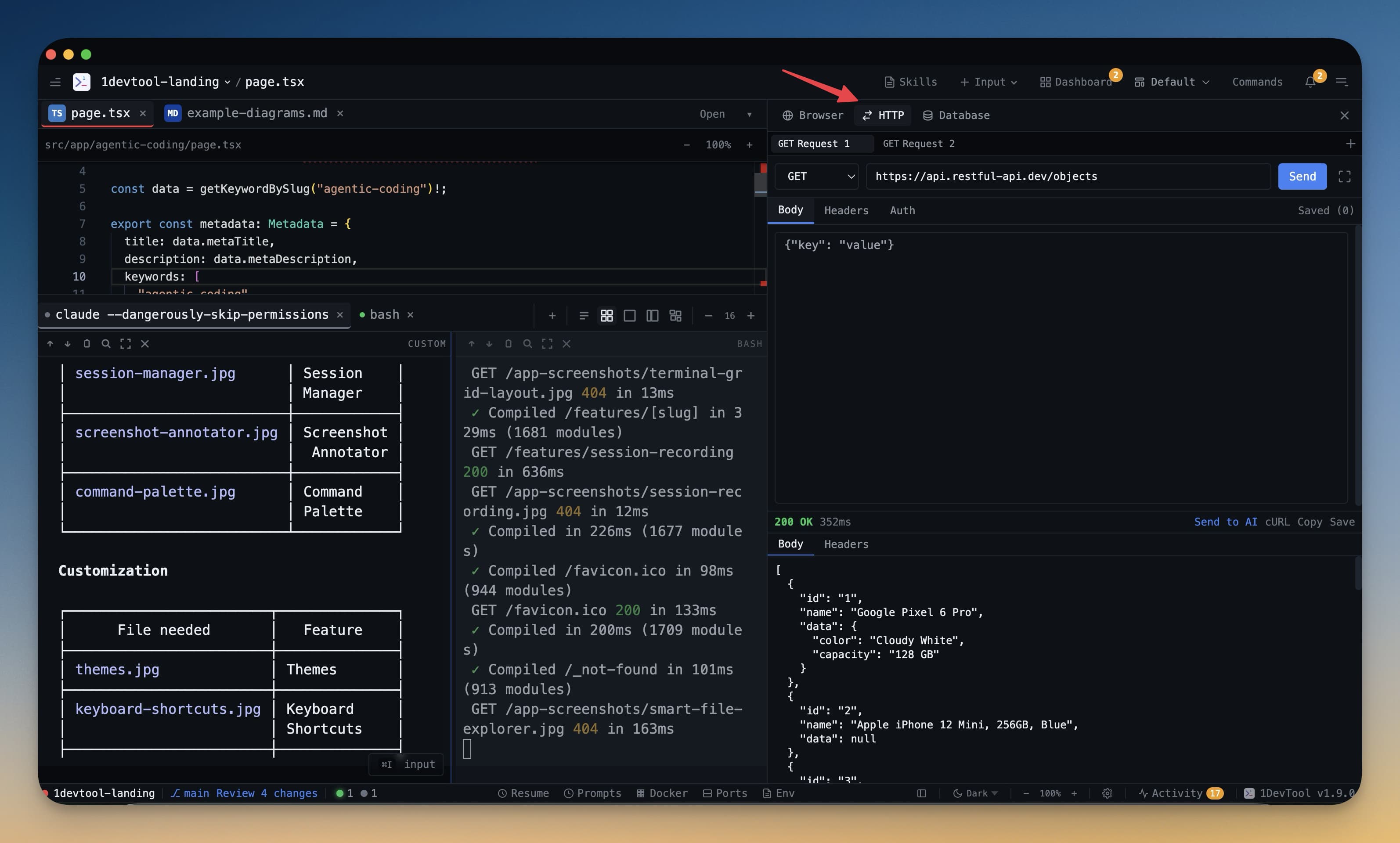
Searching for the best Postman alternative usually means one thing: your API testing workflow is split across too many tools. Requests are in one app, logs are in another, and code changes are in your editor.
The core issue is not request syntax. It is context switching. Every switch from request builder to terminal to editor adds delay and drops debugging context.
What Developers Actually Need From an API Client
- Fast request construction with reusable headers, auth, and environments.
- Response visibility that highlights status, headers, payload, and timings.
- Direct links to source files, logs, and local services while debugging.
- A workflow that stays in the same workspace as coding and testing.
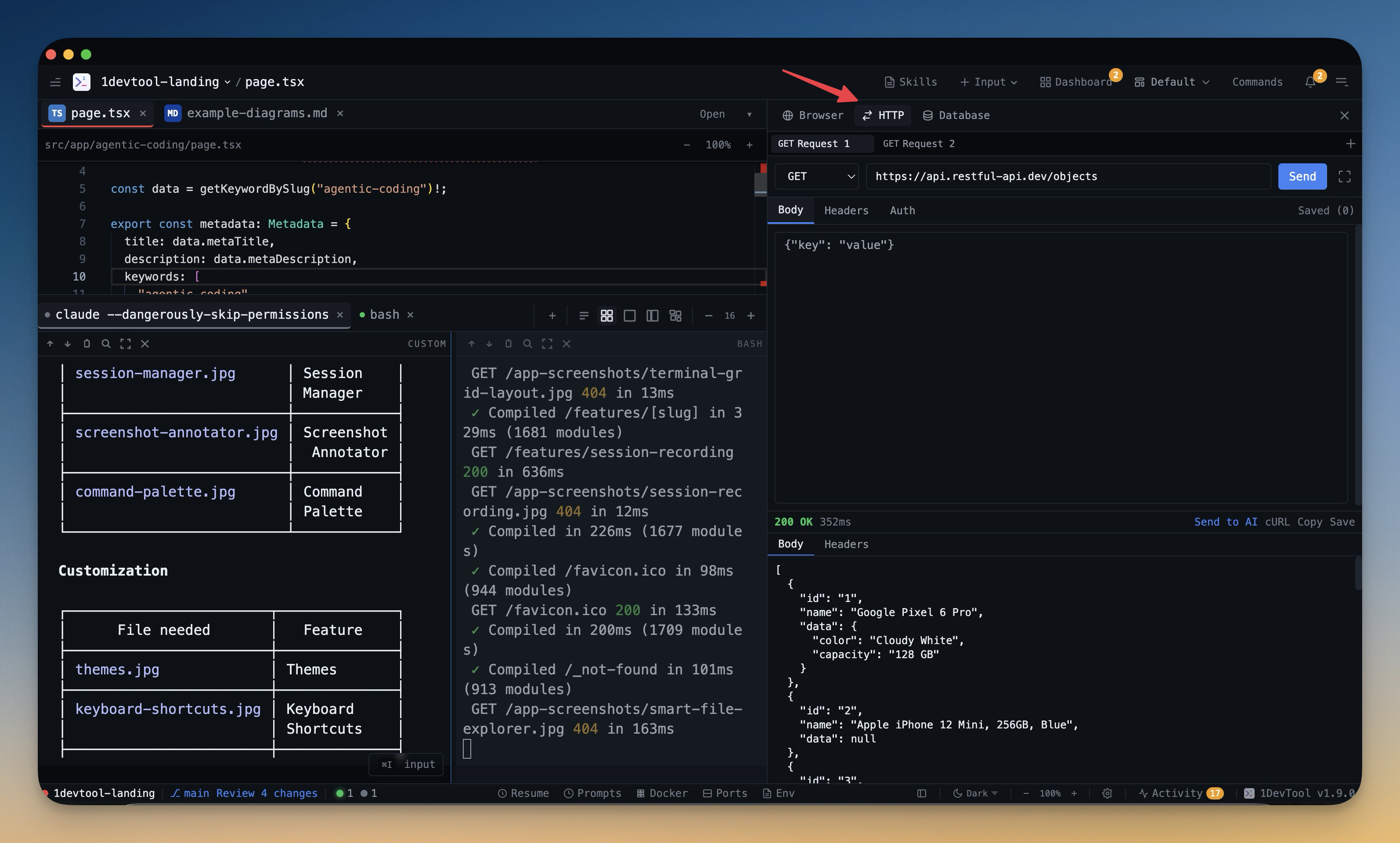
Postman vs Workspace-Native HTTP Client
Capability
Standalone API app
Workspace-native API client
Request building speed
Good
Good
Jump to code and terminal context
Manual
Direct and immediate
Share debugging artifacts with AI agents
Copy-paste workflow
Built-in context transfer
End-to-end flow (build, test, fix, retest)
Multi-app
Single workspace
Three Features That Matter Most
1. Request Builder
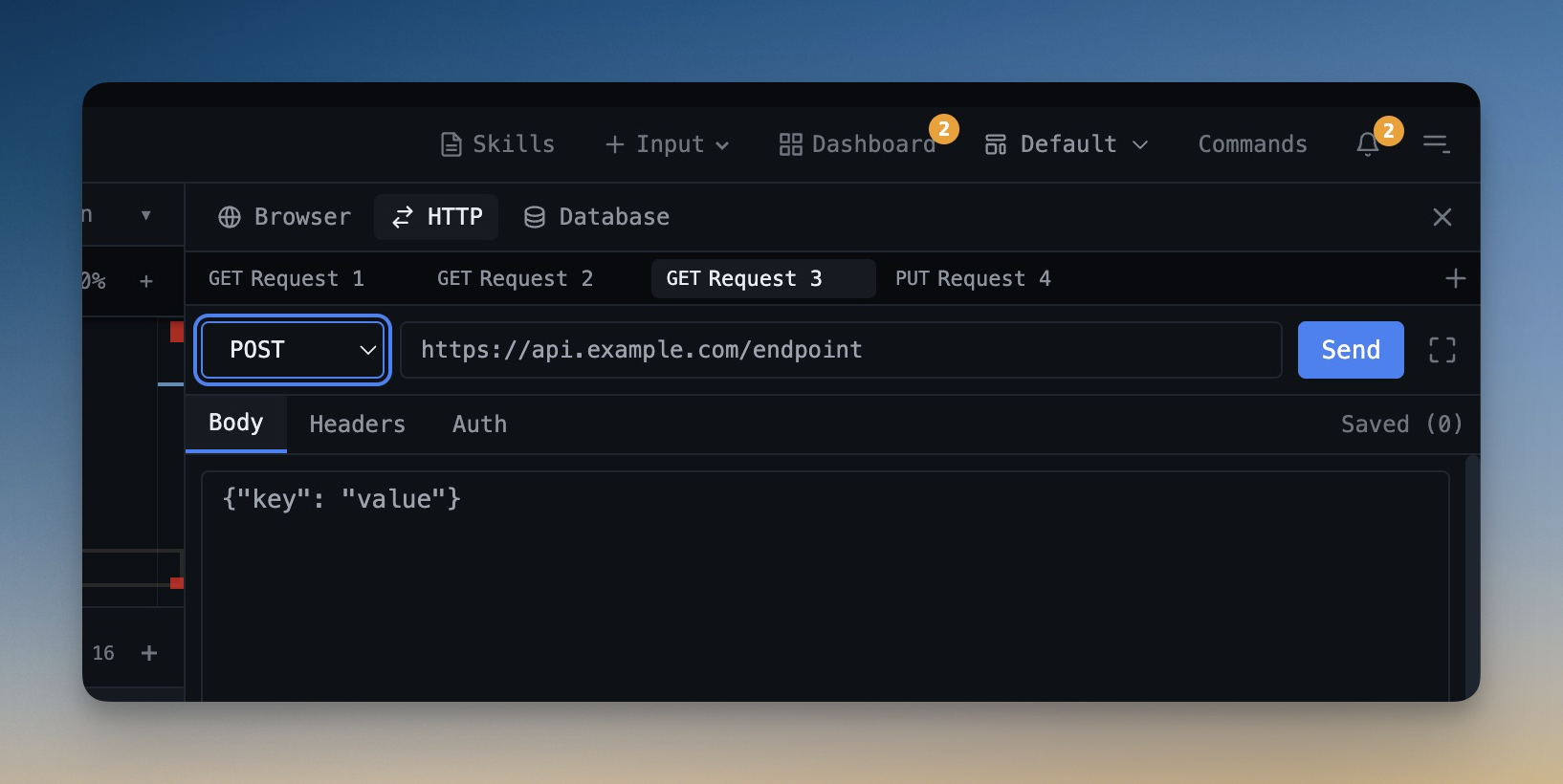
A strong Request Builder should support fast method switching, environment values, and structured body editing without hiding raw control.
2. Response Inspection
The Response Inspector should make failures obvious: status code patterns, response timings, JSON formatting, and error payload readability.
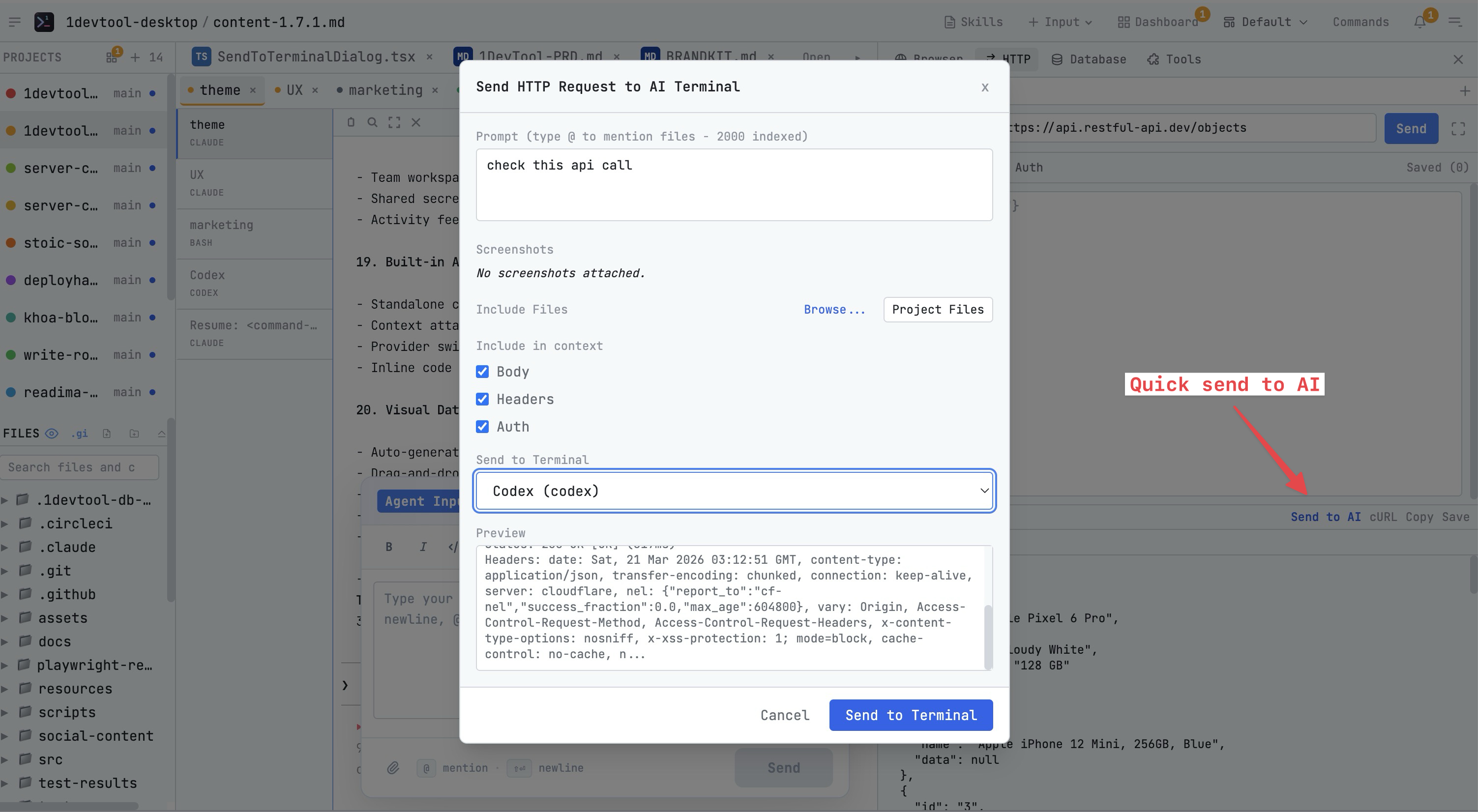
3. Request Workspace Organization
When APIs scale, structure matters. A dedicated Request Workspace lets teams group endpoints by service and keep local debug requests separate from production-safe collections.
Decision Framework
Choose a Postman alternative based on your bottleneck:
- If request authoring is slow, optimize builder UX and environments.
- If bug triage is slow, prioritize response diagnostics and log adjacency.
- If iteration is slow, prioritize one-workspace integration with code and terminals.
For teams running AI-assisted development, the third point usually wins. The fastest API client is the one that stays next to your editor, terminal, and agents.
You can test this workflow in practice with 1DevTool, which combines API testing, coding, and terminal orchestration in one desktop workspace.
From across the StoicSoft network
Hand-curated reads on the same topic from sister sites in the StoicSoft family.
 ServerCompass12 min read
Best VPS Control Panels for Developers in 2026
Compare the best VPS control panels for developers in 2026: CloudPanel, CyberPanel, Plesk, Webmin, and Server Compass. Features, pricing, ease of use, and which one fits your workflow.
Read on servercompass.app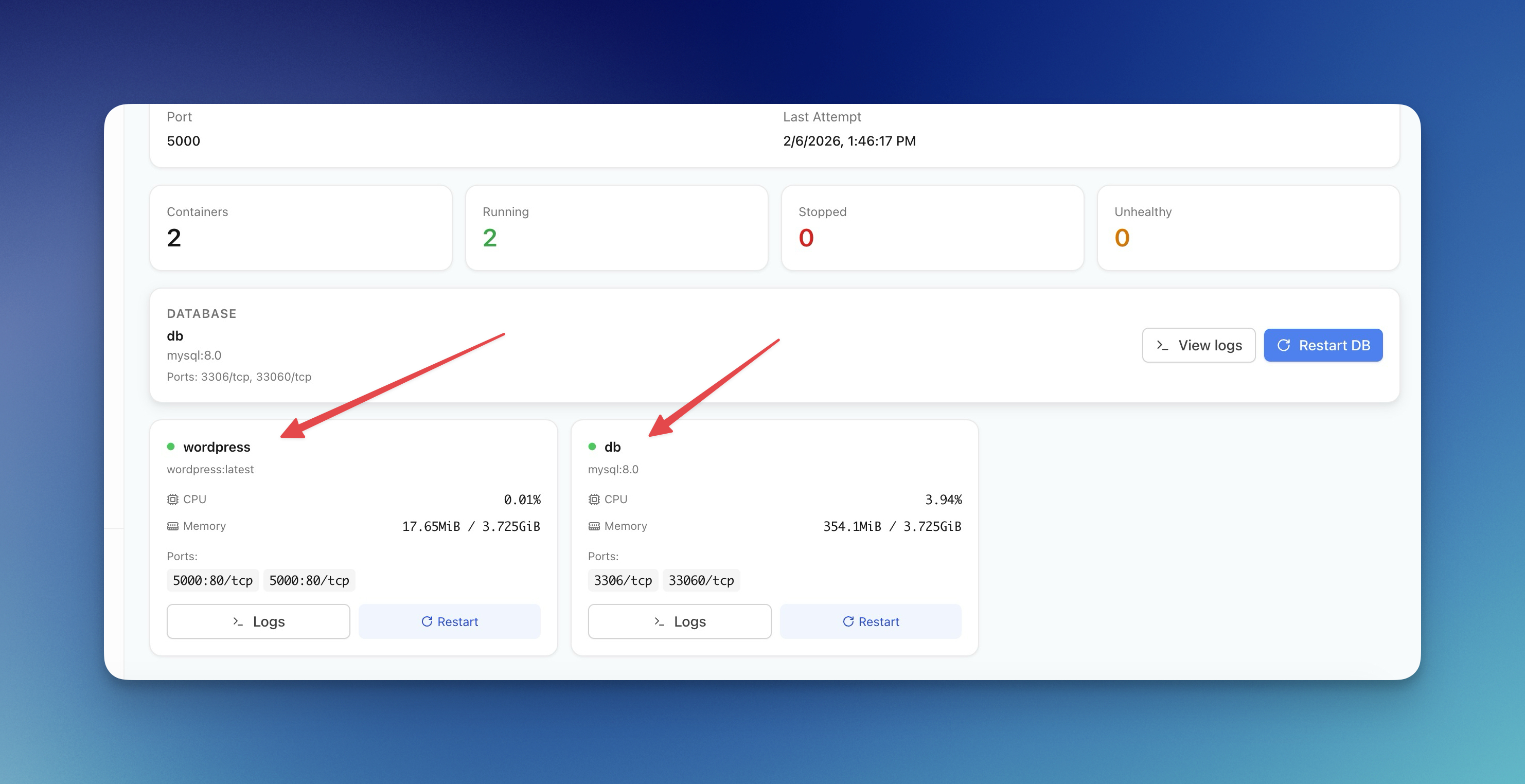 ServerCompass12 min read
Server Compass vs Vercel: Take Control of Your Infrastructure and Save Thousands
If you're reading this, chances are you've experienced that sinking feeling when opening your Vercel invoice. What started as a convenient deployment platform has become an increasingly expensive proposition as your application scales.
Read on servercompass.app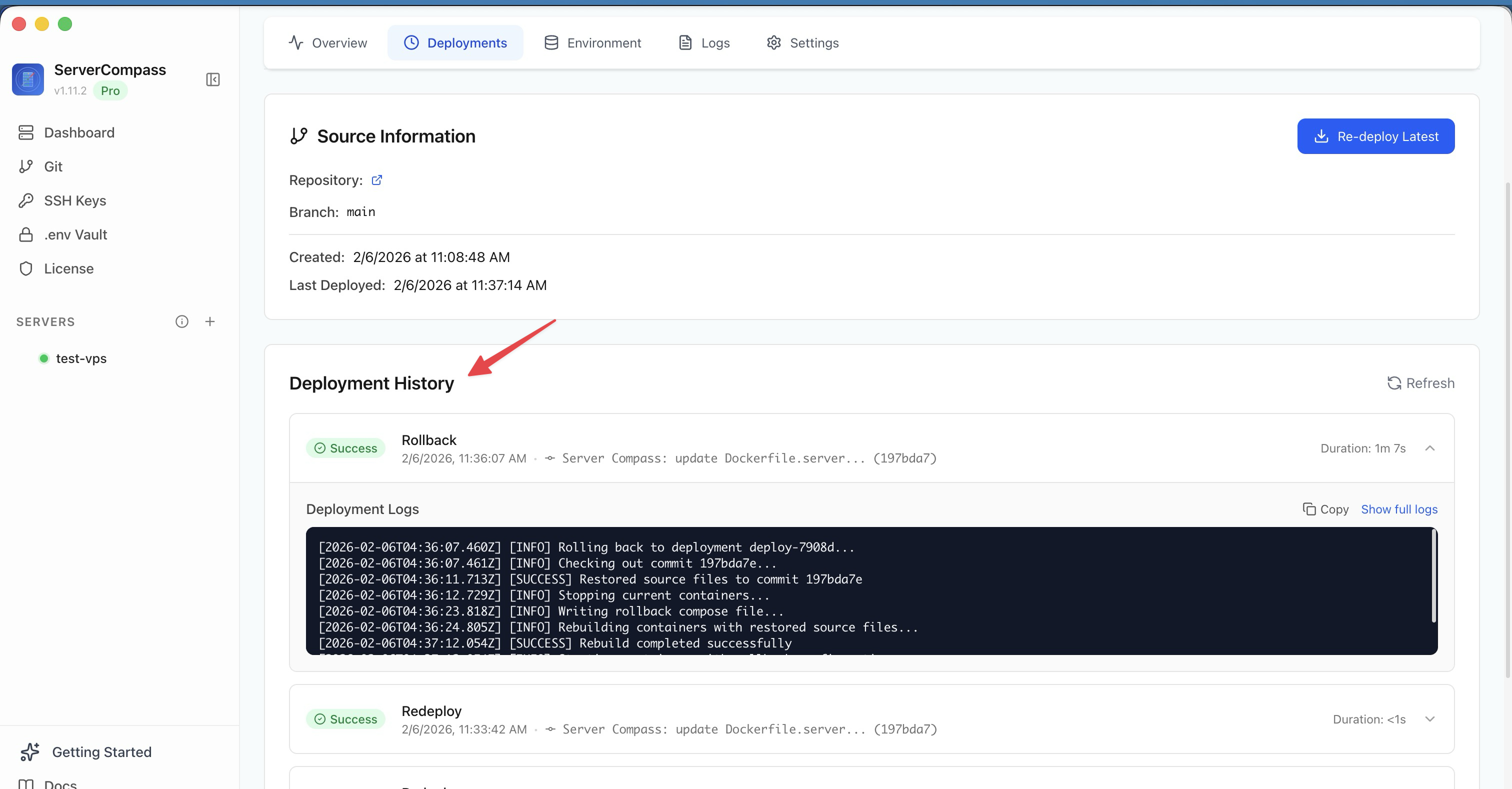 ServerCompass22 min read
Self-Hosted Vercel Alternative: Complete Guide (2026)
The complete guide to self-hosted Vercel alternatives. Compare Server Compass, Coolify, and CapRover. Learn how to migrate from Vercel, calculate real cost savings, and deploy with the same developer experience on your own VPS.
Read on servercompass.app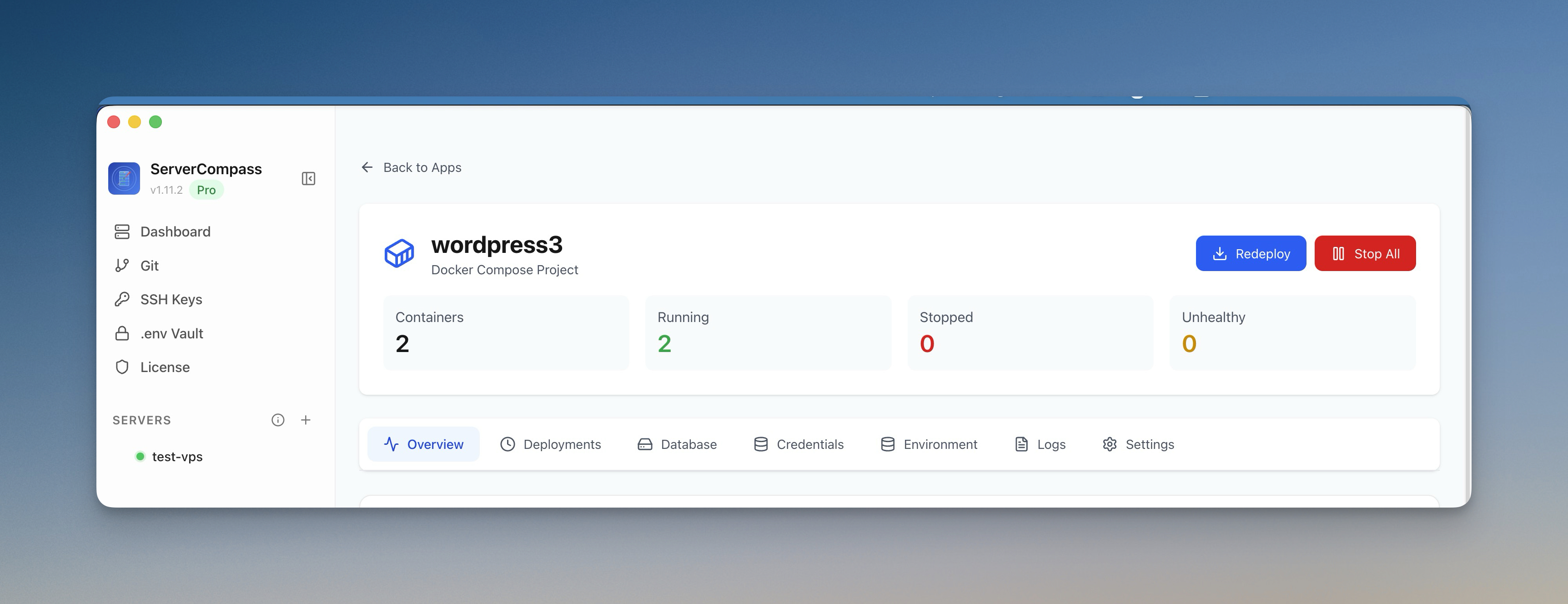 ServerCompass12 min read
Coolify vs Dokploy: Which Self-Hosted PaaS Should You Use?
A detailed comparison of Coolify and Dokploy covering features, ease of use, pricing, Docker support, GitHub integration, and community. Find out which self-hosted PaaS fits your workflow in 2026.
Read on servercompass.app