Request Tabs & Collections
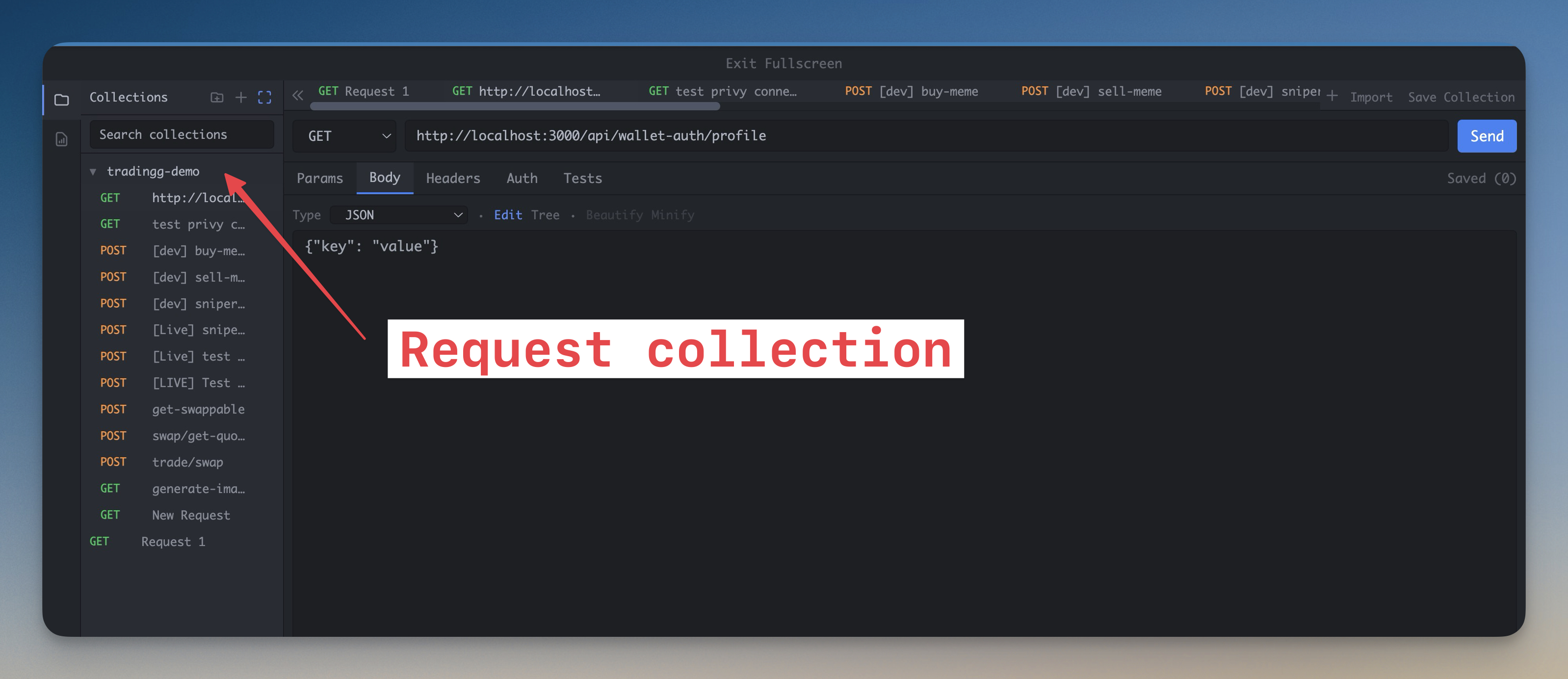
Organize API work in nested collections with folder trees, saved tabs, request history, and reusable environments.
More Screenshots
Click any image to zoom in
Why You Need This
How this feature boosts your daily productivity
Real API development is not one request. It is a repeatable loop of login flows, webhooks, admin endpoints, staging URLs, and production-safe checks. A flat request list collapses under that weight. Request Tabs & Collections give you a real tree sidebar for grouping requests by service or feature, plus per-workspace history and environment-aware values so you can switch contexts without rebuilding each request from scratch.
How It Works
Get started in 4 simple steps
Create Collections
Group requests into nested collections and folders that mirror your services, features, or environments.
Reuse Environments
Switch between Local, Staging, and Production values through reusable variables instead of editing every request by hand.
Keep Parallel Requests Open
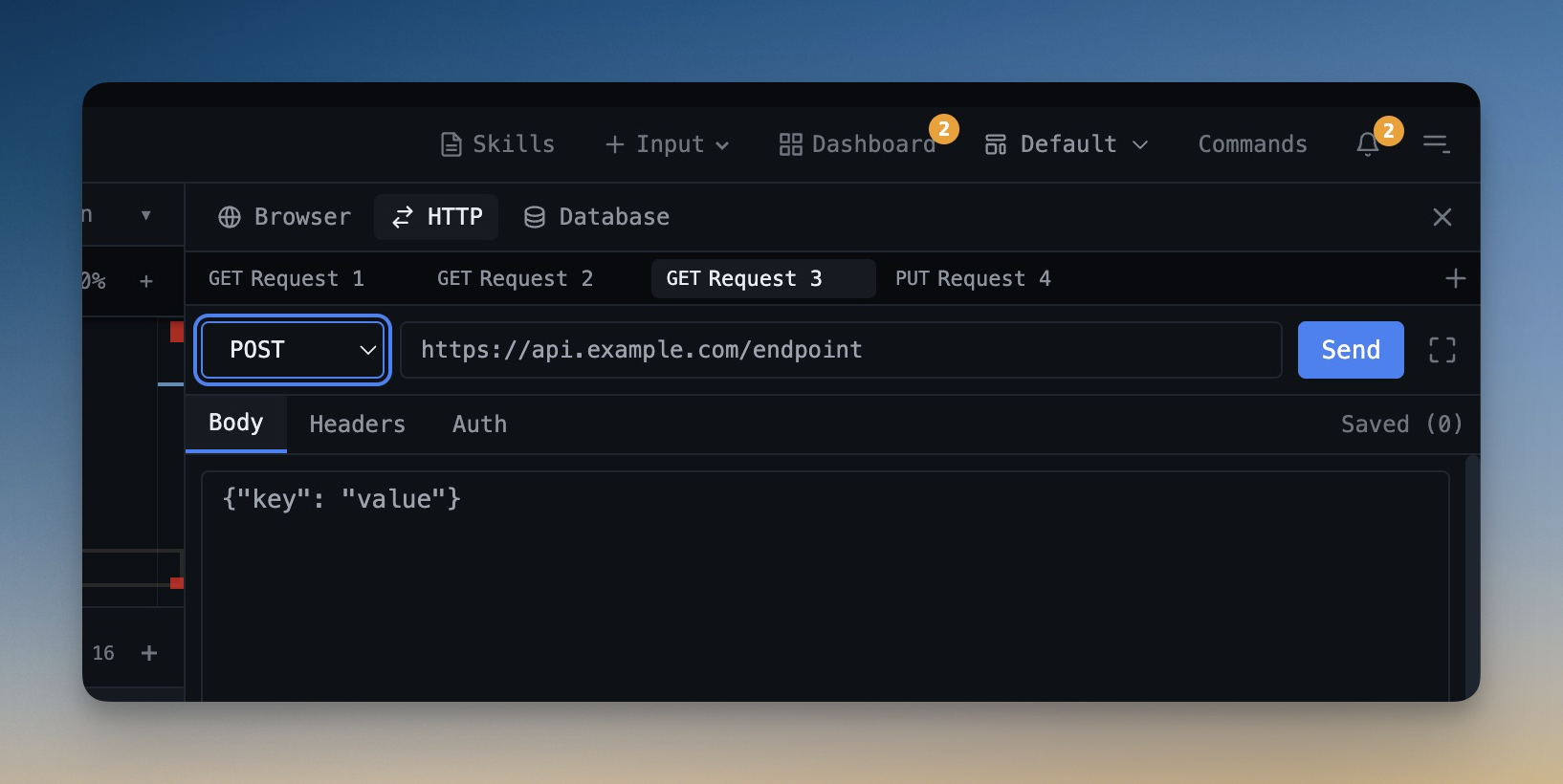
Use tabs and history together so you can compare or retry multiple requests without losing your place.
Iterate Faster
Stay in the same workspace while you test, inspect, fix code, and resend requests.
Without 1DevTool
The manual way vs. the 1DevTool way
The Hard Way
The 1DevTool Way
Key Capabilities
Everything included with Request Tabs & Collections
Why It Matters
The productivity impact of having http client built into your workspace
Built for Real API Scale
Collections and folders let your request library grow beyond a flat scratchpad.
Environment Changes Stop Hurting
Reusable variables keep Local, Staging, and Production aligned without editing the same request repeatedly.
Faster Debug Loops
History, tabs, and collections make it easy to resend, compare, and refine requests while you code.
No API Client App Switching
Your request organization now lives next to your terminal output and source code.
More in HTTP Client
Other features in this category you might find useful
API Request Builder
Full Postman-like request builder with method selector, custom headers, body editor, and auth support.
Response Inspector
Inspect formatted JSON, headers, status codes, latency, and response structure with a readable tree viewer.
Postman, Insomnia & Bruno Import/Export
Bring existing API collections into 1DevTool and export them back out without rebuilding your request library.
Click-to-Open HTTP Collections
Click a Postman v2.1, Insomnia v4, or Bruno collection in the file explorer and every request opens in the HTTP client immediately — no import dialog, no format picker, no copy-paste. Folder hierarchies and environment files are preserved, and re-clicking an already-imported file fast-jumps to that request instead of re-importing.
Ready to boost your workflow?
Download 1DevTool for free and experience Request Tabs & Collections along with 305 other features — all in one app.