Mar 31, 2026
Self-Hosted AI Coding Assistant Workflow: Practical Setup Guide
A self-hosted AI coding workflow needs more than model hosting. You need environment control, connector governance, and reproducible operations. This guide covers the practical stack.
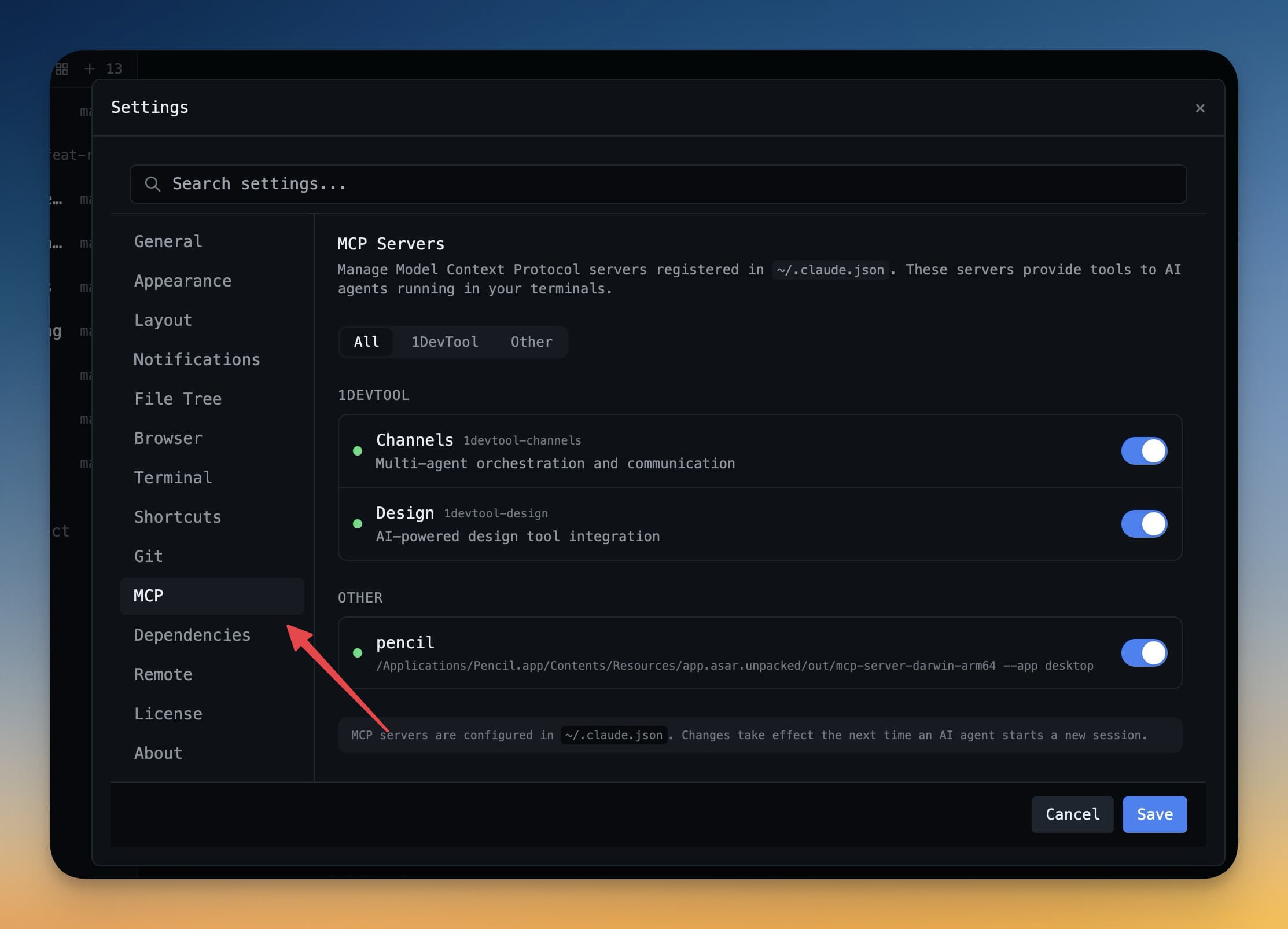
A self-hosted AI coding assistant setup is not only about where models run. It is about operational control: environment integrity, connector governance, and reproducible workflows.
Core Design Goals
- Keep sensitive code and credentials inside controlled boundaries.
- Enforce predictable environment variables per project.
- Audit which external tools/connectors agents can call.
Practical Stack
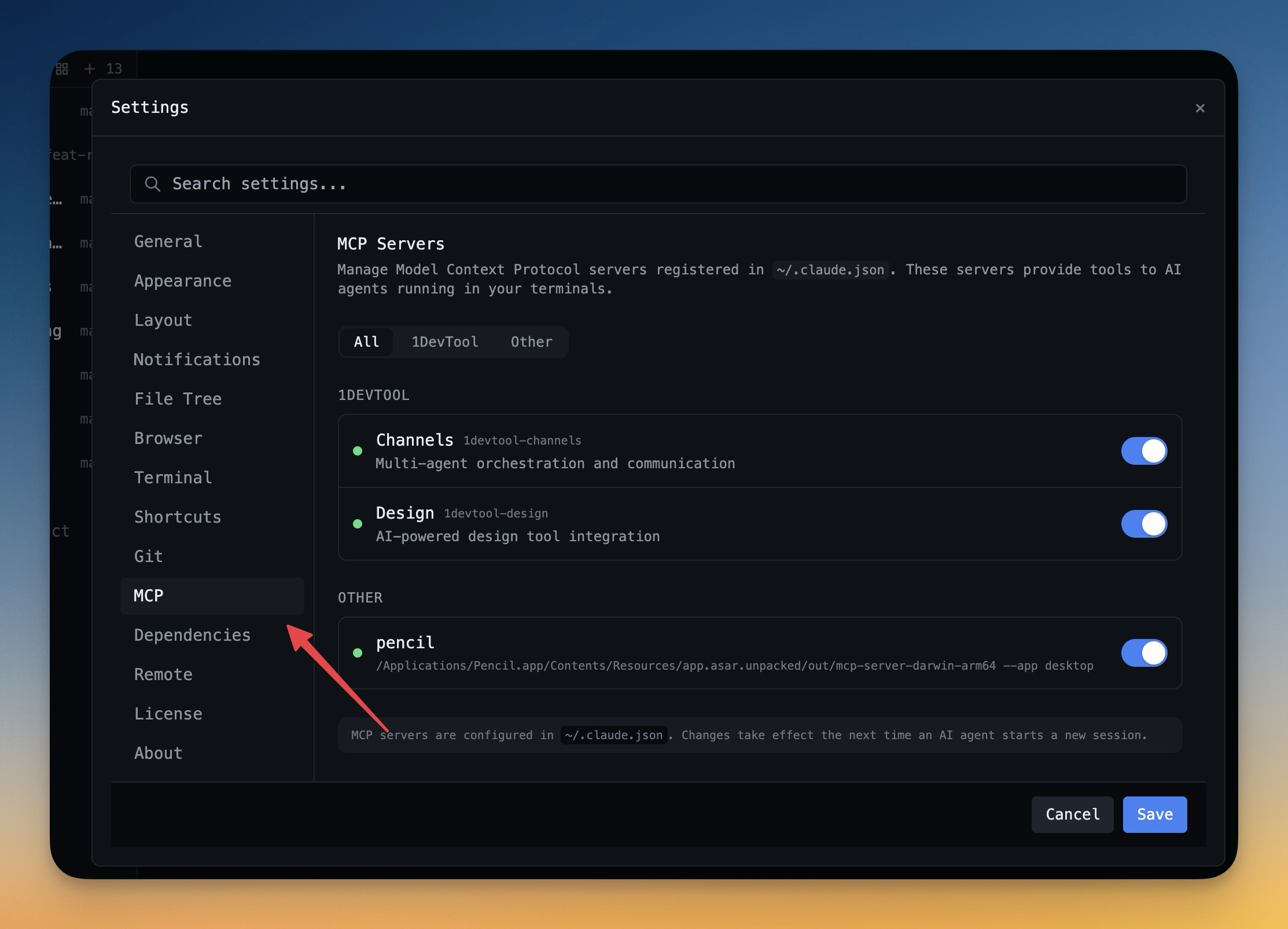
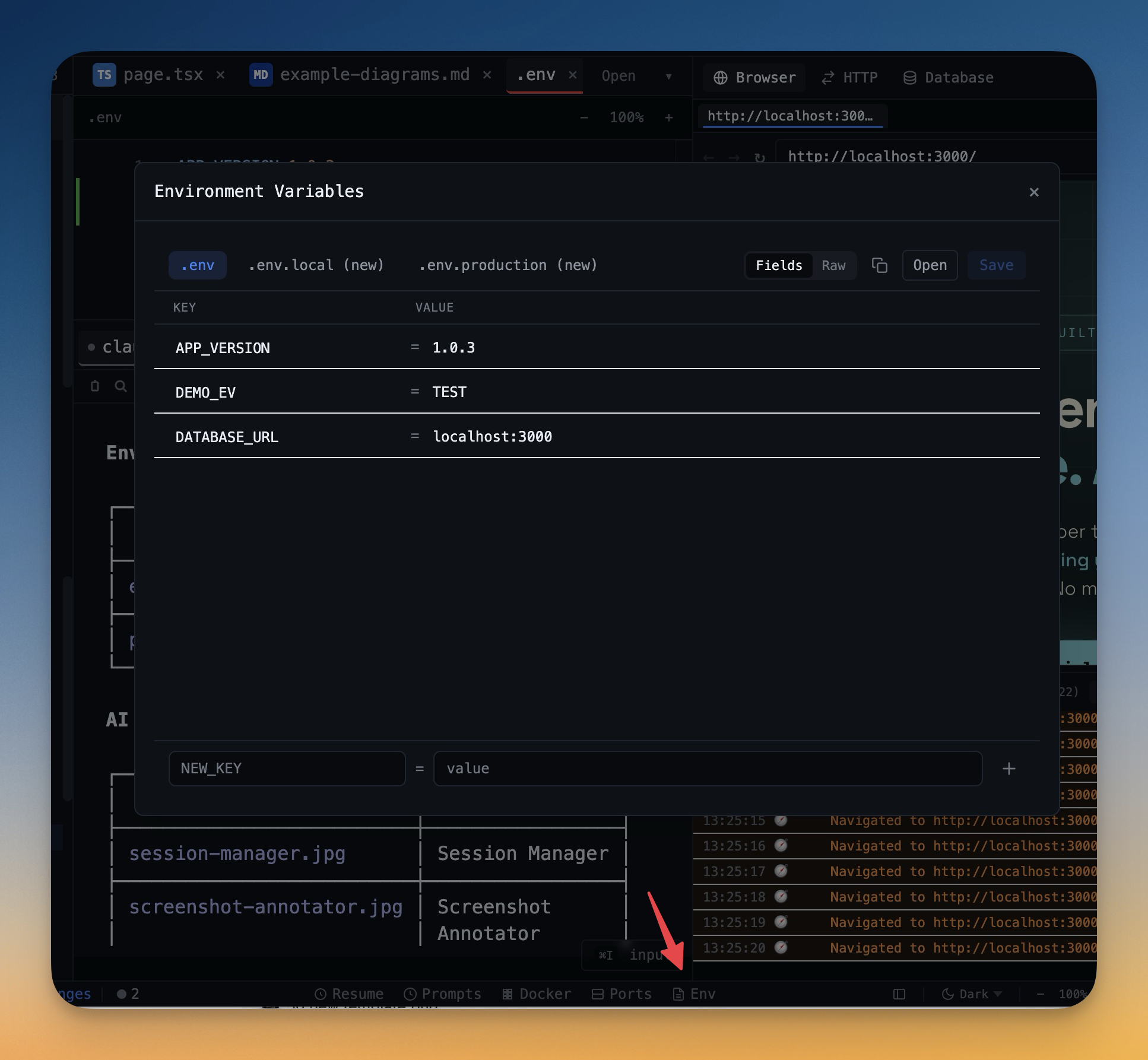
- Use Environment Manager for project-scoped secrets.
- Use MCP Settings to control external tool access.
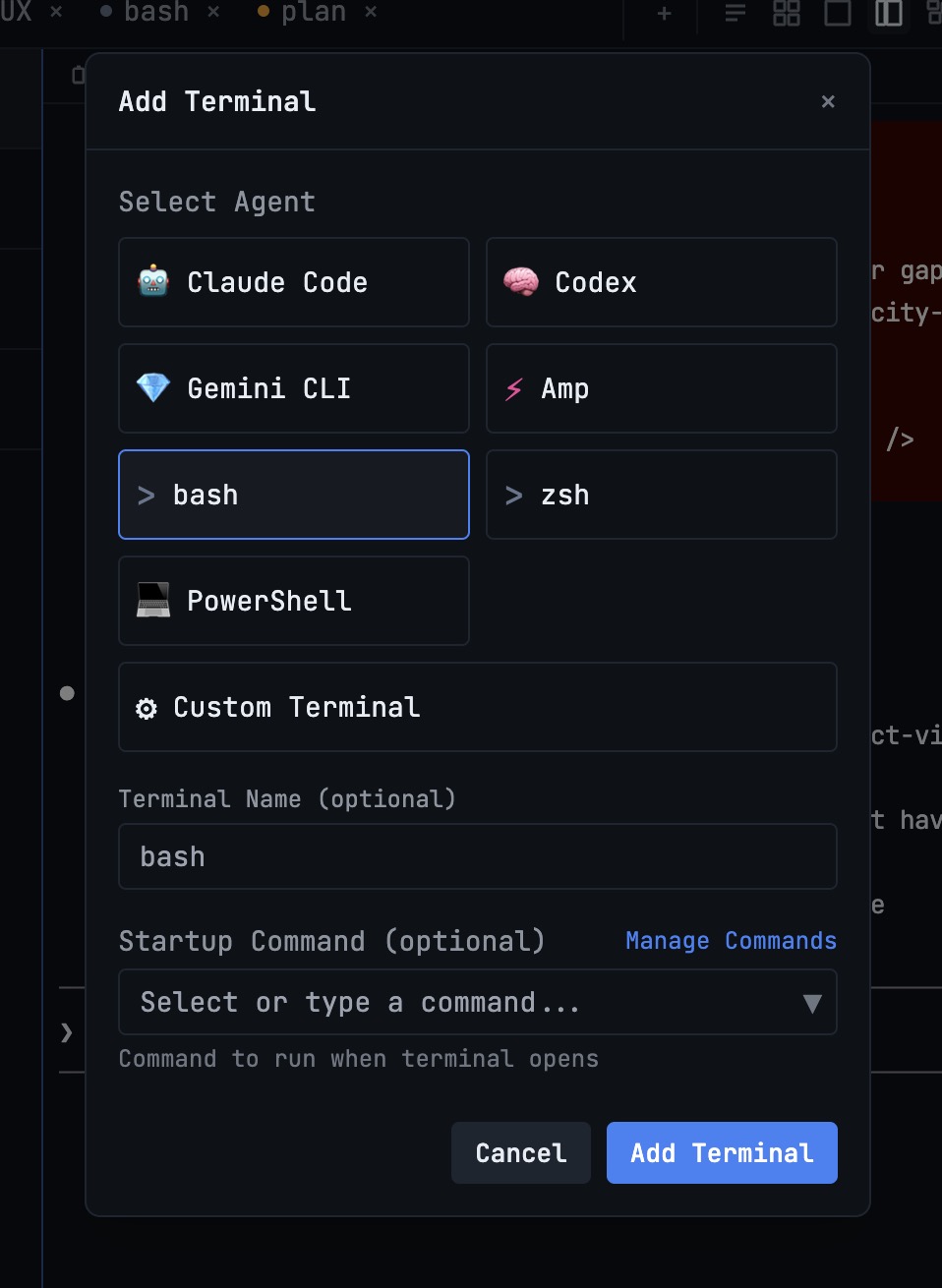
- Run role-based agent terminals for planning, building, and review.
Safety Practices
- Separate read-only analysis agents from write-capable execution agents.
- Require explicit approvals for destructive operations.
- Review generated diffs before merge every time.
Final Take
Self-hosted AI success comes from operational discipline. The more explicit your environment and connector controls, the more trustworthy and repeatable your agent workflows become.
Related in the StoicSoft network
If you're self-hosting on a VPS or working through a deployment guide like the one above, DeployToVPS is the StoicSoft network's handbook for VPS deployment recipes — docker-compose, nginx, traefik, and common app self-hosts.
From across the StoicSoft network
Hand-curated reads on the same topic from sister sites in the StoicSoft family.
 ServerCompass7 min read
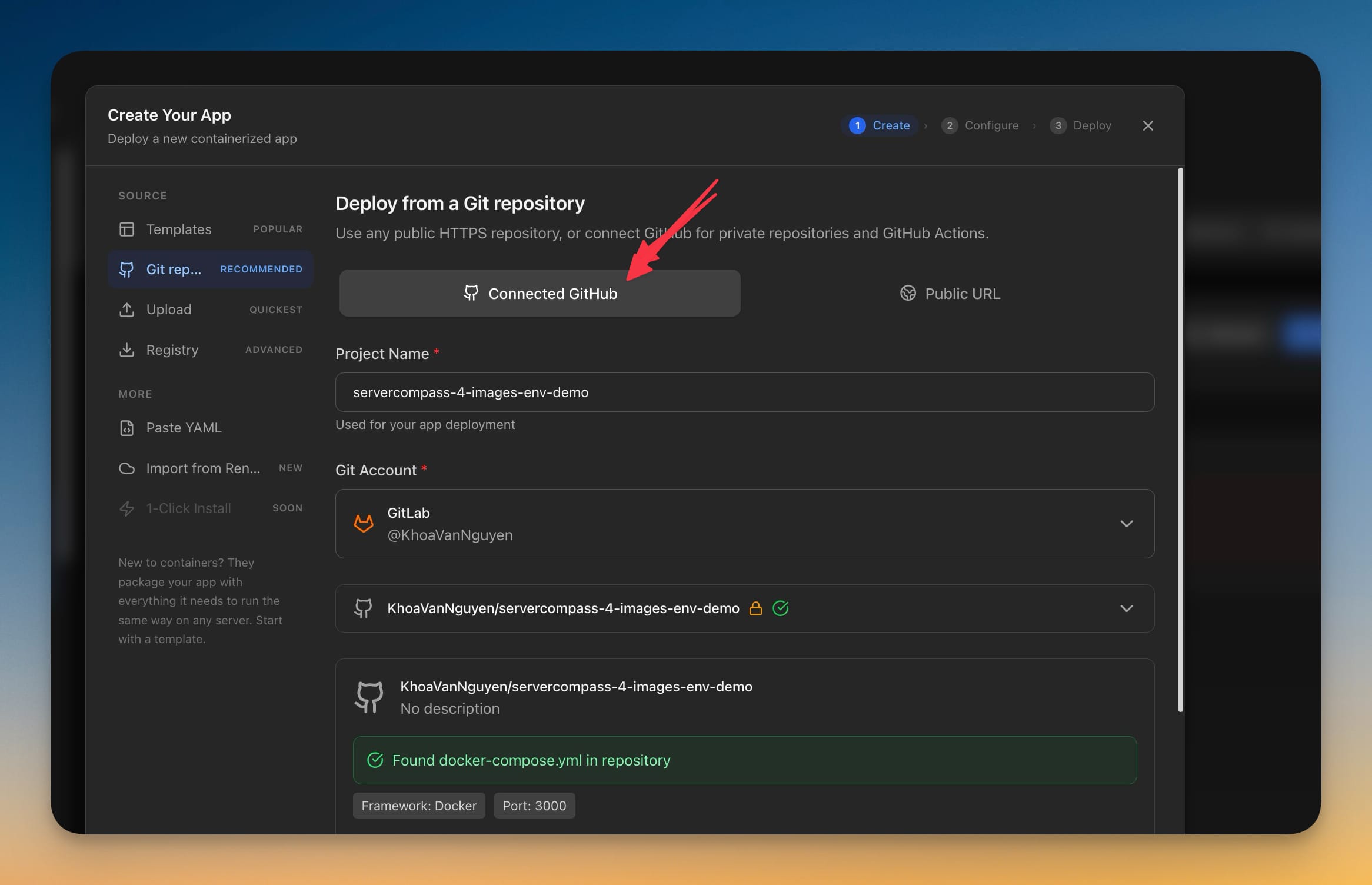
Deploy Private GitLab Projects to Your Own Server
Server Compass 1.39.0 connects to GitLab.com and self-managed GitLab with a personal access token, so private projects — including ones nested deep in subgroups — deploy the same way GitHub projects already do.
Read on servercompass.app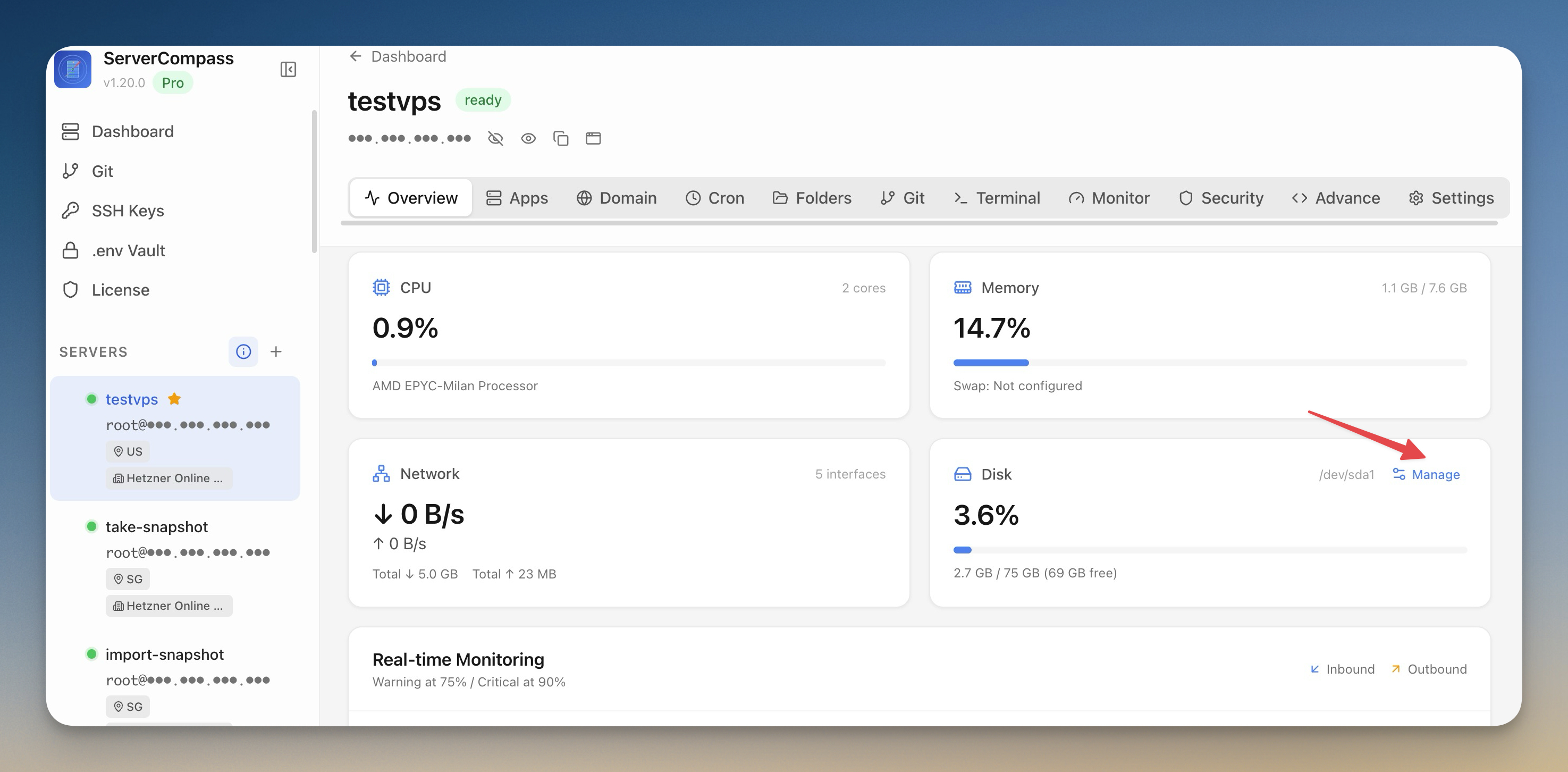 ServerCompass7 min read
Reclaim Disk Space and Lock Your Production Servers
Scan your VPS for reclaimable disk space with a visual breakdown by category, clean up with one click, and lock production servers into read-only mode to prevent accidental changes.
Read on servercompass.app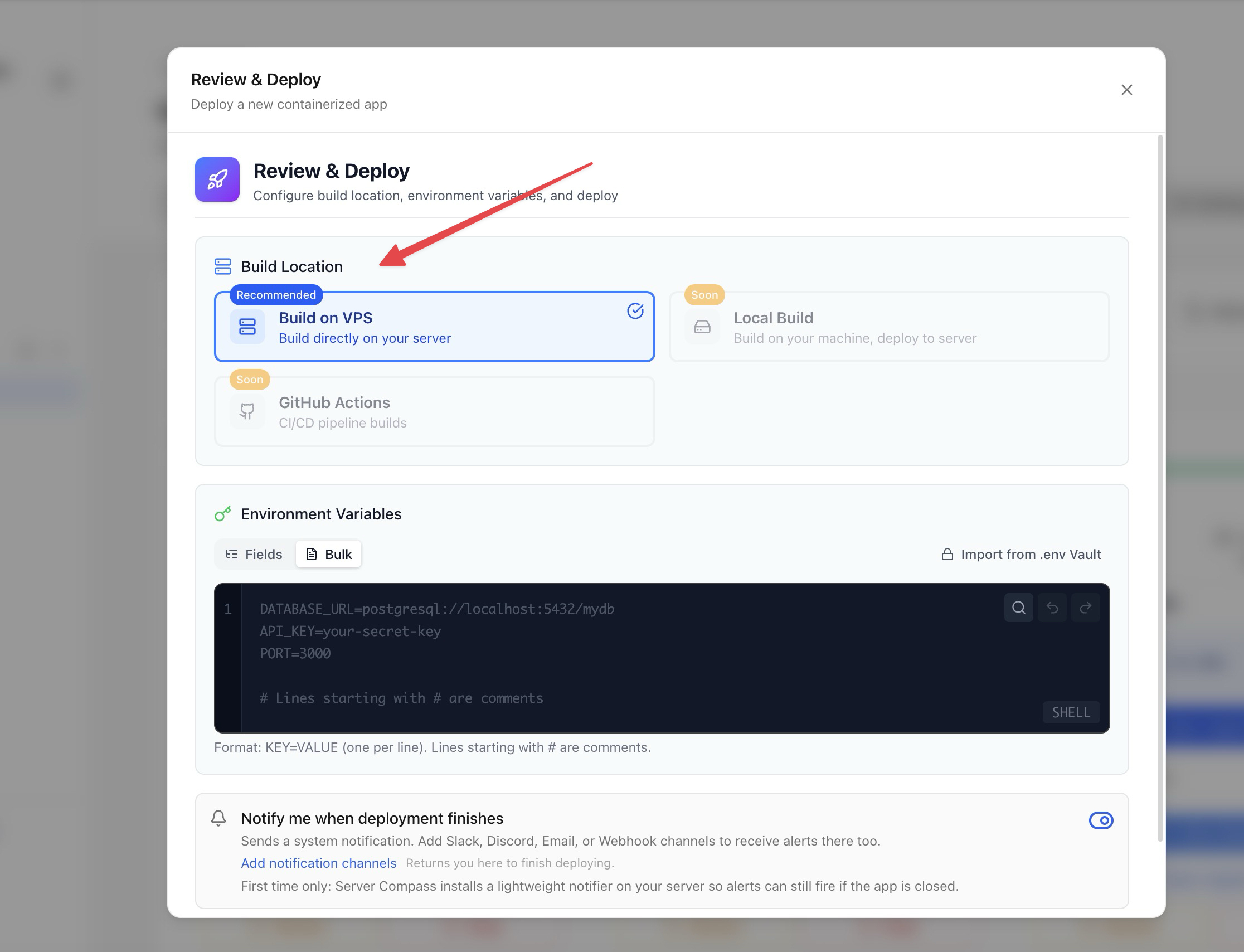 ServerCompass15 min read
Top 7 Vercel Alternatives for Developers in 2025
Looking for Vercel alternatives? Discover the best deployment platforms and self-hosted solutions that offer similar developer experience with better pricing, more control, or unique features tailored to your needs.
Read on servercompass.app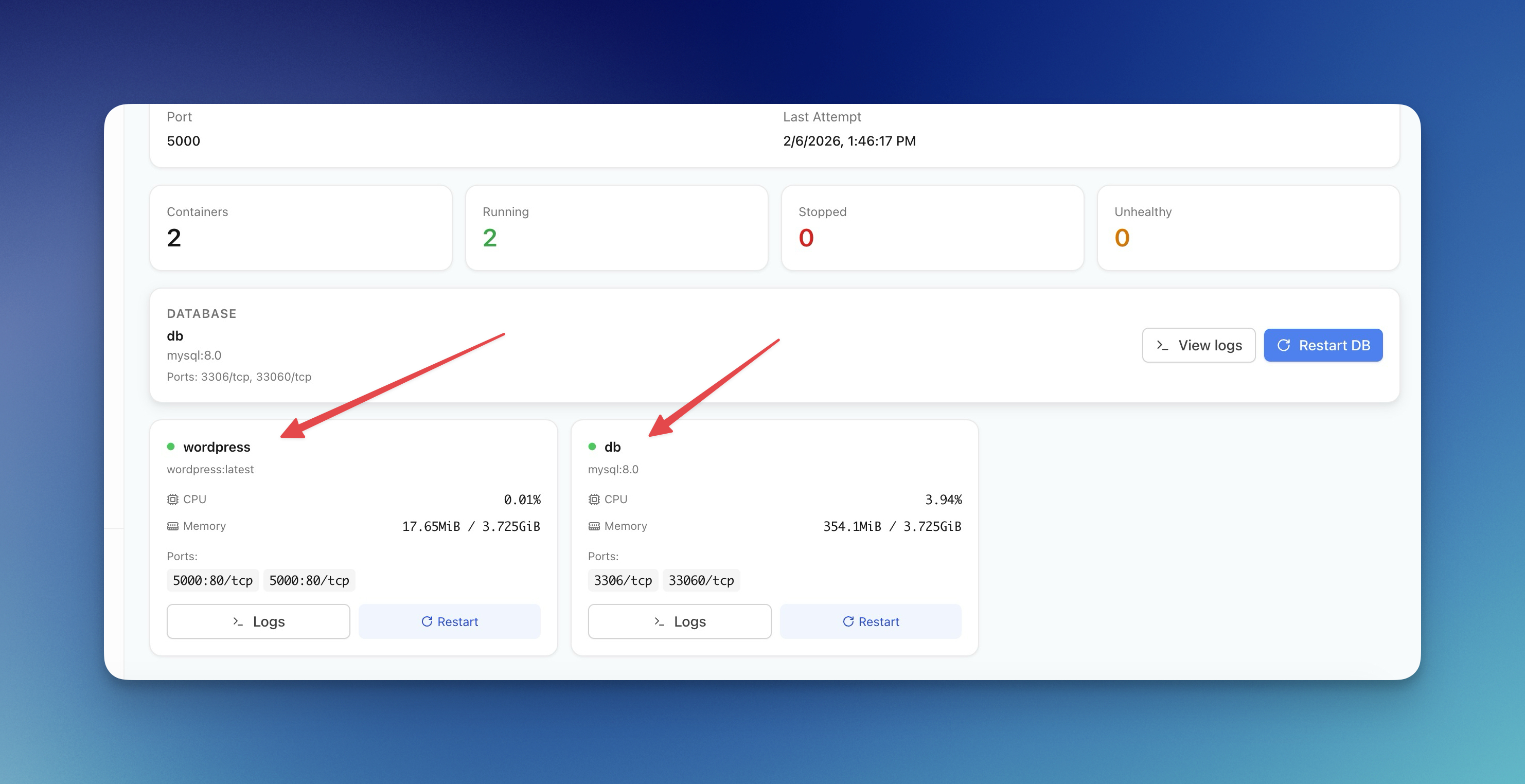 ServerCompass12 min read
Server Compass vs Vercel: Take Control of Your Infrastructure and Save Thousands
If you're reading this, chances are you've experienced that sinking feeling when opening your Vercel invoice. What started as a convenient deployment platform has become an increasingly expensive proposition as your application scales.
Read on servercompass.app