Apr 15, 2026
How Vibe Coders Can Switch Between Multiple Projects Without Losing Context
A practical multi-project workflow for AI-assisted developers: project-scoped sessions, handoff notes, reusable prompts, checkpoint commits, and the 1DevTool features that keep context visible.
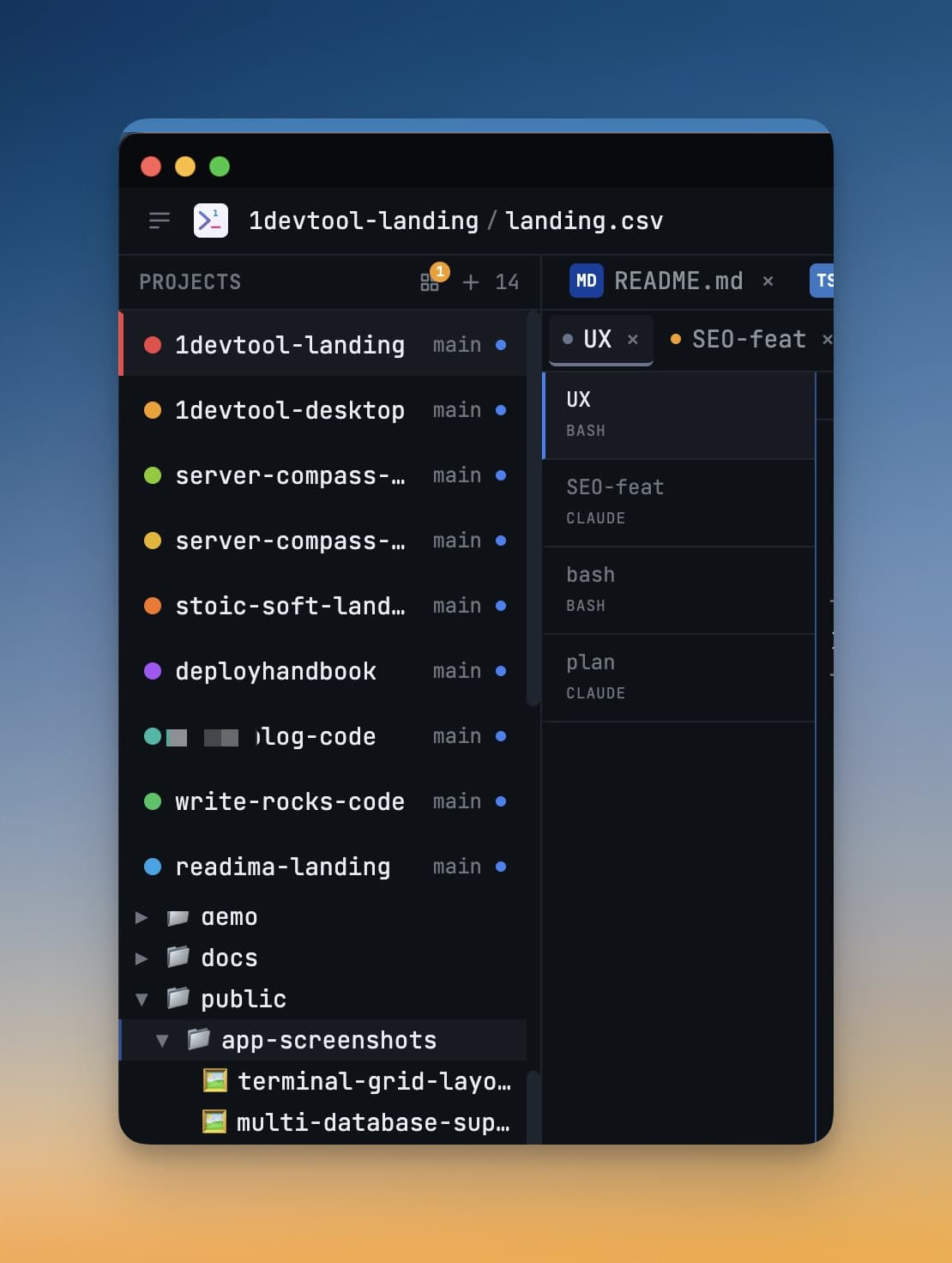
Vibe coding across one repo feels fast. Vibe coding across five repos quietly turns into a context-switching tax: half-finished prompts in Claude Code, forgotten branch state, stale Codex CLI sessions, and a growing sense that every project restart costs more than the actual work.
The fix is not to keep more in your head. The fix is to make each project carry its own durable context: active AI terminals, agent conversation history, reusable prompts, git worktree state, next steps, blockers, and the exact files that matter right now.
Why Context Switching Hurts Vibe Coding Workflows
Any AI coding workflow creates more state than traditional development. There is the code state, the git state (branches, worktrees, uncommitted changes), the terminal state (running dev servers, test watchers, build logs), and the conversation state inside each coding agent. When those states live in separate windows across separate apps, they drift apart.
That drift usually shows up in five ways:
- Prompt replay: you re-explain the same project constraints to Claude Code or Codex CLI every session.
- Terminal archaeology: you hunt through tabs to find the AI agent that was running tests.
- Branch confusion: you forget which repo, branch, or git worktree a terminal belongs to.
- Lost decisions: the reason behind a change is buried in agent scrollback you cannot search.
- Restart friction: closing the laptop turns tomorrow into a cold start with no session continuity.
The Five-Part Project Context Routine
1. Use One Workspace Per Project
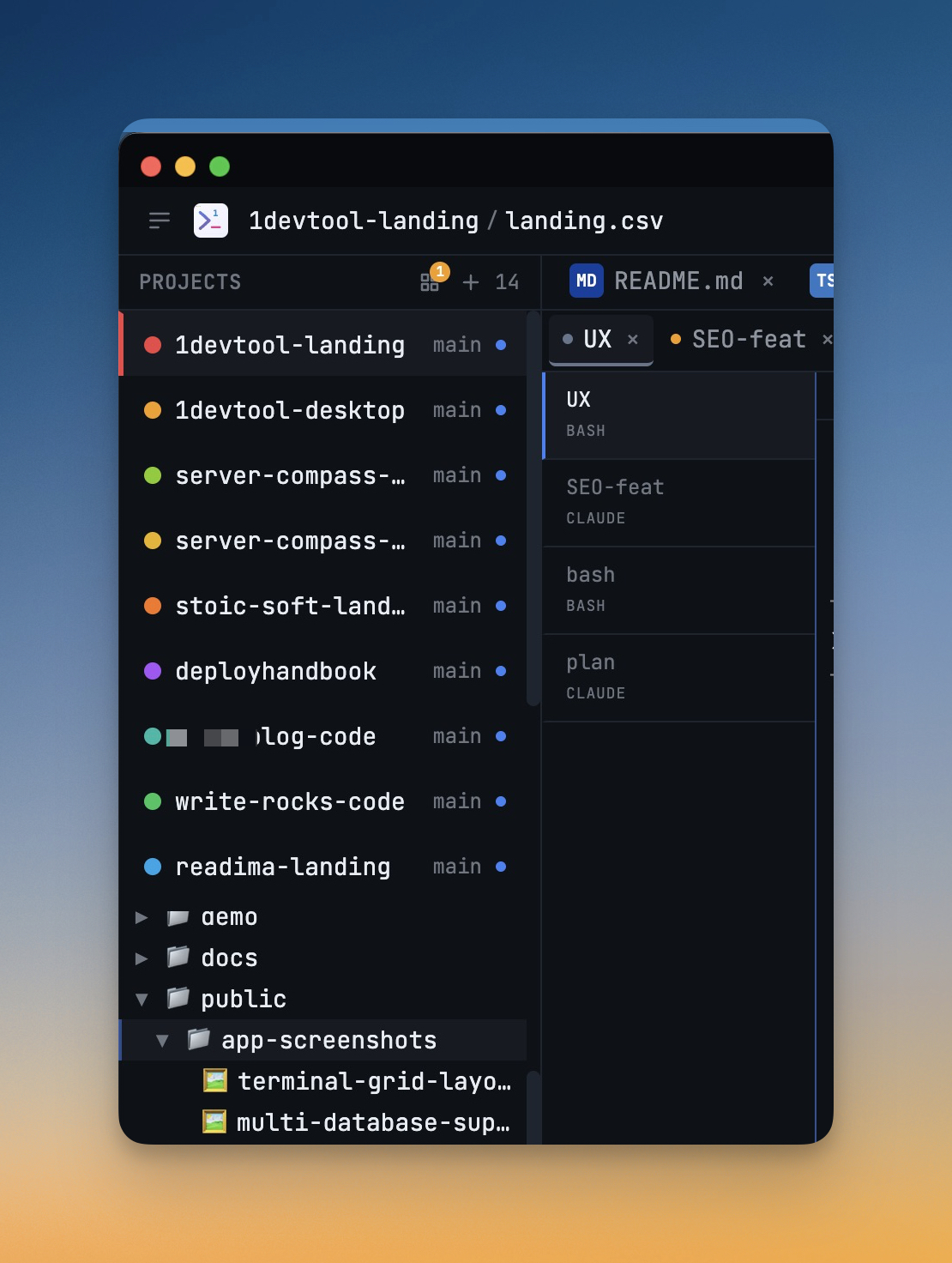
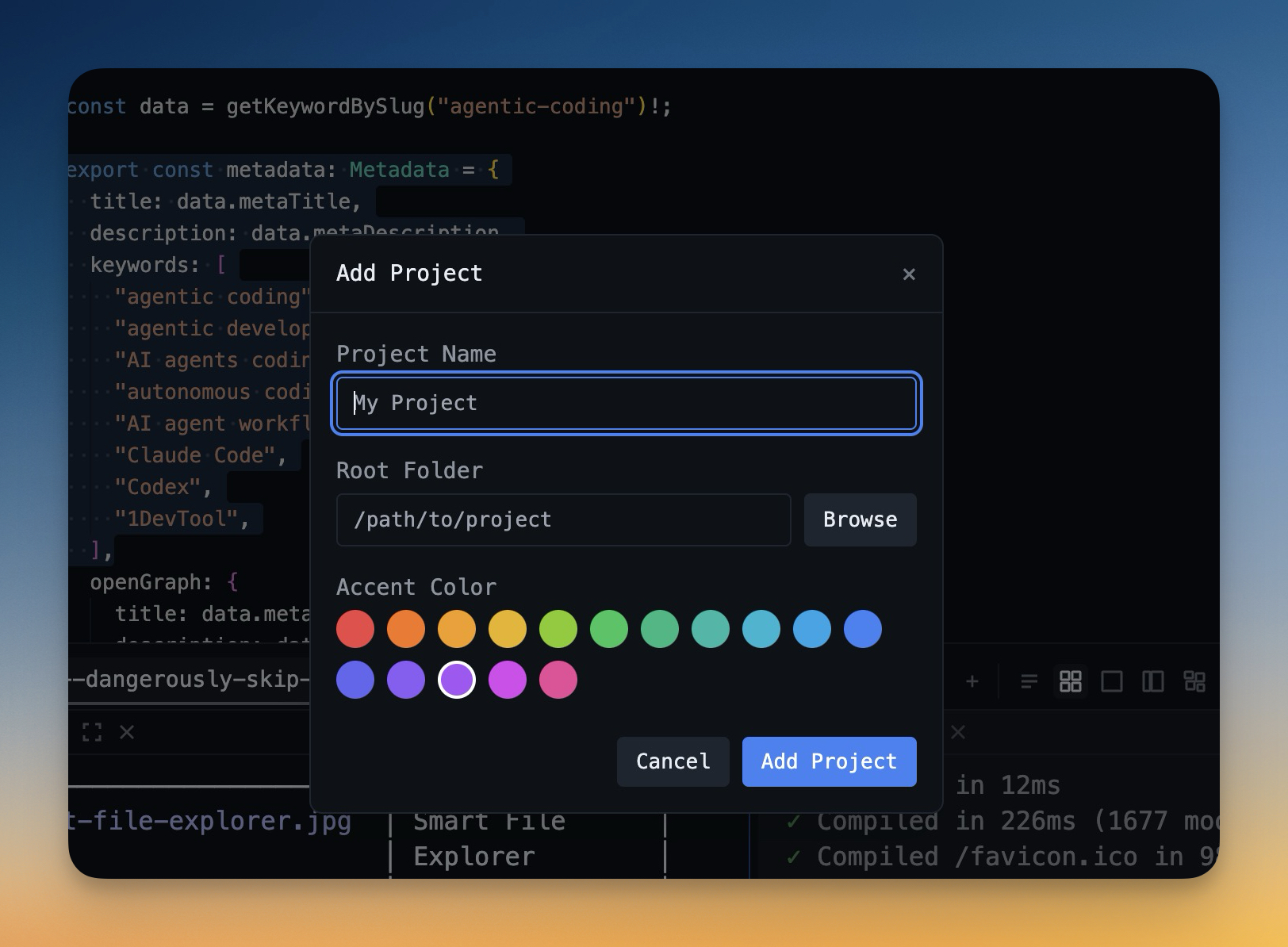
Do not mix unrelated repos inside one long-running agent conversation. Each project needs a separate workspace with its own terminals, files, default browser URL, git state, and notes.
In 1DevTool, Multi-Project Workspace keeps each project state separate. When you switch projects, the workspace restores the relevant terminals, files, and layout instead of forcing you to reconstruct them manually.
2. Write a Handoff Note Before You Leave
End each session with a short handoff note. This is not a diary. It is a restart contract for your future self and your next AI agent.
`Project: <repo or workspace> Branch: <current branch or worktree> Goal: <what we are trying to finish> Changed: <files or modules touched> Decision: <important implementation choice> Next step: <first action when I return> Blocked by: <missing info, failing test, unclear requirement>`
Keep the note close to the work. If the note lives in a random notes app, it becomes one more thing to remember. A markdown note, a terminal sticky note, or a project-local handoff file is easier to reuse.
3. Save Prompts That Work as Reusable Templates
Rewriting prompts from memory is where consistency goes to die. Keep a prompt library for common task types: bugfix, failing test, refactor, migration, review, release note, and dependency update. A good reusable prompt captures the task shape, not the specific details:
`Role: You are fixing a bug in <module>. Reproduce: <failing test or steps> Constraint: Do not change the public API. Stay within <files>. Return: root cause, minimal patch, regression test, remaining risk.`
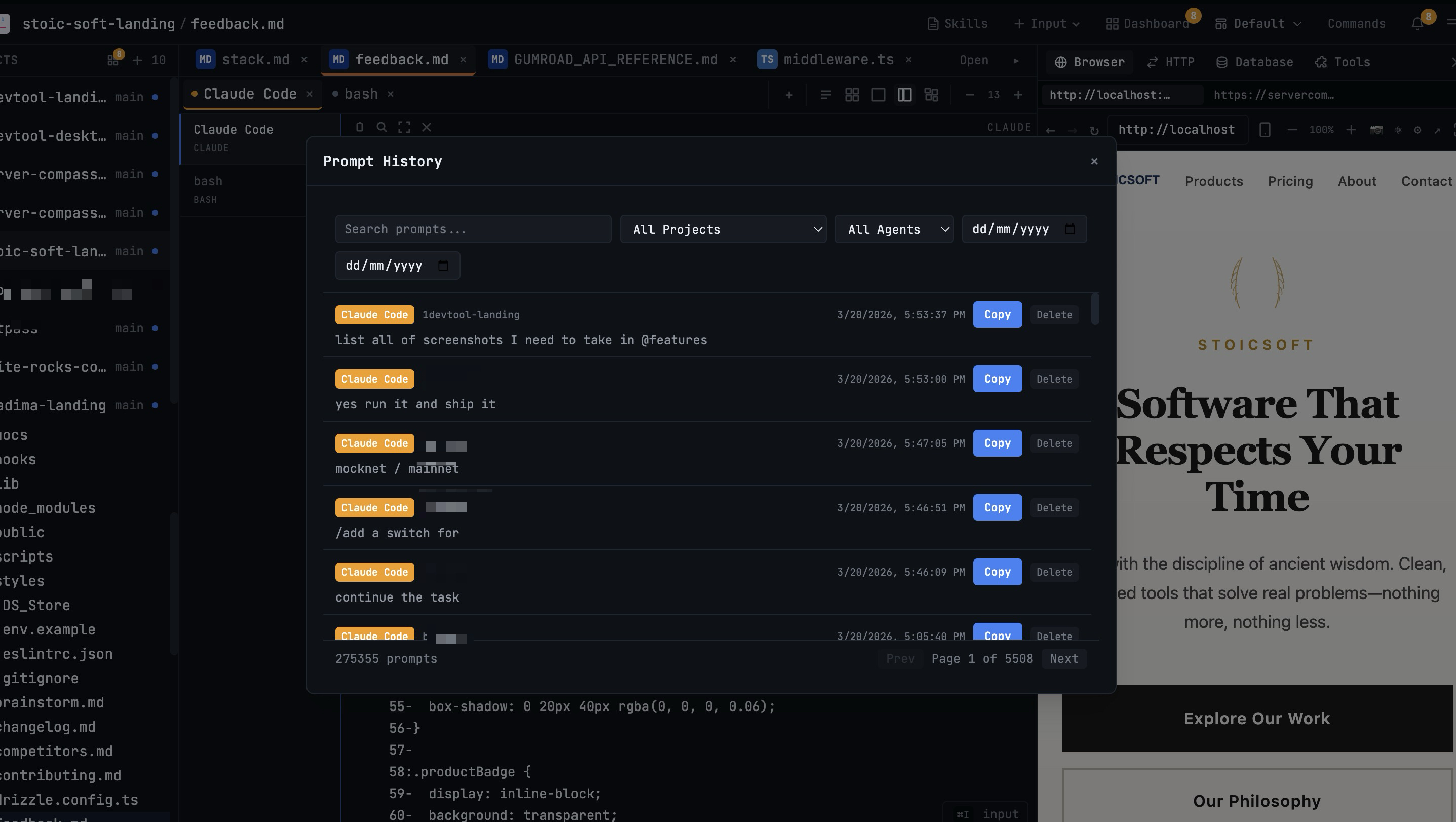
Prompt History in 1DevTool captures every prompt you send to Claude Code, Codex CLI, or any AI terminal. Search the previous successful run, copy it, then tighten it for the current repo instead of starting from a blank input.
4. Checkpoint Small Units with AI Diff Review
AI coding agents can change a lot of files quickly. That makes checkpoint commits more important, not less. Commit after meaningful units: failing test added, API contract updated, refactor completed, visual bug fixed, docs refreshed.
The checkpoint does two jobs. It lets you roll back safely, and it gives the next agent a clean boundary: "start from this commit and only touch the payment form." Use AI Diff to review exactly which files each agent modified before you commit — accept good changes per-file and revert the rest.
5. Track What Finished While You Work Elsewhere
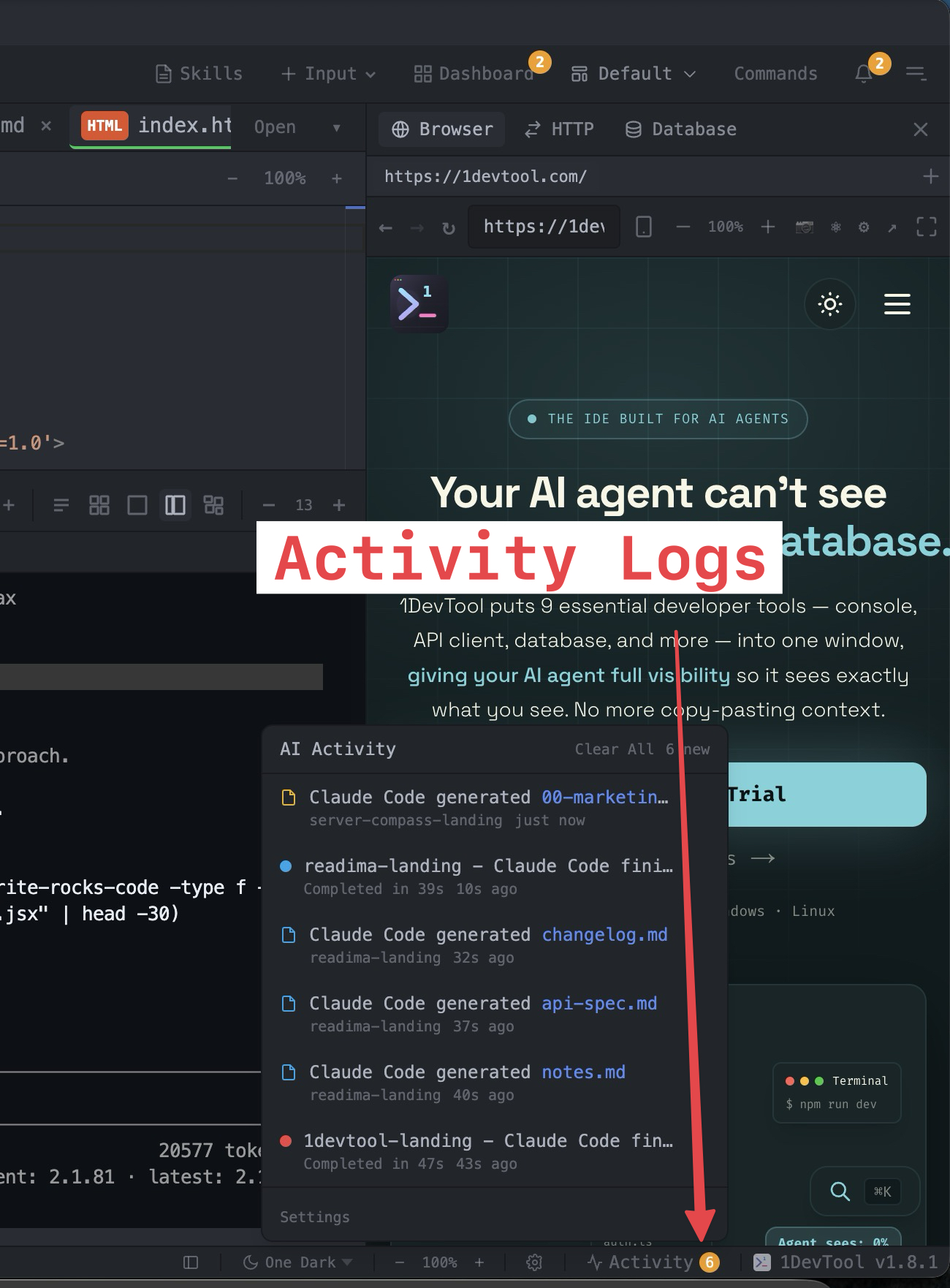
The worst context switch is the invisible one: an agent finishes, waits for input, and you do not notice for twenty minutes. Use a cross-project activity feed so background projects can report completions without forcing you to poll tabs.
AI Activity Logs show terminal completions and generated files across projects. Pair that with Session Continuity so each AI terminal can resume with prior conversation visible as scrollback.
Common Mistakes
- One giant AI session for everything: useful for brainstorming, bad for delivery.
- No session ending ritual: you leave the next start dependent on memory.
- Prompt improvisation: every run gets a different contract and a different output shape.
- Late commits: rollback becomes scary because too much changed at once.
- Visual ambiguity: identical terminal tabs make wrong-project commands more likely.
The Routine in One Page
- Open each repo as its own project workspace.
- Name terminals by responsibility: app, tests, agent-review, agent-implement.
- Use saved prompts for common task types.
- Commit after each coherent unit of progress.
- Write a six-line handoff note before leaving.
- Resume from session history and activity logs instead of memory.
Multi-project vibe coding works when every project carries its own durable context. Once your terminal manager remembers the state — AI terminals, git branches, prompt history, AI Diff snapshots — your AI coding workflow becomes choosing the next task instead of rebuilding yesterday's mental model.
Try this workflow with 1DevTool when you need multiple repos, Claude Code and Codex CLI terminals, searchable prompt history, activity logs, Git Worktrees, AI Diff review, and resumable sessions in one place.