Apr 15, 2026
Trying a New AI IDE Without Killing Your Momentum: A Practical Evaluation Method
Stop comparing AI IDEs from feature lists. Run a 3-day evaluation sprint that measures time-to-first-commit, context friction, terminal flow, git review, and rollback cost.
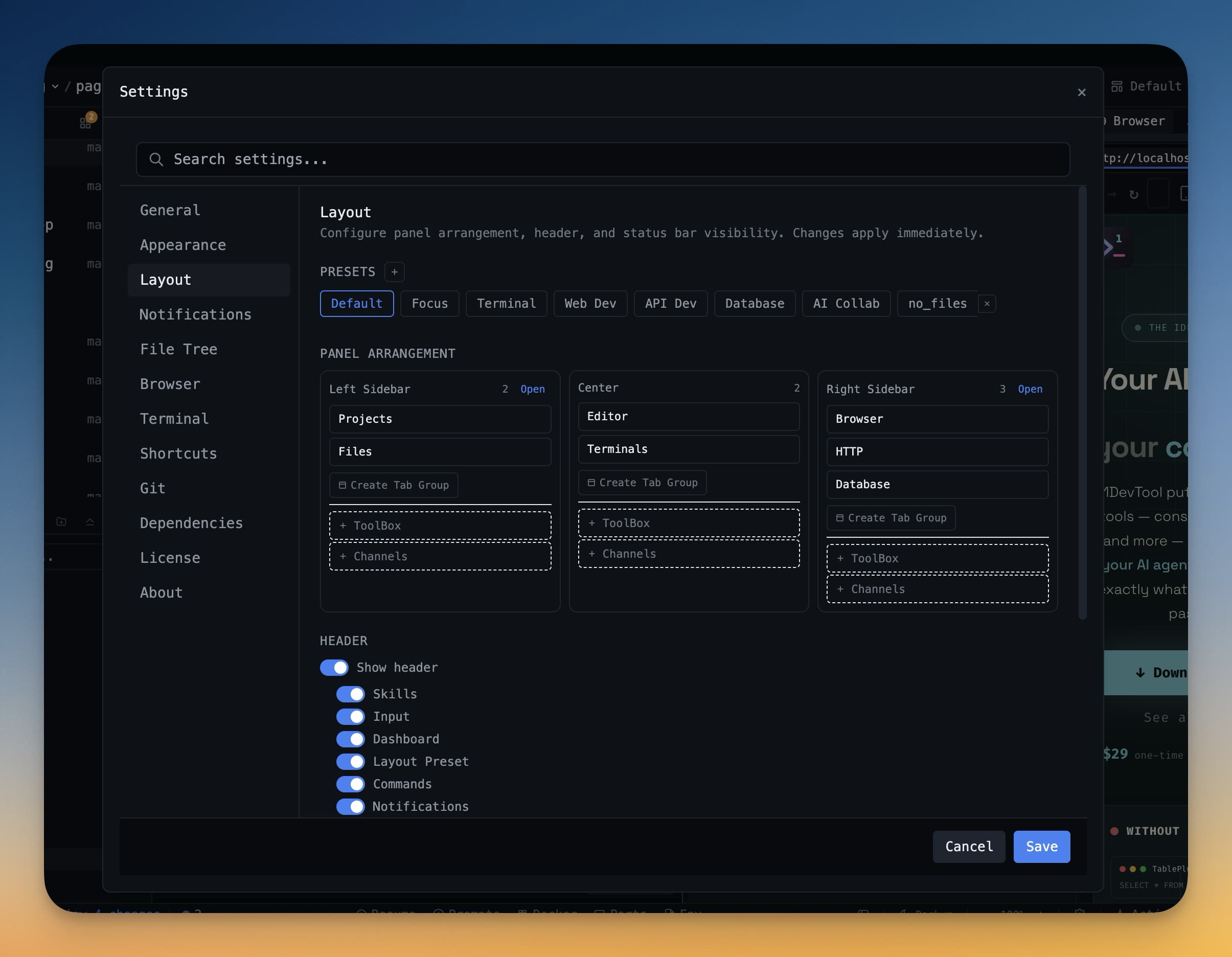
AI IDEs change fast enough that developers feel constant pressure to try the next one — Cursor, Windsurf, Claude Code in the terminal, Codex CLI, and new entrants every month. The trap is running an AI IDE evaluation from demos, feature lists, or toy tasks. That creates noisy comparisons and burns the same momentum you were trying to protect.
A better method is a structured AI IDE evaluation sprint on one real project. Measure outcomes, not vibes: how quickly you make a real commit, how much context you have to re-create, how well your AI coding workflow and git flow work together, and how easy it is to roll back if the tool is not a fit.
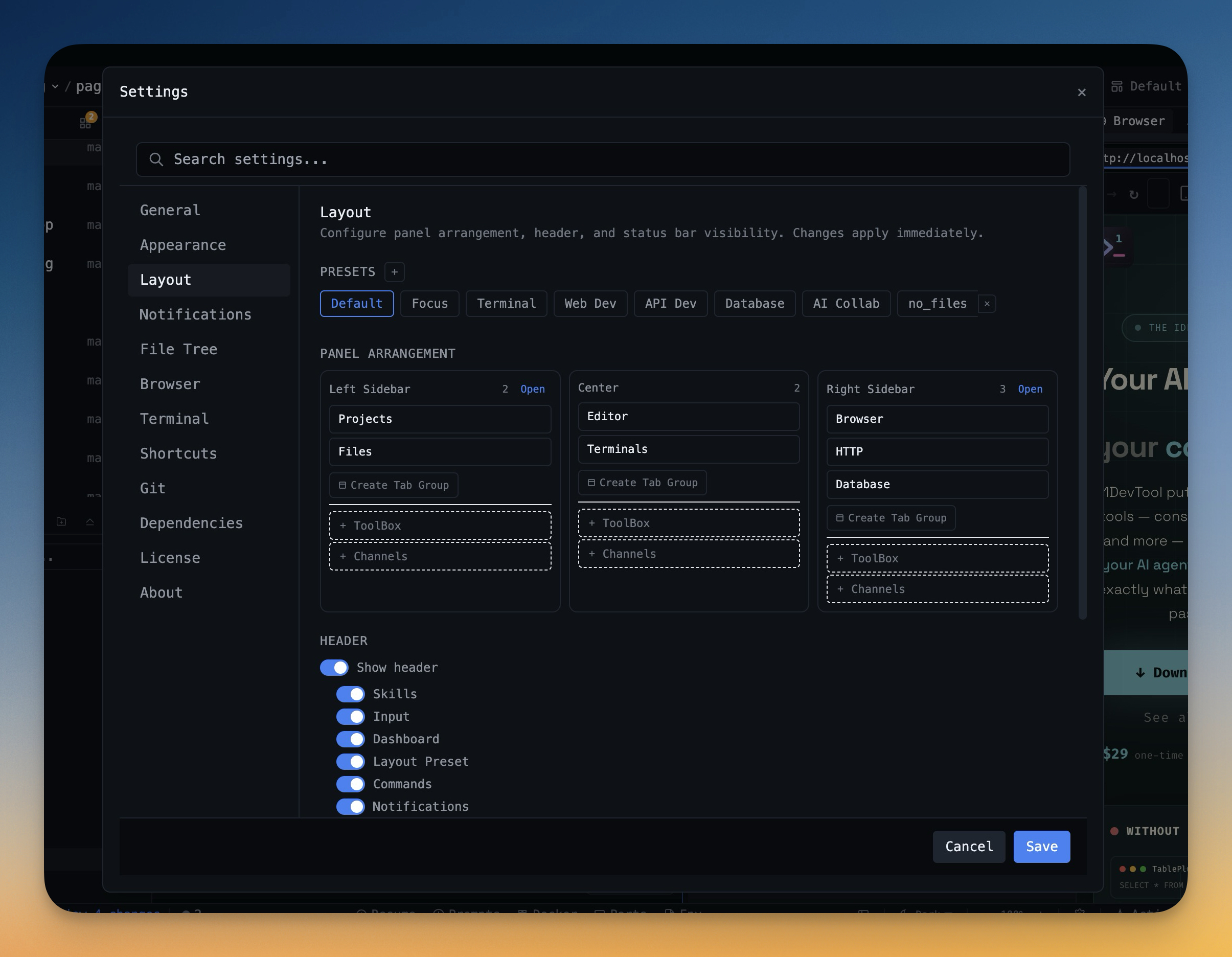
Why Feature-List AI IDE Comparisons Fail
Feature lists are easy to compare and hard to trust. Two AI code editors can both claim AI chat, terminal integration, git support, and project context. The difference in any AI coding workflow only appears when you try to ship a real change under real conditions — multiple files, running tests, reviewing diffs, and managing coding agent sessions.
The question is not "does this AI IDE have coding agents?" The useful questions are:
- Can I make my first meaningful commit without rebuilding my entire setup?
- Can I see code, AI terminal output, browser state, and git changes in one view?
- Can I review AI agent edits with a proper diff instead of trusting scrollback?
- Does prompt history carry over so I do not re-explain the project every session?
- Can I leave the tool after three days without damaging the repo?
The Three-Day Evaluation Sprint
Day 0: Choose the Test Project
Pick one real project with real friction. It should have enough complexity to expose workflow problems: a dev server, tests, git activity, a few files you edit often, and at least one task you would normally do this week. Ideally, it is a project where you already use AI coding agents like Claude Code or Codex CLI so you can compare the orchestration experience directly.
Do not use a blank todo app. Toy tasks reward fast onboarding and hide the problems that show up in daily engineering work — session continuity, multi-file review, and context recovery after interruptions.
Day 1: Measure Time to First Commit
Start a timer when you open the new IDE. Stop when you create a commit that you would be comfortable keeping on the branch. Track every setup interruption: missing terminals, unclear project state, broken preview, git friction, or agent context issues.
1DevTool is useful in this test because project workspaces, terminal layouts, browser preview, and git panels live in one app. You can test whether the integrated setup shortens the first real commit, not just the first prompt.
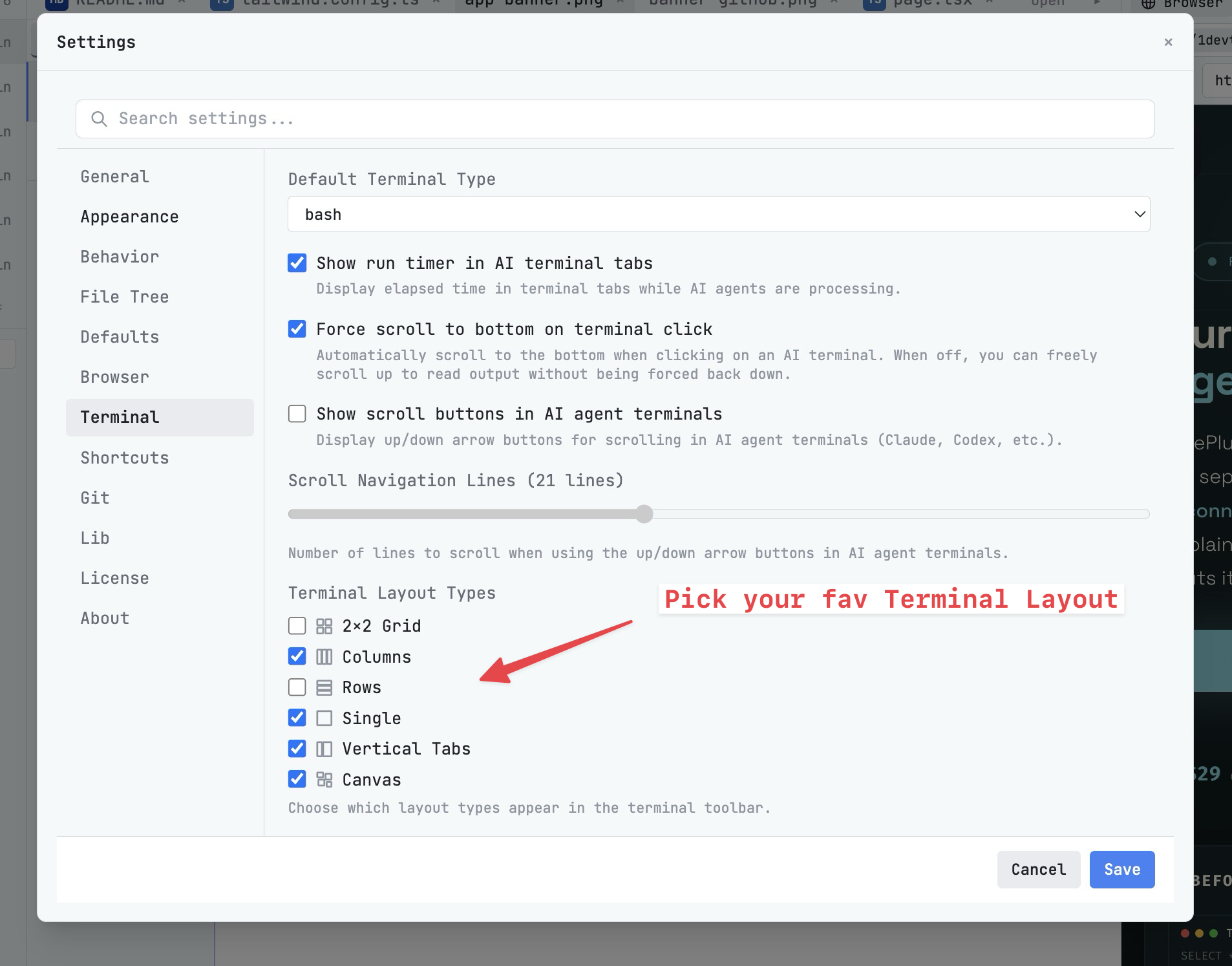
Day 2: Measure Context Friction and Session Continuity
Run one normal implementation task. Count how often you leave the AI IDE to get context: terminal output, browser logs, network errors, environment variables, database state, or a screenshot. Each switch is a signal that the tool is not carrying enough of the workflow.
Also test prompt context and session continuity. Can you attach files quickly? Can you search and reuse prior prompts from prompt history? Can you send browser errors or screenshots to a coding agent without pasting a messy wall of text? When you restart the IDE, does the agent conversation survive or do you start cold?
Day 3: Measure AI Diff Review and Rollback
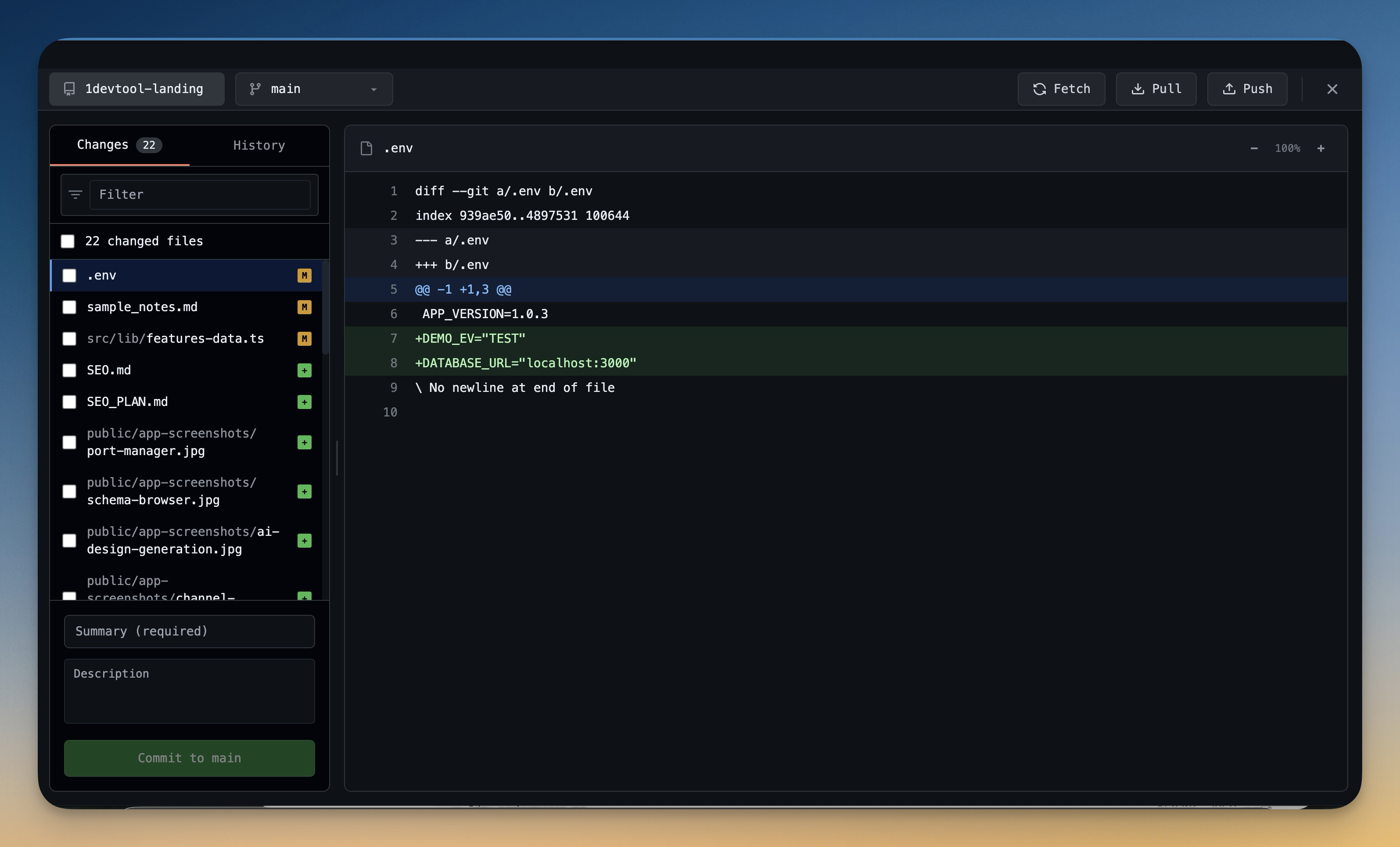
Ask the coding agent to make a change that touches more than one file. Then review it. This is where many AI IDE evaluations become honest: generating code is one thing, trusting the diff is another. Can you accept good file changes and revert bad ones individually? Or is it all-or-nothing?
In 1DevTool, AI Diff tracks every file modification made by Claude Code, Codex CLI, or any AI terminal, with per-file Accept and Revert controls. Git Worktrees let you isolate risky agent experiments in a separate working copy. If a tool makes rollback feel expensive, it will push you toward smaller experiments or blind trust — neither is sustainable.
The Scorecard
Score each category from 1 to 5, then multiply by the weight. Keep notes short and concrete.
Category
Weight
What to Measure
Time to first commit
25%
Setup time, missing dependencies, first useful diff
Context switching
25%
How often you leave the IDE for terminals, browser, git, logs, or files
Agent control
20%
Prompt context, session resume, multi-agent visibility, stop and review flow
Review and rollback
20%
Diff clarity, per-file revert, git confidence, worktree support
Comfort and customization
10%
Shortcuts, layouts, themes, fonts, command palette speed
Common Mistakes
- Testing only greenfield tasks: real projects expose integration friction.
- Counting features instead of interruptions: the best workflow removes steps.
- Ignoring review cost: faster generation is not useful if review slows down.
- No rollback plan: trial tools should not leave your repo in a confusing state.
When 1DevTool Is the Right AI IDE Trial
Try 1DevTool when your AI coding workflow depends on more than the editor buffer: multiple Claude Code or Codex CLI terminals running in parallel, persistent sessions with full session continuity across restarts, visual git review with AI Diff, browser preview, HTTP client, database tooling, Docker management, and project-specific terminal layouts.
It is especially worth evaluating if your current setup — whether Cursor, Windsurf, or VS Code with extensions — is strong at inline editing but weak at orchestrating the surrounding workflow. The three-day trial should answer one practical question: can you finish real work with less setup, less context switching, and clearer AI code review?
Download 1DevTool, run the three-day scorecard on one real repo, and keep the tool only if the numbers beat your current setup.