Jun 29, 2026
One Control Layer Across Claude, Cursor, Codex, and Cowork
One Control Layer Across Claude, Cursor, Codex, and Cowork argues from current user demand that AI agent control layer needs a local, inspectable, repeatable workflow rather than another fragmented tool.
The useful signal in AI agent control layer is not that people want another dashboard. It is that the work keeps appearing at awkward moments, when a founder, developer, or operator needs a concrete result and does not have time to rebuild the workflow from scratch.
Fresh ClaudeAI and Cursor threads show developers are no longer asking only which model writes better code. They are comparing overlapping agent surfaces, worrying about rate-limit tradeoffs, asking for guardrails that catch unsafe AI-generated changes, and trying to keep Cursor chats from accumulating stale assumptions.
That makes the topic practical rather than theoretical. The right question is not whether a larger suite could do the job somewhere inside its menus. The question is whether the person doing the work can move from problem to verified result without uploading private material, losing context, or paying for a stack built around someone else's scale.
The agent is no longer the whole workflow
The first wave of AI coding focused on output: could the model write the code? The harder operating question is what happens around that output. Did it touch the right files? Did it loop? Did it spend too much context? Did the developer get enough evidence to review the change?
That is why AI agent control layer matters. The agent can be useful and still need a control layer around it. The workflow is not only prompt in, code out. It is plan, run, observe, verify, and hand off. This sits beside earlier work on switch ai agents mid task and cross agent at mention orchestration.
More context does not fix weak control
When an agent struggles, the default reaction is to paste more context or ask for a bigger model. Sometimes that helps. Often it only makes the run harder to inspect. The developer still needs boundaries, run state, cost visibility, diffs, and a record of why the agent made each change.
A serious AI coding workflow treats control as infrastructure. It does not wait until a bad run has edited fifteen files before asking what happened.
What the practical workflow needs
1. Bound the agent before it starts
For AI agent control layer, this means keeping the agent's work legible while it happens. A developer should be able to see the boundary, the run state, the cost signal, and the evidence needed before trusting the output.
2. Keep the run observable
For AI agent control layer, this means keeping the agent's work legible while it happens. A developer should be able to see the boundary, the run state, the cost signal, and the evidence needed before trusting the output.
3. Track context, cost, and limits
For AI agent control layer, this means keeping the agent's work legible while it happens. A developer should be able to see the boundary, the run state, the cost signal, and the evidence needed before trusting the output. Context is only useful when it can survive the handoff into the next tool, task, or day.
4. Record what changed
For AI agent control layer, this means keeping the agent's work legible while it happens. A developer should be able to see the boundary, the run state, the cost signal, and the evidence needed before trusting the output.
5. Gate risky actions before they land
For AI agent control layer, this means keeping the agent's work legible while it happens. A developer should be able to see the boundary, the run state, the cost signal, and the evidence needed before trusting the output.
6. Carry proof into review
For AI agent control layer, this means keeping the agent's work legible while it happens. A developer should be able to see the boundary, the run state, the cost signal, and the evidence needed before trusting the output. Verification is not polish; it is the part that lets the user rely on the result.
Retrofitting the workflow later costs more
The expensive version of this problem appears after the work has already scattered. Files sit in downloads, AI context lives in dead chats, agent changes are buried in terminal scrollback, or marketing research is trapped in a prompt that never became a brief. At that point the user is not improving the work. They are reconstructing it.
Building the workflow earlier creates compounding memory. The next job starts with a known path. The next session receives the right context. The next review has evidence. The next article inherits the research instead of repeating it.
Where this gets practical
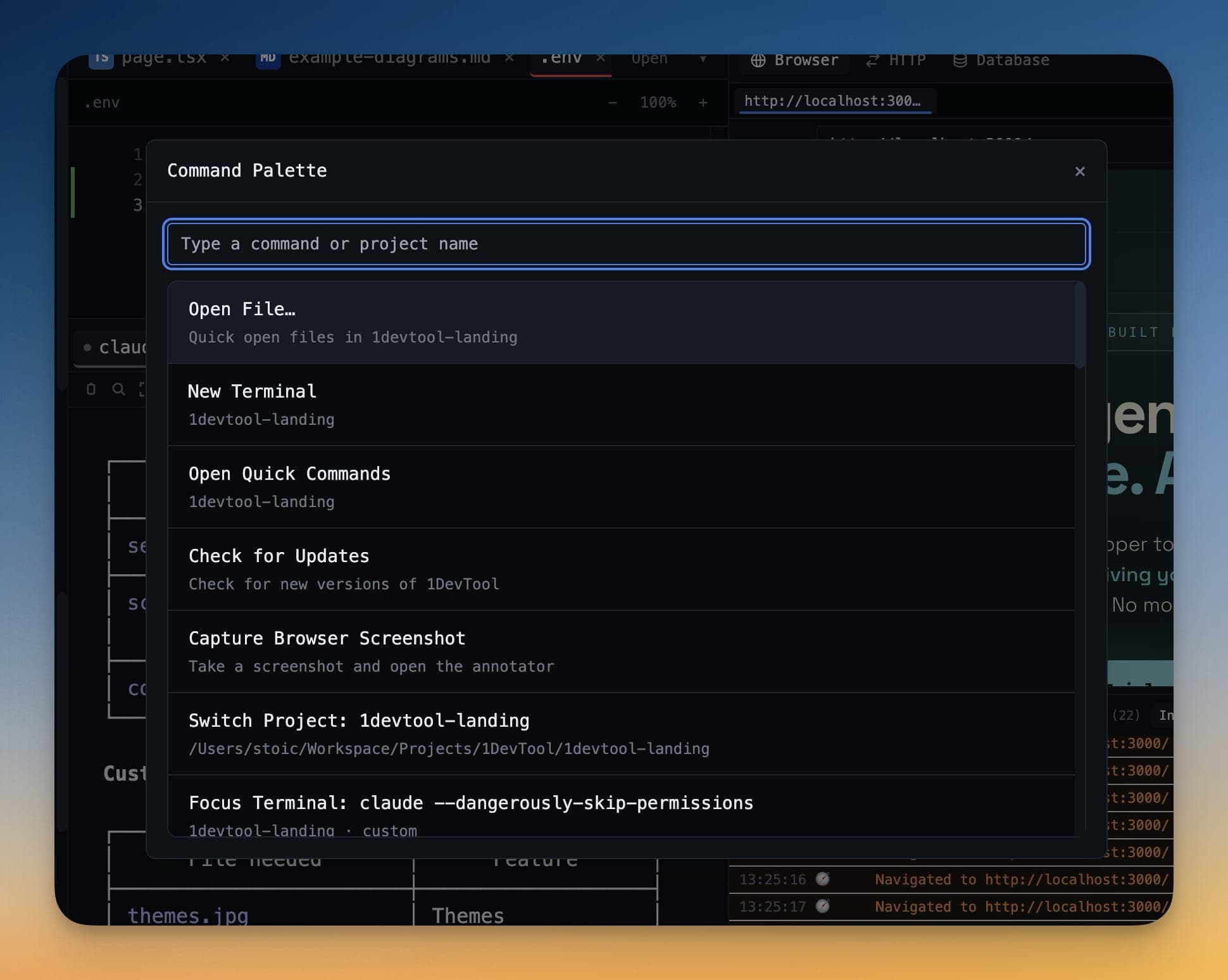
1DevTool is useful here because it treats agent workflow as a workflow, not a loose collection of tabs. The practical surface is a control surface around terminals, agents, run state, usage, diffs, and review evidence. That matters because the user is not trying to admire a dashboard. They are trying to finish the job and trust the result.
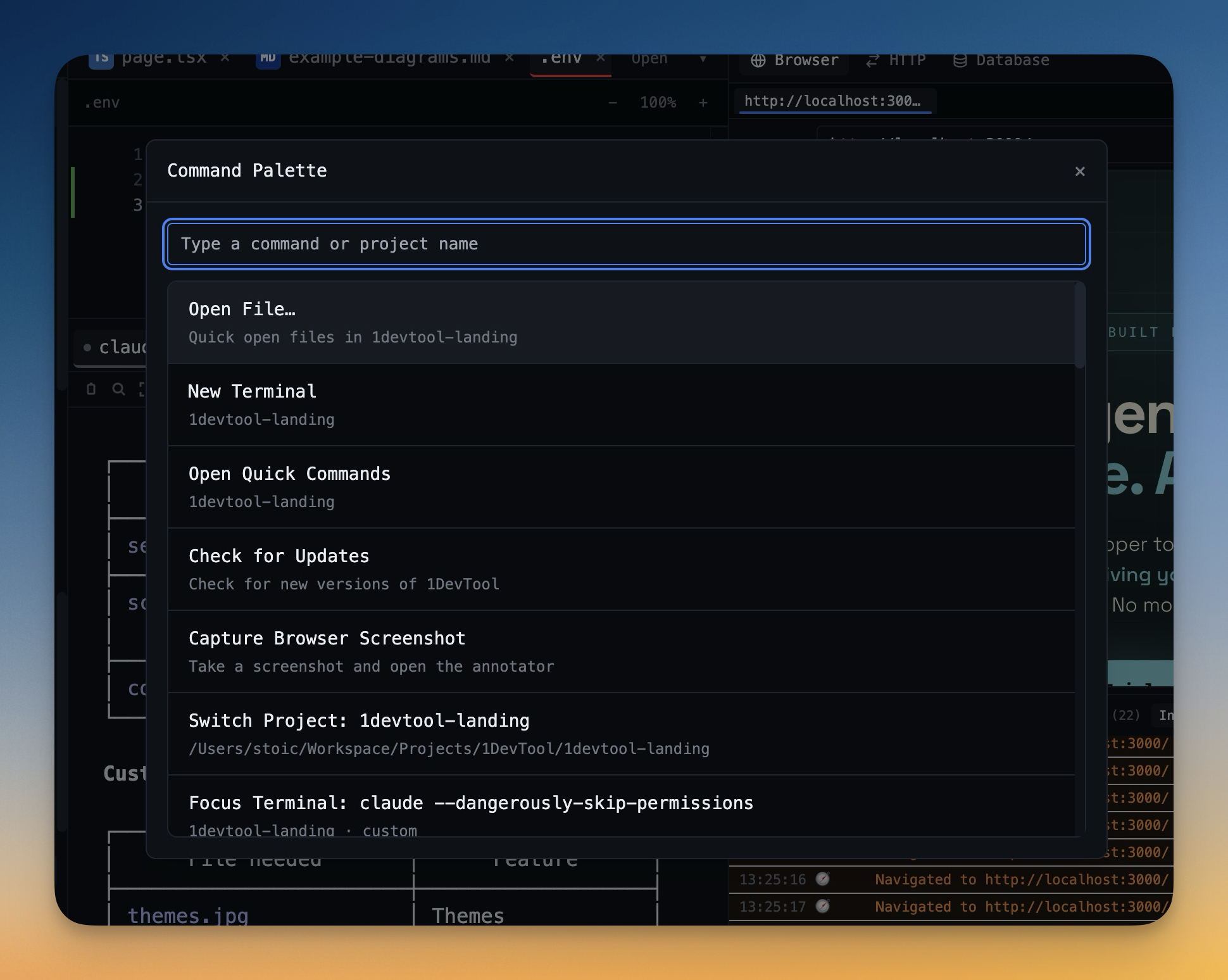
The product should not make the user translate the same intent five times. It should keep the inputs, actions, outputs, and verification close enough that the work can be repeated.
The takeaway
One Control Layer Across Claude, Cursor, Codex, and Cowork is a narrow title for a broader shift. People are not asking for more software surface area. They are asking for a workflow that respects the constraints of real work: privacy, context, reviewability, cost, and time.
The durable advantage is not another feature list. It is the ability to return to the same kind of problem next week and solve it with less reconstruction than last time.