1DevTool vs tmux
Visual multi-agent workspace vs keyboard-driven multiplexer
Last updated August 26, 2026
Short answer
1DevTool gives you tmux-backed persistence plus Charts, 14 agents, and a full toolchain without learning keybindings; tmux stays the free, scriptable multiplexer.
- •1DevTool: visual panes, Charts/pipelines, Conversation Mode, 23-engine DB — From $29 one-time
- •tmux: free OSS multiplexer — steep keybinding curve, no AI or HTTP/DB
- •1DevTool still uses tmux under the hood for sessions that survive restart
- •Power users who live in SSH often keep both
1DevTool
1DevTool is a visual multi-agent workspace with tmux-backed persistence: Charts and pipelines across 18 CLI agents, Conversation Mode, plus Monaco, 23-engine DB, HTTP, browser profiles, and phone remote — no prefix-key gymnastics. From $29 one-time.

tmux
tmux is a free, open-source terminal multiplexer. It splits terminals into panes and keeps sessions alive across disconnects — its defining feature. It's keyboard-driven through a prefix key, configured in ~/.tmux.conf, and has a steep learning curve. Multiplexer only.
Basics
| Feature | 1DevTool | tmux |
|---|---|---|
| Price | From $29 one-time | Free (open source) |
| Type | AI workspace + terminal | Terminal multiplexer |
| Learning curve | Point and click | Steep (prefix + keybindings) |
| Configuration | GUI settings | ~/.tmux.conf |
Terminal & Sessions
| Feature | 1DevTool | tmux |
|---|---|---|
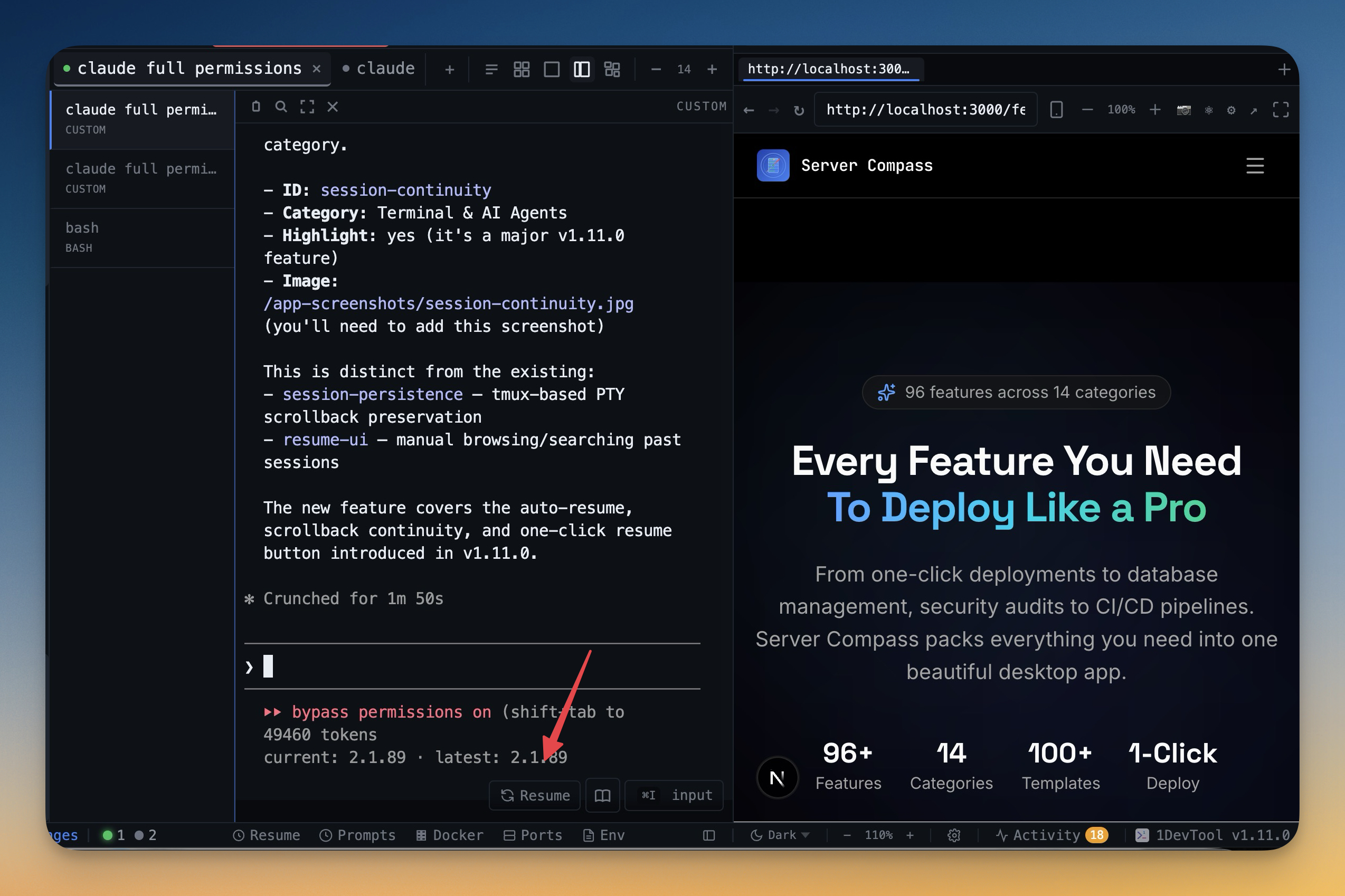
| Tmux-backed session persistence | Survives restart | Yes (core feature) |
| Visual pane splitting | ✓ | ✗ |
| Named, color-coded terminals | ✓ | Manual |
| Works over SSH | ✓ | ✓ |
| Resume sessions from Ghostty / iTerm / Warp | ✓ | ✗ |
AI orchestration
| Feature | 1DevTool | tmux |
|---|---|---|
| AI CLI agents supported | 18 (Claude, Codex, Gemini, Cursor, Cline, Amp, OpenCode, Qwen, Grok, Kimi, Antigravity, Hermes, Pi, Aider, Devin, Kiro, Oh My Pi, Qoder) | ✗ |
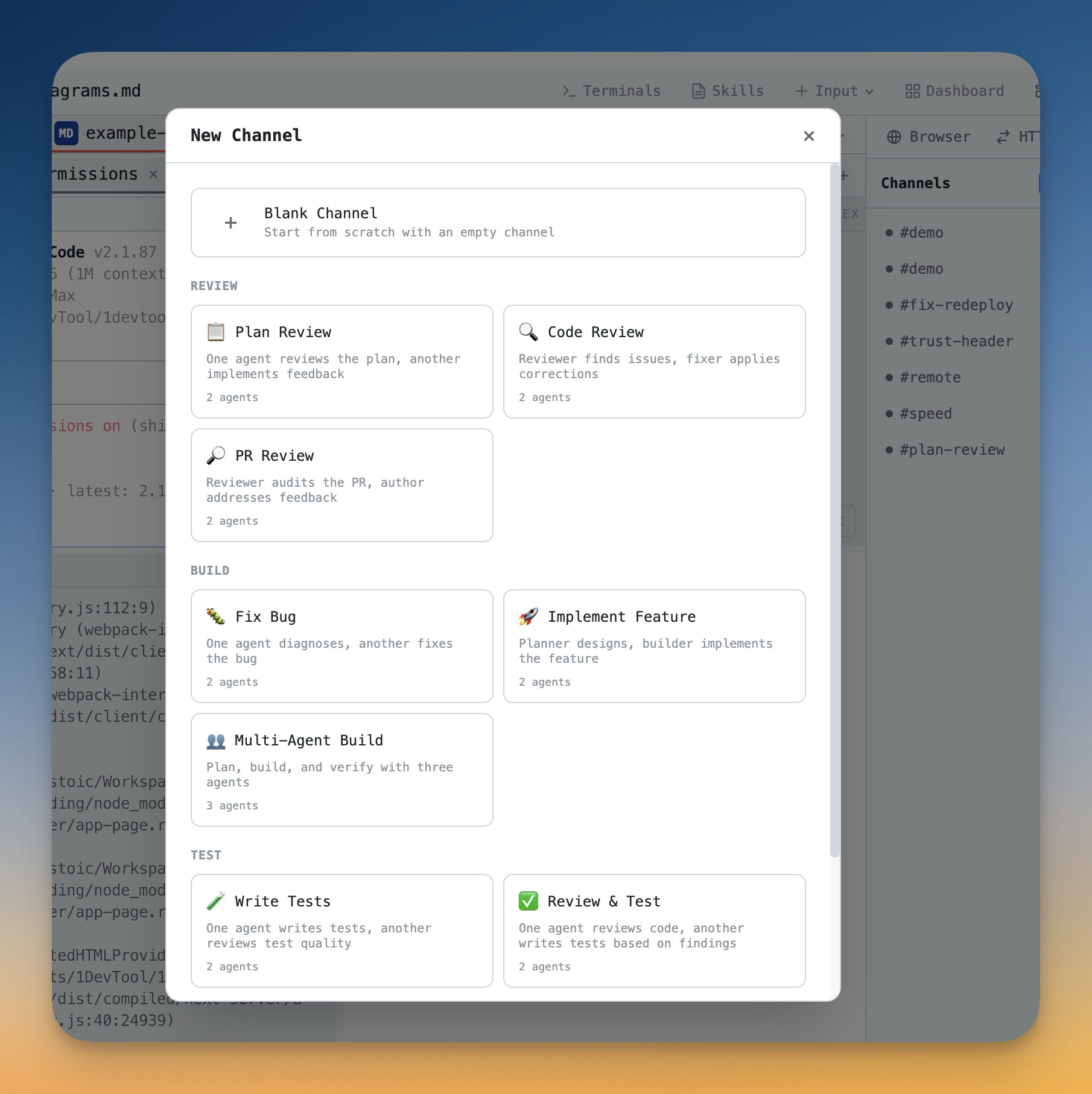
| Run agents in parallel | Charts, teams & pipelines | ✗ |
| Draw org charts & pipelines | ✓ | ✗ |
| Automatic fallback when an agent is rate-limited | ✓ | ✗ |
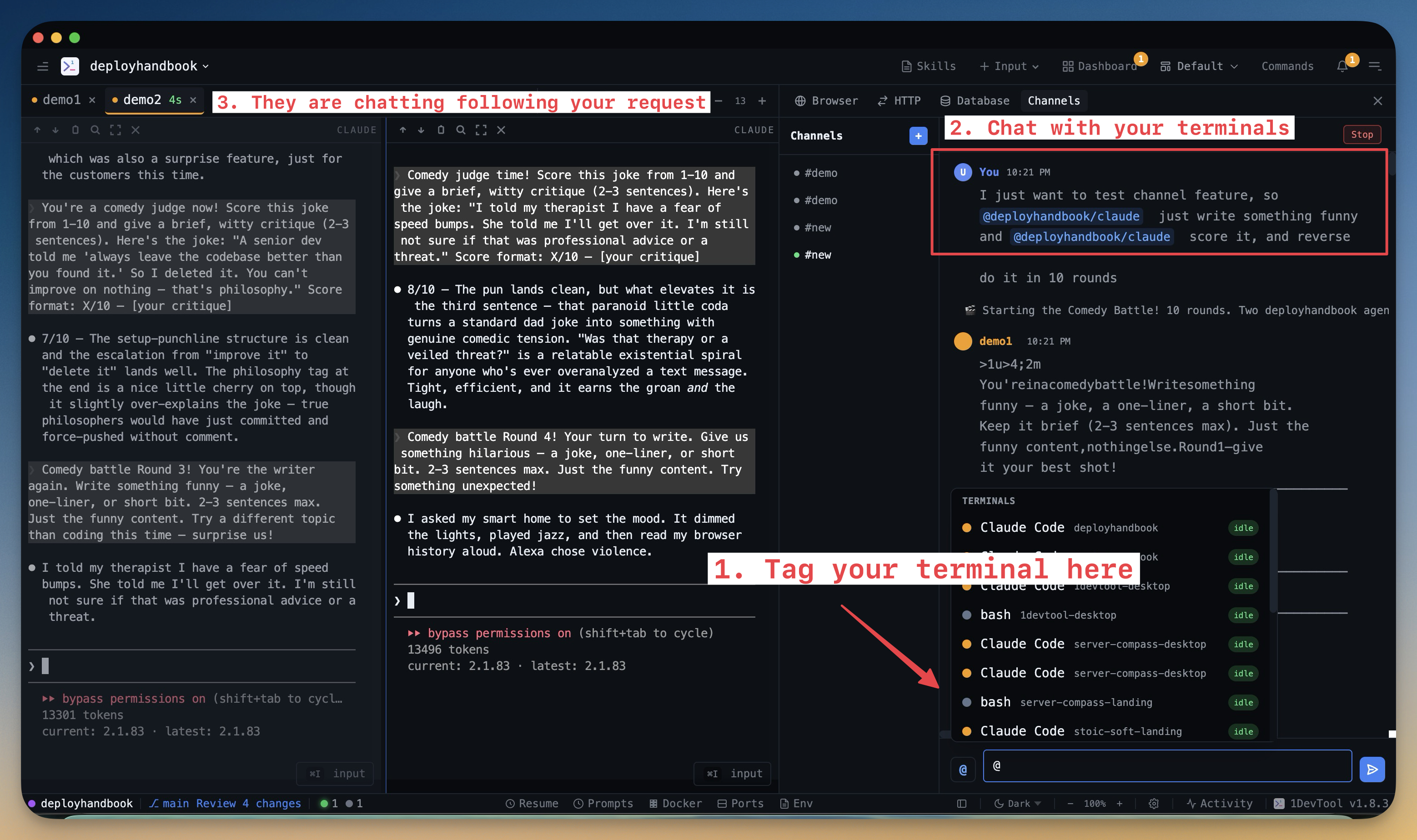
| Answer agent questions in chat | Conversation Mode | ✗ |
| MCP server for agents | ✓ | ✗ |
| Bring your own AI subscription (no per-seat AI fee) | ✓ | ✗ |
Built-in developer tools
| Feature | 1DevTool | tmux |
|---|---|---|
| Database client | 23 engines | ✗ |
| HTTP client + Postman/Insomnia/Bruno import | ✓ | ✗ |
| Embedded browser with per-tab profiles | ✓ | ✗ |
| Docker manager | ✓ | ✗ |
| SSH manager | ✓ | ✗ |
| Git graph + worktrees | ✓ | ✗ |
| Mermaid & whiteboard | ✓ | ✗ |
| Send-to-AI | Browser / HTTP / DB → agent | ✗ |
| Remote control from phone | ✓ | ✗ |
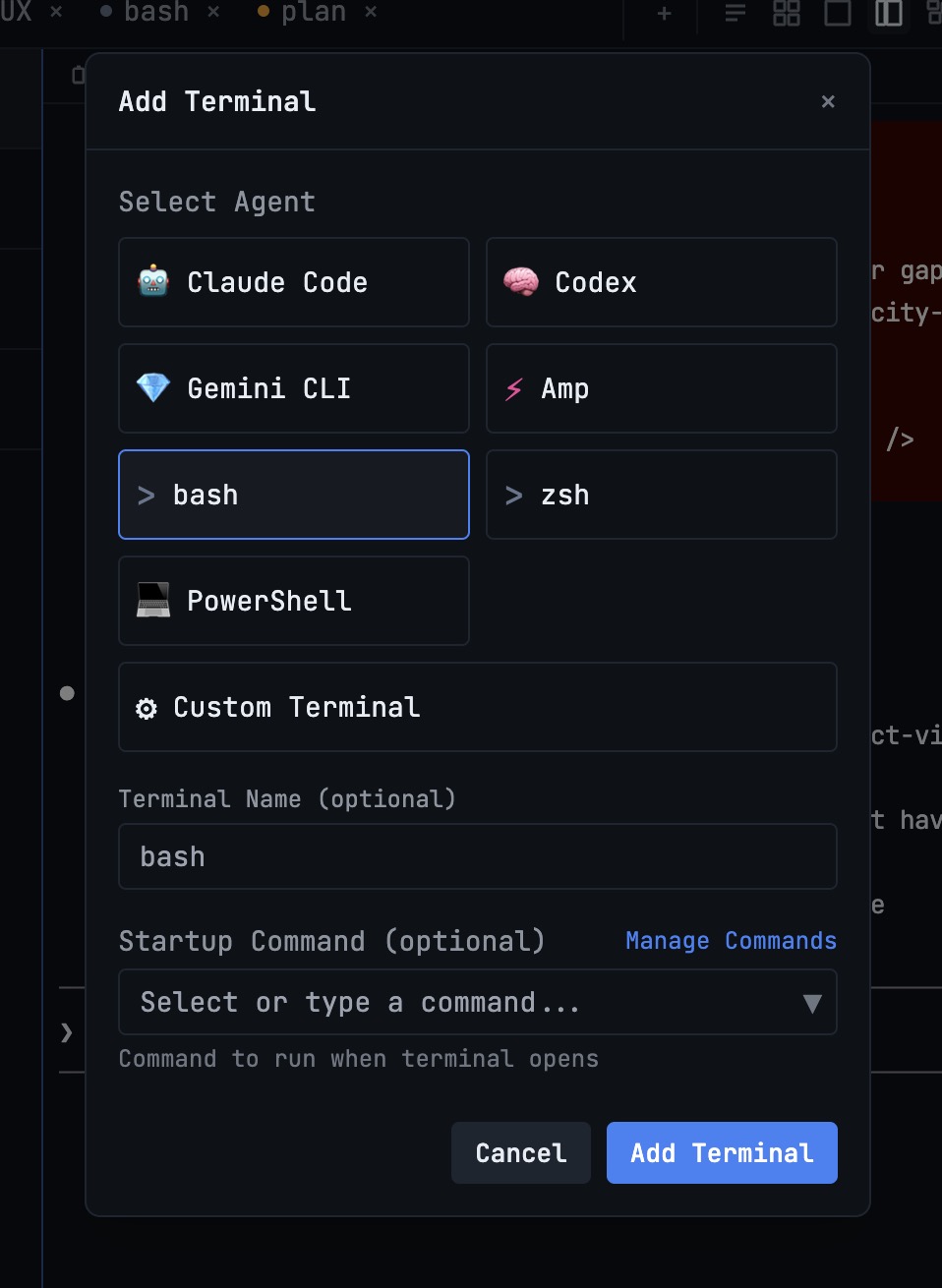
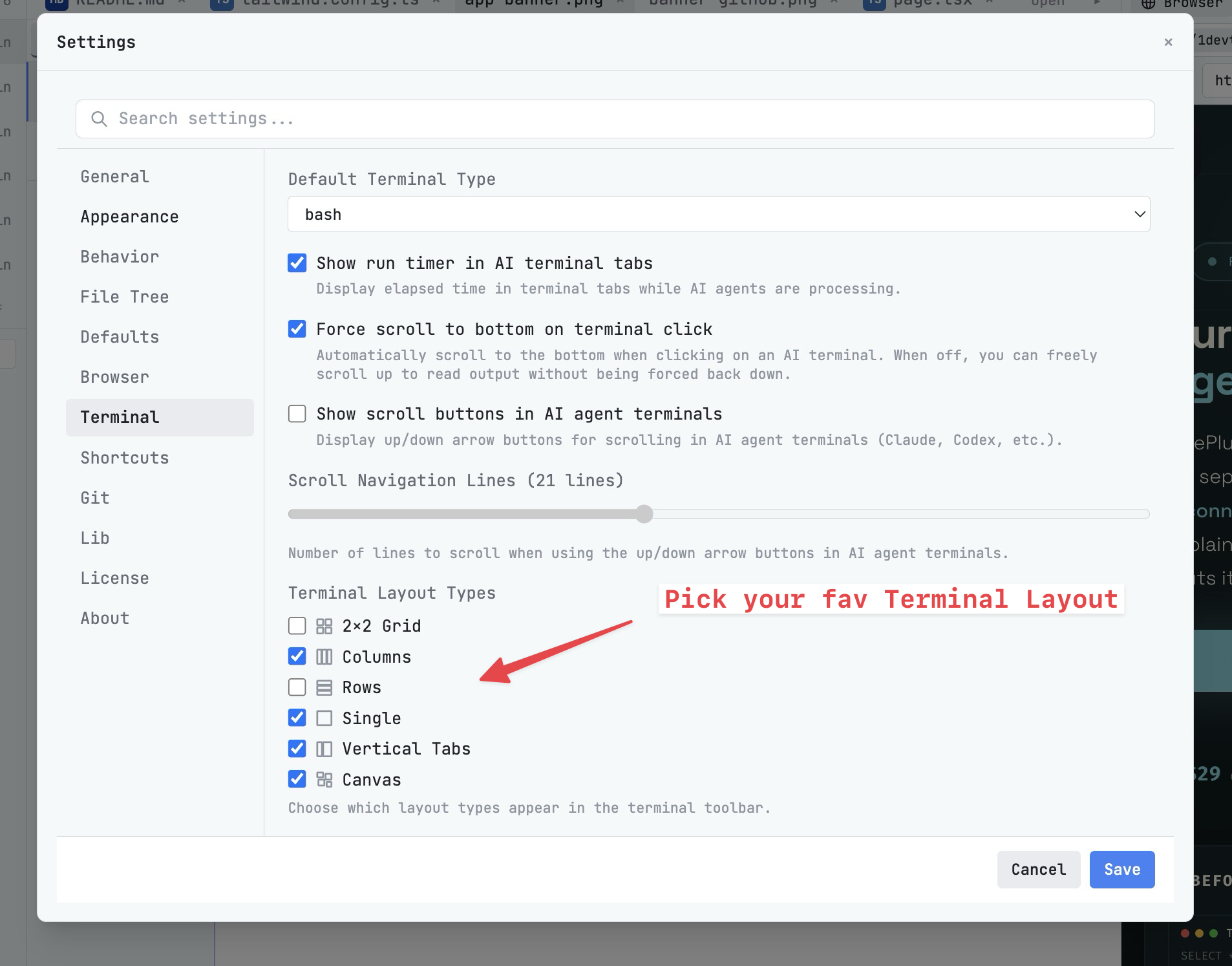
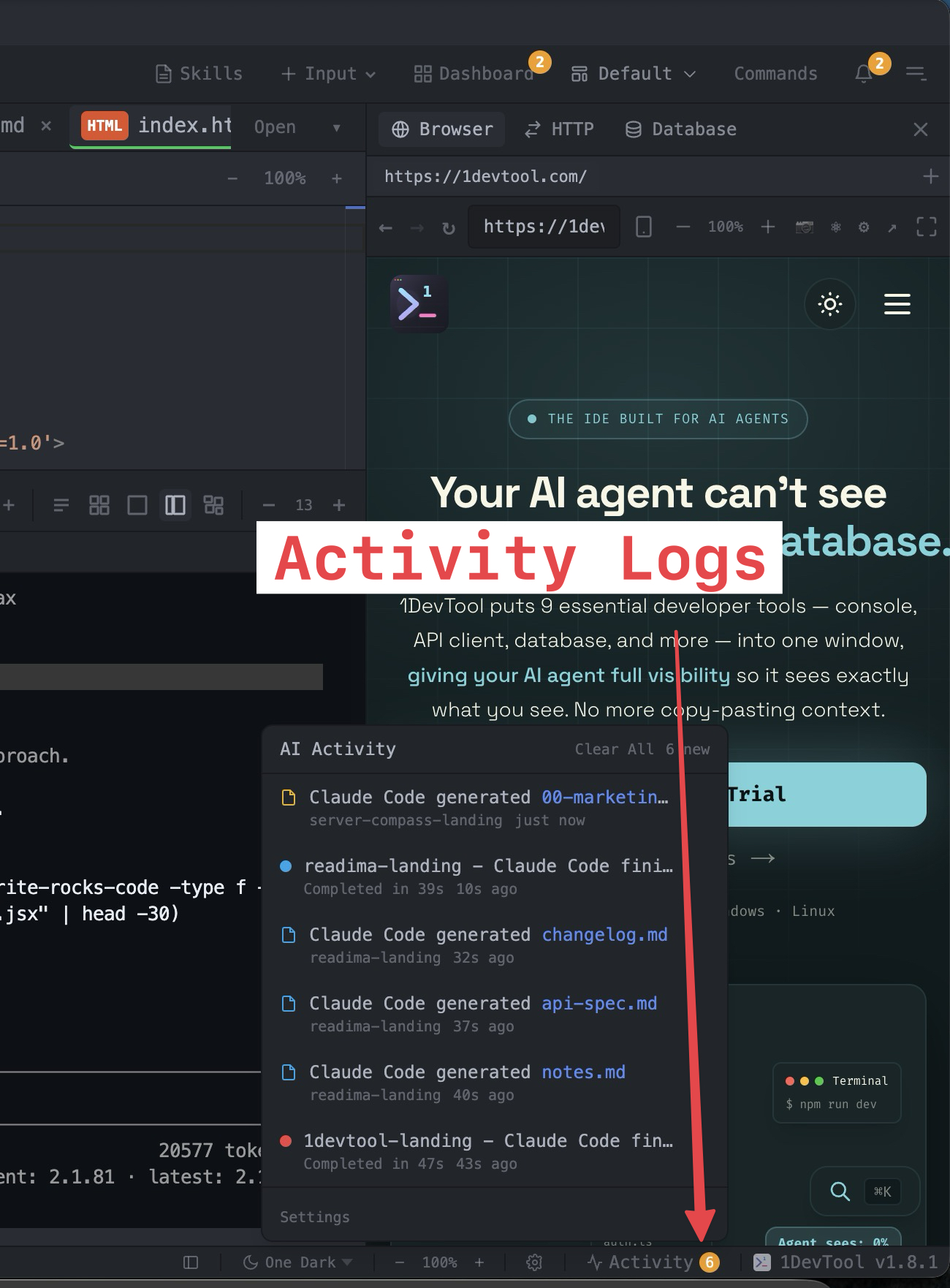
What you get with 1DevTool
The tools that set 1DevTool apart from tmux — built in, no plugins.
The Verdict
Choose 1DevTool if...
- ✓You want tmux persistence without learning keybindings — plus Charts and Conversation Mode
- ✓You want 14 first-class AI agents in visual panes with rate-limit fallbacks
- ✓You want a 23-engine DB client, HTTP, and browser profiles around the terminal
- ✓You'd rather pay From $29 once than maintain a hand-tuned dotfile setup
Choose tmux if...
- •You want a free, scriptable, keyboard-only multiplexer
- •You live in SSH sessions on remote servers and have tmux mastered
- •You prefer a minimal, text-only tool with no GUI overhead
- •You want full control through a versioned ~/.tmux.conf
Frequently asked questions
Does 1DevTool need tmux installed?
1DevTool uses tmux-backed persistence so sessions survive restart. You do not need to learn prefix keys or maintain ~/.tmux.conf — the GUI handles panes and naming.
Is 1DevTool a GUI for tmux?
Partly. Persistence is tmux-backed, but 1DevTool also adds Charts, 14 AI CLIs, Conversation Mode, DB/HTTP/browser, and phone remote control — far beyond a multiplexer.
Can I resume Ghostty or iTerm sessions in 1DevTool?
Yes. 1DevTool can resume AI sessions started in Ghostty, iTerm, or Warp.
Is 1DevTool a one-time purchase?
From $29 one-time. tmux is free and open source.
Does 1DevTool work over SSH?
Yes — SSH manager, key browser, and open remote projects over SSH, plus local multi-agent Charts.
Try 1DevTool Today
Multi-agent AI workspace for developers. From $29 one-time.
Compare 1DevTool with other tools
More side-by-side breakdowns across the tools developers ask about.