1DevTool vs Ghostty
Full AI workspace vs fast terminal emulator
Last updated August 26, 2026
Short answer
Ghostty is a blazing GPU emulator; 1DevTool is the multi-agent workspace that can resume sessions you started there — plus Charts, DB, and HTTP.
- •1DevTool: 14 agents, Charts/pipelines, Conversation Mode, 23-engine DB — From $29 one-time
- •Ghostty: free OSS GPU terminal — no AI orchestration or built-in tools
- •1DevTool resumes AI sessions started in Ghostty / iTerm / Warp
- •Many people use Ghostty for shell speed and 1DevTool for agent work
1DevTool
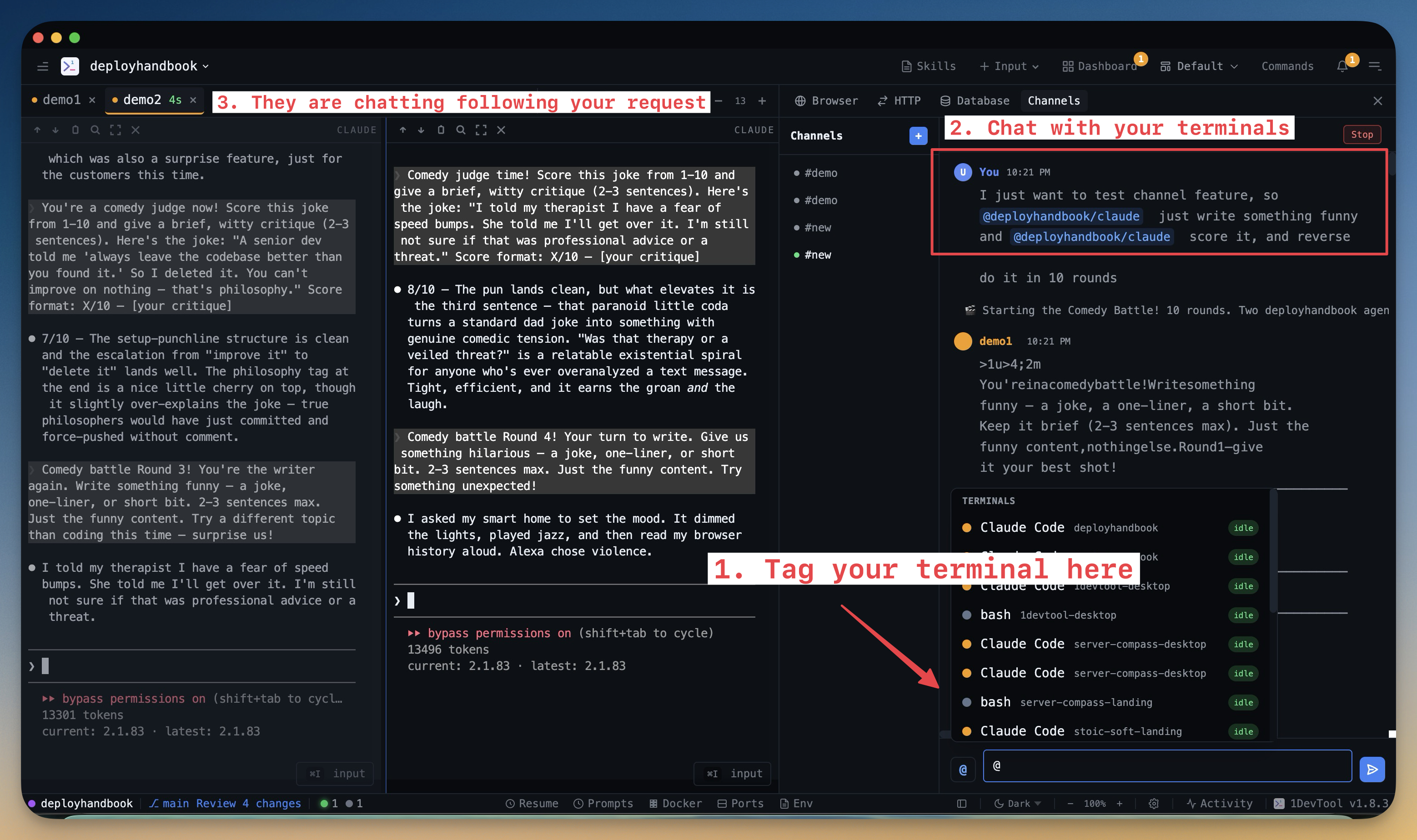
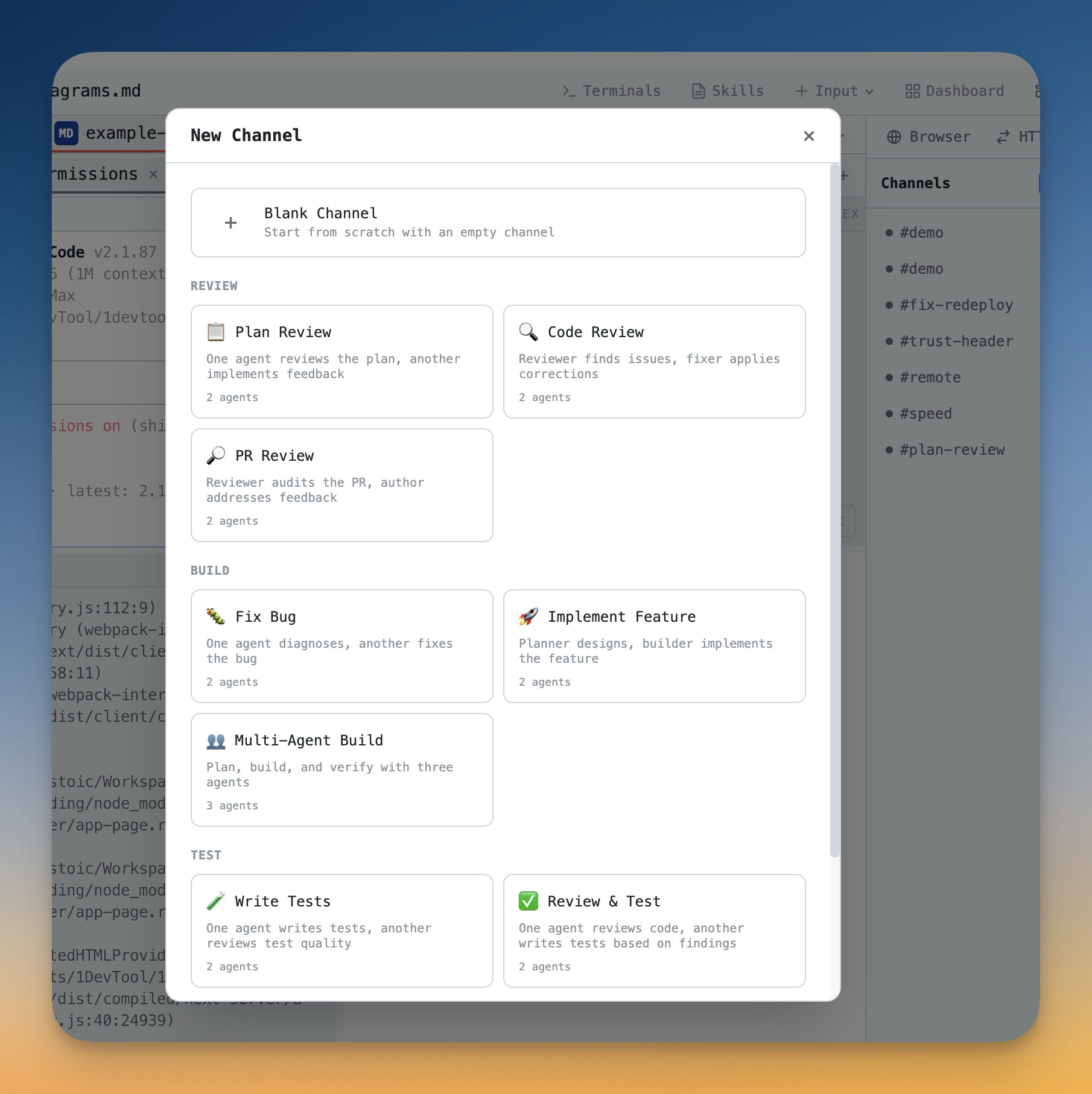
1DevTool is a multi-agent workspace — Charts, teams, and pipelines across 14 CLIs, Conversation Mode, and tmux-backed persistence — with Monaco, a 23-engine DB client, HTTP, and browser profiles. It even resumes sessions you started in Ghostty. From $29 one-time.

Ghostty
Ghostty is a free, open-source, GPU-accelerated terminal emulator from Mitchell Hashimoto, written in Zig for speed and a native feel. It renders your shell exceptionally fast — but it's an emulator, not a workspace: no AI agents, editor, HTTP, or database tools.
Basics
| Feature | 1DevTool | Ghostty |
|---|---|---|
| Price | From $29 one-time | Free (open source) |
| Type | AI workspace + terminal | Terminal emulator |
| GPU-accelerated rendering | ✓ | ✓ |
| Platforms | macOS, Windows, Linux | macOS, Linux |
AI orchestration
| Feature | 1DevTool | Ghostty |
|---|---|---|
| AI CLI agents supported | 18 (Claude, Codex, Gemini, Cursor, Cline, Amp, OpenCode, Qwen, Grok, Kimi, Antigravity, Hermes, Pi, Aider, Devin, Kiro, Oh My Pi, Qoder) | ✗ |
| Run agents in parallel | Charts, teams & pipelines | ✗ |
| Draw org charts & pipelines | ✓ | ✗ |
| Automatic fallback when an agent is rate-limited | ✓ | ✗ |
| Answer agent questions in chat | Conversation Mode | ✗ |
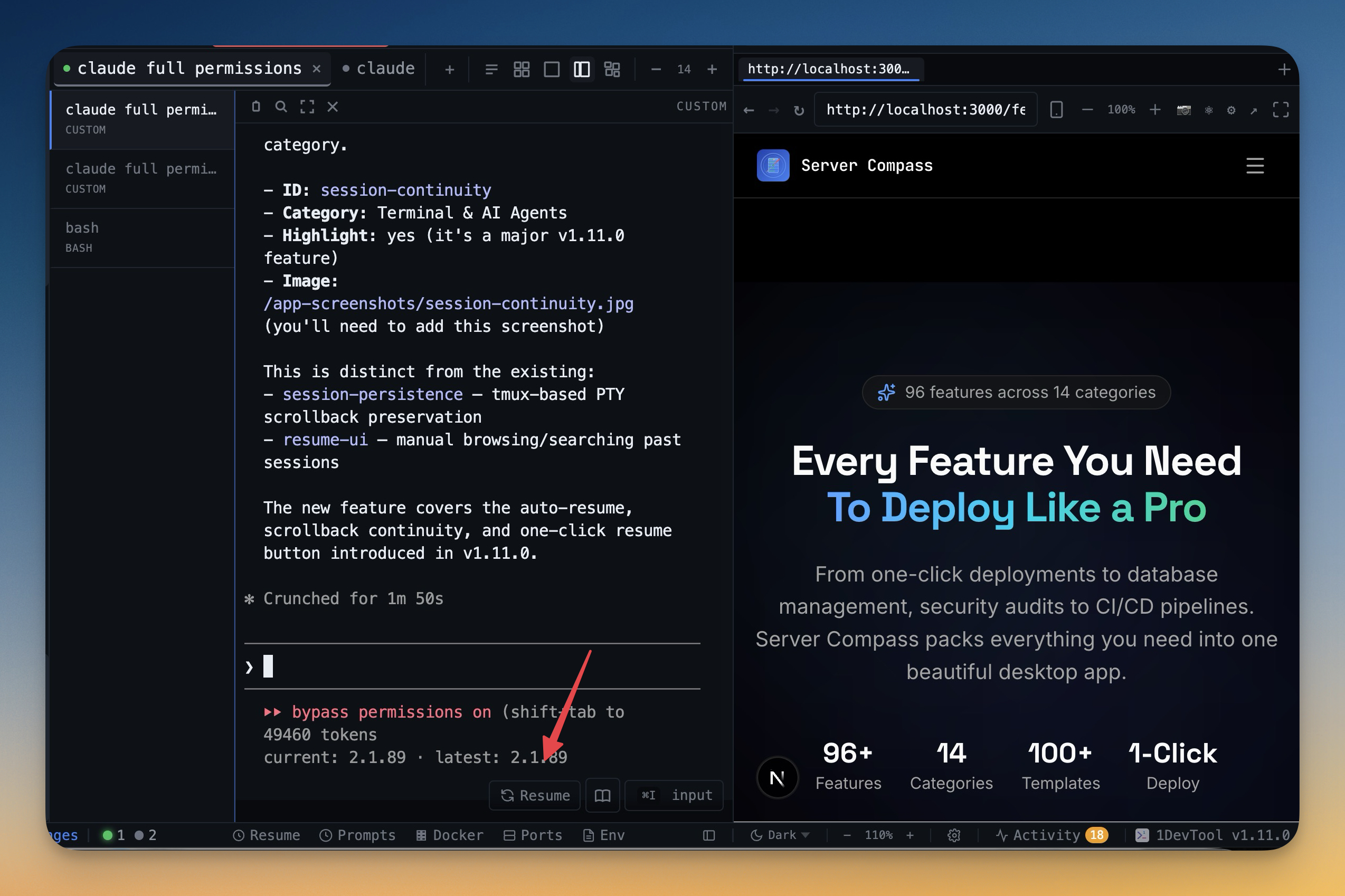
| Resume sessions started in Ghostty | ✓ | n/a |
| MCP server for agents | ✓ | ✗ |
| Bring your own AI subscription (no per-seat AI fee) | ✓ | ✗ |
Built-in developer tools
| Feature | 1DevTool | Ghostty |
|---|---|---|
| Tmux-backed session persistence | Survives restart | ✗ |
| Code editor (Monaco) | ✓ | ✗ |
| Database client | 23 engines | ✗ |
| HTTP client + Postman/Insomnia/Bruno import | ✓ | ✗ |
| Embedded browser with per-tab profiles | ✓ | ✗ |
| Docker manager | ✓ | ✗ |
| Git graph + worktrees | ✓ | ✗ |
| Send-to-AI from every tool | Browser / HTTP / DB → agent | ✗ |
| Remote control from phone | ✓ | ✗ |
What you get with 1DevTool
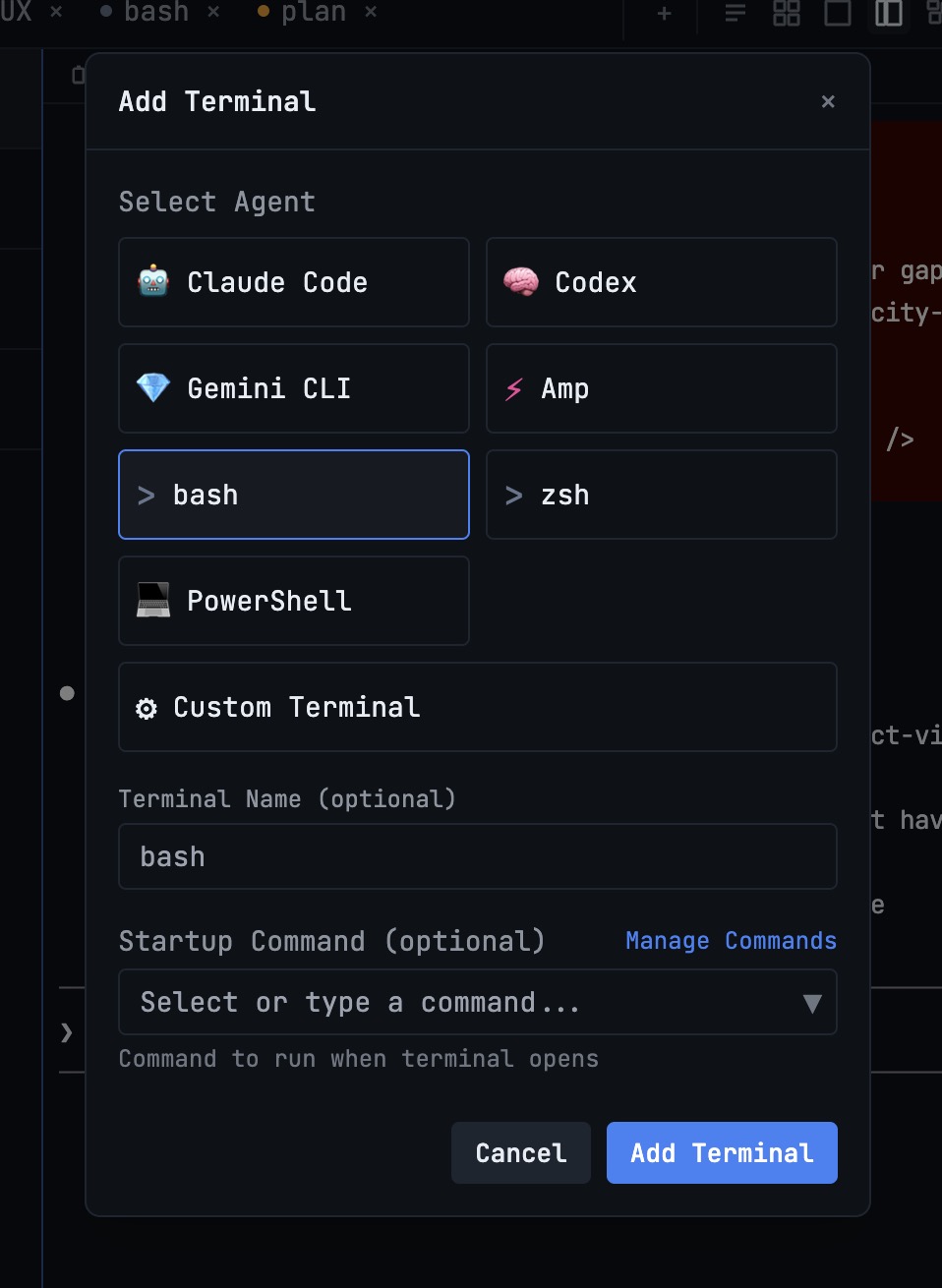
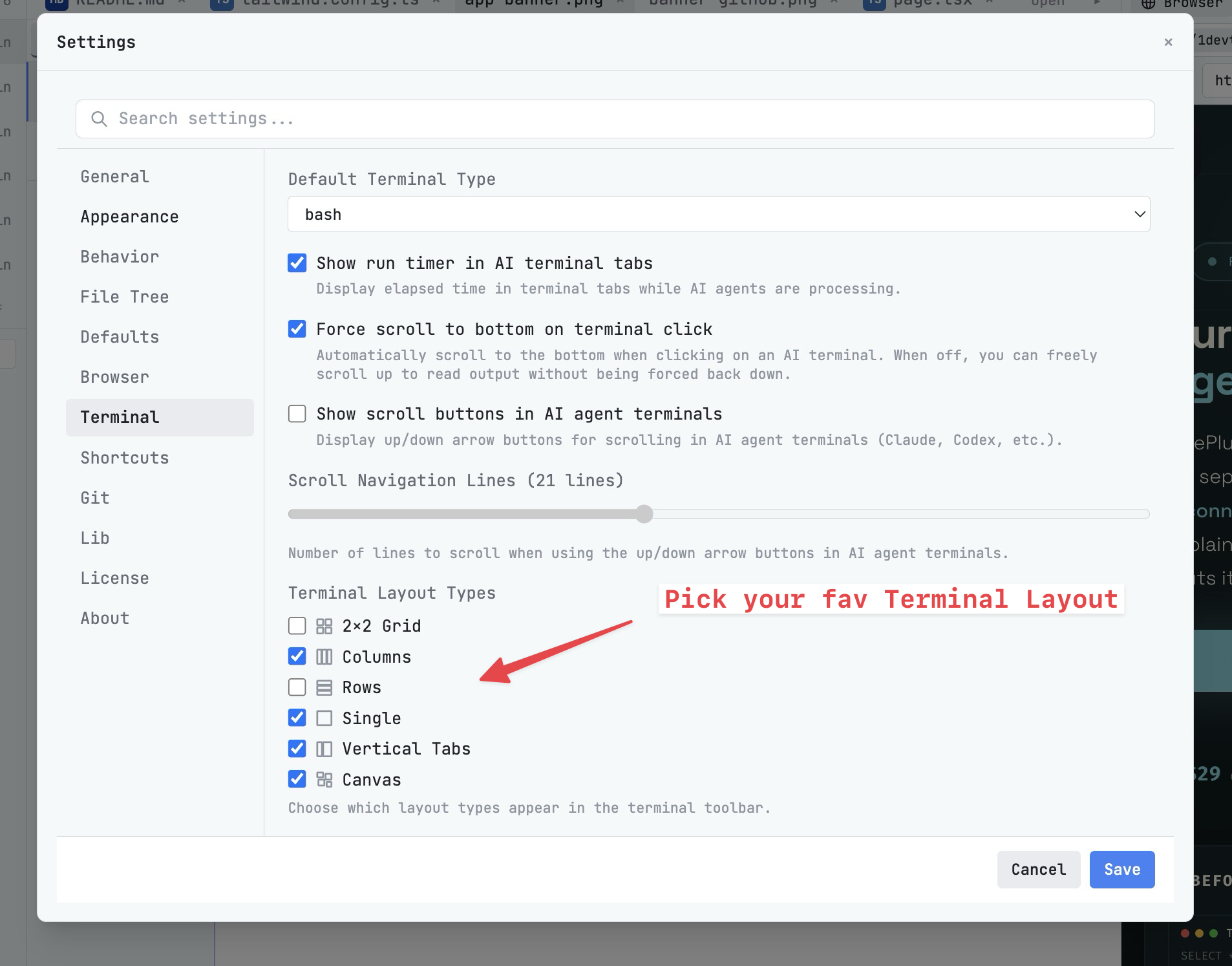
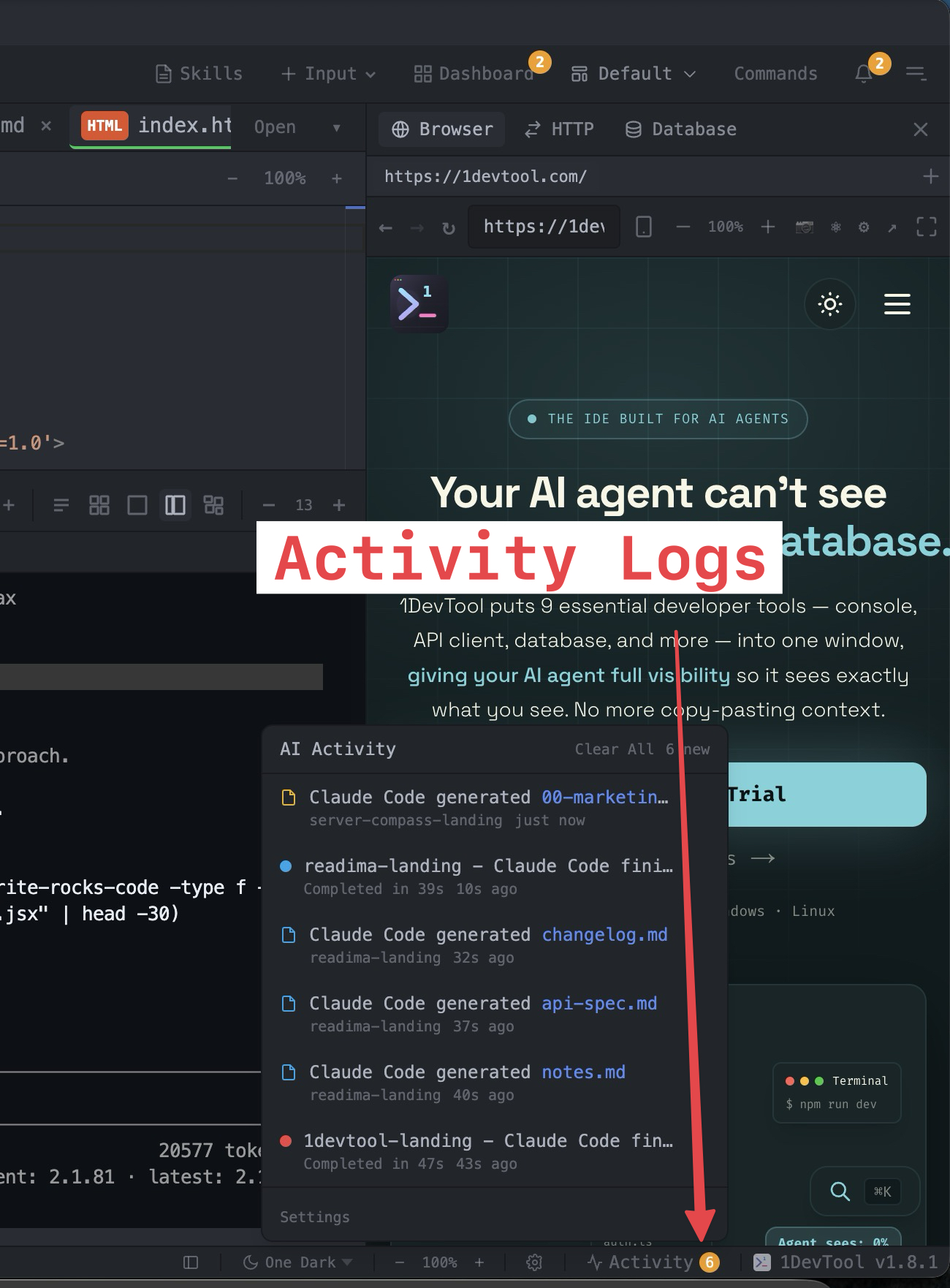
The tools that set 1DevTool apart from Ghostty — built in, no plugins.
The Verdict
Choose 1DevTool if...
- ✓You want Charts and 14 agents — not just a fast shell renderer
- ✓You want Conversation Mode and rate-limit fallbacks across agents
- ✓You want a 23-engine DB client, HTTP, and browser profiles around the terminal
- ✓You want to resume agent sessions you started in Ghostty
- ✓You prefer From $29 one-time with the whole toolchain included
Choose Ghostty if...
- •You want the fastest possible pure terminal emulator
- •You only need a beautiful, native shell renderer
- •You prefer free, open-source, single-purpose tools
- •You assemble your own workflow from separate best-in-class apps
Frequently asked questions
Can 1DevTool resume sessions I started in Ghostty?
Yes. 1DevTool can resume AI sessions started in Ghostty, iTerm, or Warp — then continue them with Charts, Conversation Mode, and the built-in toolchain.
Is 1DevTool a terminal emulator like Ghostty?
No. Ghostty is a GPU-accelerated emulator. 1DevTool is a multi-agent workspace with terminals, orchestration, DB/HTTP/browser, and more.
Does 1DevTool support Windows?
Yes — macOS, Windows, and Linux. Ghostty currently targets macOS and Linux.
Is 1DevTool a one-time purchase?
From $29 one-time. Ghostty is free and open source.
How many AI agents can I run in 1DevTool?
Fourteen first-class CLIs (Claude, Codex, Gemini, Cursor, Cline, Amp, OpenCode, Qwen, Grok, Kimi, Antigravity, Hermes, Pi, Aider), orchestrated via Charts and pipelines.
Try 1DevTool Today
Multi-agent AI workspace for developers. From $29 one-time.
Compare 1DevTool with other tools
More side-by-side breakdowns across the tools developers ask about.