Jul 15, 2026
Every Terminal Control in Every Layout — and Grok Gets Your Tools
Terminal Right stops costing you the toolbar: copy as Markdown, Reader Mode, pop-out, and a resizable channel list that remembers its width. Plus Grok can now run your database and HTTP tools, and delegated Grok runs open live from their badge.
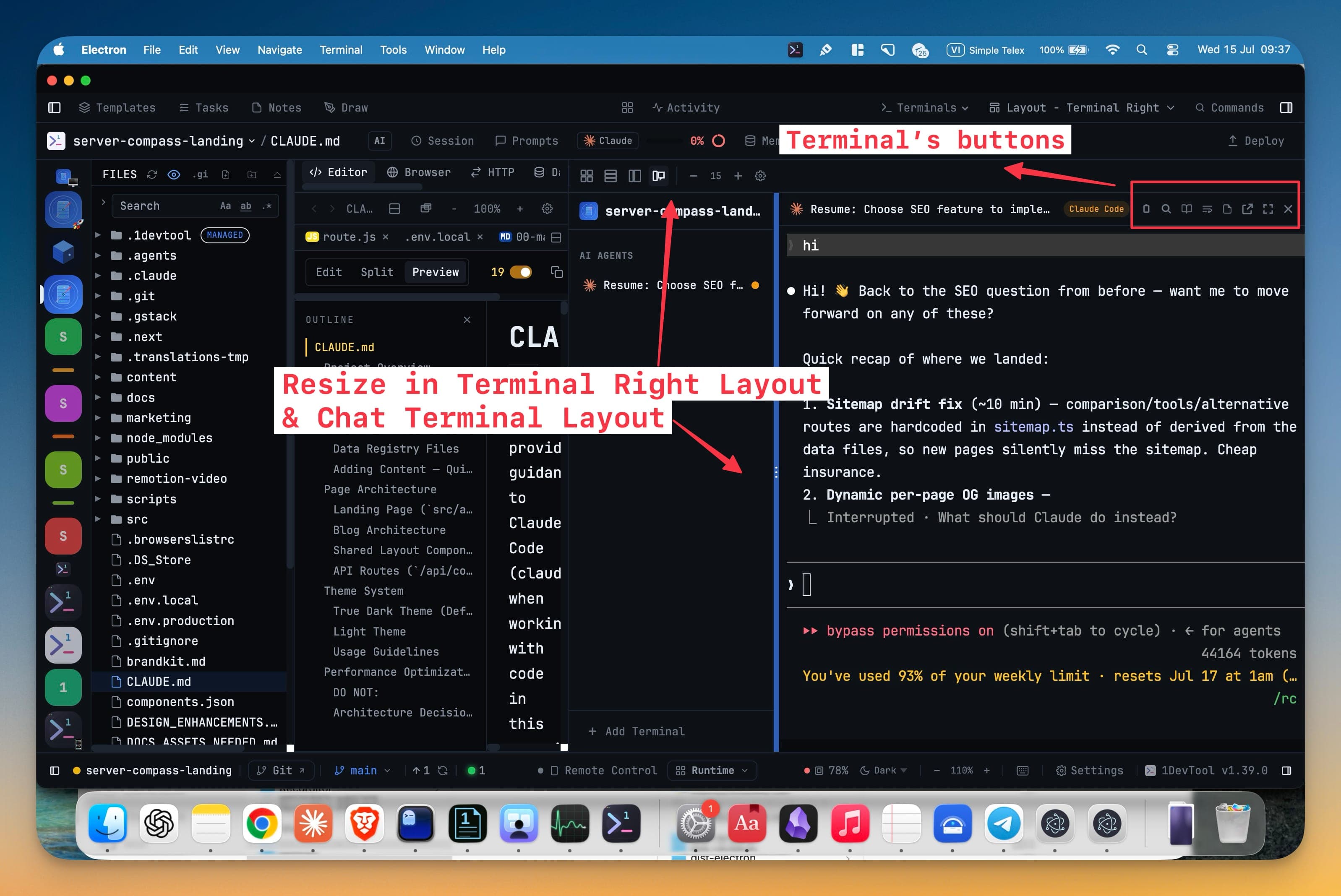
You picked Terminal Right because an AI agent talking back to you reads better in a tall column than in a squat grid pane. The channel list sits on the left, the conversation fills the rest, and it looks like what it actually is — a chat.
Then the run finishes and you want to keep it. Copy the whole thing out as Markdown, or open it in Reader Mode because it's four hundred lines long. And the buttons aren't there. They're there in grid. They're there in columns. So you switch layouts, hunt for the terminal again, click the thing, and switch back. Every time.
What changed
Terminal Right is a layout again, not a trade. The active terminal carries the same control row as every other layout, and the divider between the channel list and the terminal is yours to drag.
How it works in practice
The control row follows the active terminal
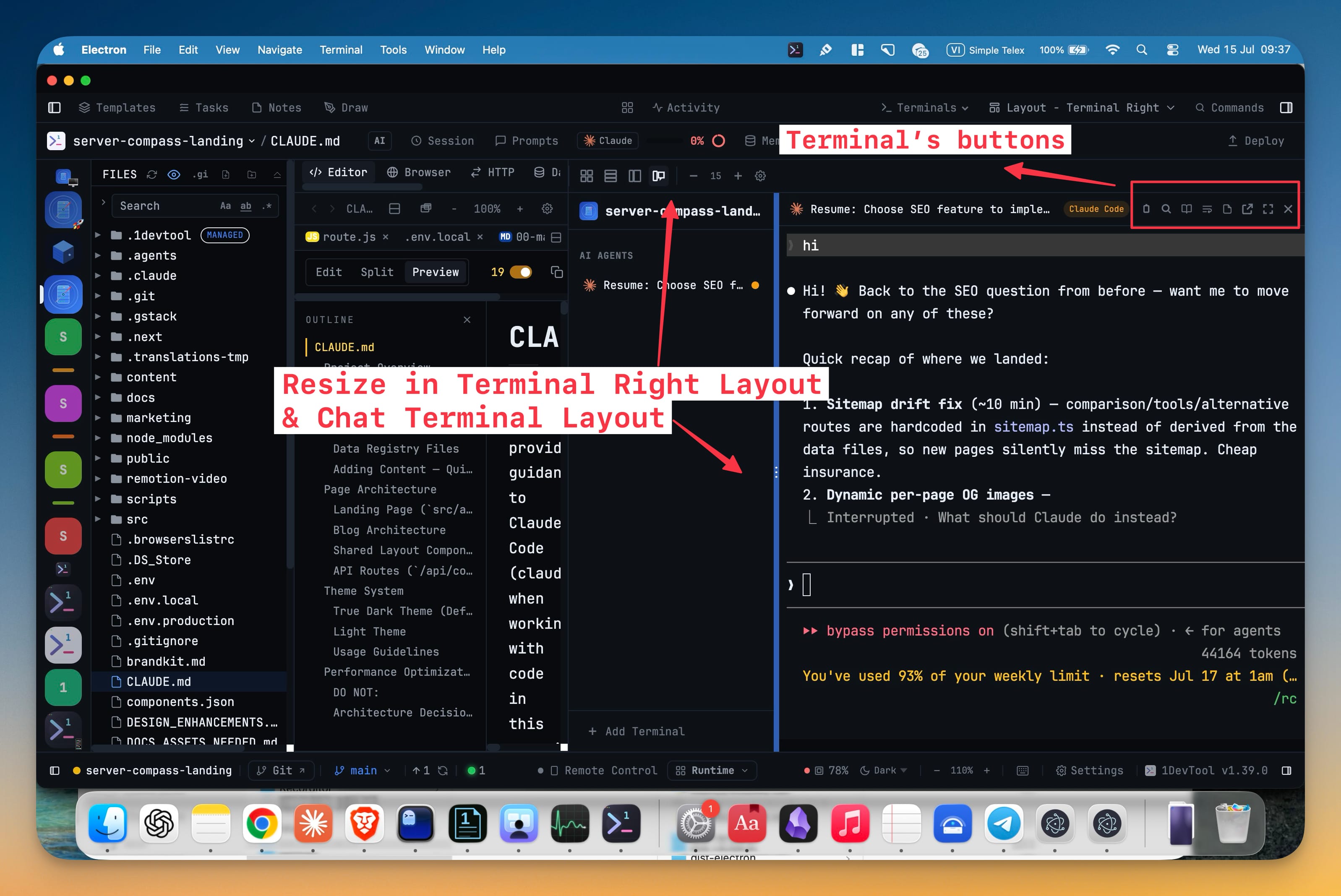
Whatever terminal is active in Terminal Right now has its full header: Copy output as Markdown, Search (Cmd+F), Open in Reader Mode, Reformat terminal for when a resize leaves the buffer in ribbons, sticky notes, Pop Out to New Window, focus mode, and close. Eight actions, the same eight you'd get in grid.
The one that changes your day is Reader Mode. A long agent run in a terminal is a wall; the same run in Reader Mode is something you can actually read, and now you can get there without leaving the layout you chose for reading in the first place.
The channel list is yours to size
The divider between the channel list and the terminal drags — "Drag to resize · double-click to reset" — anywhere from 160px to 480px. If your terminals are named refactor-the-auth-middleware you can give the list room to show it. If you'd rather have the output, squeeze the list down and take the pixels back.
The width you settle on is saved to the project, not to the app. Each project keeps the balance that suits its terminal names, and a double-click on the divider snaps back to the 220px default.
Grok can reach your database and HTTP tools
Grok has run as a first-class agent in 1DevTool since 1.35.0, but it couldn't touch your tools — so every schema question ended with you opening the database client, running the query, and pasting rows back into the prompt.
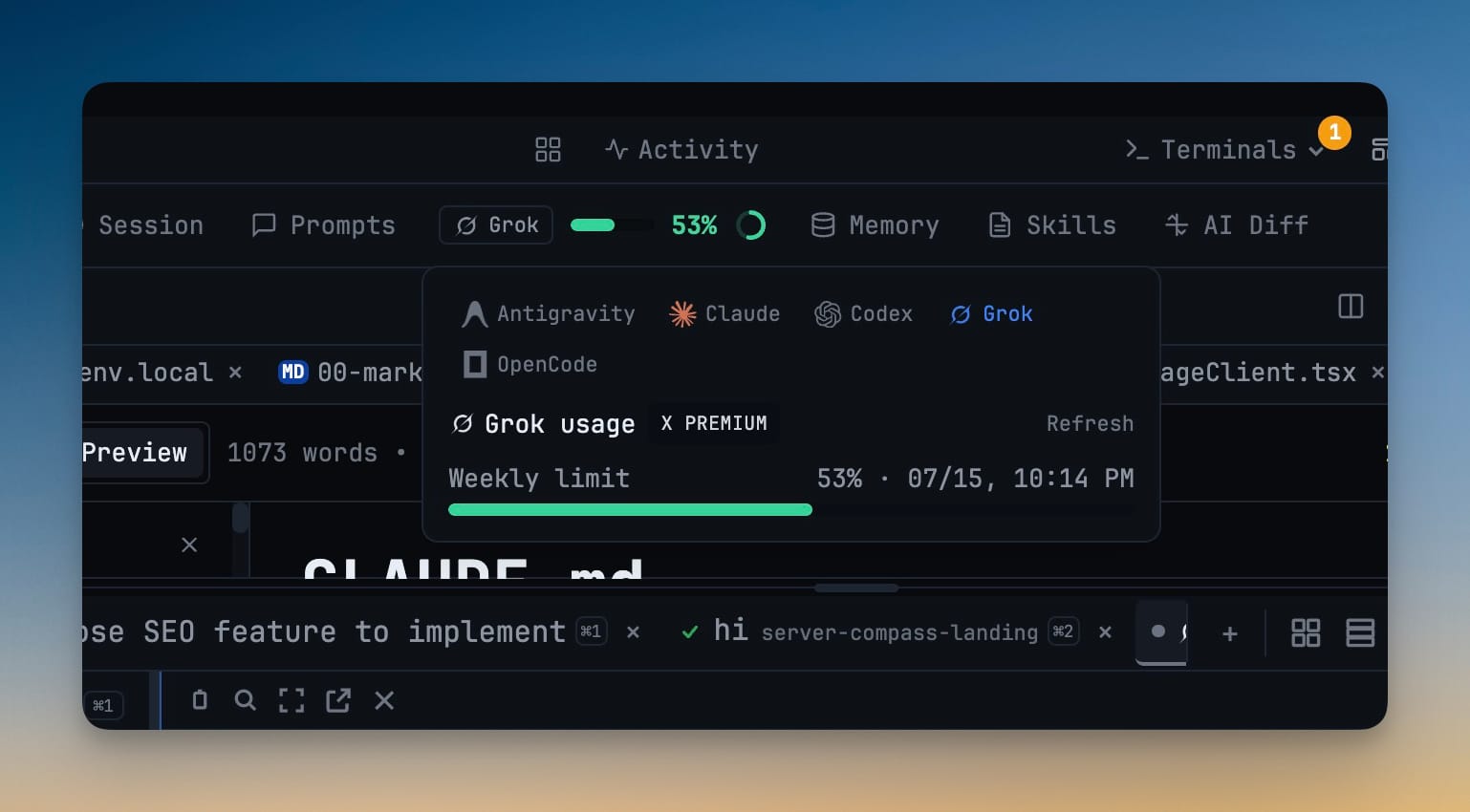
New Grok sessions now discover 1DevTool's MCP server and can run it themselves: the database tools (list_connections, describe_schema, query, preview_table) and the HTTP client's (request, list_saved_requests, run_saved_request, list_environments). Settings → MCP now lists and manages Grok next to Claude Code, Gemini CLI, Codex, and OpenCode, writing to ~/.grok/config.toml so you don't hand-edit TOML.
One detail worth knowing if you're wiring it up yourself: the server key is onedevtool, not 1devtool. Grok prefixes tool names with the server key and rejects the resulting functions when that key starts with a digit — so the shared key is deliberately alphabetic, and the same entry works in Grok and in the clients that import from it.
Follow a delegated Grok run from its badge
When you hand work to Grok from another agent, the sub-agent badge that appears is now a door. Click it and the delegated run's transcript opens — prompts, responses, reasoning, and each tool call with its result, in order.
It reads Grok's own local session file and tails it as the run grows, so you're watching the delegation happen rather than waiting for a verdict. The view shows ● live while it follows along, and flips to ○ paused the moment you scroll up, so a fast run can't yank the view out from under you. If a delegation is going sideways, you find out in the first thirty seconds instead of at the end.
Before vs. after
| What you're doing | Before 1.40.0 | With 1.40.0 |
|---|---|---|
| Copying a run from Terminal Right | Switch layouts, copy, switch back | Copy as Markdown, in place |
| Reading a long agent transcript | Leave the layout to reach Reader Mode | Reader Mode from the same header |
| Long terminal names | Truncated in a fixed channel list | Drag the divider; width sticks per project |
| Asking Grok about your schema | Run the query yourself, paste it in | Grok queries the connection directly |
| Checking a delegated Grok run | Find and tail its JSONL by hand | Click the badge, read it live |
The rest of 1.40.0
The File Explorer remembers which folders you had expanded when you switch projects or worktree roots — including when you switch immediately after expanding one.
The Windows fixes are the ones worth calling out. Prompts handed between AI agents no longer corrupt Vietnamese and other Unicode text. AI terminals in full-screen interfaces receive wheel input properly, including while Agent Input is open. And moving your mouse over a Cursor terminal no longer types streams of control characters into the prompt. Open editor tabs also stop lagging behind files that agents change underneath you — background tabs included, without clobbering unsaved work.
Who benefits most
Anyone who lives in one layout. If you picked Terminal Right or Chat and quietly accepted the missing toolbar, that tax is gone.
People running Grok on real projects. Tools plus readable delegation is the difference between an agent you supervise and one you have to relay for.
Windows users. Unicode delegation, terminal scrolling, and Cursor's mouse handling all got fixed in the same release.
Try it
Switch to Terminal Right from the Layout menu, run an agent, and hit Copy output as Markdown without going anywhere. Then drag the channel divider until the names fit — it'll be there next time you open the project.
1DevTool 1.40.0 is out now.
From across the StoicSoft network
Hand-curated reads on the same topic from sister sites in the StoicSoft family.
 ServerCompass8 min read
Deploy to VPS in 5 minutes (Not 5 hours): Server Compass v1.1.7
New ZIP file deployments, enhanced GitHub integration, bulk env variables, and persistent logs. Get Vercel-like UX on your $5 VPS.
Read on servercompass.app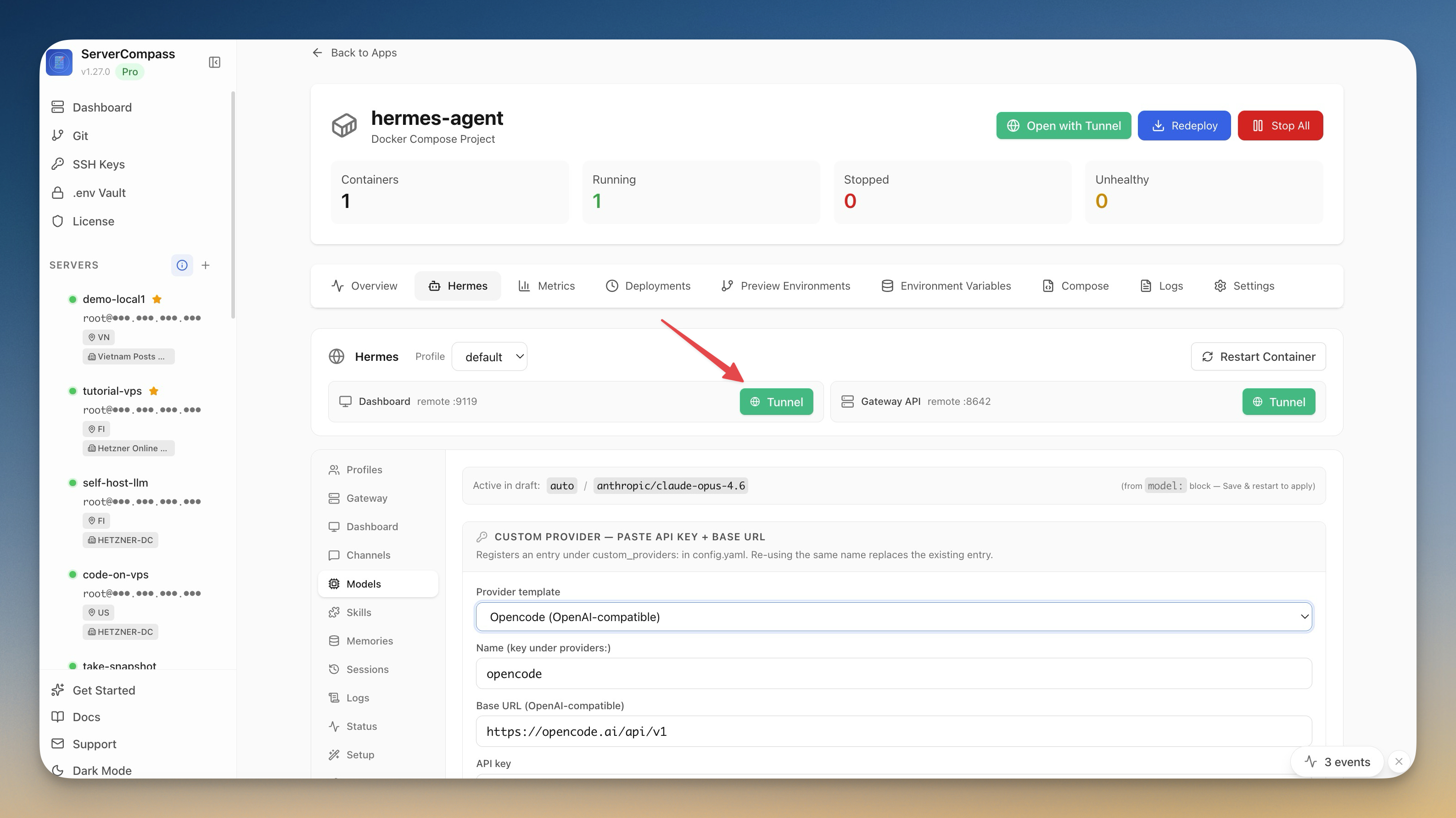 ServerCompass5 min read
Self-Host an AI Agent on Your VPS in One Click
Server Compass v1.27.0 deploys Hermes Agent to your VPS in one click — your own OpenAI-compatible gateway, a web dashboard reachable through an SSH tunnel, and chat platforms wired in from the same window.
Read on servercompass.app