1DevTool vs Herdr
Visual multi-agent workspace vs terminal agent multiplexer
Last updated October 27, 2026
Short answer
Herdr is a lean TUI agent multiplexer; 1DevTool is the full GUI workspace with Charts, Conversation Mode, and a 23-engine toolchain.
- •1DevTool: Charts/pipelines, Conversation Mode, DB/HTTP/browser — free plan or $29 one-time; stable Windows
- •Herdr: free AGPL ~10MB binary, agent-state panes, SSH detach/reattach
- •Both are agent-agnostic; 1DevTool adds visual Charts and built-in tools
- •Pick Herdr if you want zero-deps TUI; pick 1DevTool for the full desktop stack

1DevTool
1DevTool is a visual multi-agent workspace: Charts, teams, pipelines, and Conversation Mode across 20 CLIs, with backup agents and Autopilot — plus Monaco, a 23-engine DB client, HTTP, browser profiles, Docker, and phone apps for iOS and Android. Free plan, Pro from $29 one-time.

Herdr
Herdr is an open-source (AGPL-3.0) terminal-native agent multiplexer written in Rust — a single ~10MB binary with zero dependencies. Think tmux, but agent-aware: every coding agent gets a real PTY pane, and Herdr tracks each one's live state (blocked, working, done, idle). Sessions run on a background server you can detach from and reattach to over SSH — even from your phone — with a CLI and Unix-socket API for orchestration. Free, no accounts, no telemetry, no Electron.
Basics
| Feature | 1DevTool | Herdr |
|---|---|---|
| Price | From $29 one-time | Free (open source, AGPL-3.0) |
| Type | AI workspace + terminal | Terminal agent multiplexer |
| Interface | Native GUI | Terminal TUI (mouse-friendly) |
| Footprint | Desktop app | Single ~10MB binary, zero deps |
| Platforms | macOS, Windows, Linux | Linux, macOS; Windows (beta) |
AI orchestration
| Feature | 1DevTool | Herdr |
|---|---|---|
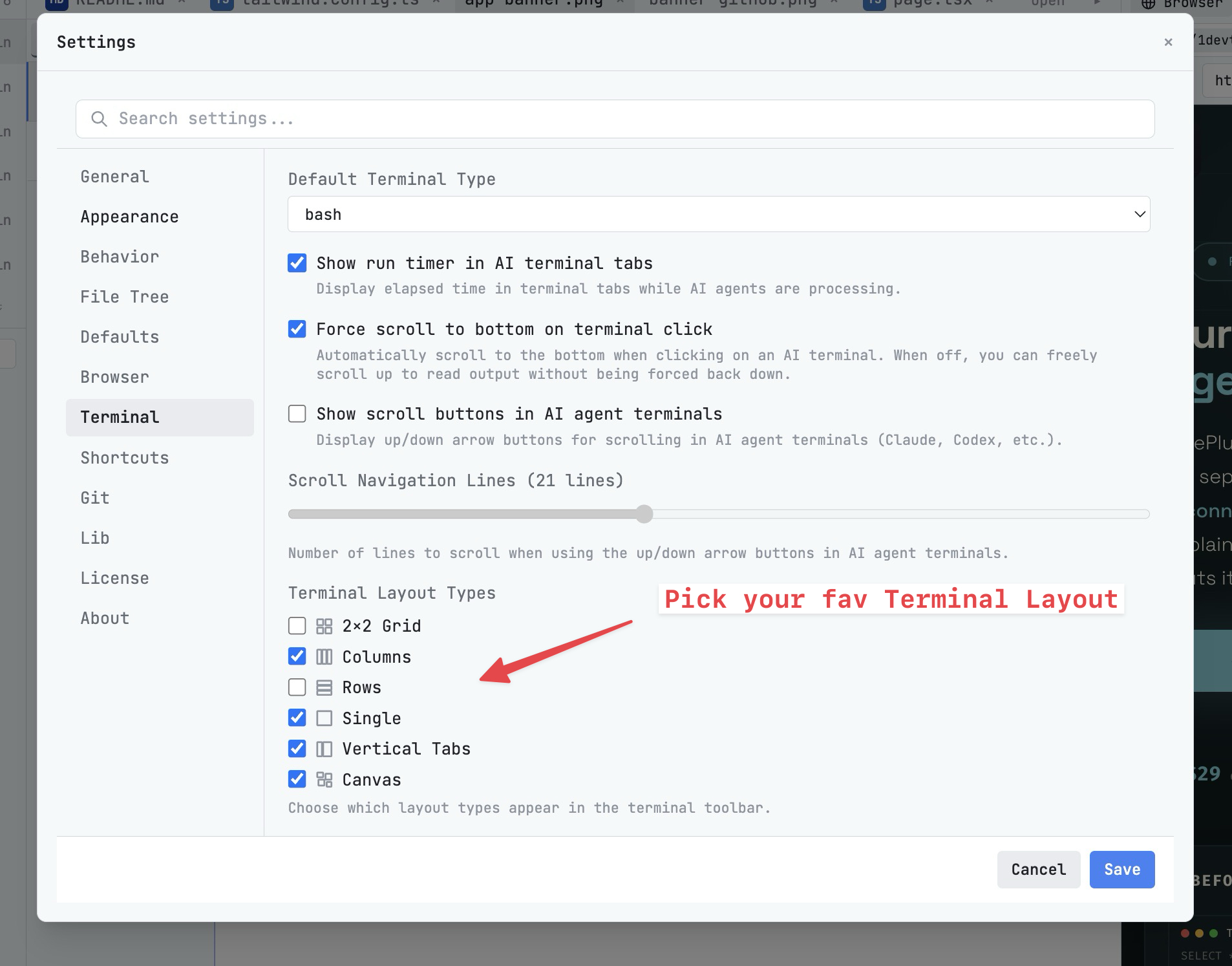
| Run agents in parallel | Charts, teams & pipelines | Panes, tabs, workspaces |
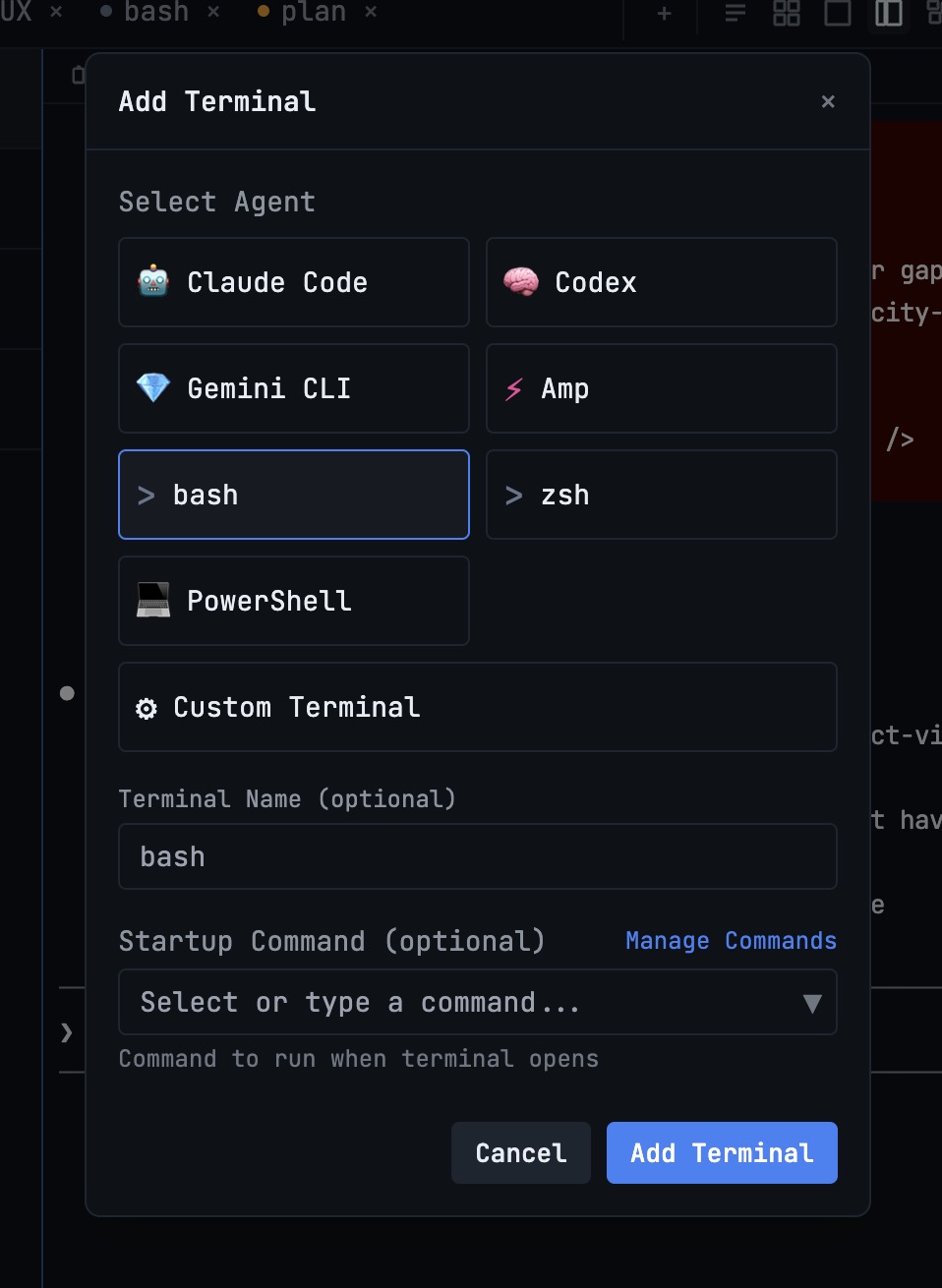
| AI CLI agents supported | 20 built in (Claude, Codex, Gemini, Cursor, Cline, Amp, OpenCode, Qwen, Grok, Kimi, Antigravity, Hermes, Pi, Oh My Pi, Aider, Devin, Kiro, Qoder, Command Code, Kilo Code) + custom agents | Agent-agnostic |
| Draw org charts & pipelines | ✓ | ✗ |
| Automatic fallback when an agent is rate-limited | ✓ | ✗ |
| Answer agent questions in chat | Conversation Mode | ✗ |
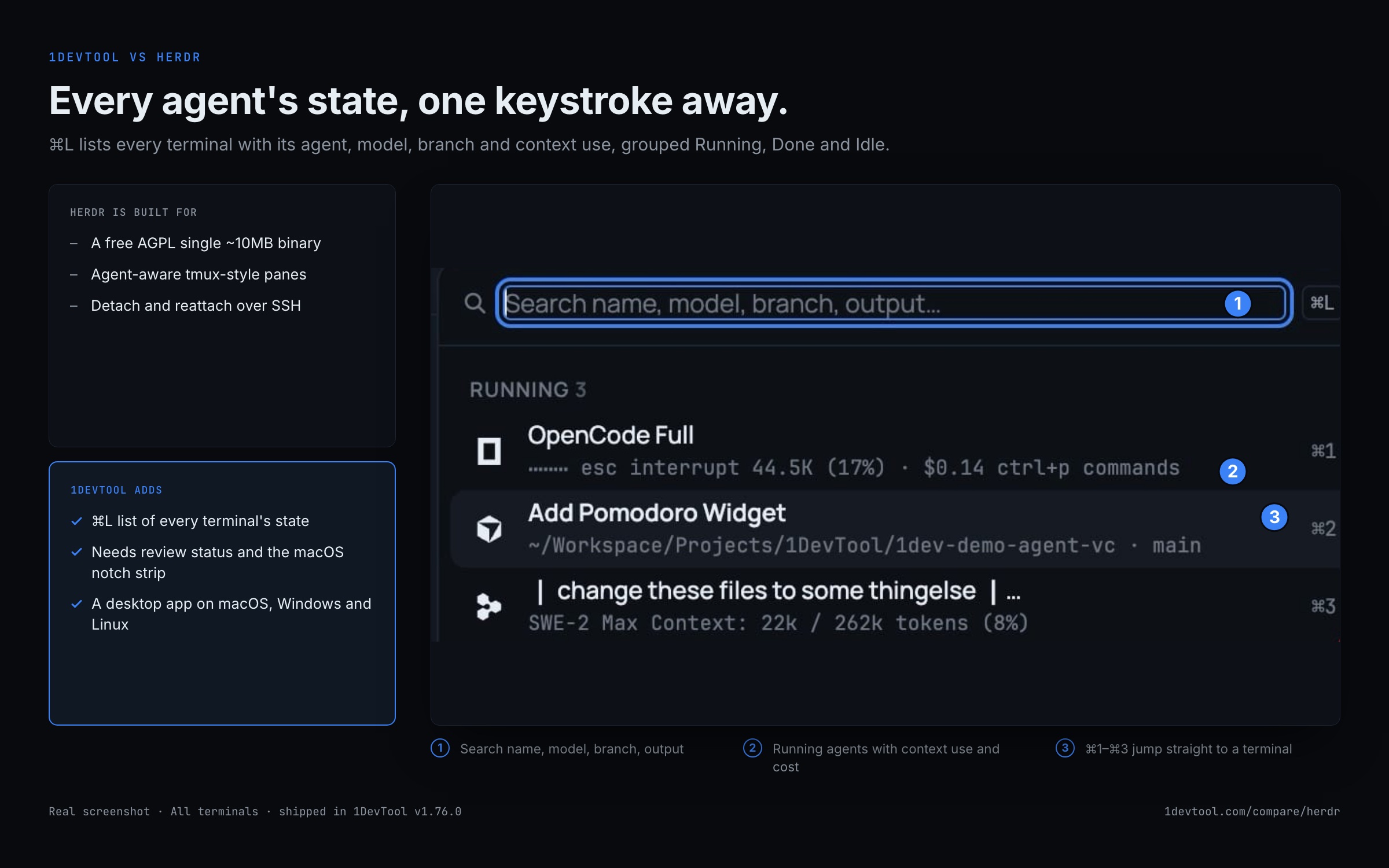
| Live agent-state awareness (working / blocked / done) | ⌘L list, Needs review, macOS notch | Core feature |
| Git worktree isolation per agent | ✓ | ✗ |
| MCP server for agents | ✓ | CLI + Unix-socket API |
| Bring your own AI subscription (no per-seat AI fee) | ✓ | ✓ |
Built-in developer tools
| Feature | 1DevTool | Herdr |
|---|---|---|
| Code editor | Built-in Monaco | ✗ |
| HTTP / API client | ✓ | ✗ |
| Database client | 23 engines | ✗ |
| Embedded browser with per-tab profiles | ✓ | ✗ |
| Docker manager | ✓ | ✗ |
| Git graph + worktrees | ✓ | ✗ |
| Send-to-AI from tools | Browser / HTTP / DB → agent | ✗ |
| Plugin marketplace | ✗ | ✓ |
Sessions, Access & Privacy
| Feature | 1DevTool | Herdr |
|---|---|---|
| Tmux-backed session persistence | Survives restart | Background server (detach / reattach) |
| Resume sessions from Ghostty / iTerm / Warp | ✓ | ✗ |
| Remote access from phone | Web UI + iOS and Android apps | SSH thin-client |
| Local-first, no telemetry | ✓ | ✓ |
| Account required | ✗ | ✗ |
How to keep track of a herd of agents in 1DevTool
Herdr's strength is knowing each agent's state. These are the 1DevTool equivalents.
- 1
Search every terminal
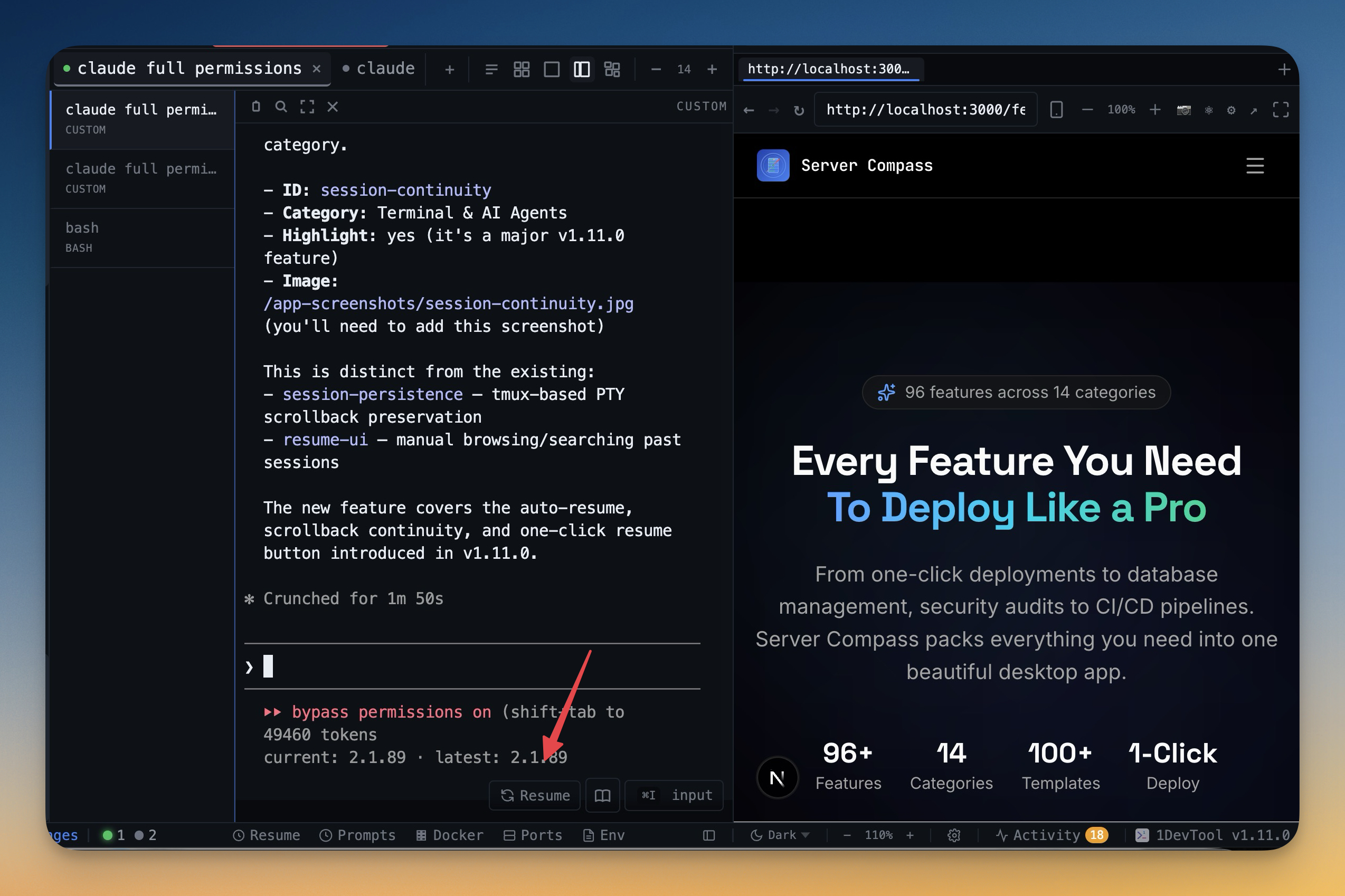
Press ⌘L for a searchable list of every terminal, grouped Running, Done and Idle, with model, branch and context use.
- 2
See them all at once
Press ⌘⇧O for an overview card per terminal with its latest output and status.
- 3
Let what needs you come first
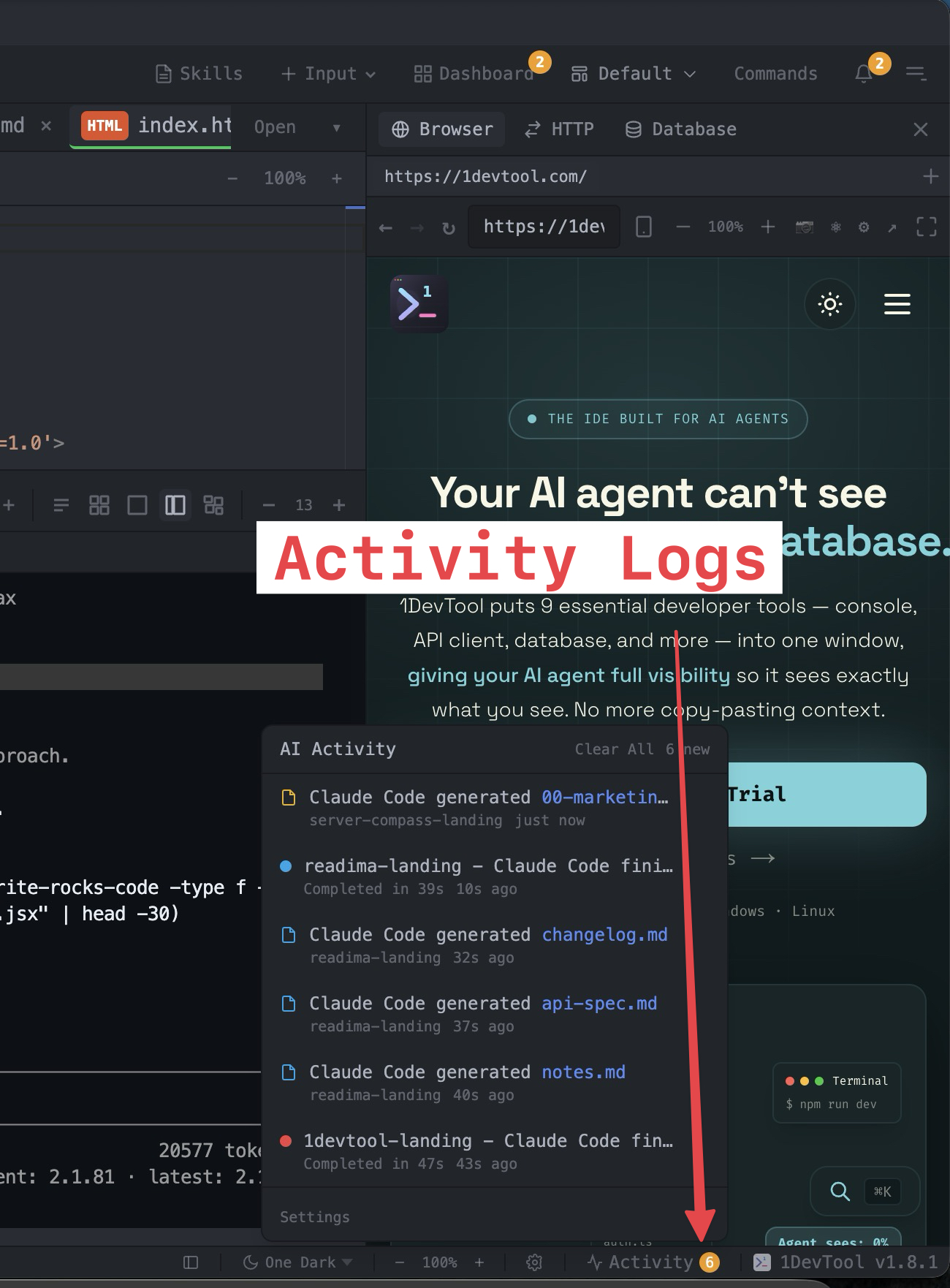
Finished runs you have not looked at are marked Needs review, and the Orchestration Activity tab lists decisions waiting on you.
- 4
Glance without switching apps
On macOS, the strip under the notch shows each live agent and says when one needs you.
- 5
Step away
Pair the iOS or Android app, or open the Web UI, to get notified and answer from your phone.
What you get with 1DevTool
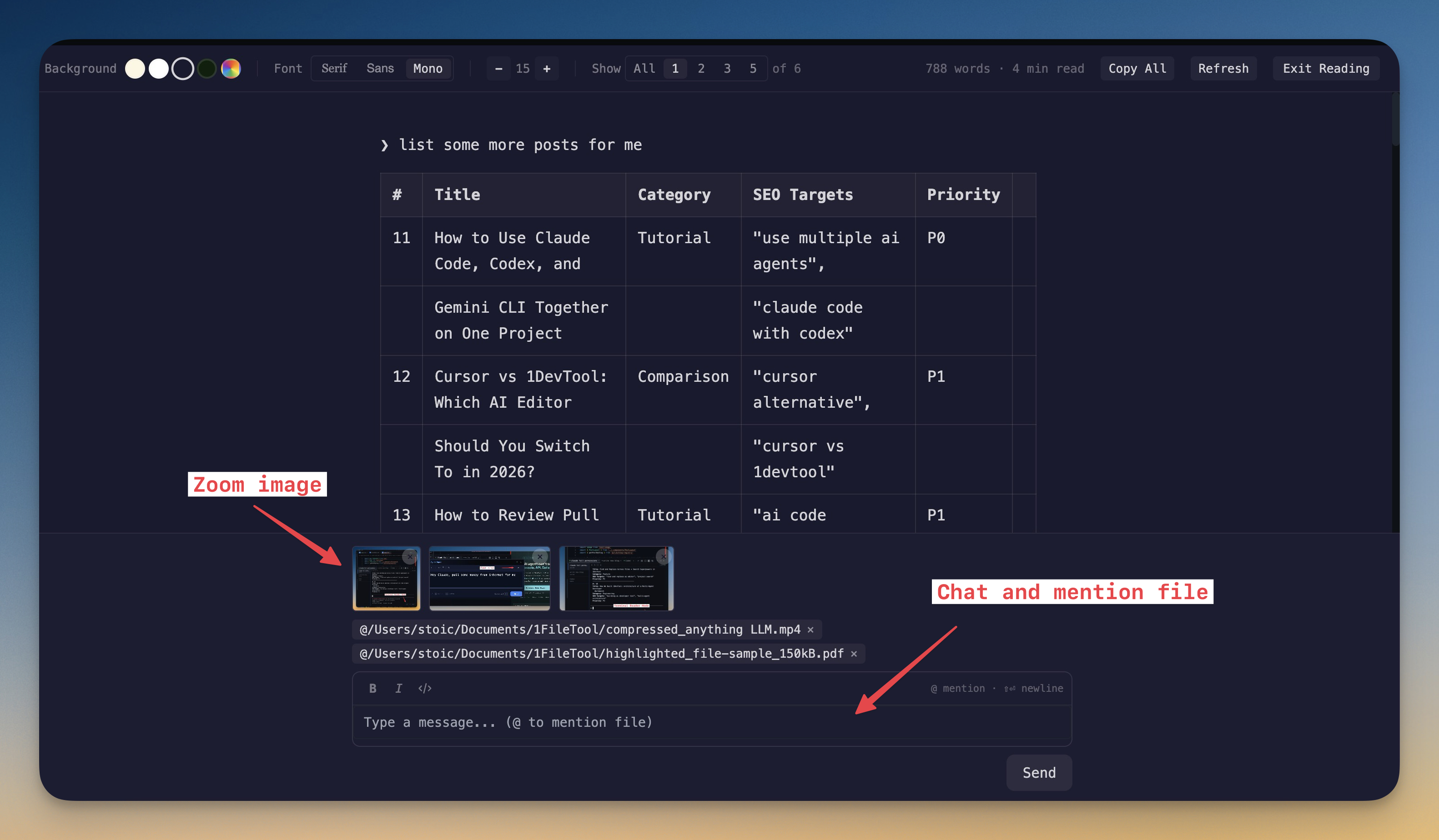
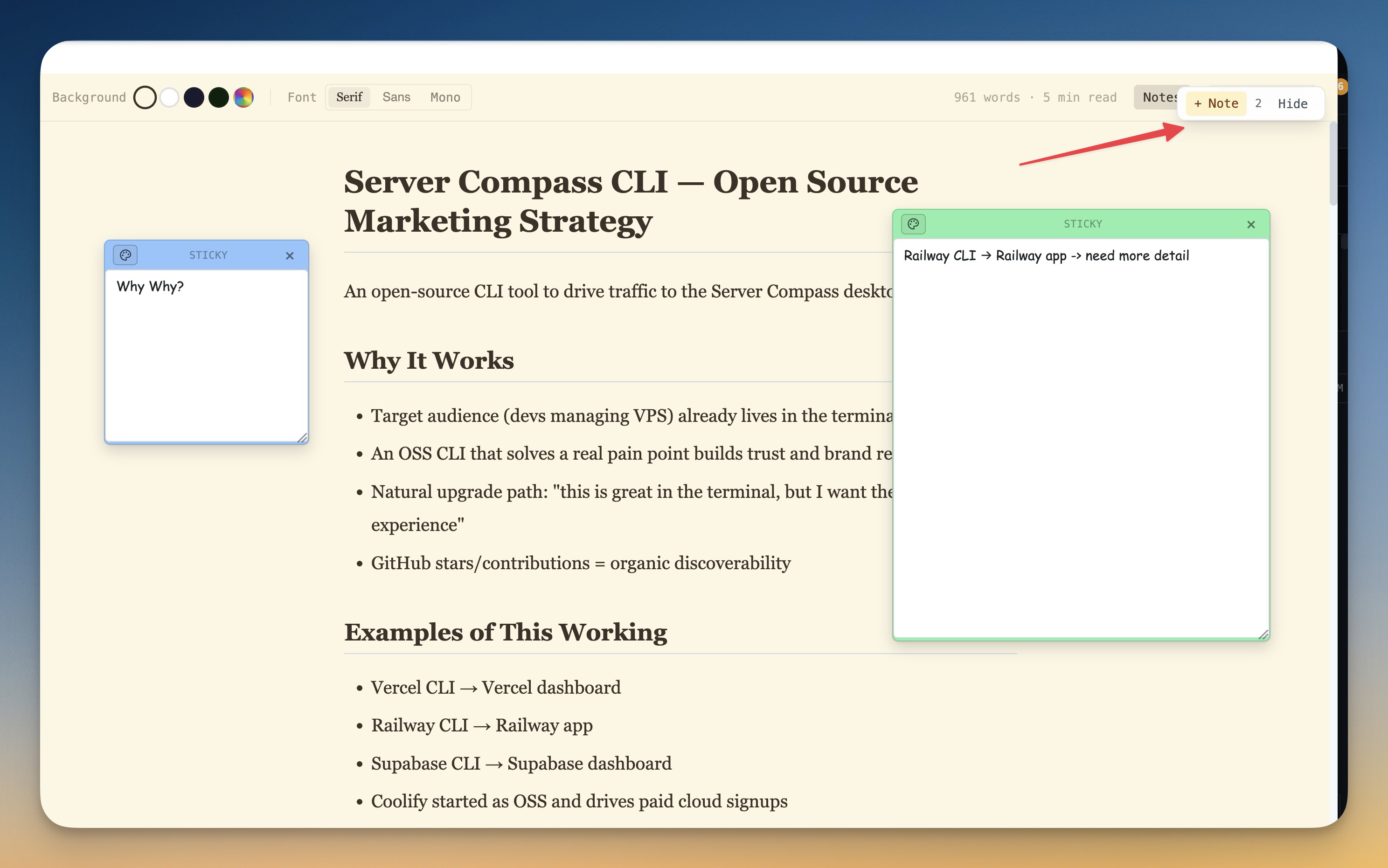
The tools that set 1DevTool apart from Herdr — built in, no plugins.
The Verdict
Choose 1DevTool if...
- ✓You want Charts, Conversation Mode, and a full visual toolchain — not a terminal-only multiplexer
- ✓You want a 23-engine DB client, HTTP, and browser profiles wired into Send-to-AI
- ✓You want backup agents, Autopilot, and agents handing work to each other
- ✓You're on Windows and want a stable desktop app (Herdr's Windows build is beta)
- ✓You want a free plan or $29 one-time with the whole stack included
Choose Herdr if...
- •You want a free, open-source, single ~10MB binary with zero dependencies
- •You live in the terminal and want tmux-style panes that are agent-aware
- •You value live agent-state tracking (blocked / working / done) across the whole herd
- •You want to detach and reattach agent sessions over SSH, even from your phone
- •You prefer a lean, scriptable tool with a CLI and socket API over a full GUI app
Go deeper
Tutorials, posts and docs for the 1DevTool features on this page.
Frequently asked questions
Is 1DevTool just a GUI version of Herdr?
No. Both multiplex agents, but 1DevTool adds Charts, Conversation Mode, rate-limit fallbacks, Monaco, 23-engine DB, HTTP, browser profiles, and Docker — a full workspace, not only panes.
Does 1DevTool work on Windows?
Yes — stable desktop on macOS, Windows, and Linux. Herdr's Windows build is beta.
Can agents hand work to each other in 1DevTool?
Yes. Charts and teams support agents handing work between terminals with delivery receipts; Conversation Mode answers agent prompts in chat.
Is 1DevTool open source?
No — proprietary, with a free plan and Pro from $29 one-time. Herdr is free AGPL-3.0.
Does 1DevTool have an MCP server?
Yes. Agents can drive DB, HTTP, browser, and tasks through 1DevTool's own MCP server, and Settings → MCP installs other MCP servers into every supported agent from one form.
How do I see which agent needs me?
⌘L lists every terminal grouped Running, Done and Idle, with a Needs review status for finished runs. The Orchestration Activity tab puts decisions waiting on you first, and on macOS a strip under the notch shows each live agent.
Try 1DevTool Today
Multi-agent AI workspace for developers. Free plan, Pro from $29 one-time.
Compare 1DevTool with other tools
More side-by-side breakdowns across the tools developers ask about.