Mar 28, 2026
AI Code Editor for React Developers: Practical Guide (2026)
React workflows benefit from tight loops between code, browser preview, DevTools, and AI agent prompts. This guide shows what to look for in an AI code editor built for frontend speed.
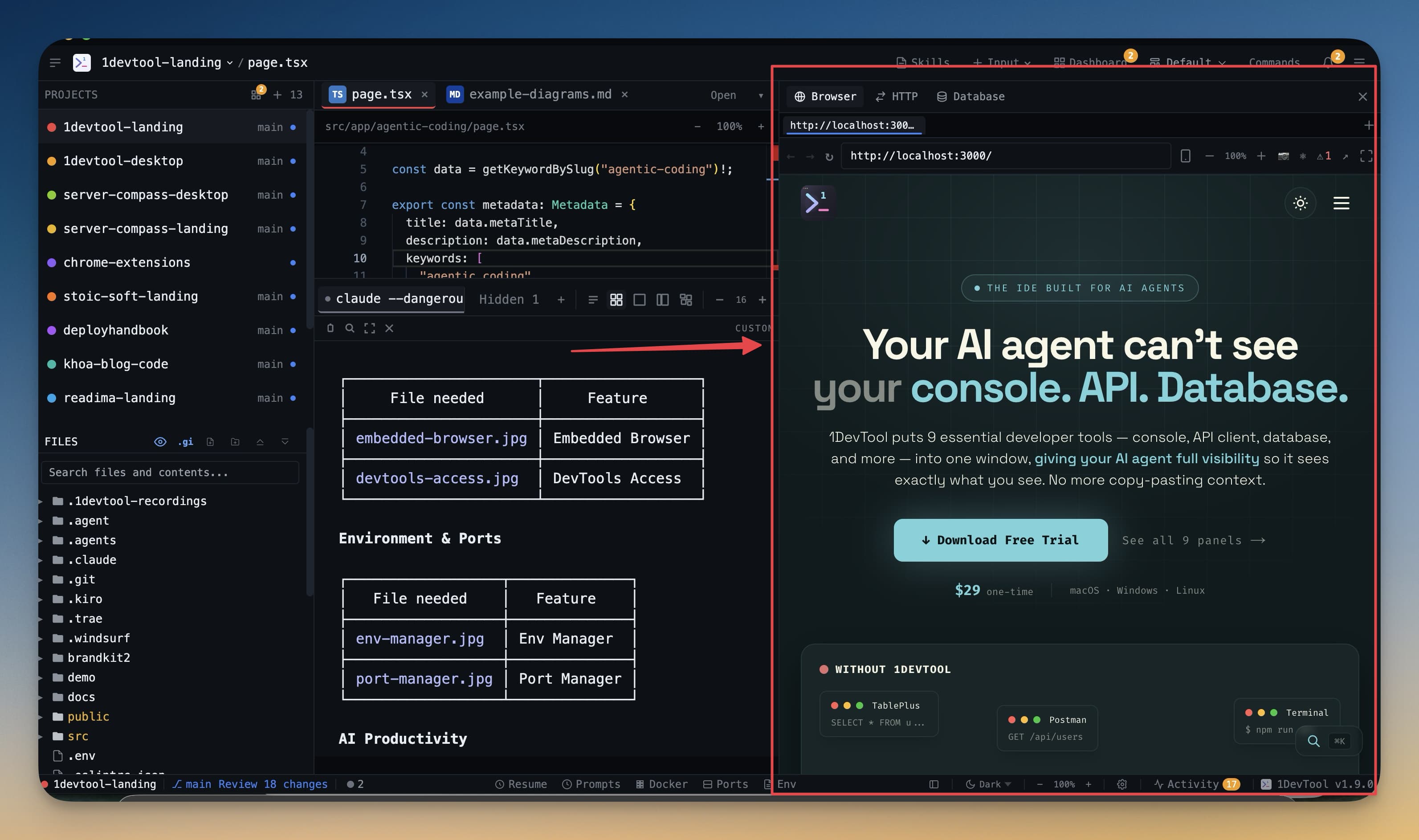
React teams need fast frontend feedback loops: edit code, preview UI, inspect DevTools, send context to AI, and repeat. The best AI editor for React supports this loop without extra setup friction.
React Workflow Requirements
- Built-in app preview for quick visual validation.
- DevTools access for console, network, and layout debugging.
- Direct handoff of code and screenshots to AI agents.
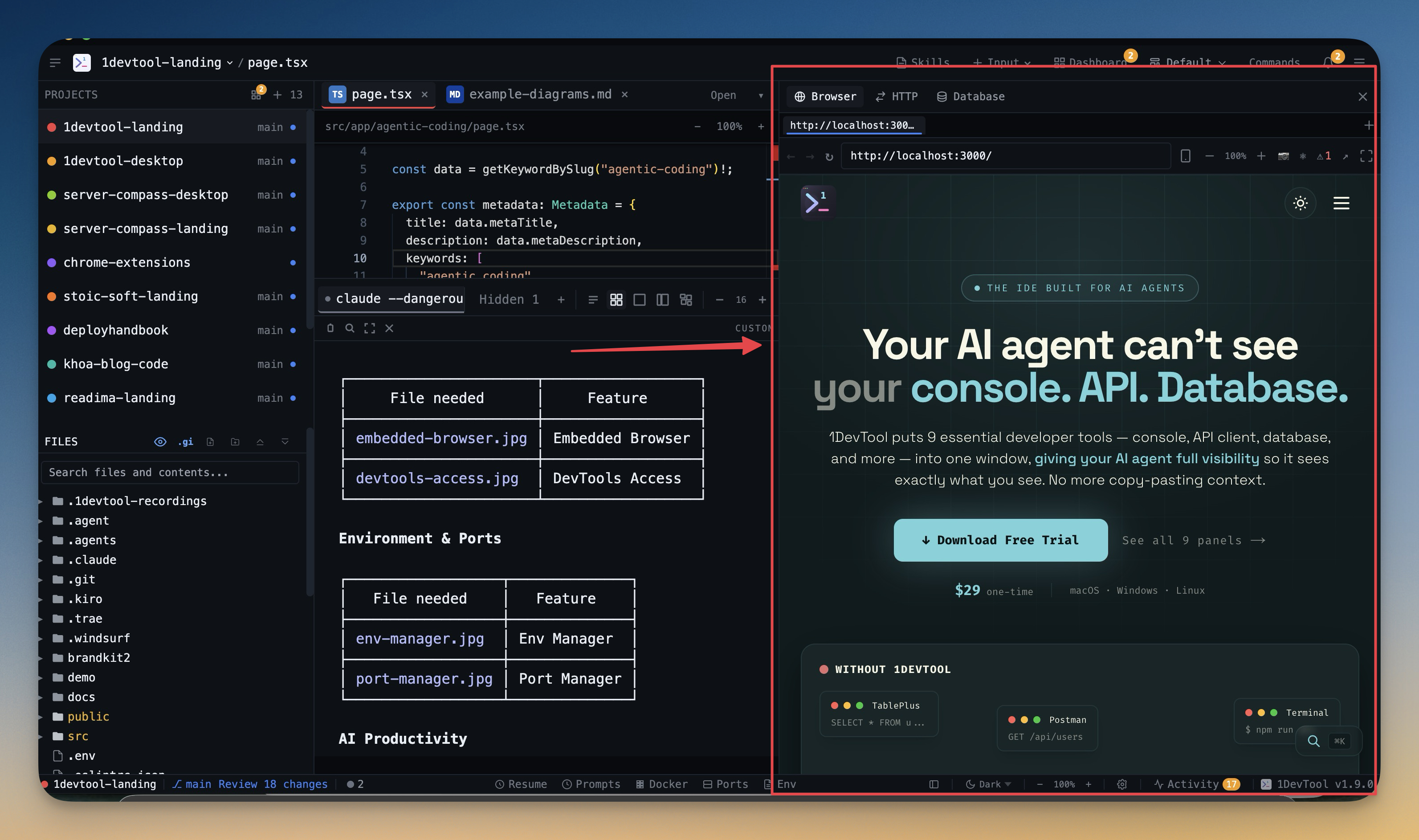
Feature Stack for React Speed
In 1DevTool, the high-leverage stack is Embedded Browser, DevTools Access, and Send File to Terminal for quick AI handoffs.
Visual Debugging Loop
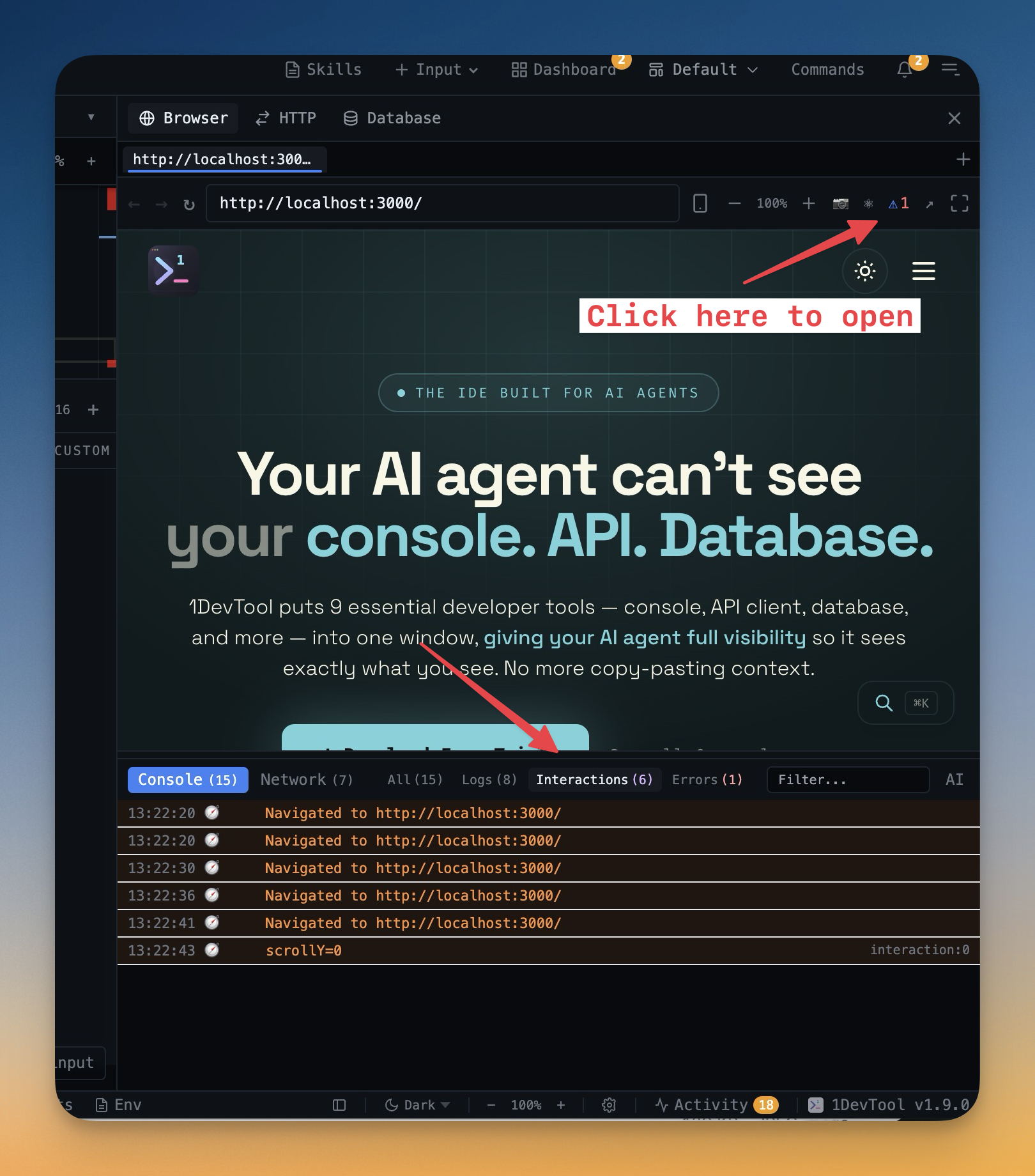
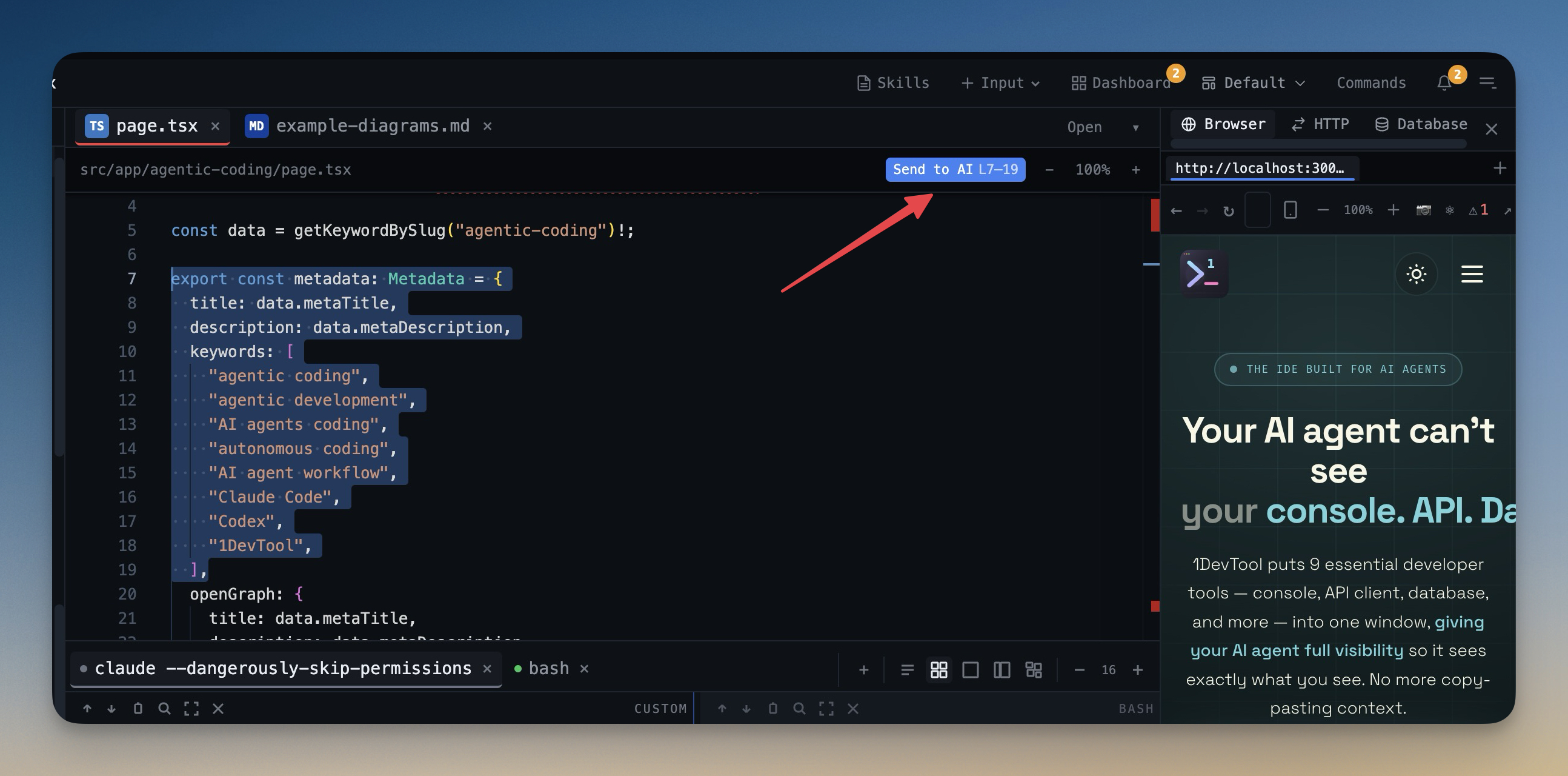
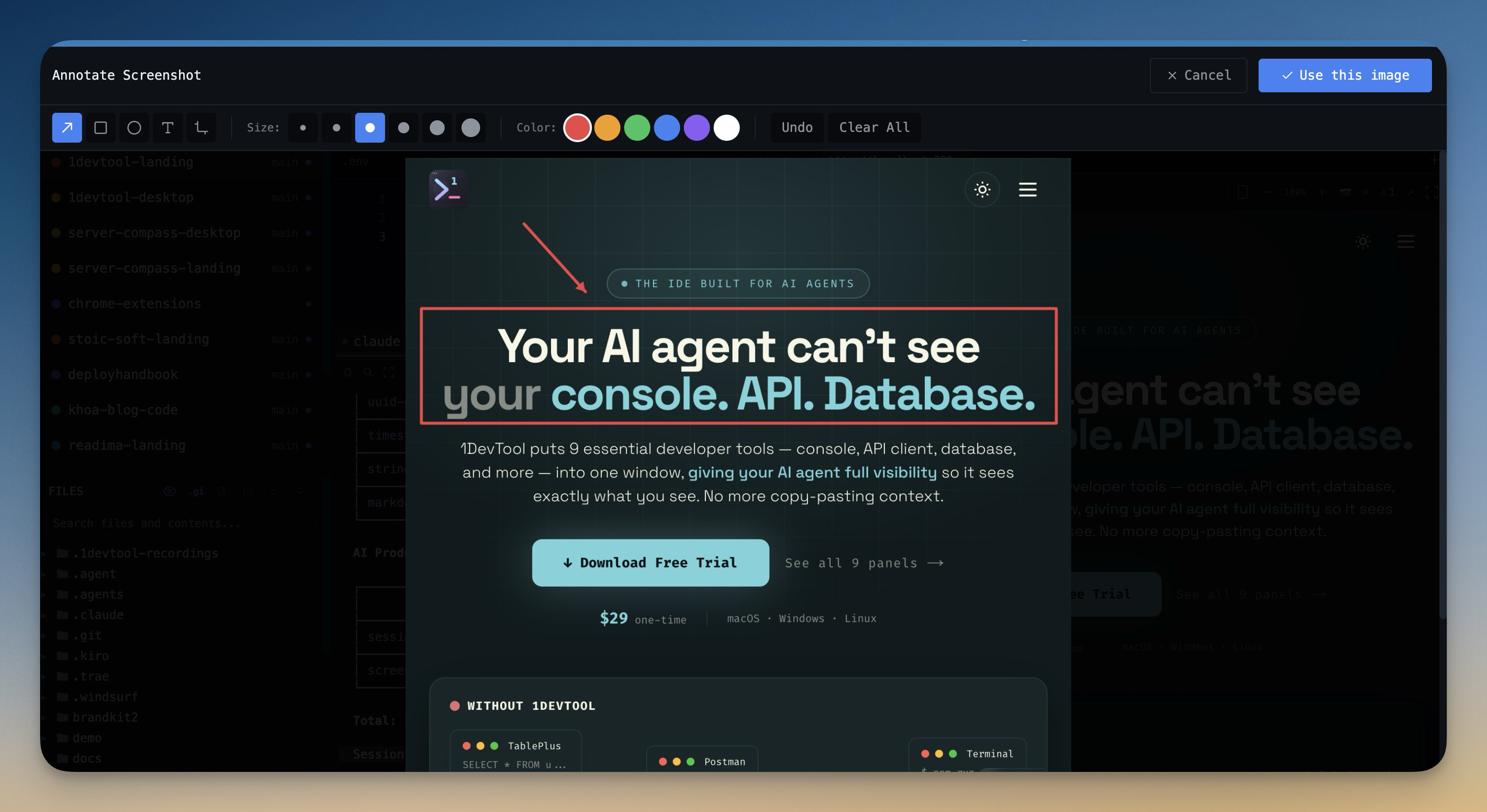
For layout bugs, capture and annotate UI state with Screenshot Annotator, then send to the active AI terminal. This reduces ambiguous bug reports and shortens fix cycles.
Final Advice
For React developers, the right AI editor is the one that keeps preview, debugging, and agent collaboration tightly connected. That integration is where most frontend productivity gains come from.
From across the StoicSoft network
Hand-curated reads on the same topic from sister sites in the StoicSoft family.
