1DevTool vs Orca
Integrated dev toolchain vs open-source agent development environment
Last updated August 26, 2026
Short answer
Both are agent-first desktops; 1DevTool emphasizes Charts/fallbacks and DB/HTTP tooling, Orca emphasizes free MIT ADE with native diff review and Linear/GitHub browsing.
- •1DevTool: Charts, Conversation Mode, 23-engine DB — From $29 one-time
- •Orca: free MIT ADE, 25+ CLIs, Chromium per worktree, companion mobile apps
- •Both isolate agents in Git worktrees on macOS/Windows/Linux
- •Pick Orca for OSS + Linear; pick 1DevTool for HTTP/DB/Docker Send-to-AI
1DevTool
1DevTool is a multi-agent workspace with Charts, teams, pipelines, Conversation Mode, and rate-limit fallbacks across 14 CLIs — plus Monaco, a 23-engine DB client, HTTP, browser profiles, Docker, and phone remote. From $29 one-time on macOS, Windows, and Linux.

Orca
Orca is a free, open-source (MIT) Agent Development Environment (ADE) — an IDE built for AI coding agents rather than a single developer. It runs 25+ CLI agents (Claude Code, Codex, OpenCode, Gemini, Cursor CLI, Copilot, and more) side by side, each isolated in its own Git worktree. It pairs a WebGL terminal with infinite splits and scrollback search, a real Chromium browser per worktree with a Design Mode for UI inspection, native diff review where markdown comments route back to the agent, built-in GitHub and Linear browsing, SSH with auto-reconnect, and iOS/Android companion apps for monitoring runs. Available on macOS, Windows, and Linux.
Pricing & Licensing
| Feature | 1DevTool | Orca |
|---|---|---|
| Price | From $29 one-time | Free |
| Source model | Proprietary | Open source (MIT) |
| AI cost model | Bring your own keys (no markup) | Bring your own credentials |
AI orchestration
| Feature | 1DevTool | Orca |
|---|---|---|
| Run agents in parallel | Charts, teams & pipelines | Parallel worktree sessions |
| AI CLI agents supported | 18 (Claude, Codex, Gemini, Cursor, Cline, Amp, OpenCode, Qwen, Grok, Kimi, Antigravity, Hermes, Pi, Aider, Devin, Kiro, Oh My Pi, Qoder) | 25+ CLI agents |
| Draw org charts & pipelines | ✓ | ✗ |
| Automatic fallback when an agent is rate-limited | ✓ | ✗ |
| Answer agent questions in chat | Conversation Mode | ✗ |
| Git worktree isolation per task | ✓ | ✓ |
| Diff review comments routed back to the agent | AI Diff Review Panel | Markdown comments → agent |
| MCP server for agents | ✓ | ✗ |
| Bring your own AI subscription (no per-seat AI fee) | ✓ | ✓ |
Built-in developer tools
| Feature | 1DevTool | Orca |
|---|---|---|
| Code editor | Built-in Monaco | Diff-centric review |
| HTTP / API client | ✓ | ✗ |
| Database client | 23 engines | ✗ |
| Embedded browser with per-tab profiles | ✓ | Chromium per worktree + Design Mode |
| Docker manager | ✓ | ✗ |
| Git graph + worktrees | ✓ | ✓ |
| Send-to-AI from tools | Browser / HTTP / DB → agent | ✗ |
| Issue tracker integration | GitHub / GitLab publish | GitHub + Linear browsing |
Access, Platforms & Privacy
| Feature | 1DevTool | Orca |
|---|---|---|
| Native mobile apps (iOS / Android) | Remote control from phone | Companion monitoring apps |
| Terminal | Multi-terminal, tmux-backed | WebGL, infinite splits + scrollback search |
| Remote agents over SSH | Remote SSH projects | SSH + auto-reconnect |
| Tmux-backed session persistence | Survives restart | Worktree-based |
| Resume sessions from Ghostty / iTerm / Warp | ✓ | ✗ |
| Platforms | macOS, Windows, Linux | macOS, Windows, Linux |
What you get with 1DevTool
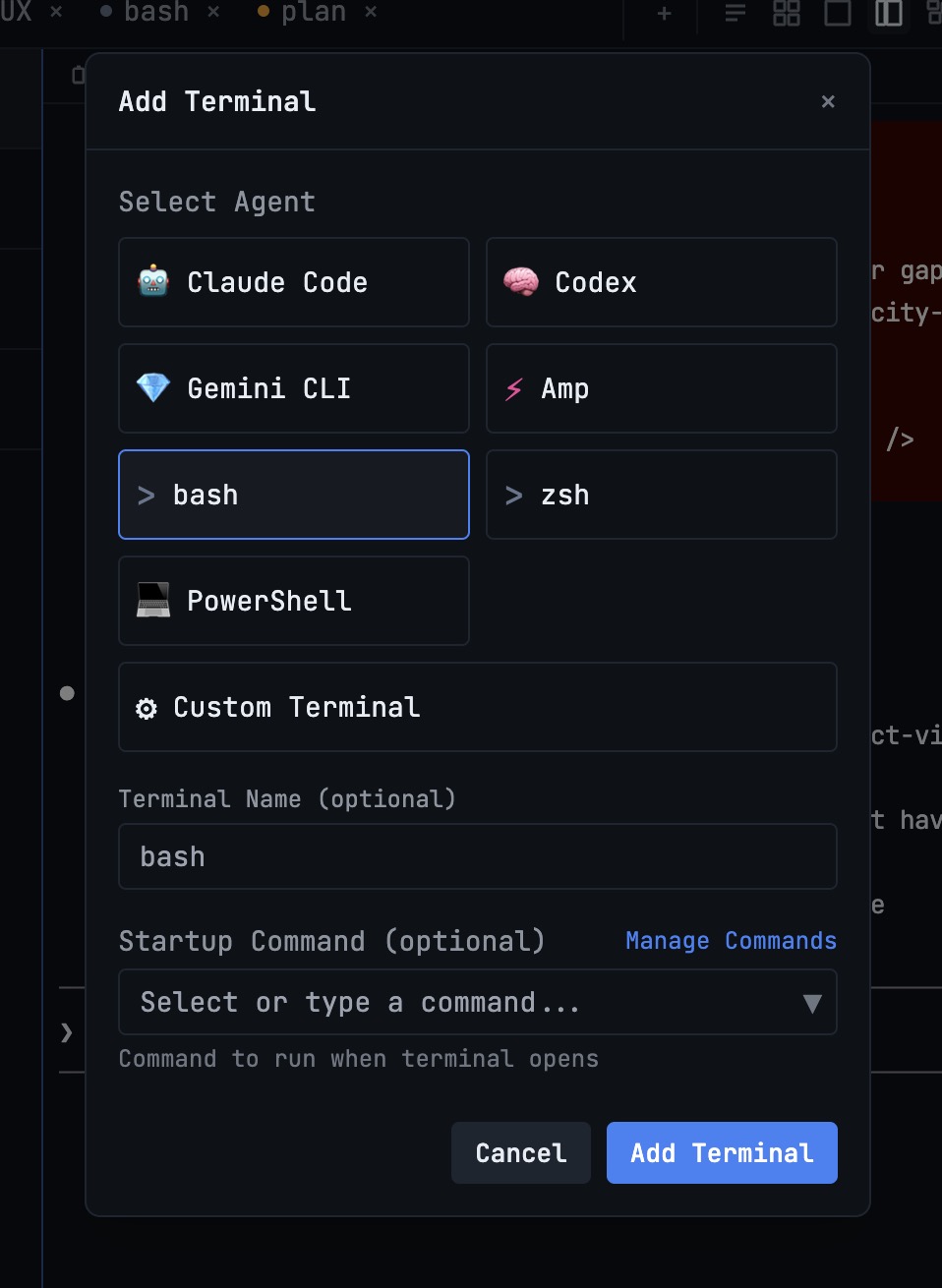
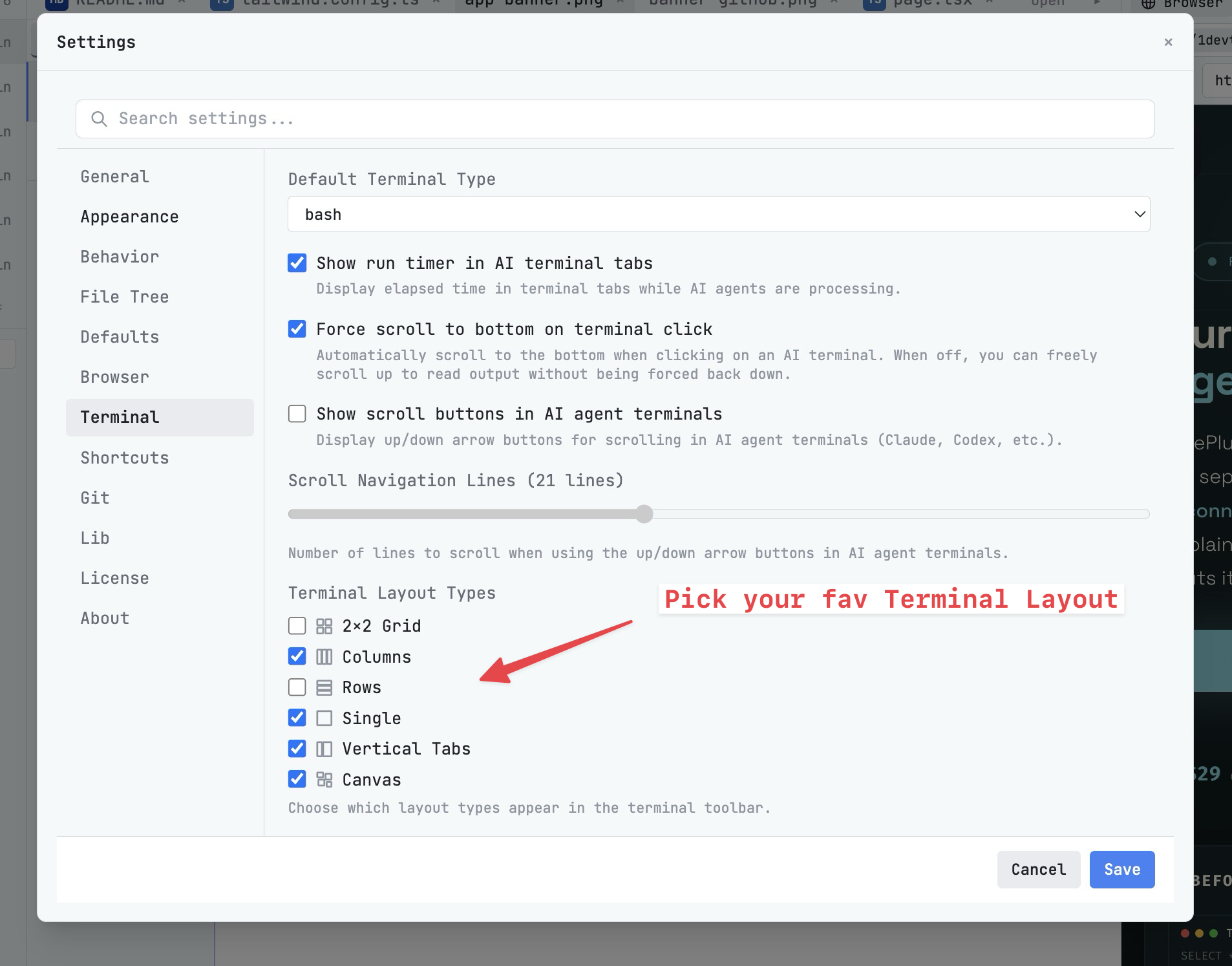
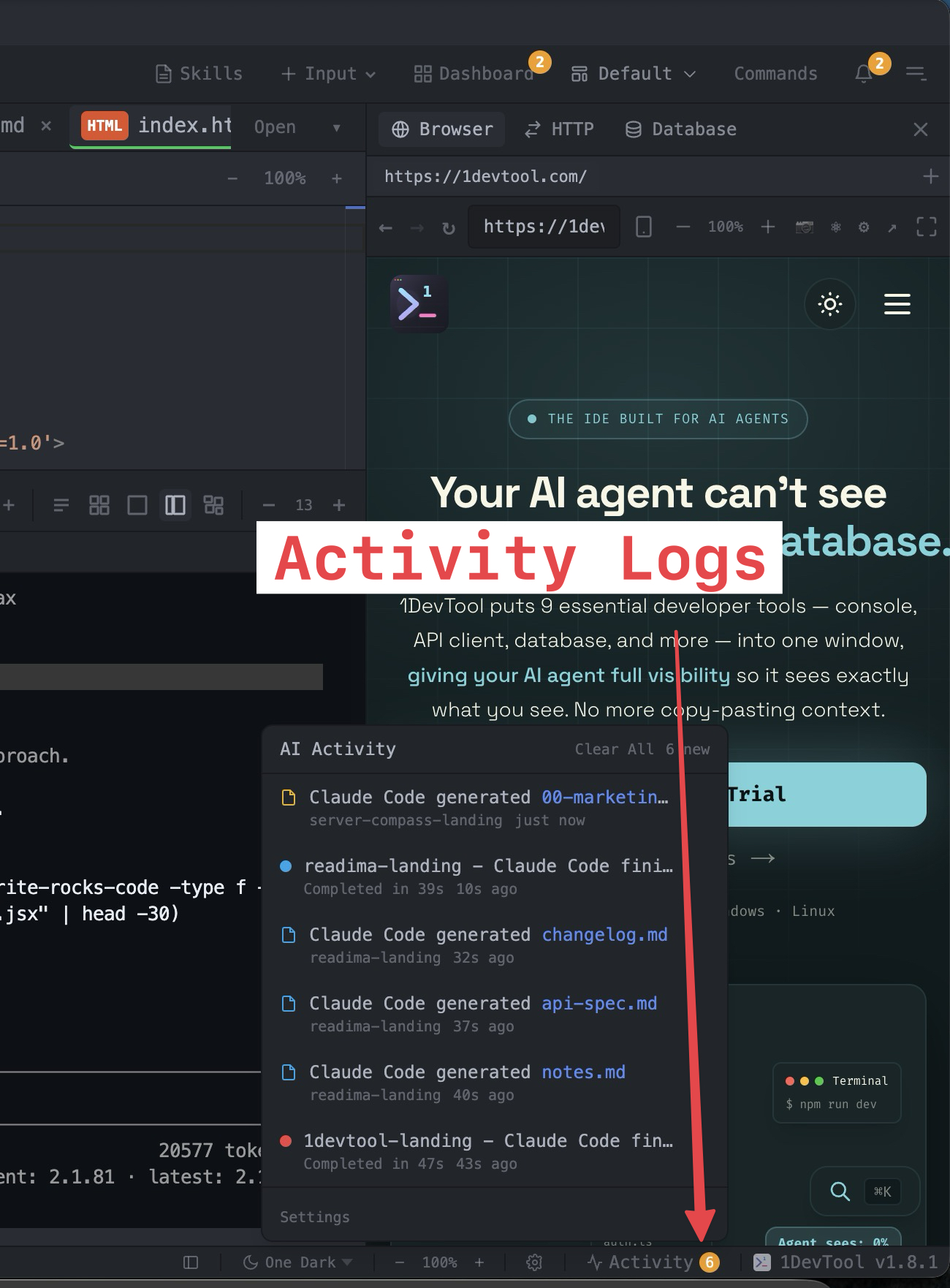
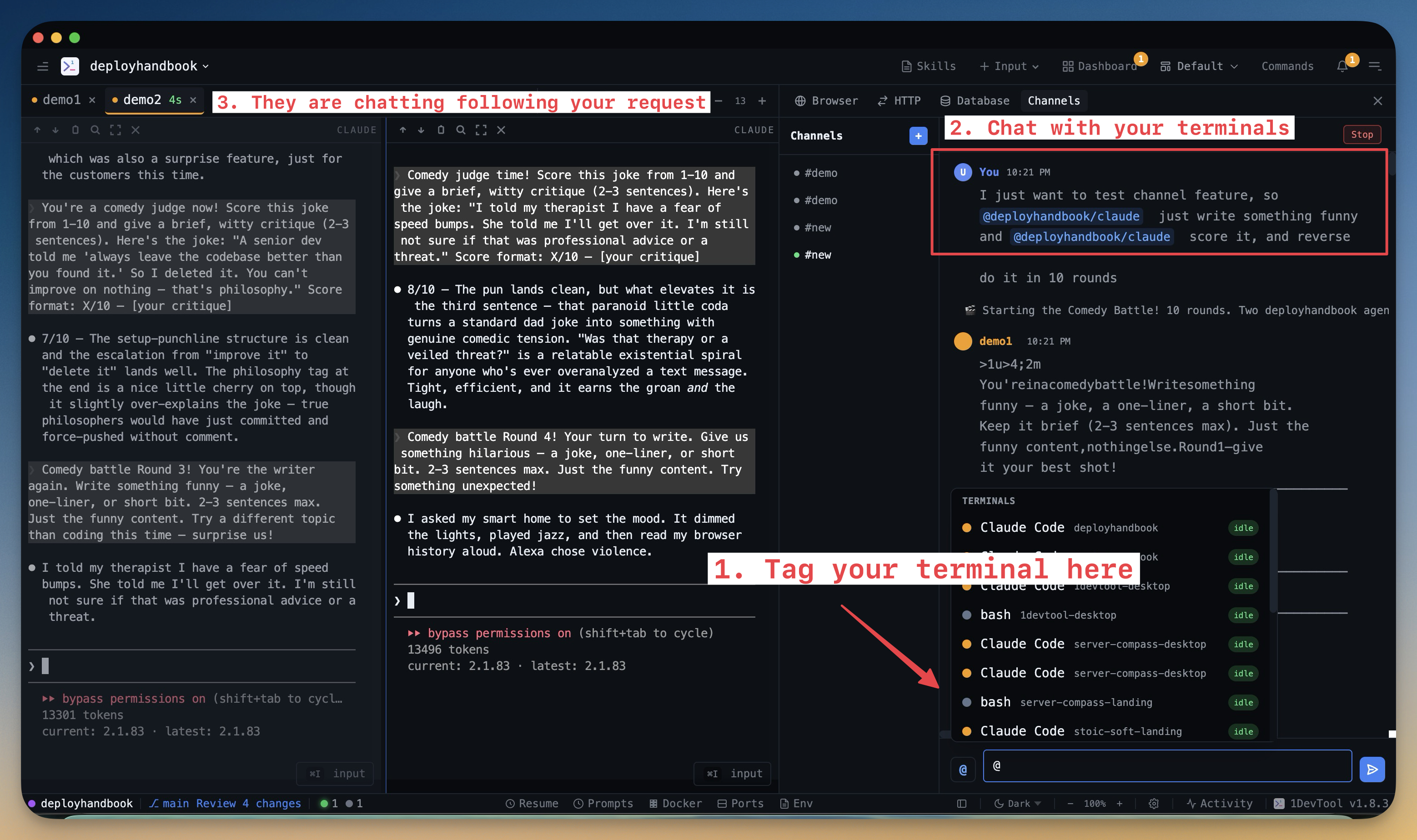
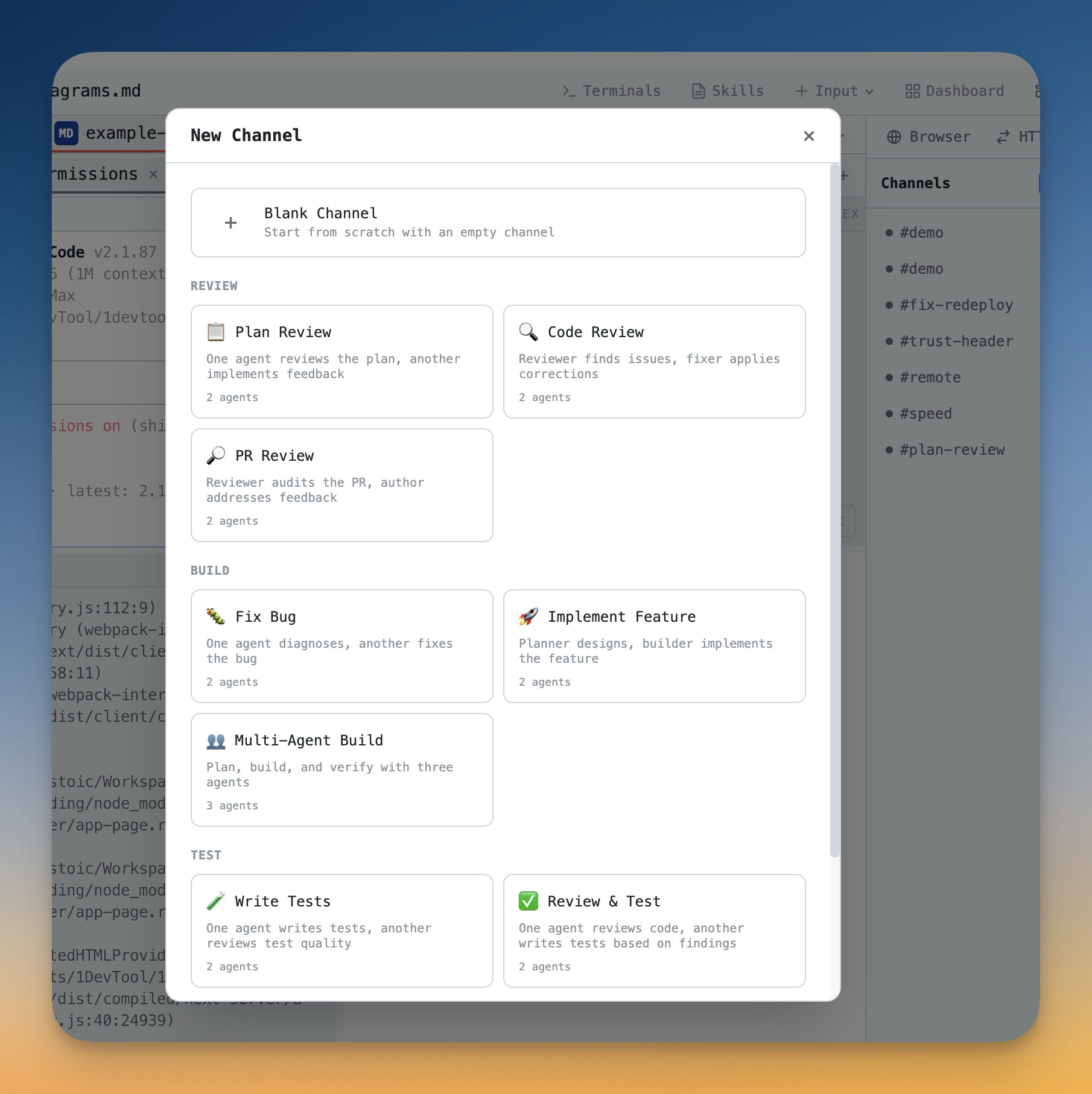
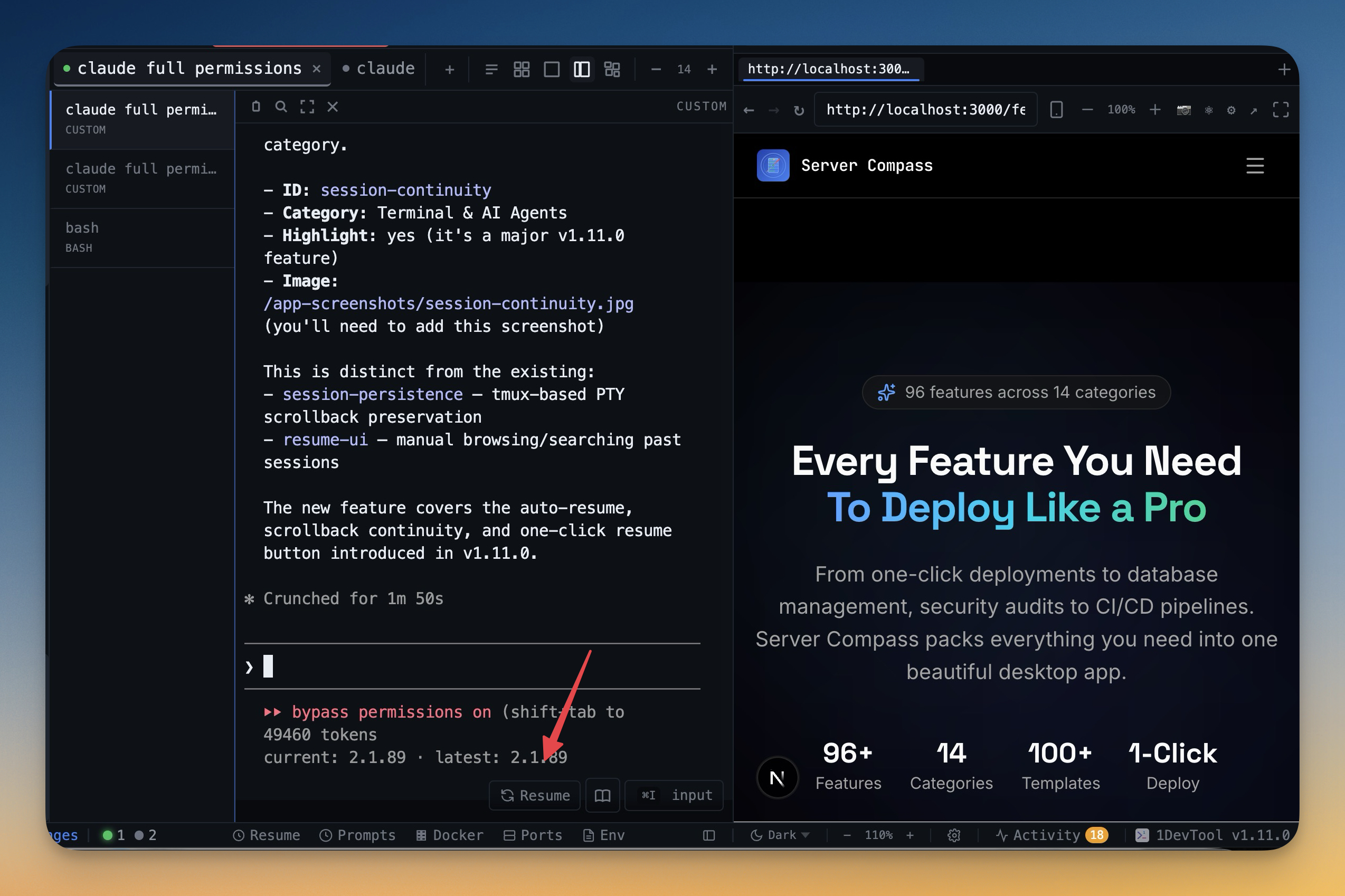
The tools that set 1DevTool apart from Orca — built in, no plugins.
The Verdict
Choose 1DevTool if...
- ✓You want Charts, Conversation Mode, and rate-limit fallbacks with Send-to-AI into DB/HTTP/browser
- ✓You want a 23-engine database client and Docker manager built in
- ✓You prefer a built-in Monaco editor over a diff-centric review surface
- ✓You want tmux-backed persistence and resume from Ghostty / iTerm / Warp
- ✓You prefer From $29 one-time over adopting an open-source project you maintain yourself
Choose Orca if...
- •You want a free, open-source (MIT) environment you can fork and modify
- •You want native diff review where markdown comments route straight back to the agent
- •You want GitHub and Linear browsing — PRs, issues, and projects — inside the app
- •You want a real Chromium browser per worktree with a Design Mode for UI inspection
- •You want native iOS and Android apps to monitor agent runs remotely
- •You want SSH with auto-reconnect to run agents on remote machines
Frequently asked questions
Is 1DevTool an Agent Development Environment like Orca?
Both run many CLI agents in parallel worktrees. 1DevTool centers Charts, Conversation Mode, and a DB/HTTP/browser toolchain. Orca centers ADE workflows: native diff review, GitHub/Linear browsing, and Design Mode.
Does 1DevTool include a database and HTTP client?
Yes — 23 engines, HTTP with import from Postman/Insomnia/Bruno, browser profiles, Docker, and MCP for agents. Orca's strengths are elsewhere (diff review, Linear, Chromium Design Mode).
Is 1DevTool open source?
No — proprietary, From $29 one-time. Orca is free MIT.
Can I bring my own AI subscriptions?
Yes for both. 1DevTool supports 14 first-class CLIs; Orca lists 25+.
Does 1DevTool support phone remote control?
Yes — QR pairing plus passcode reconnect with per-device permissions. Orca offers companion monitoring apps on iOS/Android.
Try 1DevTool Today
Multi-agent AI workspace for developers. From $29 one-time.
Compare 1DevTool with other tools
More side-by-side breakdowns across the tools developers ask about.