Mar 19, 2026
AI Skills Manager & Docker Deep Dive: Extend Your Agents, Monitor Your Containers
Browse, create, and install AI agent skills with built-in security scanning. Plus a redesigned Docker manager with live CPU, memory, and network monitoring for every container.
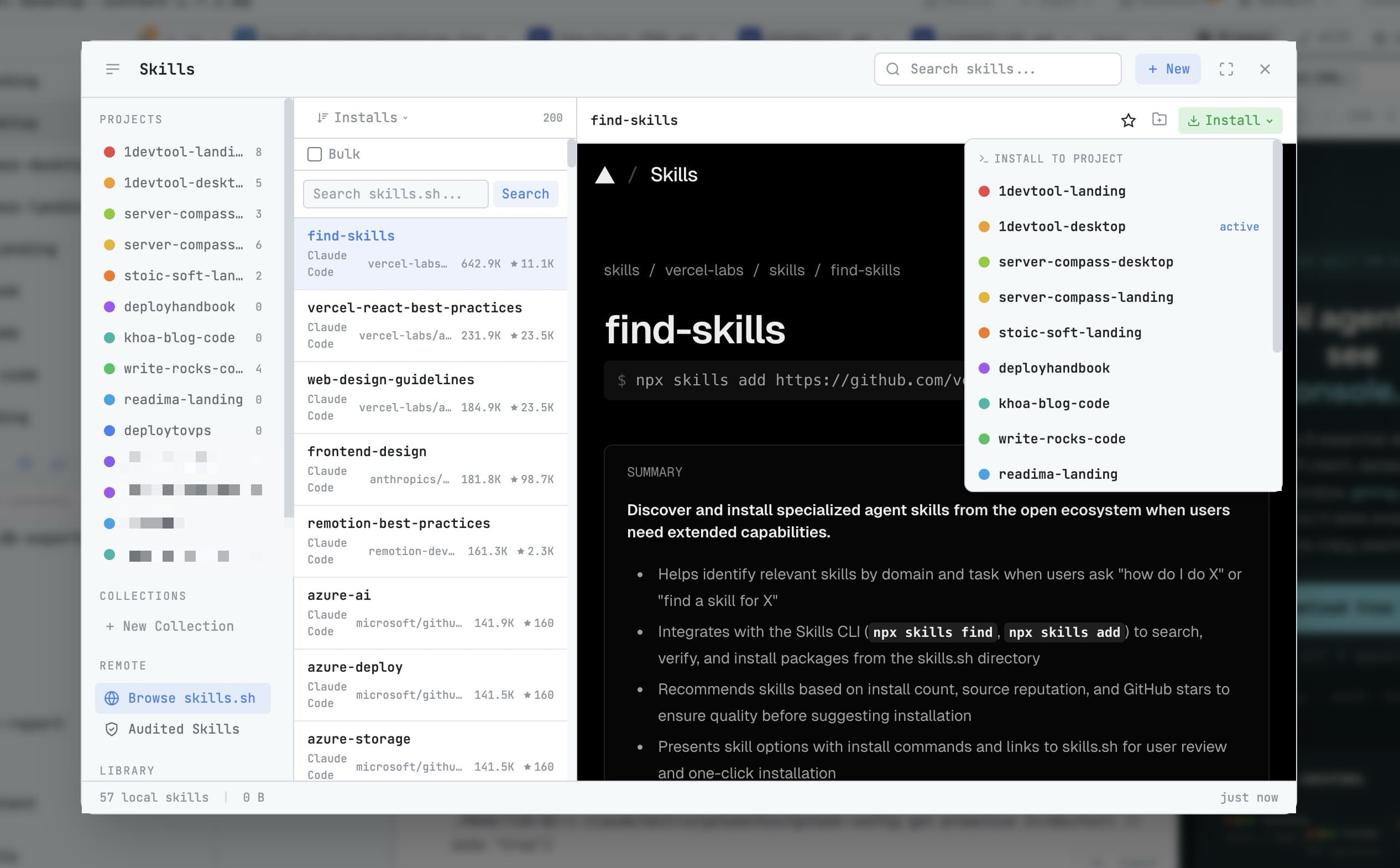
AI coding agents are powerful out of the box, but they become much more powerful with skills — reusable prompt templates that encode domain knowledge, workflows, and guardrails. The problem is managing them. Skills live in scattered markdown files, there's no way to browse what's available, and no way to check if a skill from the internet is safe to run.
1DevTool v1.7.0 introduces the Skills Manager — a full browser and editor for AI agent skills with built-in security scanning — plus a completely redesigned Docker Manager with live resource monitoring.
AI Skills Manager
Browse, Create, and Organize Skills
The Skills Manager shows all skills in your project organized by category, tool, and collection. Each skill appears as a card with its name, description, and which AI agent it's designed for — Claude Code, Codex, Gemini, Amp, or any custom agent.
Create new skills directly in the built-in Monaco editor with syntax highlighting and distraction-free reader mode. Organize skills with collections, favorites, and filter by tool.
Built-in Security Scanning
Every skill — whether you created it or installed it from the community — is automatically scanned for risky patterns. The scanner checks for file system operations, network access, shell commands, and other potentially dangerous instructions. Each skill gets a color-coded risk badge so you can see at a glance whether it's safe to run.
This is critical for teams where developers share skills. You don't want a well-meaning skill that happens to include rm -rf in a cleanup step.
Install from Community Registry
Browse skills from the community remote registry and install them directly into your project. Preview remote skills in a live embedded browser before installing. You can review the skill content, edit it, or choose which project to install it in.
Docker Manager: Complete Container Control
Container Detail Panel
The redesigned Docker Manager gives you deep visibility into every container. Click any container to see logs, environment variables, resource stats, and raw inspect data. Logs stream live and you can filter them by timestamp or content.
Live Resource Monitoring
Visual gauges show CPU, memory, and network usage for each container in real time. No more switching to docker stats in a terminal — the dashboard shows resource consumption at a glance.
Image and Volume Management
Browse Docker images with detail panels, manage volumes, and inspect JSON data with a collapsible tree viewer. Everything you'd normally do in the Docker CLI is available in the GUI.
Performance Improvements
- Global shortcuts no longer cause micro-stutters
- Editor auto-save fires exactly 1 second after you stop typing
- Terminal scrollback buffer reduced from 5,000 to 3,000 lines for lower memory
- File system checks cut by 60% for less CPU usage
- Fewer unnecessary redraws across file explorer, terminal, and editor
Before vs After
Task
Before
After
Find a skill for your agent
Search GitHub, copy markdown files
Browse and install from the registry
Check if a skill is safe
Read the entire file manually
Color-coded security risk badge
Check Docker container logs
Run docker logs in terminal
Live streaming logs in detail panel
Monitor container resources
docker stats in terminal
Visual CPU/memory/network gauges
Try It Today
The Skills Manager and Docker deep dive are available in 1DevTool v1.7.0. Manage your AI skills with security scanning, and monitor your containers without leaving your workspace.
Skills for your agents. Visibility for your containers. Security for both.
From across the StoicSoft network
Hand-curated reads on the same topic from sister sites in the StoicSoft family.
 ServerCompass7 min read
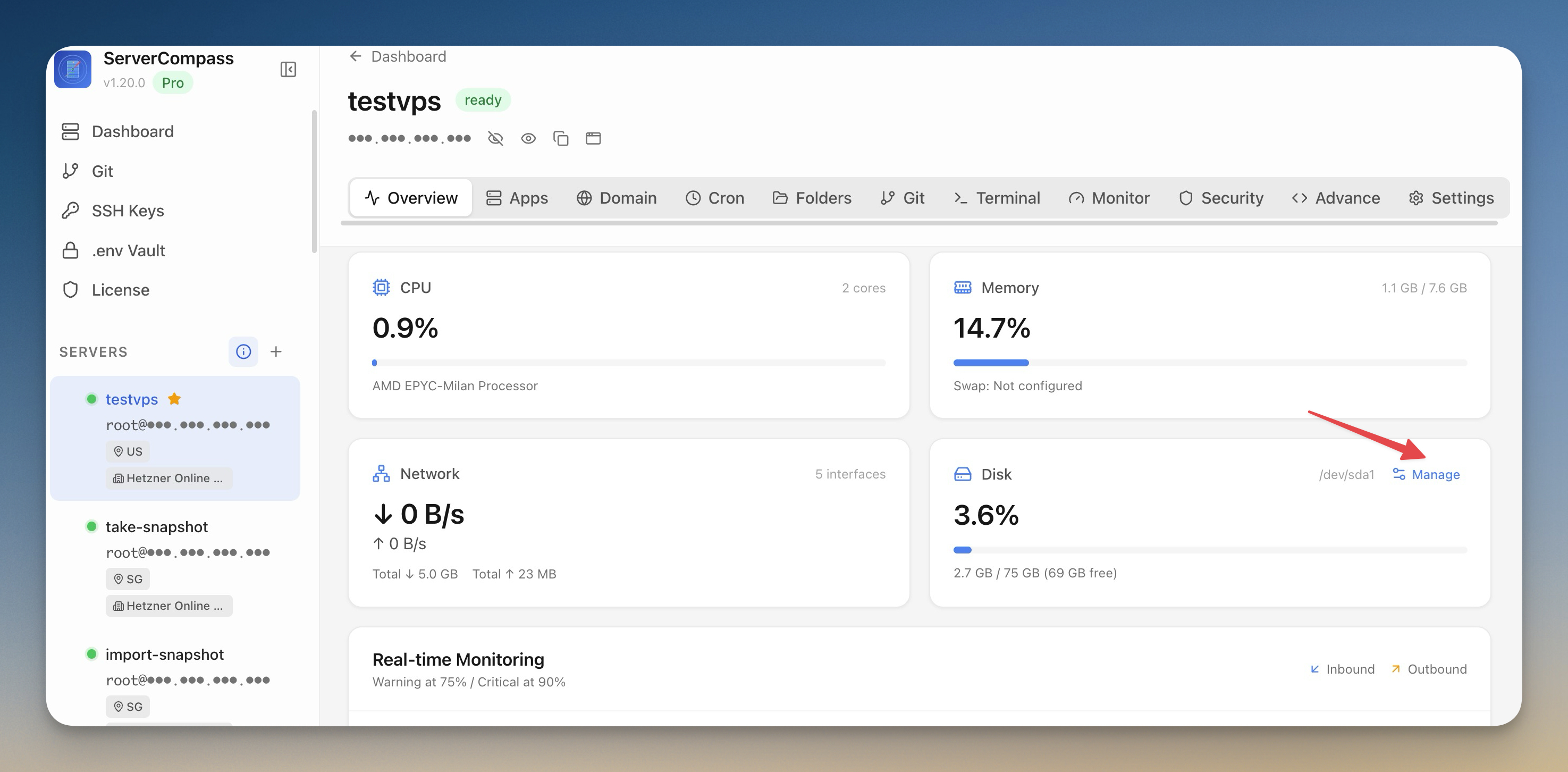
Reclaim Disk Space and Lock Your Production Servers
Scan your VPS for reclaimable disk space with a visual breakdown by category, clean up with one click, and lock production servers into read-only mode to prevent accidental changes.
Read on servercompass.app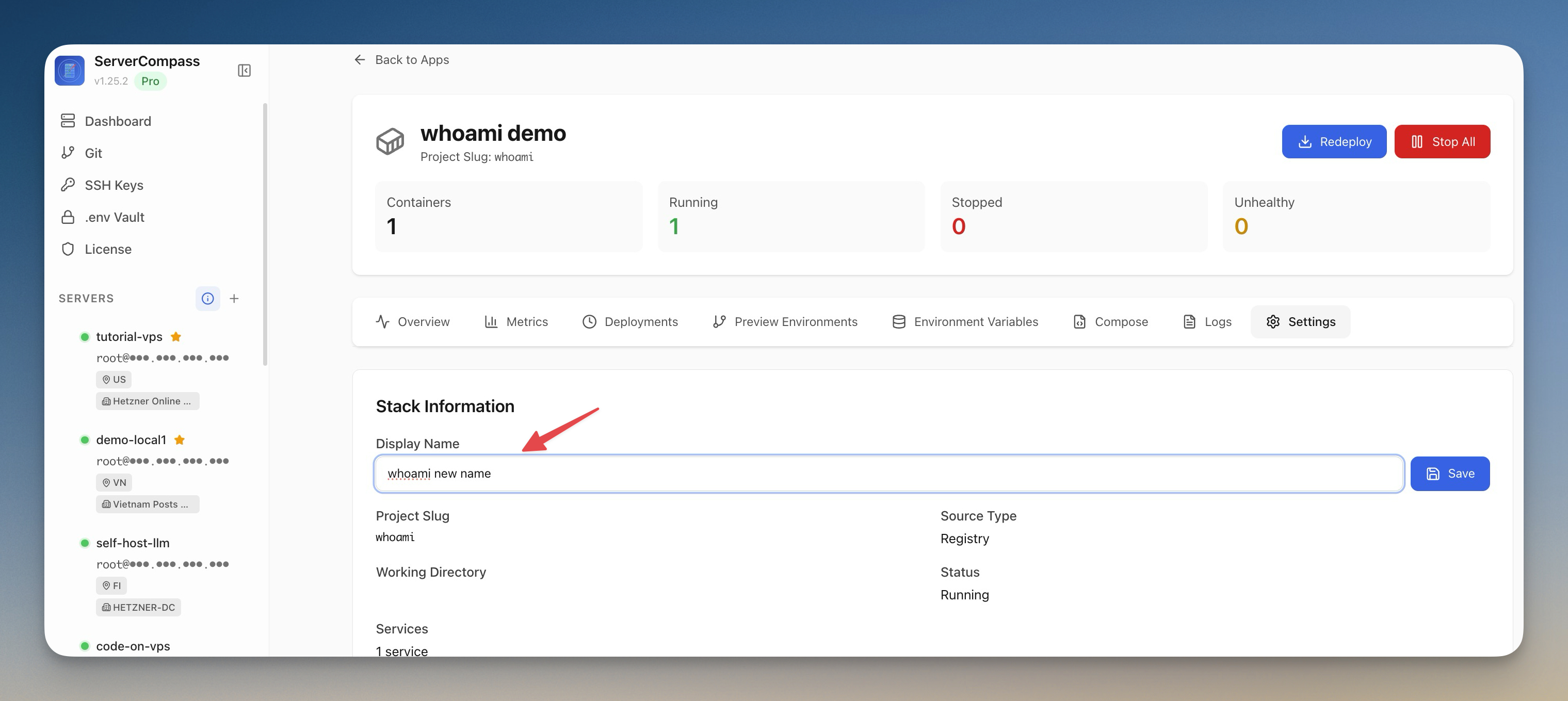 ServerCompass6 min read
Rename Your Docker Apps Without Breaking Them
Server Compass v1.25.3 introduces friendly Custom App Display Names — replace cryptic project slugs with human-readable labels across every view, while containers, volumes, and folders on the server stay exactly where Docker expects them.
Read on servercompass.app ServerCompass12 min read
How Server Compass Uses GitHub Actions for Zero-Downtime VPS Deployments
A deep dive into how Server Compass generates GitHub Actions workflows, encrypts secrets with libsodium sealed boxes, and performs blue-green deployments on your VPS.
Read on servercompass.app