Jul 10, 2026
Know Before Your AI Quota Runs Out
Set a usage threshold per agent and 1DevTool warns you before you hit your AI limit — then switches you to a spare account that still has room in one click.
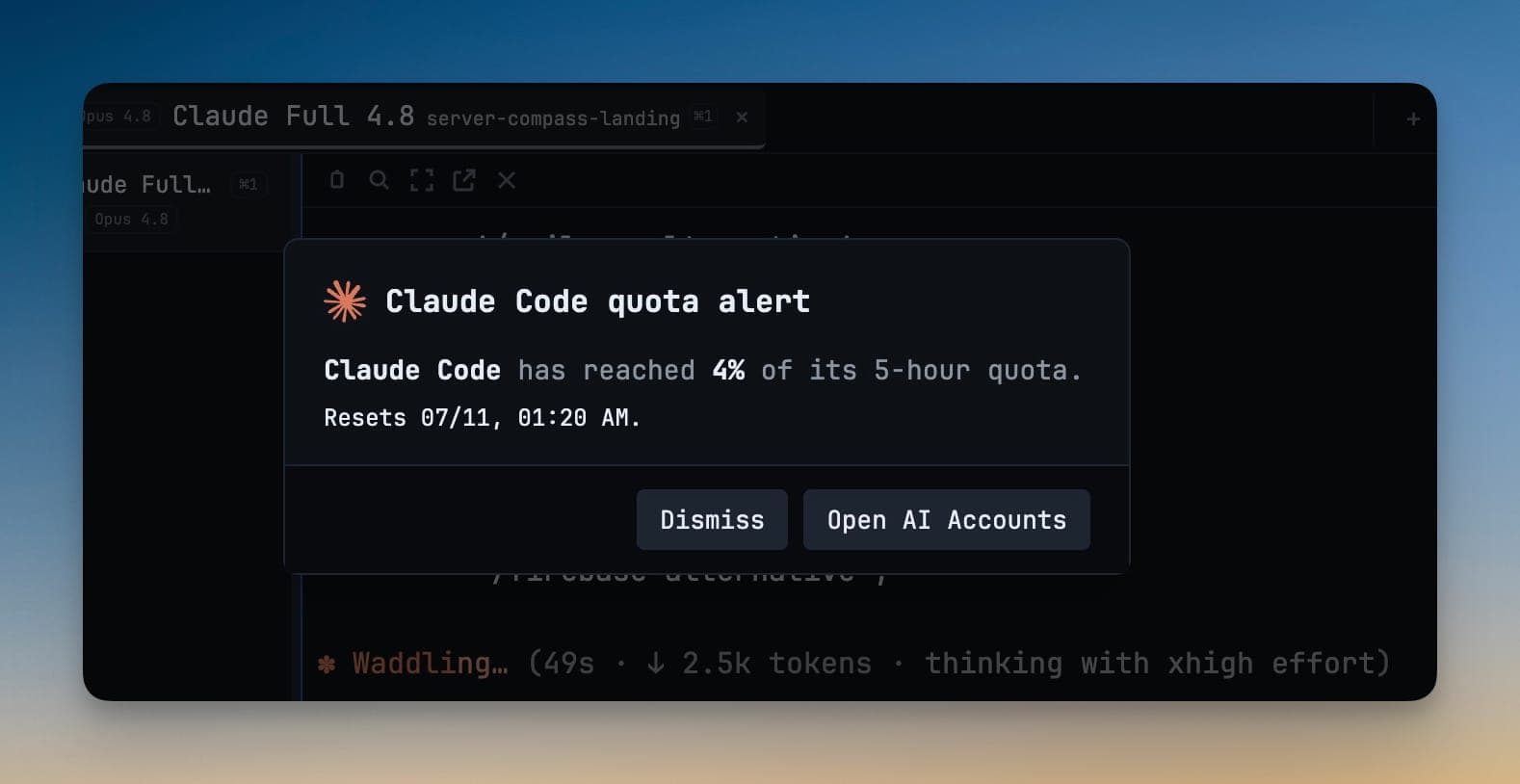
There's a particular kind of stall that only happens with AI coding tools. The agent is halfway through a change you actually care about, you step away to let it run, and when you come back the session is dead — not because the work failed, but because you hit a usage limit you had no way of seeing coming. The only signal was the error itself.
By then every option is a bad one. You log out, log into another account, restart the terminal, and hope the agent can pick up where it left off. The limit was always going to arrive. The problem is that it arrived as a surprise, at the worst possible moment, with nothing you could have done about it earlier.
Get warned before the wall, not at it
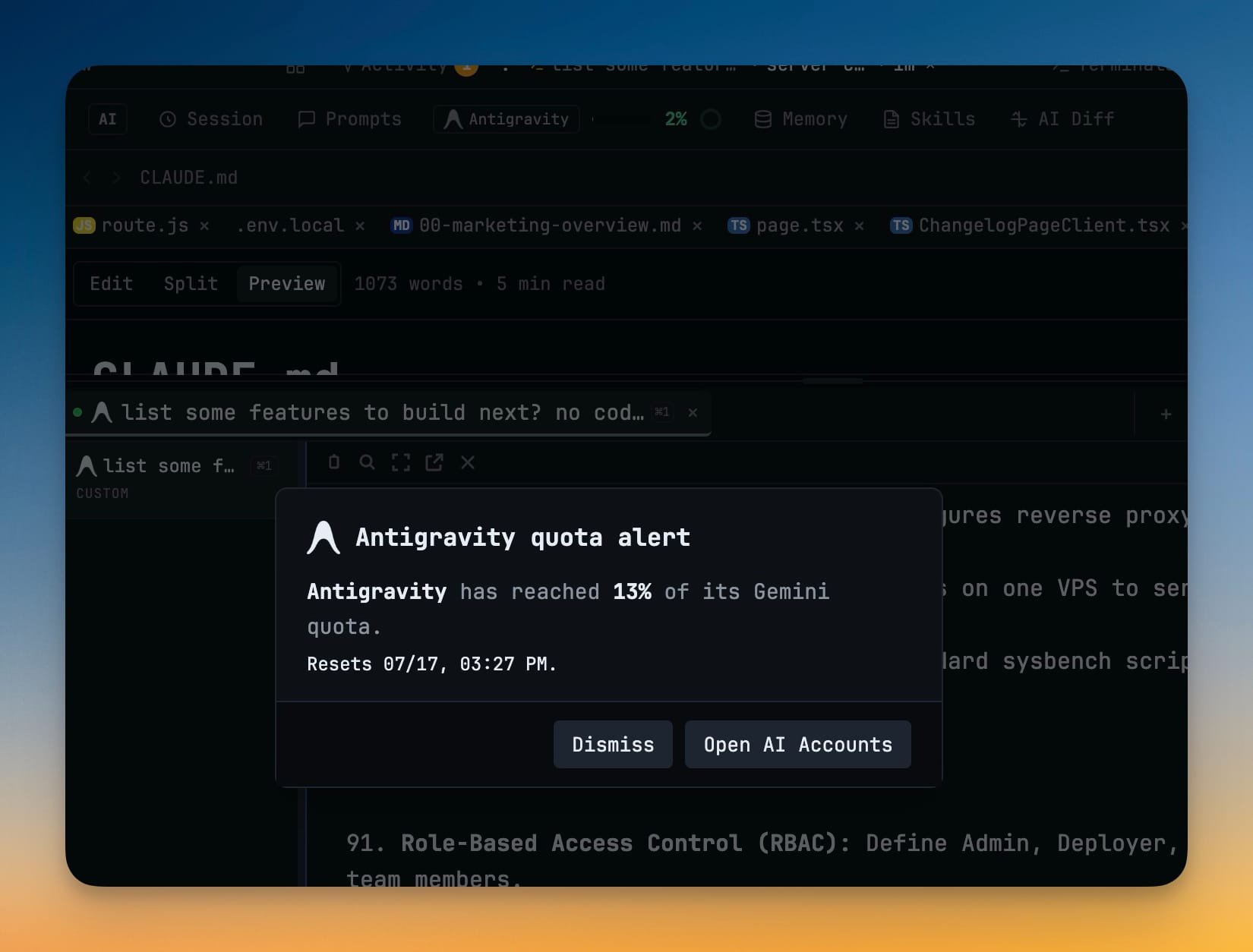
Now you can set the point where you want a heads-up and hear about it before you run out. Pick a percentage — 80% is the default — and when an agent's live usage crosses it, 1DevTool shows you a plain alert: which agent, how much of its quota is gone, and when the window resets. You find out while there's still room to act, instead of after the session is already blocked.
The alert isn't tied to one provider or a single number. It watches the same live usage you already track, and it fires the moment your real consumption crosses the line you drew — no polling a dashboard, no doing percentage math in your head between prompts.
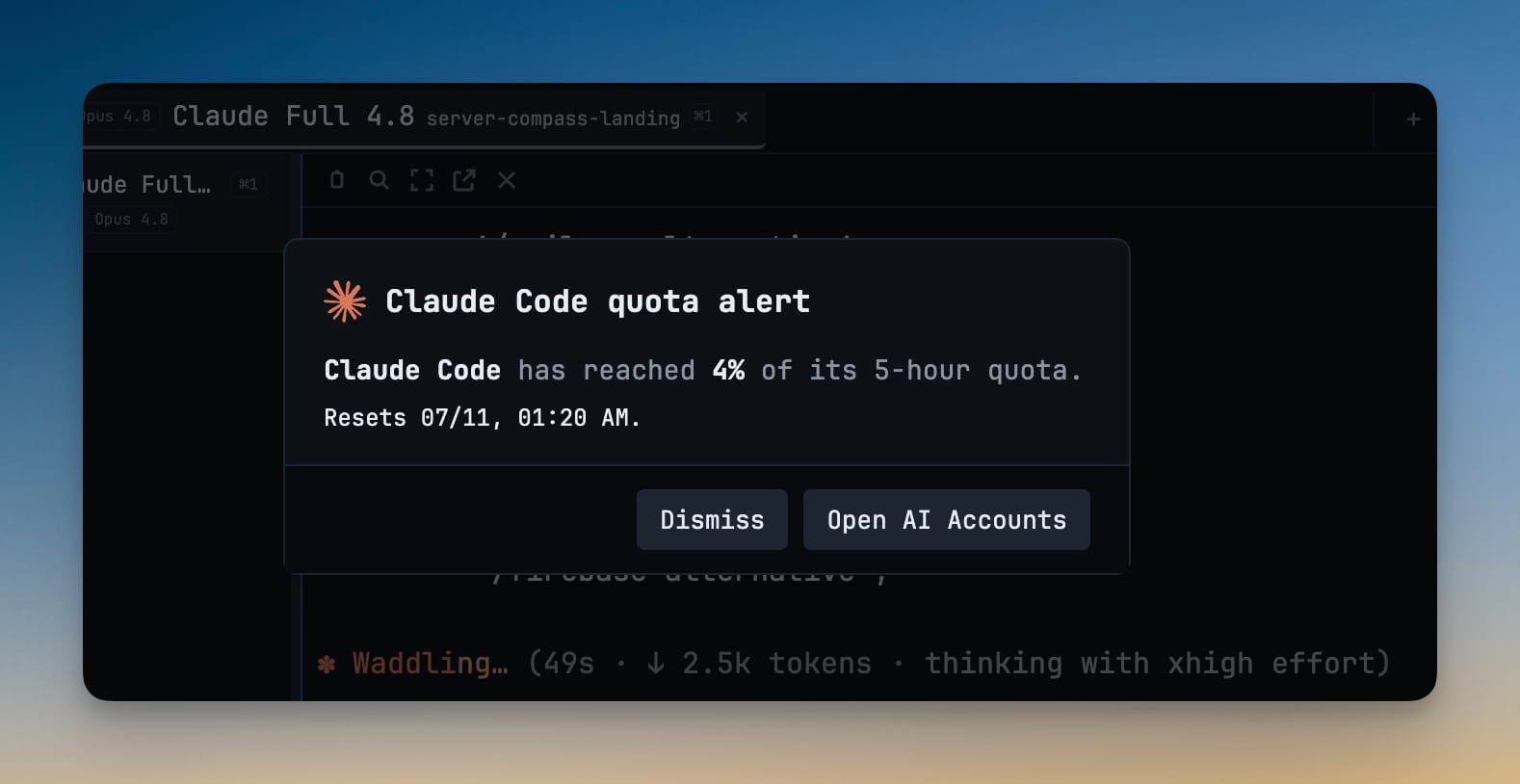
Set the line once and forget it
Turn it on where you already watch usage
You set alerts in the two places you'd look for them anyway: Settings → AI → Accounts, or straight from the quota pill in the header. Toggle Alert me when quota reaches for the agent you care about, and it's on. Because the control lives next to your live usage readout, turning it on is part of the same glance where you notice you're burning through a plan.
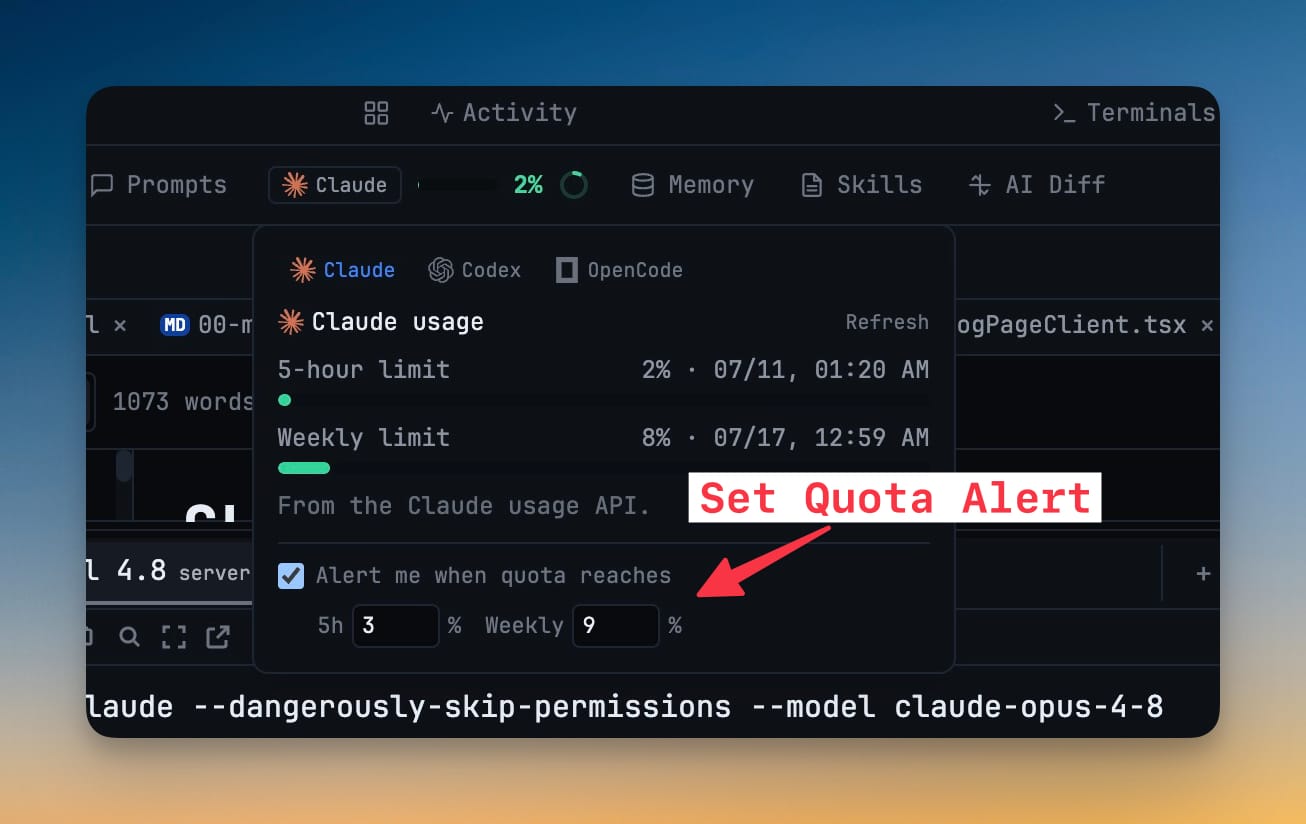
Two windows, because you burn them differently
Most plans meter you on more than one clock — a short rolling session window and a longer weekly one — and you can blow through either. So the alert gives you a separate threshold for each. Set the session (five-hour) line where a heavy afternoon should warn you, and the weekly line where you want to protect the back half of your week. Both default to 80%, which is a reasonable place to start before you tune it to how you actually work.
One alert, then it's quiet
A warning you get twenty times is a warning you learn to ignore. Quota alerts fire once per quota window — you get the single heads-up that matters, and then nothing until the window resets. It's a nudge, not a notification stream.
Switch accounts without leaving the alert
The alert isn't just information; it's the fastest place to act on it. If you keep a spare account for that agent — a second Claude login, a separate Codex seat — and it still has room, the alert offers a Switch account button that moves you to it in one click. Restart that terminal and you're working again on quota you actually have. If there's no spare with headroom, Open AI Accounts drops you straight into account management to sort it out.
That's the difference between a dead-end error and a detour. The wall still exists; you just get to step around it instead of into it.
Before and after
| The old way | With quota alerts |
|---|---|
| Find out you're capped when the agent errors mid-task | Get a heads-up at the percentage you chose |
| Guess how much of your session or week is left | See the exact percent used and when it resets |
| Log out, log in, and restart while the work stalls | One click to a spare account still under the limit |
| Run the same scramble every time you hit a wall | Set the threshold once, per agent, and move on |
Who gets the most out of it
If you lean on Claude Code or Codex all day against a plan limit, this turns "surprise outage" into "planned handoff" — you wind a task down or switch accounts on your terms. If you run walk-away sessions, where an agent works while you do something else, the alert is the thing that tells you to come back before the run dies quietly. And if you juggle several accounts across agents, per-agent thresholds mean each one warns you independently, so you always know which login is about to tap out.
It reaches you wherever you're watching, too: the same quota lives in the pill on your desktop and on your phone through Remote Control, so a long run doesn't have to be babysat from your desk.
Turn it on
Quota alerts are already sitting next to your usage. Open Settings → AI → Accounts or click the quota pill, flip on Alert me when quota reaches, and set the session and weekly percentages where you want the tap on the shoulder. Then get back to work and let the app watch the meter for you.
The limit was always coming. Now it knocks first.
From across the StoicSoft network
Hand-curated reads on the same topic from sister sites in the StoicSoft family.
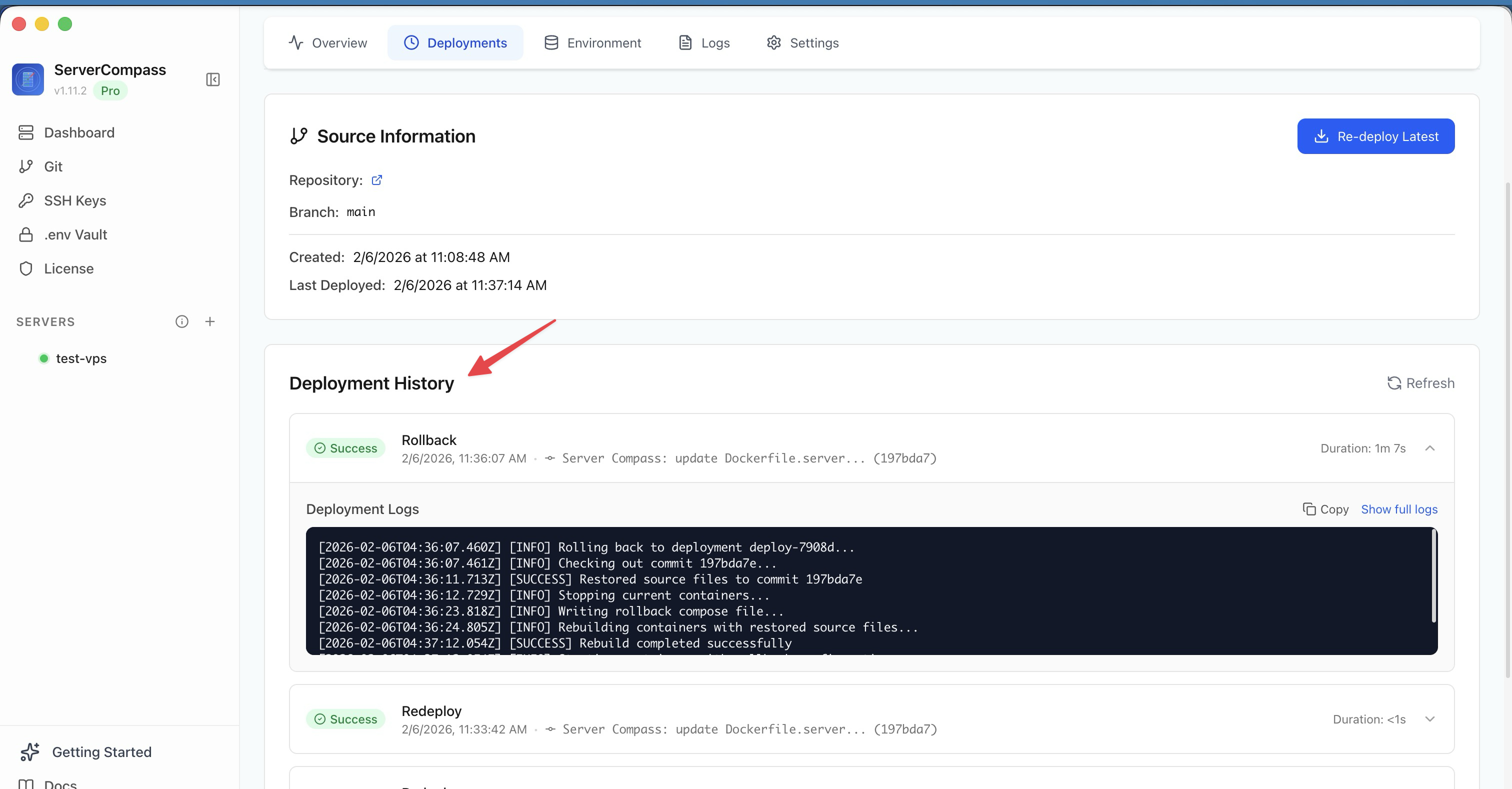 ServerCompass8 min read
Deploy to VPS in 5 minutes (Not 5 hours): Server Compass v1.1.7
New ZIP file deployments, enhanced GitHub integration, bulk env variables, and persistent logs. Get Vercel-like UX on your $5 VPS.
Read on servercompass.app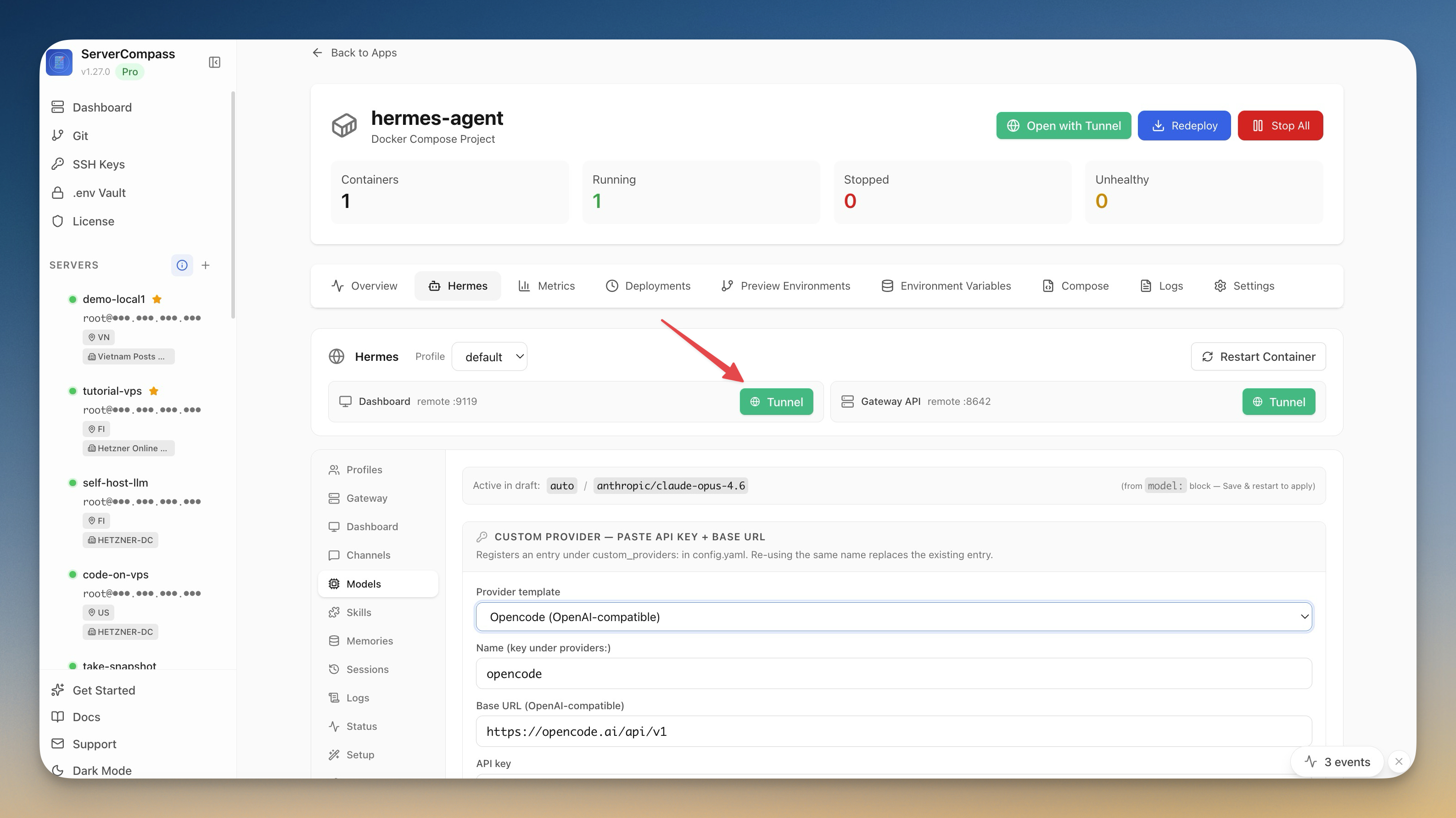 ServerCompass5 min read
Self-Host an AI Agent on Your VPS in One Click
Server Compass v1.27.0 deploys Hermes Agent to your VPS in one click — your own OpenAI-compatible gateway, a web dashboard reachable through an SSH tunnel, and chat platforms wired in from the same window.
Read on servercompass.app