Apr 2, 2026
Claude Code Terminal Setup Guide: Persistent Sessions, Named Tabs, Multi-Project
A complete Claude Code terminal setup guide for 2026. Learn the exact workspace pattern for named sessions, persistent history, and project-safe multi-agent orchestration.
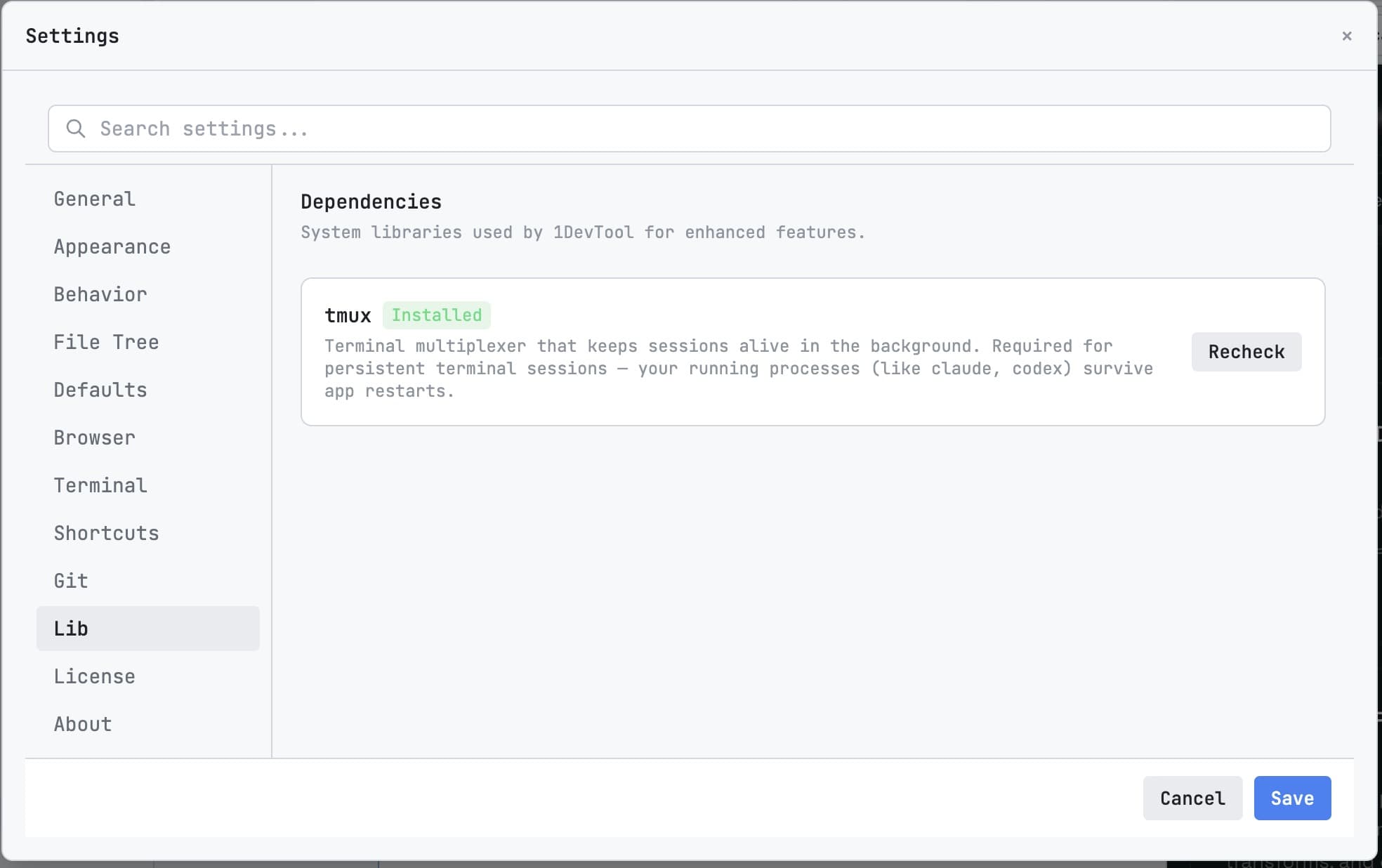
A good Claude Code terminal setup should optimize for continuity, not novelty. The command is easy. The hard part is keeping multiple sessions organized over days of real work.
This guide uses a practical pattern: named tabs, per-project boundaries, persistent history, and quick resume after restarts.
Step 1: Install and Verify Claude Code
`npm install -g @anthropic-ai/claude-code claude --version`
Once installed, run a smoke prompt in a throwaway repo to validate auth and basic command execution.
Step 2: Create Role-Based Terminals
Do not keep one generic Claude terminal. Create at least three named sessions:
- claude-planner for planning and task decomposition.
- claude-builder for implementation passes.
- claude-reviewer for diff and test validation.
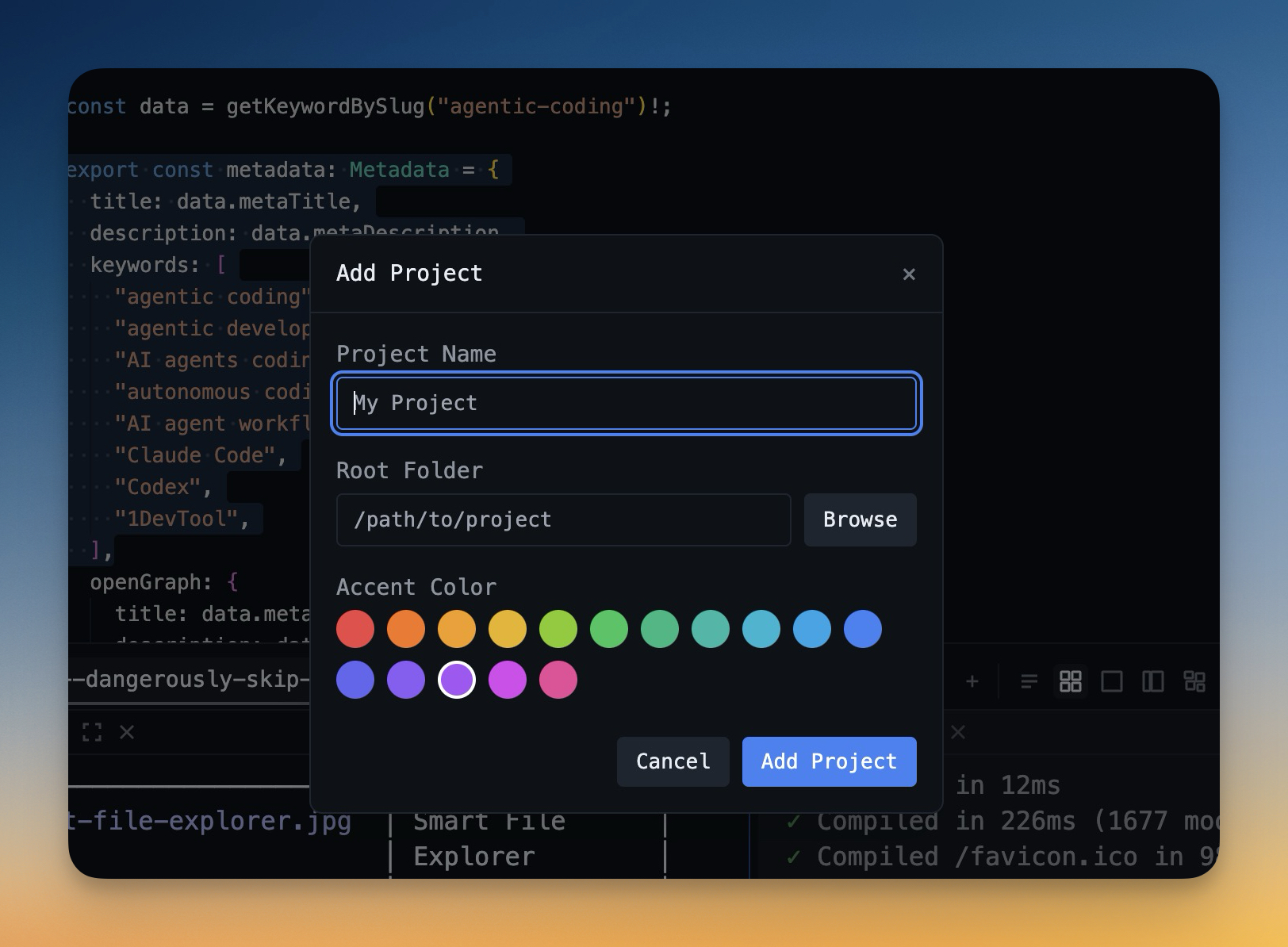
In 1DevTool, this maps naturally to Multi-Agent Terminals with color-coded identity for faster scanning.
Step 3: Enable Persistence and Continuity
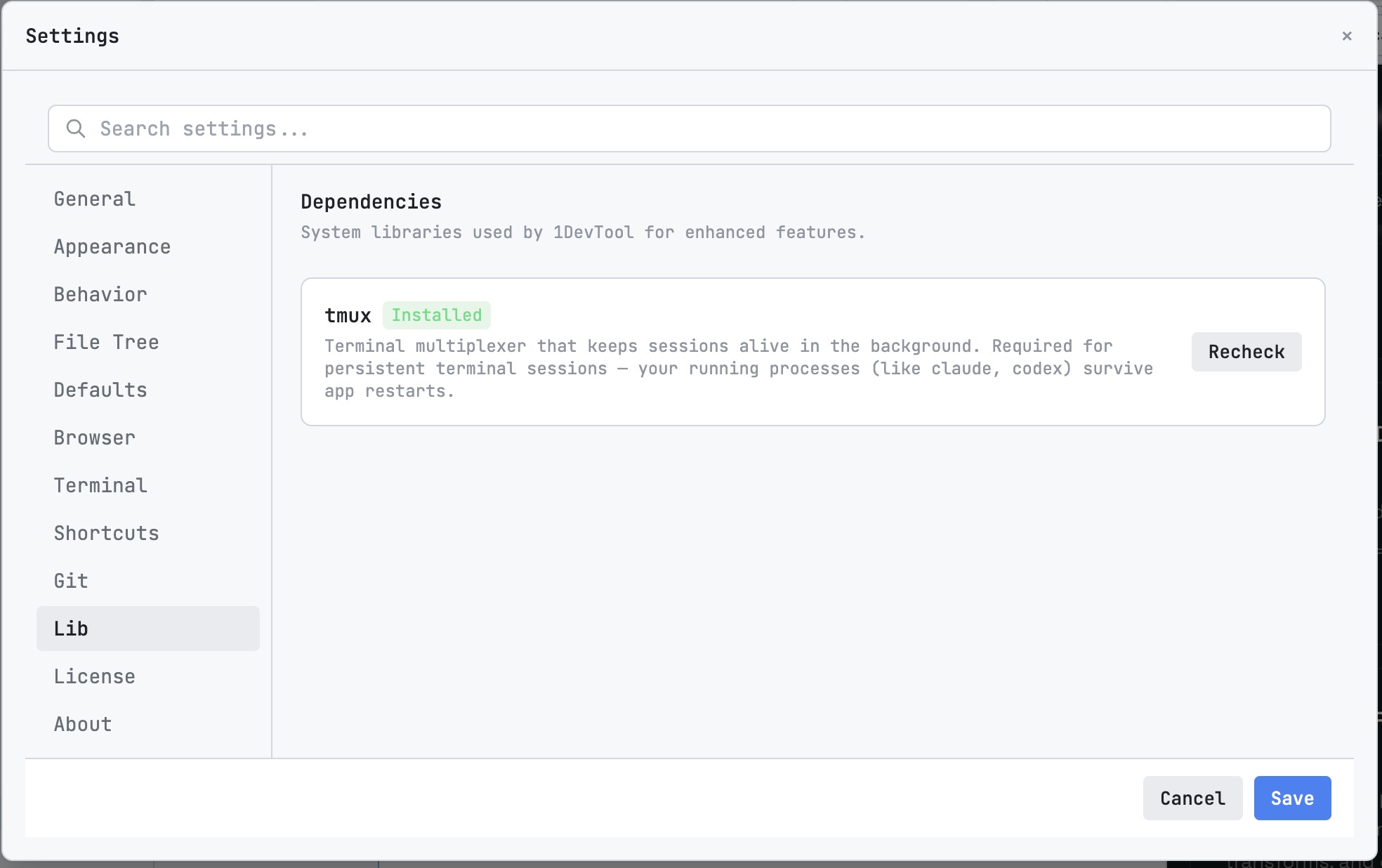
Your setup is not production-ready until sessions survive restarts. Enable Session Persistence and Session Continuity so scrollback and conversation context are still there tomorrow.
Step 4: Use Resume UI for Fast Re-Entry
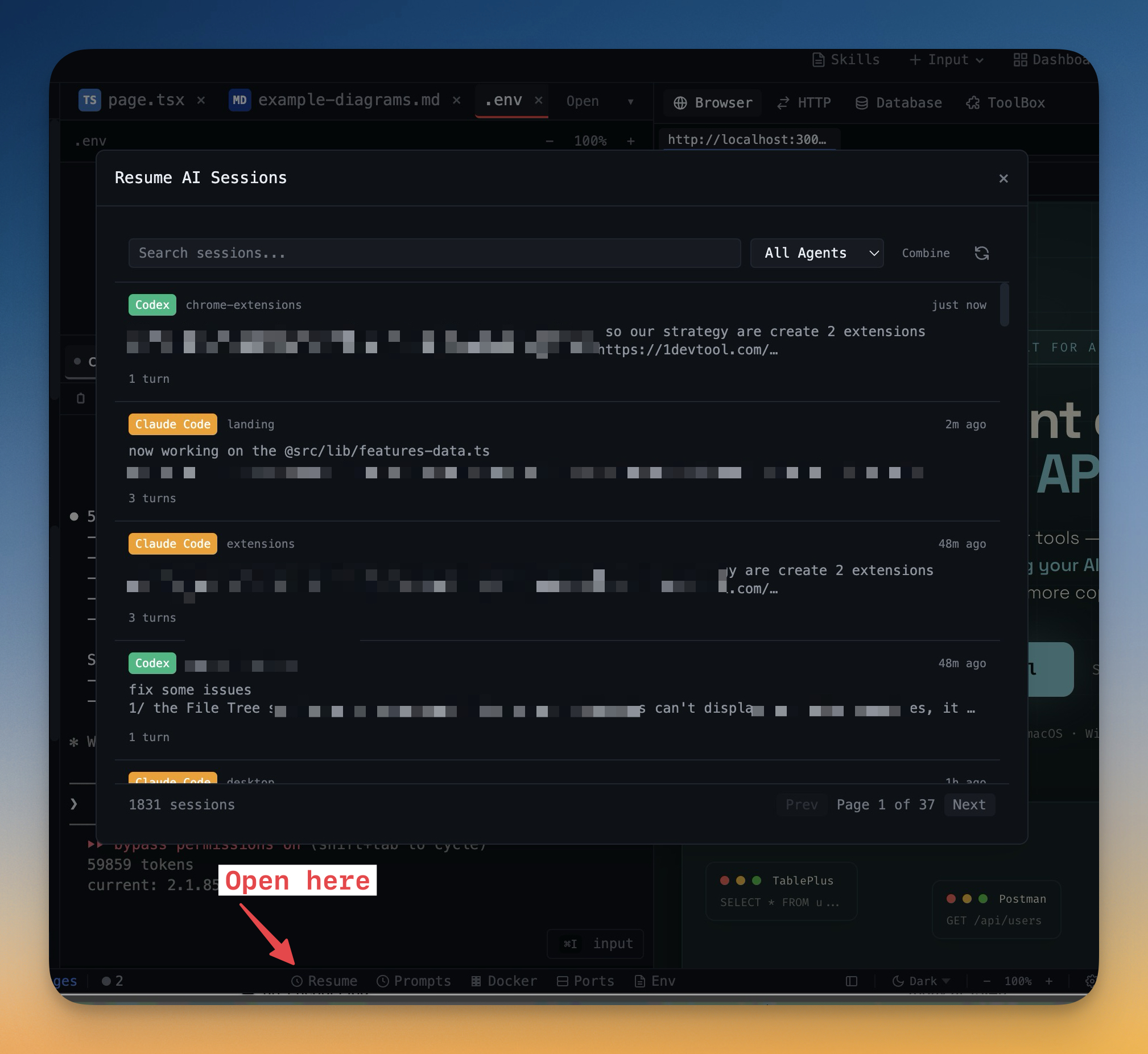
After an interruption, use the Resume UI to reopen the exact session you need. This avoids wasting prompts on context rebuilding.
Operating Rules for Daily Use
- One terminal role, one branch intent.
- Review all generated diffs before merge.
- Use short, constraint-rich prompts with clear completion criteria.
- Keep one terminal dedicated to tests and verification only.
Final Takeaway
A stable Claude Code setup is less about a single command and more about workspace operations. If you enforce naming, persistence, and resume hygiene, Claude becomes predictable under pressure.
For teams running Claude daily, this is the difference between occasional wins and a repeatable delivery system.