Skills Control Plane
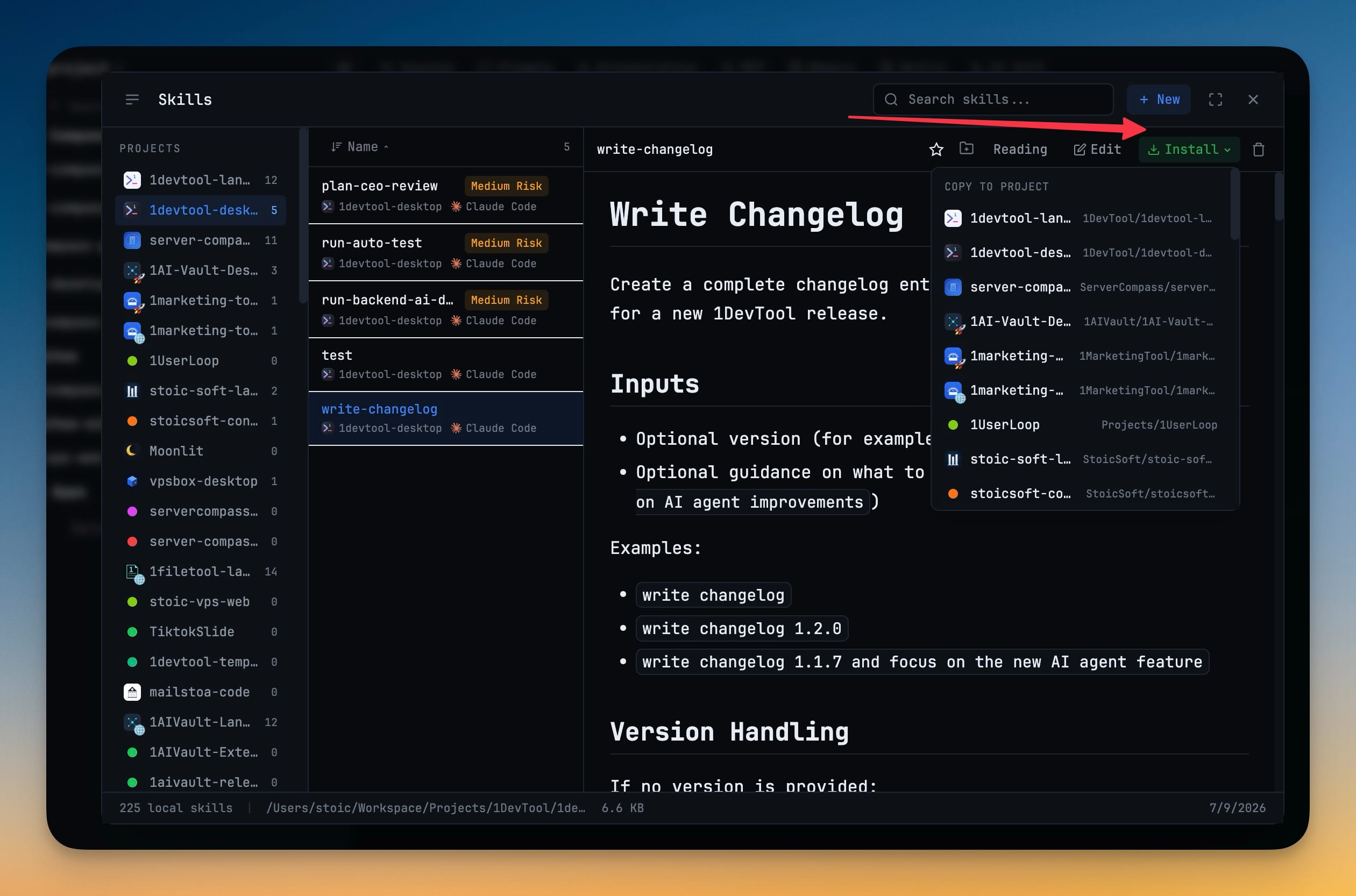
Install a skill once into a versioned library on your machine, then pin which version each project gets and which agent directory it lands in. Applying links rather than copies, and the manifest commits with your repo so a team shares one skill set.
Why You Need This
How this feature boosts your daily productivity
Copying a skill into each project is how you end up with four versions of the same skill and no idea which project has which. Improve one three weeks later somewhere else and the drift is invisible until an agent behaves differently in one repo than another. The Control Plane keeps a single append-only library at `~/.1devtool/skill-store`, and each project selects from it through `.1devtool/skills-manifest.json` — pinned by version, targeted at Claude, Cursor, Codex or Kimi. Apply shows exactly what it will link, switch and remove before touching anything, and a real folder you copied in by hand is reported as a conflict rather than silently overwritten. Because versions are kept rather than replaced, you can drop back to an older one or repin every outdated skill to the newest in one click — and each library skill lists the projects that pinned it, so "who is still on v2" is a glance instead of an audit.
How It Works
Get started in 4 simple steps
Open the Control Plane
A new view in the Skills dialog backed by an append-only library at ~/.1devtool/skill-store, so a skill is installed once on your machine instead of copied into every project.
Pin a version per project
Choose which version each project gets and which agent directory it lands in — Claude, Cursor, Codex or Kimi. Each library skill also lists the projects that pinned it and the version they are on.
Apply and see it first
Apply shows exactly what it will link, switch and remove before it touches anything, then writes symlinks (junctions on Windows). A real folder you copied in by hand comes back as a conflict rather than being silently overwritten.
Commit the manifest
The selection lives at .1devtool/skills-manifest.json in your project, so committing it gives everyone the same skills at the same versions. Drop back to an older version, or repin every outdated skill to the newest, in one click.
Without 1DevTool
The manual way vs. the 1DevTool way
The Hard Way
The 1DevTool Way
Key Capabilities
Everything included with Skills Control Plane
Why It Matters
The productivity impact of having skills manager built into your workspace
Curated Skill Registry
Browse and install AI agent skills from a curated registry instead of searching GitHub and reading docs.
Security Scanning
Every skill is rated from Safe to Critical risk. Know exactly what you're running before you run it.
Custom Skill Creation
Write your own skills with a proper editor. Turn your best prompts into reusable, shareable assets.
Multi-Agent Support
Skills work across Claude Code, Codex, Gemini, Amp, and more. One library, all your agents.
More in Skills Manager
Other features in this category you might find useful
Ready to boost your workflow?
Download 1DevTool for free and experience Skills Control Plane along with 321 other features — all in one app.