Mar 13, 2026
Best AI Code Editors in 2026: Complete Guide
Compare the top AI-powered code editors of 2026 including Cursor, Windsurf, 1DevTool, and more. Find the perfect AI IDE for your development workflow.
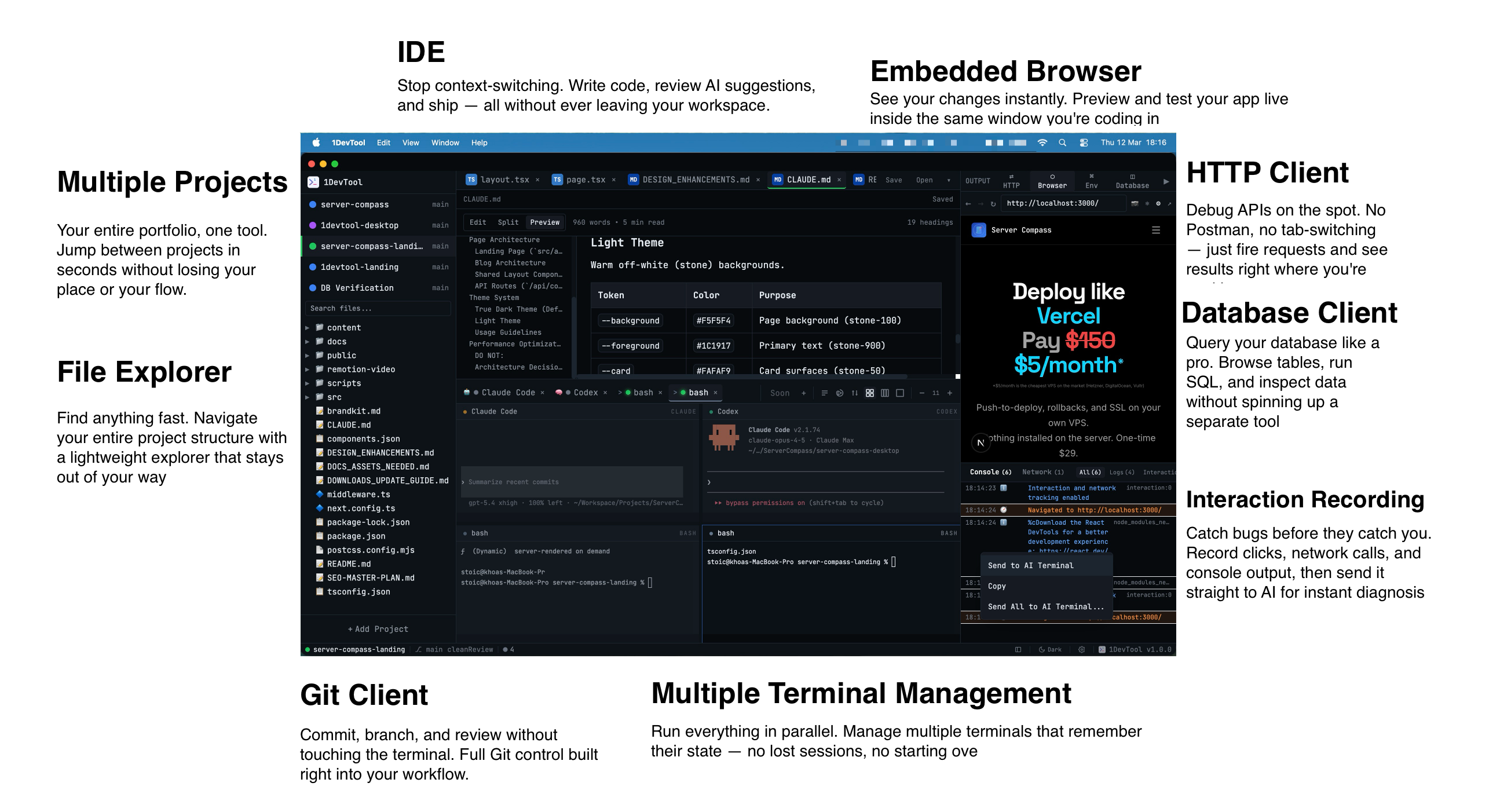
The landscape of code editors has transformed dramatically with AI integration. In 2026, developers have more choices than ever for AI-powered development environments. This guide compares the best AI code editors to help you find the perfect tool for your workflow.
What Makes a Great AI Code Editor?
Before diving into specific tools, let's understand what separates good AI editors from great ones:
- AI Model Quality: Access to capable models like Claude, GPT-4, or specialized coding models
- Context Awareness: Understanding your entire codebase, not just the current file
- Speed: Fast completions that don't interrupt your flow
- Integration: Seamless fit with your existing tools and workflows
- Customization: Ability to tune AI behavior to your preferences
Top AI Code Editors in 2026
1. Cursor
Cursor has established itself as a leading AI-native IDE built on VS Code. It offers deep AI integration with features like Composer for multi-file editing and Chat for code explanations.
- Built on VS Code (familiar interface)
- Composer for AI-assisted multi-file edits
- Claude and GPT-4 integration
- $20/month Pro plan
2. Windsurf (Codeium)
Windsurf, powered by Codeium, offers a polished AI coding experience with their proprietary AI models optimized for code completion. The free tier is generous, making it accessible to all developers.
- Free tier with substantial features
- Fast, optimized completions
- Cascade AI for multi-step tasks
- Cross-IDE availability
3. 1DevTool
1DevTool takes a unique approach by combining AI coding assistance with an integrated development workspace. It includes terminals, database client, HTTP client, and Git integration—all with AI capabilities built in.
- All-in-one developer workspace
- Multiple AI model support (Claude, GPT-4, etc.)
- AI-powered terminals with natural language commands
- Built-in database and API testing tools
- Workflow automation with Pipes
4. GitHub Copilot (VS Code)
The original AI coding assistant, GitHub Copilot remains a solid choice for developers who want AI features without switching editors. It integrates directly into VS Code and other IDEs.
- Works in your existing IDE
- Copilot Chat for conversations
- Strong enterprise features
- $10/month individual plan
5. Zed
Zed focuses on performance while adding AI capabilities. Built in Rust, it's incredibly fast and includes AI features through their Assistant panel.
- Extremely fast performance
- Native collaboration features
- AI Assistant with multiple model support
- Open source (community edition)
Feature Comparison
Feature
Cursor
Windsurf
1DevTool
Copilot
Multi-file AI edits
Yes
Yes
Yes
Limited
Free tier
Limited
Generous
Yes
No
Built-in terminal
Yes
Yes
Advanced
Yes
Database client
No
No
Yes
No
HTTP client
No
No
Yes
No
How to Choose the Right AI Editor
Consider these factors when selecting your AI code editor:
- Budget: Free options like Windsurf vs. premium features in Cursor
- Workflow: Do you need just code completion or a full development workspace?
- Team: Enterprise features and collaboration requirements
- Languages: Some tools excel at specific programming languages
Conclusion
The best AI code editor depends on your specific needs. Cursor excels at pure AI coding features, Windsurf offers great value with its free tier, and 1DevTool provides the most comprehensive workspace for developers who want everything in one place. Try a few options to see which fits your workflow best.
From across the StoicSoft network
Hand-curated reads on the same topic from sister sites in the StoicSoft family.
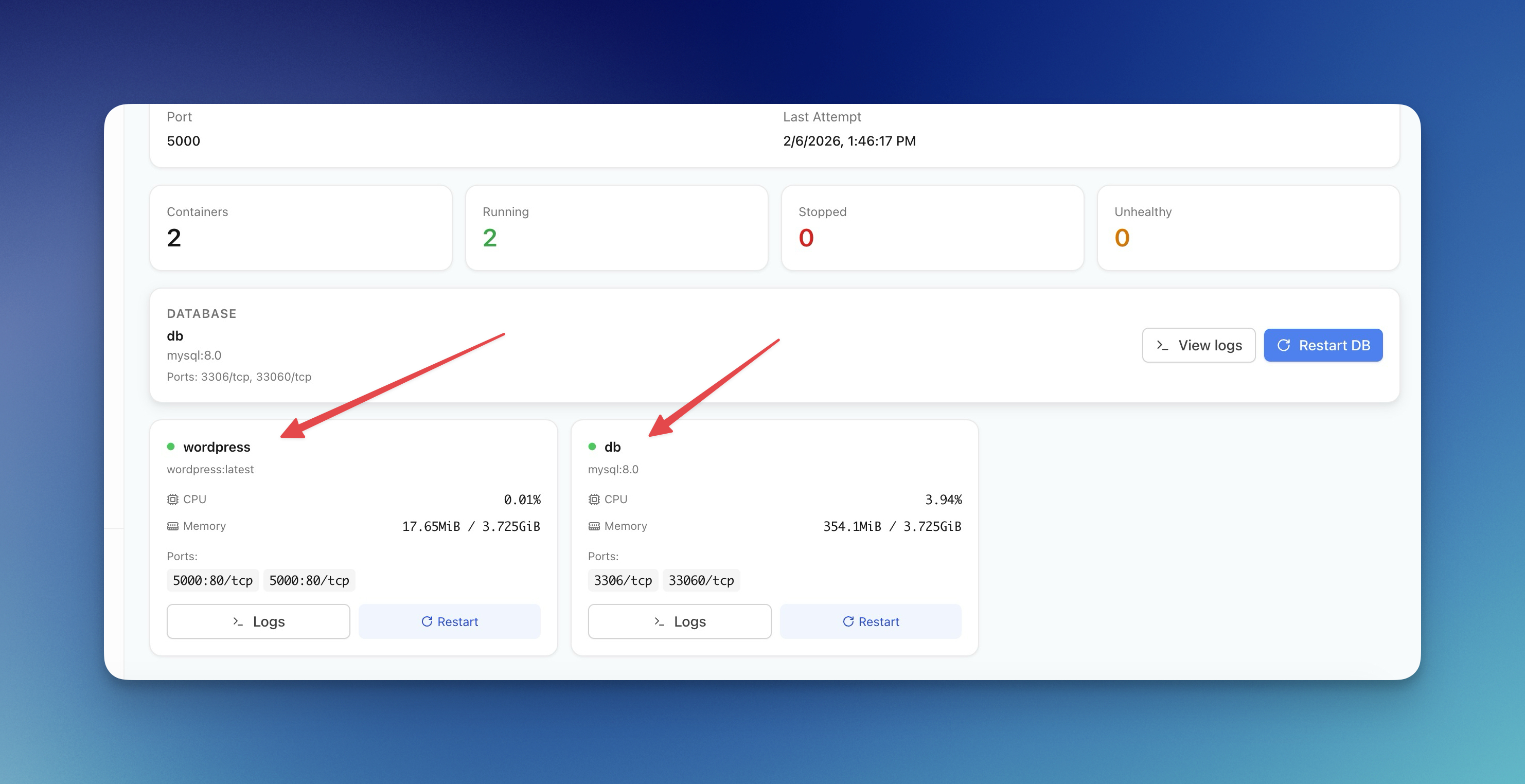 ServerCompass12 min read
Server Compass vs Vercel: Take Control of Your Infrastructure and Save Thousands
If you're reading this, chances are you've experienced that sinking feeling when opening your Vercel invoice. What started as a convenient deployment platform has become an increasingly expensive proposition as your application scales.
Read on servercompass.app ServerCompass12 min read
Best VPS Control Panels for Developers in 2026
Compare the best VPS control panels for developers in 2026: CloudPanel, CyberPanel, Plesk, Webmin, and Server Compass. Features, pricing, ease of use, and which one fits your workflow.
Read on servercompass.app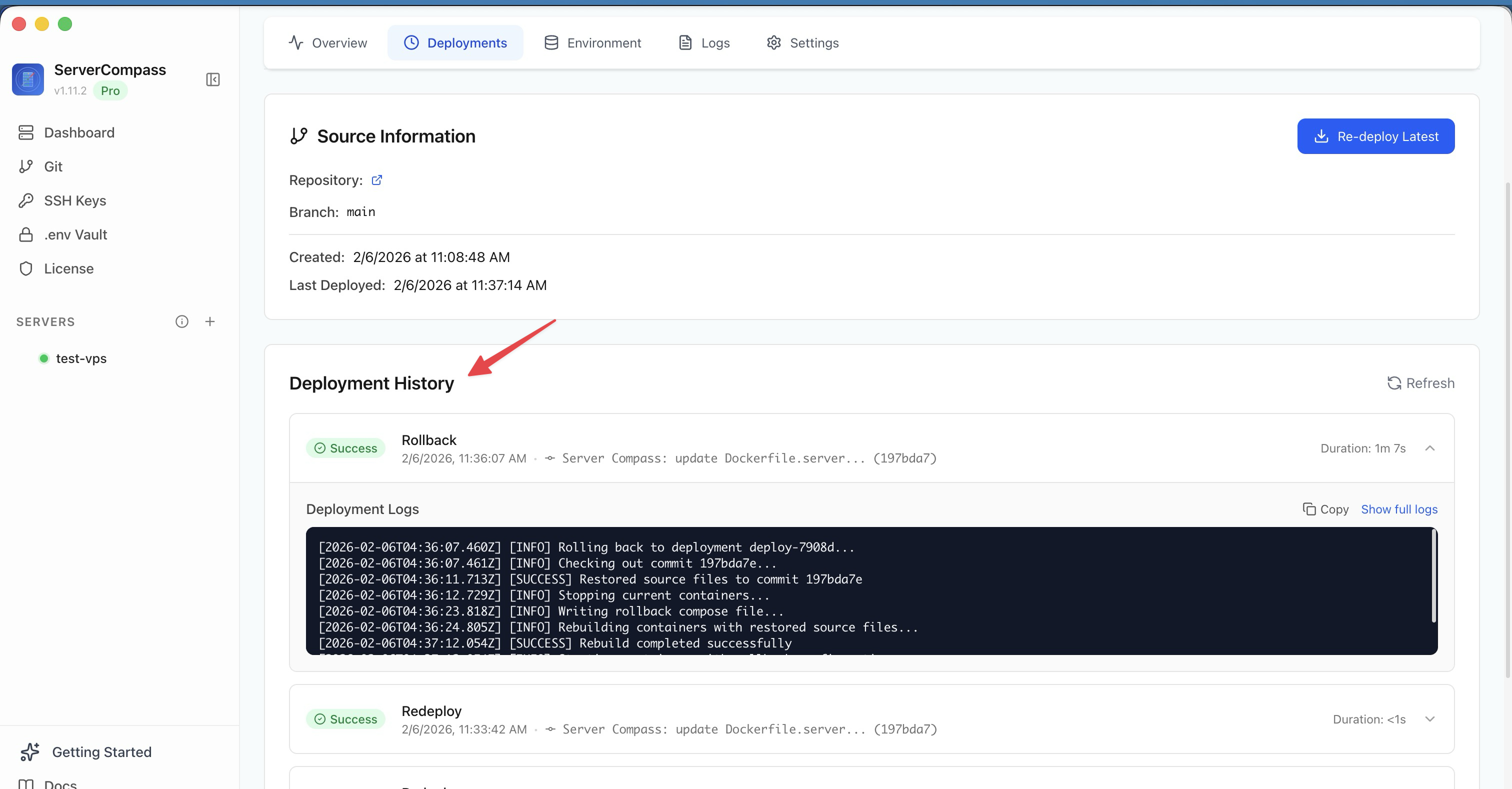 ServerCompass22 min read
Self-Hosted Vercel Alternative: Complete Guide (2026)
The complete guide to self-hosted Vercel alternatives. Compare Server Compass, Coolify, and CapRover. Learn how to migrate from Vercel, calculate real cost savings, and deploy with the same developer experience on your own VPS.
Read on servercompass.app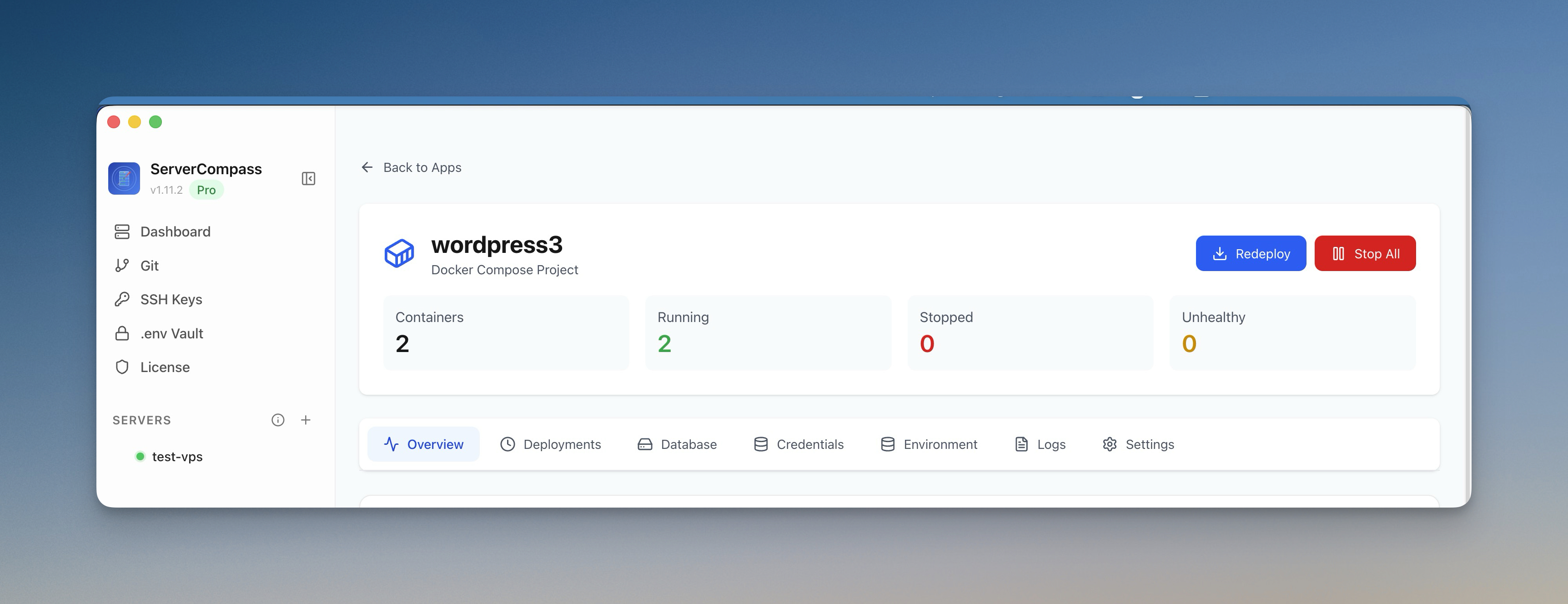 ServerCompass12 min read
Coolify vs Dokploy: Which Self-Hosted PaaS Should You Use?
A detailed comparison of Coolify and Dokploy covering features, ease of use, pricing, Docker support, GitHub integration, and community. Find out which self-hosted PaaS fits your workflow in 2026.
Read on servercompass.app