Welcome to 1DevTool
Your all-in-one workspace for running multiple AI agents across all your projects.
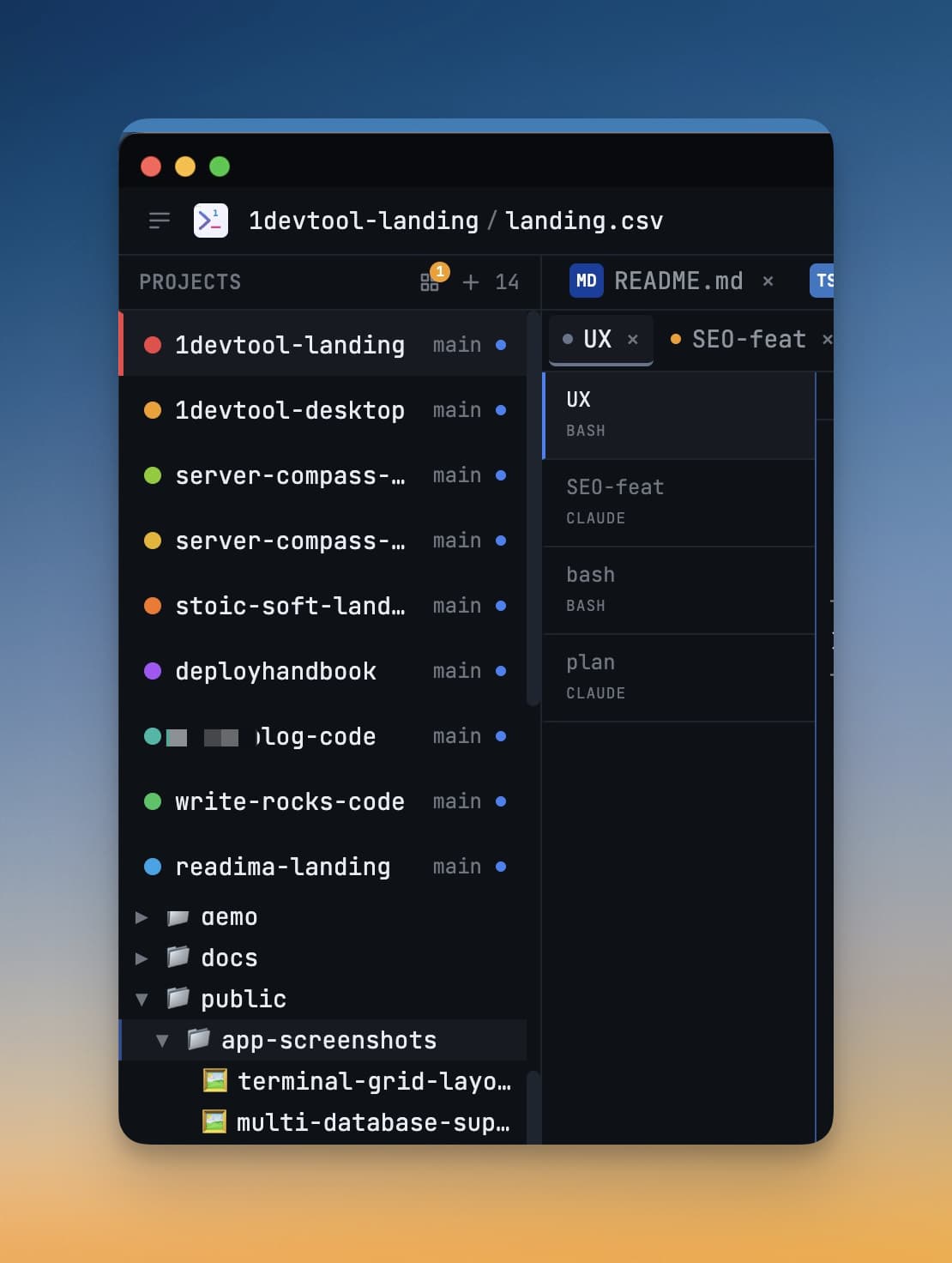
1DevTool is a desktop app that brings everything a developer needs into a single window. Instead of juggling a dozen terminal tabs, a separate database GUI, a REST client, a browser, and your editor all at once, 1DevTool organizes every tool around your projects. Each project gets its own AI terminals, database connections, open files, HTTP requests, and Git client — all neatly separated and instantly switchable.
The Problem 1DevTool Solves
If you use AI coding agents like Claude Code, OpenAI Codex, or Gemini CLI, your workflow probably looks something like this: open a terminal, run your agent, switch to the browser to check docs, flip to your database tool to verify a query, jump back to the editor to review a file the agent touched, then lose track of which terminal belongs to which project. Repeat for every project you're juggling.
This constant context-switching is exhausting. It fragments your attention and slows you down far more than most developers realize.
1DevTool fixes this by giving every project a home. When you click on a project in the sidebar, every tool — terminals, browser, database, HTTP client, file editor — switches to that project's state instantly. You stay in flow because everything you need is already in front of you, organized exactly the way you left it.
What's Inside 1DevTool
Here's what you get in one window:
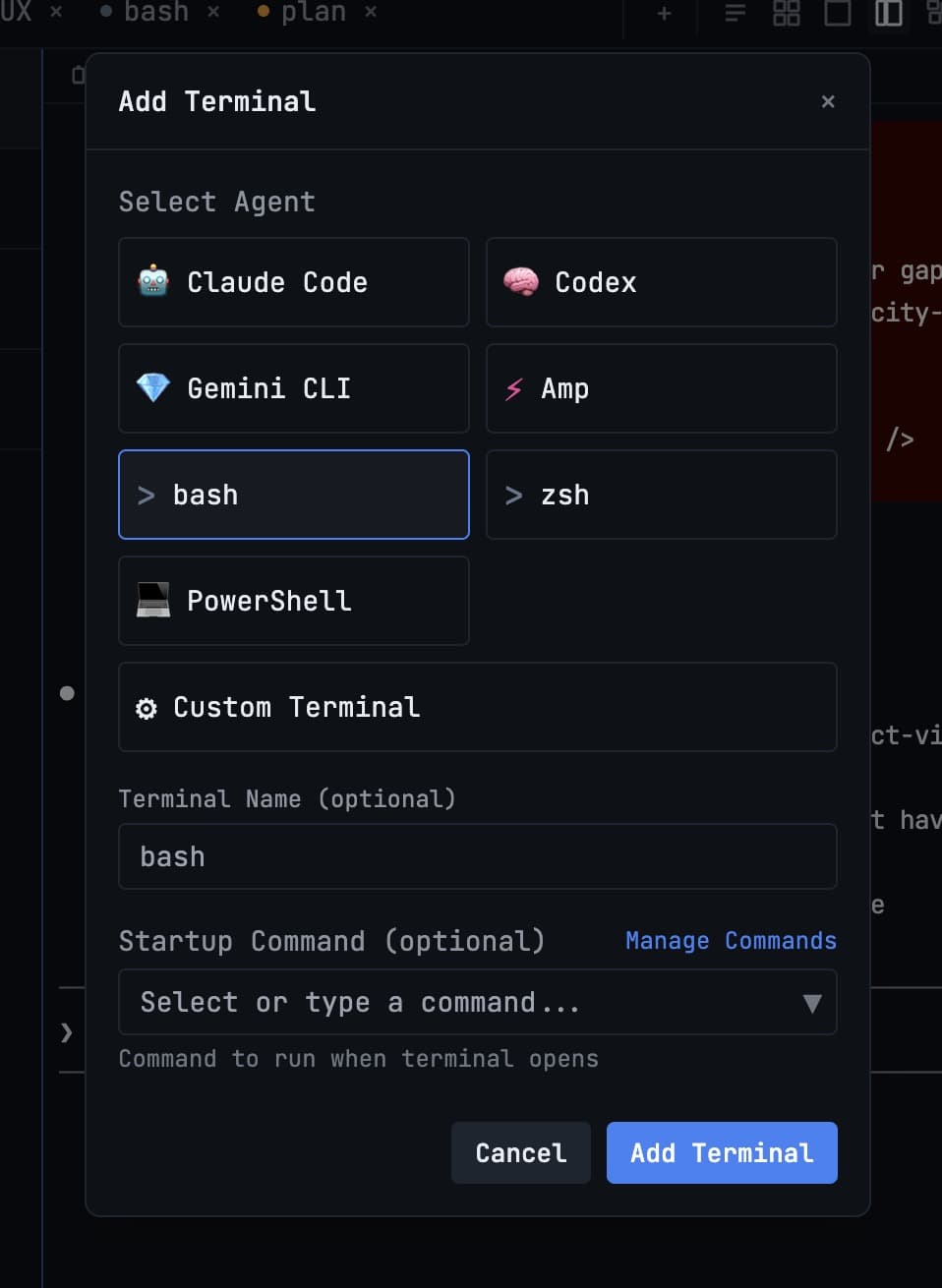
- AI Terminals — Run Claude Code, Codex, Gemini CLI, Grok, Cursor, Antigravity, Cline, Hermes and more, or a plain shell. Open several side by side and run different agents in parallel.
- Orchestration — Agents that hand work to each other. Delegate to a terminal you already have open, form an Agent Team, or run a swarm of headless workers — and watch all of it in Mission Control.
- Tasks — A task board your agents can actually work. Assigning a task spawns the terminal and dispatches the work; tasks are markdown files in your repo.
- Database Client — Connect to PostgreSQL, MySQL, SQLite, MongoDB, and more. Query your database without leaving your project.
- HTTP Client — Send API requests and inspect responses, similar to Postman or Insomnia, but right inside your workspace.
- Git Client — Stage changes, write commit messages, view diffs, and push — across several repositories in one project if that is how your work is shaped.
- Embedded Browser — Preview your app, check documentation, or browse the web without switching windows — and let an agent drive it.
- File Editor — Open and edit files from your project. Great for quick edits or reviewing what your AI agent changed.
- Remote Control — Prompt your agents from your phone, read their transcripts, and approve their plans from the kitchen.
Everything is organized per project. Nothing bleeds between projects. Nothing gets lost.
Who Is 1DevTool For?
1DevTool is built for developers who are already using — or want to start using — AI coding agents. If you're running Claude Code, Codex, or Gemini CLI from a basic terminal, you'll feel the difference immediately. But it's also useful for any developer who wants a cleaner, more organized way to work across multiple projects.
You don't need to be an expert. If you can open a folder and type a command, you can use 1DevTool.
Pricing
1DevTool is $29 one-time. No subscription, no monthly fees, no seat limits. Pay once and use it as long as you want, with free updates included.
What's in These Docs
These docs walk you through everything from installing the app to running your first AI agent. Here's where to start:
- Introduction — You're here.
- Installation — Download and install on macOS, Windows, or Linux.
- Add Your First Project — Bring a code folder into 1DevTool.
- Add Your First AI Agent — Launch Claude Code, Codex, or Gemini inside your project.
- Orchestration — Get several agents working together.
- Tasks — A board your agents can work, with approval gates.
- Connect a Database — Connect to your database with a connection URL.
- Keyboard Shortcuts — Move fast without touching the mouse.
Download
Ready to get started? Head to /download and grab the installer for your platform. Installation takes under 2 minutes.