Mar 14, 2026
Content Search, Rows Layout & Markdown Reading Mode
Search text inside files with ripgrep, stack terminals vertically with the rows layout, and read AI-generated markdown in a distraction-free view with multiple themes.
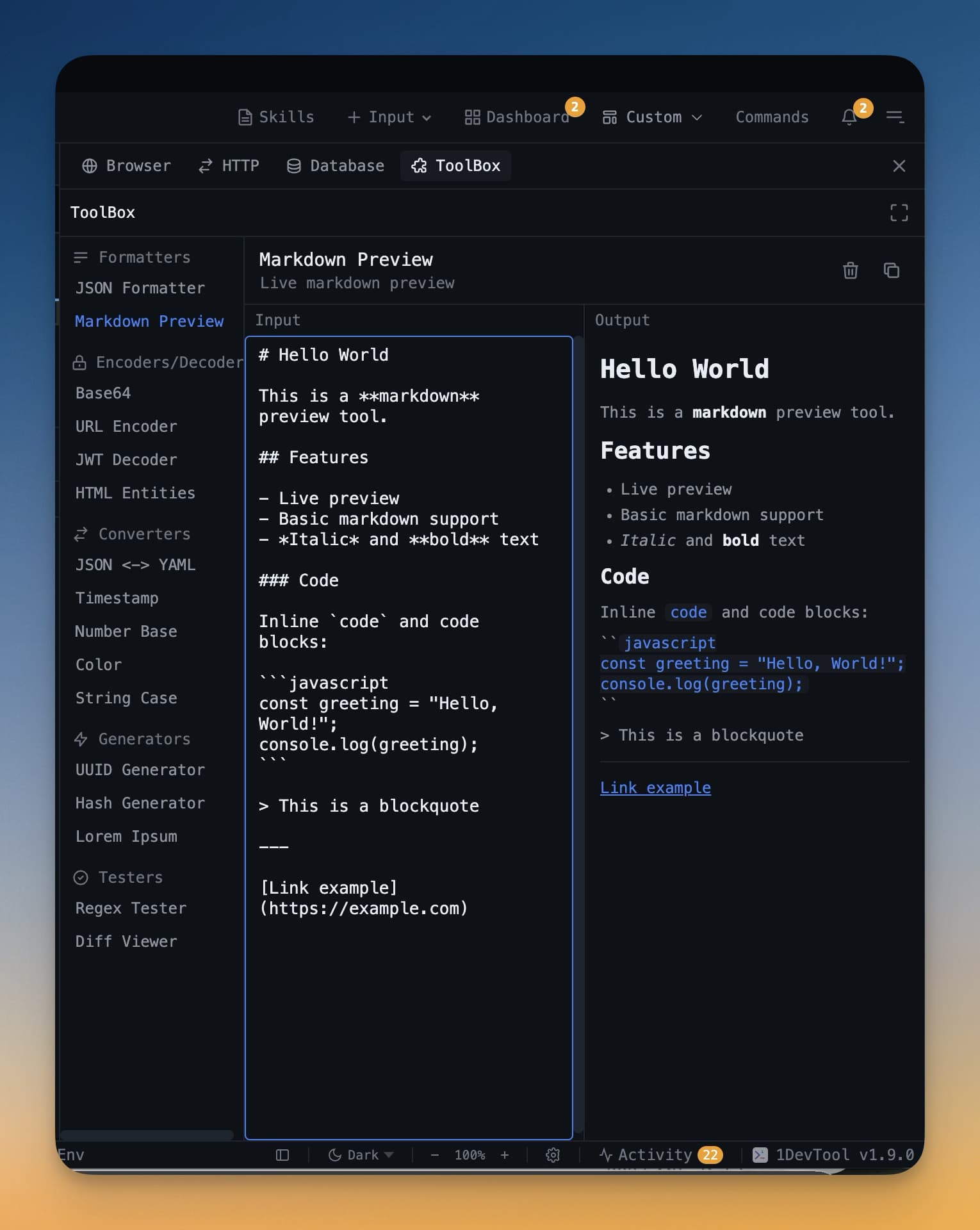
A week into using AI coding agents, you realize you need three things your workspace doesn't have: a way to search inside files (not just filenames), a terminal layout that stacks vertically, and a clean way to read the markdown files your AI agents keep generating. v1.3.0 delivers all three.
Content Search with Ripgrep
Search text inside files across your entire project, powered by ripgrep. Results appear with line previews and match counts per file. Click any result to jump to the exact line. This is the foundation for the find-and-replace feature that arrives in v1.9.1 — but even as search-only, it's invaluable for verifying AI agent changes across large codebases.
Rows Layout: Vertical Terminal Stacking
The new rows layout stacks terminals vertically with resizable heights. This is ideal when you want to see two or three terminals at once — one running Claude Code at the top, one with Codex in the middle, and a Bash shell at the bottom. Each row is independently resizable.
Markdown Reading Mode
AI agents generate a lot of markdown — changelogs, design docs, code explanations. The new reading mode strips away the editor chrome and presents markdown in a distraction-free view with your choice of background: sepia, white, dark, or green. It's like reader mode in Safari, but for AI-generated documents.
Screenshot Annotator
Take a screenshot of the browser panel and annotate it with circles, rectangles, and text labels before sending it to an AI agent. This is essential for visual feedback — circle the button that's misaligned, draw a box around the section that needs rewriting, and send the annotated image to Claude Code with your fix request.
Other Features
- Toggle hidden files and gitignore visibility in the file explorer
- Custom names for preset agent terminals
- Auto-save agent input drafts with restore on reopen
- Auto-retry terminal reconnection with exponential backoff
- Terminal scroll position preserved during resize
- Editor file tabs scroll horizontally on overflow
Try It Today
Content search, rows layout, and markdown reading mode are available in 1DevTool v1.3.0. Search your code, stack your terminals, and read your docs — all in one workspace.
Search. Stack. Read. All in one place.