Mar 29, 2026
Developer Workspace Consolidation: From 10 Tools to One Workflow
Tool sprawl slows delivery more than most teams realize. This guide shows how to consolidate editor, terminal, API, database, and review workflows into one operating surface.
1DevTool Team • 10 min read
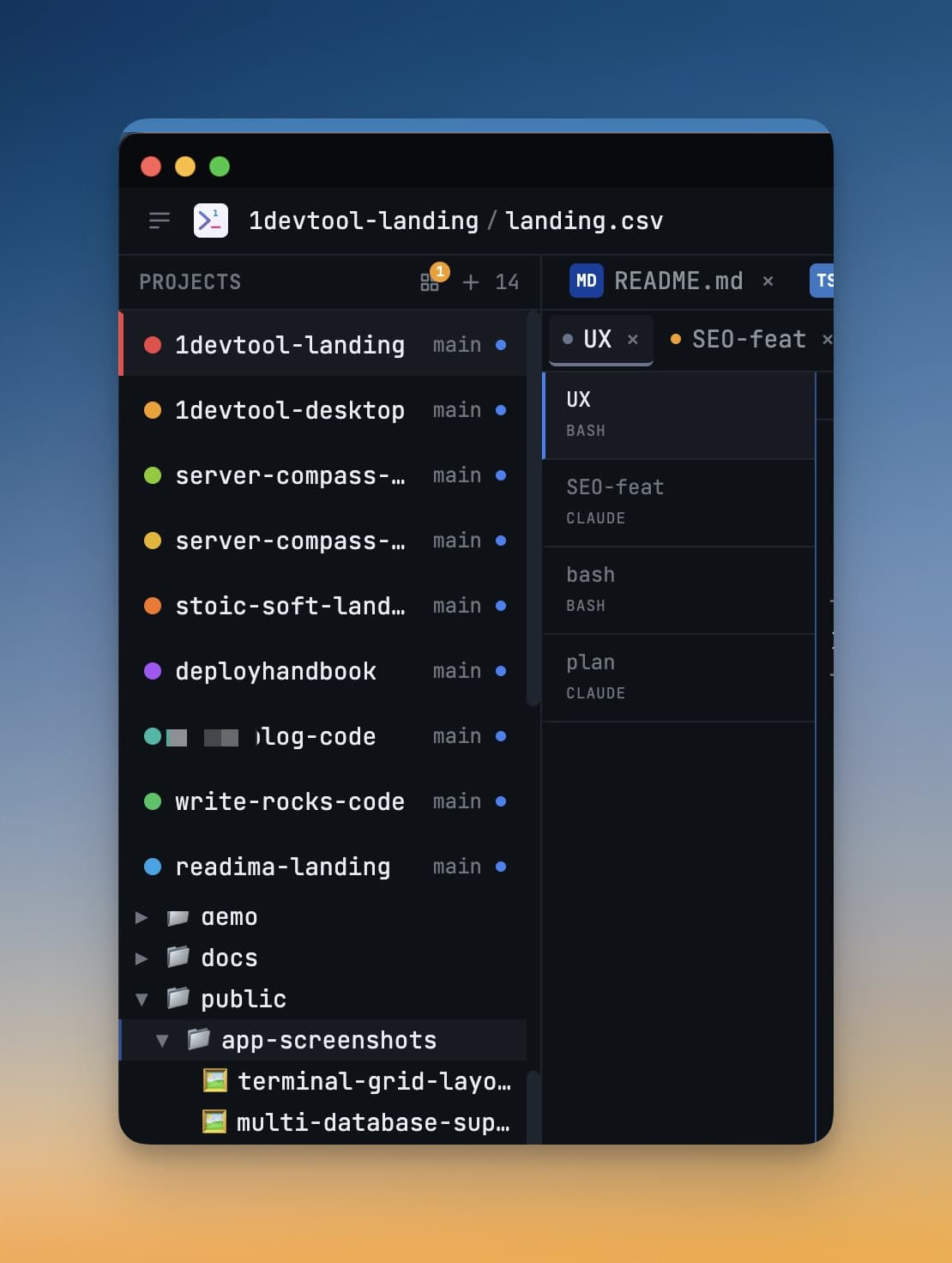
Most teams do not have a coding speed problem. They have a tool orchestration problem. Moving between editor, terminal, API app, database client, and review tabs creates hidden throughput loss.
Where Tool Sprawl Hurts
- Context is fragmented across apps and windows.
- Onboarding takes longer because workflows are undocumented and scattered.
- Handoffs are manual and often lose key evidence.
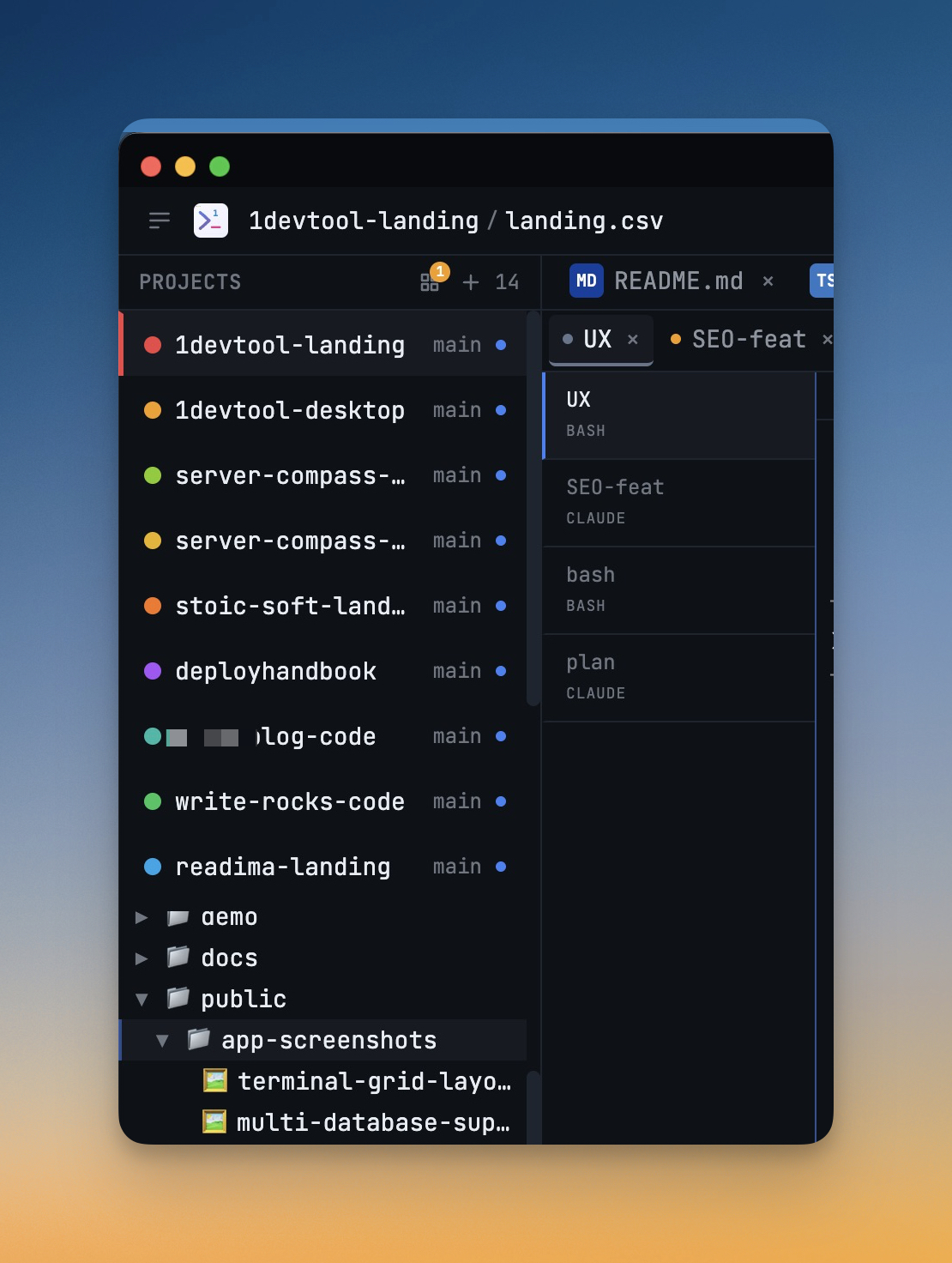
Consolidation Checklist
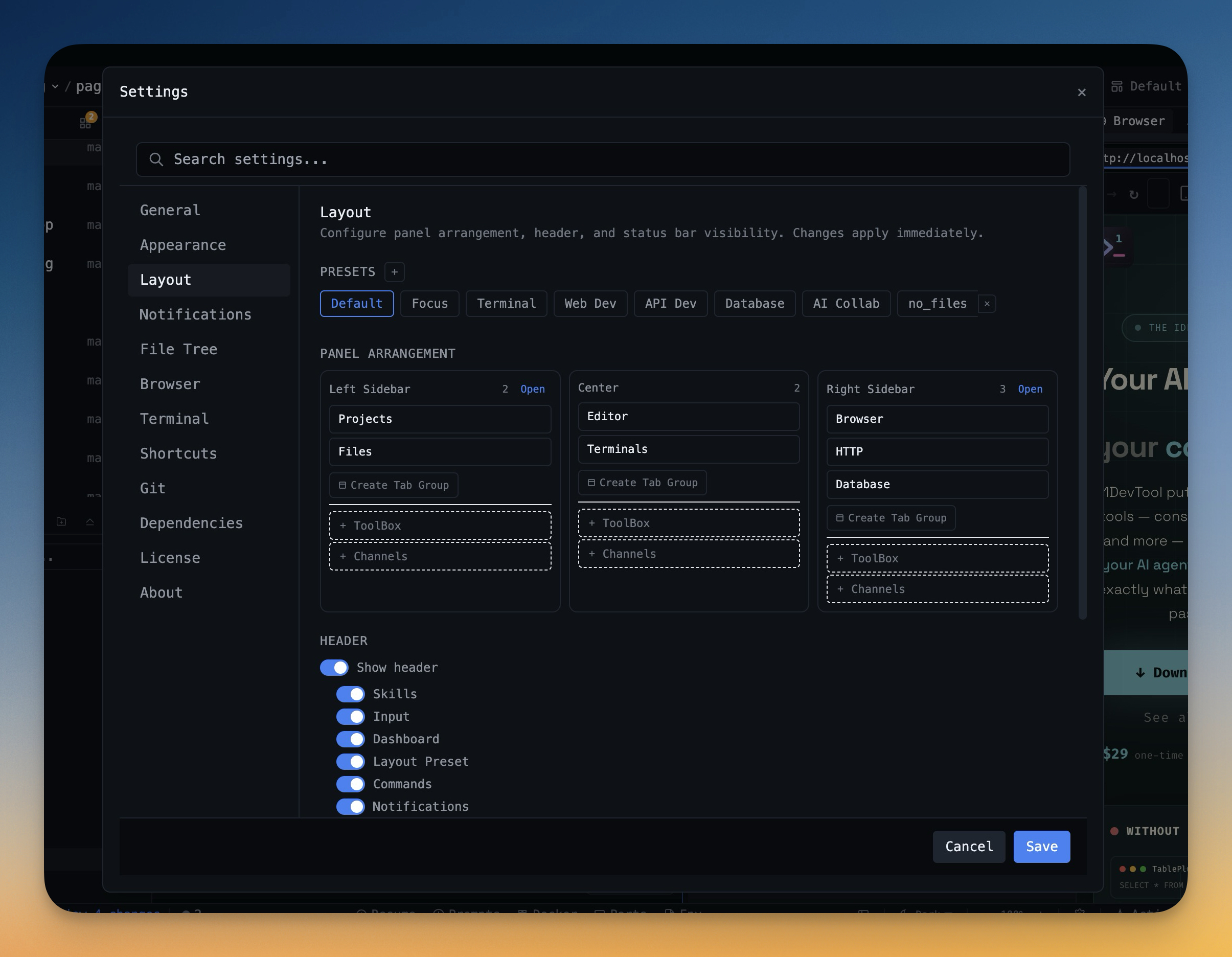
- Standardize workspace layouts with Layout Presets.
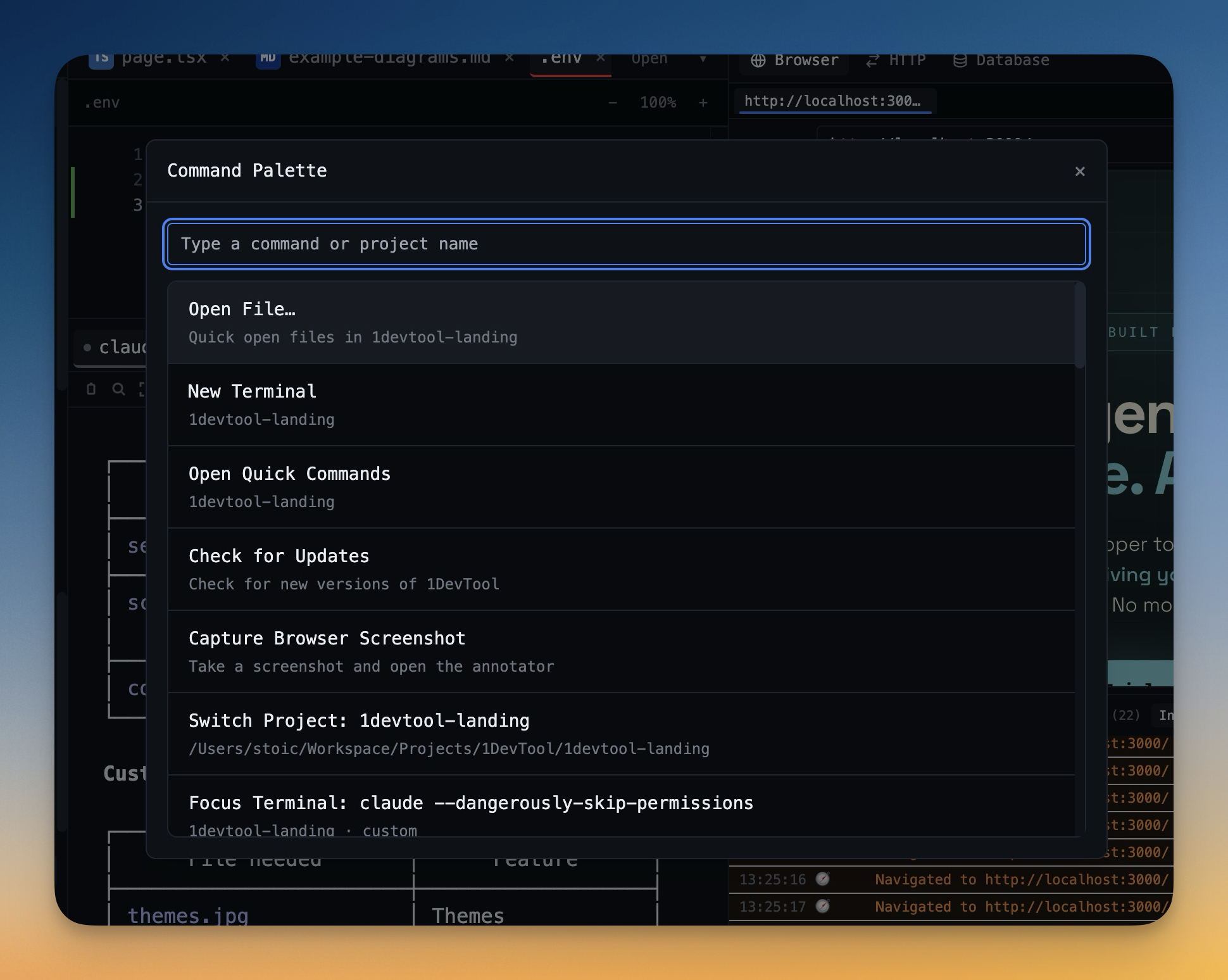
- Centralize frequent actions with Command Palette.
- Keep API, DB, and terminal workflows in one operating surface.
How to Measure Impact
- Issue-to-fix cycle time
- Time spent switching apps during debugging
- Number of blocked handoffs per sprint
Final Take
Consolidation is worth it when it reduces switching costs and improves delivery predictability. If your team spends more time coordinating tools than shipping code, this is likely your highest-leverage fix.