Mar 30, 2026
Mobile Remote Terminal Control for AI Agents: A Practical Playbook
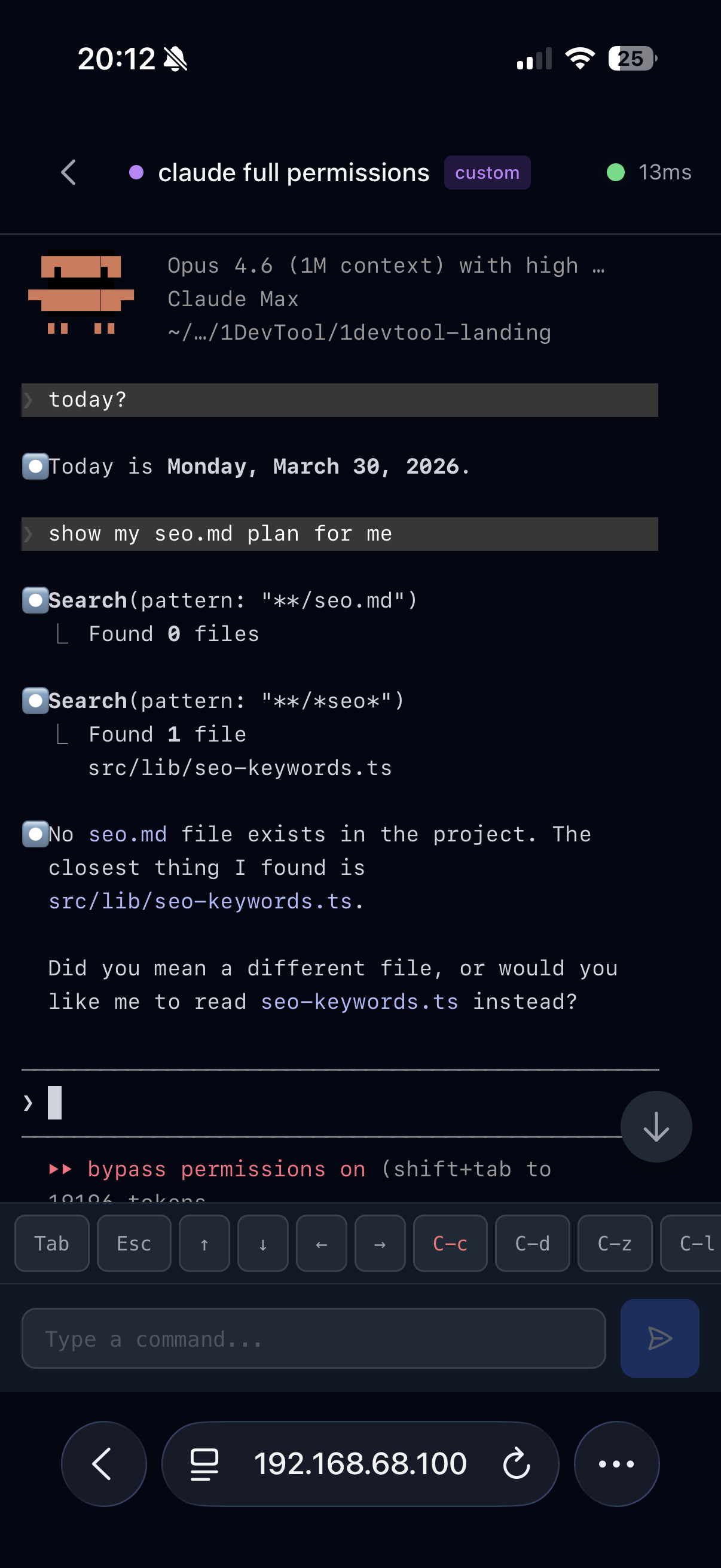
Running AI agents from your phone is useful only when you can see project state, terminal status, and live output in context. This guide covers a practical mobile remote control workflow.
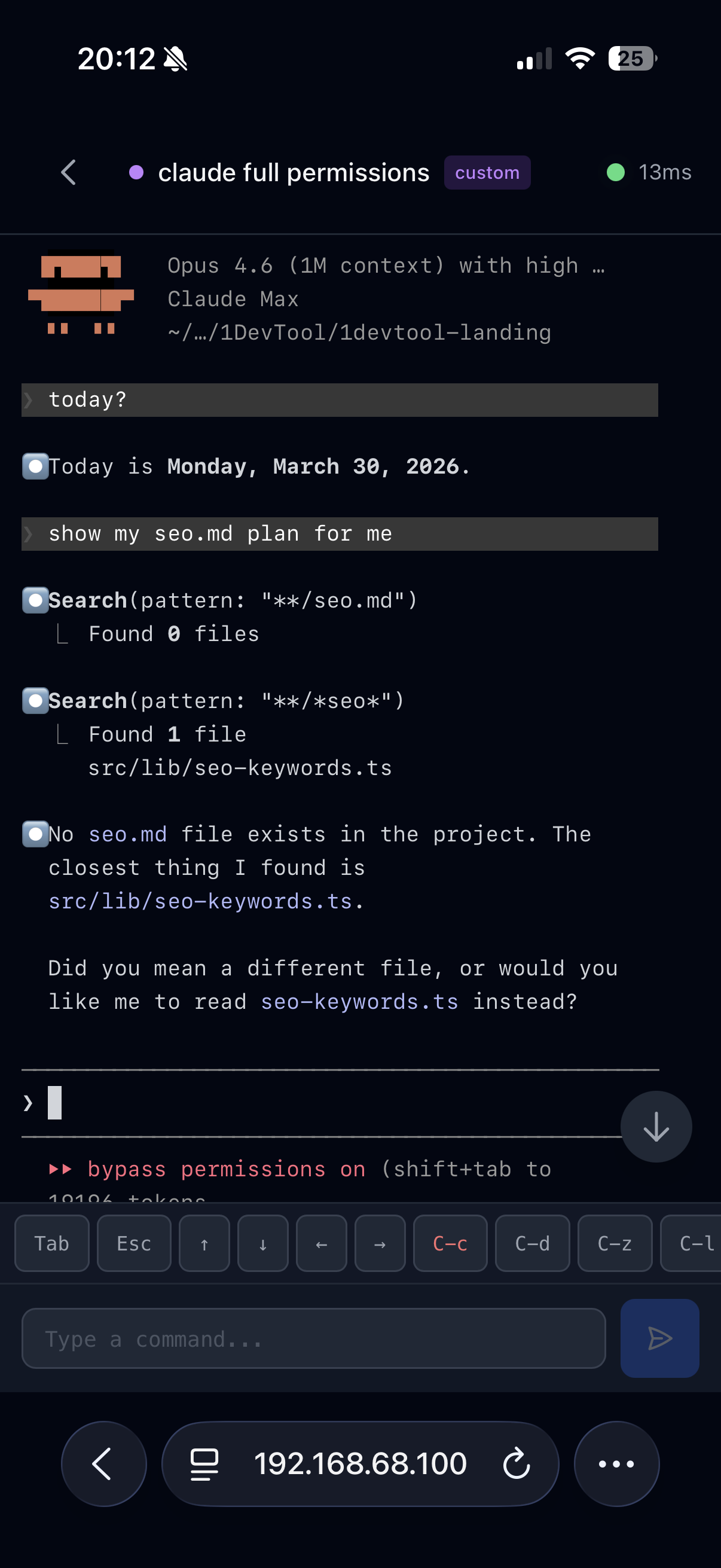
Mobile coding is useful only when your phone can control real project context, not just display one SSH terminal. For AI workflows, you need status visibility, fast terminal access, and secure remote control.
Pairing and Connection
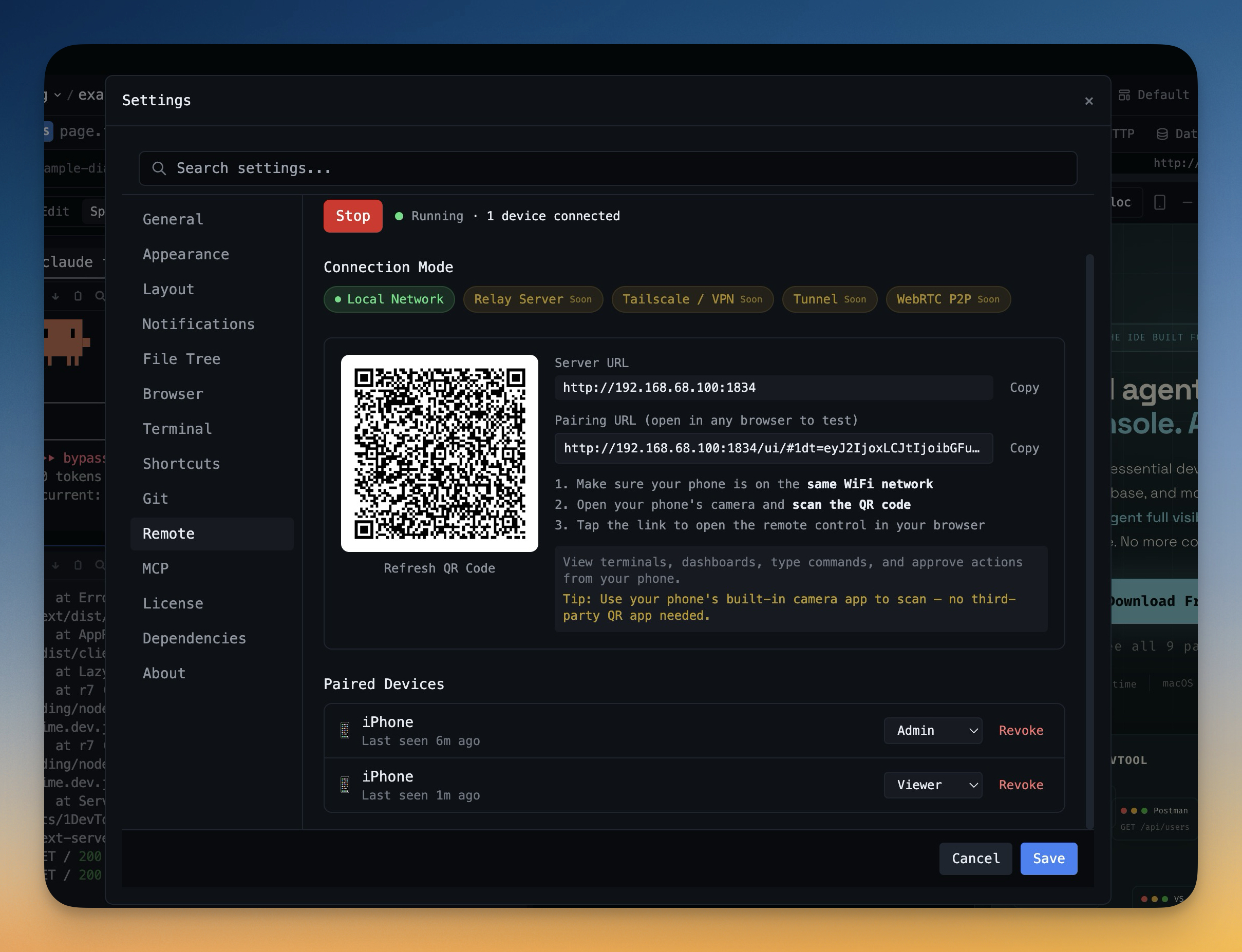
Start with Remote Control pairing, then validate terminal streaming and project list visibility before relying on mobile workflows for critical tasks.
What to Do From Mobile
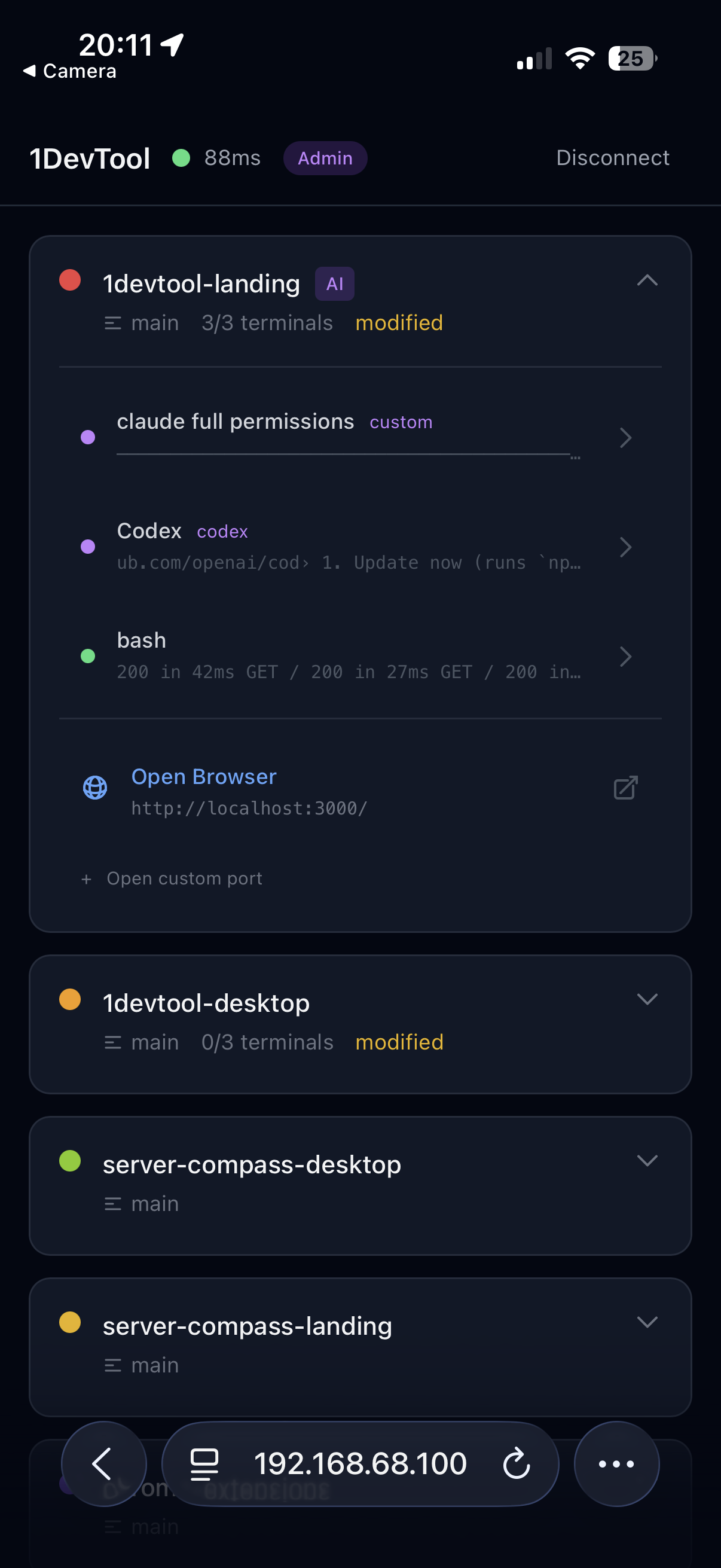
- Monitor active projects and agent status.
- Approve or interrupt long-running agent tasks.
- Check logs and run light follow-up commands.
Operating Guidelines
- Keep destructive actions desktop-only unless urgent.
- Use mobile primarily for approvals, interrupts, and monitoring.
- Attach screenshots and notes for clear desktop follow-up.
Final Guidance
Mobile remote control works best as an extension of a structured desktop workflow. Treat it as a control plane, not a full replacement for deep implementation work.
From across the StoicSoft network
Hand-curated reads on the same topic from sister sites in the StoicSoft family.