Jun 23, 2026
Slash Commands, Skills, and Photos — Now in the Remote Terminal on Your Phone
Run slash commands, drop in Codex skills, mention files, and attach photos to your AI agent — all from the remote terminal on your phone.
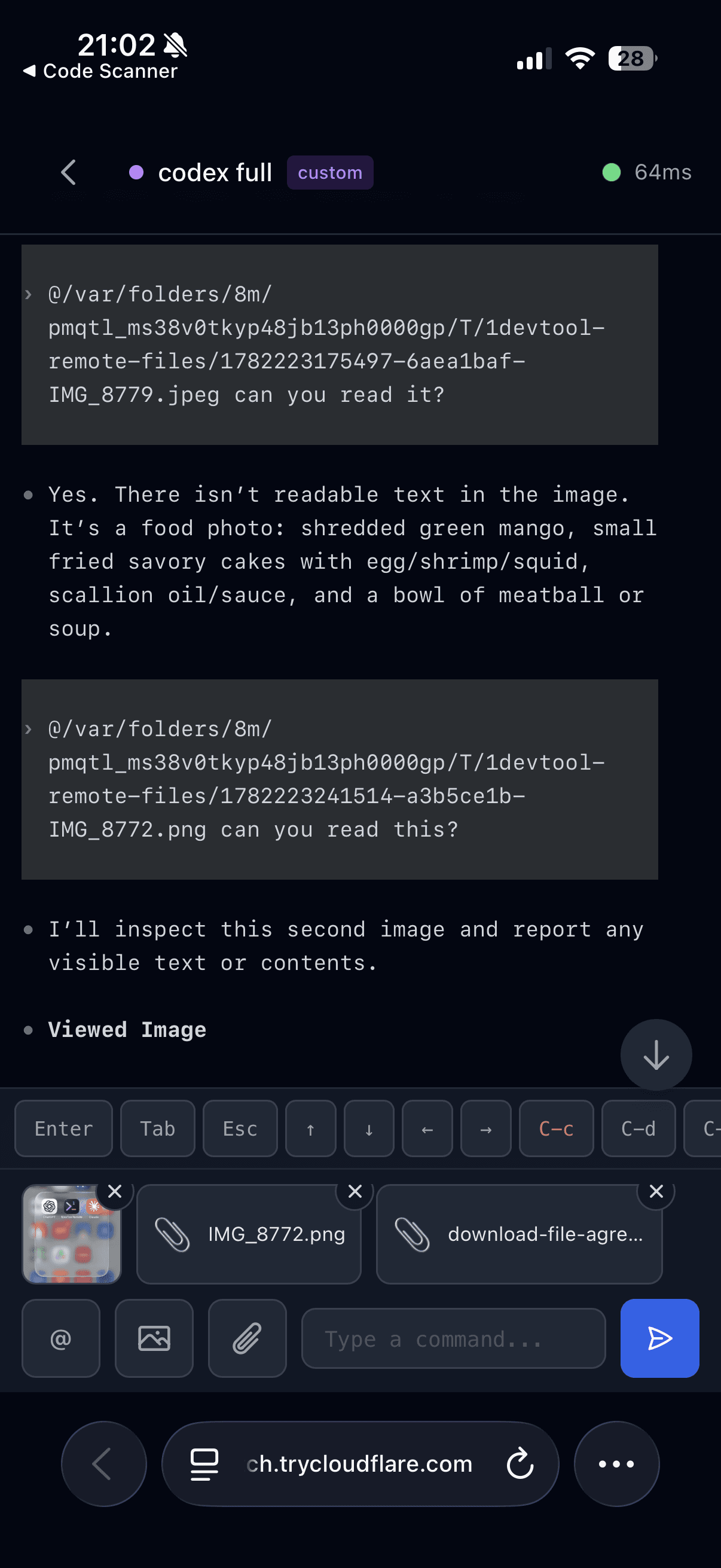
You're away from your desk when the agent you left running needs a nudge. You pull up the remote terminal on your phone — and you can type a message, but that's about it. You can't run /compact to tidy the context, you can't reach for a Codex skill, and the photo you just took of the broken UI is useless because there's no way to hand it over. The agent at your desk can do all of this; the phone in your hand can't.
v1.26.1 brings the remote terminal up to parity with the things you actually do at your keyboard.
What changed
In the remote terminal you can now type / to run an agent's slash commands, $ to drop in a Codex skill, and @ to mention project files — and you can attach a photo straight from your phone and have the agent read it. The three pickers finally coexist cleanly, so reaching for a command doesn't trip over a file mention.
How it works in practice
Run slash commands with /
Type / in the remote terminal and the agent's command menu appears, just like it does at your desk. Run /compact to shrink a bloated context, /model to switch models, or any other command the agent exposes — from your phone, mid-walk, without waiting until you're back.
Drop in a Codex skill with $
Type $ to browse your Codex skills and drop one straight into the prompt. The capability you'd normally pick from the desktop is now a tap away on mobile.
Mention files with @
The @ file-mention typeahead is still there, and now all three pickers — $ skills, / commands, and @ files — work side by side without fighting over the same keystroke. You can line up a skill, a command, and a file reference in one prompt.
Send a photo to your agent
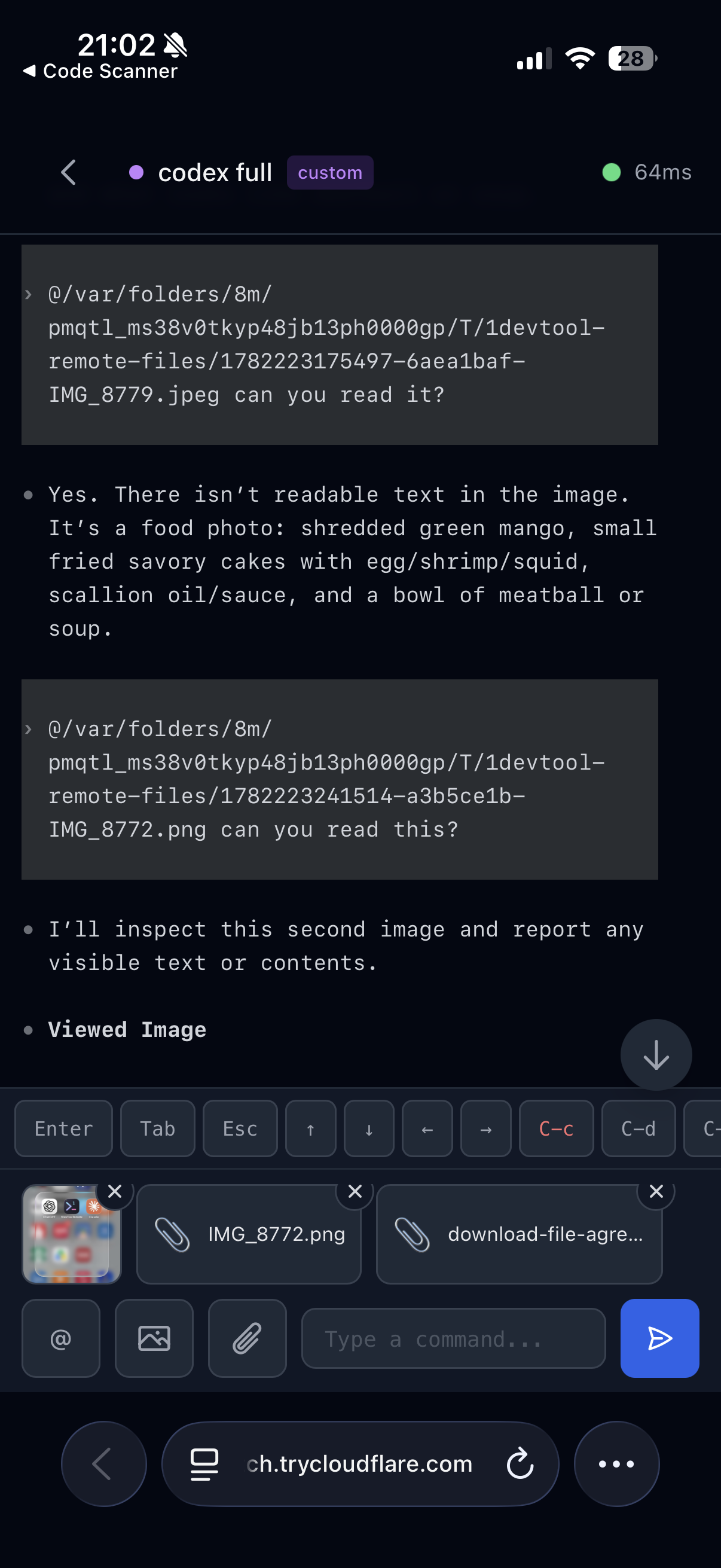
Attach an image in the remote terminal and it's delivered to the agent as a real file it can read and reason about. Snap a screenshot of a layout bug or a whiteboard sketch and send it over; large photos are resized automatically before upload, so they go through quickly instead of stalling the connection.
Before vs After
| From your phone | Before v1.26.1 | After v1.26.1 |
|---|---|---|
| Run an agent command | Type the raw text and hope | / opens the command menu |
| Use a Codex skill | Not possible | $ browses and inserts skills |
| Mention a project file | Worked, but clashed with other pickers | @ coexists with / and $ |
| Share a screenshot | No way to attach | Attach a photo; auto-resized and delivered |
Who benefits most
- Developers who kick off long agent runs and want to steer them from anywhere — compact the context or switch models without being at the machine.
- Anyone debugging visual issues on the go — a photo of the problem is often faster than describing it in words.
This release also fixes the attachment spinner getting stuck and dropping the connection, SSH terminals and remote folders failing to open on Windows, and the companion mobile app being unable to pair — so the remote workflow holds up end to end.
Try it
Open 1DevTool's remote terminal on your phone, type / to pull up the command menu, then attach a photo and ask your agent about it. The things you do at your desk now travel with you.