May 21, 2026
A New Look: Stoic Themes and Bundled Nerd Font
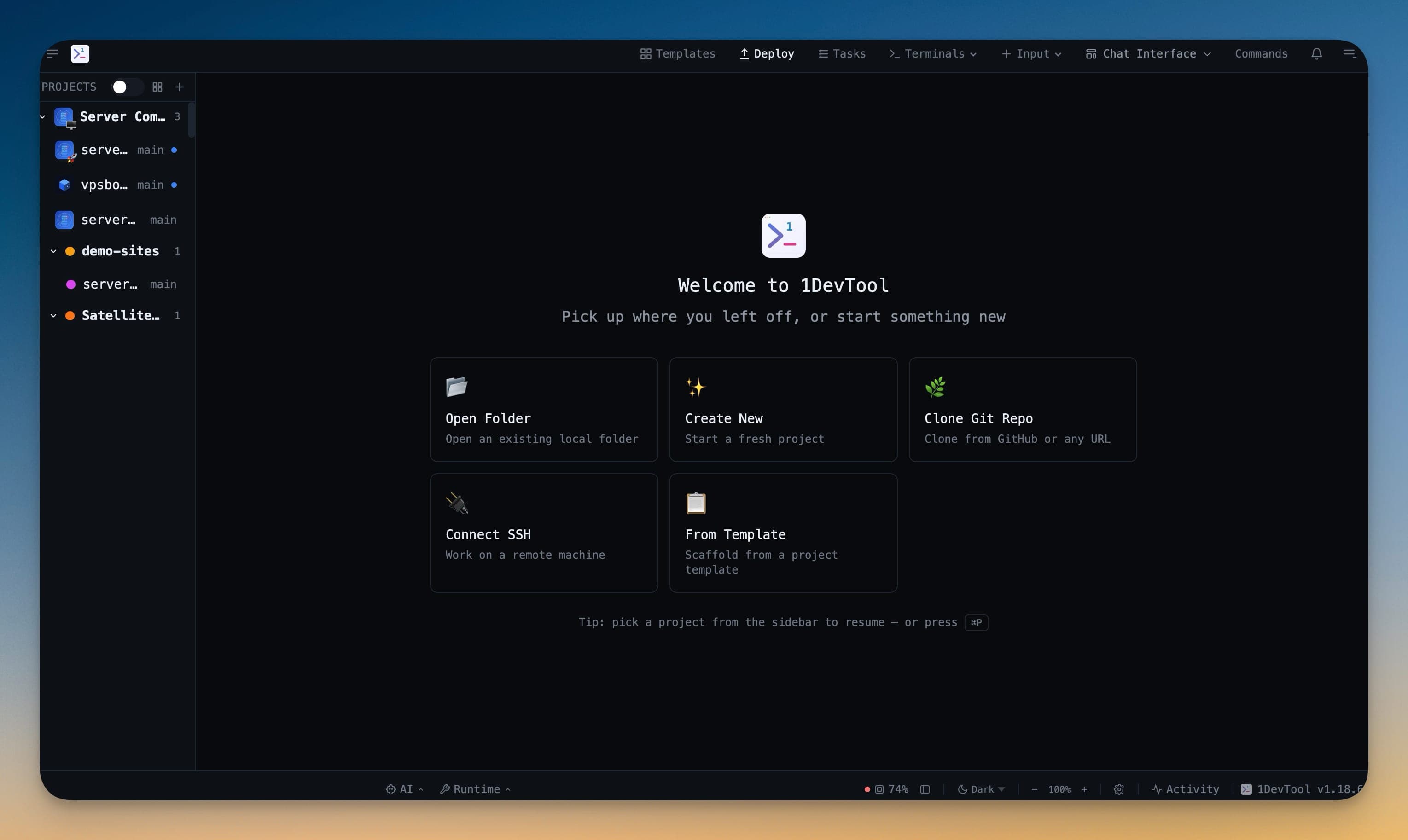
Stoic Dark and Stoic Light are the new default themes — a warm, calm palette for long sessions. Plus, JetBrainsMono Nerd Font ships in the box so icon glyphs render everywhere from day one.
You install a new dev tool, open it up, and the terminal font is missing half the glyphs. Powerline symbols render as boxes. Devicons show question marks. You spend ten minutes installing Nerd Fonts system-wide, restarting the app, and hoping the font cache caught up. That's ten minutes of friction before you write a single line of code.
And the default theme — functional, sure, but not something you'd choose to stare at for eight hours. You end up in Settings within the first five minutes, tweaking colors that should have been thoughtful from the start.
What changed
1DevTool v1.18.8 ships two new default themes — Stoic Dark and Stoic Light — and bundles JetBrainsMono Nerd Font directly in the app. Every icon glyph renders correctly in your terminal, editor, and AI panels from the first launch, on any machine, without installing anything.

How it works in practice
Stoic Dark: designed for long sessions
Stoic Dark is a warm, calm One Dark-derived palette — charcoal background, soft red strings, blue functions, amber types. It's built for the developer who spends hours in the app and wants colors that don't fight for attention. The contrast is high enough to be readable, low enough to not cause eye strain at midnight.
Stoic Light: familiar and clean
Stoic Light is based on the classic VS Code Light Visual Studio palette — pure white background, navy keywords, maroon tags, green comments. If you're coming from VS Code's default light theme, everything reads the way you expect it to. No adjustment period.
JetBrainsMono Nerd Font: every glyph, every machine
The full JetBrainsMono Nerd Font Mono family ships as bundled WOFF2 files inside 1DevTool. Devicons, Font Awesome, Powerline symbols, Octicons — they all render in terminals, the editor, and AI panels without a system-wide font install. Fresh machines, locked-down corporate laptops, SSH-into-an-unfamiliar-Mac sessions — the icon font works from first launch.
If you already have JetBrainsMono installed system-wide, 1DevTool uses your system copy via local() lookups, so there's no double font decode cost.

Agent Input pickup and close popups
v1.18.8 also adds safety nets to the Agent Input overlay. When you open it with text already typed at the native AI prompt, a popup asks whether to bring that text across or start fresh. When you close the overlay with unsaved content, another popup asks whether to return the text to the native prompt, discard it, or keep editing. No more accidentally losing a long prompt by hitting Escape.
Before vs After
| Before | After |
|---|---|
| Default theme is functional but harsh | Stoic Dark/Light designed for long sessions |
| Nerd Font glyphs render as boxes until you install fonts manually | JetBrainsMono Nerd Font bundled — works from first launch |
| Opening Agent Input with existing text silently drops or duplicates it | Pickup popup asks whether to bring text across or start fresh |
| Closing Agent Input with content loses it silently | Close popup offers to return text to prompt, discard, or keep editing |
| System theme toggle picks generic dark/light | System toggle now picks Stoic Dark/Light |
Try it
Update to v1.18.8 and launch the app. The new theme is already active. Open a terminal with Powerline or Devicon glyphs — they render without you lifting a finger.
From across the StoicSoft network
Hand-curated reads on the same topic from sister sites in the StoicSoft family.