v1.87.2November 23, 2026
Use self-hosted Gitea and Forgejo for push, publish, clone and the Repo panel
Git accounts can now hold a self-hosted Gitea, Forgejo or Codeberg server and access token, used to fetch, pull, push, publish and clone, with an explicit opt-in before a token is sent over plain HTTP. The Repo panel shows Actions runs, job logs, issues and pull requests for those repositories, and a re-run now updates its row right away on every host.
What changed
New features
12- Add a Gitea, Forgejo or Codeberg account in Settings → Git — next to GitHub and GitLab, a git account can hold a Gitea / Forgejo Instance URL (the address you open in the browser, port or sub-path included) and a Gitea / Forgejo Access Token, checked as you type so you see which user it belongs to; Create one ↗ opens the token page on your server
- A server on plain
http://needs Allow HTTP for this account ticked first; until then the token is never sent to it, and changing the address tohttps://turns the option off again - Settings lists the token permissions to grant: repository, issue and user set to Read and write, organization set to Read (Read and write to publish into an organization)
- Fetch, pull and push with the account's token — the Git client signs in to remotes on that server with the token, without saving it into the repository; if HTTP isn't allowed yet, it says so instead of falling back to your system credentials
- Publish to Gitea — Publish Repository has a Gitea tab for your own account or one of your organizations, plus a New on Gitea ↗ link
- Clone from Gitea in Add Project — your Gitea repositories appear in the repository list with a Gitea badge
- Commit and file links open on your server — links from the Git client use the server's web address, not the SSH port
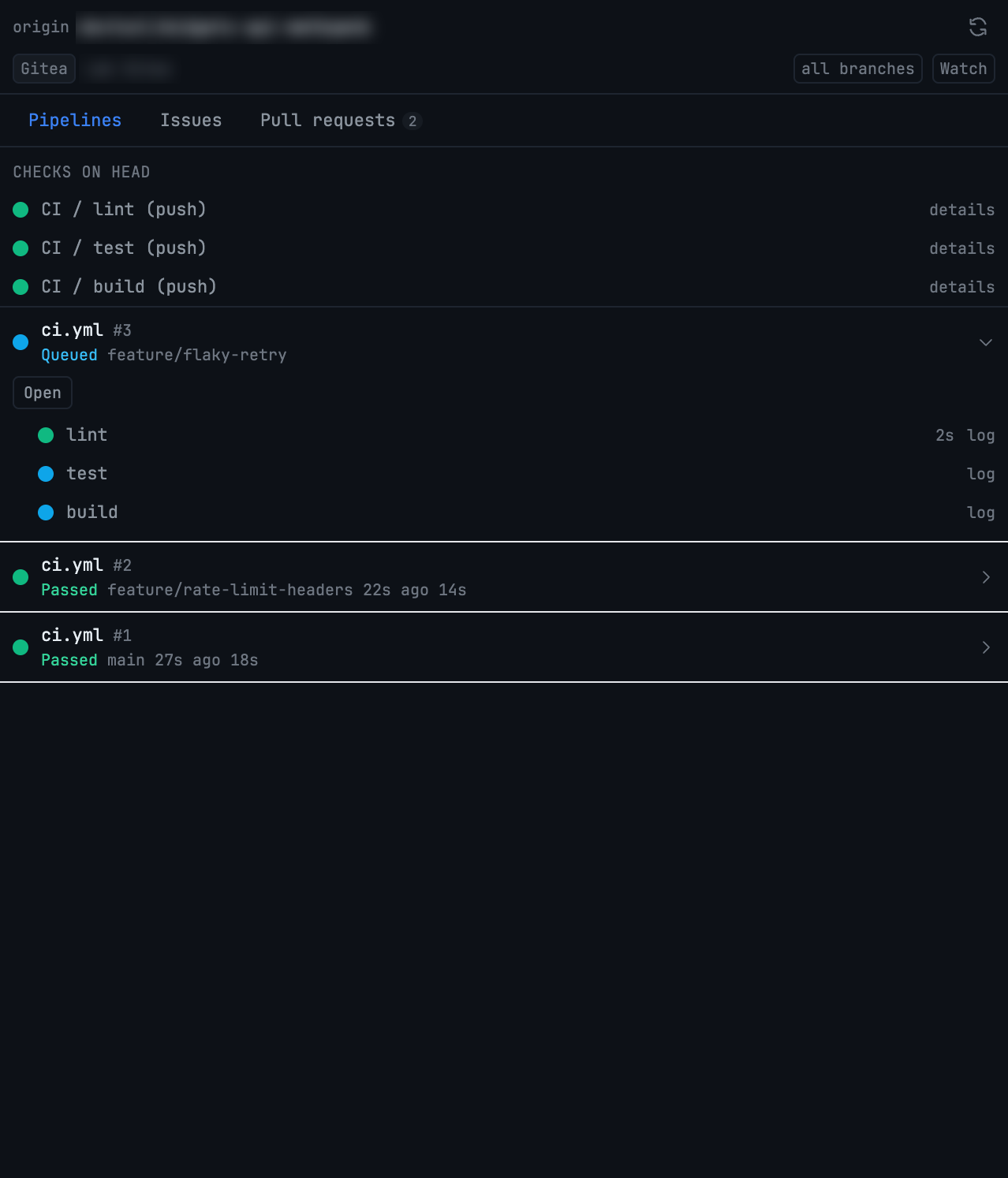
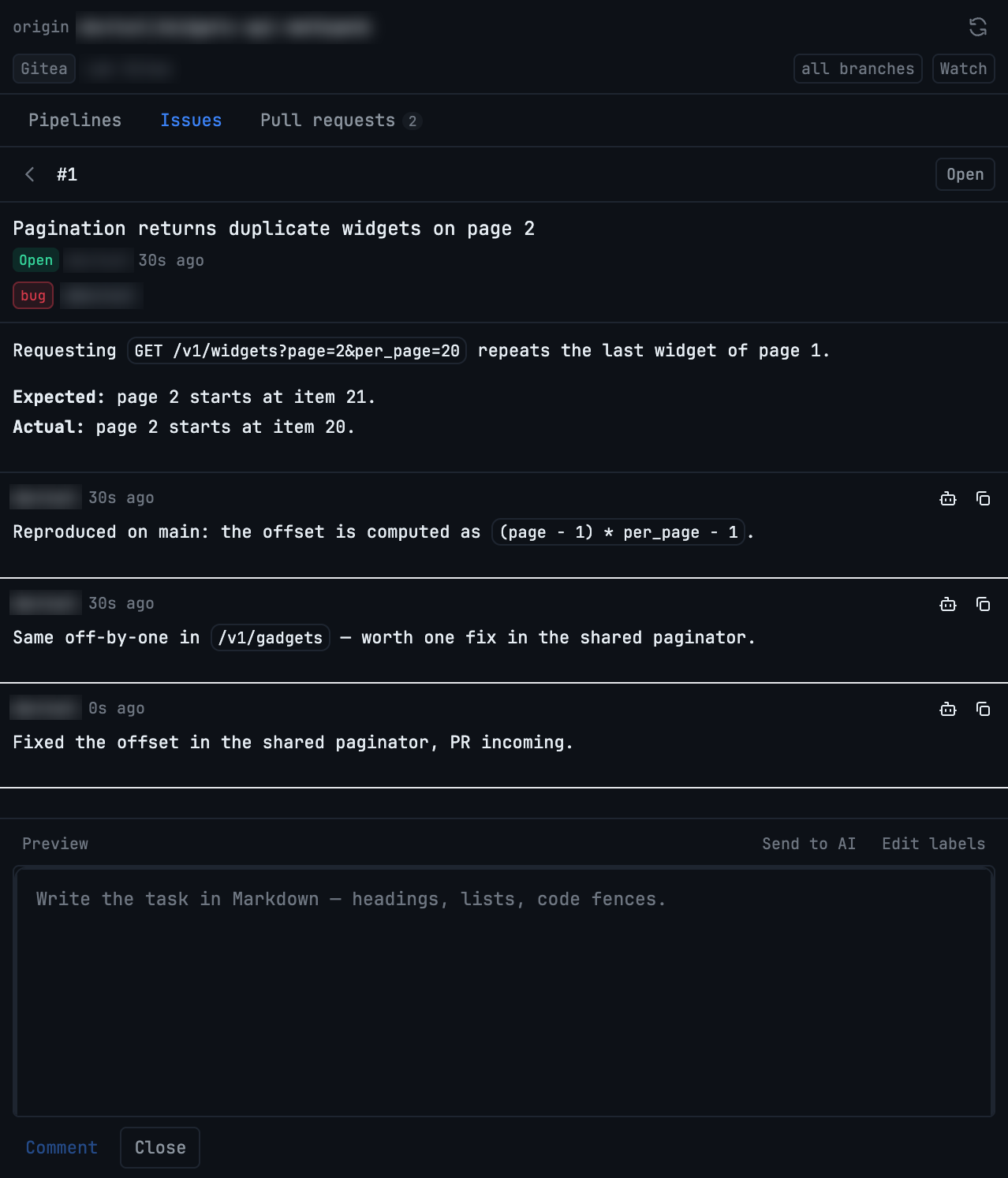
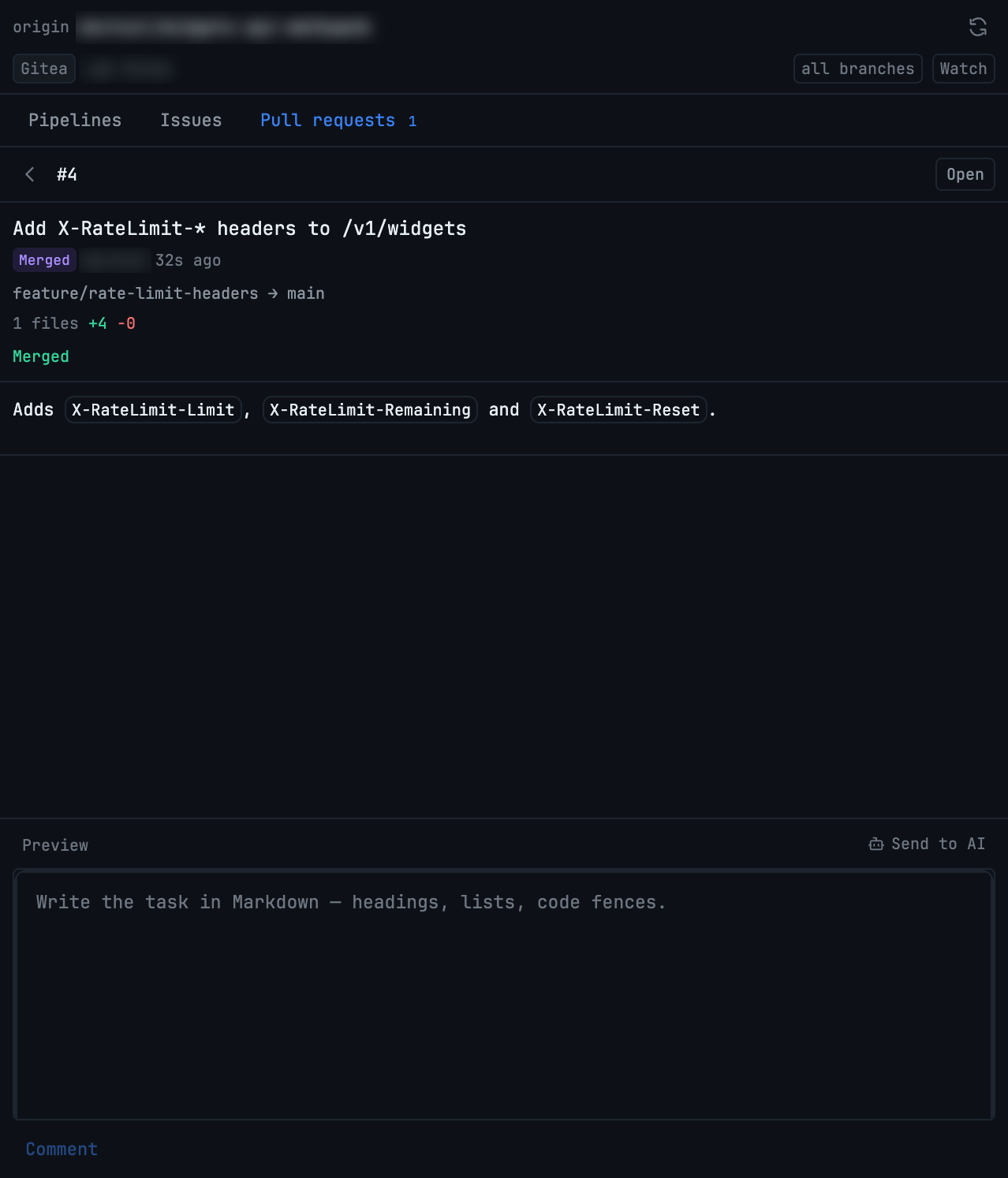
- Use the Repo panel with Gitea and Forgejo repositories — the same Pipelines, Issues and Pull requests tabs as for GitHub and GitLab
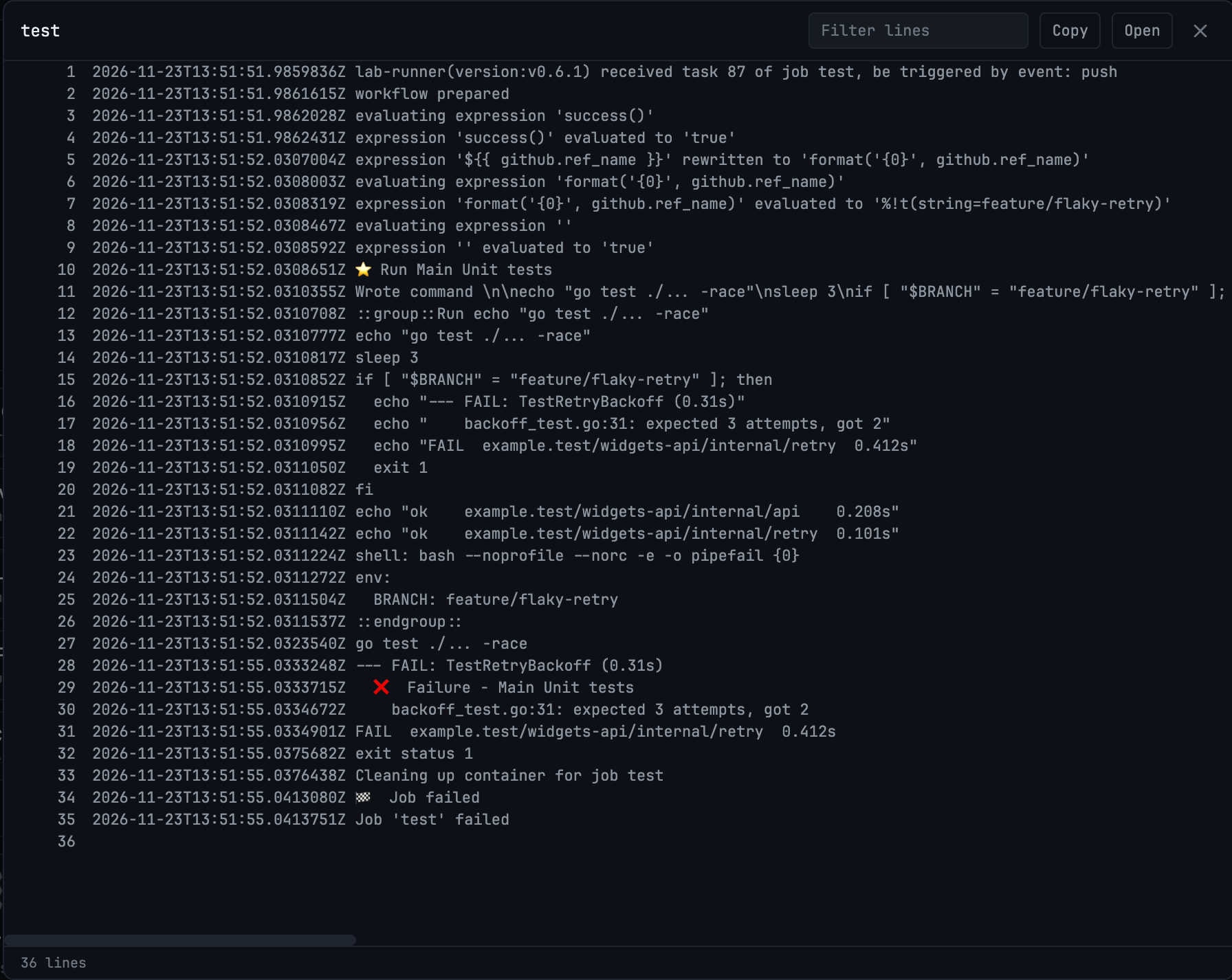
- Pipelines — Actions runs on this branch or all branches, each run's jobs and their logs, Re-run and Re-run failed, and Cancel on Forgejo (Gitea offers no way to cancel a run from another app); statuses from other CI, such as Woodpecker or Drone, appear under Checks on HEAD
- Issues — filter, search, labels and assignees; comment on, create and close issues
- Pull requests — list and open them, comment, close, and merge with a merge commit, squash or rebase
- On a plain-HTTP server the panel shows Allow HTTP to use this Gitea instance until the account allows it
Improvements
4- GitLab tokens stay on their own server — a token saved for a self-hosted GitLab is no longer sent to gitlab.com remotes, and a gitlab.com token is no longer sent to a self-hosted server
- Clearer token errors — Settings → Git and the Git client show why a token was rejected without the "Error invoking remote method" text in front
- Reveal in Explorer on Windows, Reveal in File Manager on Linux — the file tree, terminal, memory panel and project menus said Reveal in Finder on every system; they now name your system's file manager, and Open Worktree in Finder follows suit
- A blocked local network on macOS says how to fix it — when macOS keeps 1DevTool off your local network, connecting to a Gitea server there now tells you to allow 1DevTool in System Settings → Privacy & Security → Local Network, and the macOS permission prompt mentions Git servers you host
Bug fixes
1- Fixed the Repo panel still showing "Failed" after a re-run — after Re-run, Re-run failed or Cancel, a run and its jobs kept their old state until the next refresh, up to a minute later; they now update right away, for GitHub, GitLab, Gitea and Forgejo
Screenshots