Drag-To-Pan In The Mermaid Diagram Lightbox
Grab empty canvas with the mouse and pull the view around like a normal map UI. Complements the existing scroll-to-zoom and node drag-and-drop, while preserving clicks on nodes, links, and right-click menus.
Why You Need This
How this feature boosts your daily productivity
Big diagrams used to be an exercise in scroll-wheel patience. Drag-to-pan lets you grab any empty patch of canvas and pull the view across the whole graph, the same way you'd pan a map. A small movement threshold means clicks on nodes and links still behave exactly the way you expect.
How It Works
Get started in 4 simple steps
Open the ToolBox
Access the ToolBox from the output panel. Browse the grid of available tools organized by category.
Select Your Tool
Click any tool to open it. Each tool has a focused, purpose-built interface for its specific task.
Use & Transform
Paste your input and get instant results. Most tools update in real-time as you type.
Copy & Continue
Copy results to clipboard and continue your work. Switch between tools as needed without losing state.
Without 1DevTool
The manual way vs. the 1DevTool way
The Hard Way
The 1DevTool Way
How it compares
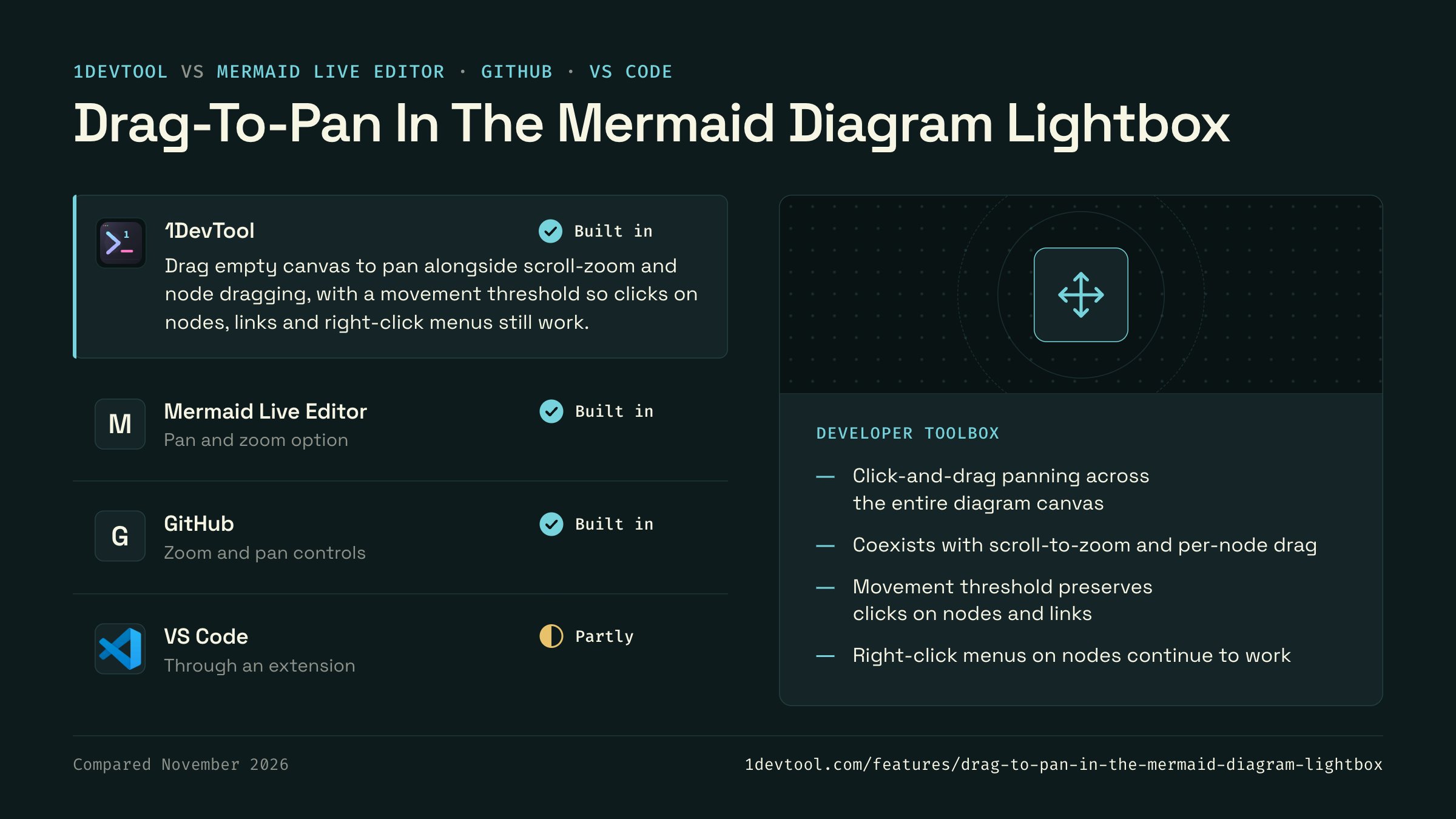
Large Mermaid diagrams are often opened in the Mermaid Live Editor or viewed on GitHub, which both add pan and zoom.
 1DevToolBuilt inBuilt in
Drag empty canvas to pan alongside scroll-zoom and node dragging, with a movement threshold so clicks on nodes, links and right-click menus still work.
- Mermaid Live EditorBuilt inBuilt in
The Mermaid Live Editor at mermaid.live has a pan and zoom option for moving around the rendered diagram.
- GitHubBuilt inBuilt in
GitHub renders Mermaid blocks in Markdown with controls for zooming and panning the diagram.
- Partly
VS Code's Markdown preview renders Mermaid through extensions, and pan and zoom depend on the extension you install.

Checked November 2026 against each app's public docs. These products change quickly. If a row is out of date, tell us at feedback.stoicsoft.com/1devtool.
Key Capabilities
Everything included with Drag-To-Pan In The Mermaid Diagram Lightbox
Why It Matters
The productivity impact of having developer toolbox built into your workspace
Always Available
Every developer utility you need is one click away. No searching for web tools or installing CLI utilities.
Data Stays Local
Unlike web-based tools, your data never leaves your machine. Safe for JWT tokens, API keys, and sensitive data.
Instant Results
Real-time updates as you type. No submit buttons, no loading spinners, no ads.
Comprehensive Coverage
Formatters, encoders, converters, generators, and testers — 15+ tools covering the most common developer needs.
More in Developer ToolBox
Other features in this category you might find useful
JSON Formatter
Format, validate, and minify JSON with error detection and 2-space, 4-space or tab indentation.
JWT Decoder
Decode and inspect JWT tokens — view header, payload, and signature with expiration checking.
Regex Tester
Write and test regular expressions with real-time match highlighting, named groups, and match details.
Diff Viewer
Compare two text blocks side-by-side with line-by-line diff highlighting.
Ready to boost your workflow?
Download 1DevTool for free and experience Drag-To-Pan In The Mermaid Diagram Lightbox along with 345 other features — all in one app.