Changelog - Linear Style
A free starter template with source included
Linear-style modern changelog with dark theme, per-entry gradient covers with inline SVG art (preview UI, search palette, terminal), category chips, version + author rail, featured bullets and improvements/fixes columns. 1DevTool branded.
Install from the app, or review the source before cloning.
Requires 1DevTool. Don't have it?
Full-page preview
Scroll the screenshot in place, or open it full screen.
Install options
1DevTool deep link plus a terminal command for non-users.
Tech stack
Source included
Clone the template from GitHub and customize it like any other project.
Create a project from this template
Use the app flow when you want template selection inside your workspace. Use the terminal command when you want a direct clone path.
Install from the template registry
Open this template directly in 1DevTool, then choose where the new project should be created. The app keeps the template selection and workspace flow in one place.
Requires 1DevTool. Don't have it?
App flow
- 1Open Templates in 1DevTool.
- 2Select Changelog - Linear Style.
- 3Choose a folder and install.
Template FAQ
Is Changelog - Linear Style free?
Yes. Changelog - Linear Style is free and open source in the 1DevTool templates registry.
How do I install this template?
Install it with 1DevTool or run npx degit stoicsoft/1devtool-templates/templates/changelog-linear my-app from your terminal.
Can I deploy this template?
Yes. It is source code you control, so you can edit it and deploy it on the hosting provider that fits the stack.
Related templates
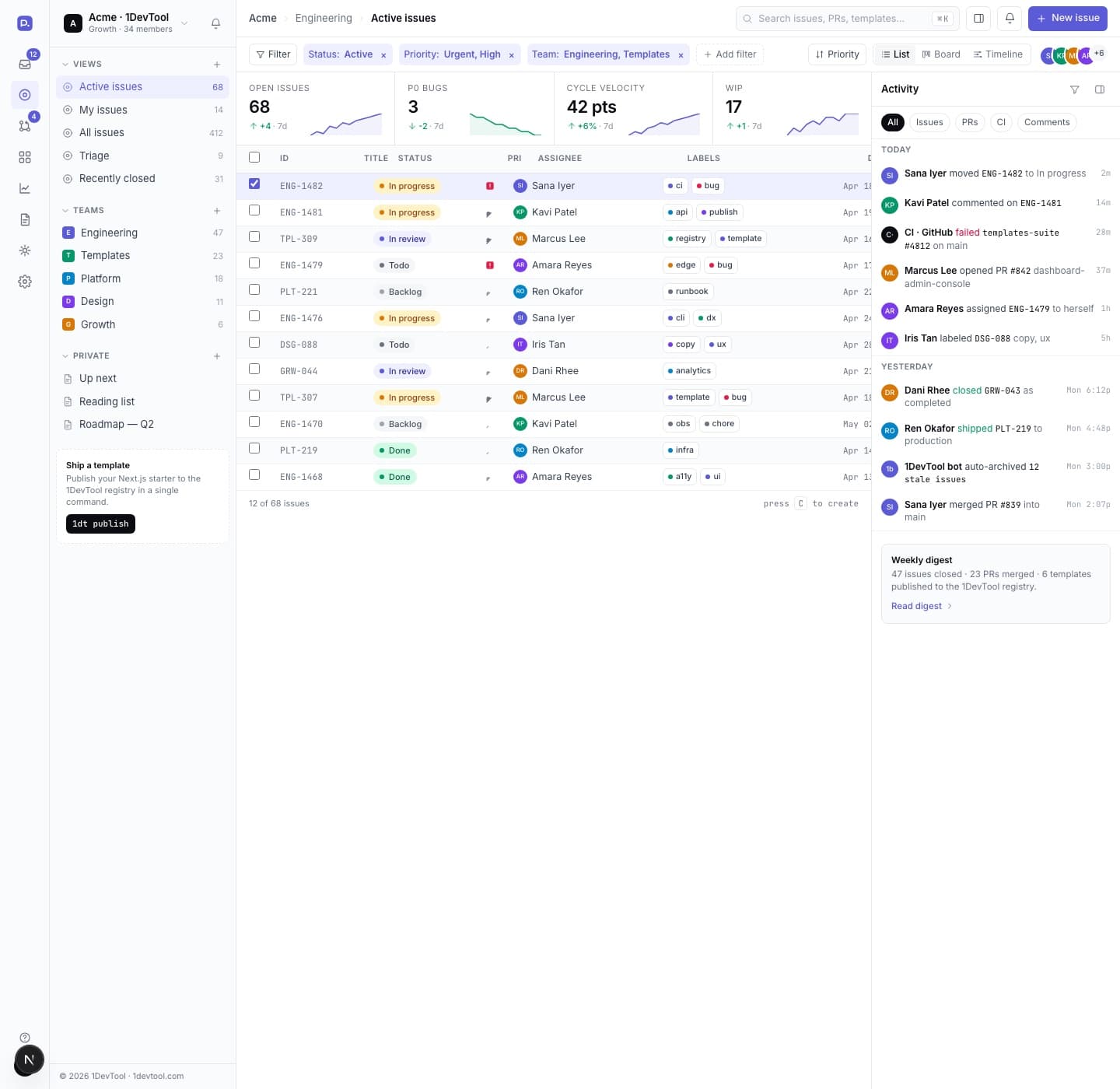
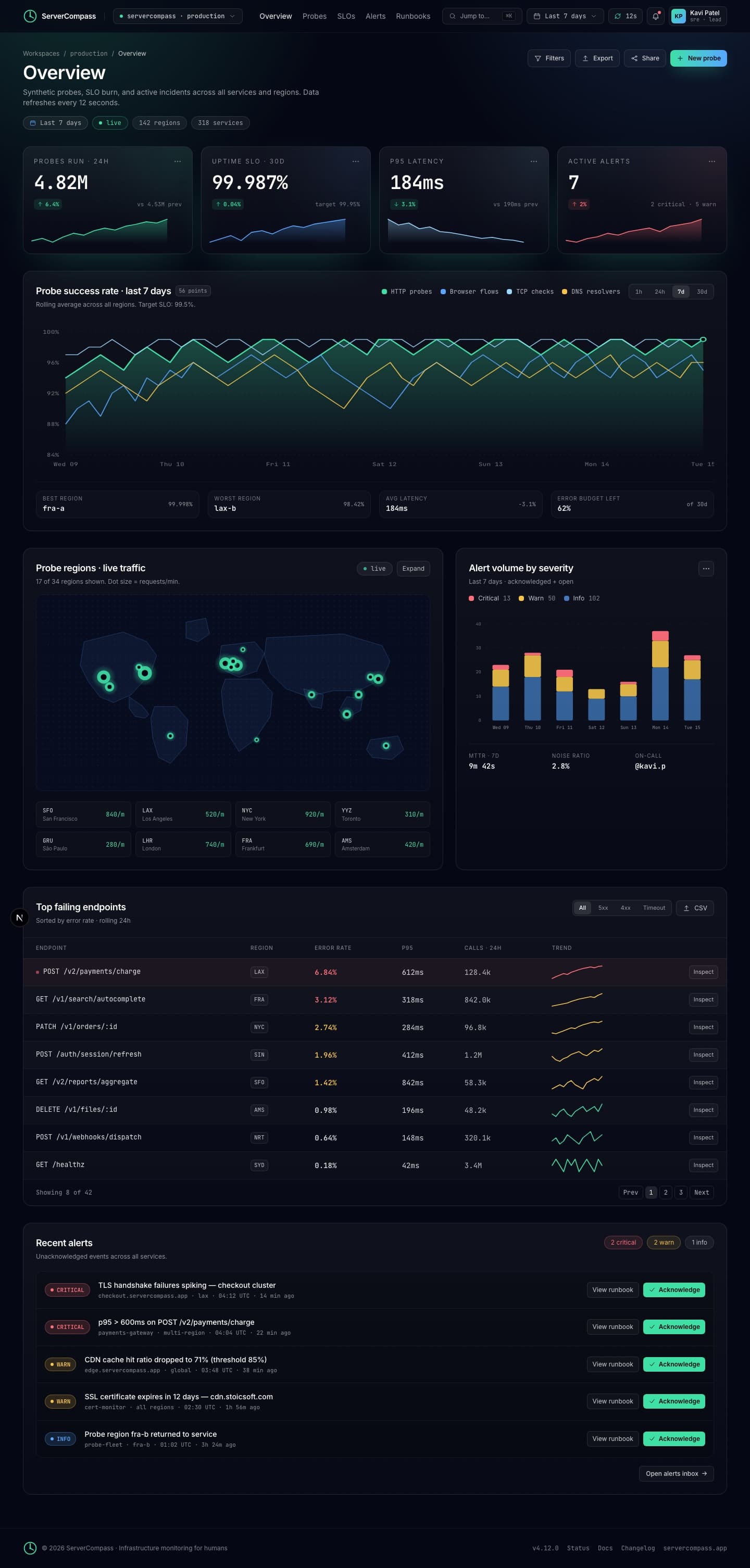
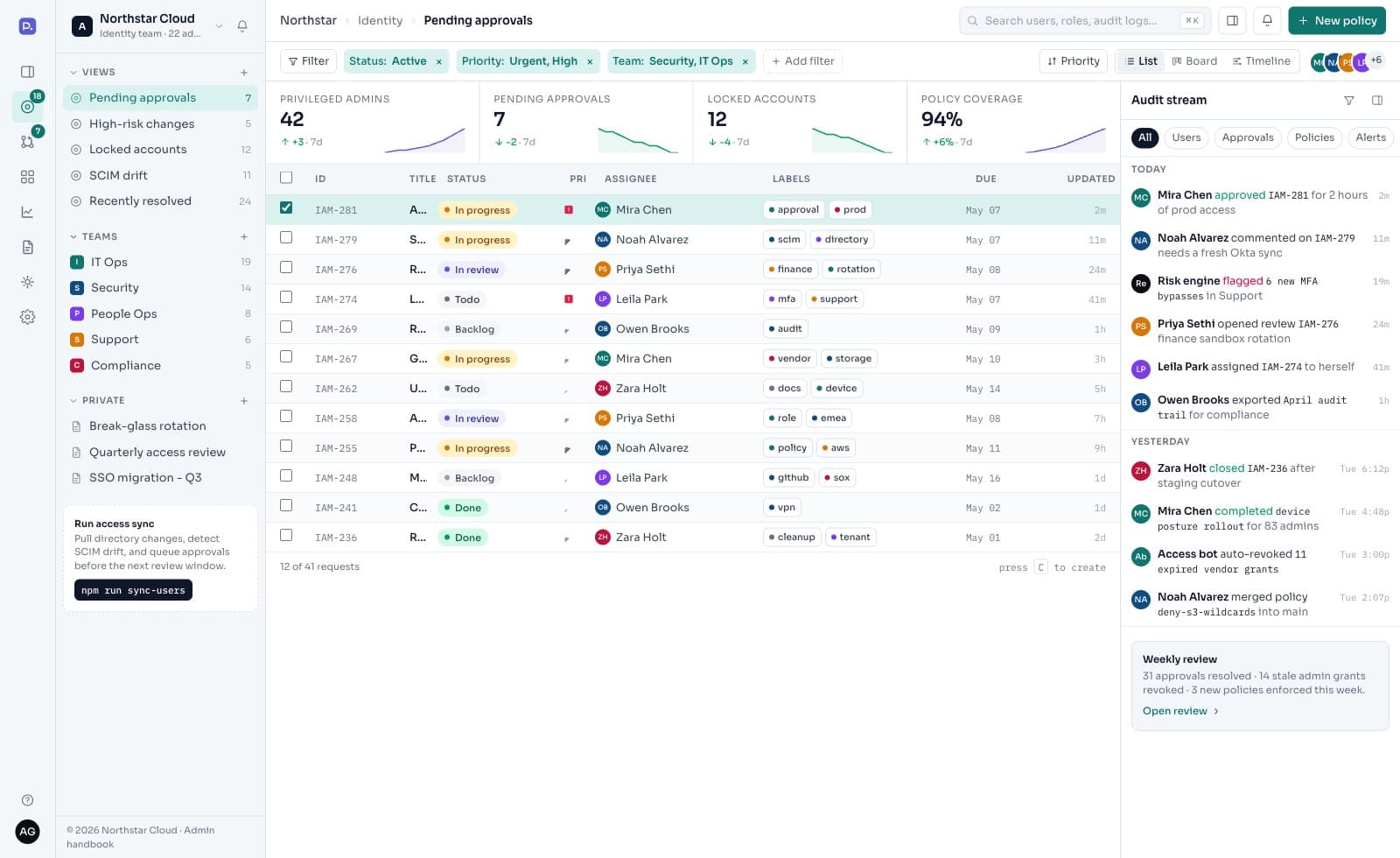
More starters from the same registry.
Your agents are already parallel.
Your workspace isn't.
Run every coding agent like a team: drawn charts, automatic failover, one window that sees your editor, browser, HTTP client, and database. And a phone in your pocket that sees all of it too.
Free forever tier · $29 one-time to unlock everything · No subscription