v1.18.3May 10, 2026
Visual Mermaid Diagram Editor
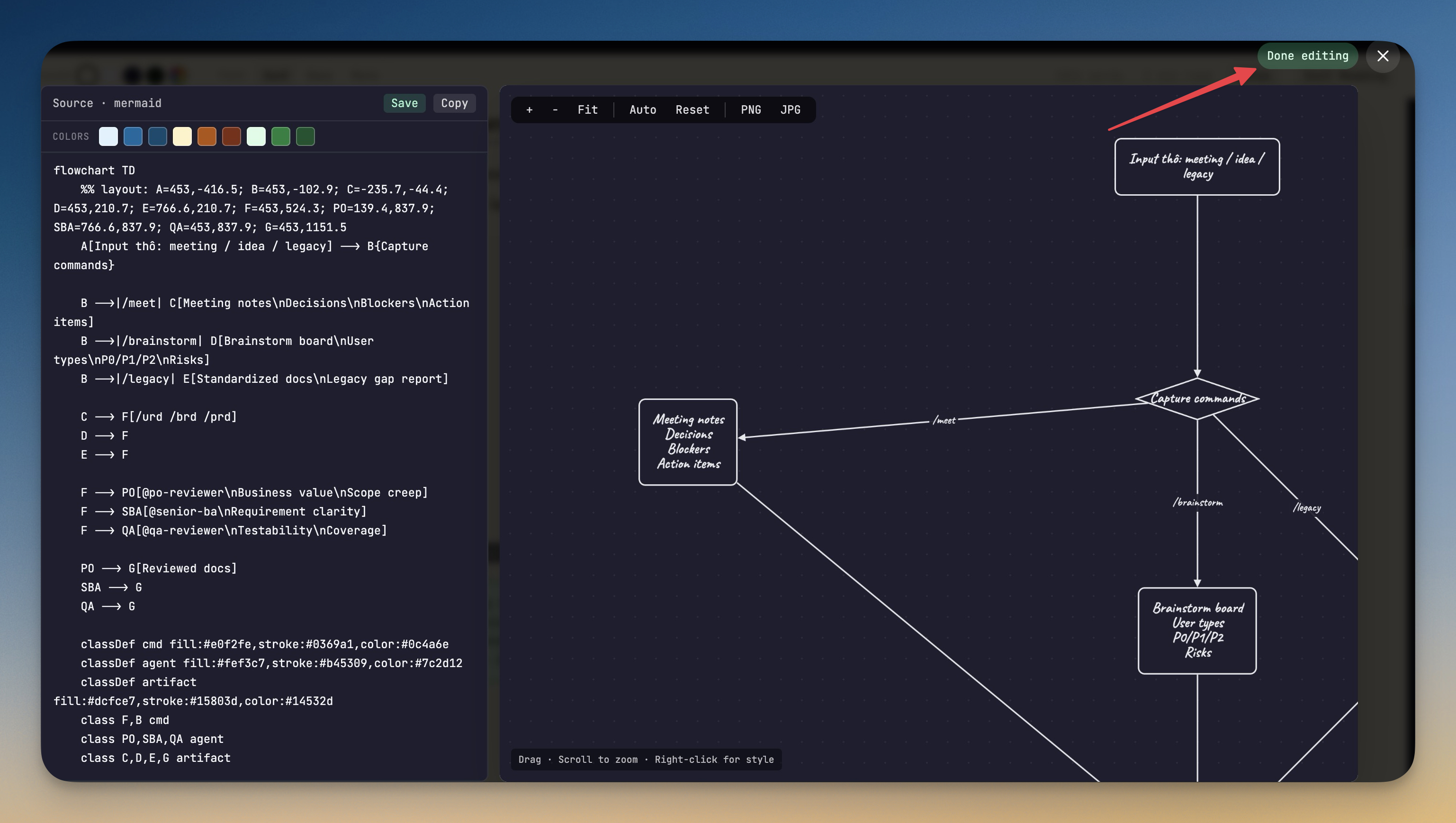
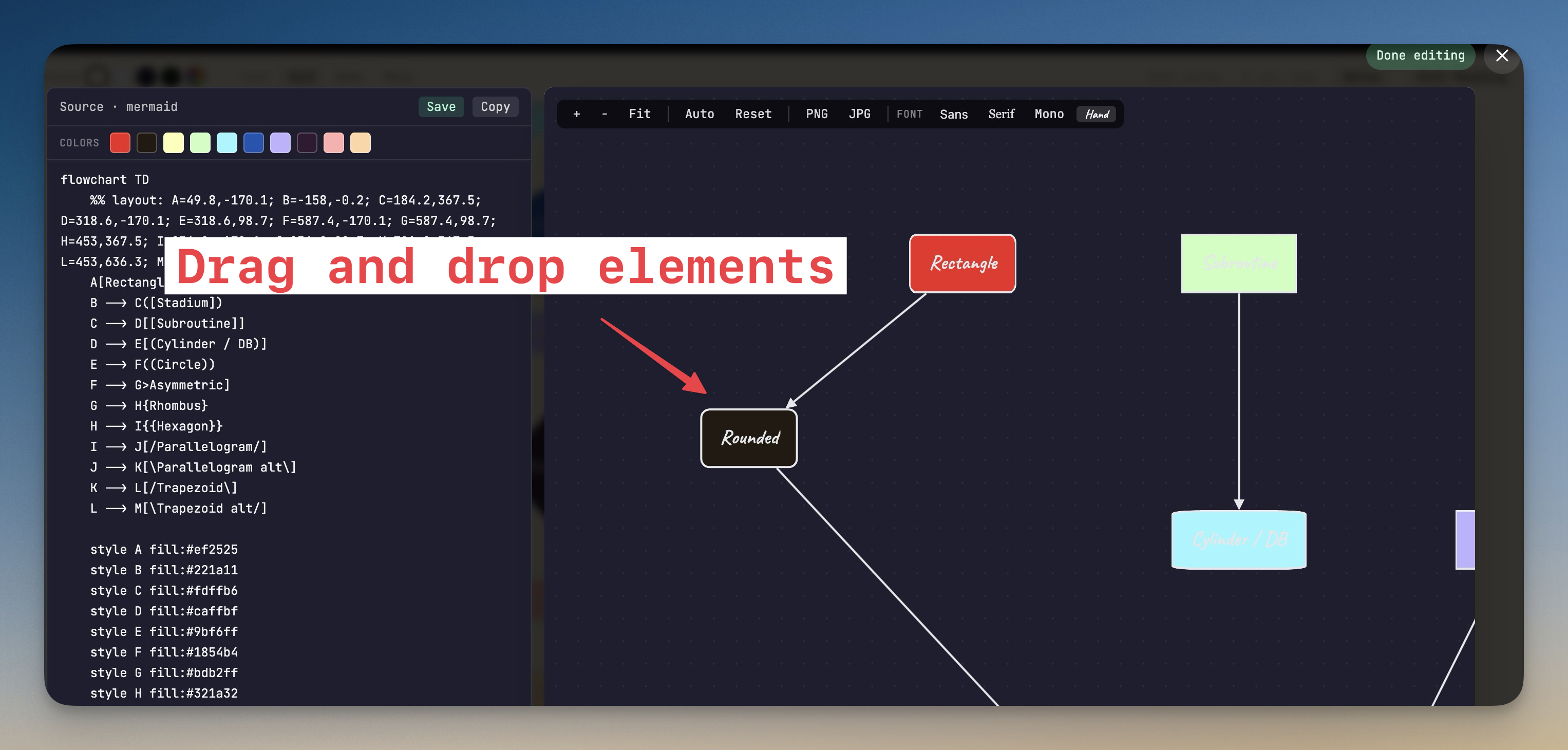
A full visual editor for Mermaid diagrams: click any rendered diagram in a markdown preview to drag nodes, recolor them, restyle edges, and save the layout back into the Mermaid source. Plus a one-click way to save custom startup commands as terminal presets, and Mermaid renderer fixes that tolerate the syntax AI agents tend to emit.
Download v1.18.3
The download page always has the newest build; installers for this version are on GitHub.
What changed
New features
4- Visual Mermaid Diagram Editor — Click any rendered Mermaid diagram in a markdown preview to open a full lightbox editor. Drag nodes around, recolor them, change edge styles, and save the result back into the markdown file. Positions persist per file so your layout sticks across sessions. Right-click a node to set its color from a preset palette of 8 friendly colors; right-click an edge to change arrow direction (forward/backward/both/none) and line style (solid/dashed/dotted). Save writes the visual layout and color/style choices back into the Mermaid source as native
styledirectives, so the diagram looks the same when rendered anywhere else. - Live source-and-canvas split view — The lightbox shows the visual editor next to the raw Mermaid source. Edits you make on either side update the other in real time.
- One-click Save writes to disk immediately — Hitting Save in the lightbox writes the updated Mermaid source straight to the markdown file without waiting for the regular auto-save debounce.
- Save Custom Startup Commands On The Fly — In the New Terminal dialog, when no preset matches your search, an
Add <your command>button now appears under the empty results. One click saves it as a custom preset under the current tab (Terminal or AI Agents), selects it for the new terminal, and you're ready to launch — no more bouncing into Manage Commands just to add a one-liner.
Improvements
6- Literal
\nin Mermaid node labels render as line breaks — AI agents often emit\n(two characters) inside Mermaid labels expecting a newline. Mermaid 11+ rejected these asInvalid syntax; 1DevTool now rewrites them to<br/>so the diagram renders the way the AI expected. - Bracket labels starting with
/or@no longer mis-parse as shapes — Patterns likeF[/urd /brd /prd](Mermaid thought it was a parallelogram) andG[@handle: foo](Mermaid thought it was shape-data) are now quoted automatically so they render as plain rectangles instead of failing the parser. - Successful diagrams no longer flagged as errors — A defensive check that mistook Mermaid 11's built-in
.error-iconCSS class for a real error icon was tripping on every successful render. The check is gone. - Agent Input overlay adapts to your light theme — The default Lowkey persona of the Agent Input modal switches to a soft light-gray palette in light mode instead of forcing a dark navy frame onto a light workspace. Other intentionally-styled personas (Coder/Dracula, Marketer, Vibe Coder, Poet, Blogger) keep their signature look.
- No more white-bleed in transparent inputs across the app — A global CSS rule was overriding every
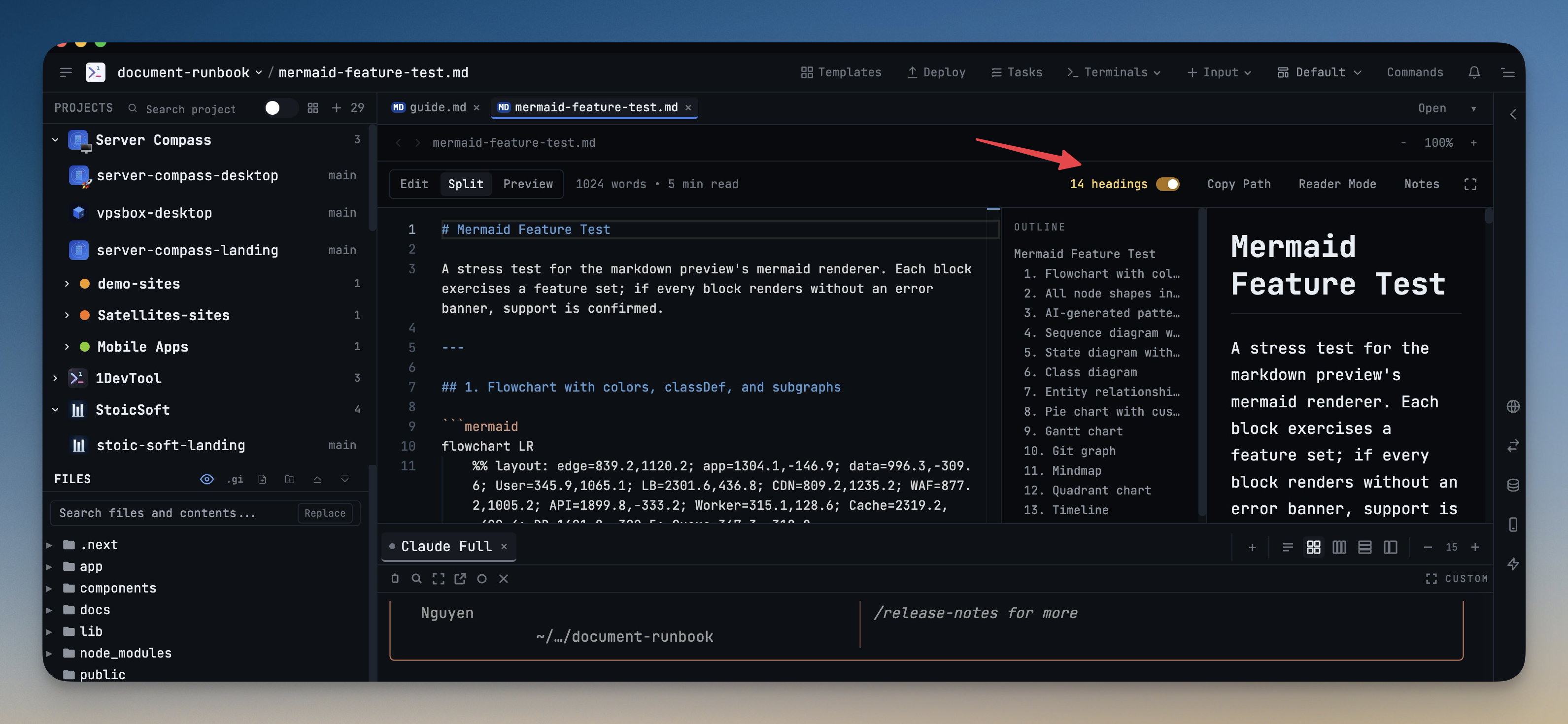
transparentinput or textarea with the theme's input background color, which showed up as solid white boxes on light theme — most visibly inside the Agent Input composer and across the Developer Toolkit (JSON Formatter, JWT Decoder, Regex Tester, Diff Viewer, Hash Generator, Base64, URL Encoder, Markdown Preview, Color Converter, and more). Transparent inputs now actually render transparent so the surrounding panel design comes through. - Markdown outline pane visibility persists — Closing the markdown outline panel stays closed across sessions so you don't have to dismiss it every time you open a markdown file.
Bug fixes
2- Fixed app sometimes throwing an error on close — Channel hub operations could fire after the hub had been disposed during shutdown, which in turn touched closed storage handles. The hub now ignores late callbacks once it's been disposed so the close flow finishes cleanly.
- Fixed left sidebar toggle silently resetting saved per-project layouts — Toggling the left sidebar would remount it and re-load the project's saved layout, which stomped the user's current sidebar state with a stale snapshot. Layout loading now happens only when the active project changes, never when sidebar visibility changes.
Screenshots