v1.21.1May 25, 2026
Media Preview & Smarter Badges
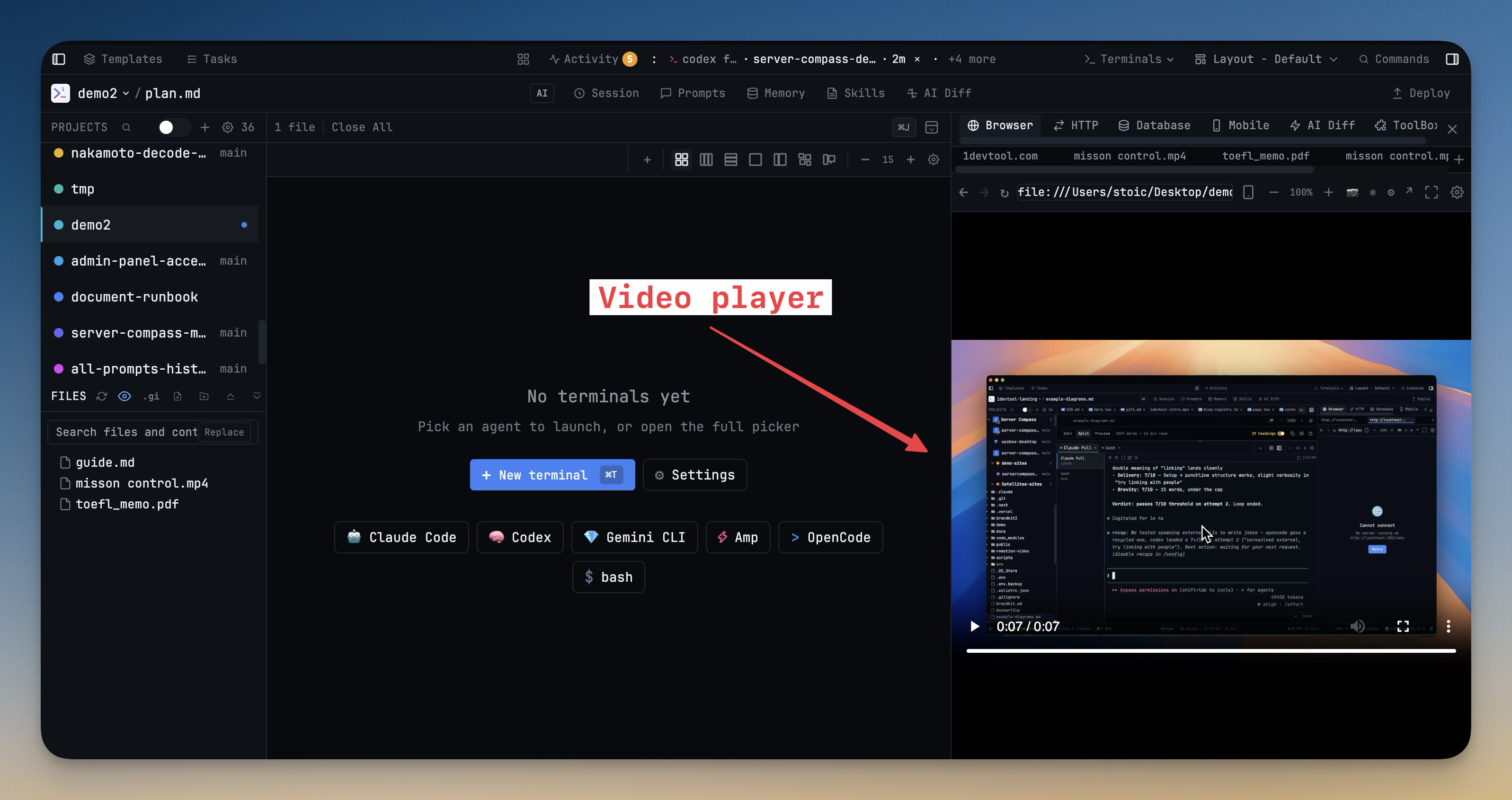
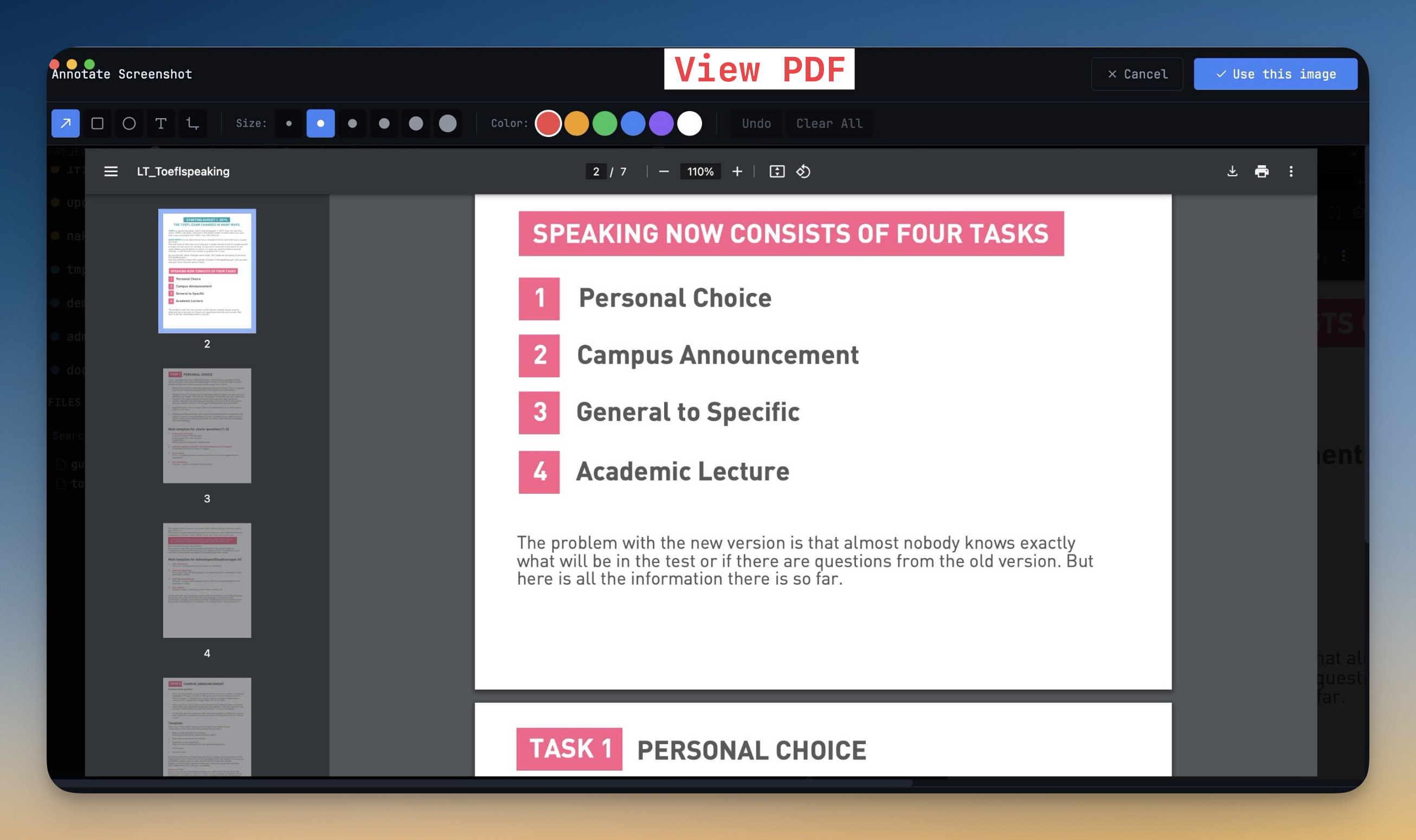
Media Preview & Smarter Badges. This release brings Open PDFs and Videos & Audio In The Built-In Browser.
Download v1.21.1
The download page always has the newest build; installers for this version are on GitHub.
What changed
New features
4- Click a PDF, video, or audio file in the file explorer and it opens directly in the browser panel — no need to switch to an external app
- Supported formats — PDF, MP4, WebM, OGV for video; MP3, WAV, OGG, FLAC, AAC, M4A, OPUS for audio
- Placeholder card in the editor — if you open a media file via the editor tabs, a styled card explains the file type and offers an "Open in Browser" button
- Falls back to editor tab if the browser tab limit is reached
Improvements
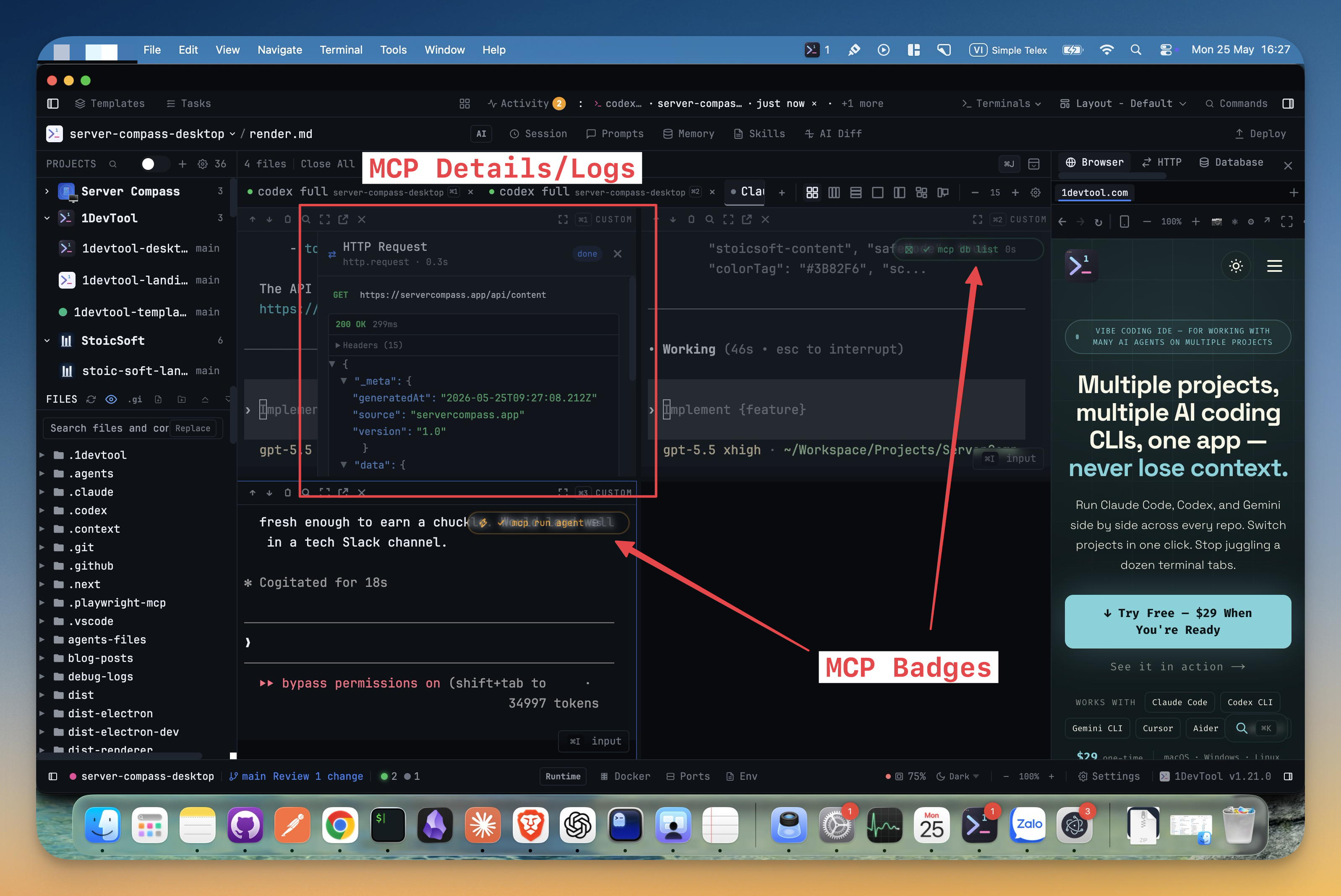
4- MCP tool badges now appear on the correct terminal — each badge is tied to the AI agent that triggered the tool call, not just the most recently active terminal
- Tools carry a terminal identity through the MCP bridge so badges land on the right terminal even with multiple agents running simultaneously
- Sub-agent detection expanded to recognize Codex inline-mode output patterns (Running <cli>, Ran <cli>) alongside the existing Claude Bash() format
- Browser panel waits for webview to initialize before loading a URL — fixes blank pages when opening browser tabs rapidly
Bug fixes
5- Fixed duplicate file explorer panels in Terminal Center + Chat layout — the left sidebar no longer renders a second file tree when the preset already places it in the right sidebar
- Fixed editor collapse button showing in Terminal Center and Terminal Right layouts — since the editor lives inside the right sidebar in those layouts, the toggle button is now hidden
- Fixed right sidebar close button and shortcut closing the editor in Terminal Center layout — the close action is blocked when the editor panel lives in the right sidebar
- Fixed browser not loading file:// URLs — local file paths are now recognized and no longer prefixed with http://
- Fixed PDF rendering in browser — enabled the Chromium PDF plugin via plugins=yes webpreference
Screenshots