v1.32.0July 4, 2026
shareable project setup, scheduled AI prompts, and better mobile control
shareable project setup, scheduled AI prompts, and better mobile control. This release brings Project Configuration Folders, Scheduled Agent Prompts and Antigravity Usage.
Download v1.32.0
The download page always has the newest build; installers for this version are on GitHub.
What changed
New features
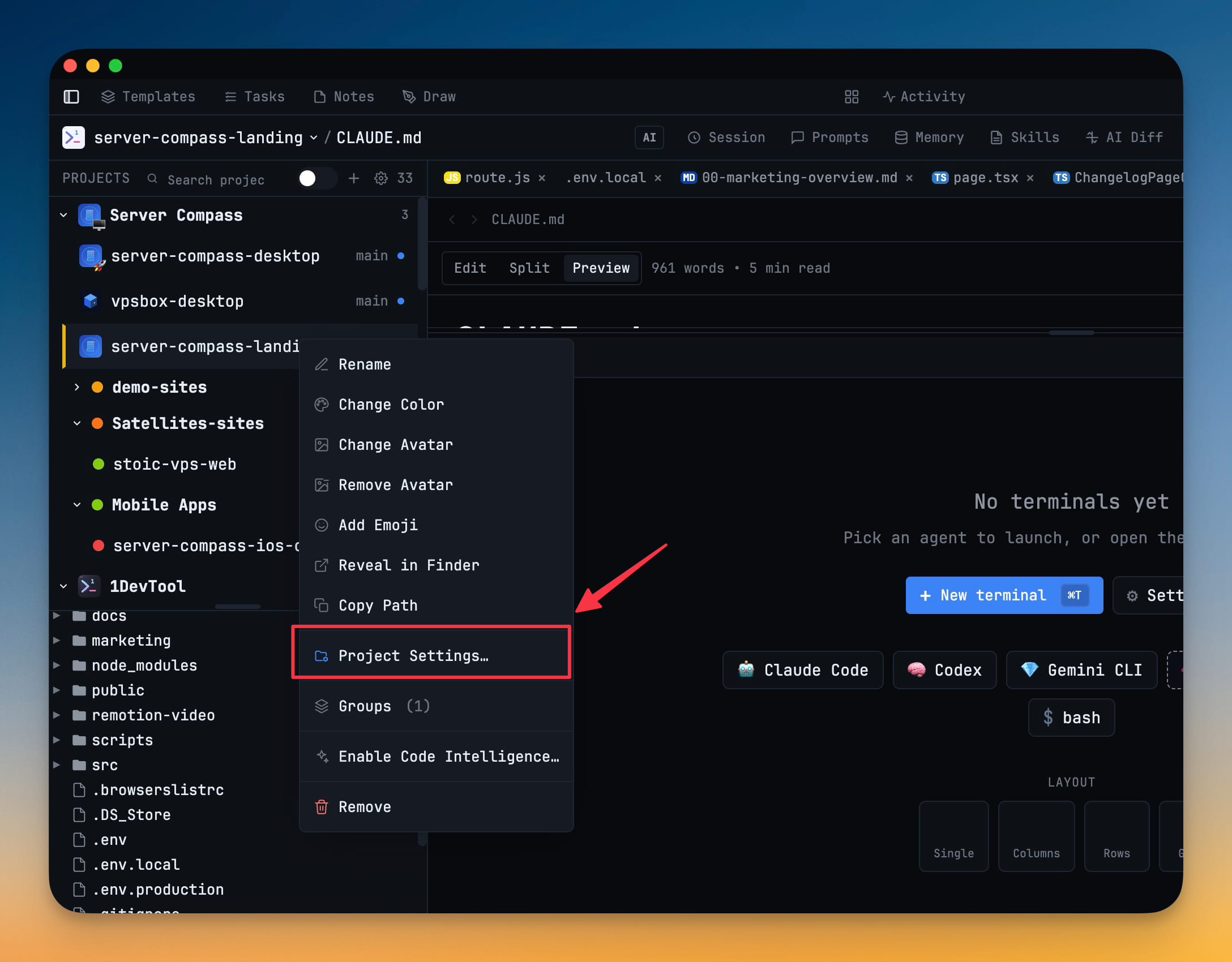
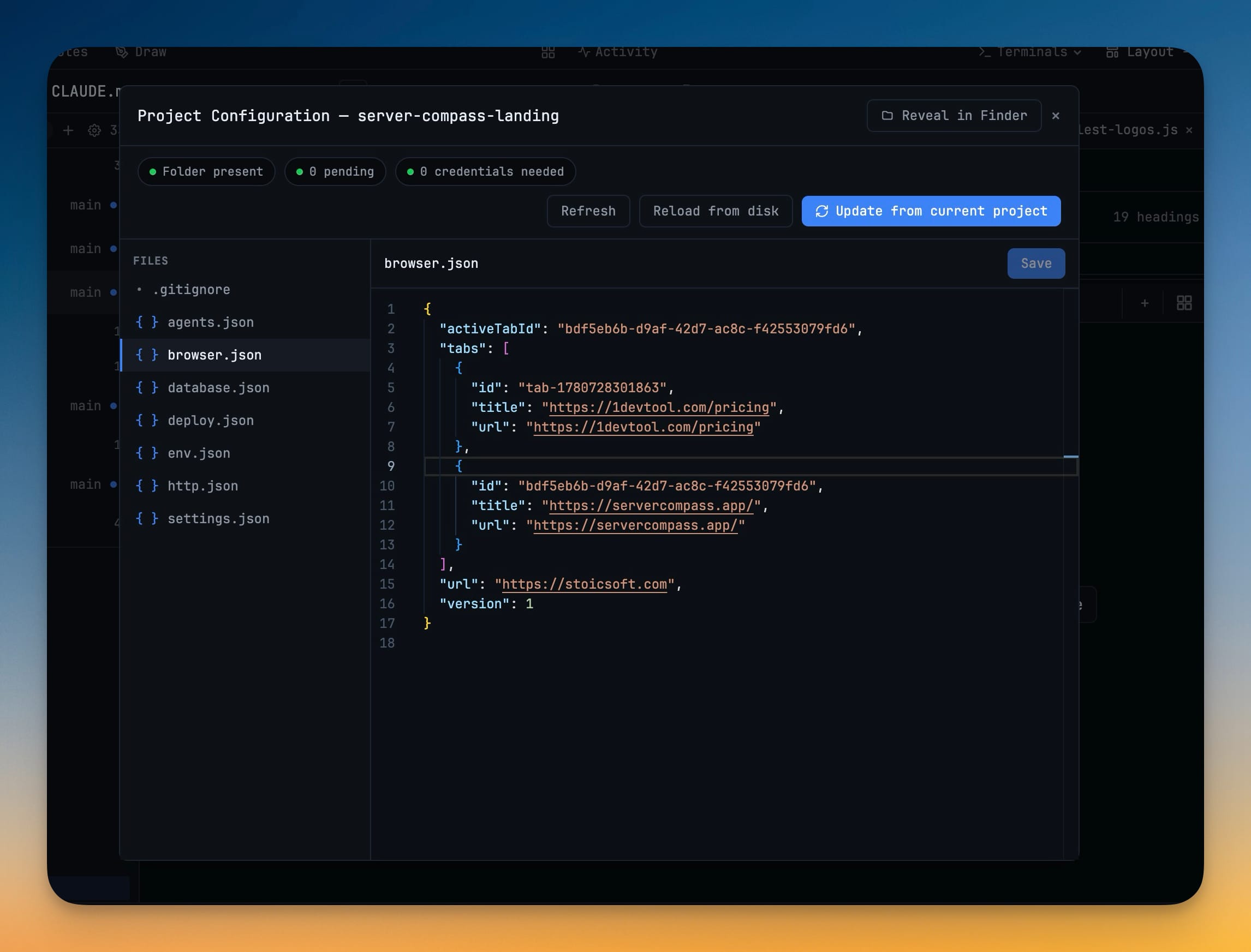
12- Share a project setup through the repo — create a .1devtool/ settings folder that captures browser, database, HTTP, deploy, environment, and terminal setup so teammates can open a cloned project with the same workspace configuration
- Use Settings → Project or the project context menu to enable the folder, update it from the current project, reveal it, reload it, and edit its config files directly
- Browser tabs, active browser URL, project metadata, project-scoped database connections, HTTP requests and environments, deploy config, env preferences, and open terminal presets can be exported together
- Keep credentials local while sharing config — database passwords, HTTP secret variables, deploy tokens, and deploy env values are kept out of the shareable config
- Cloned projects show credential-needed prompts so each teammate can supply their own values once
- Review executable project config before applying it — terminal presets, startup commands, agent settings, channels, and skills from a shared config now wait for approval before they become active
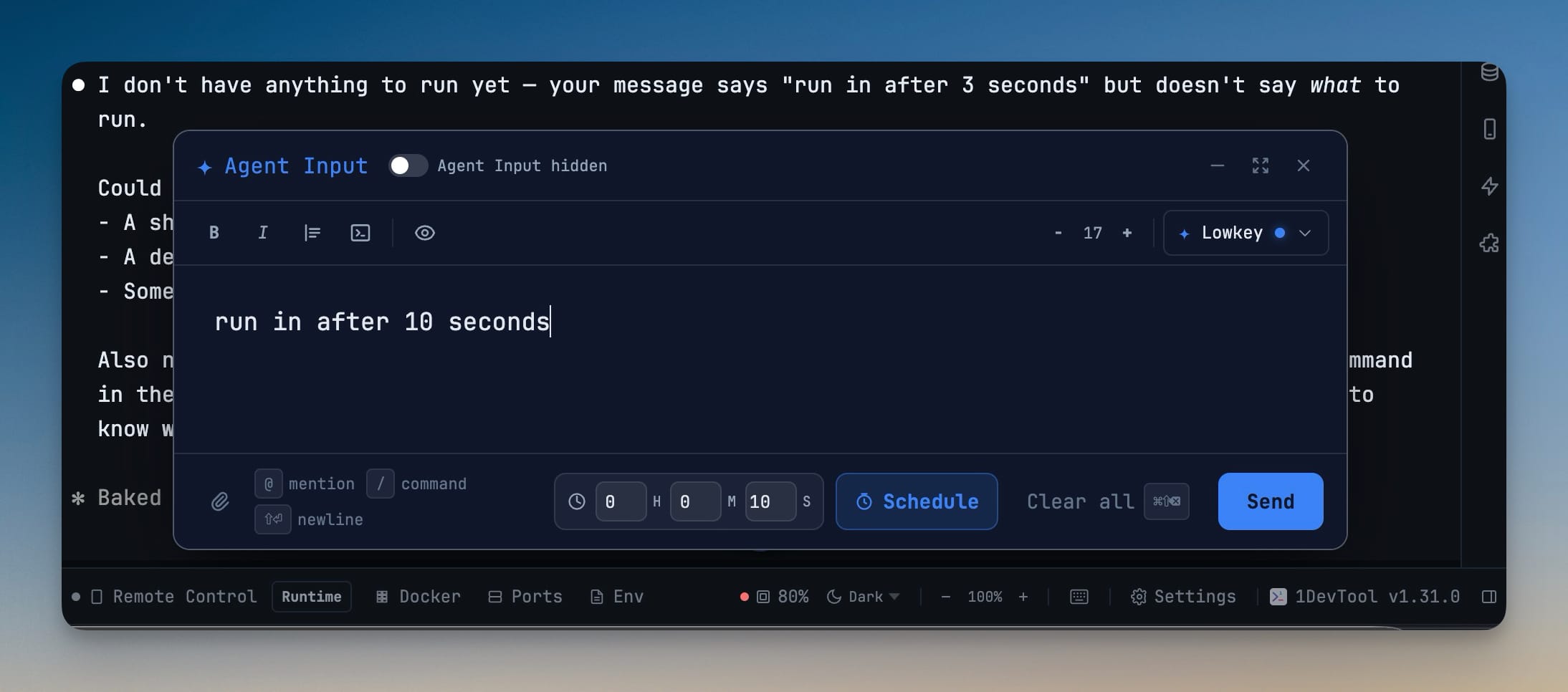
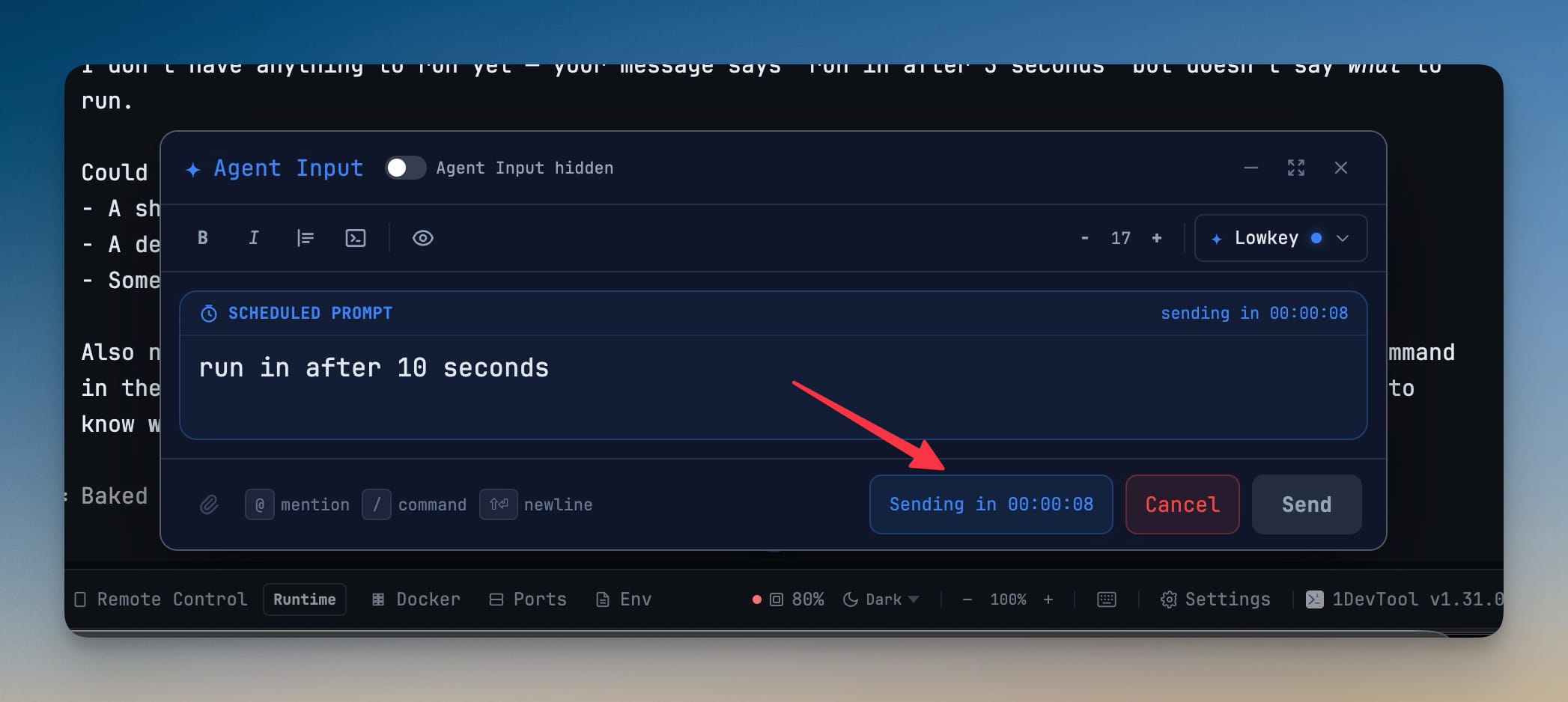
- Schedule Agent Input messages — set a timer in Agent Input and let 1DevTool send the prompt later to the selected terminal
- The overlay shows the pending prompt, attachment count, live countdown, and a Cancel action while the timer is running
- Scheduled prompts use the same attachment, AI Diff, and agent handoff behavior as a normal Agent Input send
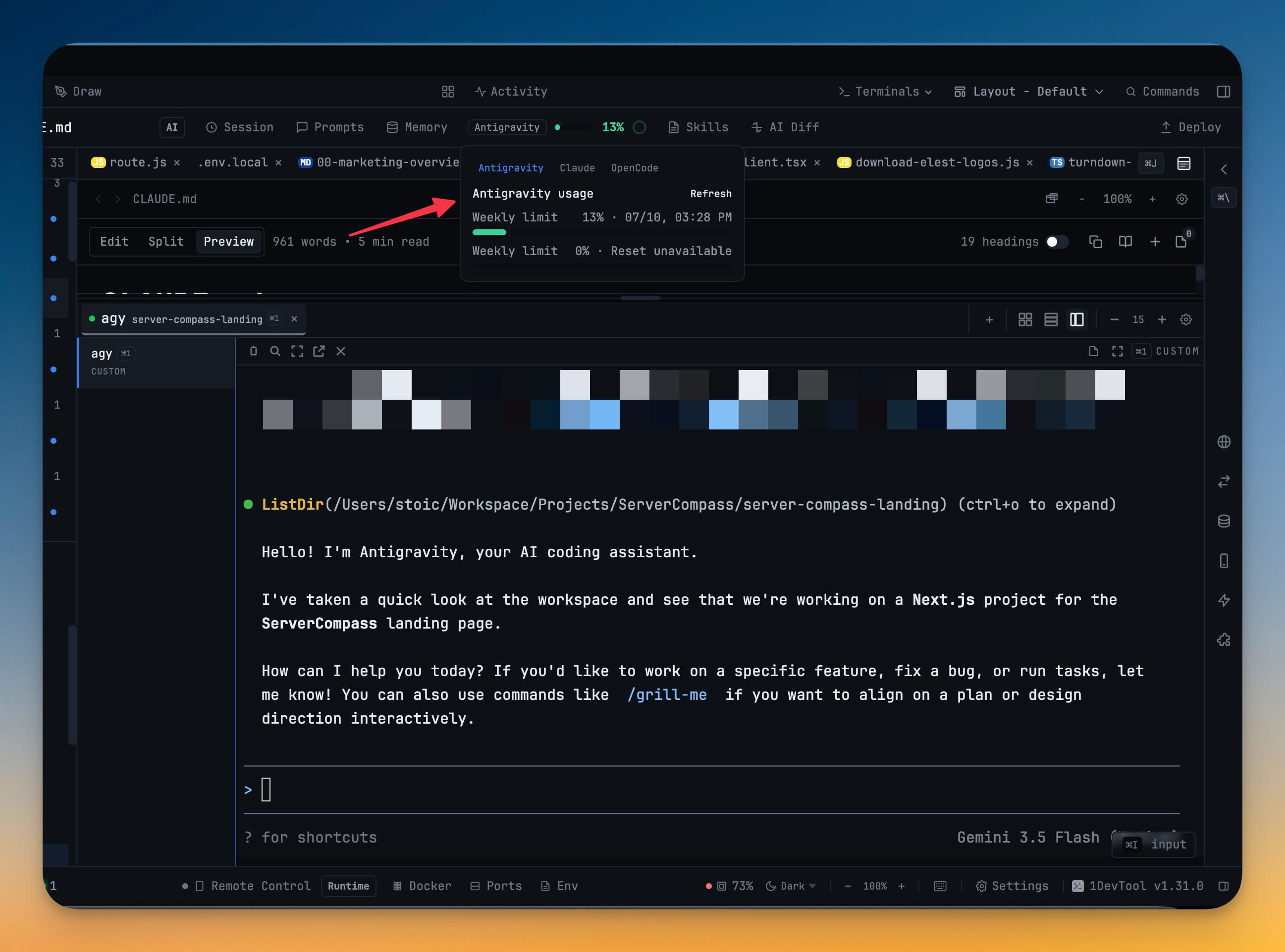
- Track Antigravity quota from the usage pill — Antigravity now appears in the AI usage view when a matching terminal is active
- The quota check reads Antigravity's usage screen first and can fall back to signed-in Google credentials when available
- Remote Control can show the same Antigravity quota status from your phone
Improvements
5- Improve Remote Control on phones — terminal, file viewer, and navigation screens now fit better around mobile browser chrome and the on-screen keyboard
- Bottom navigation, quick keys, composers, and scroll-to-bottom controls stay reachable instead of overlapping content
- Markdown and text files in the phone file viewer now scroll inside the app shell and include a Copy all action
- Mirror desktop-attached terminals more accurately — Remote Control now preserves the desktop terminal size when mirroring an active pane, so AI terminal UIs do not redraw at phone width
- Show project identity in mobile terminal cards — Remote Control terminal cards now include project avatars or emojis, making multi-project terminal lists easier to scan
Bug fixes
6- Fixed stale sub-agent badges returning after completion — finished or dismissed delegated-agent badges no longer reappear from old transcript lines when the host agent starts unrelated work later
- Fixed idle transcript frames looking like live sub-agent work — static spinner-like output, tips, bullets, and replayed buffers no longer keep badges stuck in a running state
- Fixed Antigravity quota missing on custom terminals — terminals launched from custom agy presets can now surface the usage pill once Antigravity output is detected
- Fixed Remote Control terminal mirroring tearing AI screens — fullscreen agent screens that are attached on desktop no longer wrap into narrow vertical fragments on the phone
- Fixed Project Configuration editor clipping content — the in-app config editor now keeps its file list and editor pane sized correctly in the modal
- Fixed shared browser setup losing tabs — exported project setup now preserves browser tabs and the active tab instead of only saving one start URL
Screenshots